In our small creative studio, every project starts with a single question: “Who are these heroes?” As the concept artist on the team, I am the one who has to answer it first. We create superhero characters for indie comics, animated shorts, and digital games, and our latest project was the most ambitious yet. We created a brand-new superhero universe from the ground up.
That meant a full roster of original characters, each with their own costume, powers, pose, and personality. The scope was exciting and exhausting in equal measure. Hand-drawn sketches for every idea simply did not fit our timeline. So, I decided to find the best AI superhero concept art generator and tested multiple popular options.
AI tools in this space default to the same visual shorthand over and over. Glowing eyes, bulky armor, and dramatic capes may work for a generic brief, but our characters had real backstories. For example, we created a vigilante in futuristic tactical gear. A hero whose entire power set is built around raw energy. Each one needed a design that reflected who they were.
On top of that, the results had to be presentation-ready. At the same time, the images needed enough flexibility for manual edits later. Besides, we wanted a tool that let us shift between styles comfortably.
Before I opened a single AI superhero concept art generator, I sat down and wrote out exactly what I needed from them. That list became my scorecard for every tool I tested. Prompt accuracy topped the list. A good generator has to follow detailed instructions, not just the general idea of them. If the tool ignored costume materials, color choices, weapons, symbols, and body poses, it was useless to me.
Visual quality came next. Close-up details confuse most generators. Faces, hands, armor surface texture, light and shadow separate concept-ready output from something that looks like a rough placeholder. I also looked for a few practical features, namely, reference-image support for visual consistency, character variations that stay close to the original without a total redesign, flexible aspect ratios, and the ability to produce several options from a single prompt without starting over each time.
Speed and simplicity were non-negotiable, too. Our studio lives by deadlines, and I needed a tool that let me move fast.
To keep the comparison fair, I partnered with the FixThePhoto team and ran the same prompts through every tool side by side. The test characters were a cybernetic hero, a shadow-powered vigilante, and a futuristic guardian. Each prompt was identical across all generators, so the results could speak for themselves.
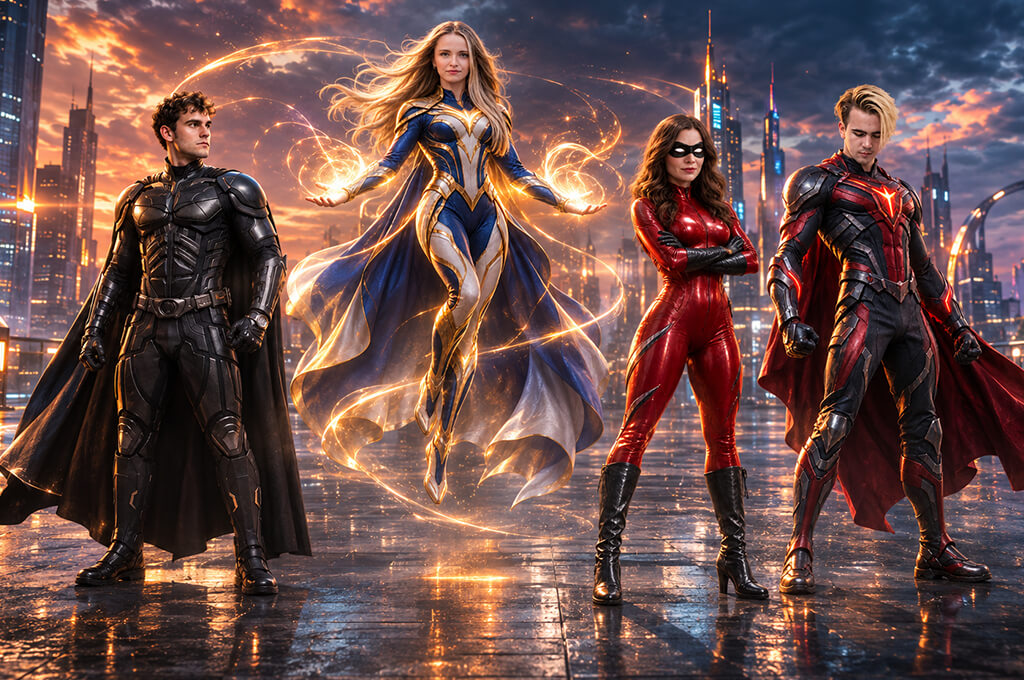
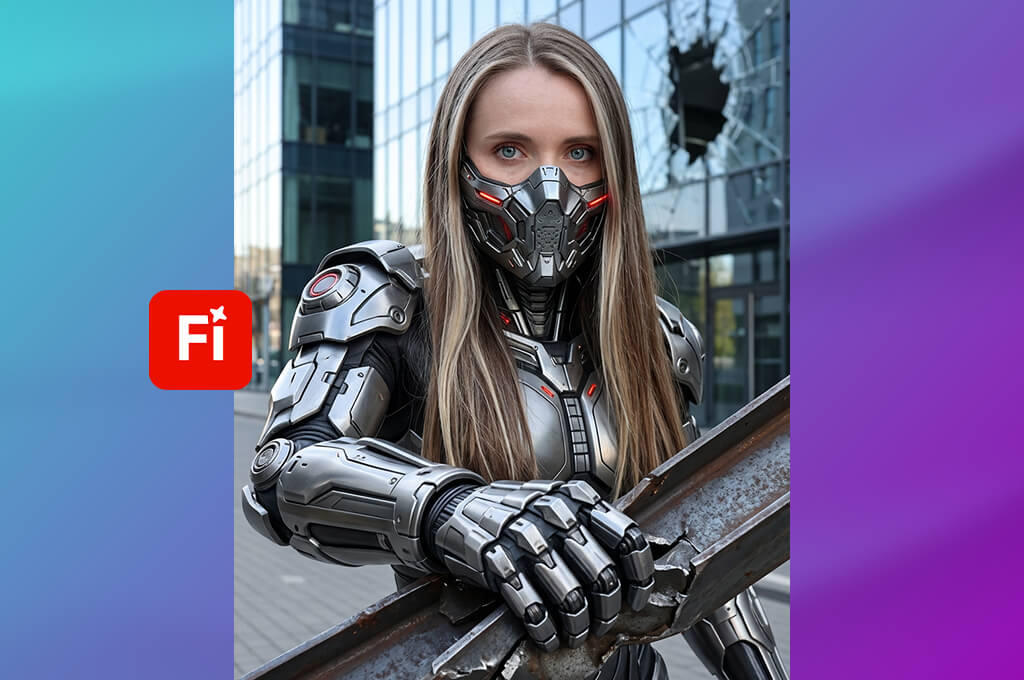
When I started looking for the best AI superhero concept art generators, Adobe Firefly was the first tool I tested. My brief was a cybernetic vigilante in titanium armor, electric-blue circuitry running across the suit, and a helmet that looked like it had seen better days. A few seconds after I hit “Generate Image”, I had 4 completely different takes on that same character.
That variety turned out to be the point. One design was razor-sharp and futuristic. Another looked like something pulled from a grittier, post-apocalyptic story. For a studio building a superhero universe from scratch, such range is exactly what early development needs. You want to see the possibilities before you narrow things down.
“This tool works well for superhero costume concepts, especially armor. It’s easy to change specific elements through text prompts, but getting every detail right can take some trial and error.”
From there, I started experimenting with materials. The same character in silver plating versus dark metallic panels versus bronze armor with red energy effects looked like 3 separate heroes. Lighting made just as big a difference. Descriptions like “brushed titanium surface” and “soft blue rim lighting” gave the tool something concrete to work with, and the results showed it. I prefer adjusting one variable at a time. Changing the material, the lighting, and the silhouette at once makes it hard to know what truly worked.
Reference images gave me a third way to steer the output. I used a visual reference for the armor’s overall shape while the prompt handled the helmet and power source independently. When something was almost right but not quite, Generative Fill let me target specific areas and revise them without starting over. Anything that needed finer control moved into Photoshop.
Firefly is in my regular rotation because creative and editorial work sit side by side. You can generate broadly at first, then tighten gradually within the same ecosystem. Just keep a close eye on the details like hands, joints, and insignias.
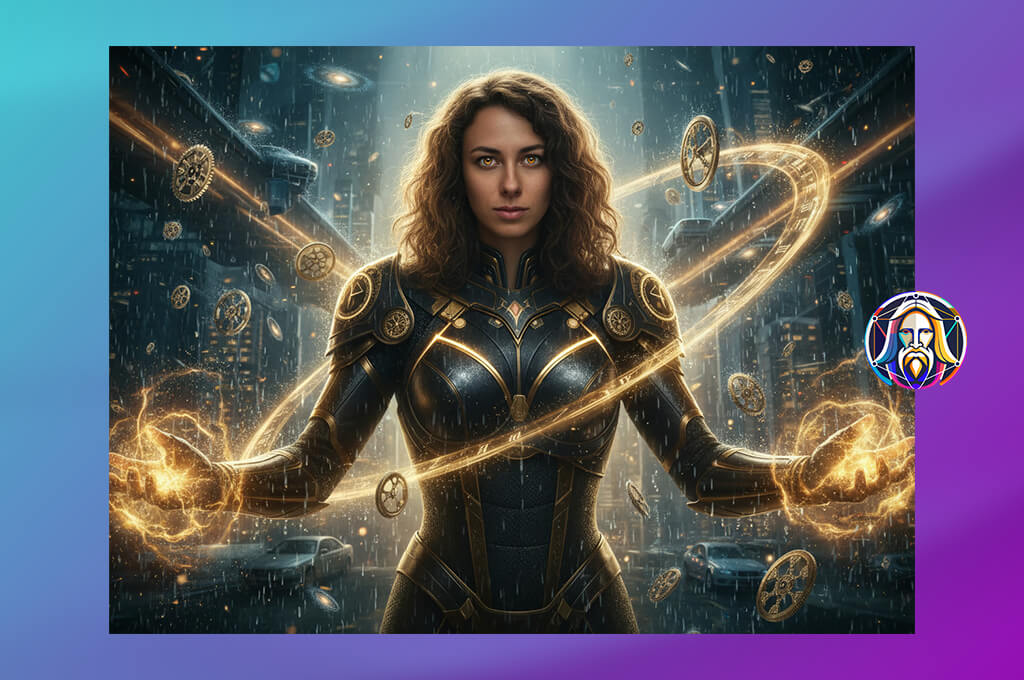
My starting prompt in Leonardo was a futuristic guardian: white-and-gold armor, an energy shield, and a ruined city as the backdrop. The character had to look like a protector, not a threat, so I opted for a wide stance, clean armor panels, and warm highlights.
Leonardo is one of the more capable free AI superhero concept art generator options out there, and the feature set backs that up. I used Image Generation alongside Image Guidance to produce multiple variations at different reference strengths, then laid them out for comparison. That step alone saved a lot of time. There was no point refining costume details on a silhouette that may get scrapped entirely.
The harder question was consistency across environments. I pulled one of the stronger designs from the cityscape prompt and rebuilt the scene inside an underground laboratory. Some versions translated well. Others let the armor drift. The lesson was clear. The moment you find a direction worth developing, save a reference image. A text description, no matter how detailed, will not hold a character together across different settings.
Character Reference and Style Reference work differently, and both deserve a place in the process. Character Reference kept the figure recognizable from one generation to the next. Style Reference handled the aesthetic question. I also found it useful to generate both close-up portraits and full-body frames. The portrait revealed helmet structure and facial detail. The full-body view showed whether the armor worked as a unified design rather than a collection of impressive parts.
This AI image generator gives you multiple ways to guide a concept toward a specific outcome. It suits the early development phase, when a character still has room to go in several directions. Reference tools help, but they are a guide rather than a guarantee. A final check on proportions, symbols, and key details before presenting to a team is still worth the extra few minutes.
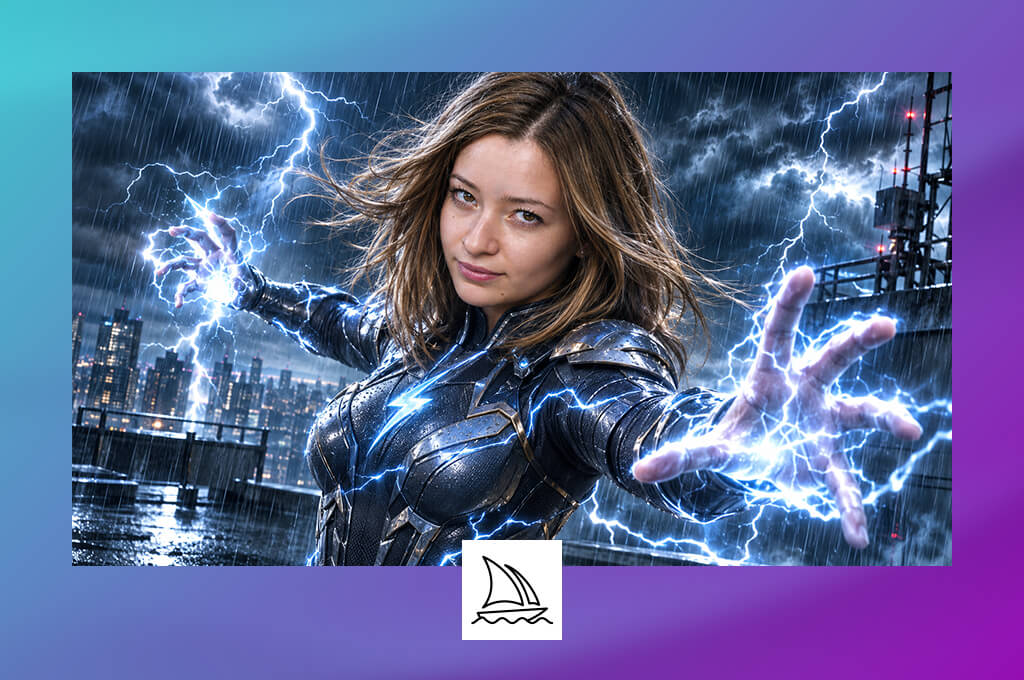
I had a clear vision for my shadow-powered vigilante: someone who looked ripped straight from the cover of a dark superhero graphic novel. Midjourney turned out to be a solid creative partner for that goal. My prompt laid out a concealed mask, a long tactical coat, angular armor, and purple energy radiating from the character’s hands.
I received a range of dramatic silhouettes and moody cityscapes that immediately captured the right emotional tone. Some of those early results landed straight on my mood board, even if they were not polished enough to use as finished character references.
Using Style Reference, I put gritty comic-book texture, cinematic realism, and stylized illustration side by side. The contrast was eye-opening. The same dark outfit felt raw and tactical in one visual language, then almost supernatural in another. For anyone trying to define the look and feel of a whole superhero universe, such a comparison is very useful.
If you want to explore something similar yourself, this AI superhero concept art generator online gives you a fast and flexible way to test different visual identities without starting from scratch each time.
“The images have a professional feel, with great lighting and bold superhero poses. It took me some time to figure out the best approach, but the effort was worth it for the final results.”

Three distinct environments, including a rain-soaked rooftop, a neon-drenched alley, and a stripped-back dark backdrop, gave the vigilante a completely different presence. Once I had a strong character image, Character Reference let me anchor new generations to it rather than rebuilding every visual detail through text alone. The mask and overall silhouette carried through reliably. Smaller costume elements were another story and tended to drift between results.
Thanks to atmosphere, Midjourney earns its place in a creative workflow. Strong lighting, a sense of scale, and dramatic presentation come through without the need for exhaustive technical descriptions. For mood boards, comic-cover concepts, and early pitch decks where visual impact is crucial, it performs well. When production-ready precision matters, the smart move is to take the best output as a reference point and handle the fine details manually from there.
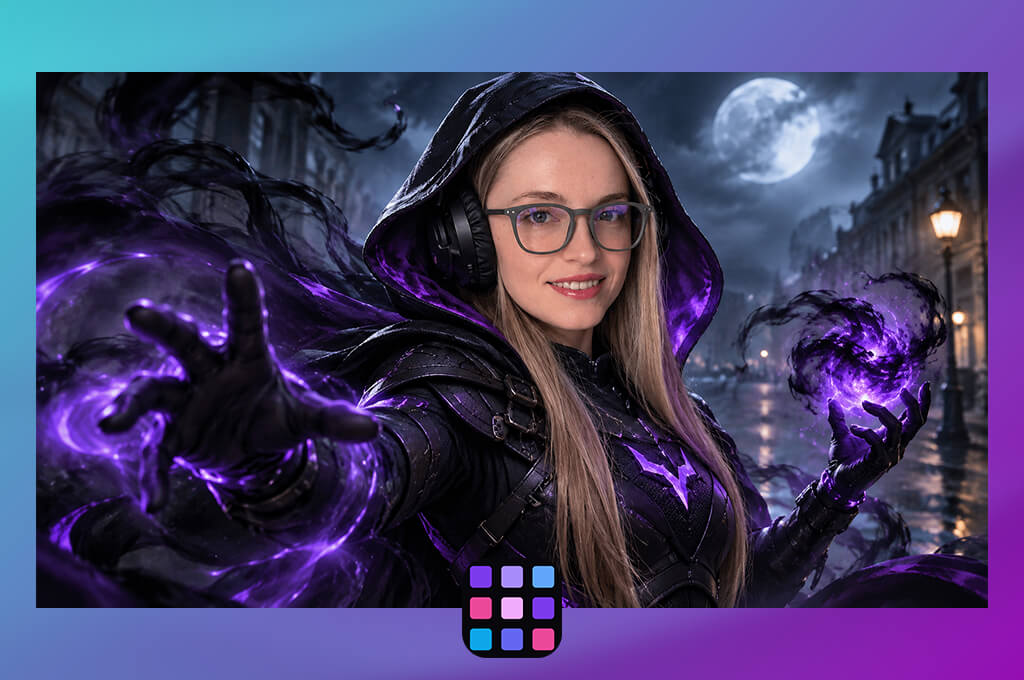
Not every AI art tool is built with superheroes in mind. DramaPixel is. Its AI Superhero Generator skips the workarounds that come with adapting a general-purpose tool to a niche creative brief. My first test character was a speed-focused hero in aerodynamic armor, with glowing circuitry woven through the suit and a streamlined helmet that sold the whole concept. The presets gave me a solid foundation to react to before I started pushing toward something more specific and personal.
DramaPixel offers an incredible reference system. Up to 4 images can be fed into a single generation, which opens up a more layered approach to character development. For a futuristic guardian concept, I brought in a metallic texture for the armor, a clean white-and-gold image for the palette, and a third reference to set the atmospheric tone. That control is exactly what you want from an AI superhero concept art generator from text, especially when a concept needs to communicate clearly to a wider team.
Aspect ratio and resolution also played a role in how useful the outputs were. Full-body hero posters called for vertical frames, while futuristic city scenes benefited from a widescreen layout. The resolution options, which go up to 4K, made it easier to match outputs to different presentation formats. One thing worth keeping in mind is that higher resolution does not fix underlying issues. Anatomy problems and costume inconsistencies survive the upscale, so a careful review before sharing any result is a smart habit.
For a project centered on superhero character development, DramaPixel felt purpose-built rather than repurposed. The presets, prompt system, and multi-reference support worked together to keep the process moving without forcing a restart with every new character idea. This AI art generator lets you explore heroes with completely different power sets and visual identities.
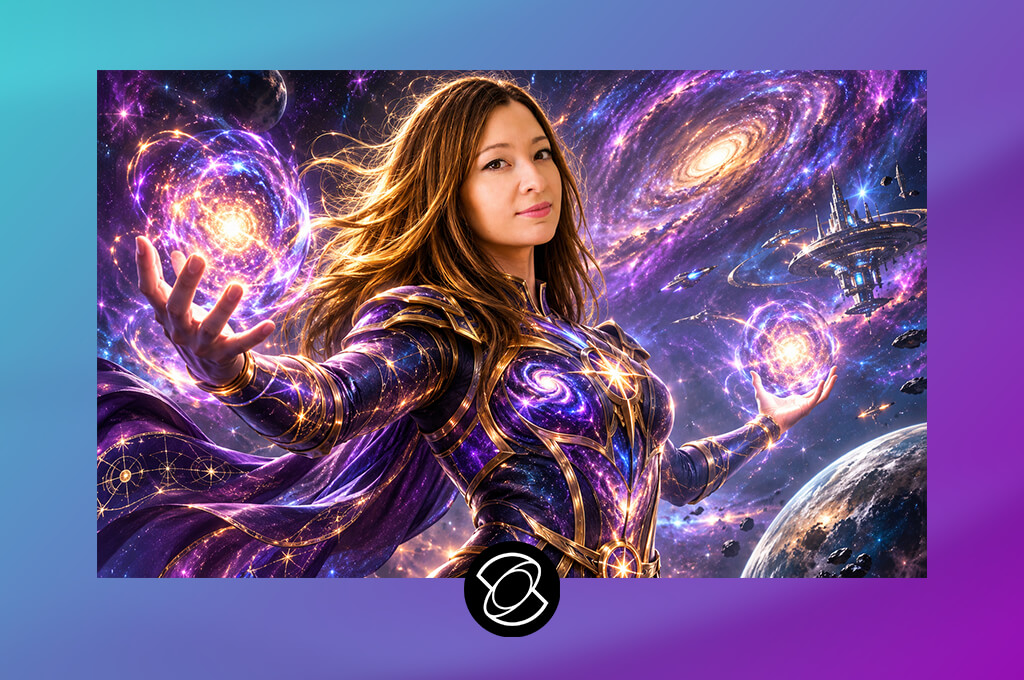
My first character in Kling AI was a futuristic guardian planted in a rain-soaked cityscape. The prompt called for silver armor, a glowing chest reactor, and wet-surface reflections that would give the whole image a science-fiction atmosphere.
Kling delivered 2 useful perspectives on the same character. A wide composition let me read the figure against its environment, while a tighter frame brought the helmet and armor details into focus. From the start, I wanted a design that could function as a standalone illustration and as a visual seed for something animated down the line.
The second character went in a different direction – a speed-based hero in a streamlined suit with electric-blue accents running through it. Specifying the camera angle again proved its worth. The wider shot made the silhouette easy to judge at a glance, while the portrait view revealed how the helmet and face area held up under closer attention.
Smaller costume elements that looked convincing from a distance sometimes needed more work when the frame tightened. That difference between views is worth factoring in early, especially for superhero concept art AI workflows where the same character image may be used across multiple formats and scales.
“It’s fun to bring superhero artwork to life with short action clips. The results can look impressive, although some movements look unnatural and costume details don’t always turn out right.”

The Image-to-Video feature opened up a different creative possibility. A strong still of the guardian became a potential starting point for a short shot. Motion adds presence to a pitch presentation that a static image simply cannot replicate, and it gives a team a more intuitive read on how a character may feel in action.
Still, I kept the animation stage separate from the concept stage. Costume details can shift between frames even when the source image is solid, so treating them as two distinct phases keeps the process cleaner.
Kling sat at an interesting intersection for this project. It could carry a character from an initial design sketch through to a cinematic teaser moment, which is a longer creative arc than most tools support natively. The approach I would recommend is to lock down the overall look through still generation first, then move into motion once the design feels settled. A final review of armor details and character consistency is still essential before anything reaches a game brief or comic project.
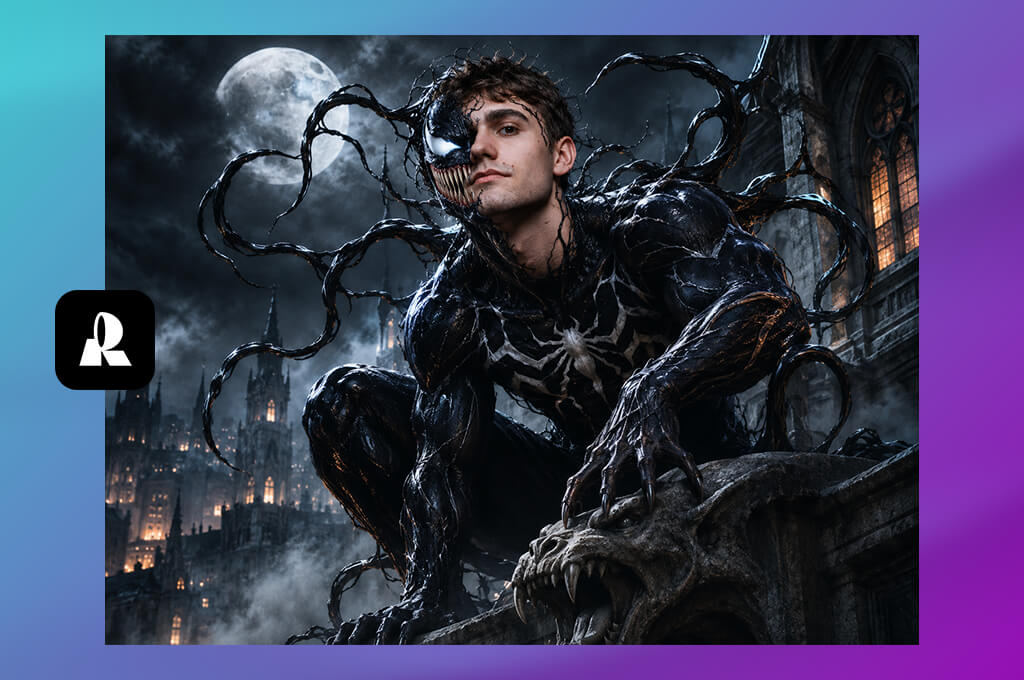
Some AI tools chase atmosphere and drama. Recraft chases clarity, and for a certain stage of character development, that is exactly what you need. My test character was a futuristic guardian in white-and-orange armor with a compact energy shield and a silhouette strong enough to read from across a room.
The AI Character Generator let me nudge the design in different directions without losing the thread of the original concept. A geometric armor treatment was angular and tactical. A stripped-back version felt sleek and almost corporate. The cleaner the background, the easier those differences were to spot.
Style comparison became the most productive part of the workflow. I held a flat graphic finish against a textured concept-art version of the same character and watched how the mood shifted. The same hero could belong to a crisp graphic universe or something with more painterly weight. Keeping the costume shapes simple was important for making those comparisons useful.
Add too much surface detail too early, and the style differences get buried. That focused approach makes Recraft a natural fit for superhero concept art AI work at the design decision stage.
Presentation mattered throughout, too. A character needs to survive a thumbnail, a badge, and a lineup with five other heroes, not just look good at full size. I gravitated toward strong color blocks, clean armor panels, and a central emblem that stayed legible at any scale.
This fantasy portrait generator handled color relationships, silhouette strength, and graphic style with real confidence. It also pointed toward practical production needs like simplified assets and graphic marks. For cinematic realism or complex poses, a comparison with a realism-focused tool was still worth the extra step.
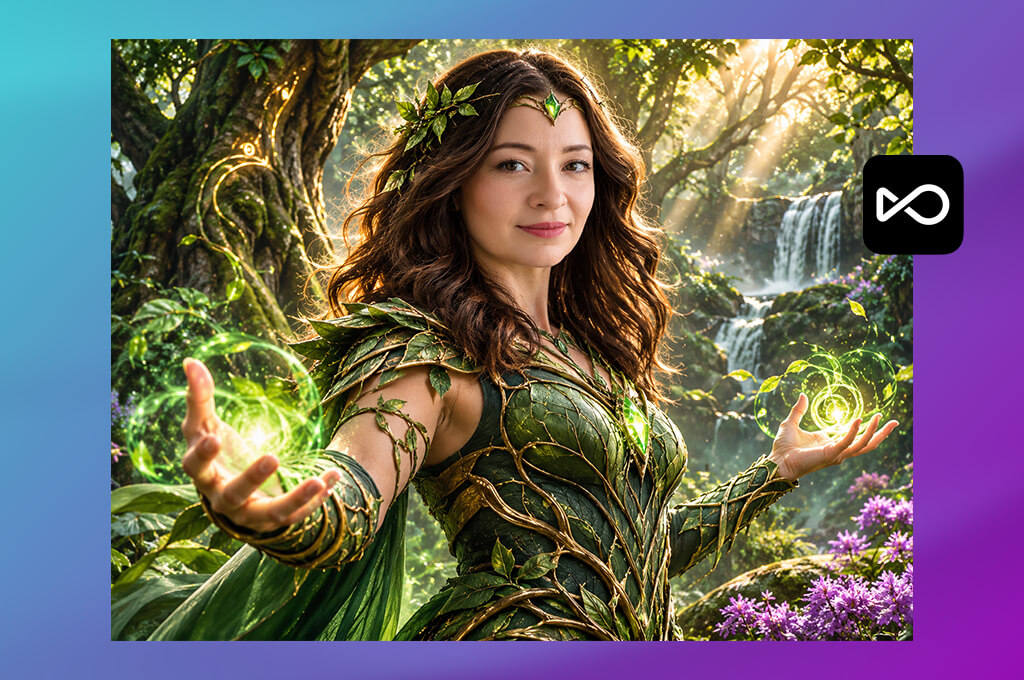
I looked at OpenArt when I needed a way to develop a superhero beyond one polished image. My test character was a mysterious vigilante who controlled shadows. His design featured a black layered suit, metallic silver details, a signature mask, and vivid purple energy effects.
The AI Character Generator gave me the possibility to explore the hero's appearance across a series of illustrations. This approach made more sense for a comic or animated project where the same character appears throughout the story. A recognizable face, costume, and color scheme can impact visual consistency.
I placed the vigilante in three different scenes, including a rooftop at night, a hidden underground base, and a detailed portrait. Character references helped preserve the main design elements across these variations. The results were not always identical, but they provided a stronger foundation than repeated text prompts. I still had to check small details, especially those that defined the hero's silhouette and mask.
“This tool offers lots of creative options for character design, which I really enjoyed. Still, it took me a while to figure out which settings worked best for the look I had in mind.”
Another feature worth exploring in this AI pop art generator was Multi-View. It offers a useful starting point when you need to examine a character from different perspectives. Rather than focusing entirely on dramatic poses, I could consider how the costume and armor might look from other angles.
This helped our team discuss armor shapes, accessory placement, and costume proportions before production. However, AI-generated views should not replace a professionally prepared turnaround sheet. Some structural details may differ between images and require manual correction.
OpenArt worked well for early-stage concept exploration, particularly when a project required several illustrations of the same hero. Its flexible tools made it easier to test visual ideas and establish a consistent direction. It could also serve as a robot superhero concept art generator for creators who want to experiment with futuristic armor and mechanical character designs.
I would still create a clear design reference before final production. A fixed set of costume details, colors, and proportions would help prevent unwanted changes and keep the character recognizable in every scene.
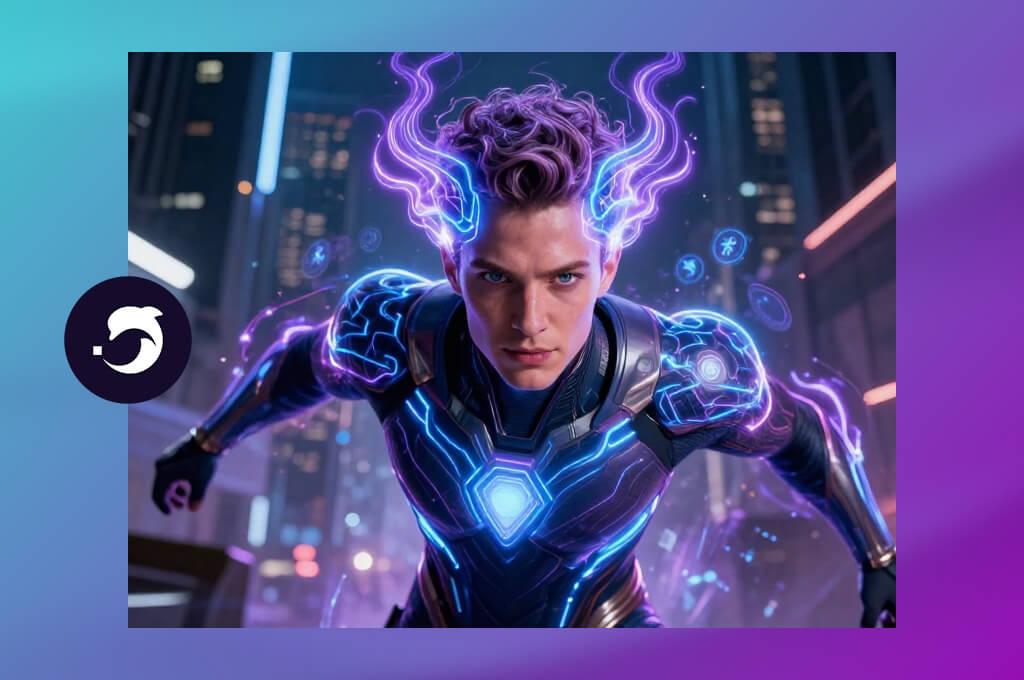
DeepAI offered a simple way to transform my superhero idea into an initial visual concept. I chose a cybernetic hero with dark graphite armor, glowing blue circuits, and a powerful mechanical gauntlet.
The text-to-image tool let me test several artistic directions without a complicated setup. My goal was to see whether the character worked better as a classic comic-book hero or as the lead in a cinematic sci-fi adventure.
I also tried the Enhance Prompt feature of this AI fantasy character creator. First, I entered a general description of a futuristic superhero. Then I added details about the armor, energy source, body position, and surroundings. The second prompt gave me a clearer basis for evaluating the results. It also helped me identify the essential design elements instead of adding too many details at once.
The image format also affected the final result. Portrait orientation suited a full-body character design, while a landscape layout provided more room for a futuristic cityscape and atmospheric effects. Another feature I explored was the AI Photo Editor, which allows users to modify existing images through text instructions. It could help refine an early concept, but I would carefully inspect the edited image to ensure that key costume elements remained intact.
DeepAI proved useful for quick creative experiments before I committed to a more detailed design process. Its straightforward interface made it easy to explore different styles and visual directions. Although I would not expect every result to be production-ready, it could serve as an AI superhero concept art generator for early-stage projects.
Before sharing a design with the team, you should inspect the hands, facial features, armor joints, and signature symbols. These details separate a generic superhero image from a character with a distinctive identity.
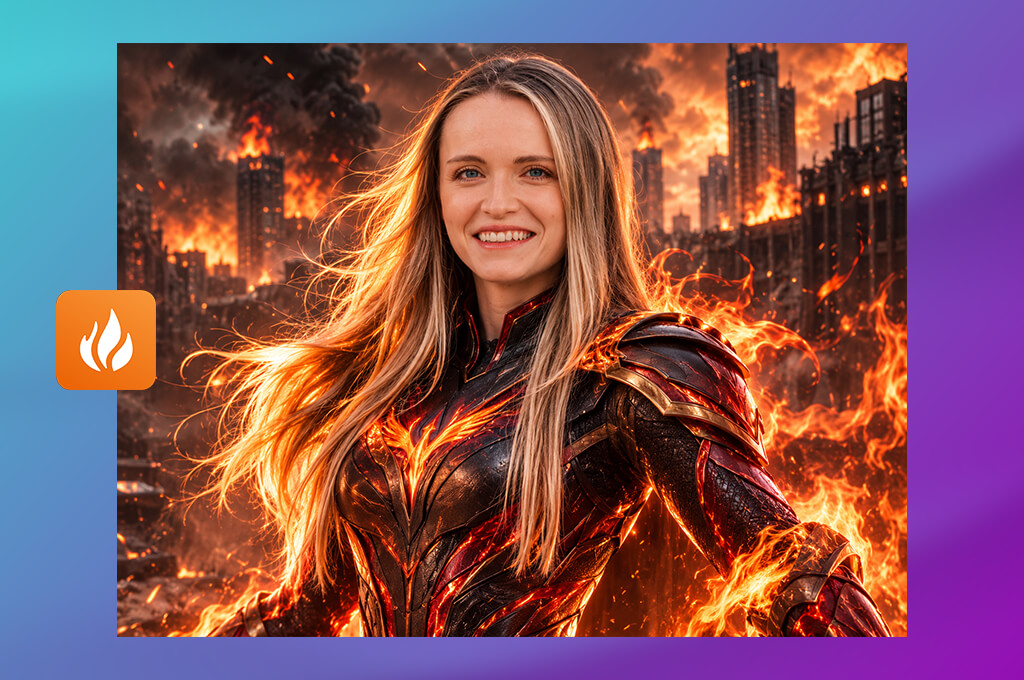
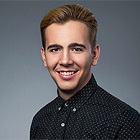
Aragon took a different position in my tests because it focuses on professional headshots rather than imaginative character design. I wanted to see whether an AI headshot generator could still contribute to a superhero project, particularly when the story depended on a character's life beyond their heroic role.
The tool seemed more relevant for developing the appearance of a scientist, an experienced mentor, or a vigilante without a mask. These portraits could give artists a starting point for the human side of a character. However, they offered much less help with the complete superhero designs I wanted to create with other AI tools.
I would treat Aragon as a supporting resource for facial references, not as a complete solution for superhero artwork. It can help define facial structure, hair, and personal appearance, but it does not cover the visual elements that make a hero recognizable. Powers, elaborate armor, unusual accessories, and distinctive costume shapes would require a different approach. I would use another generator to develop these details and turn the portrait into part of a larger concept.
“This tool works well when I want a lifelike hero portrait or want to test a few different character styles. The process is simple, though it feels limited when I need a full scene with lots of action.”

I also considered how useful the results would be beyond the initial design stage. A convincing headshot can help artists establish a character's appearance, but production work often requires full-body illustrations, costume variations, and several consistent viewing angles. For a comic book or video game, the portrait would need to match the final design in every important detail. Aragon could provide a useful starting reference, but the rest of the work would fall to other tools and the creative team.
In the end, Aragon ranked lowest for my specific requirements. Its realistic portraits could inspire civilian identities and unmasked characters, yet it lacked the broader capabilities I needed for original superhero illustrations. That is why I did not put it at the top of my superhero concept art AI shortlist.
Tetiana Kostylieva, Eva Williams, and Julia Newman evaluated each AI superhero concept art generator with the same set of tests to compare its results fairly. We examined costume design, facial features, armor textures, light effects, and visual coherence. Another important factor was the ability to refine a character concept without having to rebuild the entire image.
During testing, we developed several creative tasks. Each tool received prompts for a high-tech hero in luminous blue armor, a stealthy crime fighter in a black tactical outfit, and an advanced guardian with a metallic cape.
We also tested more demanding requests for complex helmets, intense comic-style lighting, and complete character portraits. These experiments showed how accurately each platform interpreted detailed instructions. We noted when a generator missed essential features, changed the requested appearance, or included elements that did not fit the concept.
Tetiana Kostylieva reviewed image clarity and the accuracy of generated details. She checked whether each character matched the prompt and whether fine features looked convincing. Eva Williams explored the available creative controls, such as image references, style settings, costume edits, and background changes.
Julia Newman assessed the overall experience for beginners, from the first concept to the selection of suitable variations and preparation for additional edits. Our tests covered several aesthetics, including colorful comic illustrations and lifelike superhero portraits with cinematic effects.
“After testing several AI superhero generators, I noticed clear differences in quality. Some produced cool lighting effects and realistic armor, but struggled with finer costume elements. The best ones let me make changes to a character and explore different designs without having to begin the whole process again.”
We also rated consistency between results, image resolution, editing tools, generation quotas, and subscription prices.
Once the tests were complete, we shortlisted the best AI superhero concept art generators. Adobe Firefly earned recognition for its editing tools and reference-led approach. Midjourney and Leonardo AI stood out as strong choices for distinctive superhero designs and elaborate character artwork. Our reviews outline what each generator does well and where it falls short, making it easier to choose the right option for a particular project, artistic skill level, and budget.