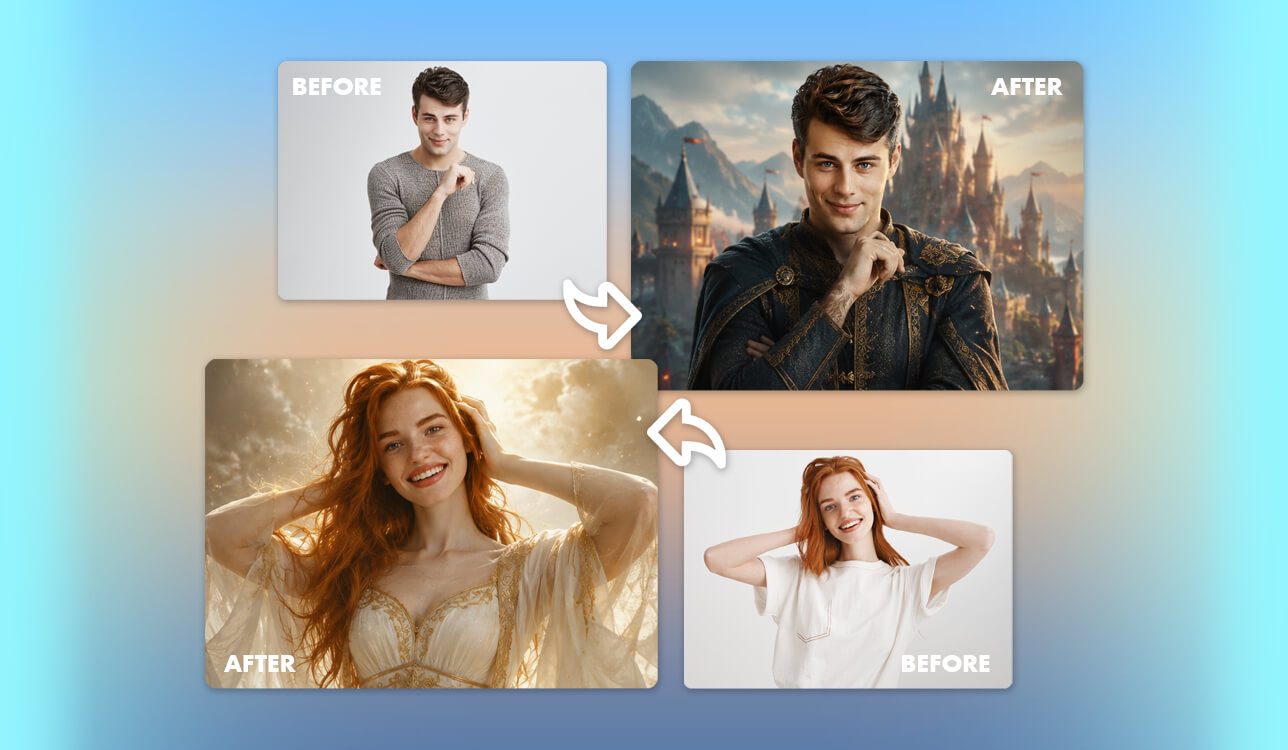
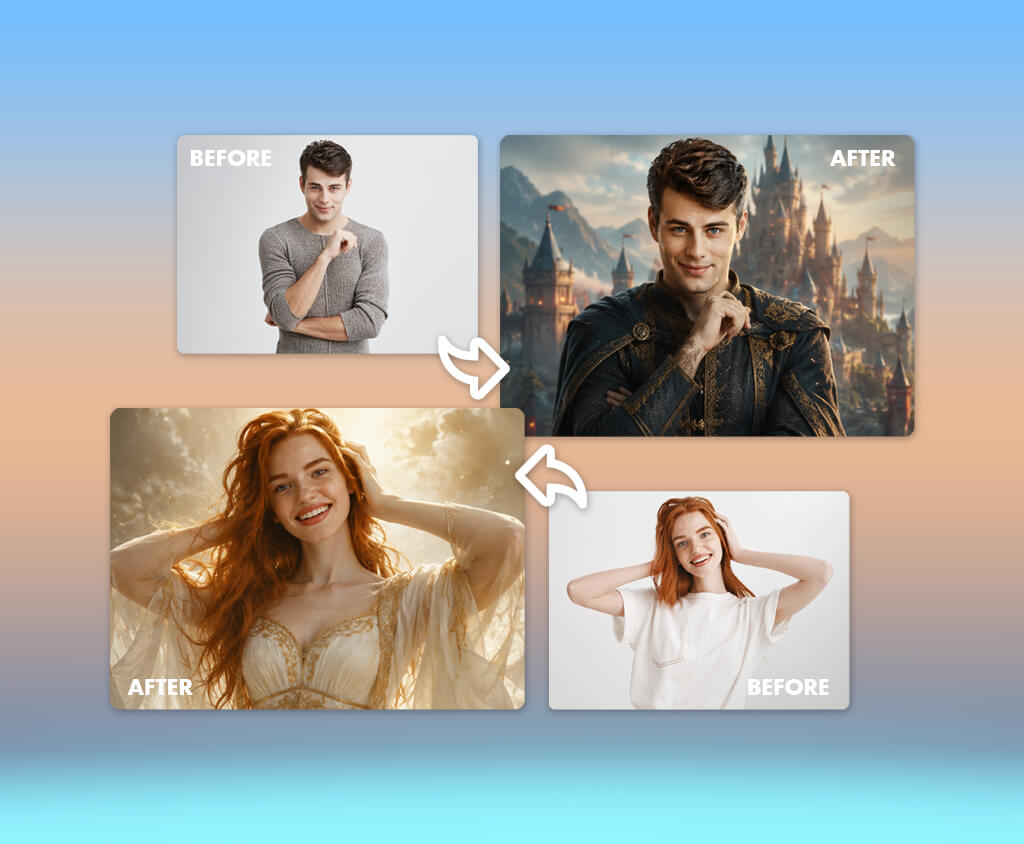
I've always loved designing fantasy portraits, but building a realistic result from scratch is often a long process. Even a basic character usually involves combining multiple elements, changing the scenery, adjusting colors, refining the skin, improving the lighting, and making many small edits before everything looks right.
Using a fantasy portrait generator saves a lot of time. It can transform a text prompt or a regular photo into a character like a fairy, wizard, elf, knight, vampire, or RPG hero. The downside is that some tools struggle to keep facial details consistent or produce realistic-looking hair, hands, armor, and other costume elements.
To see which tools perform best, I tried over 20 web-based services, desktop applications, and mobile apps. I used the same set of fantasy character ideas on each platform, then evaluated how well they captured facial features, followed my prompts, offered different artistic styles, allowed image adjustments, delivered high-quality output, and limited free usage.
I also shared the generated images with the FixThePhoto team to get their feedback. After reviewing the results together, we picked seven tools that consistently created the most realistic fantasy portraits while keeping the editing process simple.
Adobe Firefly earned the top spot thanks to its strong image quality, easy-to-use interface, flexible reference options, and useful editing tools. FixThePhoto App came in second because every portrait is reviewed and polished by professional retouchers, helping avoid the common flaws often found in AI-generated images.
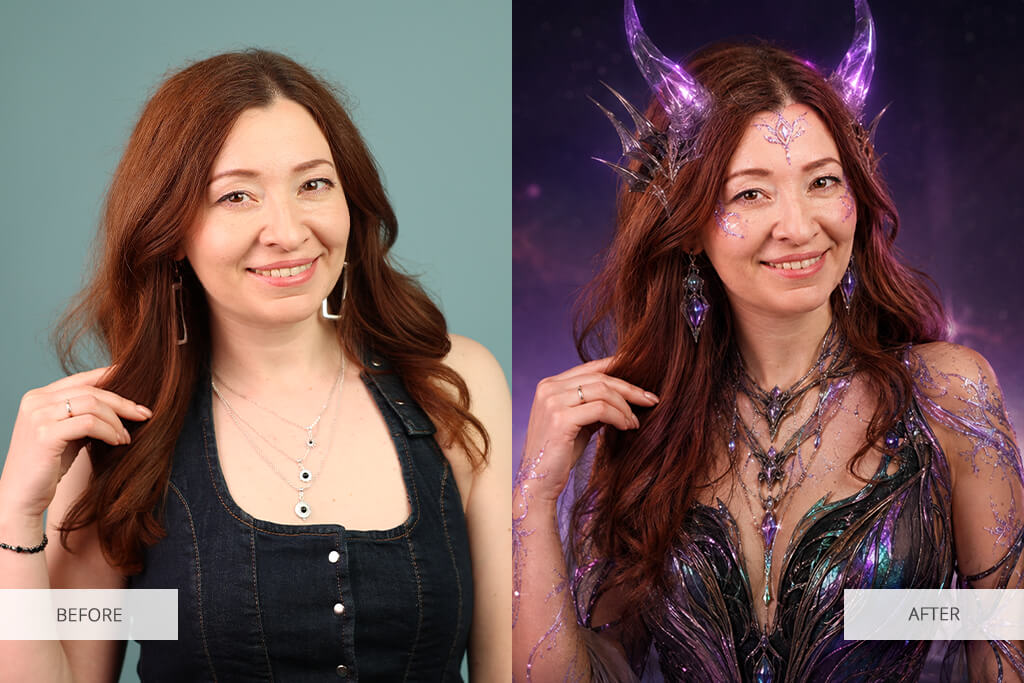
After creating dozens of elves, mages, knights, and other dark fantasy characters, I found that even the best AI image generator produces noticeably better results when I stick to a few simple guidelines.
These simple practices save me time by reducing the number of regenerations and minimizing the edits needed after the image is created.
Price: Free plan with a limited number of daily generations. Paid plans start at $9.99/month with Firefly Standard, which currently includes 2,000 generative credits.
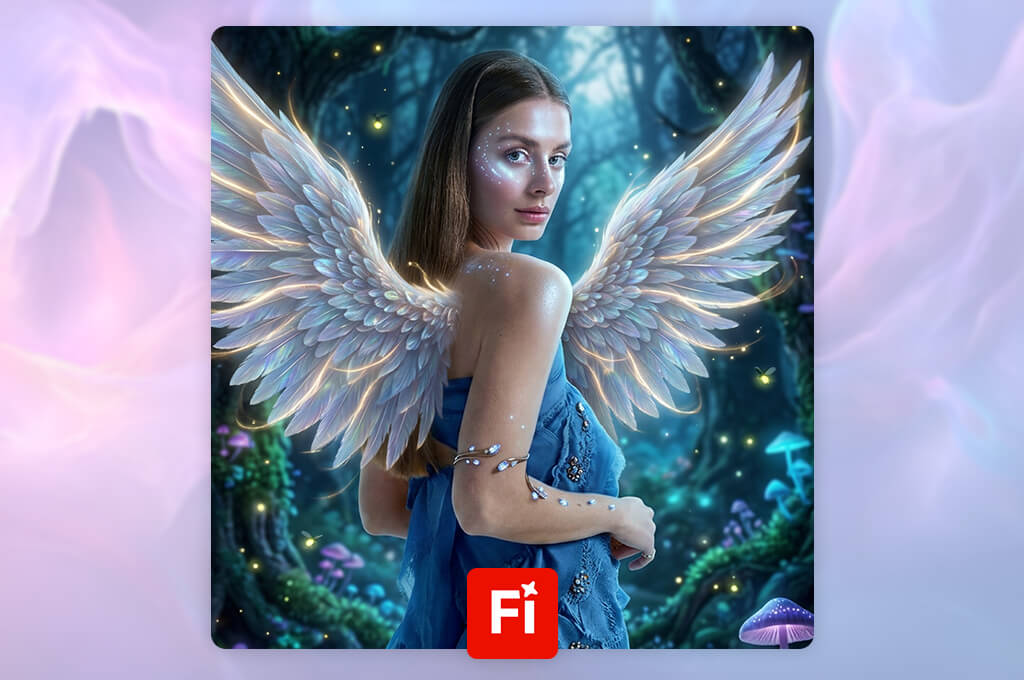
Adobe Firefly is my preferred AI fantasy portrait generator because it strikes a great balance between creative freedom and ease of use. I can quickly bring ideas to life, whether it's an elven archer, gothic vampire, fire mage, or medieval knight, while adjusting the image format, artistic style, lighting, and framing to match the look I'm after.
One of my favorite features is the ability to use reference images for both style and composition. They let me guide the color palette, pose, and overall look instead of depending entirely on a text prompt. Firefly also supports creating consistent custom characters by combining prompts, reference images, and built-in style presets.
“Firefly made it easy to achieve a professional-looking fantasy portrait while keeping the workflow simple and intuitive.”

Firefly also works well for commercial projects. According to Adobe, its own Firefly image models are trained on licensed content and public-domain materials. If you use third-party models available through the platform, it's worth reviewing their individual licensing terms before using the generated images commercially.
Firefly also works well as a Bridgerton portrait generator, producing Regency-inspired portraits with refined clothing, gentle lighting, and classic painterly scenery.
My biggest challenge was recreating the same character across several scenes. Although the AI preserved the overall appearance, facial details varied slightly between generations. For single fantasy portraits, book concepts, profile images, and tabletop RPG illustrations, however, Firefly consistently produced the strongest results while remaining easy to use.
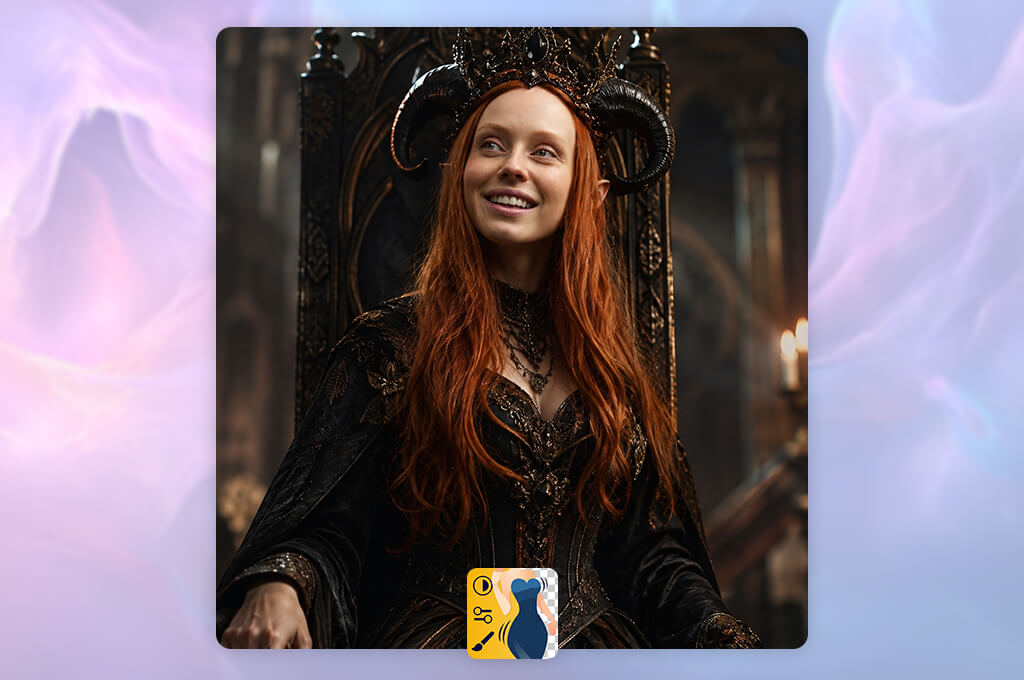
Price: Your first edited image is free. Additional orders can be purchased through the app.
I ranked FixThePhoto App second because it takes a different approach to fantasy portraits. Rather than relying on an automatic AI filter, I can upload a photo and provide detailed instructions describing exactly how I want it transformed.
The final result preserved the person's facial features far better than most AI-only tools I've tested. The costume, hair, background, and visual effects merged seamlessly, creating a realistic and cohesive image.
“The app works particularly well for creating fantasy portraits while keeping the person's appearance recognizable.”

FixThePhoto offers a personalized workflow for fantasy and D&D character portraits, allowing detailed requests, revision options, and a free first edit. Each image is reviewed by a professional retoucher to eliminate common AI imperfections before it's delivered.
I'd choose this service for profile pictures, cosplay concepts, personalized gifts, book cover portraits, social media avatars, or even a South Park-style character while keeping the person's identity recognizable. It's also a great alternative when a fantasy avatar generator from a photo keeps changing facial features, hairstyles, or body proportions.
The result is not generated instantly because a retoucher checks the image. However, I prefer waiting a little longer when identity preservation and clean details are more important than producing dozens of random versions.
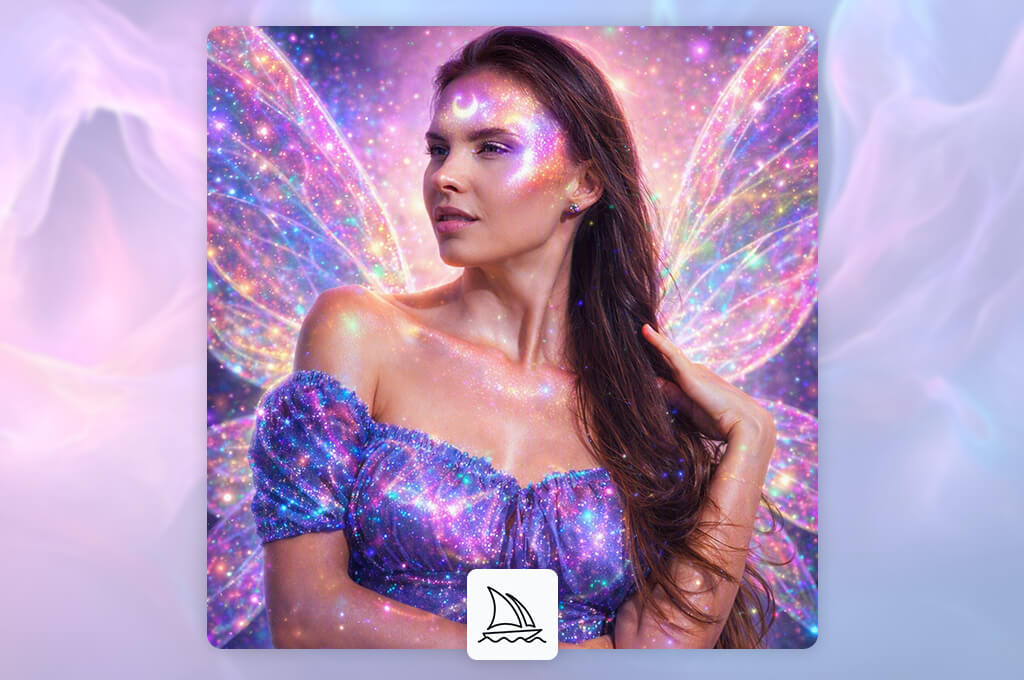
Price: Plans start at $10/month. Midjourney currently offers Basic, Standard, Pro, and Mega subscriptions, priced from $10 to $120 per month.
Midjourney generated the most visually impressive fantasy portraits in my tests. Many of them had the polished look of scenes from a big-budget fantasy movie or professionally illustrated book covers.
Midjourney performs especially well with painterly fantasy portraits, dark fantasy characters, epic warriors, enchanted landscapes, and stylized concept art. Although it can produce impressive images from short prompts, I get more accurate and consistent results by providing detailed descriptions.
I found the character and style references useful for maintaining a similar overall look. However, getting the same character's face to remain fully consistent often takes several attempts, since facial details may change from one image to the next.
Midjourney is a great option for illustrators, authors, game developers, and creators looking for cinematic fantasy artwork. If your priority is a free fantasy portrait generator or an accurate transformation of a personal photo, you'll likely be better off with another tool.
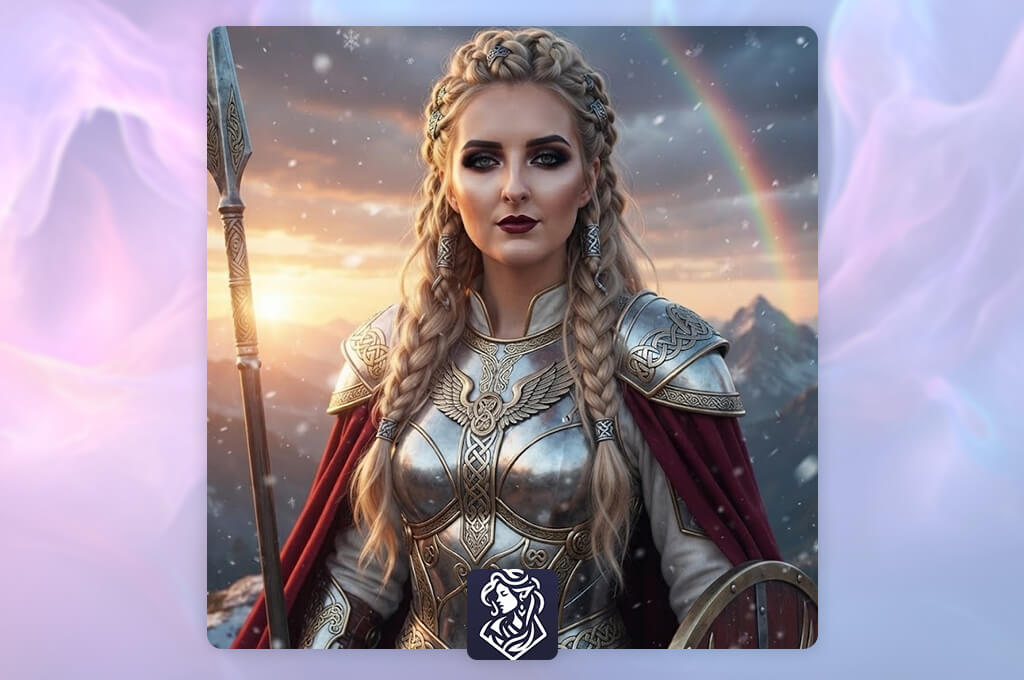
Price: Offers up to 10 free generations daily. More credits and premium options can be purchased as needed.
Among all the fantasy character generators from photo I reviewed, CharGen is the most focused on fantasy character creation. While most AI headshot generators prioritize realistic faces, this platform is designed specifically for Dungeons & Dragons and similar tabletop RPGs.
CharGen gives users access to over 160 AI models and 70+ art styles. Besides character portraits, it can generate full-body illustrations, creatures, fantasy environments, and other tabletop game resources.
I especially liked that the characters were well suited for campaign sheets and virtual tabletop tokens. The compositions stayed clean, and key equipment like staffs, swords, armor, and magical items was clearly visible.
CharGen wouldn't be my first choice for turning a selfie into a realistic fantasy portrait. However, it's an excellent option for players, dungeon masters, fantasy writers, and worldbuilders who need to create multiple original characters quickly.

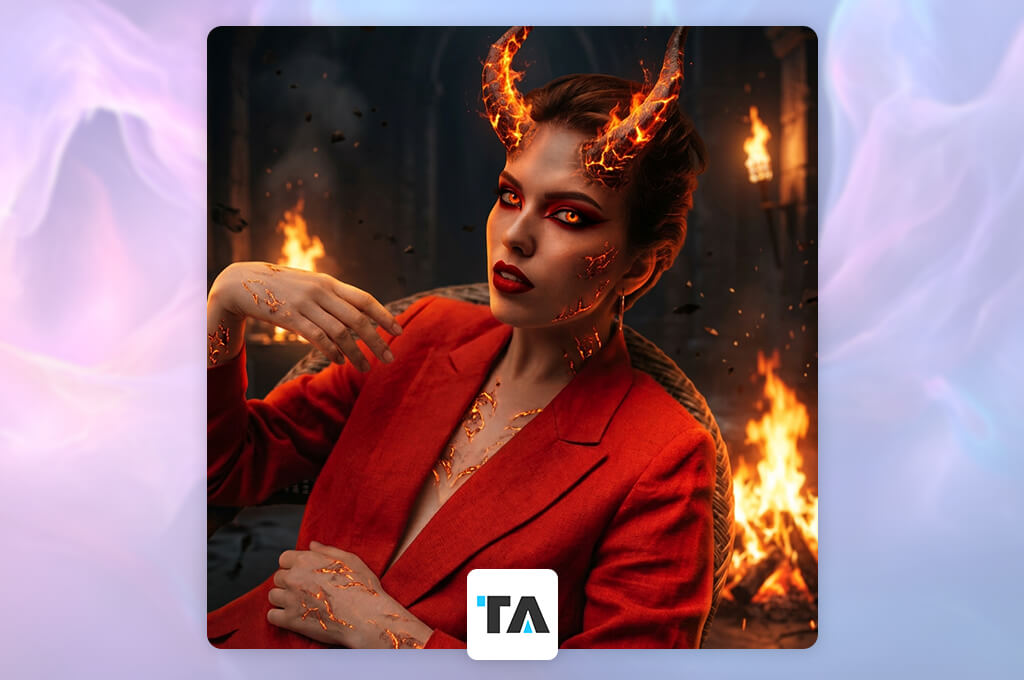
Price: Offers free generations, with Pro plans from approximately $9.90/month.
Tensor Art stands out as a powerful free fantasy portrait generator thanks to its huge selection of community models. Whether you're creating realistic characters, anime, medieval warriors, dark fantasy scenes, or concept art, you'll find plenty of options to explore.
“It's best to begin with popular community presets, then fine-tune the advanced model settings as needed.”

The platform also supports reference image generation, pose control, image editing, and digital avatar creation, making it useful for a wide range of creative projects.
Compared to Adobe Firefly and CharGen, Tensor Art has a steeper learning curve. Each model can respond differently to sampler, guidance, LoRA, and negative prompt settings, so there's no single configuration that works for everything.
I recommend Tensor Art to users who enjoy experimenting with different AI models without the hassle of running Stable Diffusion on their own computer. Beginners should rely on popular community presets before fine-tuning the advanced options.
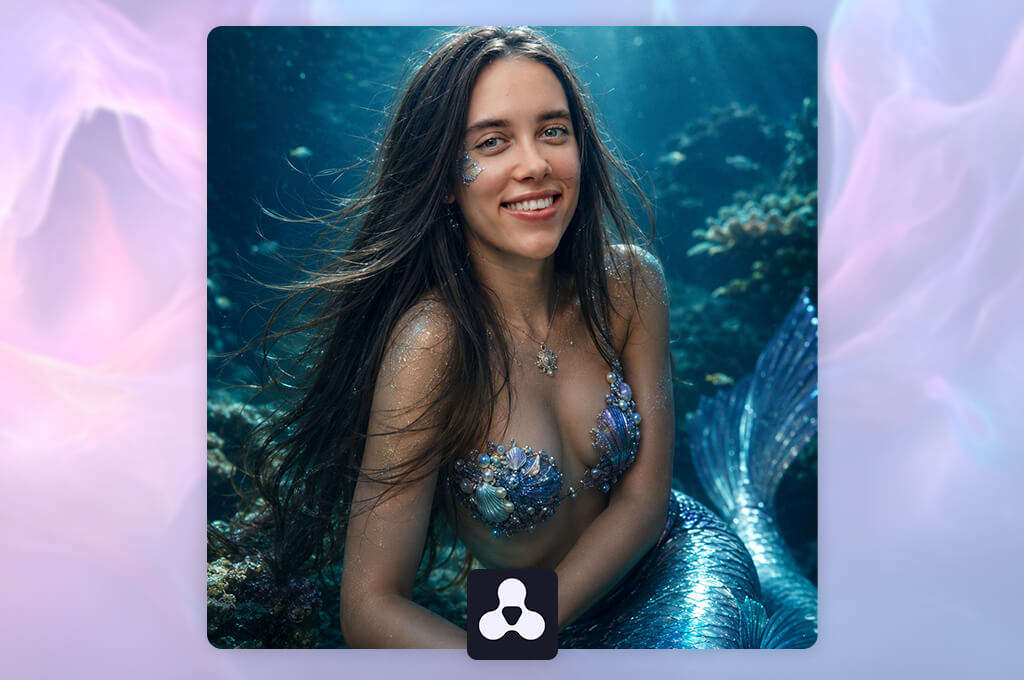
Price: Free basic access or paid plans from $7.49/month when billed yearly.
Artbreeder takes a different approach from most prompt-based generators. Instead of recreating the entire image after every edit, it lets me refine a fantasy character step by step. Compared to many AI face generators from photo, it also provides much more control over facial features and character variations.
Artbreeder lets me create characters and artwork from text prompts, existing images, or even simple shapes, offering several ways to start a project.
I recommend Artbreeder to writers, RPG players, and concept artists who want precise control over a character's appearance. It's particularly effective for designing elves, nobles, wizards, vampires, and other portrait-centered fantasy characters.
It isn't the best choice for intricate armor, dynamic poses, multiple characters, or detailed fantasy landscapes. I prefer using it to refine facial features first, then finish the outfit and environment in another tool.
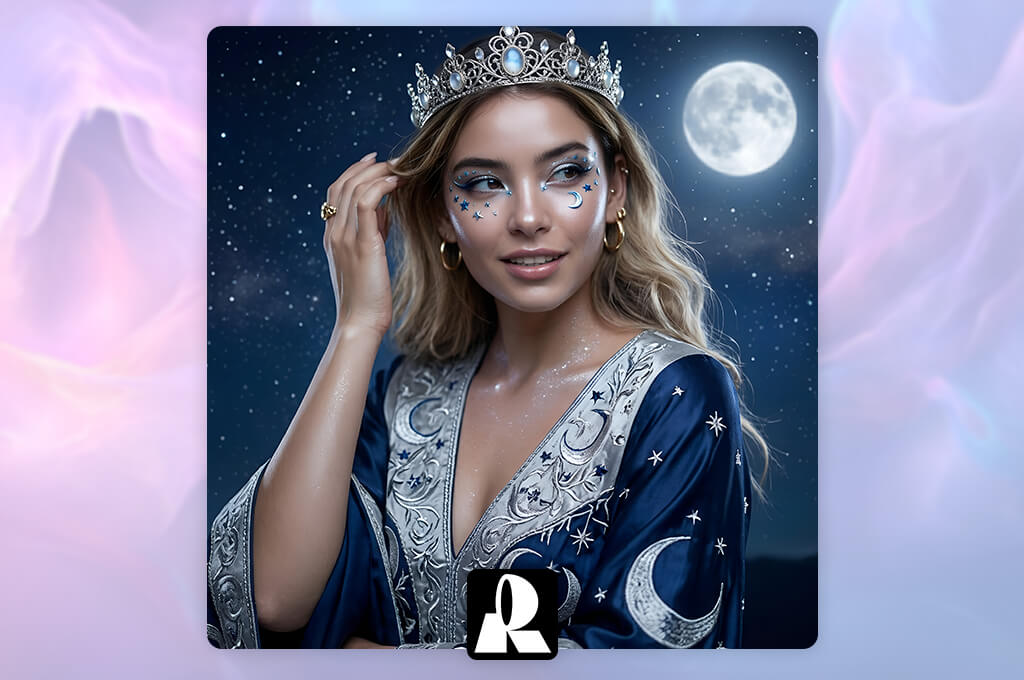
Price: The free plan comes with 30 daily credits, while paid subscriptions unlock higher generation limits, private images, and commercial tools.
Recraft is my preferred tool for creating clean fantasy illustrations, character sheets, icons, and game assets. Unlike Midjourney, it focuses more on design workflows and includes a convenient built-in editor for refining images after generation.
Beyond image generation, Recraft can create raster graphics, vectors, mockups, and edited photos. It also offers built-in tools for recoloring, object removal, detail enhancement, image upscaling, and exporting to JPG, PNG, SVG, or Lottie.
“I prefer Recraft when I need clean, polished fantasy portraits with consistent colors and a professional illustration style.”
Recraft's latest models improve realistic people, illustration quality, short-prompt understanding, and consistent character reference sheets.
I recommend Recraft for creating polished fantasy avatars, game assets, stickers, character cards, and clean digital illustrations. If I want a more cinematic or painterly style, I still turn to Midjourney.
Adobe Firefly is my top overall pick thanks to its intuitive interface, text-to-image generation, reference image support, multiple visual styles, flexible aspect ratios, and built-in editing tools. Midjourney is the better choice for cinematic artwork, while FixThePhoto App stands out when preserving a person's recognizable appearance is the priority.
In my comparison, Adobe Firefly and Midjourney produced the highest-quality images. Firefly is easier to use and fits naturally into the Adobe ecosystem, whereas Midjourney creates more dramatic, painterly artwork at the cost of a subscription.
FixThePhoto App is my top choice for important personal portraits because it combines AI generation with human retouching. It's also a great option if you want to turn yourself into an action figure while keeping your face, hairstyle, and other recognizable features intact. Adobe Firefly, on the other hand, is better for quickly generating and experimenting with multiple fantasy variations.
Yes. Adobe Firefly supports reference images, and Tensor.Art offers reference-based generation tools. If preserving a person's identity is the priority, FixThePhoto App is the best choice because each portrait is refined by a professional retoucher.
I prefer FixThePhoto App for personal portraits since every image is refined by a professional retoucher after AI generation. Adobe Firefly is a better fit when you want to generate and experiment with multiple versions yourself.
Yes. Adobe Firefly, Midjourney, CharGen, Tensor.Art, Artbreeder, and Recraft all work directly in a web browser. FixThePhoto is also available through its mobile app.
CharGen is my top choice for tabletop RPG characters because it was built specifically for creating characters, monsters, locations, tokens, and other campaign assets. For more cinematic character concept art, I recommend Midjourney.
To identify the best fantasy portrait generators, I tested more than 20 online tools, AI models, and mobile apps. I also asked the FixThePhoto team to review the results, helping evaluate image quality, prompt accuracy, ease of use, and overall performance.
I used the same prompts and reference images in every tool to ensure a fair and consistent comparison.
| Tool | Realistic Faces | Photo Upload | Many Styles | Free Plan | Fast Results |
|---|---|---|---|---|---|
|
Adobe Firefly
|
✔️
|
✔️
|
✔️
|
✔️
|
✔️
|
|
FixThePhoto App
|
✔️
|
✔️
|
✔️
|
✔️
|
❌
|
|
Midjourney
|
✔️
|
✔️
|
✔️
|
❌
|
✔️
|
|
CharGen
|
✔️
|
❌
|
✔️
|
✔️
|
✔️
|
|
Tensor.Art
|
✔️
|
✔️
|
✔️
|
✔️
|
❌
|
|
Artbreeder
|
✔️
|
✔️
|
❌
|
✔️
|
✔️
|
|
Recraft
|
✔️
|
✔️
|
✔️
|
✔️
|
✔️
|
I focused on common AI mistakes, including uneven eyes, distorted hands, unrealistic skin, merged accessories, incorrect armor details, and inconsistent lighting. I also compared how well each tool interpreted prompts and maintained facial identity when generating images from a photo.
The main testing steps included:
Fantasy portrait generators that produced usable portraits in just a few attempts and needed minimal manual corrections received the highest ratings. I also valued intuitive interfaces, flexible style controls, and generous free plans for testing key features.
My testing also included Leonardo AI, OpenArt, NightCafe, Fotor, Canva, Getimg.ai, DeepAI, StarryAI, Picsart, and Dream by WOMBO. Although each tool had its strengths, they ranked lower because of weaker facial consistency, fewer fantasy controls, limited free access, lower-quality exports, or more noticeable AI artifacts.
Adobe Firefly delivered the best overall balance of image quality, creative control, and ease of use. FixThePhoto App was the top choice for preserving a person's recognizable appearance, while Midjourney produced the most cinematic and atmospheric fantasy artwork.





![7 Best Free Monogram Makers [{{%year}} FixThePhoto Choice]](http://fixthephoto.com/blog/images/gallery/news_main__preview_29343.jpg)


![9 Best AI Picasso Generators [{{%year}} FixThePhoto Choice]](http://fixthephoto.com/blog/images/gallery/news_main__preview_29366.jpg)

















