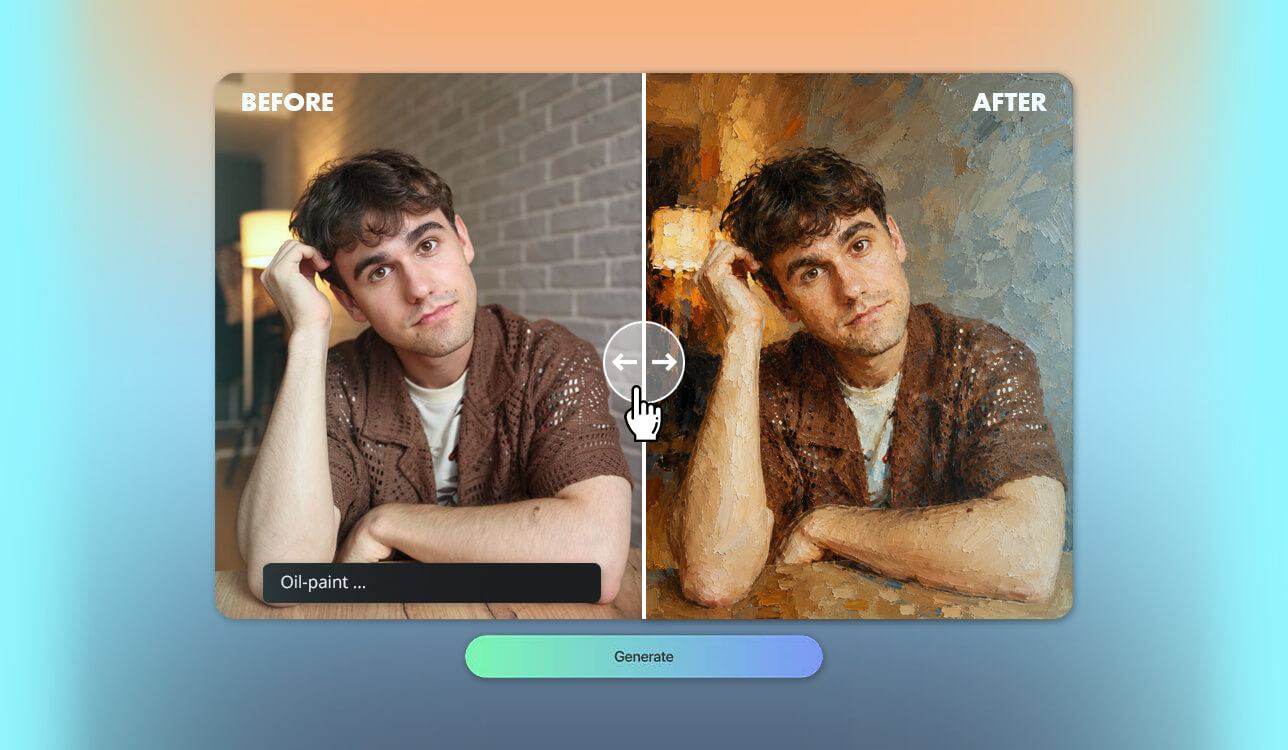
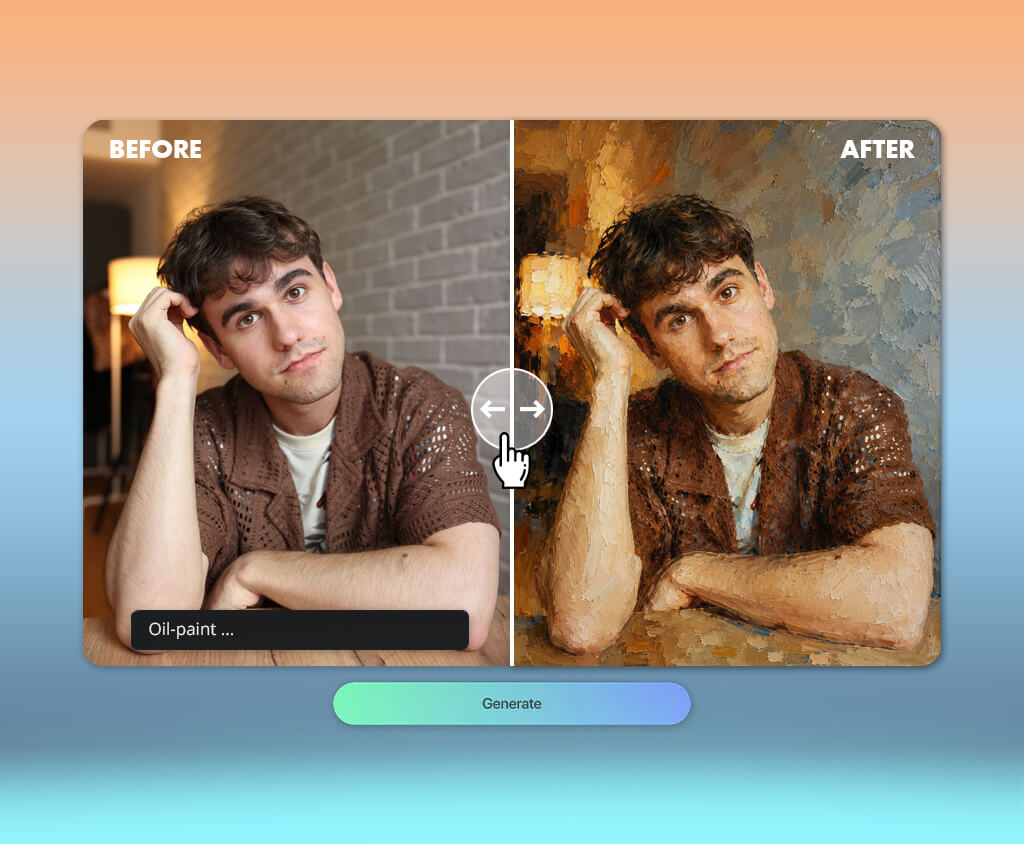
I started looking for an AI oil-paint generator without watermark when I wanted to create something special for an upcoming FixThePhoto team event. My idea was to transform scenes inspired by our daily work into oil-style paintings that combined photography, video production, retouching, and design. I wanted each image to have the look of a traditional canvas while still capturing the creativity and personality of our team.
As part of the FixThePhoto creative team, I often test new editing tools and visual styles. For this project, I wanted more than a basic photo-to-painting effect. I was looking for an AI tool that could generate convincing oil paintings with realistic brush strokes, canvas texture, natural colors, and the feel of traditional artwork, while giving me the freedom to try different artistic styles.
My goal was to create a collection of oil paintings that reflected the creative spirit of FixThePhoto. I wanted a free AI oil-paint generator that could transform my ideas into unique, gallery-style artwork with realistic details, a distinctive look, and enough creative flexibility to make the event stand out.
To find the best option, my colleague from the FixThePhoto team and I tested several AI oil-paint generators using a variety of ideas and visual concepts. We compared how accurately each tool recreated realistic oil textures, handled detailed compositions, followed artistic prompts, and let us refine the final results.
We also looked at whether the images resembled authentic oil paintings or simply looked like digital filters applied to photos.
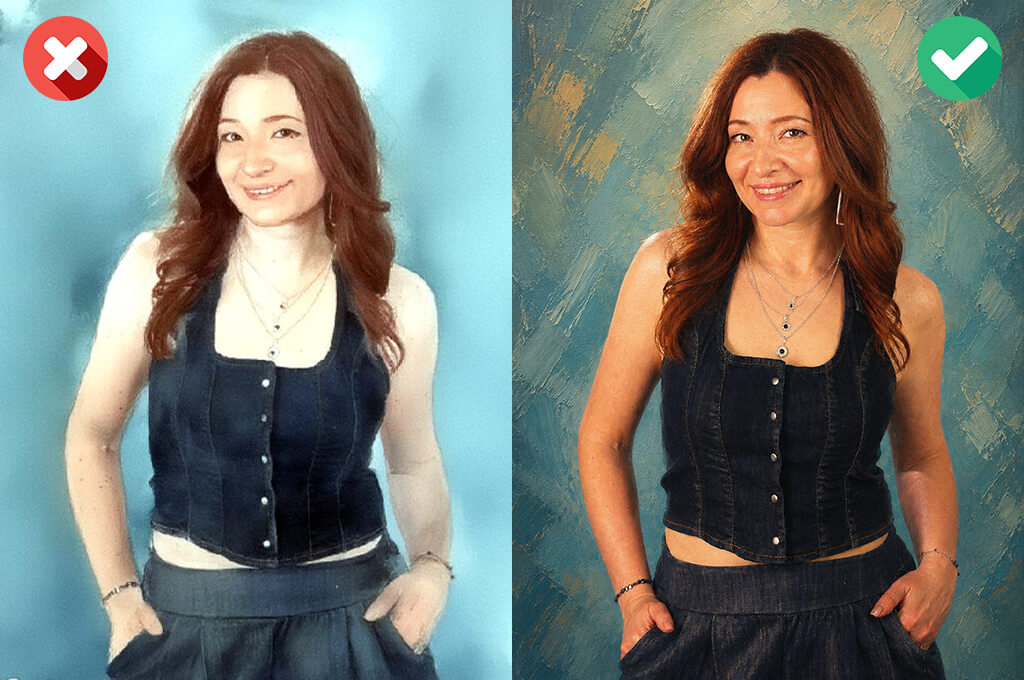
When comparing AI oil-paint generators, I looked at more than whether the image had a simple painted effect. The best results should capture the look and feel of a real oil painting rather than just applying a filter. Here are the main things I evaluated:
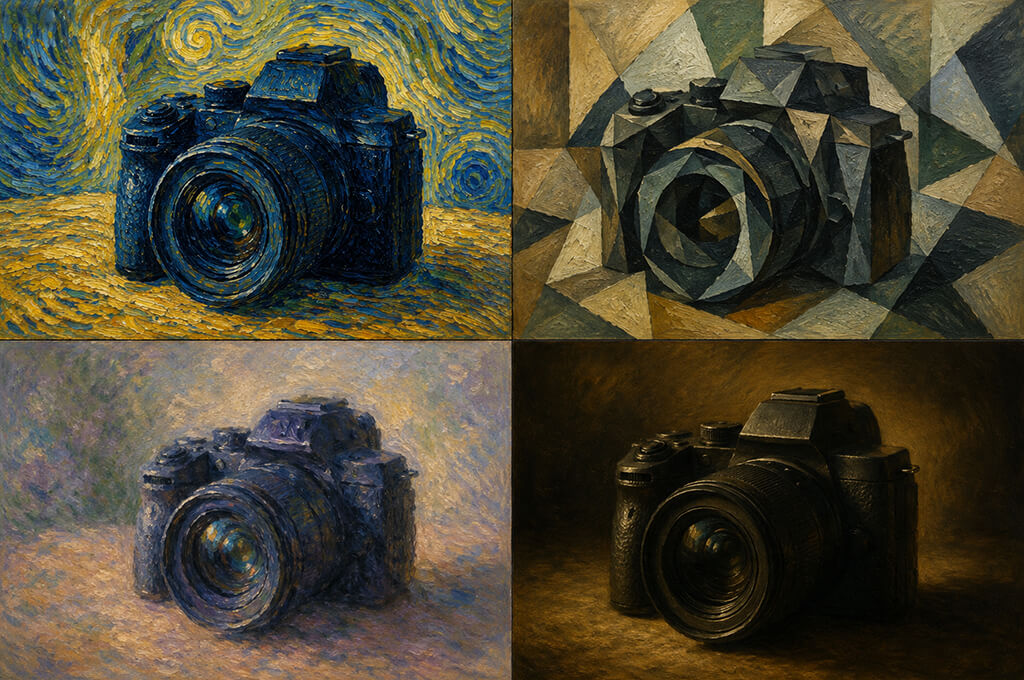
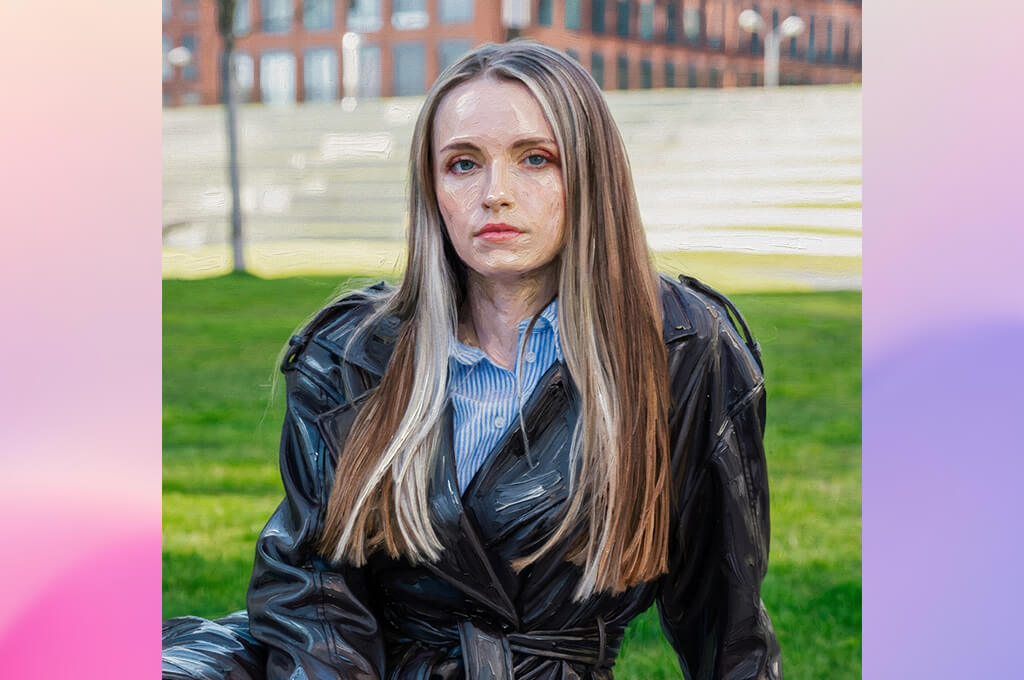
For our FixThePhoto team event, I wanted to create a series of oil-style artworks inspired by our creative work, so Adobe Firefly was one of the first AI oil-paint generators I tested. Rather than applying a simple painting effect to photos, I used it to create original images with the look of traditional oil paintings.
I experimented with prompts based on traditional oil paintings, combining themes like vintage cameras, film sets, editing studios, and artists' workshops. I wanted to see if Firefly could turn those ideas into artwork that looked like it had been painted on canvas instead of created with a digital effect.
The Text to Image feature gave me enough control to describe the exact scene I wanted. I also used Generative Fill to replace backgrounds with painterly studios, galleries, and vintage interiors without starting over. Small prompt changes produced different brush strokes, lighting, and compositions, making it easy to compare ideas and keep improving each artwork until I was happy with the result.
“I used it to create oil-style artwork from simple ideas, and the results looked detailed and realistic. I liked the colors and textures, but some paintings felt a little too polished for the traditional oil painting style.”

To compare the results fairly, I generated the same scene in several different painting styles. I tried classic European oil paintings, Impressionist-inspired artwork, and warmer modern styles to see how Firefly handled each one. The canvas texture looked realistic, the colors blended naturally, and the lighting felt believable. Even small details like cameras, tripods, notebooks, and editing equipment fit naturally into the paintings.
After testing it on different projects, free Adobe software became my favorite choice when I needed both creative freedom and precise control. Instead of simply adding an oil-paint effect, it turned my ideas into complete scenes with a realistic painted look.
That level of control made it easy to create artwork I felt confident printing and displaying at our event. If you want realistic oil-style paintings with plenty of room to refine your ideas, Firefly is one of the strongest options I tested.
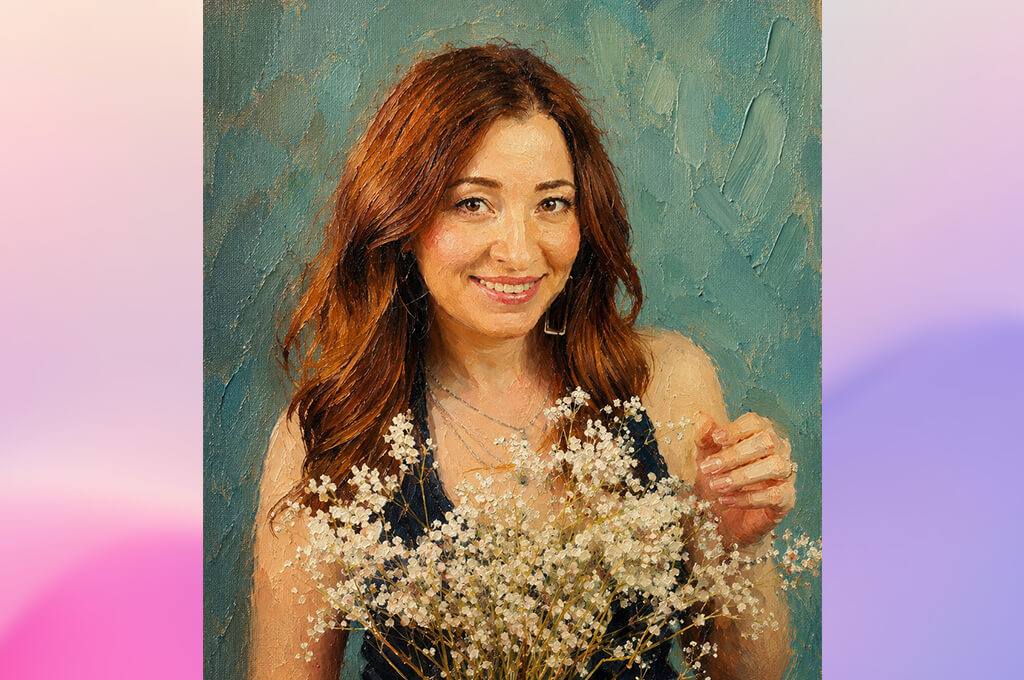
I tried Midjourney after seeing many impressive examples of its artwork. For this project, I skipped fantasy and surreal scenes and focused on creating oil-style paintings that looked like they belonged in an exhibition celebrating creative professionals.
I created prompts featuring photography studios with antique cameras, designers working on large canvases, and filmmakers surrounded by warm studio lighting. Each image showed me how well this AI art generator could recreate the look and feel of a traditional oil painting.
The artistic quality impressed me right away. The images had rich colors, visible brush strokes, textured backgrounds, and dramatic lighting that gave them the look of traditional oil paintings. I also tested different prompt weights, aspect ratios, and style references. Even small changes often produced very different results, so I usually generated several versions before choosing my favorite.
What I liked most was how well Midjourney created atmosphere. The images felt like real paintings with a story behind them instead of simple scenes. One showed a vintage darkroom lit by warm afternoon light, while another turned a modern editing studio into a classic European-style painting. Those details made the collection feel much more personal.
The biggest drawback of this AI oil-paint generator for realistic paintings was consistency. The same prompt could produce an amazing painting one time and a less convincing result the next, so I often had to generate several versions before finding the right one. Even so, Midjourney created some of the most striking oil-style artwork in my tests, especially when I wanted unique and creative results.
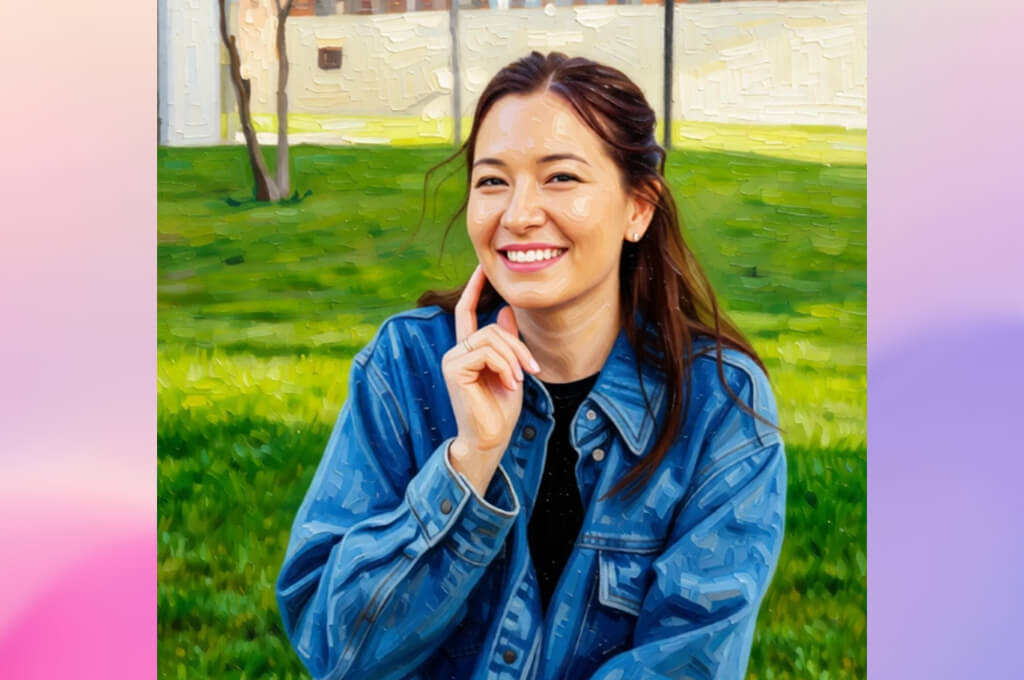
PortraitArt wasn't my first choice because it's designed mainly for turning photo into painting online rather than creating artwork from text prompts. Still, I wanted to see how well it could transform photos from our creative environment into realistic oil-style paintings.
Instead of using only portraits, I also experimented with photos of cameras, editing desks, sketchbooks, lighting equipment, and creative workspaces. I wanted to see if the software could turn everyday scenes into oil-style paintings that looked good enough to hang in a gallery.
PortraitArt was one of the easiest tools I tested. I uploaded a photo, chose an oil painting style, and generated several versions in just a few minutes. Instead of writing detailed prompts, I simply selected different style presets. The process was quick and gave me consistent results, although it offered less creative control.
“I used it on several portraits, and they looked very natural in an oil-painting style. The process was quick, though I would have liked more ways to change the final look and brushwork.”

I focused on how realistic the painting effects looked. The brush strokes felt natural, the colors were warm without looking too bright, and the canvas texture added extra depth. This AI oil-paint generator for portraits worked especially well with close-up photos of cameras, lenses, notebooks, and vintage creative tools. Those images still looked great when printed in a larger size.
After testing PortraitArt on different images, I found it to be a good choice for anyone who wants quick results without spending time on detailed settings. It can't create completely new scenes like Midjourney or Firefly, but it does a great job turning existing photos into realistic oil-style paintings. For my FixThePhoto project, it helped me quickly create a consistent collection that matched the overall gallery theme.

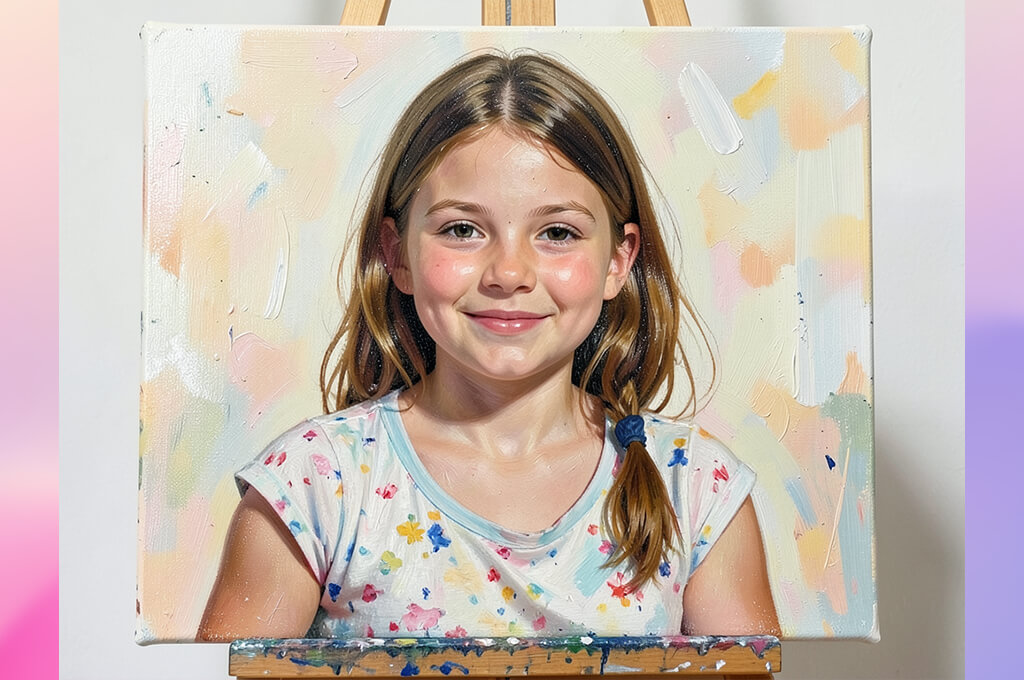
I wasn't sure what to expect from Rewind since it's not one of the best AI oil-paint generators. Still, I wanted to see how it would perform on the same project. For the FixThePhoto event, I used prompts inspired by creative professions, including photography studios, designers surrounded by sketches, and filmmakers with vintage equipment. I kept the prompts the same as in the other tools to make the comparison as fair as possible.
Rewind created images very quickly, so I could test different compositions one after another without long waits. I experimented with realistic oil portraits, looser Impressionist-style scenes, and darker Baroque-inspired interiors to compare the results. Some styles looked more convincing than others, but switching between them was quick and easy, making it enjoyable to explore different ideas.
What impressed me most was Rewind's use of color. Warm golden light, deep shadows, and earthy tones gave the artwork a classic gallery feel. The oil-paint texture wasn't as rich as in Firefly or Midjourney, especially in close-up views, but the images still looked convincing. I also liked that cameras, film reels, easels, and other important objects stayed clear instead of blending into the background.
After testing Rewind, I found it to be a good choice for quickly trying different creative ideas. If I needed precise control, I'd choose a more advanced generator. But when I wanted to create several concepts in a short time, Rewind made the process fast and enjoyable. That's why it earned a place on my shortlist.
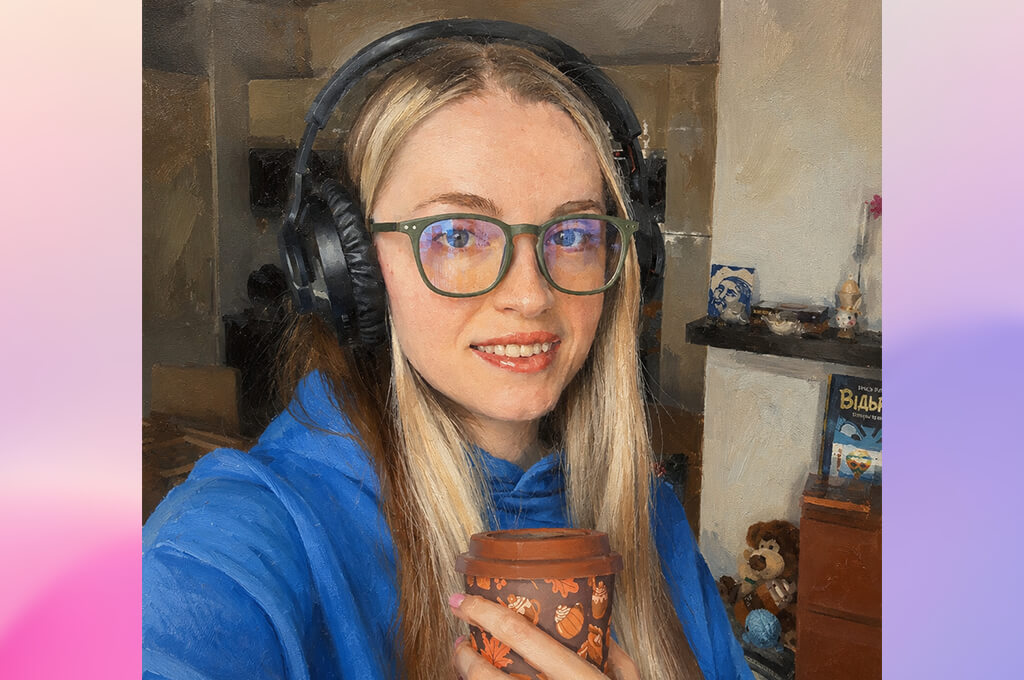
I decided to test OpenArt because it offered more creative freedom than many other image generators. For my project, I wanted each oil-style painting to feel carefully planned, even when I experimented with different artistic styles across the collection.
I created scenes inspired by old European studios, photography labs, creative workspaces, and exhibition halls. Each image helped me shape the final collection and explore new ideas.
One of my favorite features of this AI oil-paint generator from text was the large collection of community models and style presets. I compared different oil-painting styles, from classic fine art to textured brushwork, to see which worked best. I also used Image Guidance with my own reference photos to keep the composition close to my original idea while still allowing the artwork to develop naturally. That combination gave me plenty of creative freedom while keeping the results consistent.
“I enjoyed trying different oil painting styles because there were so many to choose from. It took a little time to learn the settings, but once I got comfortable with them, I was able to create some really unique artwork.”

Another feature I liked about this generative AI tool was how easy it was to refine the results. If I wanted softer lighting, stronger brush strokes, or a different mood, I could make small changes without starting the whole process over.
Even small changes made a noticeable difference, especially to the textures and colors. Some of my favorite images showed wooden cameras, studio lights, and design sketches with a realistic oil-painted look that felt natural and carefully crafted.
After spending several days with OpenArt, I found myself returning to it more often than I expected. It made it easy to explore different artistic directions without making the process feel complicated. While not every image turned out exactly as I wanted, the strongest results looked like finished pieces ready to be displayed. For projects that benefit from a wide range of artistic styles, OpenArt became one of my favorite tools.
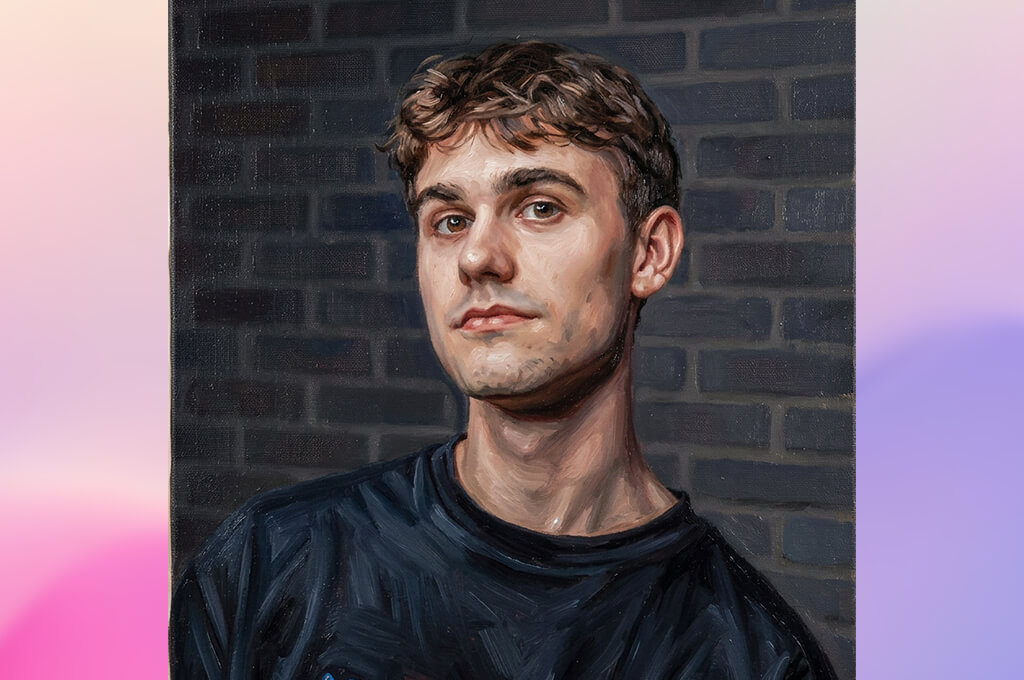
I decided to try MakeMeA because it offered a different approach to creating artwork. Instead of relying on long, detailed prompts, I could quickly turn my ideas into stylized oil-style paintings with a much simpler workflow.
For the FixThePhoto exhibition, I created scenes with designers at work, photography equipment arranged like classic still-life paintings, and cinematic editing studios. I wanted to see whether this AI generative fill tool could create artwork with a true painted feel instead of simply applying a basic effect.
The workflow was simple from the start. I uploaded reference images, tried different artistic styles, and compared how each one changed the mood of the artwork. Some presets created soft Impressionist-style brush strokes, while others gave the paintings richer textures and darker colors. Having several styles to choose from made it easy to build a collection without every piece looking the same.
One thing I liked was how consistent the results were. Each version kept the same overall style while still adding enough variety to make every painting feel a little different.
Cameras, editing monitors, sketchbooks, and lighting equipment stayed clear and easy to recognize in every image. I also liked how the backgrounds blended naturally with the painted style without taking attention away from the main subject.
After testing this AI oil-paint generator from photo, I think it's a great option for anyone who wants to create oil-style artwork without spending a lot of time on prompts. It doesn't offer the same level of control as more advanced platforms, but it's quick, easy to use, and delivers consistent results. For my gallery project, it helped me create a collection of paintings that looked cohesive and worked well together.
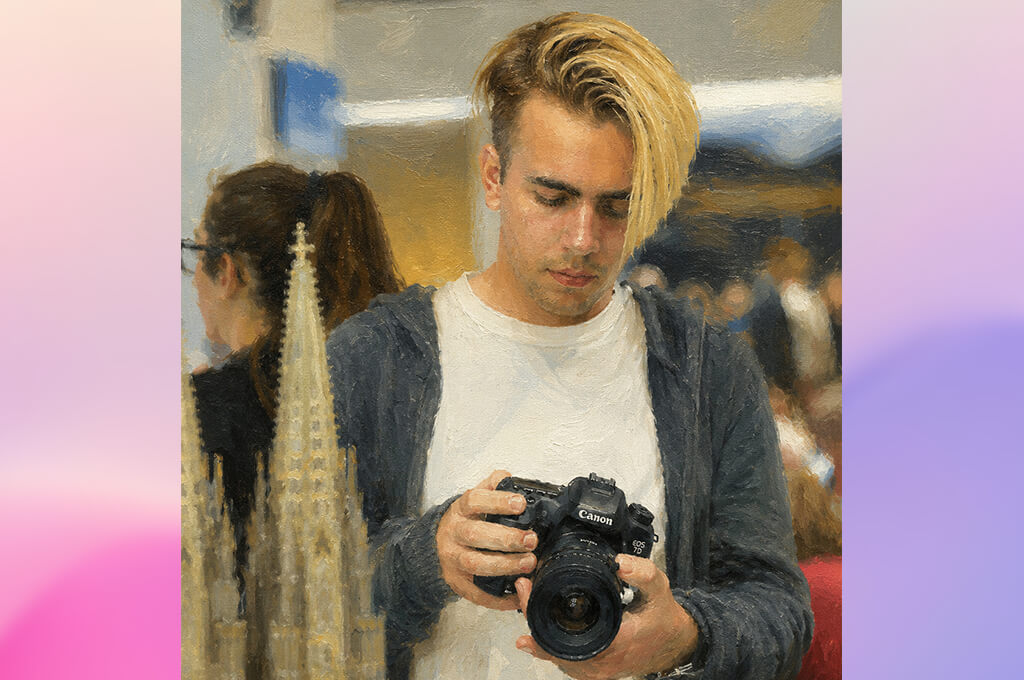
I decided to test Prisma because I remembered using it years ago to turn photos into artwork. This time, I wanted to see how well it could handle a more creative project instead of just making images for social media.
For the FixThePhoto event, I tested Prisma on photos of studio setups, vintage cameras, mood boards, editing desks, and creative workspaces. I wanted to see if it could turn these images into oil-style paintings worthy of the gallery.
Using Prisma was simple from the start. I uploaded a photo, selected different oil painting styles, and each version was ready in seconds. Some presets created a classic painted look, while others added brighter colors and stronger brush strokes. Because the results appeared so quickly, I could easily compare styles and choose the one I liked best.
“I used it to give my photos an oil-painting look, and it was quick and easy. I liked many of the styles, but some looked more like artistic filters than real paintings.”

I found that this AI tool for designers worked best with photos that already had a strong composition. Images with good lighting and clear subjects turned into much more convincing oil-style paintings than busy scenes with lots of small details.
The brush strokes looked good, although they weren't as realistic as the ones from Firefly or Midjourney. Even so, it was easy to create oil-style paintings with the mood and style I wanted.
After testing Prisma, I found it to be a great choice for creating oil-style artwork quickly. It doesn't offer as much control as more advanced tools, but it's definitely one of the best AI oil-paint generators for beginners. When I need fast results with minimal effort, Prisma is an option I'd happily use again.
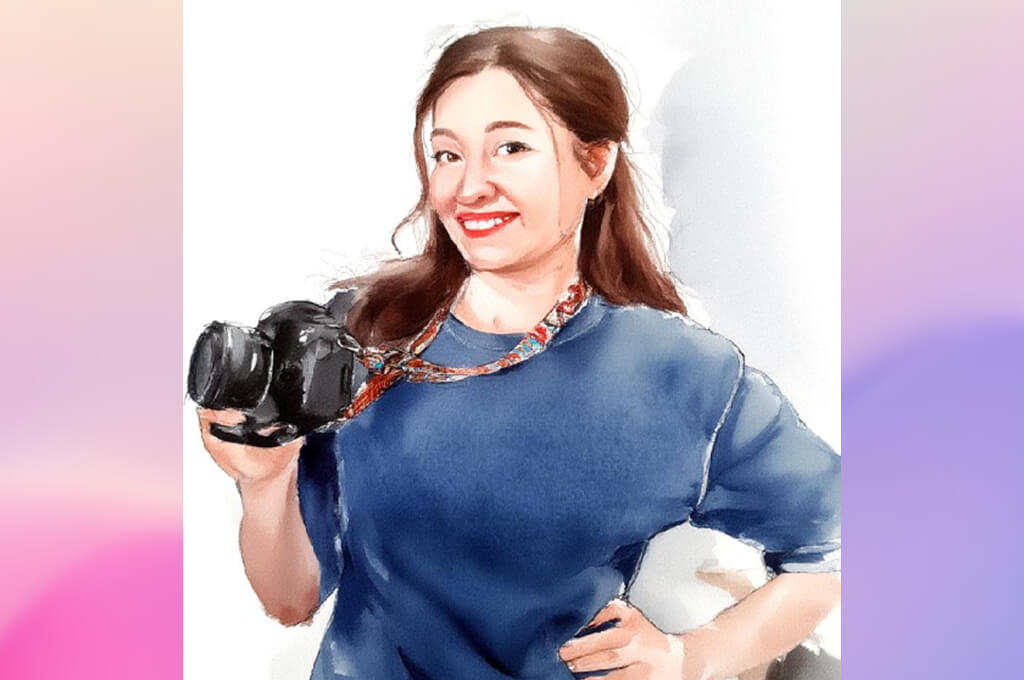
I had already used Fotor as an online photo editor, so I wanted to see how well its oil painting features worked. My goal was more than adding a simple painting effect - I wanted to create artwork inspired by photography and visual storytelling that looked like it had been painted by an artist.
To keep the comparison fair, I worked with the same themes across every platform, including vintage film cameras, creative studios, designer workspaces, and gallery interiors. This made it easier to judge how each tool handled the same artistic ideas.
The AI Art Generator gave me a variety of oil-style presets to explore, so I experimented with different visual references, scene descriptions, and image proportions to see how each affected the final artwork. The UI of this online AI oil-paint generator was intuitive, and I was able to create clean, professional-looking paintings without much trial and error.
The best results came from detailed descriptions. When I included canvas texture, thick brush strokes, warm gallery lighting, and realistic studio interiors, the paintings looked much more natural and convincing.
Some small details looked a bit softer than in Firefly, but the paintings still had a natural, hand-painted feel. I also liked the warm, natural colors, which matched the exhibition theme very well.
After testing Fotor, I found it to be a good balance of simplicity and creative flexibility. It doesn't offer as much control as some advanced tools, but it consistently created attractive oil-style artwork with very little effort. I'd gladly use it again for posters, presentations, or decorative prints.
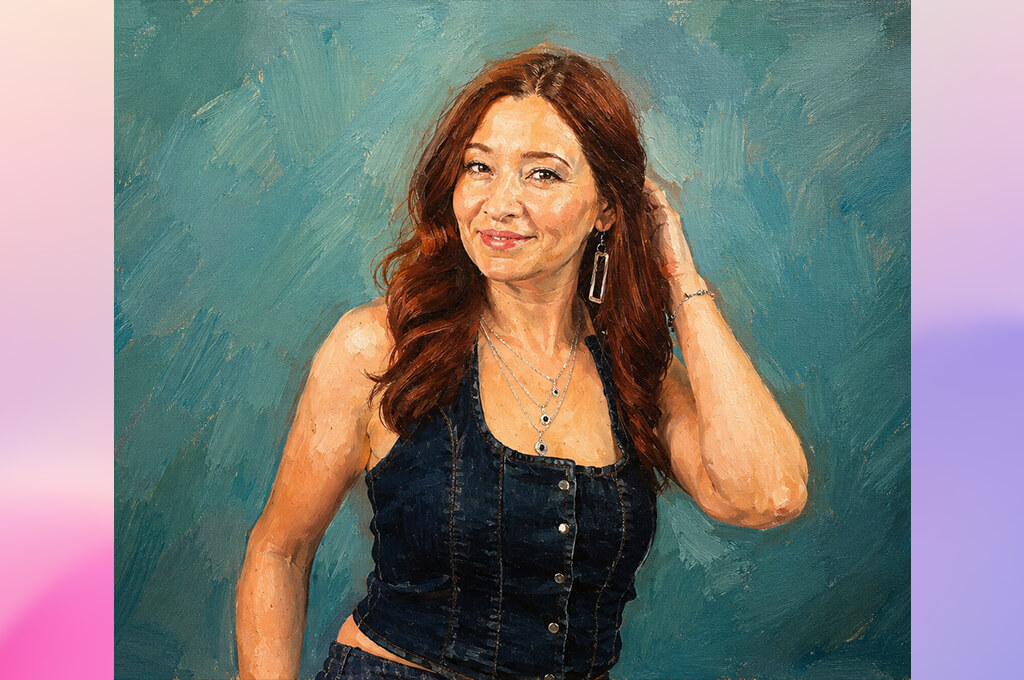
Before this project, I mostly knew PicsArt as an app for fast photo edits and social content, not for creating artwork. I wanted to find out whether it could produce oil-style images that captured the creative spirit of the FixThePhoto team.
I created scenes with photographers in vintage studios, designers surrounded by sketches, and cinematic production spaces. I wanted to see how well the platform could handle more detailed creative ideas instead of simple portrait edits.
One advantage was being able to combine AI generation with editing tools in the same app. After creating an oil-style image, I refined it using built-in effects, overlays, and adjustment controls. I also tested different painting styles, adjusted the colors, and enhanced the textures until each image matched the look I wanted. Keeping everything in one workflow saved me a lot of time.
“I use this AI oil-paint generator for landscapes when I want to turn photos into creative artwork in just a few minutes. It offers plenty of effects and editing tools, although the large number of features can take a little time to get used to.”

I also experimented with different image generation prompts. Some created bold, artistic images, while others produced a more traditional oil-painted look with visible brush strokes and subtle canvas texture. The results weren't always consistent, but the best ones looked polished. I also liked the warm lighting and earthy colors, which gave the artwork a classic gallery feel.
After testing PicsArt, I found it to be much more flexible than I expected. It combines image generation with editing tools, making it easy to improve and customize each artwork without switching to another app. For my gallery project, it helped me create several oil-style paintings that fit well with the rest of the collection. It may not be the best choice for highly realistic fine art, but it's a great option when you want creative freedom and a fast workflow.
Tetiana Kostylieva, Eva Williams, and Kate Debela joined me in testing each generator. We evaluated every tool from the perspective of designers and visual creators, focusing on both artistic quality and technical performance.
To keep the comparison consistent, we followed the same testing process for every AI oil-paint generator. We used scenes inspired by the FixThePhoto creative environment, including photography studios, vintage cameras, video production, design workspaces, and gallery-style interiors, to see how each tool handled the same artistic concepts.
We evaluated each generator based on how well it recreated the look of a real oil painting, paying attention to brush strokes, canvas texture, realistic lighting, smooth color blending, and the overall artistic feel.
Tetiana Kostylieva focused on the visual realism of the generated artwork, evaluating whether each image looked like a traditional oil painting rather than a digital effect. She compared classical and modern painting styles while assessing how well each platform recreated textures, fine details, and balanced compositions.
Eva Williams evaluated the creative flexibility of each generator, testing how well it followed prompts, supported different artistic styles, and allowed control over colors, mood, and the final look. Kate Debela focused on usability, comparing generation speed, ease of use, export quality, and whether the finished artwork was suitable for printing and display at the company event.
During the testing process, we generated several versions of the same concepts and compared them side by side. Some tools produced more realistic brush strokes and stronger artistic styles, while others offered better control over the final image but required more time and fine-tuning to achieve the desired result.
We also evaluated how well each generator combined creative ideas with realistic oil painting techniques, especially in scenes inspired by photography, design, and visual storytelling.
After completing our testing, we selected the generators that offered the best combination of realistic oil-painting effects, creative flexibility, and ease of customization. The strongest tools produced convincing brush textures while giving enough control to adjust the style and overall mood. Our results showed that the best oil-paint generators do more than apply artistic effects - they help turn creative ideas into polished artwork that is ready for printing, display, or personal projects.



![9 Best Image Brighteners Online [{{%year}} FixThePhoto Choice]](http://fixthephoto.com/blog/images/gallery/news_main__preview_29194.jpg)


![7 Best Magazine Mockup Generators [{{%year}} FixThePhoto Choice]](http://fixthephoto.com/blog/images/gallery/news_main__preview_29336.jpg)



















