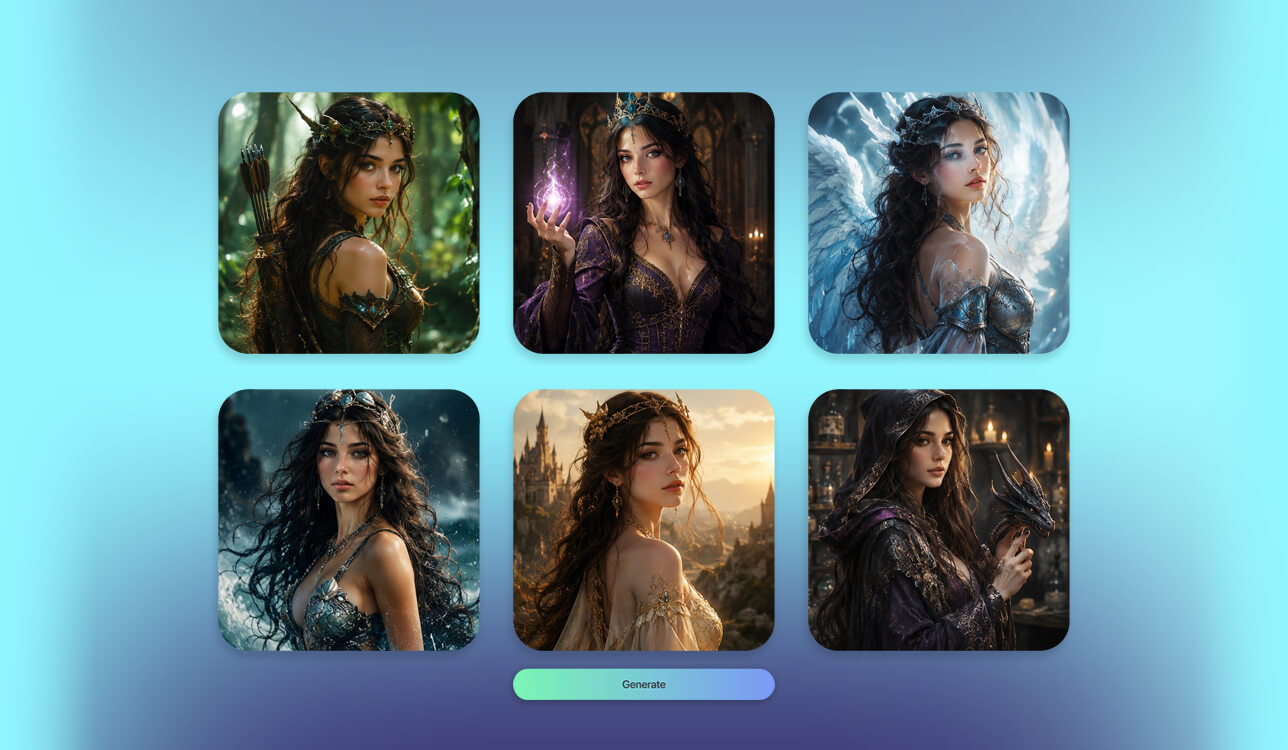
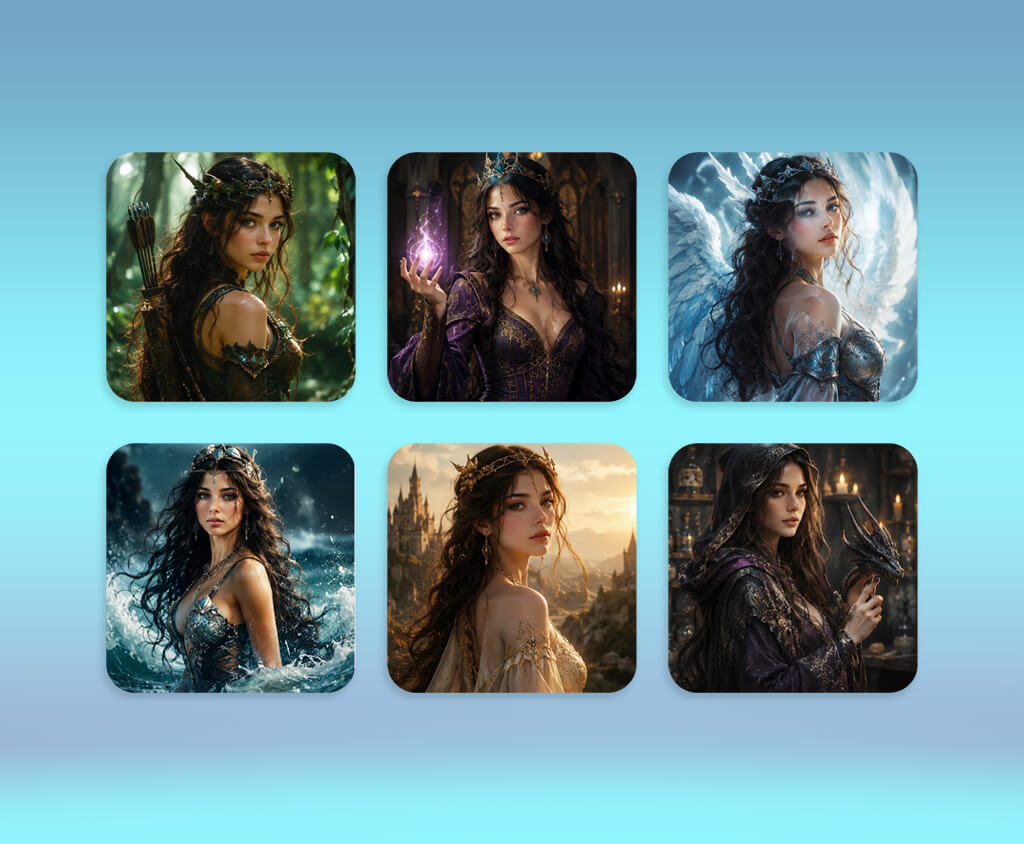
While producing a comprehensive AI art series for FixThePhoto, I launched a search for the best AI fantasy character generator. Stock photos were uninspired and repetitive, leaving our creative team in desperate need of fresh, high-quality visual assets. I wanted a powerful AI tool capable of converting raw imagination directly into striking original artwork, eliminating long hours of manual sketching and tedious digital editing.
However, generating a simple elf or generic wizard was not nearly enough for our needs. Our story illustrations demanded distinct character personalities and flawless visual consistency across multiple project images.
Fine details like ornate armor, glowing magical weapons, expressive facial features, and believable fantasy landscapes were vital for engaging, rich, and cohesive narrative. Most importantly, whenever I requested the exact same character twice, the program should deliver the same recognizable hero every single time without any unexpected visual shifts or flaws.
Collaborating with my FixThePhoto team, I closely evaluated how accurately various AI generators interpreted intricate prompts. I requested everything from mystical sorcerers and armored knights to dark queens, wood elves, legendary dragons, and brand-new mythical beasts.
The most impressive tools allowed fine-tuning of minor elements, selective region editing, reference image uploads, and instant style adjustments without requiring a complete reset for every single revision.
My extensive hands-on testing proved that the best AI fantasy character creators offer more than attractive visual rendering. They streamline creative iteration, allowing digital artists to refine concepts until they perfectly match their vision. This workflow vastly accelerated our overall production schedule while ensuring every FixThePhoto article featured cohesive, distinctive characters that belonged naturally within a single fantasy universe.
Cinematic Realism
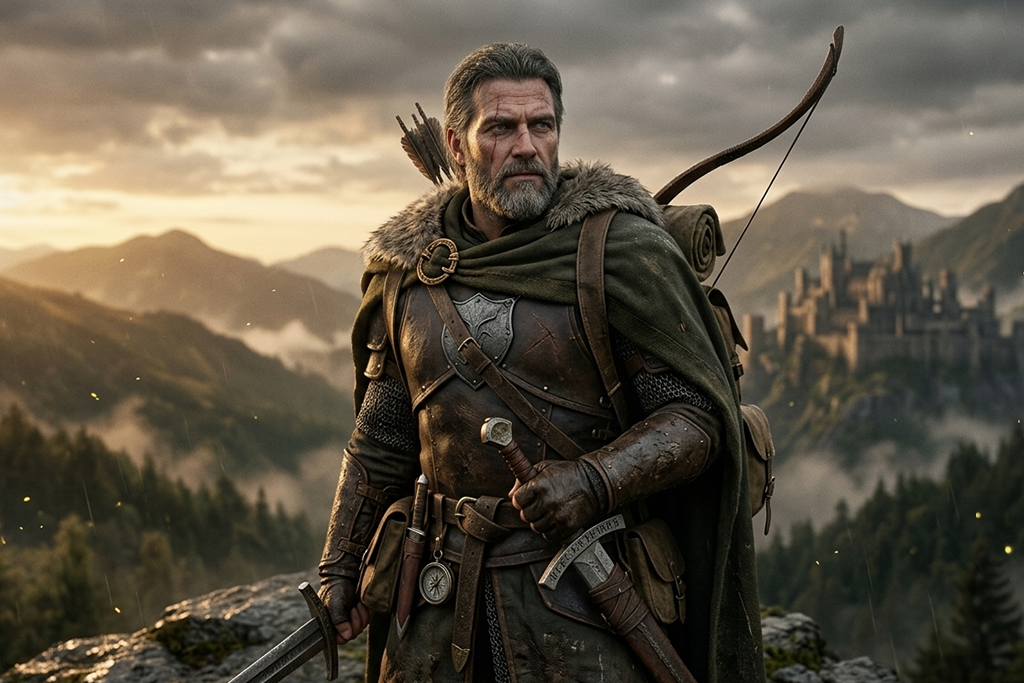
This aesthetic produces visual assets suitable for feature films or high-budget video games. Advanced AI art generators focus on lifelike facial features, intricate armor detailing, authentic light diffusion, natural textures, and immersive backgrounds. It excels at bringing fantasy warriors, noble paladins, powerful mages, and iconic heroes to life.
Dark Fantasy
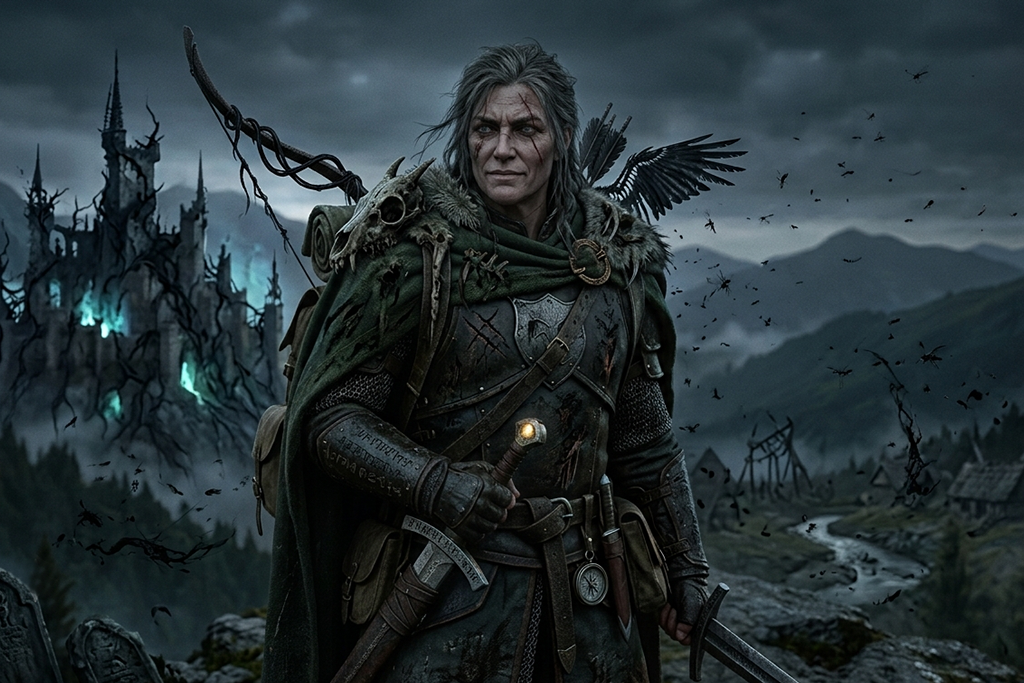
Dark fantasy aesthetics emphasize eerie themes, shadow, and mystery. Visual algorithms rely on muted color palettes, gothic garments, relics, corrupted champions, and hauntingly atmospheric settings. The resulting art projects an intense, somber tone suited for mature storytelling.
High Fantasy & Medieval Legend
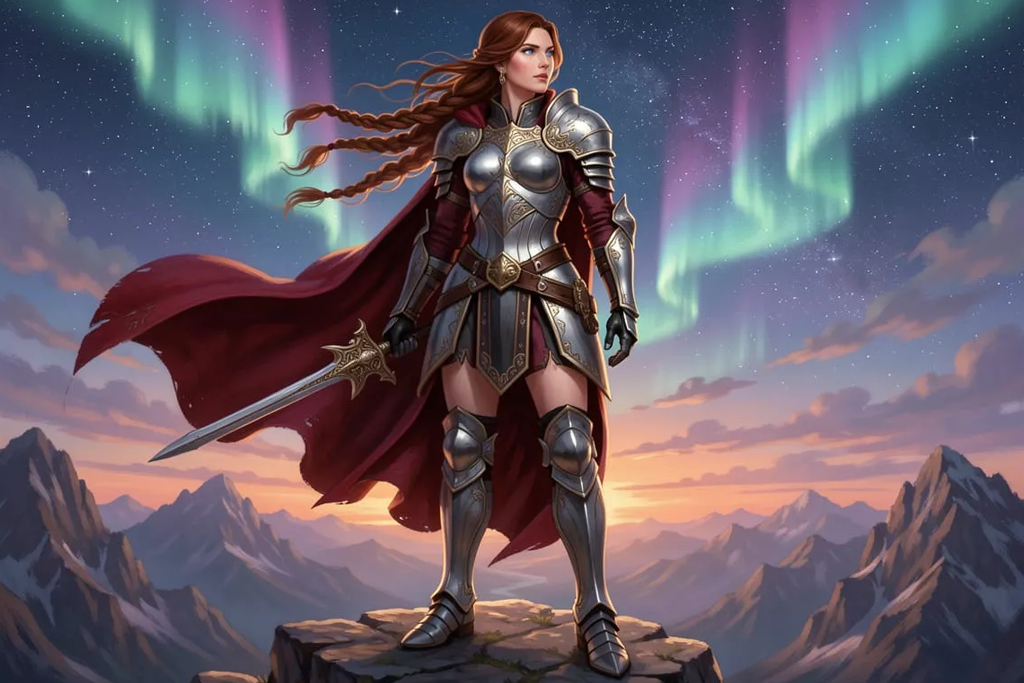
Rooted in traditional mythos, this iconic style captures worlds filled with elven folk, colossal dragons, grand keeps, and brave adventurers. AI fantasy character creators weave together historical European attire, arcane embellishments, and expansive fantasy vistas.
Anime & Manga Aesthetics
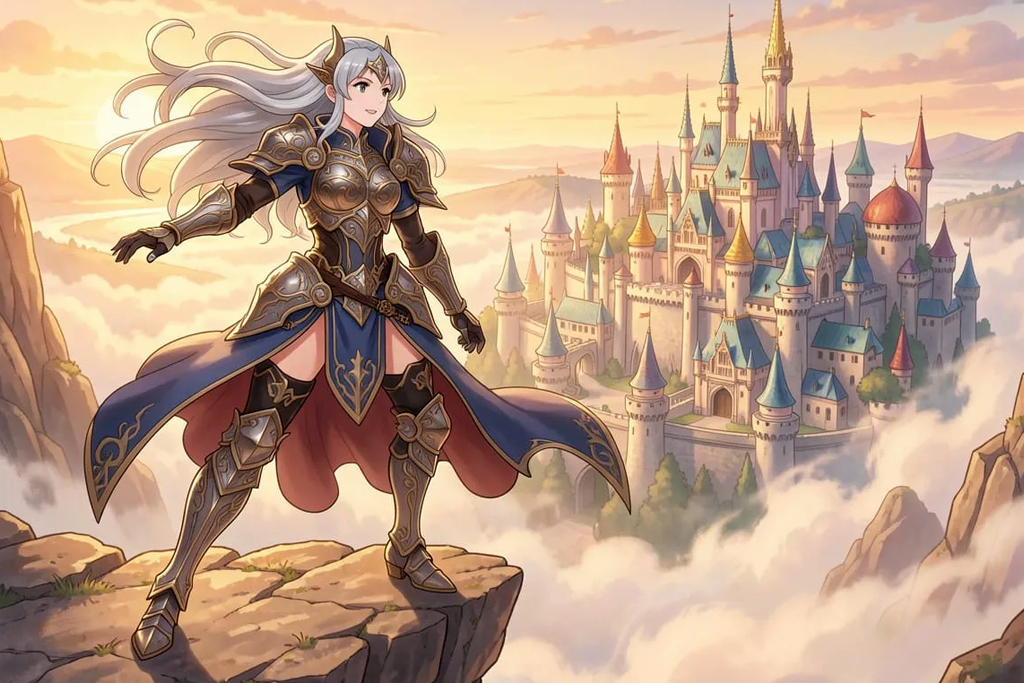
Stylized & Cartoon Visuals
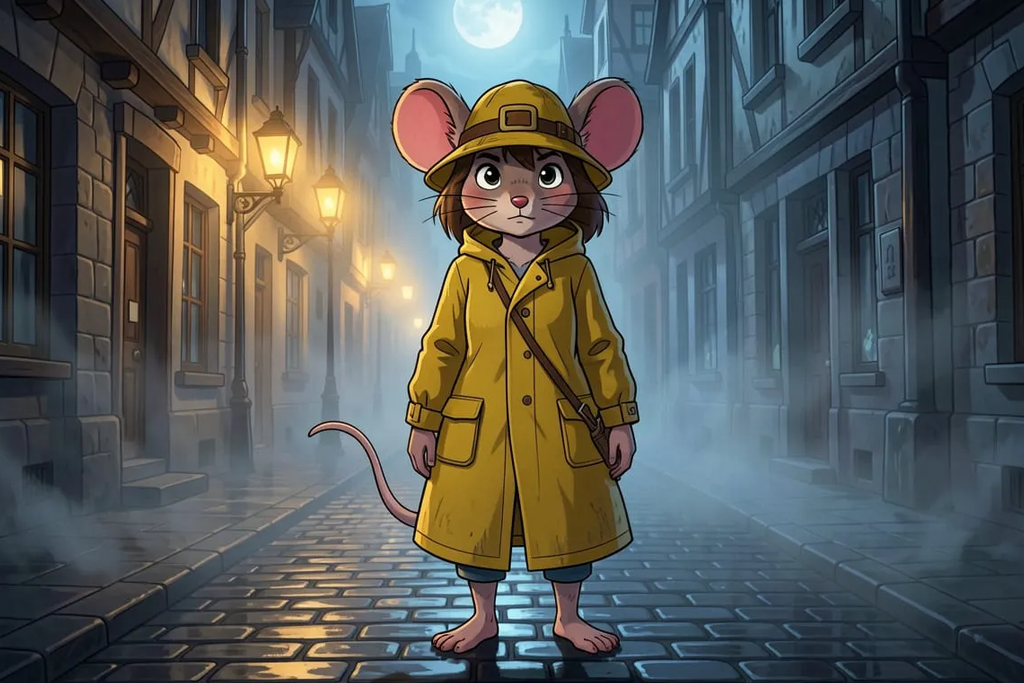
Fantasy Concept Drafting
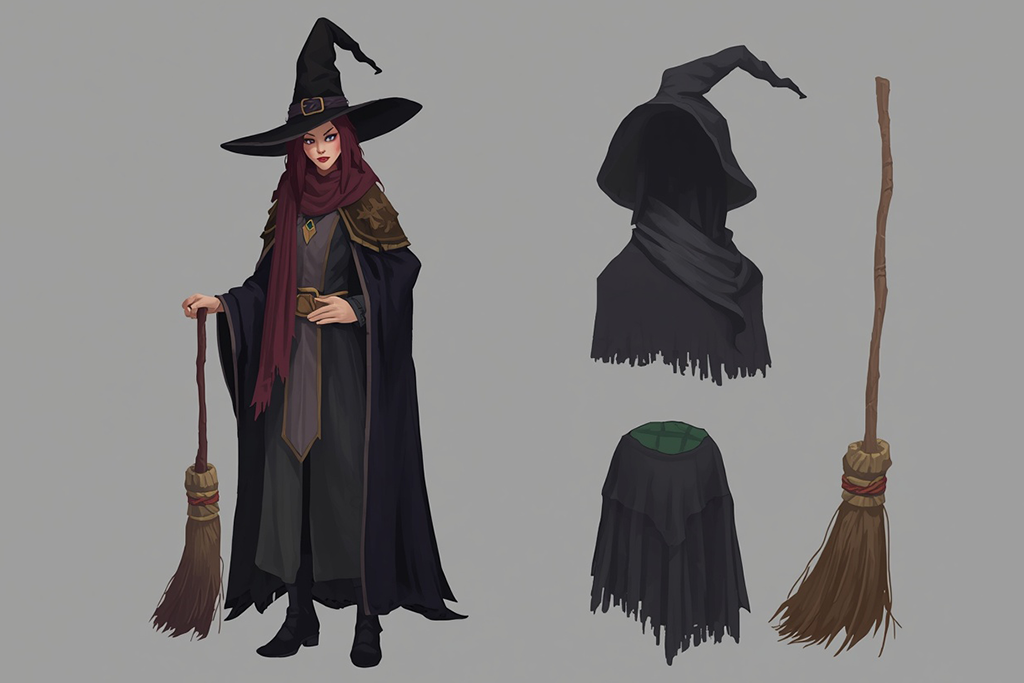
Concept art prioritizes imaginative world-building and raw creative ideas over flawless realism. Advanced fantasy character makers produce unconventional character designs featuring original costuming, inventive weaponry, and novel environments. It serves as an essential tool during early design phases.
3D Game Rendering
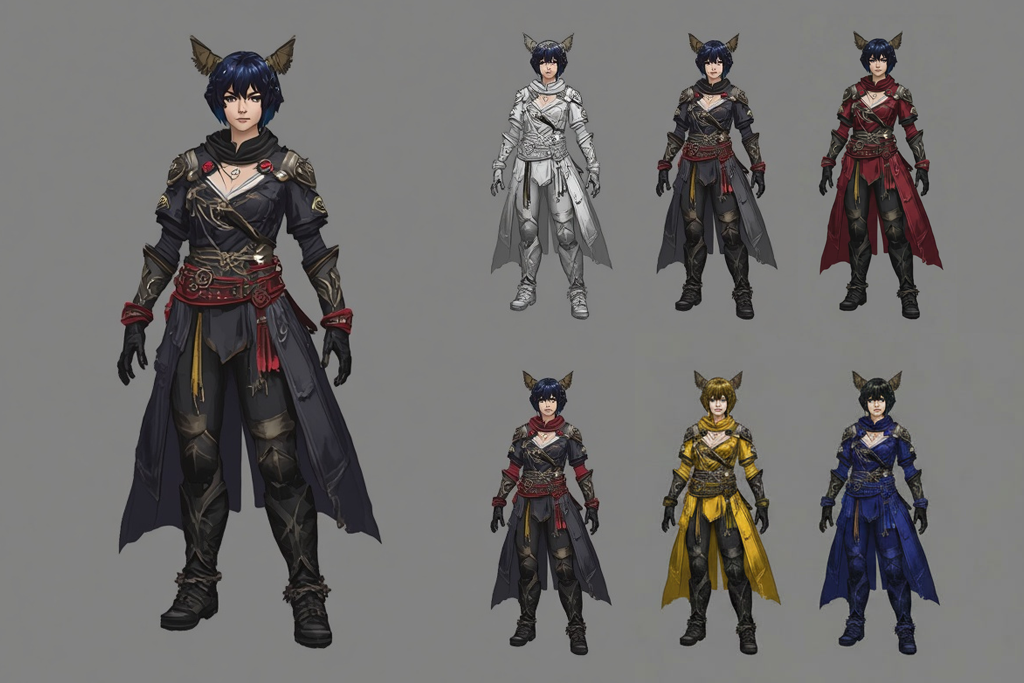
Character Portraiture
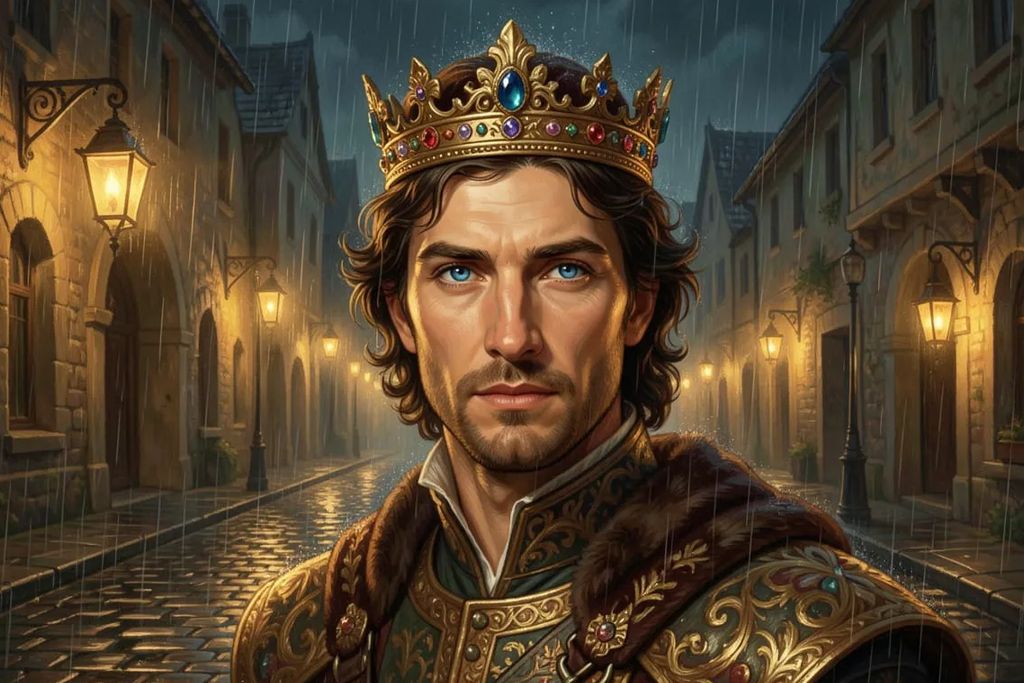
Focusing strictly on close-up framing rather than full-body renders, portraiture highlights expressive eyes, emotional nuance, intricate hairstyles, and unique accessories. It captures character personality through subtle detail.
Steampunk Alchemy
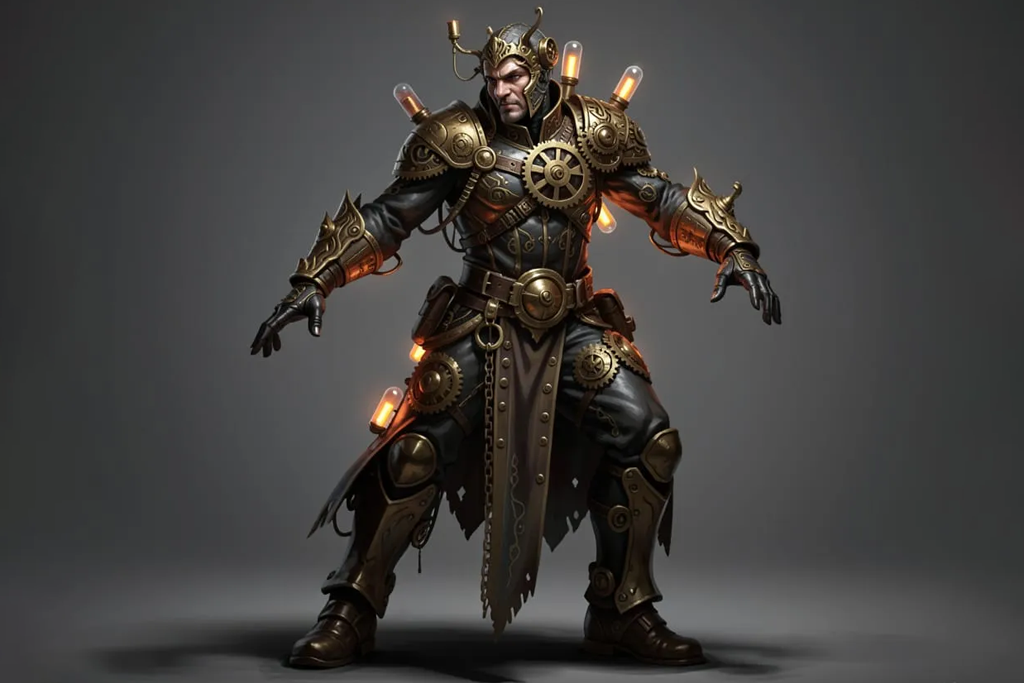
Steampunk fuses classic fantasy tropes with Victorian industrial innovation. Text prompts generate figures adorned with brass gears, leather goggles, mechanical prosthetics, and retro-futuristic weaponry against industrial backdrops.
Sci-Fi Fantasy Synthesis
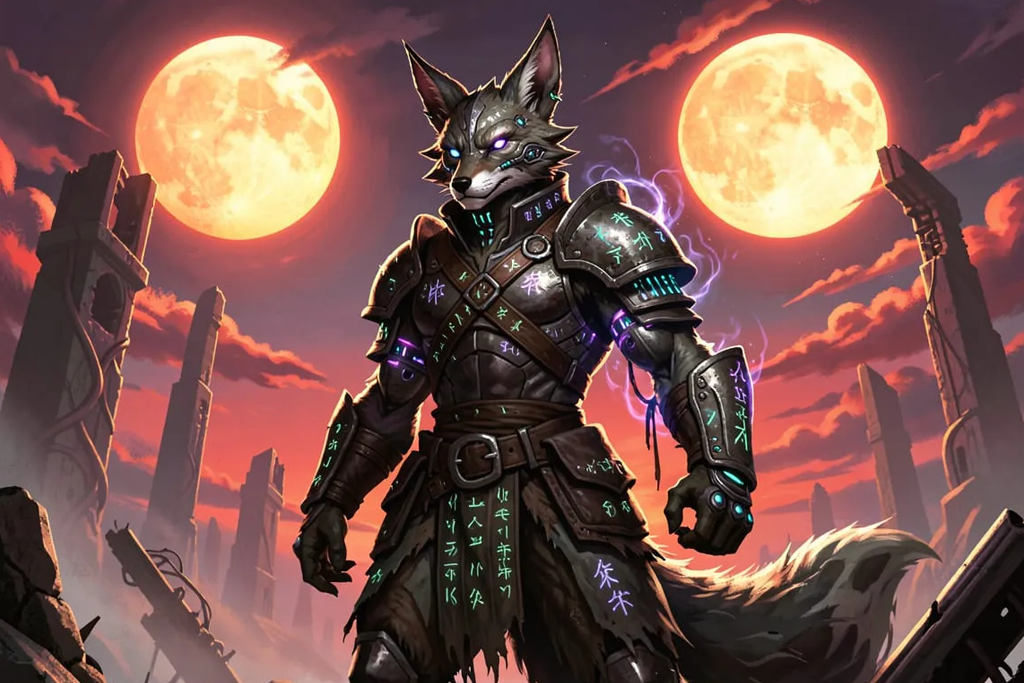
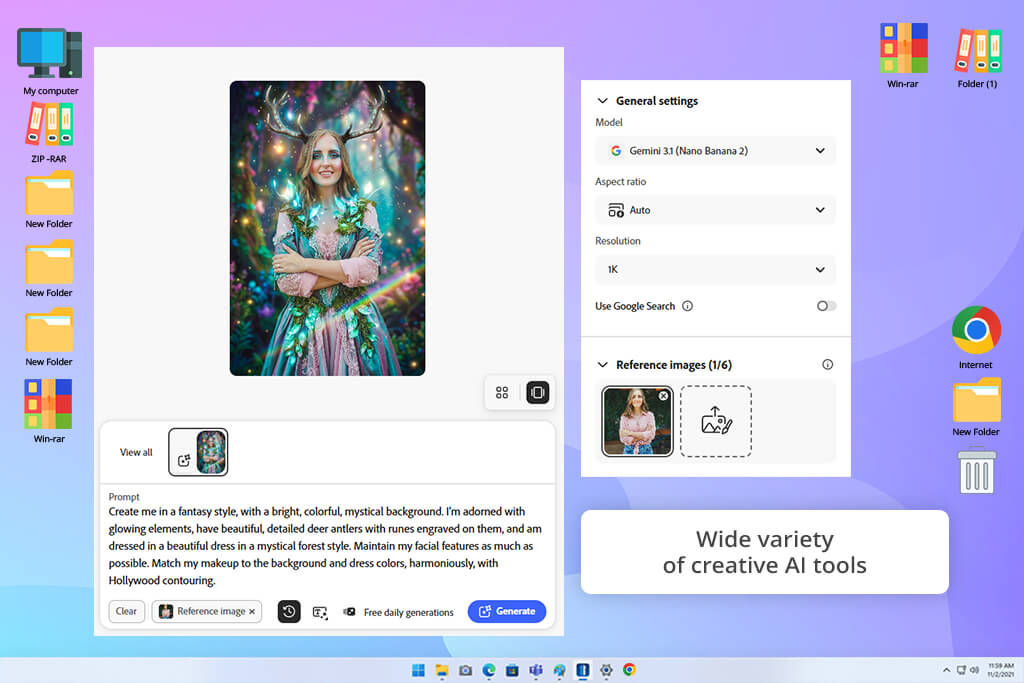
I integrated Adobe Firefly into our testing workflow to evaluate its capabilities as a dependable AI fantasy character creator. Producing a series of comprehensive articles on AI art required original visual assets that shared a cohesive narrative design rather than feeling like a disconnected bundle of generated stock images.
My target was to design a diverse roster of fantasy archetypes, ranging from heavily armored paladins and enigmatic spellcasters to mythic beasts, capable of grounding diverse storytelling contexts. To keep our benchmark evaluations objective, I fed Firefly the exact prompt specifications used across competing art platforms. I carefully observed how faithfully it rendered my core artistic directions.
I initiated my process using Firefly's core Text to Image engine, prioritizing prompt adherence above all else. I submitted intricate prompt descriptions incorporating specific garment materials, emotional dispositions, lighting directions, and distinct painterly styles to measure how accurately the algorithm translated text into complex visual elements.
To refine my drafts, I utilized Generative Fill to execute localized modifications directly on existing images. This functionality made it easy to alter shoulder armor plating, overlay glowing arcane runes, or swap out background environments entirely without discarding the core image draft. Being able to iterate incrementally inside this free Adobe software reduced production turnaround times compared to starting completely over with new prompts.
“The platform made it easy to experiment with fantasy character concepts across a variety of styles. I was impressed by the overall quality of the visuals, though advanced character customization and detailed adjustments required additional tools.”

Firefly impressed me with its adaptability across widely different fantasy subgenres. I pivoted between brooding dark fantasy visuals, classic high-medieval knights, vibrant enchanted woodlands, and futuristic sci-fi hybrid themes without the generator losing aesthetic balance or structural logic.
Using the visual Style Effects controls, I could fine-tune camera angles, tone palettes, and art styles with granular precision. The generated character renders were suitable for our publication standards at FixThePhoto right out of the box, requiring minimal post-processing touch-ups.
All in all, Adobe Firefly is the best AI fantasy character creator for digital artists who value intuitive controls and dependable character iteration. It excels at fast-tracking initial visual concepts into polished assets. For our publishing team, the primary benefit was turning rough text descriptions into publication-ready character illustrations in minutes rather than spending many hours on manual photo-editing adjustments.
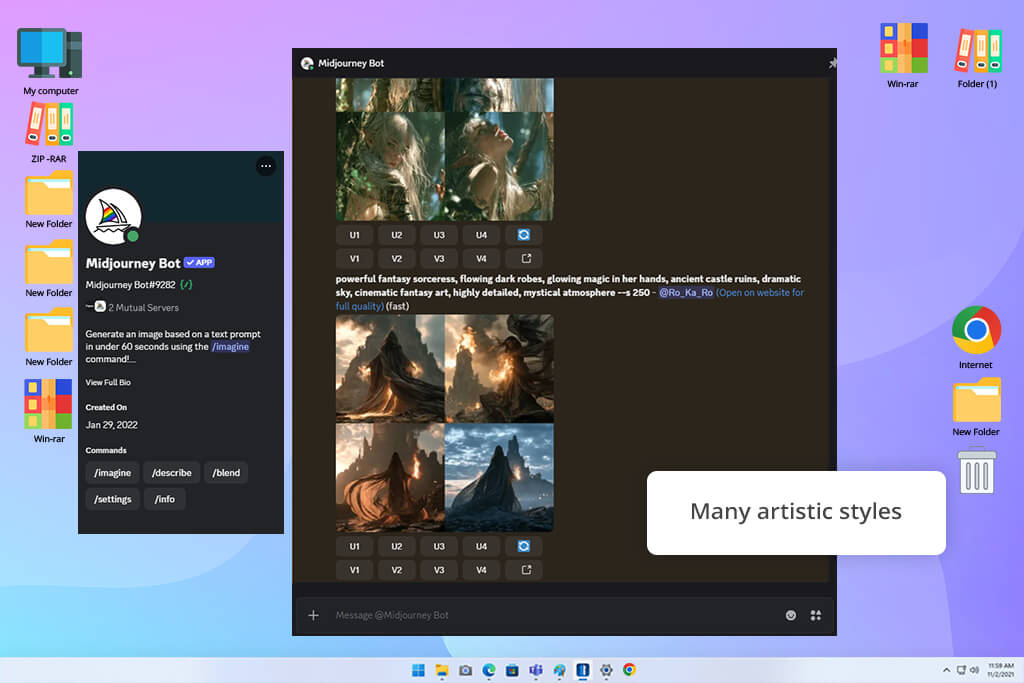
Midjourney was an essential addition to my benchmark testing due to the stunning fantasy artwork frequently showcased across the digital art community. I wanted to see if its artistic reputation translated into practical utility for our editorial content at FixThePhoto. I sought a generator that could construct dramatic visual narratives, evocative cinematic backgrounds, and characters radiating distinct personalities.
Rather than relying purely on simple prompts to make generic beauty shots, I subjected the platform to rigorous stress tests using highly specific prompts for heroes, villains, mythical beasts, and sprawling fantasy settings. I needed to see how much artistic direction I could exert through text parameters alone.
Throughout testing, I relied heavily on the Character Reference and Style Reference parameters. I rendered an initial fantasy warrior and subsequently attempted to place that exact hero into varied environments and combat poses to evaluate how reliably this AI image generator preserved recognizable facial features, garments, and armor patterns.
I also adjusted aspect ratio settings and stylization weights to observe how drastically the aesthetic mood shifted under different generation parameters. Mixing reference URLs directly alongside descriptive prompts produced significantly higher character fidelity across multiple frames.
Midjourney immediately set itself apart with its unparalleled sense of lighting, composition, and mood. Placing characters in ancient crumbling keeps, glowing magic duels, and misty forests yielded consistently breathtaking results. The output frequently mirrored high-budget concept art produced by seasoned entertainment industry artists.
However, fine-tuning precise micro-details, such as specific jewelry pieces or custom weapon engravings, often demanded multiple re-rolls and prompt tweaks before aligning perfectly with my original idea.
To my mind, Midjourney remains an unmatched AI fantasy character generator for creators who place a premium on painterly quality, bold artistic flair, and visual world-building. It generated some of the most striking character designs throughout our entire FixThePhoto testing process. It is immensely valuable when visual mood, atmosphere, and artistic impact take priority over pixel-perfect editing control.
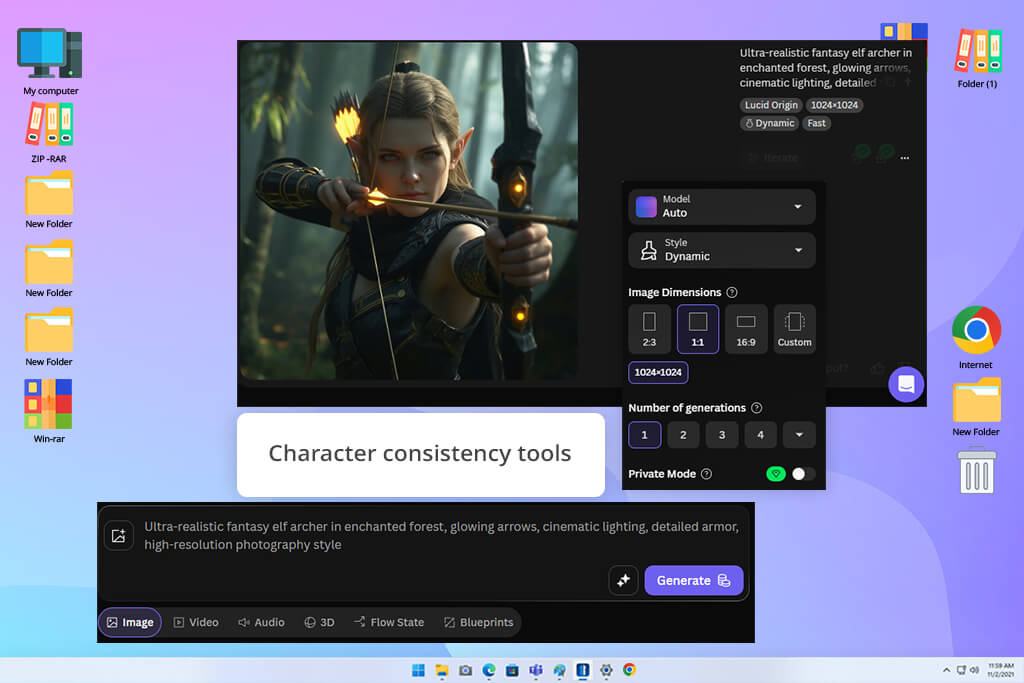
I evaluated Leonardo AI to see how it balances creative versatility with refined image editing tools. For our ongoing FixThePhoto project, our creative team required a fantasy character generator AI that could rapidly prototype initial visual ideas while offering granular controls to tweak near-finished drafts.
My testing involved generating a wide spectrum of fantasy character archetypes, including front-line brawlers, spellcasters, woodland elves, and original mythical beasts. I wanted to determine whether an AI tool for designers could reliably produce publication-ready artwork without forcing users through lengthy study.
I relied heavily on Leonardo's AI Image Generation engine, as well as Image Guidance and custom fine-tuned models. By uploading baseline visual references, I evaluated how effectively the algorithm retained structural elements while adapting characters across different environments or art styles. Engaging the platform's Alchemy option, I could enhance lighting effects, texture sharpness, and overall resolution. Standard text-to-image tools don’t offer such control.
“I enjoyed experimenting with different game-inspired characters and exploring new visual styles. The tool gives you plenty of creative control, although I still had to make a few adjustments to polish some results.”

Character consistency remained a primary focus throughout my evaluation. I generated sequential iterations of an individual hero, carefully assessing facial structure, apparel patterns, weaponry, and color balance across multiple renders. Leonardo succeeded at creating subtle pose and background variations while preserving key identity features. I also appreciated how easily I could toggle between cinematic realism, digital painting, and stylized game-art aesthetics.
Leonardo AI proves to be one of the most balanced platforms for generating fantasy characters. It offers extensive control without overwhelming users with overly technical settings. For our workflow at FixThePhoto, it provided an ideal middle ground between basic prompt generators and complex graphics editing software.
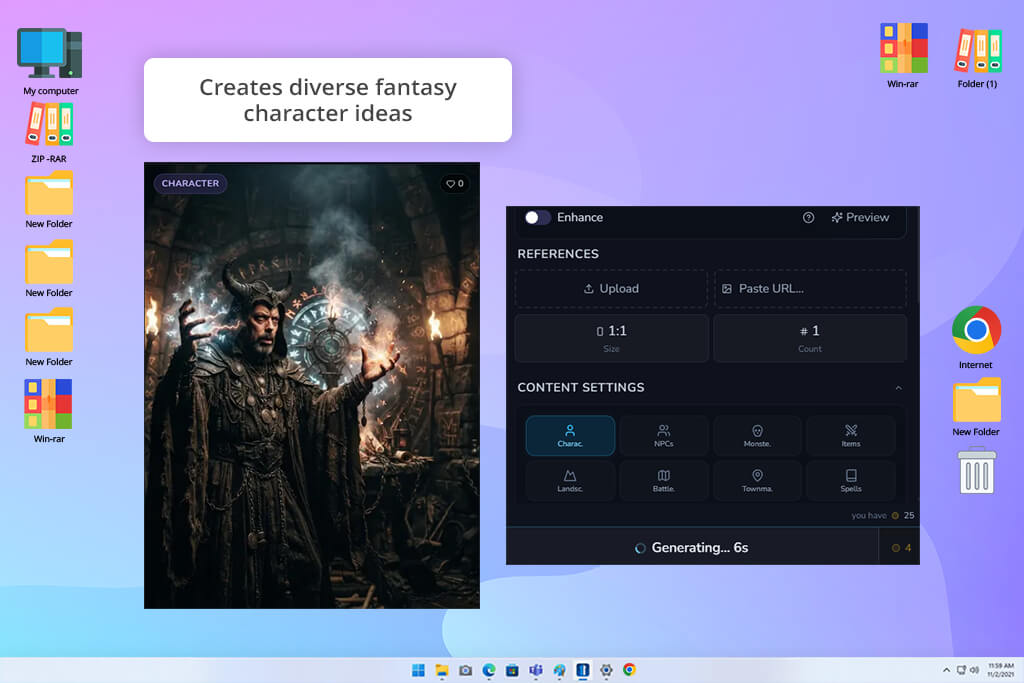
I discovered CharGen while looking for a lightweight free AI fantast character creator capable of accelerating our workflow at FixThePhoto. While our team had a clear back-story and concept for every character, transforming every narrative idea into a fully realized illustration was slowing down our production schedule.
I needed a straightforward tool where I could input descriptive prompts and receive strong visual concepts immediately without spending hours re-prompting. I evaluated whether this AI character generator could interpret complex fantasy descriptions and render distinct, engaging character designs.
First, I prompted a broad assortment of subjects, including heavily armored paladins, shadowy necromancers, mythic beasts, and familiar companions. I closely observed how accurately the algorithm translated details like fabric textures, armor plating, emotional expressions, and overall visual mood.
The simplified generation process allowed me to iterate through dozens of design variations in minutes. I also experimented with diverse subgenres to see whether the output would default to a single aesthetic or successfully adapt to light, dark, or stylized fantasy prompt instructions.
CharGen's greatest strength is its speed during early-stage visual brainstorming. Rather than manually designing every aspect of a character from scratch, I could generate multiple distinct visual interpretations and select the concept that best fit our narrative. Prompting with specific backstory details, emotional states, and environmental roles yielded the strongest results, giving the generated characters a clear sense of identity.
If you are looking for a practical tool for writers, roleplayers, and creators needing instant visual inspiration, CharGen is a great option. While it lacks the advanced editing capabilities of dedicated digital illustration software, it excels at transforming raw text into visual drafts. For our project at FixThePhoto, it turned initial ideas into visual anchors ready for further refinement.
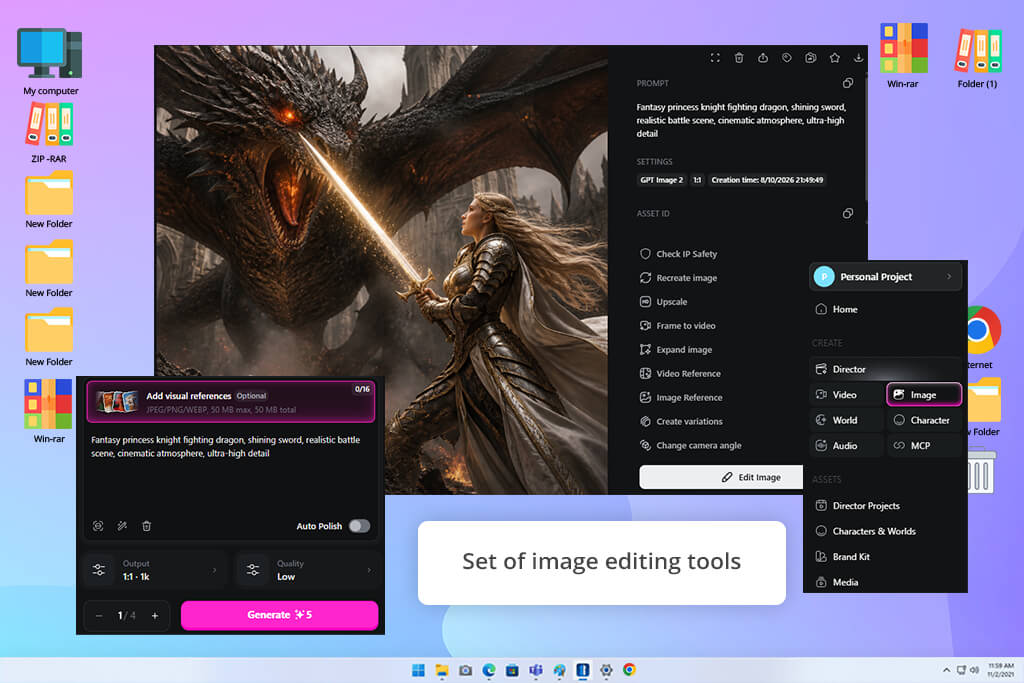
When testing tools for FixThePhoto, I was on the hunt for an engine that wouldn't just spit out cookie-cutter medieval heroes. Fantasy design thrives on unpredictable, world-bending imagination. I wanted a fantasy character maker AI that granted total artistic freedom to play with surreal concepts, unconventional character personalities, and distinct atmospheric moods. That search led me straight to OpenArt.
I pushed this generative AI tool through a gauntlet of creative trials. I generated everything from hyper-realistic mythical portraits to stylized digital illustrations reminiscent of modern video game art. My main priority was determining how much fine-grained control I could maintain over the final visual narrative.
I began by evaluating the core AI Image Generation suite, running identical prompts across various base models to analyze how each engine interpreted my concepts. Next, I leaned heavily into the Image-to-Image workflow.
This proved invaluable when I already possessed a rough draft or visual placeholder and needed the AI to re-imagine it through a fantasy lens. By combining custom reference images, precise prompt modifiers, and varied aesthetic styles, I got a clear picture of how fluidly OpenArt adapts to strict creative guidelines.
“I had fun testing different fantasy looks and character ideas. The quality can be excellent, although it takes a bit of trial and error to figure out what prompts work best.”

The standout revelation was just how easily OpenArt steps beyond traditional fantasy tropes. It excels at complex customization. I was able to make heroes featuring intricate, non-standard armor, place them in otherworldly environments, and dial in subtle emotional expressions that aligned with my envisioned storyline.
Rather than locking me into a single visual output, OpenArt made it easy to generate multiple distinct interpretations of a single character prompt while keeping the core identity intact. Being able to compare outputs side-by-side across different AI models helped me pinpoint the exact aesthetic needed for each specific concept.
You can treat OpenArt as an experimental playground for visual creators who refuse to settle for generic stock-style art. It provides significantly deeper artistic control than plug-and-play generators. At FixThePhoto, we would resort to this generator whenever we need originality and striking visual atmosphere.
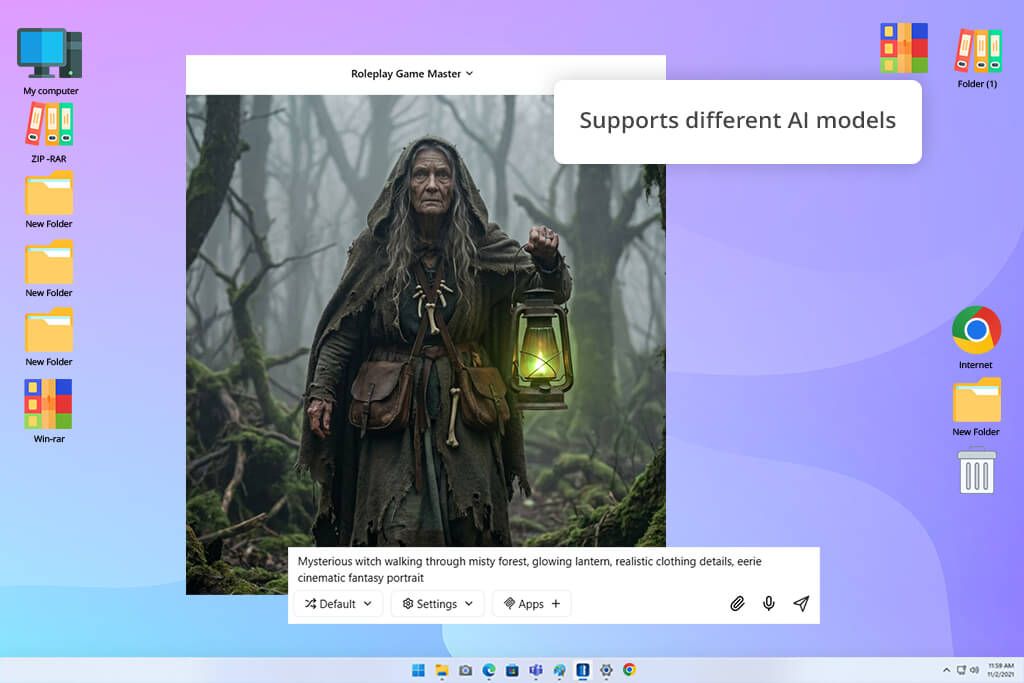
Visual assets are only half the battle in fantasy design. Every great illustration starts with a compelling narrative foundation. I brought Jenova into my FixThePhoto testing package specifically to see how a broader creative assistant could streamline the early ideation phase.
Instead of judging the system solely on image output quality, I evaluated its utility across the entire creative workflow. My focus shifted toward concept development, story building, and expanding vague ideas into fully fleshed-out character profiles before jumping into rendering.
At first, I focused on prompt expansion and AI generative fill tools to transform raw ideas into rich character concepts. Inputting baseline archetypes such as a nomadic spellcaster, a forgotten stone colossus, or a realm explorer, I used the platform to build out deeper narrative descriptions. I carefully tracked how accurately the system interpreted character motivation, personality traits, and world-building context.
This unique approach revealed Jenova’s true strength – high-level conceptual planning. Rather than rushing straight to image rendering and hoping for a lucky result, I used this AI fantasy character creator online to establish detailed backstories, unique costuming details, and specific character lore first.
Iterating on these written descriptions, I could refine the concept until it perfectly matched the tone of the world I wanted to construct. This extra step paid off quickly, as I received richer, more descriptive concepts.
I think that Jenova acts as a powerful creative springboard for designers who want to build a solid narrative foundation before generating final artwork. It isn't built strictly to produce standalone fantasy images. But it is unmatched for shaping the core idea behind the artwork. For my workflow at FixThePhoto, it proved to be a valuable asset during early-stage brainstorming, turning simple thoughts into striking, ready-to-render concepts.
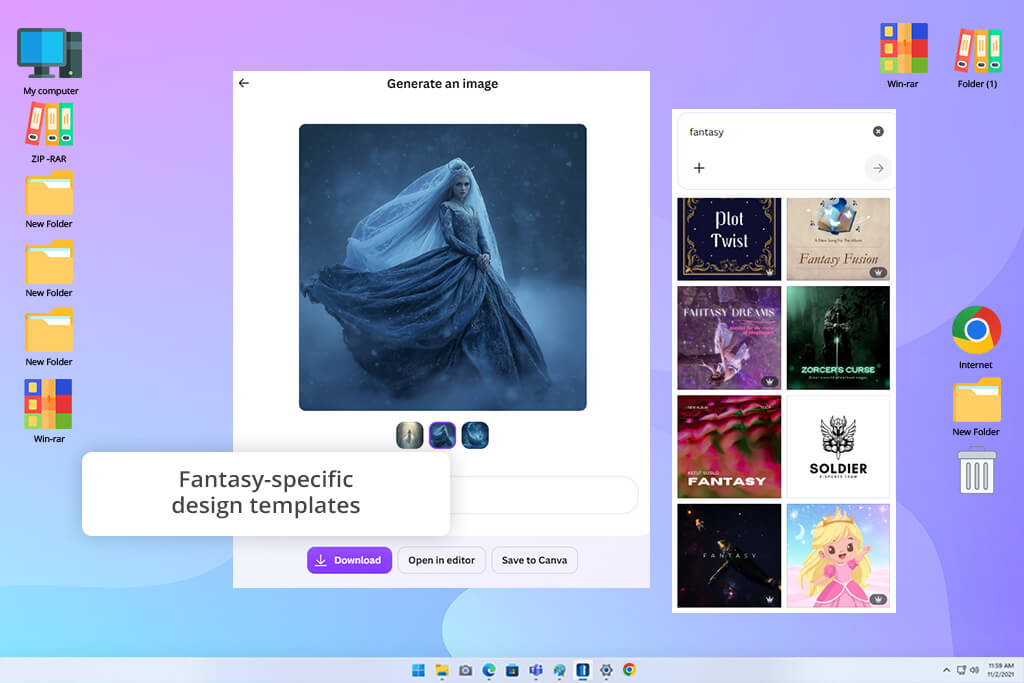
Curiosity led me to evaluate Canva, primarily because I wanted to see if a tool I already depended on for daily graphics could double as a fantasy character creator. While building out content for FixThePhoto, our team often needs striking visuals for digital articles and promotional social feeds. However, not every single campaign demands a hyper-detailed 3D render or a museum-grade piece of concept art.
In many scenarios, the goal is simply a clean, vibrant fantasy hero that looks professional and drops into a pre-existing page layout. I set out to determine whether Canva’s built-in generative AI could meet these day-to-day publishing demands without extending our workflow.
I started with Canva’s Magic Media studio, where I generated multiple characters by inputting details about their armor, personality traits, and surrounding environments. I threw a wide variety of tropes at the generator, testing prompts for enchanted forest keepers, shadowy sorcerers, mythical beasts, and battle-ready paladins to gauge its stylistic range.
Once the base images were generated, I took advantage of Canva's broader graphic ecosystem. I used the automatic background remover, tweaked the color balances, and layered the characters directly into promotional templates with custom typography. Being able to go from a text prompt to a ready-to-use marketing asset inside a single editor made the experience remarkably cohesive.
“It's a simple way to make fantasy characters in just a few clicks. Perfect for fast ideas, but every now and then the designs lacked a unique personality.”

What became obvious during my testing is that Canva isn't trying to compete with high-end digital painting suites. It prioritizes streamlined content creation. The overarching benefit here is efficiency. In just a few minutes, I could invent a character, embed it into a social media banner, apply brand elements, and export the finalized asset.
Eliminating the need to bounce back and forth between standalone art generators and photo editing software saved us much time. For fast-turnaround editorial pieces, video thumbnails, and quick promotional graphics, the streamlined workflow is hard to beat.
In my opinion, Canva is the best free AI fantasy character creator for content makers who need fantasy art embedded directly into broader marketing projects. While concept artists or game developers may find it too basic for core character development, it excels at rapid visual production.
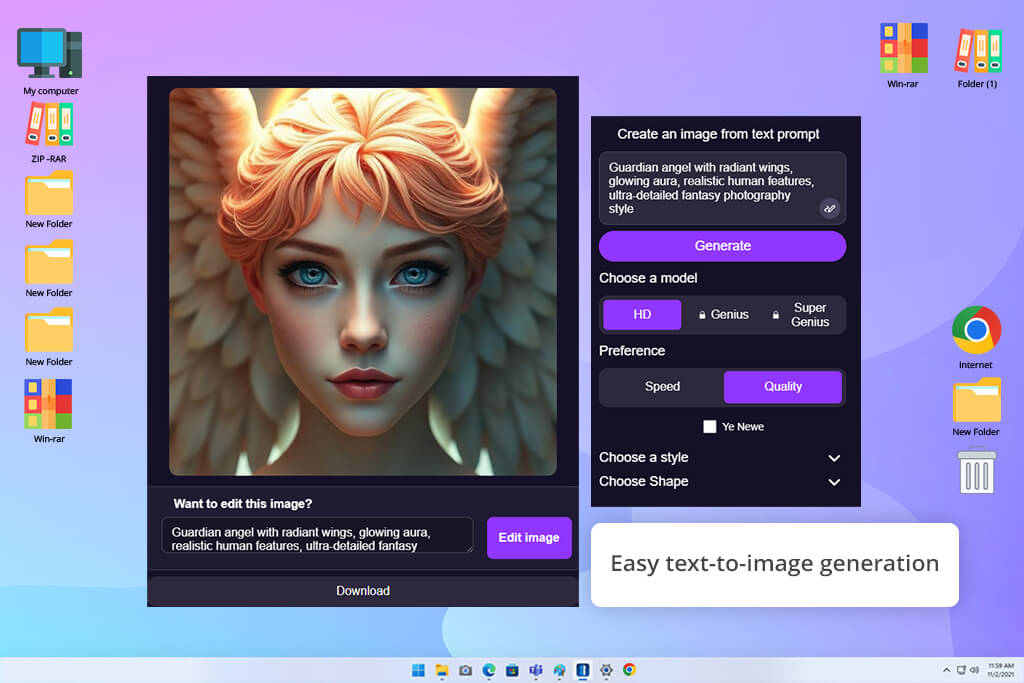
I brought DeepAI into the testing mix to see how a minimalist generator would stack up against the market's more feature-heavy platforms. During my editorial work at FixThePhoto, I frequently need to execute rapid visual gut-checks like quick drafts to see if a character concept is even worth pursuing before committing heavy resources to it. I wanted to see if a lightweight tool could generate usable fantasy inspiration without forcing me to fine-tune complex parameters for an hour.
To test its baseline capabilities, I launched DeepAI’s embedded Text-to-Image Generator using a variety of rich fantasy prompts. I tasked the AI with creating legendary warlords, mysterious enchanted fauna, spectral villains, and woodland spirits. Throughout the process, I tweaked phrasing, adjusted key descriptors, and swapped out basic style filters to see how much nuance the engine could absorb. The stripped-down interface allowed me to iterate through dozens of concepts in rapid succession.
The most refreshing aspect of DeepAI is its absolute simplicity. By doing away with overwhelming sub-menus, advanced weight sliders, and complex settings, it creates a zero-distraction workspace that is perfect for rapid-fire ideation.
While testing different prompt structures, I noticed that the rendered outputs lack the fine polish and intricate detail of top-tier AI tools for content creation. They consistently capture the core essence of a concept. It gives you a quick visual snapshot of an idea, which is often all you need in the early stages of a project.
My experience proved that you don't always need a complex, cutting-edge AI fantasy character creator to keep a project moving forward. Sometimes, the most practical tool is the one that turns a fleeting thought into a visual draft instantly so you can make a quick creative decision. For FixThePhoto, DeepAI earned its place as an agile brainstorming tool perfect for sketching out raw fantasy concepts before bringing them into advanced software for final refinement.
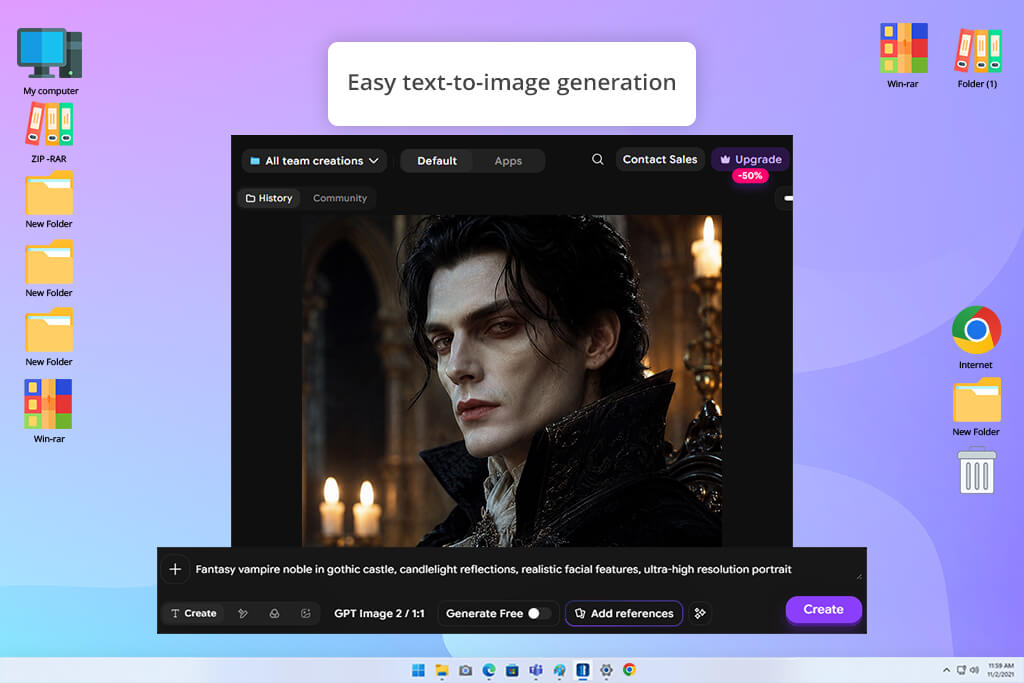
When making visually driven content for FixThePhoto, I wanted to see if ImagineArt could deliver high-impact fantasy illustrations capable of stopping scrollers in their tracks. AI creativity is a hot topic, but readers want to see heroes and mythical worlds that feel alive rather than auto-generated graphics.
To evaluate its engine throughly, I tasked ImagineArt with rendering an assortment of legendary warriors, mythical beasts, and sweeping cinematic landscapes. My primary goal was to judge whether its outputs possessed genuine personality or merely rehashed standard AI tropes.
I dove straight into the core AI Image generator, cycling through various creative prompts, aesthetic presets, and lighting setups. This artificial intelligence software allowed me to jump from gritty dark fantasy villains to vibrant, colorful anime protagonists. Testing reference-guided prompts proved essential here, as retaining character traits across multiple frames is often a big issue in digital art workflows.
“One of my favorite parts was exploring a variety of fantasy aesthetics and seeing how easily I could turn ideas into eye-catching character artwork. The generation process was smooth, but I usually spent a bit of extra time refining small imperfections after the images were created.”

During testing, I looked beyond the main subjects to evaluate background composition, atmospheric lighting, and color harmony. A legendary hero only looks as convincing as the realm they inhabit. Interestingly, this free online AI fantasy character generator yielded its best results when I fed it narrative-heavy prompts, focusing on a character’s background, mood, and environment rather than just describing physical armor or facial features.
ImagineArt is a top-tier solution for creators who want eye-catching, story-driven visual art without wading through confusing menus and settings. It offered the flexible artistic freedom we needed at FixThePhoto to churn out vibrant, attention-grabbing fantasy art in record time.
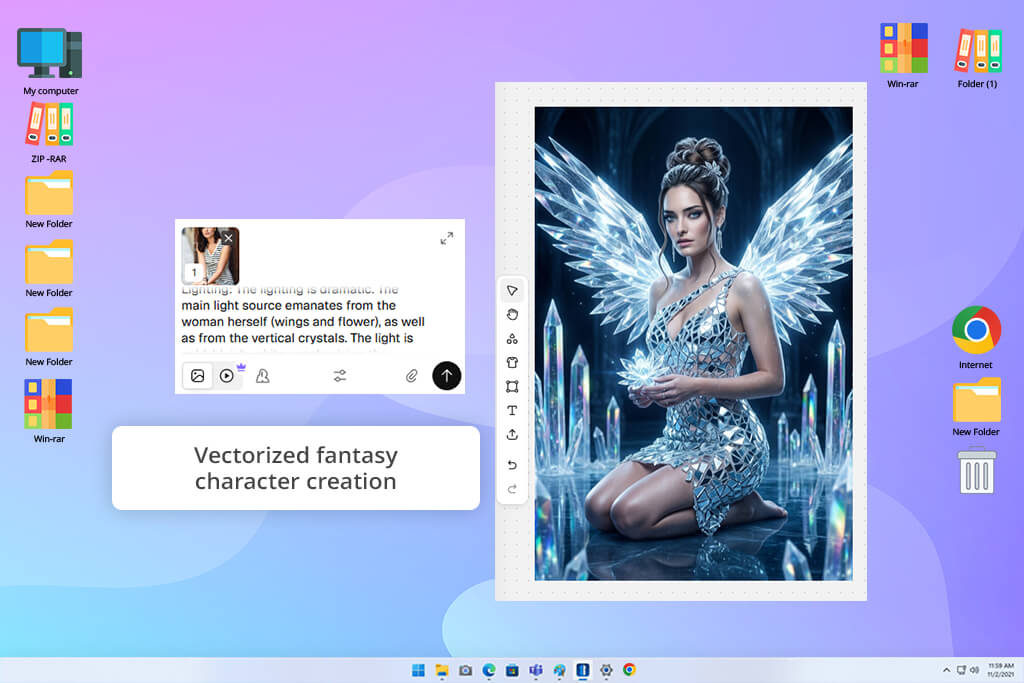
Recraft entered my testing rotation because I needed to answer a specific question for our FixThePhoto audience: Can an AI generator produce captivating fantasy artwork that translates into commercial design projects? Purely artistic illustrations are great, but digital creators often need assets that integrate into blog banners, branded social posts, and editorial layouts.
My mission was to find out if Recraft could strike the right balance between uninhibited artistic imagination and disciplined design structure. I began by generating a diverse lineup of high-concept subjects, including enchanted creatures, ancient spellcasters, and futuristic battle-ready heroes.
What really sets Recraft apart from other AI fantasy character generators is its specialized toolbox. I spent considerable time utilizing its Style Control settings and Vector Generation modes. Having the ability to switch from a heavily detailed digital painting to a scalable, clean vector graphic opened up vast workflow possibilities.
The biggest surprise was Recraft’s rock-solid aesthetic consistency. Generating multiple variations of a single character usually results in chaotic style shifts with other platforms, but Recraft kept every element firmly within the same visual universe. Instead of feeling like a roll of the dice, the generation process felt deliberate, controlled, and distinctly professional.
For creators who need brand-ready fantasy assets rather than just random experimental art, Recraft is a worthy option. It allowed us to make highly controlled illustrations that matched FixThePhoto’s high editorial standards perfectly.
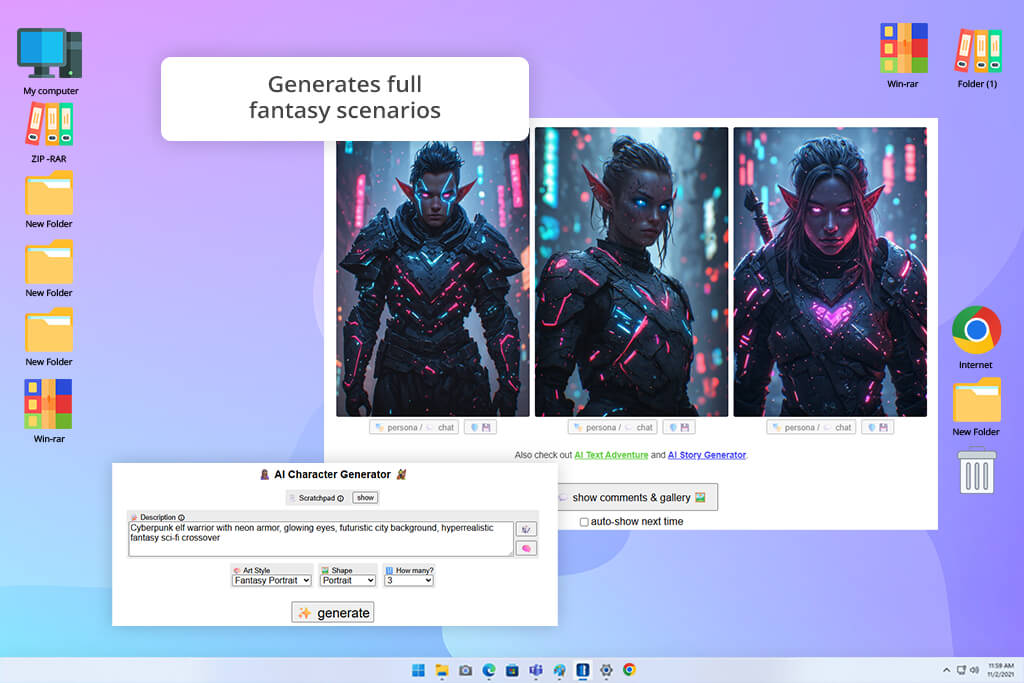
Driven by curiosity, I hands-on tested Perchance to explore how a lightweight, community-powered AI generator holds up against corporate heavyweights. While producing original fantasy content for FixThePhoto, sudden sparks of raw imagination often prove more valuable than heavy, complex software setups. I wanted to see if an accessible, open-ended web platform could reignite my creative workflow without forcing me to navigate tedious configurations.
I prompt-tested mythical elves, battle-scarred warriors, mysterious sorcerers, and menacing villains to thoroughly evaluate this fantasy character generator AI. Because Perchance thrives on user-created modules and customizable prompts, I spent hours tweaking word choices to observe how subtle phrase shifts altered output results. It quickly transformed into a fast-paced creative environment where endless narrative and visual directions unfolded in a matter of mere seconds.
“It's great for quick inspiration when you want fresh fantasy characters or creative ideas. The interface is straightforward, but some generations turned out much better than others.”

Unlike heavy-duty AI platforms that aim strictly for photo-ready perfection, Perchance is a more flexible digital scratchpad. It prioritizes raw conceptual freedom over flawless pixels. While some rendered images looked rough around the edges, others delivered genuinely captivating character concepts that instantly sparked larger ideas. It works best for early conceptualization when you need quick inspiration rather than finished, high-resolution artwork ready for immediate publication.
I recommend Perchance to inventive creators who love rapid experimentation. It will certainly not replace specialized art generators for final production renders, but it excels at breaking through stubborn creative blocks. For my FixThePhoto design tasks, it functioned as an essential brainstorming tool, uncovering exciting new character archetypes before I moved on to construct fully polished visuals with advanced AI engines.
To deliver a comprehensive evaluation, I joined forces with colleagues Ann Young, Nataly Omelchenko, and Kate Debela. Together, we wanted to determine which AI fantasy character generators excel at converting basic narrative concepts into vibrant, usable fantasy artwork. We assessed each platform based on prompt fidelity, creative depth, image resolution, visual quality, and post-generation customization capabilities across a wide range of demanding production scenarios.
At first, we analyzed prompt comprehension across every engine. Ann Young led this primary phase by standardizing complex text prompts across all tested software. She fed identical, highly descriptive prompts into every platform, asking for complex concepts like battle-hardened warriors, ancient forest elves, shadowy sorcerers, and wild mythical beasts.
She included explicit instructions regarding clothing, weaponry, armor style, and atmospheric environments. Platforms that captured those intricate details on the very first attempt without requiring endless prompt tweaks earned our top scores.
Next, Nataly Omelchenko stepped in to evaluate artistic flair, visual sharpness, and post-generation flexibility. She focused on advanced features, including artistic style presets, reference image blending, localized inpainting, and high-resolution upscaling.
Her main mission was testing long-term character consistency: could we successfully redesign a hero, swapping out their armor, altering the background environment, or shifting art styles, while keeping their core facial features and identity intact? The best AI fantasy character creators with strong editing features and visual stability made concept development easier.
“Instead of judging the first image, I focused on what happened afterward. I experimented with different styles, reference photos, edits, and variations to see how flexible each generator was. The strongest tools let me refine the same character until it looked the way I imagined, without forcing me to begin from scratch.”
Finally, Kate Debela tested how these AI fantasy character creators perform during real-world content production for FixThePhoto. She measured generation speed, interface layout, and overall user-friendliness while making digital illustrations for online articles, social media channels, and creative showcases.
Kate carefully evaluated how much additional image editing was required after generation, giving us a clear, reliable picture of which platforms offer quick wins for beginners and which provide the fine-grained control advanced creators demand for professional projects.


![7 Best iPhone Mockup Generators [{{%year}} FixThePhoto Choice]](http://fixthephoto.com/blog/images/gallery/news_main__preview_29335.jpg)


![7 Best Free Monogram Makers [{{%year}} FixThePhoto Choice]](http://fixthephoto.com/blog/images/gallery/news_main__preview_29343.jpg)

















