Creating visuals is a big part of my work at FixThePhoto, so I regularly use image generators. ChatGPT was my starting point because it was easy to use and produced solid results, but I wanted more options for shaping the final image. Depending on the project, I might need a realistic product photo, a fantasy scene, concept art, or a graphic for an article. I decided to test other tools to see which ones could better handle these different needs.
The main thing I wanted was reliable image quality, even when using detailed prompts. I also looked for image-to-image generation, reference image support, inpainting for quick fixes, style presets, and the ability to generate high-resolution images that kept fine details clear. Since I often create several visuals for the same article, it was also important that a tool could keep the same visual style across different images.
For several weeks, I put different ChatGPT image generator alternatives to work on real FixThePhoto assignments. I used them to make blog artwork, before-and-after examples, social posts, and promotional graphics, keeping the prompts similar so the results were easier to compare. I looked at how closely the tools matched my requests, how simple it was to correct small issues, and whether I could reach a good result without repeatedly changing the wording.
After testing these platforms with my FixThePhoto team, I found that no single image generator stood out in every area. Some produced more realistic results, while others offered greater creative control or stronger editing features. Having several reliable ChatGPT alternatives made my workflow easier, since I could pick the tool that suited the style and requirements of each FixThePhoto project.
I started testing Adobe Firefly when I wanted more control over image creation for FixThePhoto projects. ChatGPT was useful for quick ideas and simple visuals, but I needed more precise editing tools and a workflow that better suited professional image work.
The goal was to find a ChatGPT image generator alternative that could create polished visuals while allowing small changes without generating the whole image again. Firefly stood out because it felt more like a complete creative tool than a simple prompt-based generator.
During testing, I explored features such as Text to Image, Generative Fill, Reference Image, and Style Reference. I used similar prompts in ChatGPT and Firefly to create blog illustrations, marketing visuals, and concept images, which made it easier to compare the results.
Firefly gave me more control when I wanted to replace objects, change backgrounds, or edit certain areas while keeping the rest of the composition intact. Being able to make these changes directly made the workflow much easier than generating a completely new image each time.
“I liked the polished results and how easily Firefly could produce professional-looking visuals. It was especially useful for design work, although I sometimes wanted more freedom to explore different creative directions.”

What I liked most was how naturally Firefly fit into my existing editing process. Since FixThePhoto work often involves detailed image adjustments, being able to switch between Firefly and Adobe tools like Photoshop made the workflow much easier.
The GPT images also felt more professional when I needed realistic lighting, balanced compositions, and visuals suitable for commercial use. Compared with generating images in ChatGPT, Firefly gave me more control over the final look.
After trying Firefly for different types of projects, I found it to be one of the strongest ChatGPT image generator competitors for professional image creation. It was particularly useful when I needed a finished visual that I could still edit and refine, rather than just a quick concept. The mix of image generation and detailed editing features made Firefly a practical choice for my everyday work.
I decided to test Midjourney after seeing how often creators used it for detailed artwork. I wanted to see how it compared with ChatGPT on visual projects. At FixThePhoto, I often create images that need to catch attention right away, so realistic results are not always enough. I also wanted to see how well Midjourney handled creativity, atmosphere, and overall visual impact.
Testing Midjourney across several styles - realistic portraits, fantasy artwork, and editorial concepts - helped determine whether it could produce images with a more distinctive artistic style than ChatGPT.
I used Character Reference, Style Reference, and detailed prompts to see how this AI art generator performed across different creative styles. I created several versions of the same idea and compared how well it kept the overall style, mood, and key visual details consistent.
Compared with ChatGPT, which I found better suited to quick image creation, Midjourney gave me more room to shape the artistic direction. Its results often felt closer to professional concept art, with cinematic lighting, stronger compositions, and more carefully developed visual details.
I spent some time refining prompts and trying different visual styles. Midjourney took a bit more trial and error, but the extra effort often paid off. I was especially impressed by its handling of textures, environments, and distinctive artistic styles that were harder to get from simpler tools. For visuals that needed a strong creative feel, it became one of my preferred options.
Based on my testing, Midjourney is a stronger ChatGPT image generator alternative when creativity and visual impact are the main priorities. ChatGPT worked well for quick images, but Midjourney produced more original and memorable results. For FixThePhoto projects where the visuals needed to stand out, I found it difficult for other tools to match its creative quality.
I tested Ideogram because I wanted to see how well it handled images where text was an important part of the design. ChatGPT was useful for creating quick visuals, but getting clean and readable text into an image could be harder. Since I sometimes create posters, social media graphics, and promotional materials for FixThePhoto, I wanted to see whether Ideogram could handle these tasks more reliably.
The testing focused on Magic Prompt, text rendering, image variations, and style controls. Different designs with headlines, logos, and graphic elements were created to see how accurately Ideogram placed text within images. It performed better than ChatGPT when typography was an important part of the design, making it easier to create visuals where the written elements felt like a natural part of the composition.
“This ChatGPT image generator alternative worked especially well for posters and text-based visuals. The interface was easy to use, although more complex designs sometimes took a few attempts to get right.”

Another benefit was how quickly I could explore different layouts. I could create several versions of a banner or promotional graphic and choose the one that fit the project best. As an AI banner and flyer generator, Ideogram was especially useful for social media content because many results already looked close to finished designs. This meant less time spent fixing text and more time improving the overall concept.
After comparing the two, Ideogram was the better fit for design-focused projects. ChatGPT worked well for developing ideas, but Ideogram gave me stronger results when the image needed readable text, clear structure, and a polished layout. For FixThePhoto, it became a useful option for creating marketing and branding visuals.
I added Gemini to the comparison to see how well it could handle image creation alongside its other capabilities. Since I already used ChatGPT for brainstorming and creative work, I wanted to see whether Gemini could offer a similar mix of image generation and creative assistance. I tested this ChatGPT image generator alternative with different visual ideas, editing tasks, and prompts for FixThePhoto projects, including article illustrations and other content graphics.
I compared Gemini with ChatGPT using similar prompts to see how well each one followed my instructions. I focused on prompt accuracy, image quality, editing possibilities, and how easily I could improve the results. Gemini stood out for understanding detailed requests and connecting the image with the wider idea behind it. This was especially helpful when I needed to explain a complex concept before turning it into a visual.
During testing, Gemini worked well for combining research, planning, and image creation in one tool. It was convenient for developing and adjusting ideas without switching apps. But for artistic images, platforms like Midjourney gave more creative control. Gemini's strength was its versatility, not just image generation.
I found Fireworks while looking for an AI art generator like ChatGPT that could make images faster for our work at FixThePhoto. We handle lots of different content every day, and slow generation or doing the same edits over and over holds us back. I wanted to test if Fireworks was better than ChatGPT for creating images for blogs, social media, and creative ideas. I cared most about speed, flexibility, and how well it handled different kinds of image requests.
I gave Fireworks a try by generating all sorts of images - realistic scenes, illustrations, and conceptual pieces. Then I ran the same prompts through ChatGPT to see how they compared. What I really wanted to know was how well this AI product photo generator followed my instructions and whether it could deliver what I had in mind.
Fireworks really stood out with how fast it responded and how easily it generated different visual approaches. I didn't have to wait around much, which made it great for when I needed to brainstorm lots of ideas and compare them side by side.
“It was great for testing AI models and building workflows, but it feels more for developers than casual image makers.”

What caught my attention about Fireworks was the underlying tech. It didn't feel like a typical image chatbot - more like a flexible platform for developers and creators who need something that scales.
I enjoyed testing different models and seeing how each one handled the same concept. Having such a wide range of outputs really helped when I was trying to settle on the right look for my project.
I came across Reve while searching for an AI image tool that really gets what you're trying to say. At FixThePhoto, one of the hardest things is describing exactly what you want the final picture to look like. A tiny change in the prompt can completely flip the result, so I wanted to see if Reve could understand my ideas better than ChatGPT. I used it mainly for detailed concepts where getting the composition and mood right really mattered.
I tried out this AI headshot generator using prompts that covered lighting, colors, object placement, and mood. Rather than sticking to simple requests, I went with more detailed setups to see how well the final images lined up with my descriptions.
The platform did a surprisingly good job with detailed prompts and often turned out images that needed less fixing afterward. Unlike ChatGPT, Reve seemed more focused on getting the look right, not just making something from a rough idea.
What really stood out during testing was how easy it was to tweak creative directions. I could play around with different takes on the same idea and see how tiny changes in the prompt shifted the final image. That came in handy when getting visuals ready for FixThePhoto articles, since I usually need a specific layout that fits the subject. The results felt more purposeful, especially with unusual or highly customized concepts.
I tried Recraft because I needed a ChatGPT image generator alternative for brand visuals and design work. Plenty of AI generators can make stunning pictures, but they're not always useful when you want consistent graphics, icons, or illustrations that stick to a particular style.
Our content at FixThePhoto demands clear, easy-to-read visuals, so I decided to test this AI tool for designers. What really interested me was whether it could turn out images that felt purposeful instead of haphazard.
Most of my testing focused on features like vector generation, style control, image editing, and creating design variations. I created illustrations, simple graphic elements, and branded concepts to see how much control I really had over the final result. Recraft handled structured visuals with a clear design language better than ChatGPT. Being able to create editable vector-style graphics was a big plus for projects that needed flexibility.
“I really liked the clean designs and professional-looking graphics. It’s especially useful for branding, but not every type of image feels natural.”

What stood out to me about Recraft was how unlike typical AI image generators it felt. It wasn't just about producing realistic pictures - it seemed purpose-built for designers who need usable, practical assets. I could generate multiple variations of the same concept while maintaining a consistent visual thread across all of them. That really helped when I needed to pull together image collections that felt like part of a unified set.
I tried Felo to explore a less common alternative to ChatGPT and see how it handled AI visuals. At FixThePhoto, we often move quickly from researching ideas to creating supporting images. I was curious whether Felo could combine intelligent assistance with image generation to save time. My tests focused on how naturally it fit into our everyday content workflow.
I put Felo to work on a variety of creative tasks, from brainstorming image concepts to generating visuals from detailed prompts. I paid attention to how well it understood my instructions, whether its suggestions were actually helpful, and if the final images stayed true to my original vision.
This online ChatGPT image generator alternative came in handy when I needed a bit of direction before diving into actual image creation. Compared to ChatGPT, the experience felt different - more geared toward exploring visuals rather than just generating them.
While testing, I kept an eye on how much cleanup was needed after each generation. Some AI tools turn out interesting images, but they often take a lot of tweaking before they're actually usable. Felo worked well for fast idea exploration and finding fresh visual inspiration. It came in especially handy early on, when I was still figuring out which style or direction suited the project best.
I added Leonardo to my testing lineup after hearing designers talk about it as one of the most flexible ChatGPT image generator alternatives out there. For FixThePhoto projects, I usually need more than just a basic picture - I need visuals that hit a certain style, tone, and intent.
I was curious whether Leonardo could offer the same creative wiggle room as dedicated art software, while still being easier to handle than some of the more complicated platforms. Ultimately, I wanted to see if it could hold its own against ChatGPT as a go-to for professional image work.
I tested this AI tool for content creation with all kinds of prompts - realistic portraits, digital art, product mockups, and fantasy scenes. Most of my time went into exploring features like Image Guidance, Alchemy, Canvas Editor, and model selection, since they gave me more say over how the final images turned out.
Unlike ChatGPT, Leonardo let me tweak the style and fine details rather than just settling for one output. I really appreciated being able to spin off variations of the same image and adjust them without straying too far from the original concept.
“I had fun creating characters and trying different art styles. The quality is great, but getting the right result sometimes took a few tries.”

In my workflow, Leonardo really shone when I already had a clear picture in my head. For instance, when making illustrations for FixThePhoto articles, I could try out different styles without losing the core theme. The platform offered more ways to tweak colors, layout, and fine details than a typical AI assistant. That made the whole creative process feel more like using an actual design tool.
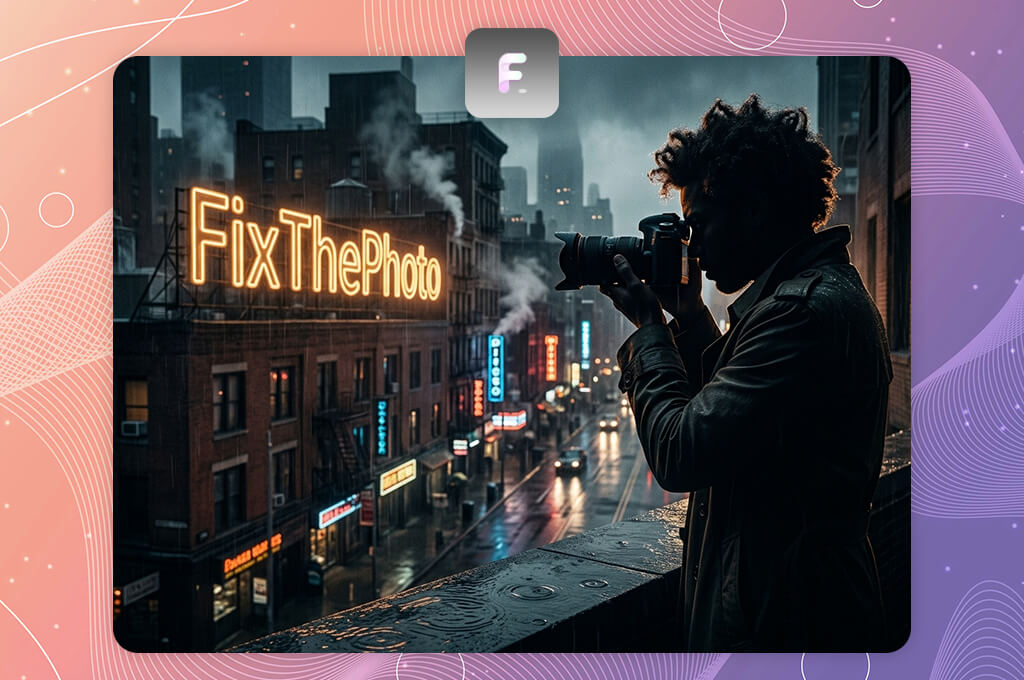
I tested Flux because I wanted an AI image tool that focuses on realism and prompt accuracy. At FixThePhoto, we often need natural-looking images for articles and marketing. Many AI tools can make cool art, but realistic scenes with correct details are harder to get. I wanted to see if Flux could give more believable results than ChatGPT.
I put Flux to the test by generating realistic portraits, lifestyle scenes, and detailed product-style images. I evaluated each output based on facial features, lighting, textures, object placement, and how faithfully it followed my prompts. What really stood out was Flux's ability to interpret complex instructions and produce images that felt noticeably more natural. Compared to other generators, I also spent significantly less time cleaning up unrealistic elements.
The biggest difference for me was the realism. Whenever I asked for specific settings, materials, or lighting, Flux handled them with impressive precision. It really stood out in situations where the visuals needed to look professional, not obviously AI-made. Compared to ChatGPT, Flux gave me much more confidence when creating realistic images that required fewer tweaks afterward.
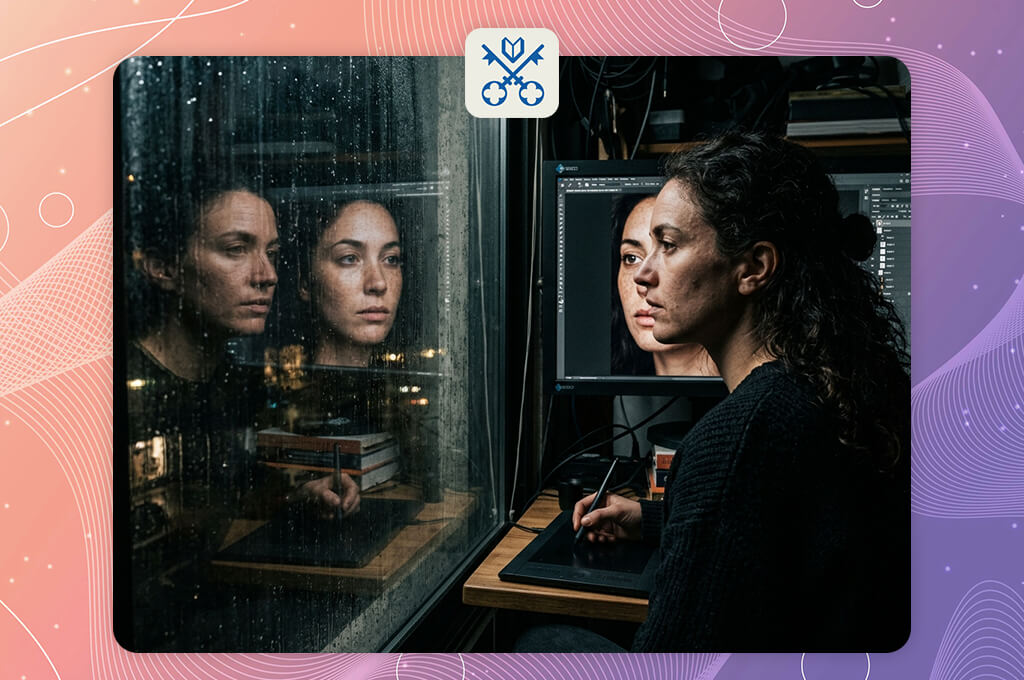
I tried Venice to see how it compared to popular ChatGPT image generator alternatives. At FixThePhoto, I sometimes need space to play with visual ideas without too many restrictions. I was curious if Venice could offer a more open way to generate images while still giving useful results. My tests focused on creativity, flexibility, and how easy it felt to use for different projects.
I used Venice to make all sorts of images, from artistic illustrations to wild concepts, and compared them to what ChatGPT produced with similar prompts. I paid attention to how each handled unusual ideas, creative descriptions, and clear visual instructions. Venice felt more open to trying offbeat concepts and playing around with different styles. It didn't feel like a typical assistant - more like a creative playground.
“I enjoyed the straightforward chat interface and the room to try out different ideas. It's simple to use, though I sometimes wished for more advanced editing options.”

What really stood out during testing was how far I could push my ideas. When working on unique visuals for FixThePhoto articles, I sometimes needed concepts that weren't based on typical references. Venice helped me explore more original directions and produce images that felt less predictable. Some outputs still needed a bit of polishing, but the creative range was genuinely impressive.
Together with Tetiana Kostylieva, Kate Gross, and Tati Tailor, we evaluated each ChatGPT image generator competitor on real-world tasks - blog illustrations, promotional graphics, concept art, and creative content that mirror our daily workflow.
Tetiana Kostylieva concentrated on image quality and how precisely each tool interpreted detailed prompts. She generated the same visual ideas across multiple platforms, then compared the results based on realism, composition, color accuracy, texture, and overall attention to detail.
We tested using prompts for lifestyle shots, product visuals, and creative illustrations to see which platforms turned out the most polished images with the least need for fixes. Tools that produced more realistic results and nailed complex instructions scored higher in this part of our evaluation.
Kate Gross looked into the editing and customization tools each platform offered. She tested features like reference images, image variations, inpainting, style controls, and resolution upgrades to see how much flexibility creators had after the initial image was generated.
“With Firefly, I tested reference images, variations, inpainting, and style controls to see how easily I could tweak details or maintain a consistent look across FixThePhoto projects. Platforms with stronger editing options and more control over the final image really streamlined my workflow.”

We looked at how easily each generated image could be adapted for different FixThePhoto projects - whether that meant swapping backgrounds, tweaking small details, or keeping a consistent style across multiple visuals. Platforms with more robust editing tools and greater control over the final output clearly came out ahead.
Tati Tailor focused on user experience and how practical each AI image generator felt for daily creative tasks. She compared generation speed, interface ease, workflow structure, and how fast we could go from concept to final image. We also checked whether these tools offered any clear advantages over ChatGPT for specific jobs - like making professional artwork, keeping a consistent visual style, or turning out graphics that were ready to use right away.
Once we finished testing, we compared each platform across image quality, creative control, editing flexibility, and overall usability. ChatGPT remained a solid choice for brainstorming and rough visual ideas, but several alternatives clearly outperformed it when it came to dedicated image creation. This hands-on process gave us a clear picture of which AI generators truly deliver for creators who need polished, project-ready visuals.



![7 Best Fantasy Portrait Generators [Free & Cheap]](http://fixthephoto.com/blog/images/gallery/news_main__preview_29406.jpg)


![7 Best AI Voice Designers [{{%year}} FixThePhoto Choice]](http://fixthephoto.com/blog/images/gallery/news_main__preview_29367.jpg)


![7 Best AI PDF Translators in {{%year}} [100% FREE]](http://fixthephoto.com/blog/images/gallery/news_main__preview_29342.jpg)

















