I often need to produce promotional content for a small online brand that specializes in selling reusable water bottles, tote bags, and casual accessories. This is why I started looking for a reliable AI cartoon generator that would allow me to generate a friendly mascot we could use on Instagram, our website, and packaging without creating new designs from scratch.
I needed to find a more practical solution than just tools that could produce visually appealing cartoons. I wanted to be able to reuse the generated mascot while ensuring that its face, colors, proportions, and personality would remain consistent.
| Tool | Key features | Free | Best for | Price |
|---|---|---|---|---|

|
Text-to-image, image editing, generative fill, multiple visual styles
|
✔️
|
Polished cartoon-style images and creative editing
|
Free plan; paid from $9.99/month
|

|
AI video generation, cinematic effects, character animation
|
Limited
|
Cinematic cartoon videos and animated scenes
|
Paid plans reported from around $15/month
|

|
One-click photo cartoon effects and filters
|
✔️
|
Quickly turning photos and selfies into cartoon images
|
Free basic use; paid options may vary by service
|

|
Cartoon effects, AI image tools, stickers, backgrounds, photo editing
|
✔️
|
Cartoon avatars, social media images, and creative edits
|
Free plan; Pro from around $10.50/month with annual billing
|

|
Templates, AI image generation, layouts, text and graphic design
|
✔️
|
Cartoon graphics, posters, presentations, and social posts
|
Free plan; Pro $144/year for individuals
|

|
Text-to-video, AI-generated scenes, voiceovers and video editing
|
Limited
|
Cartoon explainer videos and short stories
|
Paid plans from around $20/month with annual billing
|

|
Text-to-video, image-to-video, character movement and animation
|
Limited
|
More realistic, fluid cartoon animation
|
Paid plans reported from around $10/month
|

|
Motion transfer, character movement, video generation and swaps
|
✔️
|
Animated cartoon characters, dance videos and memes
|
Free plan; Pro from $7.99/month
|

|
Ready-made characters, facial expressions, actions, scenes and timeline editing
|
✔️
|
Cartoon stories, animated presentations and explainer videos
|
Free plan; paid plans vary by tier and billing period
|
I decided to test 50+ AI cartoon generators based on text prompts and reference images. I was interested in the solutions that supported a variety of styles, including 2D cartoons, 3D-inspired characters, anime, and vector-like illustrations.
I also focused on testing the available editing tools, tried adjusting expressions and poses, checked whether these tools interpreted my prompts with high accuracy, and considered whether it would be possible to improve specific elements of the resulting images without recreating them from scratch.
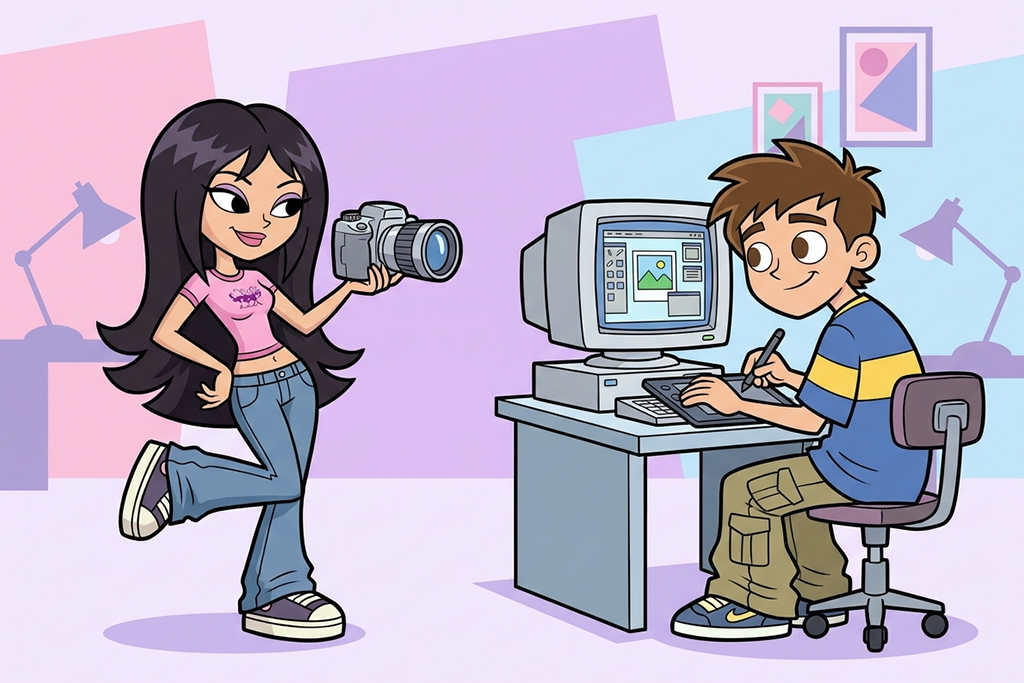
Y2K cartoon aesthetic. This style is firmly rooted in 2000s pop culture. It is all about using glossy accessories, chunky sneakers, colorful hair clips, metallic details, and pink and purple shades. Cartoon characters in this style look playful, nostalgic, and fashion-oriented.
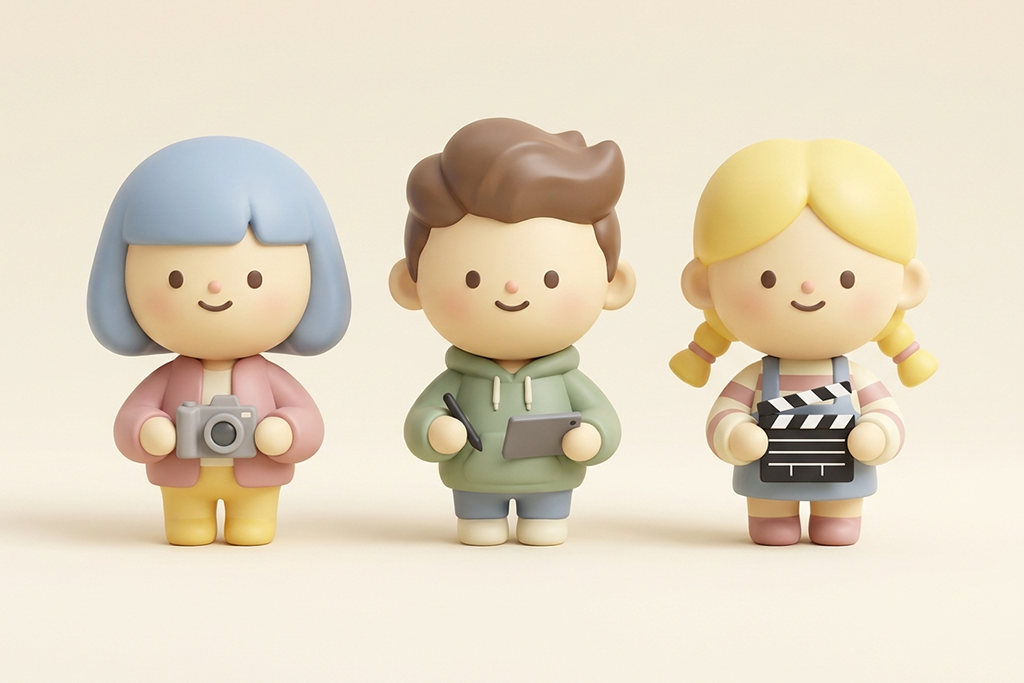
Cute 3D designer toys. Such cartoon characters are often based on collectible figures and designer toys. Their heads typically appear to be too large, while their bodies are too small. Such 3D figurines have expressive eyes and pastel colors.
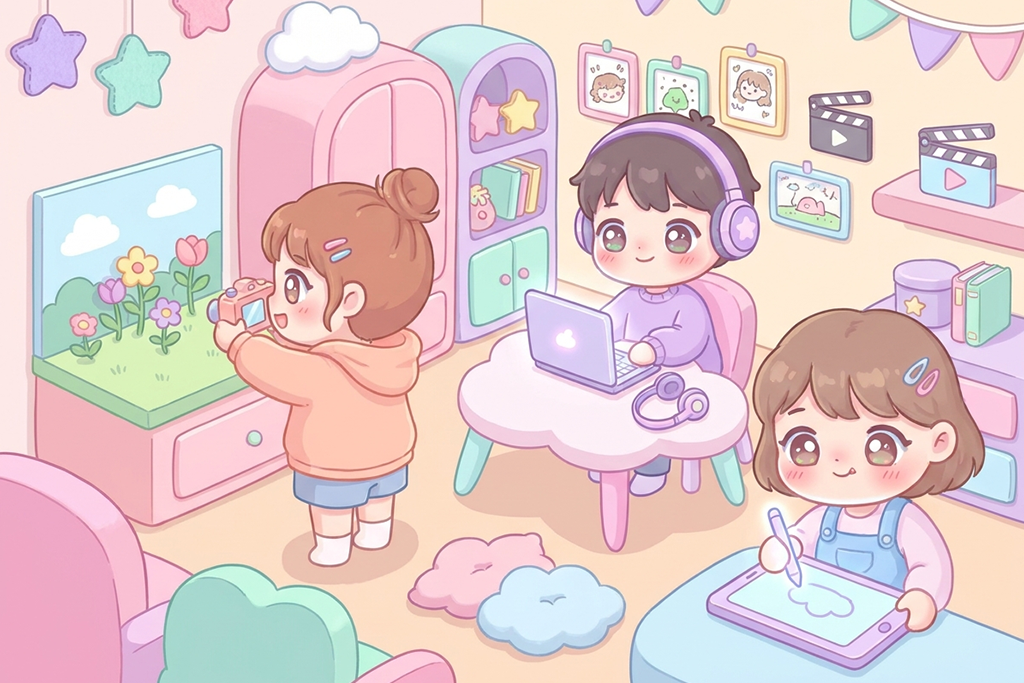
Kawaii pastel characters. This style is rooted in the Japanese aesthetic. It allows creatives to generate cute characters with rosy cheeks, sparkling eyes, tiny accessories, and pastel colors. Add puffy clouds, stars, hearts, and magical creatures to achieve a better effect.
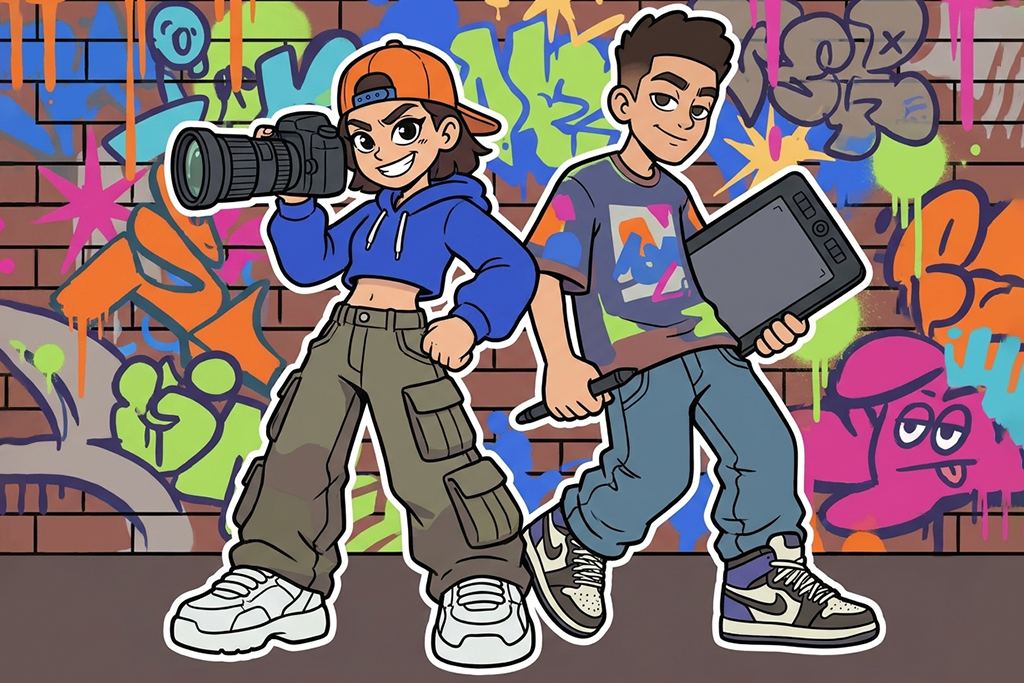
Streetwear and graffiti cartoons. This trend originates from an infatuation with urban fashion. It uses bold cartoon illustration styles. Create characters wearing oversized hoodies, baggy pants, and statement sneakers to emphasize their non-conformist personality. Use graffiti textures and bold colors.
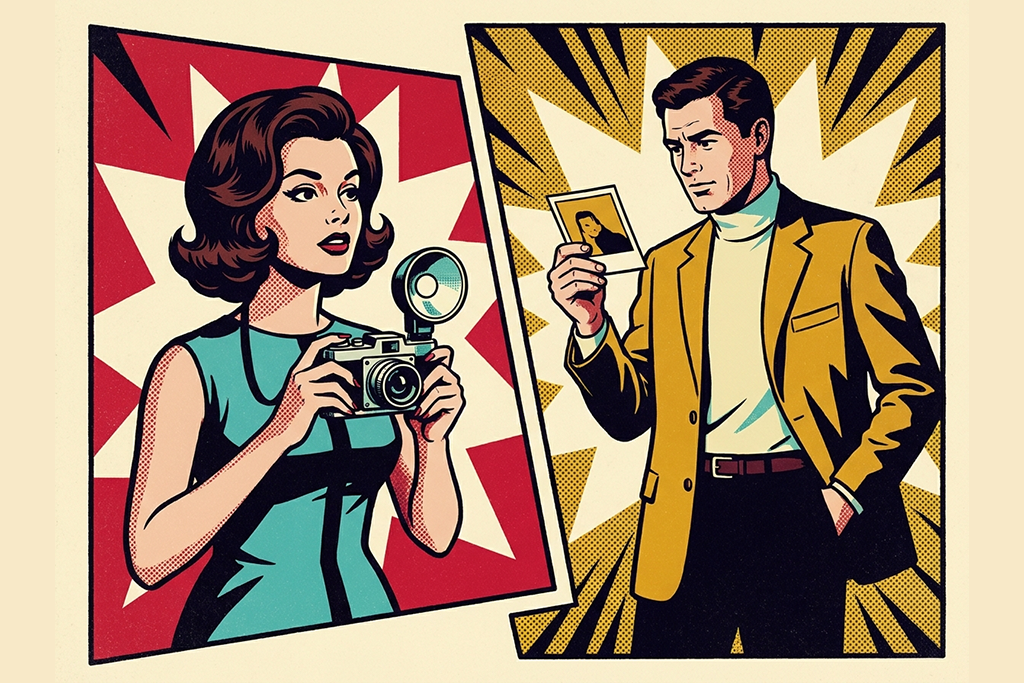
Retro pop-art cartoons. This style is based on the aesthetic that can be found in vintage comic books and pop art. It is all about thick black outlines, halftone dots, vibrant primary colors, and exaggerated facial expressions. This style is perfect for designing illustrations with a nostalgic feel and modern elements.
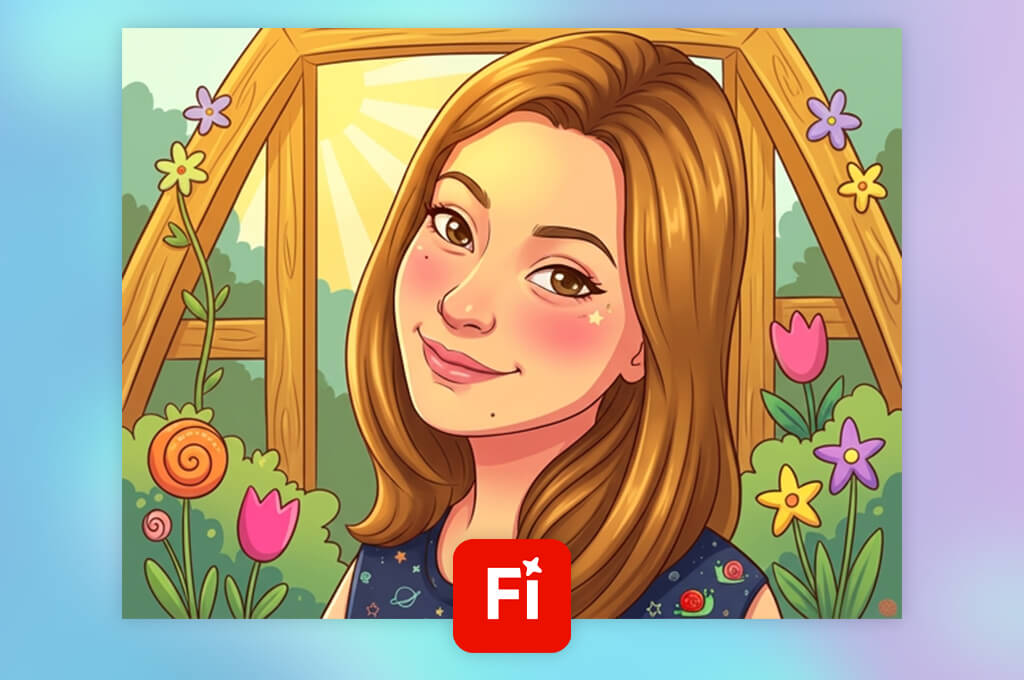
I asked Adobe Firefly to create a friendly character with custom colors. I described facial features and clothing in detail, after which I tried out different 2D and 3D-inspired styles.
After producing the initial outputs, I could experiment with different creative styles without hiring a full-time illustrator. I tried creating content with the same character that could be used on Instagram, site banners, and product promotion materials.
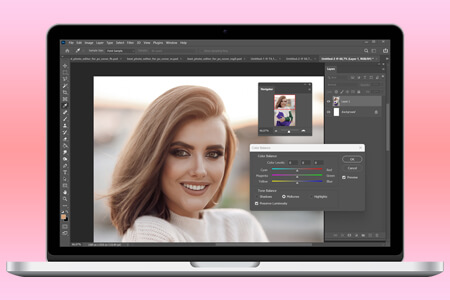
I was pleased with the editing tools available in this free Adobe software. I used the Text to Image tool to produce cartoon drafts. The Generative Fill feature helped me adjust specific areas of a cartoon. The Generative Expand tool was especially useful when I needed to extend the composition.
“I was excited with how my illustrations turned out! The cartoon effects look polished. There are many styles to experiment with.”
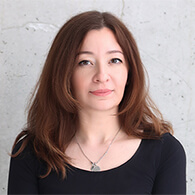
In addition, I wanted to check whether this AI cartoon generator would allow me to reuse the generated mascot while keeping it consistent. I used the same prompts and uploaded the same reference images.
After producing outputs, I examined the character’s face, outfit, and colors. Some versions required improvements, but other than that, I was quite satisfied with the result. I decided to use one approved cartoon image as a reference and then edited it the way I saw fit while working on my projects.
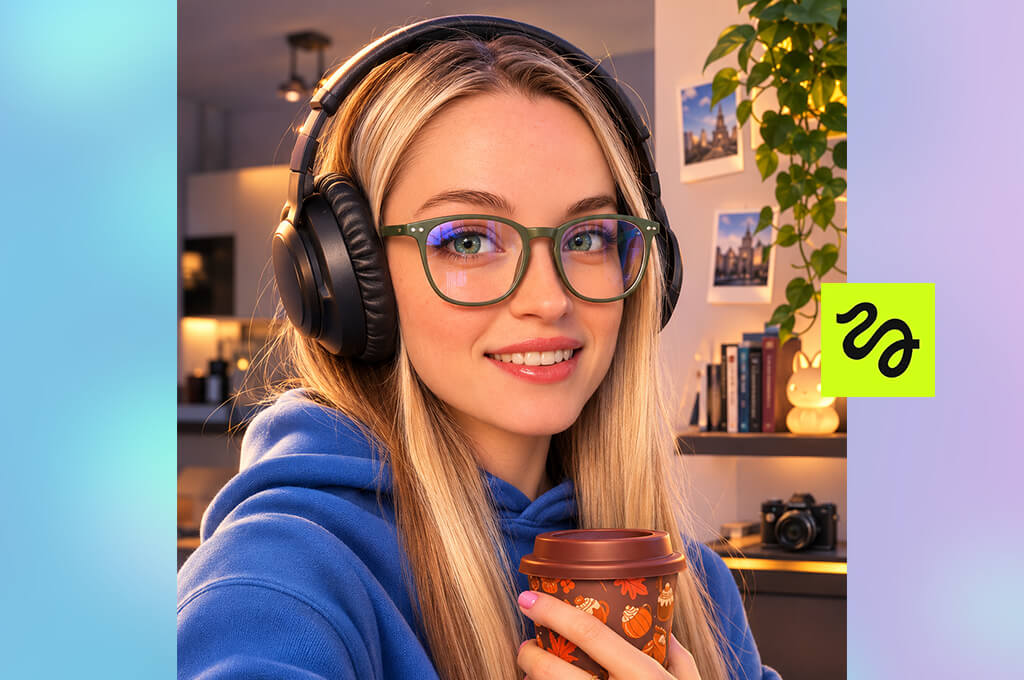
I initially became interested in Higgsfield free AI cartoon generator because I wanted to use its tools to make my cartoon character look less static. I generated images of a character introducing a product and promoting a seasonal sale. Then, I used the same character in a short social media clip.
I could use the available image and video generation tools to produce other types of content besides regular cartoon portraits using different AI models. I uploaded reference images, provided scene descriptions, and chose different visual styles. This helped me maintain full control over the output.
The most challenging thing was to maintain a consistent mascot’s identity across different cartoon generations. Even if the output looks visually appealing, it won’t be of any use for my brand if the character is difficult to recognize. This is why I created reference images and used them to review the generated outputs before publishing them.
This AI video generator was useful in situations when I needed to produce social media content with a dynamic feel or wanted to use AI to generate videos. I also tested several real campaign prompts before making up my mind about a subscription. This solution facilitates creative experimenting and allows me to achieve consistent results when producing cartoons.
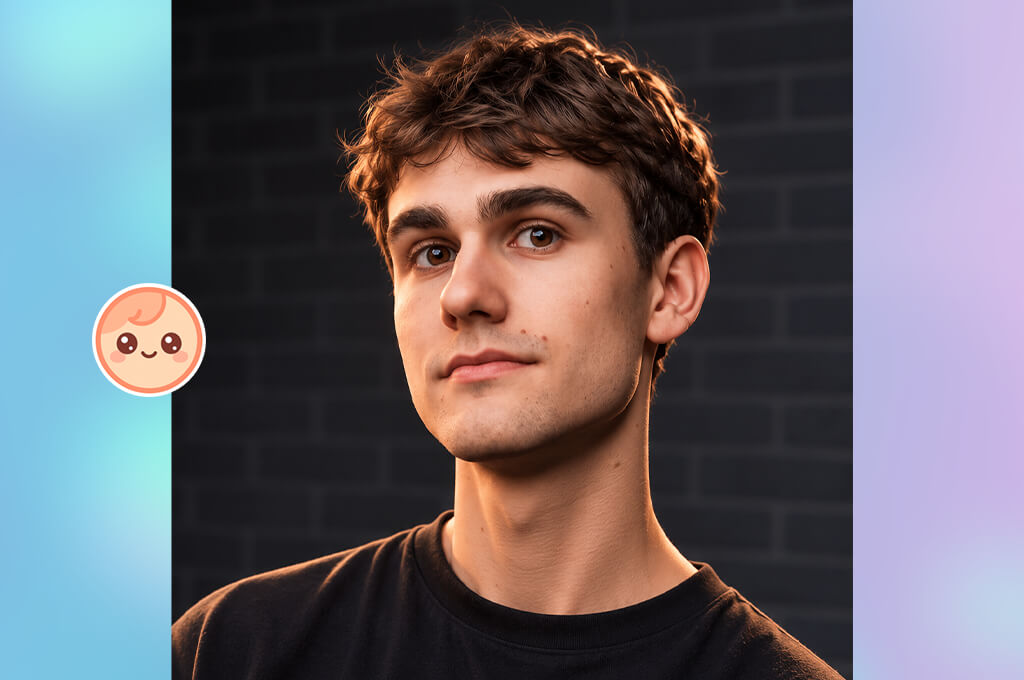
Cartoonize stands out among other solutions I’ve tested because it allows me to upload an existing portrait or character image instead of relying on text prompts. While examining the output, I considered whether the facial features stayed recognizable and the content looked polished enough for social media.
Depending on the version of this image cartoonizer, you may have access to different styles and cartoon editing controls.
“It does not require complicated setup, and its settings are easy to adjust. Some filters may look a bit plain, but they are still suitable for producing quick profile pics.”

While it was easy to change facial expressions and the background, it proved to be more challenging to produce new poses and situations. I considered each output closely to see whether my cartoon character would look the same.
Cartoonize is a practical solution for those who want to use an AI cartoon generator online and prioritize speed and intuitive functionality. However, while using this service, it’s important to check image resolution in the output and consider download limitations, pricing, and the terms of commercial use before using the generated content in paid campaigns.
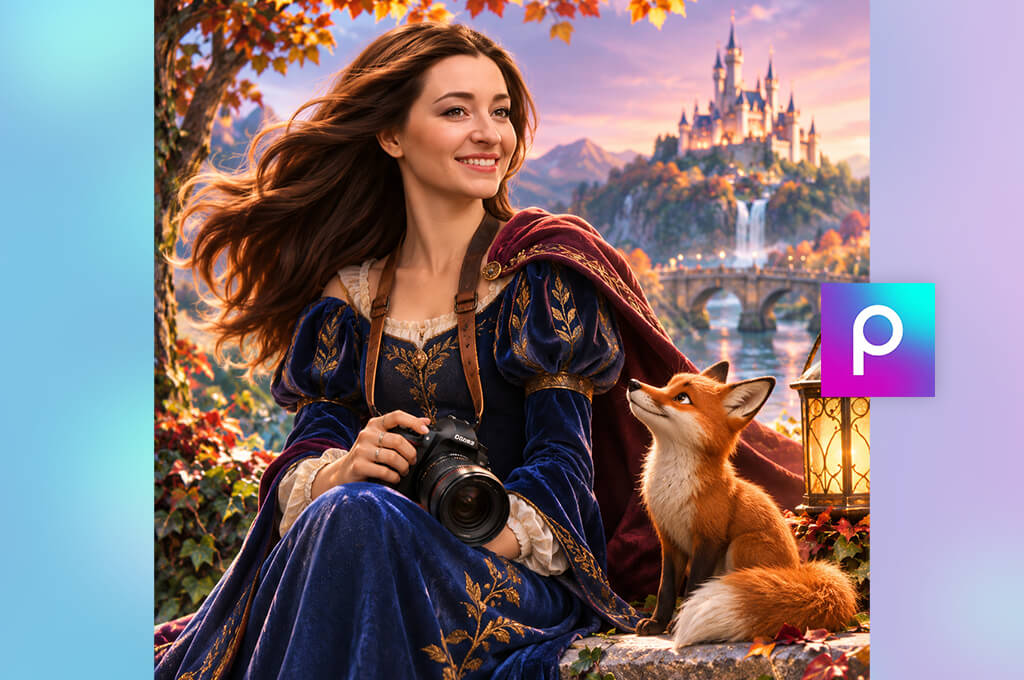
I liked using Picsart because it allows me to perform other tasks besides creating a cartoon image. I used it to create a polished post ready for publication.I tried generating a cartoon mascot and combining it with product photos, bold text, and branded backgrounds. It helped me to create eye-catching campaign designs without switching to third-party apps.
This AI image generator comes with AI-driven image tools and handy design features. Depending on the plan, I could apply cartoon effects, use AI image generation features, remove backgrounds, add stickers, apply overlays, and access text editing tools.
This AI cartoon generator helped me produce polished promotional visuals based on a simple character image. I was pleased that I could use one approved cartoon image to create different campaign materials.
My main goal was to check whether it would be possible to use the same mascot in different designs. I could reuse the cartoon character while keeping its appearance consistent. However, when I tried generating a new version, the face and proportions occasionally looked different.
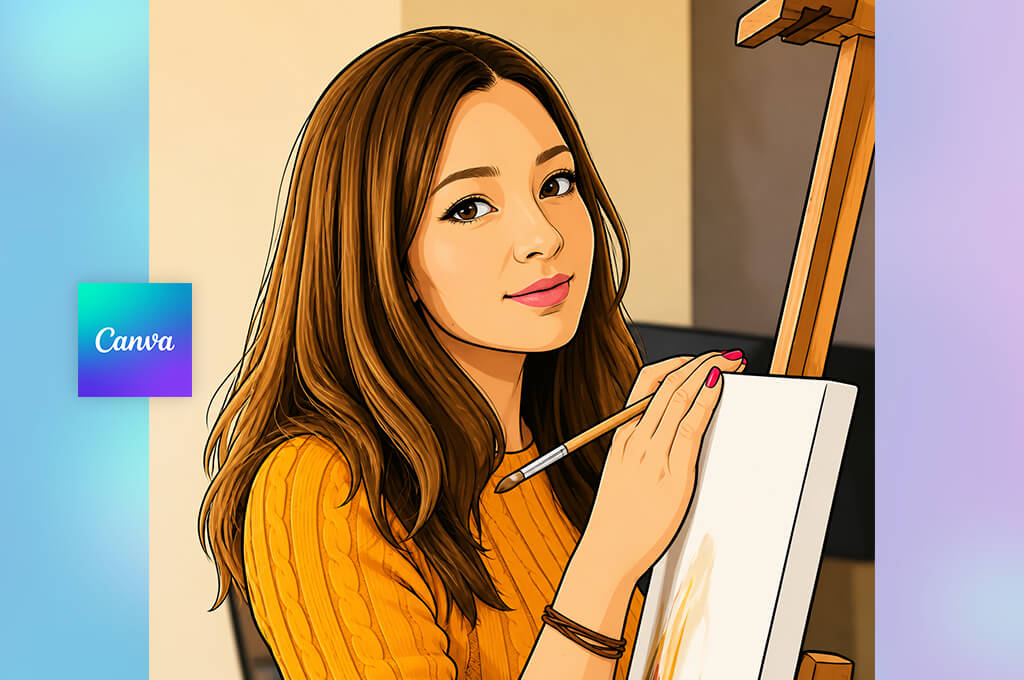
When testing Canva, I started by creating a friendly-looking cartoon character. Then, I used it when creating Instagram posts, website banners, and blog graphics. I focused on how quickly I would be able to produce a new branded design based on a cartooned image.
I was impressed with the template-based design workflow. After generating and saving a cartoon image, I could customize it by adding brand colors, headlines, product photos, and decorative elements. It was easy to resize the layouts while saving my outputs in the right formats for different platforms.
“Canva comes with templates and text tools, making it perfect even for those who do not have any design experience. However, it won’t allow you to control every detail while generating a character.”
I wanted to achieve cartoon mascot consistency, so I saved the designed character and reused it later while working on other projects. This approach helped me to keep the facial features and body proportions the same while generating new poses.
After testing the AI-powered image-generation tools and reference controls available in Canva, I realized that it could be quite difficult to produce a new cartoon while maintaining character consistency. When I noticed that the generated versions looked too different from the reference, I reused the original file.
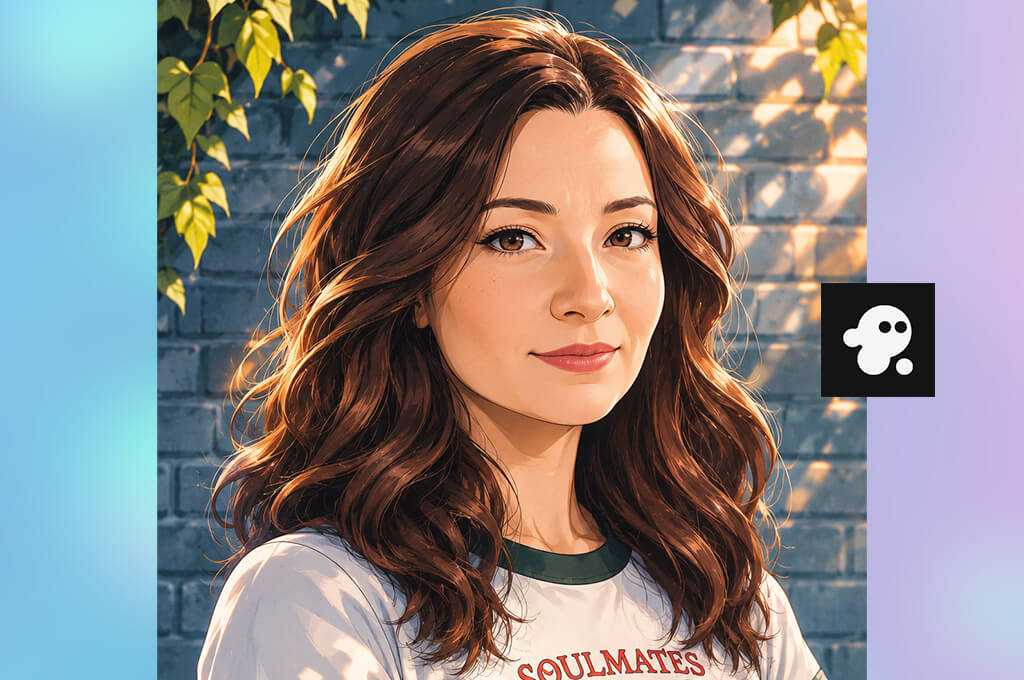
This video cartoonizer software stands out among other similar solutions for its AI-driven video creation tools. I used it to generate scripts, scenes, voiceovers, text, and visual assets, which helped me prepare materials for short social media campaigns quickly.
When I started testing the animation and video-generation tools available in InVideo AI cartoon generator from text, I tried using timeline editing tools and scene controls to see how much control I would be able to maintain over the output. I could fix a scene without recreating the whole video from scratch, which helped me significantly optimize my workflow.
During the testing, I focused on the mascot. I created it based on the approved character artwork and examined the outputs carefully to see whether there would be any issues with facial features, colors, and clothing. When the platform failed to achieve consistency, I replaced those shots with other frames. This way, I was able to create a cartoon and use it for promoting a brand in a consistent visual style.
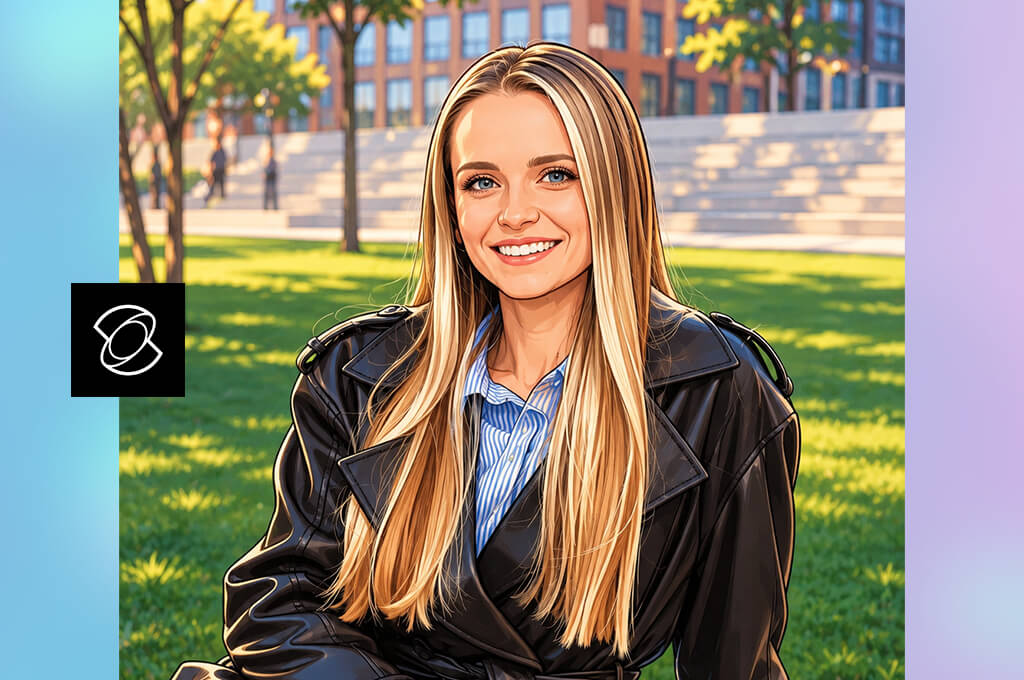
Testing Kling AI, I mostly concentrated on seeing whether it was possible for me to animate a static mascot without being a professional animator and working with complex animation software. Using an existing cartoon picture, I created clips showing the character waving, holding a product, or celebrating a product launch.
First of all, I experimented with image-to-video generation tools. I specified short and concise instructions and assessed the resulting animation. There was no need to produce every frame manually.
I was mostly interested in the image-to-video workflow. I could select a particular AI model and use the available controls to create the required output. I could upload a reference image and specify the movement or scene that I needed to generate. First of all, I tried creating basic actions. Then, I began experimenting with complex ones.
Creating social media content, I found out that even a short animation and a set of created animated characters that look natural could improve the online visibility of a brand.
“I managed to generate several clips with natural movement. However, I noticed that faces and clothing changed halfway through. Kling AI could be quite useful, but its outputs lack consistency.”

Testing this AI cartoon generator from photo, I assessed the whole resulting video and did not judge its output just by the opening frames. I noticed that facial features, clothing, hands, and body proportions could change during the character movement. That is why I checked my clips for distortions and unnatural transitions.
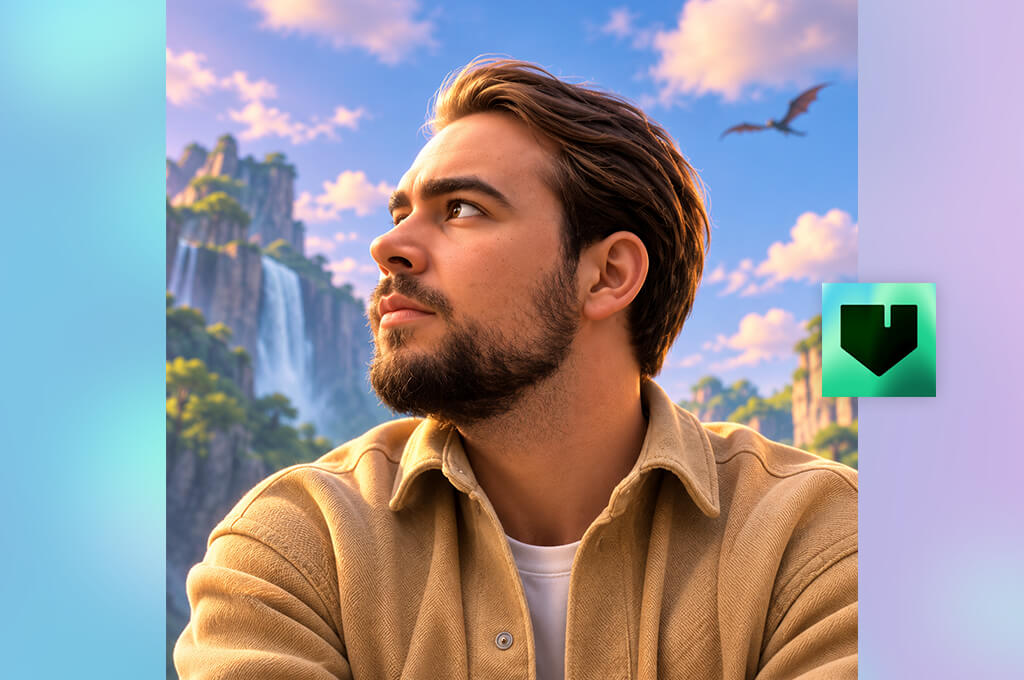
During the testing stage, I experimented with the available character-animation tools and motion-based workflows in this AI app. I tried to use movement references and video-based tools to see whether I could create an animation of the mascot easily.
First of all, I recreated several simple actions to see whether the mascot could move naturally. This AI cartoon image generator allowed me to create social media videos that looked more engaging and expressive than static ones. In addition, I paid attention to character consistency.
I checked whether the mascot looked the same in all animations. I was especially interested in the consistency of its facial features, clothing, proportions, and colors. In addition, I checked whether there were any unnatural limb movements and visual inconsistencies.
Using the same source image for several iterations, I achieved consistent results. When the mascot looked too different in the outputs, I considered such results as experiments and did not use them for our professional brand campaigns.
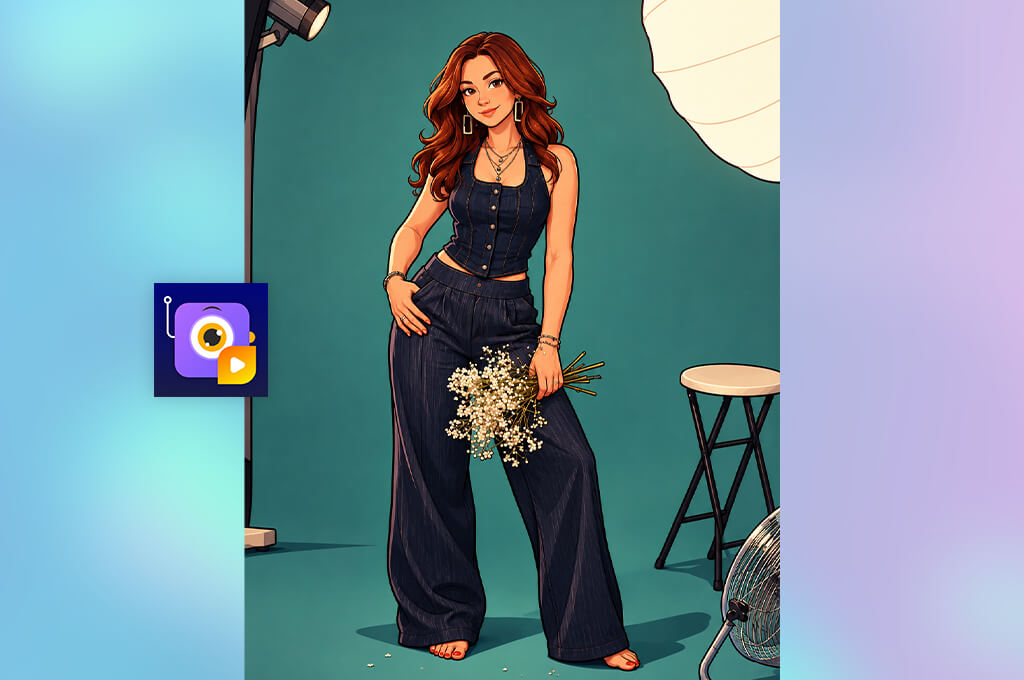
First, I experimented with character creation tools because I was interested in seeing whether I could create a mascot with a strong personality. I was curious about the character customization and scene building features. I could experiment with all kinds of outfits and various poses, props, facial expressions, and backgrounds.
“If you often need to create explainer videos, you will like the collection of characters and actions. However, it took me some time to find the right settings; also, its templates may seem too generic.”

Then, I also checked whether I could use the same mascot in different cartoon scenes. I wanted to see whether I could introduce the character to a product, make it react to something, or add it to a short promotional clip while maintaining its appearance consistent.
I was happy to see that this cartoon pictures app followed an organized approach to cartoon creation. There was no need to hope for character consistency relying only on AI prompts.
Using a reusable character builder, I was able to have full control over the appearance of the mascot. I could experiment with all kinds of customization options, but this feature would allow me to create a series of cartoons in a consistent style.
Together with my colleagues from the FixThePhoto team, we assessed the functionality of these services, output image quality, character consistency, and convenience of use. Our main goal was to find the best AI cartoon generators that would allow us to produce cartoon illustrations for online platforms, Instagram, marketing campaigns, and merchandise.
We used the same brief while testing each tool. Our task was to create a friendly-looking cartoon mascot with recognizable facial features, a consistent color palette, and a cheerful personality.
We specified these details while writing a prompt and asked these services to create “a friendly 2D cartoon character wearing a teal hoodie, with lovely eyes and a warm smile, standing next to a skincare product.” If a platform supported reference images, we uploaded them as well to check whether these AI generators could create a character with the required traits.
“After testing these tools, I realized that they are suitable for different needs. Firefly is best suited for generating and editing visuals, while Canva and Picsart will be perfect for your workflow if you need to produce images for social media posts or ads.”

In addition, we tested various scenarios, asking these services to generate the mascot holding a product, advertising a seasonal promotion, or shown on a website banner. During testing, we assessed how accurately they followed our prompts and considered the supported choice of style, generation speed, editing tools, and options for background replacement or facial expressions modification without making the subject unrecognizable.
During testing platforms with animation tools, we assessed movement quality and considered whether the mascot looked recognizable in all clips.
“Cartoonize will help you produce cartoons based on photos quickly, while Kling AI and Viggle will help you animate characters. Higgsfield will allow you to generate AI images and videos.”
We also paid our attention to character consistency. While assessing the outputs, we compared their facial features, clothing, colors, and proportions. We ranked a service lower if it generated a visually appealing first image but failed to generate other similar visuals, making it unsuitable for long-term branding projects.
We also checked the pricing, free version limits, output quality, and commercial use terms. This helped us choose the most appropriate tools for a small business budget.
Our main purpose was to discover practical solutions for users with different creative needs instead of trying to choose the winner based on an appealing output. We checked how well these services could be integrated into specific workflows and streamline all stages of a process, from designing a mascot to creating a set of branded visuals and promo clips.
“InVideo is the best fit for producing video content, and Animaker will allow you to create a cartoon character and reuse it later.”