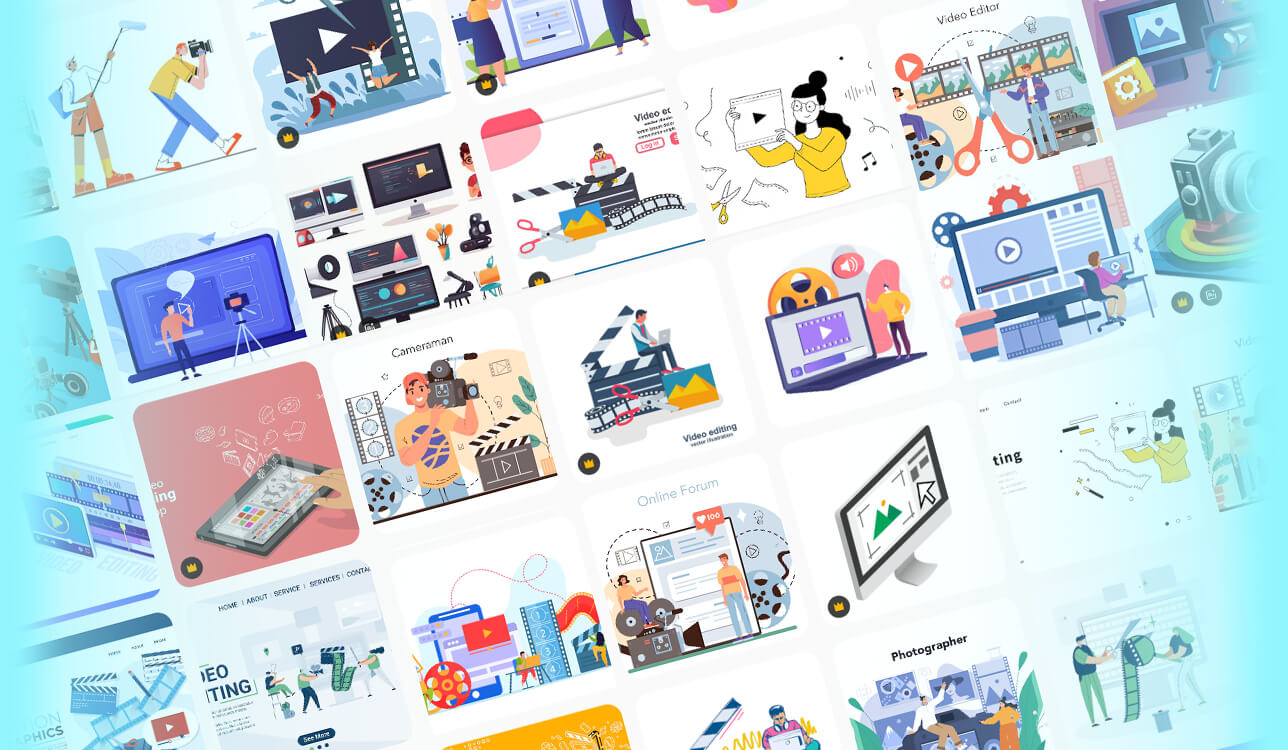
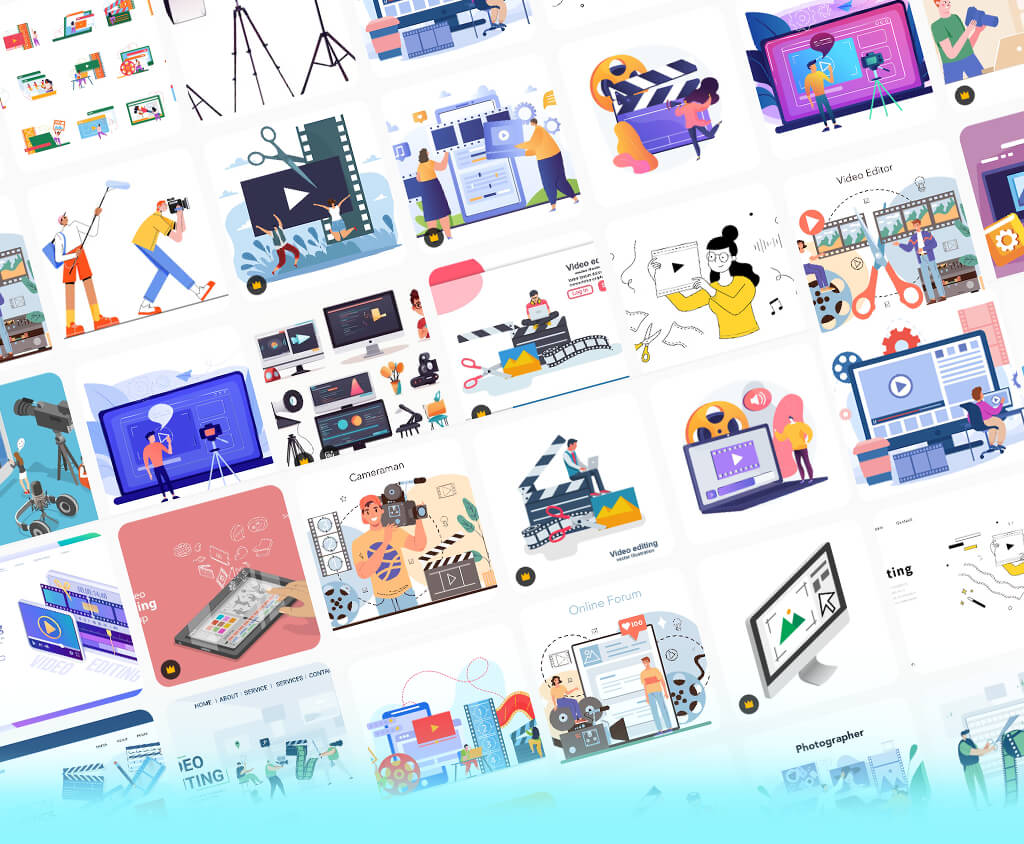
I started exploring Freepik alternatives while working on a new FixThePhoto content project. I needed graphics for photo-editing guides, software reviews, blog articles, and social media, so I was looking for more than just a few attractive stock images.
I was looking for vectors, icons, illustrations, templates, backgrounds, PSD files, and other editable elements that I could quickly adjust for different layouts. Freepik has a huge range of content, but its search could feel overwhelming, and I sometimes had trouble finding the exact style or format I wanted.
The biggest drawback for me was the time spent finding the right asset. I often had to sort through similar designs, check whether a file could be edited, and confirm that it was included in my plan. Some previews also looked better than the actual files in Illustrator or Photoshop. With tight deadlines, I wanted a platform that could help me find a good asset quickly instead of sorting through lots of similar options.
Before testing sites like Freepik, I made a checklist and asked my FixThePhoto team to help with the testing. We focused on editable, high-quality vectors, SVG/EPS/AI and PSD formats, useful search filters, consistent illustration styles, free content, and clear licensing terms.
I also explored platforms that could offer more than Freepik, such as larger icon libraries, unique illustrations, better stock content, or easier editing options. My main goal was to find assets that I could quickly use for FixThePhoto articles, website visuals, and social media posts without having to spend a lot of time editing them.
To make the comparison fair, I searched for the same types of content on every platform, including technology illustrations, social media icons, abstract backgrounds, business visuals, banners, and decorative graphics. I downloaded a few of the best options and tested them in the design programs I normally use. I checked how easily I could edit, change colors, resize, and mix them with our existing designs.
The speed of finding the right content, along with clear licensing terms, was also very important. My testing showed that the best Freepik alternatives aren't necessarily the ones with the largest libraries, but those that offer the right assets, make searching quick and convenient, and allow for hassle-free editing.
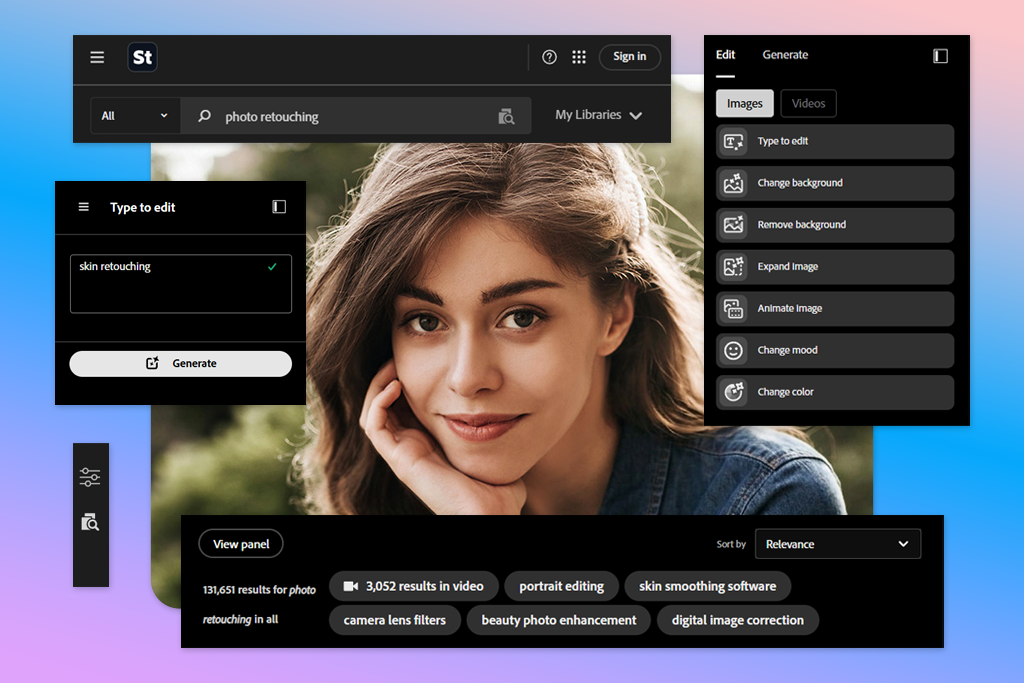
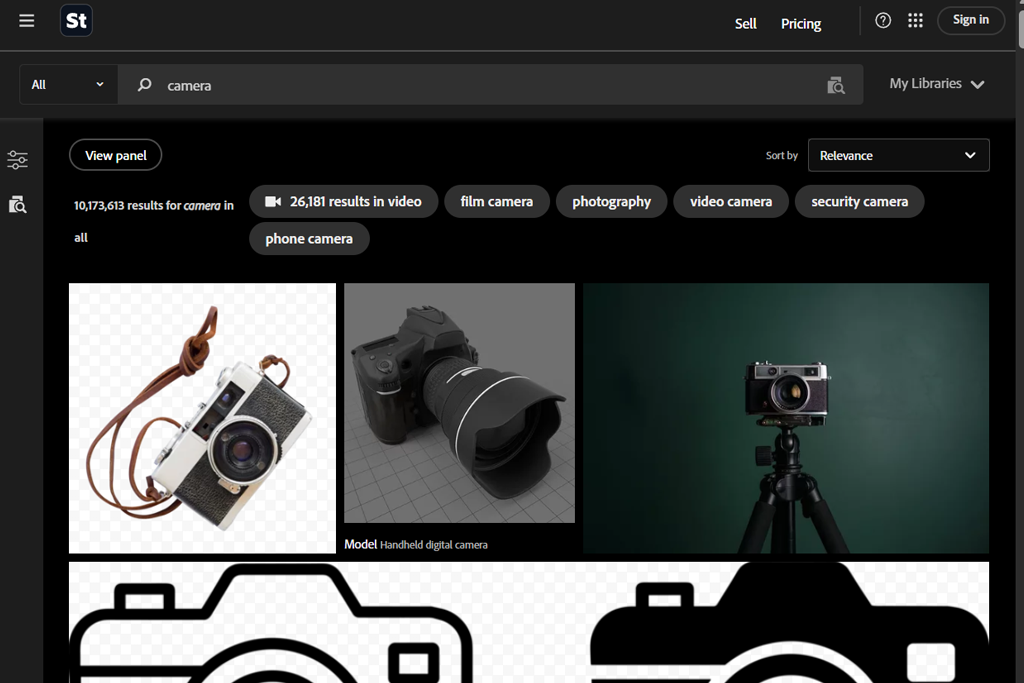
I started with Adobe Stock to see if a more professional stock library could make my FixThePhoto workflow easier and faster than Freepik. I searched for technology illustrations, business graphics, icons, abstract backgrounds, and templates, then tested several downloaded assets in Illustrator and Photoshop.
The main thing I noticed was the quality of the content. I found more polished designs that needed less editing before I could use them in a finished article. Adobe Stock also offers vectors, illustrations, templates, photos, videos, and other creative resources in one place.
I focused mainly on editable vectors and templates because I used these resources most often. I could easily change colors and separate elements in Illustrator, then adjust the designs to fit different FixThePhoto layouts.
The Adobe workflow was more convenient because I could use the assets directly in Creative Cloud apps. Compared with Freepik, this saved me time since I didn't have to download files, open them separately, and adjust them before using them in my projects.
“I usually use this Freepik alternative when I need a specific asset for a project. The search filters make it easy to find what I need, and I can browse photos, vectors, and videos in one place. The main drawback is the cost.”

Freepik offers a wide range of design resources, but I often had to browse through many similar illustrations to find one that matched the professional style I needed. Adobe software felt more useful when I was looking for specific commercial content instead of general design ideas.
I also liked its selection when I needed a polished business or technology image that I could use in an article with little editing. Freepik was better for quick, budget-friendly resources, while Adobe Stock was a stronger choice when I cared more about quality and consistency.
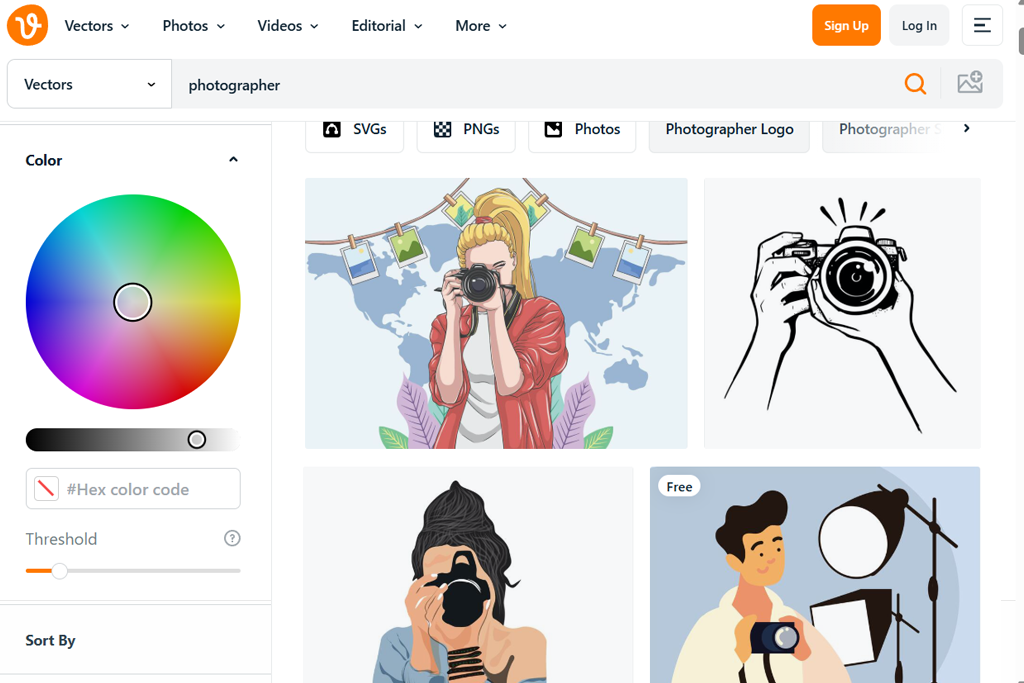
I tested Vecteezy early because it focuses mainly on vector graphics and design assets. I looked for icons, arrows, backgrounds, business illustrations, and decorative elements, then tried editing several files to see how well they worked for my projects.
I liked that I could search directly for vectors, SVGs, templates, and other design assets without having to browse through unrelated content. Vecteezy also offers photos and videos, but its vector collection is one of its main strengths.
Several graphics were tested in Illustrator by changing their colors, rearranging parts, and adjusting their size for different article designs. The goal was to see whether these ready-made resources could reduce the time spent creating designs from scratch.
Vecteezy felt more focused than Freepik for this type of work. When looking for editable vector graphics, I could go straight to the relevant files without browsing through a wider mix of design and AI content.
I also tested both platforms for basic assets like arrows, icons, abstract backgrounds, and decorative graphics. Freepik had a wider selection, but having more choices wasn't always helpful when I needed a specific file quickly. Vecteezy worked better for tasks that involved finding an SVG, making a few changes, and adding it to an article, especially when I was short on time.
For my FixThePhoto work, Vecteezy was more convenient when I needed to find and edit vector graphics quickly. Freepik offered more tools, including AI features, mockups, and a wider range of creative content, while Vecteezy was easier to use for simple stock searches. When I knew I needed an SVG or vector illustration, Vecteezy was usually my first choice.
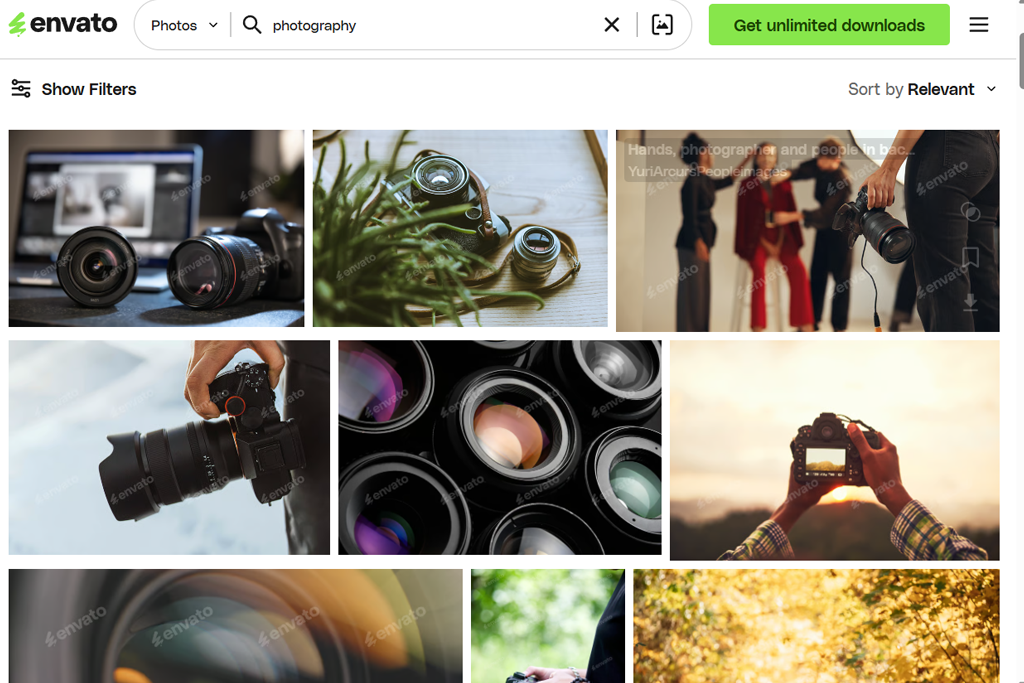
Envato Elements was tested for a FixThePhoto project that required several types of graphics. The search included icons, backgrounds, illustrations, social media templates, mockups, fonts, and other design assets rather than just vector graphics.
This helped me see if one subscription could cover the needs that would normally require several different searches. Envato offers much more than graphics, including templates, photos, video, audio, fonts, and other creative resources.
Layered files were the first feature I decided to check. After downloading several assets, I opened them in Photoshop or Illustrator to see whether I could edit separate parts instead of working with the whole design as one file.
Freepik worked better when I needed a particular vector or illustration, while Envato was more useful for projects that needed different kinds of content. I could find graphics, templates, fonts, videos, and other resources in the same place instead of searching on several platforms.
“This Freepik competitor is especially useful for larger projects because I can find templates, photos, graphics, fonts, and audio in one place. The library can feel overwhelming at times, but there are plenty of options to choose from.”

When preparing several FixThePhoto graphics, I noticed a clear difference between the two platforms. Freepik offered many separate elements, but they often needed to be combined manually.
Envato made the process easier with ready-to-use templates and a wider range of resources. For example, a social media post and an article banner could be created around the same visual idea with less work.
After trying both platforms, Envato Elements seemed more useful for bigger projects that required different types of creative content. Freepik was a better fit for vectors, illustrations, mockups, and AI tools, while Envato offered a wider mix of graphics, templates, fonts, video, and audio. This made Envato more convenient when a single project involved several types of content.
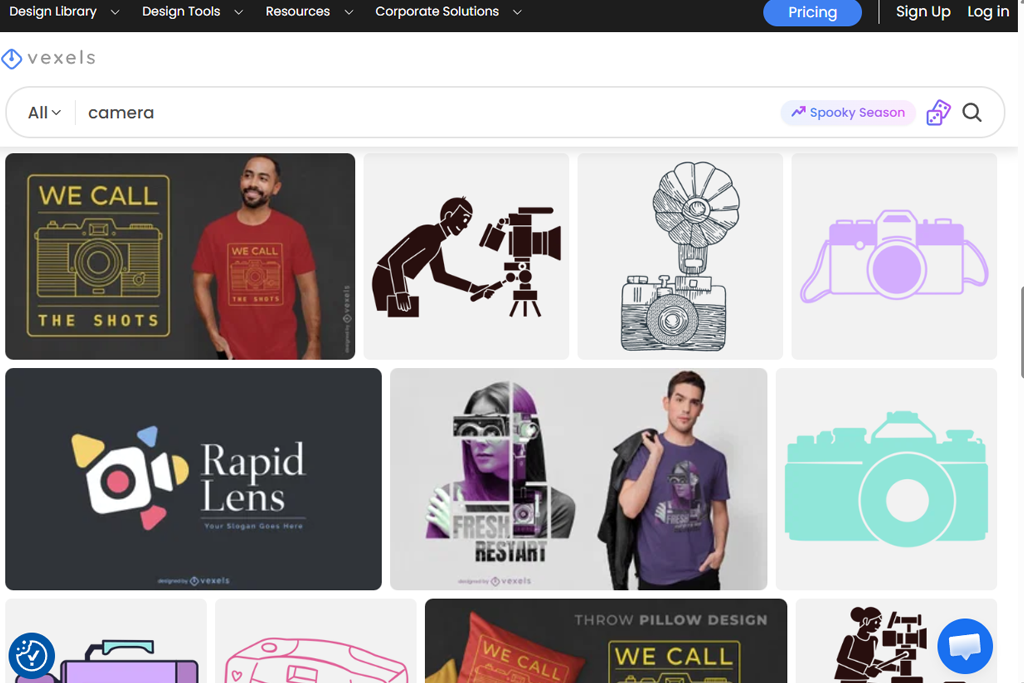
I tested Vexels for a FixThePhoto project where I needed ready-to-use designs that could be adjusted to fit different layouts. The search included banners, illustrations, badges, patterns, and other customizable graphics.
What stood out most was the wide range of editable vector designs, which made Vexels feel more specialized than a general stock platform. It also offers more specific themes, including gaming, sports, pop culture, and other niche areas.
Several photography shirts were downloaded and tested in my usual editing software. I changed colors, removed parts, edited text, and resized the designs for different FixThePhoto layouts. Compared with Freepik, Vexels offered more complete designs, so less time was needed to put separate elements together.
Several versions of the same graphic were created to compare the two platforms. Freepik gave me more flexibility to build designs from separate elements, while Vexels was more useful when I wanted a ready-made design that only needed some changes. This made Vexels a quicker option for banners, merchandise graphics, badges, and similar projects where the layout was already well designed.
The main benefit of this website like Freepik was the ability to turn an existing design into a customized version quickly. Freepik offered more options for general design work, while Vexels was more useful when I needed editable artwork with a polished layout. For FixThePhoto projects, this saved time when creating different versions instead of starting each design from scratch.
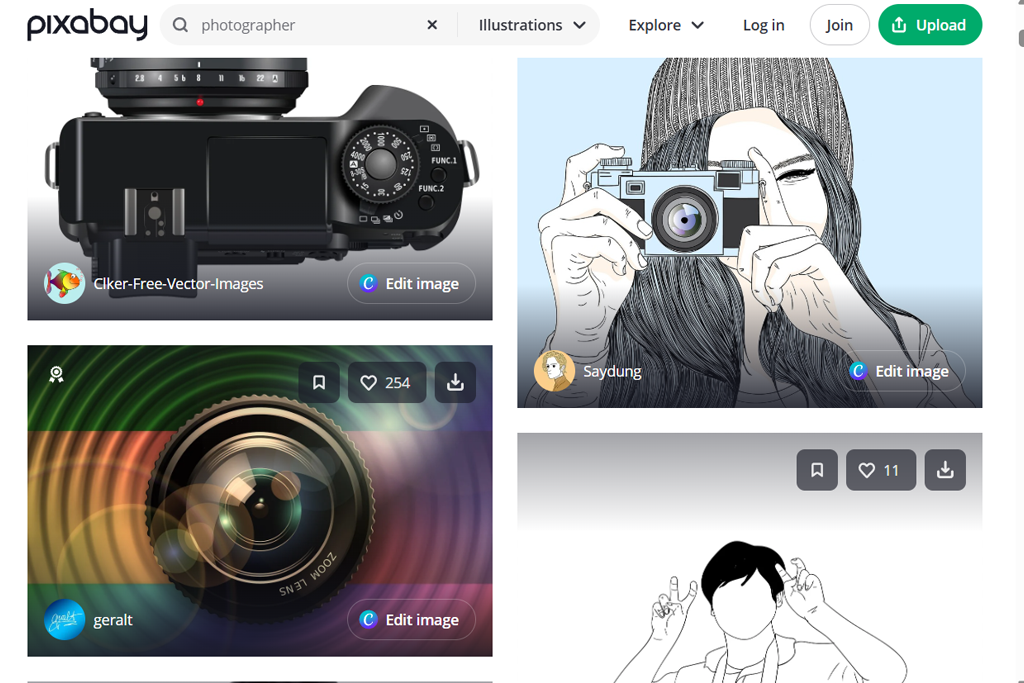
Pixabay seemed like a useful free Freepik alternative for the FixThePhoto project. I searched for illustrations, photos, icons, backgrounds, patterns, and videos to see if one platform could meet different content needs. Another advantage was the ability to explore various types of visuals without paying for each asset.
Several no-cost files were tested for image quality, layout, and suitability for web projects. I also opened a few in free graphic design software to see how easily I could make simple adjustments. Compared with Freepik, Pixabay worked better for basic visual needs when advanced templates or high-end vector files weren't necessary.
“I like it when I need free content and want to find something quickly. There’s a good variety of photos, illustrations, and videos, although the search can include quite a few average-quality results.”

Freepik worked better for polished vectors, PSD files, mockups, and templates. Pixabay was more useful when I needed photos, illustrations, vectors, or video without increasing the project budget. This was especially helpful when exploring different visual ideas for a FixThePhoto article.
After testing both platforms, Pixabay seemed like a stronger Freepik alternative for free visual content across different formats. Freepik had more specialized design tools and resources, while Pixabay made it easier to try different types of free media. For quick article graphics, visual references, and projects with a limited budget, Pixabay was often the more practical choice.
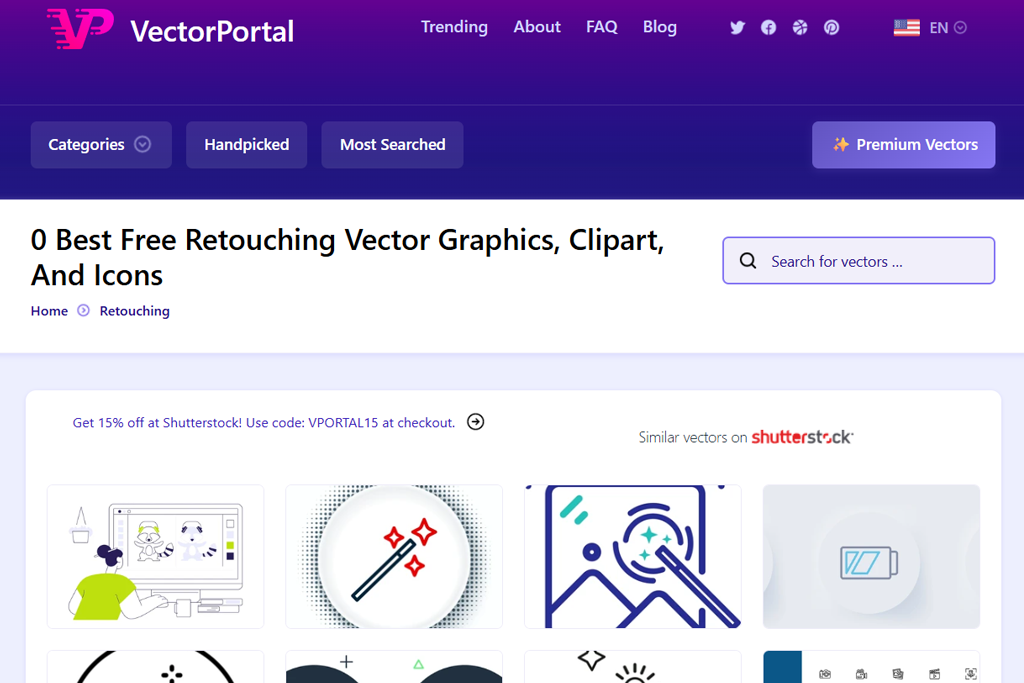
VectorPortal was the most focused platform in my test because I only needed simple vector content rather than photos, videos, or ready-made social media templates. I searched for backgrounds, decorative shapes, icons, and basic illustrations, then opened several files in Illustrator to see how useful they were for FixThePhoto projects and how easily I could edit them with free vector graphics software.
The main focus was on how useful the vectors were in real editing tasks. Colors were changed, separate elements were moved, and parts from different files were combined to create a small comparison graphic. Freepik offered a much wider range of design content, but this could make a simple search feel more complicated than necessary. VectorPortal worked better when I only needed a basic vector without extra content.
I also compared how long it took to find supporting elements such as arrows and decorative shapes. Freepik offered more polished and varied options, while VectorPortal let me look specifically for the file type I needed. For small design elements, I sometimes found this focused approach more convenient than searching through Freepik's larger collection.
VectorPortal wouldn't be my first Freepik alternative for every project because its library is much smaller. However, when I needed a basic vector that I could edit, the platform offered a simpler and more focused search than Freepik. It worked especially well for backgrounds, small graphics, and other supporting elements in my FixThePhoto articles.
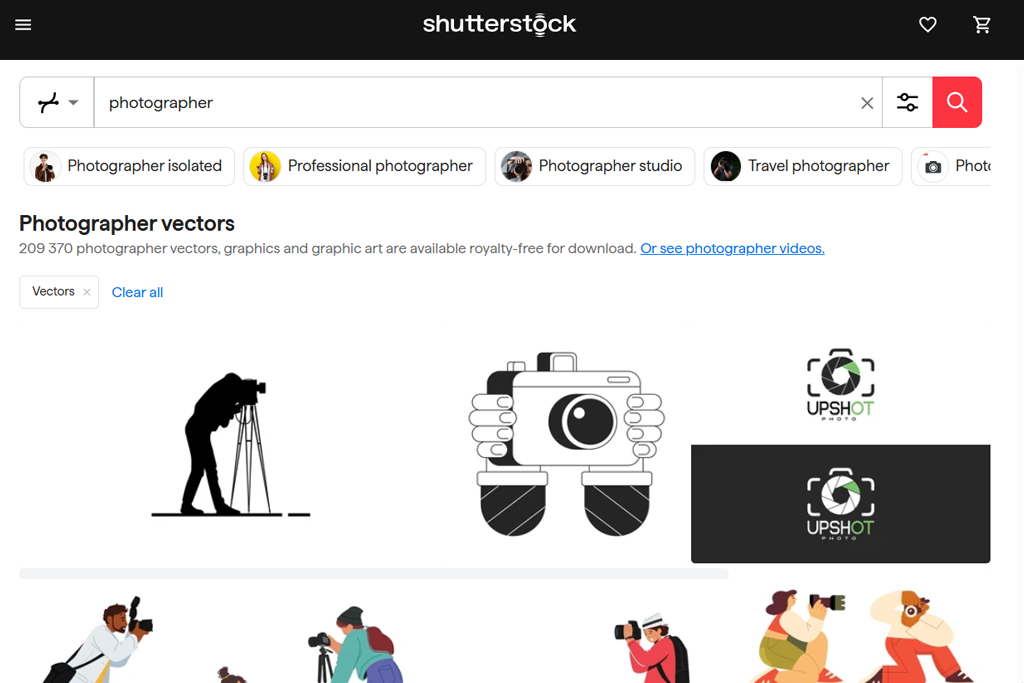
Shutterstock was included in the test to see if a larger premium library could make my FixThePhoto workflow easier. I looked for business and technology graphics, abstract backgrounds, icons, and editorial visuals, then compared several options to find files that were ready to use with minimal changes.
I also explored other types of content when a vector wasn't the right fit. Freepik worked better for design assets like vectors, illustrations, templates, and mockups, while Shutterstock was more useful for professional photos and other commercial images. This made Shutterstock a stronger choice when premium photography was the main priority.
“I usually use it when I need a specific, professional-looking image. The large collection makes it easy to find something suitable, but the cost can be a drawback when I need several files.”

The difference was most noticeable when I searched for business and lifestyle content. Freepik offered more graphics that I could customize, while Shutterstock provided polished photos that worked well as article headers or marketing visuals. Shutterstock was a better choice when the photo itself needed to make an impact, rather than serve as a base for further design work.
After testing both platforms, Shutterstock became my preferred option when image quality was the main priority. Freepik worked better for everyday design tasks, while Shutterstock offered stronger options for premium photography, specific commercial subjects, and traditional stock content. For larger FixThePhoto projects that required highly polished visuals with little editing, Shutterstock was the better fit.
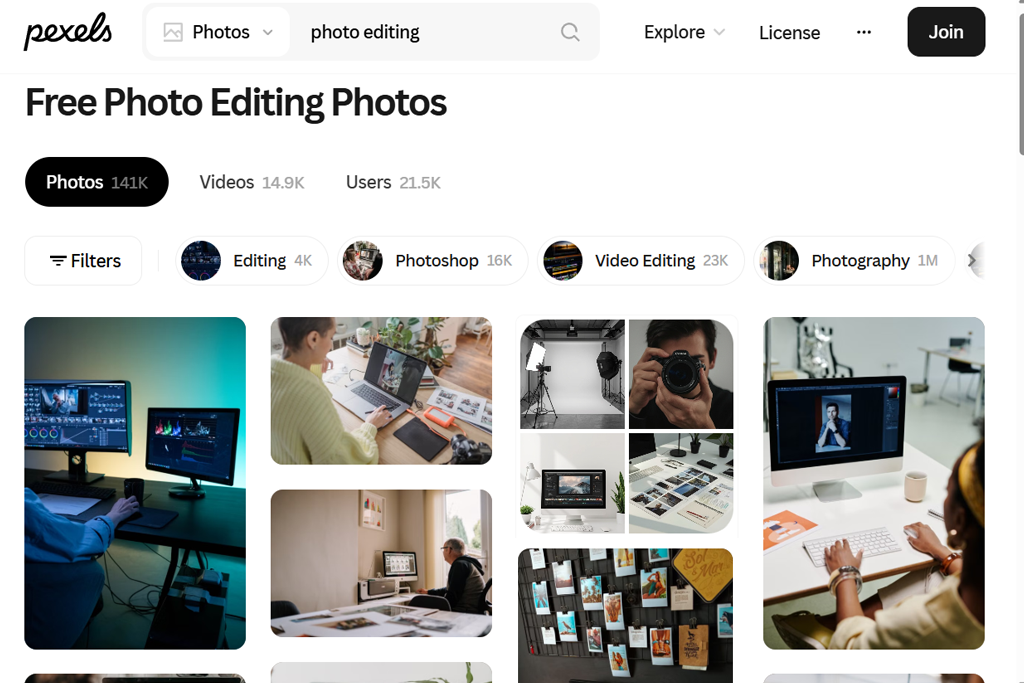
Pexels was included to see how well a free photo and video platform could support my FixThePhoto projects. I searched for office scenes, people at work, technology, lifestyle images, and short clips to use with our graphics. I didn't expect it to replace Freepik for vectors, but I wanted to see if it could cover some visual tasks where Freepik wasn't the best fit.
The test focused on how well the content worked in real projects. I downloaded photos in various sizes, cropped them for article headers, and used several video clips in social media designs. Freepik worked better for vectors, illustrations, templates, and PSD files, while Pexels was more convenient for finding free photos and videos. This gave Pexels a clear role in my workflow rather than making it a direct Freepik alternative.
When I needed an image of someone working on a laptop, a template or vector wasn't necessary. A natural-looking photo that I could crop and add to the article was enough. Pexels worked better for this kind of task because I could find free photos without sorting through design assets I didn't need.
For my workflow, Pexels was more useful when I needed simple, natural visuals for free. Freepik was still my preferred option for design work, while Pexels made it easier to find a suitable photo or video without paying. This made Pexels a useful addition to my usual resources rather than an all-in-one Freepik competitor.
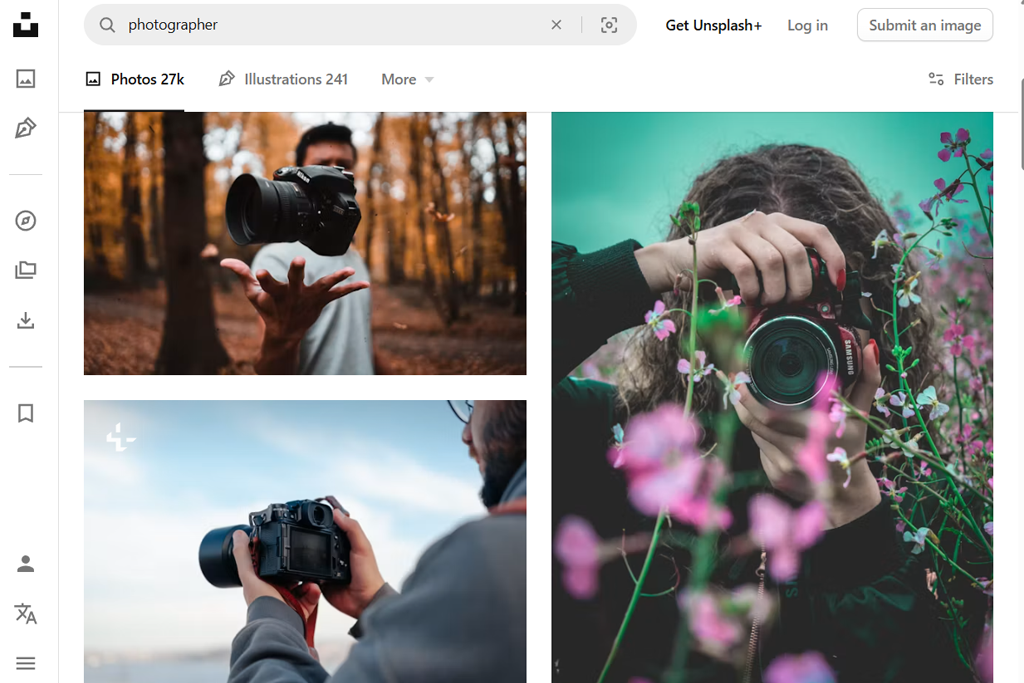
I tested Unsplash when I wanted the FixThePhoto articles to have a more natural look instead of the usual stock style. The search covered technology, creative workspaces, people with laptops, cameras, and lifestyle scenes. I compared the results by looking at composition and lighting, not just how well they matched the search terms.
One feature I liked was that many photos worked well as backgrounds. Freepik offered more design resources, while Unsplash gave me more distinctive photos, which worked well behind article titles or in social media posts. Many images also stayed natural after cropping them into different sizes and formats.
“I really like the photography because it feels more natural and less like typical stock content. The main drawback is that some popular images appear on many different websites.”
Creative and lifestyle searches showed the biggest difference between the two platforms. Freepik worked well as a free vector site for illustrations, icons, and ready-made designs, while Unsplash offered photography with a more authentic feel. For FixThePhoto articles that needed a magazine-style look, I preferred Unsplash.
Unsplash was not the best Freepik alternative for projects that rely heavily on vectors. However, when I needed distinctive photos instead of templates or editable graphics, Unsplash was a better fit. It worked especially well for article headers, backgrounds, and social posts where the image needed to set the right mood.
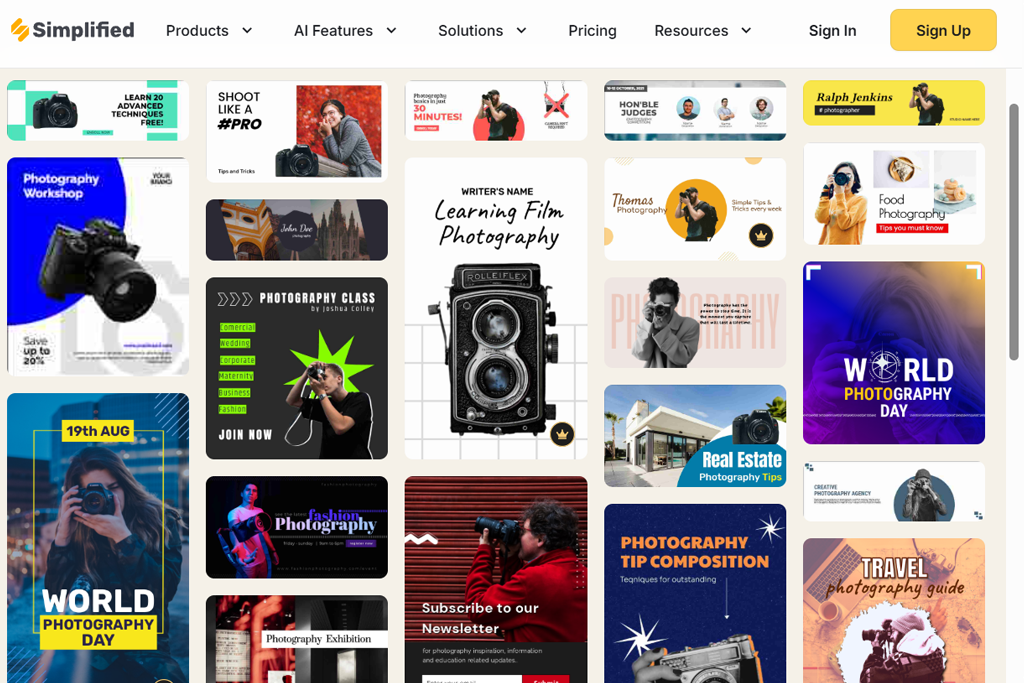
Simplified caught my attention because I sometimes needed more than individual assets - I wanted to turn an idea into a finished design quickly. I tested the platform by creating several FixThePhoto social posts and article graphics with templates, text, images, and other design elements instead of starting each one from scratch.
This felt different from my usual Freepik workflow because I could move from an initial idea to a finished visual much faster.
Several template styles were tested by changing fonts, colors, images, and text to fit our content. As a graphic designer, I usually had to download separate resources from Freepik and put them together in another program, while Simplified let me handle most of the process in one editor. This was especially useful when I needed to create several versions quickly.
For one test, I created a social media graphic and adapted the text and layout for another FixThePhoto article. Freepik offered a wider range of separate resources, but I had to handle more of the design myself. Simplified worked better when I needed to create something quickly and preferred a ready-made layout over separate design elements.
When working under tight deadlines, this made a noticeable difference. Freepik worked better for finding specific vectors, illustrations, and other design resources, while Simplified made it easier to turn an idea into a finished social post or banner. For projects that didn't require detailed vector edits, Simplified saved time by keeping more of the process in one place.
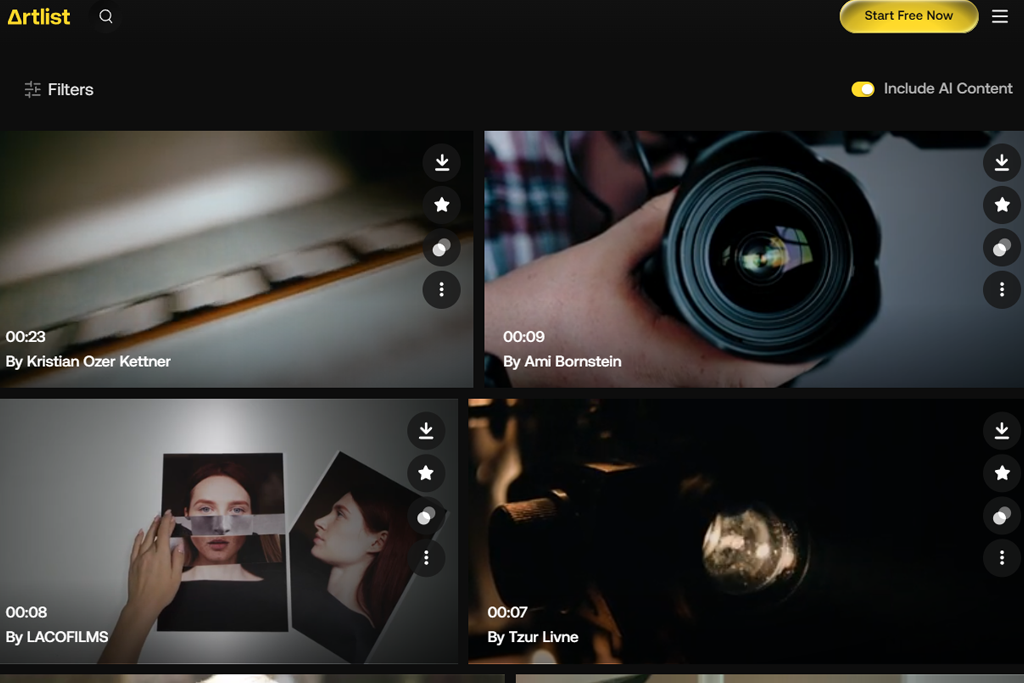
I tested Artlist because some of my FixThePhoto projects involve more than static blog graphics. I wanted to see whether a platform focused on creative production could help when I needed stock footage, music, sound effects, and visual assets for video content. That made the comparison with Freepik interesting because I wasn't just looking for another vector library.
Artlist was useful for finding short video clips for tutorials and software reviews. Freepik now offers more media and AI tools, but Artlist felt more focused on video production, especially when I needed footage, music, and sound effects in one place. This made it a useful option for projects that involved more than static graphics.
“I mainly turn to it for video projects because the footage, music, and sound effects are high quality. Clear licensing is another advantage, but it is more worthwhile if video content is a regular part of your work.”

The difference became clear while creating a short FixThePhoto tutorial. Freepik was more useful for graphics and illustrations, while Artlist gave me footage, music, and sound effects for the video itself. This meant I could handle several parts of the production in one place.
After testing Artlist, I wouldn't use it instead of Freepik for every project. However, Artlist worked better for video tasks because it focuses on footage, music, and sound effects, while Freepik is more useful for vectors, illustrations, templates, and other design assets. For FixThePhoto tutorials, reviews, and social videos, Artlist was the more practical choice.
To make the comparison more practical, we tested sites like Freepik with real FixThePhoto projects instead of simply browsing the available content. Vadym Antypenko, Kate Gross, and Ann Young tested the resources we use most often for articles, guides, and social media, including vectors, icons, illustrations, backgrounds, banners, templates, and editable designs.
Our searches included technology illustrations, social media icons, business graphics, abstract backgrounds, and decorative elements. The goal was to see which platforms could provide useful results without making us spend too much time searching.
Several files from each platform were downloaded and tested in our usual design programs. We changed colors, adjusted sizes, moved separate elements, and replaced text to see how easily each file could be customized. We also checked whether image formats like SVG, EPS, AI, and PSD worked well for editing.
For example, we used a technology illustration for a FixThePhoto article banner and then adapted the same file for social media. This showed us whether an asset was simply attractive in the preview or could actually reduce the time spent on editing.
Different team members focused on different parts of the testing process. Vadym tested vectors, editable files, and graphic elements, while Kate focused on illustration styles, templates, and search quality. This helped us compare the platforms from several practical angles.
“Adobe Stock stood out because it made it easy to find polished content and check the licensing details before downloading. Vecteezy and Vexels were also useful for projects focused on vectors, but Adobe Stock felt more reliable when I needed professional, ready-to-use content. For free resources, Pixabay and Pexels were usually better choices, while Adobe Stock worked best for commercial projects.”

Simplified made it easier to create social posts from ready-made layouts, while Artlist was a better fit for video work. Overall, the results showed that no single service works best for every need. Some options saved time on particular FixThePhoto tasks or offered tools for more specific types of content.






















