At FixThePhoto, I work with stock content from both sides: I license visuals for our articles, contribute some of my own photography to stock libraries, and have recently started exploring AI-generated stock content. That combination is what made me take a closer look at Shutterstock alternatives.
I stayed with Shutterstock for years because it made finding visuals straightforward. Its extensive collection and familiar search process helped when I needed something that would have been difficult or expensive to create in-house. Eventually, though, I wanted more than that convenience could offer.
As a buyer, I started paying closer attention to plan details, licensing expenses, and how long it took to find something with a more distinctive look. Shutterstock’s annual plans with monthly payments may also charge 50% of the unpaid balance when you cancel early, so I’d check that condition carefully before signing up.
For contributors, the concerns were different. Shutterstock’s royalty rates range from 15% to 40%, but the contributor level returns to Level 1 every January, and certain licenses may still pay the $0.10 minimum. For my current work, another important limitation is that Shutterstock does not accept contributor-submitted AI-generated images.
So, we gathered recommendations from Reddit, YouTube comparisons, contributor communities, design forums, and our own day-to-day experience, then tested 50+ Shutterstock alternatives to identify the best options for two very different groups: people who buy stock content and those who sell it. When comparing sites like Shutterstock, these are the factors I pay the most attention to:
| Alternative | Free | Price | Best for | Assets |
|---|---|---|---|---|

|
✔️
|
From $29.99/mo
|
Buyers + AI contributors
|
200M+
|

|
❌
|
From $16.50/mo
|
Unlimited creative assets
|
20M+
|

|
❌
|
From $29/mo
|
Premium professional imagery
|
160M+
|

|
✔️
|
Free / Plus from $7/mo
|
Natural lifestyle photography
|
5M+
|

|
✔️
|
Free
|
Free photos + videos
|
3M+
|

|
✔️
|
Free
|
Free mixed media
|
4M+
|

|
✔️
|
Pro from $9/mo
|
Vectors and graphics
|
30M+
|

|
✔️
|
Free
|
CC0 stock photography
|
1M+
|

|
✔️
|
Free
|
Free images + simple editing
|
1M+
|
The issue isn’t that Shutterstock stopped being useful. It’s that my workflow changed, and the compromises no longer felt worth it.
When I’m buying images, I don’t like paying for capacity I rarely use. On the contributor side, selling photos on Shutterstock can also feel unpredictable. Shutterstock currently uses six royalty tiers ranging from 15% to 40%, with everyone moving back to Level 1 at the beginning of each year. I understand why the system works that way, but as a photographer, having your progress reset each year can be discouraging.
The AI policy matters even more to me now. I still contribute traditional photographs, but I’m also starting to create stock-ready AI content. Shutterstock does not accept AI-generated work from contributors, while Adobe Stock has specific rules for submitting and labeling this type of material. That makes Adobe a much better fit for the direction I want to take my portfolio.
I’d rather compare stock photo sites like Shutterstock based on what I would actually spend during a typical month than simply label one as “cheaper.”
Scenario 1: I usually need about 10 specific images each month. Shutterstock’s current image plan starts at $25 per month when billed annually for 10 downloads from its full image library. Adobe Stock costs $29.99 per month for 10 standard assets.
In this case, switching to Adobe would not reduce my monthly cost. I would choose it for benefits such as Creative Cloud integration, its contributor ecosystem, or support for an AI-based workflow, rather than because its $29.99 price is lower than Shutterstock’s $25 plan.
Scenario 2: I download around 50-100 images a month, which is much closer to my workload during busy editorial periods. In that case, Shutterstock’s Unlimited Images plan looks more practical: it costs $29 per month when billed annually and includes unlimited downloads from a selected library of more than 83 million images.
Envato Core costs $16.50 per month when billed annually and includes unlimited stock downloads. That makes it $12.50 less each month, or about $150 less per year, which works out to roughly 43% lower than Shutterstock.
For a freelancer who downloads around 50 images each month:
Potential annual saving: about $150
Scenario 3: I need photos AND video. This is where the difference becomes more noticeable. Shutterstock Unlimited Plus costs $69 per month when billed annually and includes images, video, music, sound effects, and AI generations.
Envato Core is $16.50 per month and includes unlimited access to stock photos, video, graphics, templates, music, sound effects, fonts, and more. Compared with Shutterstock’s $69 monthly price, that means saving $52.50 each month or $630 over a year.
That does not automatically make Envato the better choice. The available content, licensing conditions, and project restrictions can vary, so I always check whether the platform actually has the assets I need before subscribing.
Sometimes the cost can even be $0. For everyday needs like office scenes, landscapes, textures, backgrounds, simple interiors, or social media content, I usually check Unsplash, Pexels, and Pixabay first. These stock photo sites like Shutterstock can handle a surprising amount of routine work without any cost.
My rule is simple: I pay for scarcity, not habit. If a scene would be difficult to shoot, generate, or source elsewhere - especially a realistic real-estate scenario or a highly specific commercial concept - a paid library can be worth it. For something basic, such as a woman using a laptop by a window, I check free libraries before using a paid download.
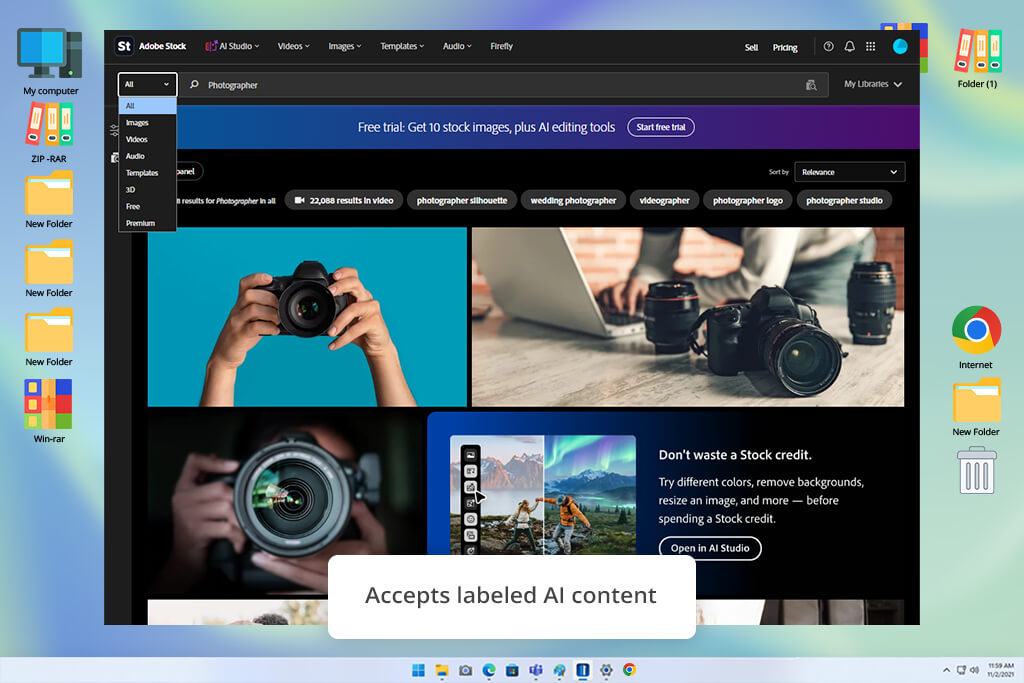
Adobe Stock kept coming up in professional recommendations, contributor discussions, and comparisons, so it quickly became one of the first platforms I tested. I looked at it from both sides of my workflow: as someone who buys stock content and as a contributor.
I started with the harder visuals I usually need for FixThePhoto articles: realistic apartment interiors, property inspections, business scenes, technology images, and more natural lifestyle shots. I checked how well the results matched my searches, the overall quality, licensing terms, and how quickly I could find an image that was good enough to publish.
Adobe felt easier to navigate than Shutterstock and several other Adobe Stock alternatives. The library is still extensive, but I spent less time going through almost identical results.
“I came across fewer irrelevant results here. For polished editorial content, I could usually find a suitable image faster than on Shutterstock.”

I also checked the contributor program because this was important to me. Adobe currently pays 33% for photos, vectors, and illustrations, and 35% for video.
More importantly, Adobe accepts generative AI images, vectors, and videos if contributors have the right permissions and label them properly. Fictional people and property also need the correct labels. For the stock portfolio I’m building now, that makes Adobe much more useful than Shutterstock, which does not accept AI images submitted by contributors.
For downloading, I find Adobe Stock especially convenient when I already work in Photoshop, Illustrator, Premiere Pro, or other Adobe apps. Even after testing other Shutterstock alternatives, I still use it when free libraries give me results that feel too generic.
For occasional use, I’d probably skip Adobe Stock, especially if I only needed simple blog backgrounds. The $29.99 monthly US plan gives 10 standard assets or one video with an annual commitment, so I think it makes more sense for paid projects, harder-to-find visuals, and people who both purchase and submit stock.
Pricing: Free: Trial/promotional assets only; From $29.99/mo; From $359.88/year
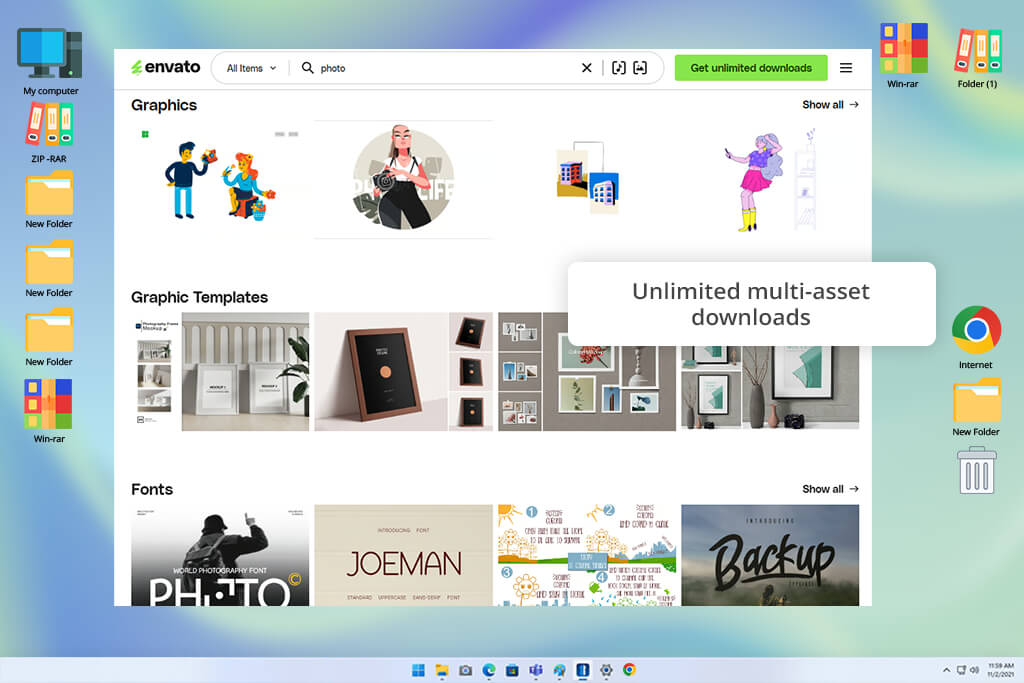
I started paying more attention to Envato Elements after seeing it recommended often on Reddit, especially by designers who use it regularly. The main appeal was that one subscription covers a wide range of content, including photos, video, templates, fonts, graphics, audio, and more, instead of paying for each download separately.
I tested it differently from Adobe and other Envato Elements alternatives. Instead of searching only for photos, I created several complete article-project scenarios. For one project, I downloaded a property image, a graphic element, a video clip, a font, and a presentation template. This is where Envato felt very different from Shutterstock: I could use multiple types of content without worrying about the number of downloads.
The current Core plan allows unlimited stock downloads under fair-use rules and gives access to more than 29 million creative assets. It also comes with AI credits, with 20 included per month as of August 17, 2026.
“I’d choose Envato when a project needs many different types of content rather than a large number of photos. That’s when the subscription feels most worthwhile.”

For photographers and other contributors, I would still choose Shutterstock over Envato. Envato uses a revenue-sharing system, where authors receive part of the subscription income, instead of a fixed rate for each photo.
More importantly, authors currently can’t submit AI-generated content as standalone files or as the main part of a download. So, I could use Envato for my traditional photography, but it would not work for the AI stock collection I’m building.
The free selection is quite limited: Envato currently offers 12 hand-picked assets, while access to the full collection requires a subscription. There is also no free trial at the moment.
I still use Envato after testing it, mainly for projects that require several types of content at once. For designers, video editors, YouTubers, marketers, and small editorial teams that download often, the roughly $16.50 monthly cost on an annual plan is easier to justify than paying separately for each asset.
Pricing: Free: 12 selected files/month; From $16.50/mo billed annually; From $198/year
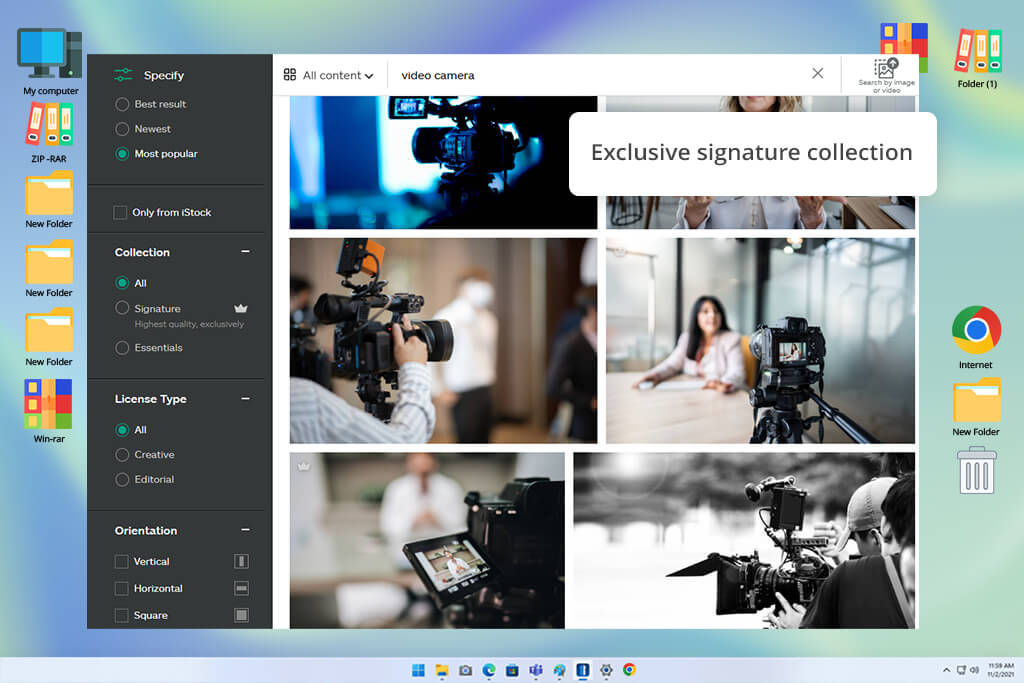
A colleague suggested iStock when I mentioned how often I was coming across generic stock images. I tested it alongside Shutterstock with the same searches, including apartment viewings, landlord-tenant scenarios, office teams, healthcare, and lifestyle scenes that regularly come up in my articles.
What stood out to me was the level of curation. Compared with Shutterstock and other iStock alternatives, iStock felt more selective, especially in its exclusive Signature collection. I also liked that it doesn’t include AI-generated submissions from contributors when I specifically wanted genuine photography. That meant I didn’t have to spend extra time checking details like hands, buildings, or backgrounds for signs of AI generation.
For contributors, I focused on traditional photography rather than AI-generated work and looked at how the Getty contributor system works. New contributors can usually start as non-exclusive, which means they can keep selling through other platforms. Accepted images can also reach iStock customers, Getty Images subscribers, and distribution partners.
“For people and business scenes, iStock felt more natural and less staged. I’d choose it when realism matters more than having the widest selection.”

Exclusive contributors may later qualify for higher royalty rates. However, iStock does not allow generative AI content, whether it is created or edited with AI. Because of that, it doesn’t fit the AI portfolio I’m building now.
Interestingly, buyers can still create commercially protected AI images with iStock’s separate AI Generator, but these images do not become part of the stock library. I still turn to iStock for polished photos of people, business settings, healthcare, and realistic lifestyle scenes.
The free option of this Shutterstock competitor feels more like a small preview than a full plan: you get one Signature photo each week, along with free illustrations and videos each month. Basic plans start at $29 per month for 10 downloads with an annual commitment. For occasional use, I’d stick with credits, while frequent editorial work makes the subscription easier to justify because of the consistent quality and curated selection.
Pricing: Free: 1 photo/week + monthly illustration/video; From $29/mo; From $348/year
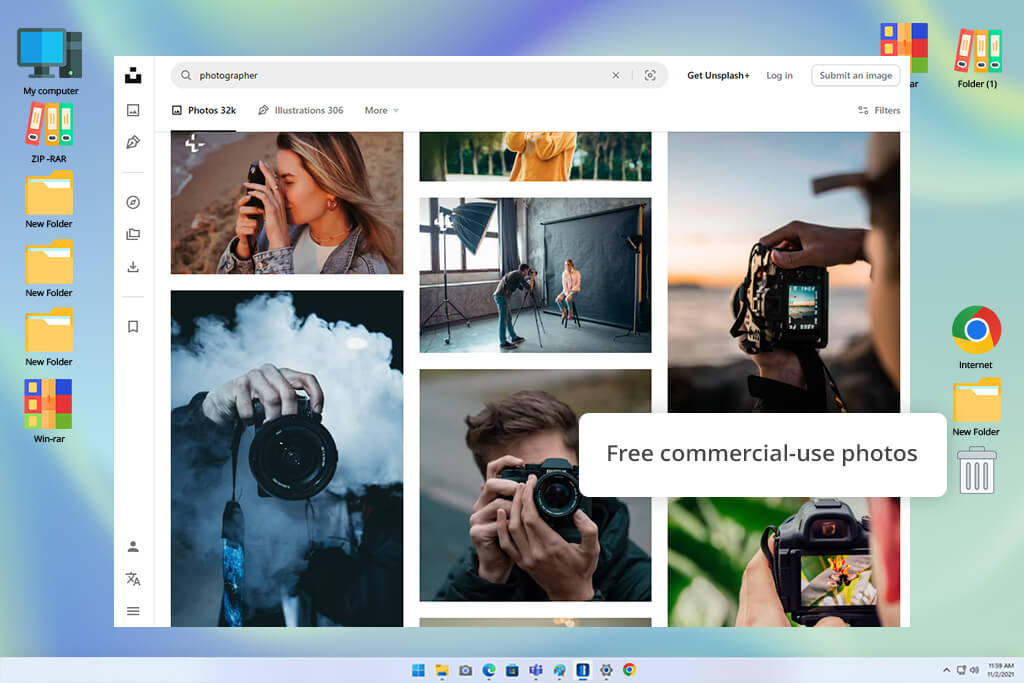
A photographer I know who also sells stock suggested I try Unsplash instead of seeing it as just a source for free blog images. I searched for travel, interiors, remote work, portraits, food, and social media visuals, then compared the results with Shutterstock and other Unsplash alternatives.
For downloading, Unsplash is very different. Its free collection works well for many commercial and editorial needs, and you don’t have to credit the photographer. I often like the more natural-looking photos for articles, but very specific topics, such as legal, medical, or detailed real-estate scenes, can be harder to source.
The contributor side works differently. Regular uploads mainly help with exposure, while Unsplash+ offers paid creative briefs. Accepted Plus images usually pay around $10–$50 each, as a one-time payment rather than ongoing royalties.
AI is a major limitation for the portfolio I’m building, since Unsplash does not currently allow generative AI work, including material altered with such tools.
I still use Unsplash for many projects at no cost. I see Unsplash+ as an extra option, but for commercial teams, about $7 a month on the yearly plan can be worthwhile for unlimited access to premium material, model and property releases, and added legal coverage.
Pricing: Free: Large open library, commercial use; From $7/mo billed annually; From $84/year
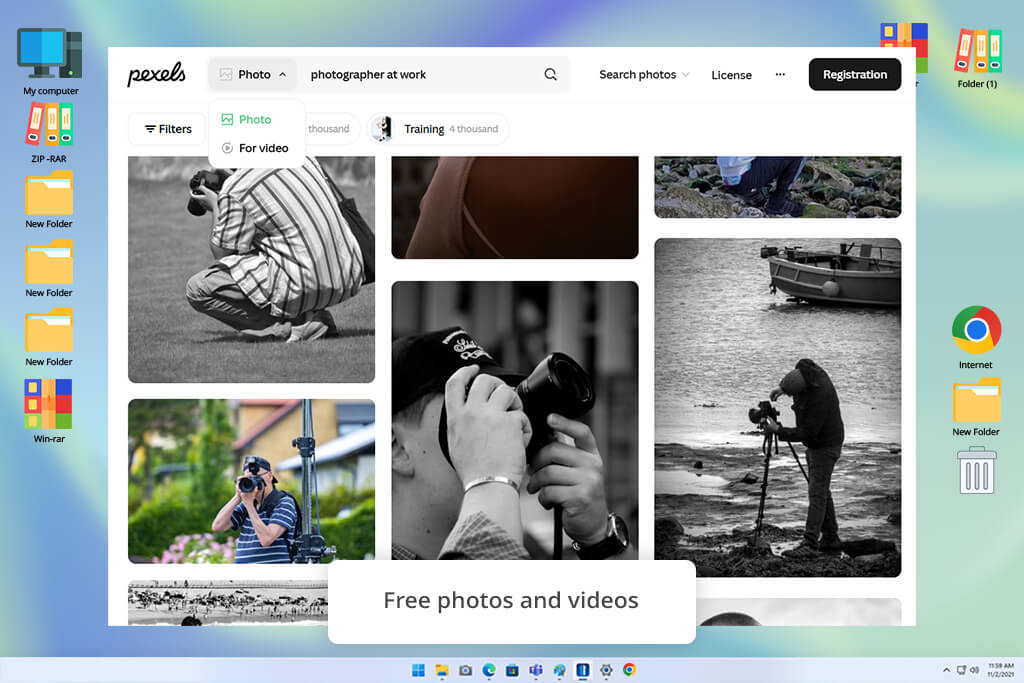
I tested Pexels because it often made it easy to find simple, realistic images without much effort. I searched for remote work, apartments, travel, food, portraits, social media, and everyday office scenes, then compared the results with Shutterstock and other sites like sites like Pexels to see how many would actually work in a FixThePhoto article.
The main advantage is simple: Pexels is free to use. Its photos and videos can be used for commercial work without attribution, although there are still rules around trademarks, recognizable people, and implied endorsement. For basic editorial needs, I sometimes found suitable images faster because I didn’t have to worry about credits or download limits.
“For everyday blog content, this free Shutterstock alternative can help me avoid paying for an image. I also like it for lifestyle photos that feel more natural.”

As a contributor, I wouldn’t rely on Pexels as a way to earn like Shutterstock. There are no regular payments for downloads. Instead, contributors mainly get visibility, performance stats, and the option to receive donations from users.
It also isn’t suitable for the AI stock portfolio I’m building, as its current upload rules do not allow AI-generated photos or videos.
I still turn to Pexels for articles, presentations, social posts, simple backgrounds, and lifestyle imagery. Because there’s no charge for the main collection, I can use it whenever I need without committing to a paid plan.
Pricing: Free: Full library, license restrictions apply; From $0/mo; From $0/year
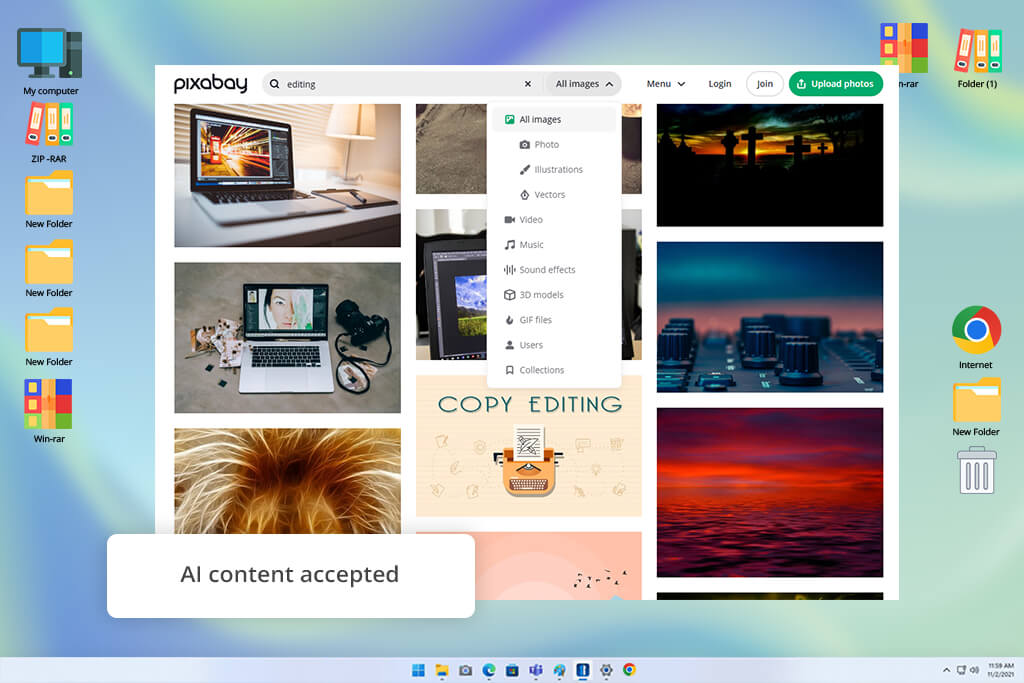
Pixabay became more useful during my test once I looked beyond its photo collection. I searched for the same real-estate, business, lifestyle, travel, and technology topics as on Shutterstock and other Pixabay alternatives, while also trying vectors, illustrations, video, music, and sound effects.
What I liked most about Pixabay was being able to find many types of content in one place without paying for each file. The license also allows commercial use and modification without requiring attribution, as long as the restrictions are followed. The main drawback was the uneven quality, which meant I needed to spend more time sorting through illustrations and broad searches.
The contributor side was different. Pixabay is not a typical stock marketplace, so I wouldn’t rely on it for Shutterstock-style earnings. Instead, contributors can receive optional donations from users.
Unlike Pexels, Pixabay allows contributors to submit AI-generated work. The creator must have the needed rights, label the file as AI-generated, and avoid real people, recognizable artists, trademarks, and brands. Large batches of nearly identical AI images are also not allowed.
I see Pixabay as a good place to try AI ideas and gain exposure, but I wouldn’t rely on it for regular income. For buyers, it’s still one of my favorite free Shutterstock alternatives when I need different types of media, not just high-end photos.
Pricing: Free: Full library, license restrictions apply;
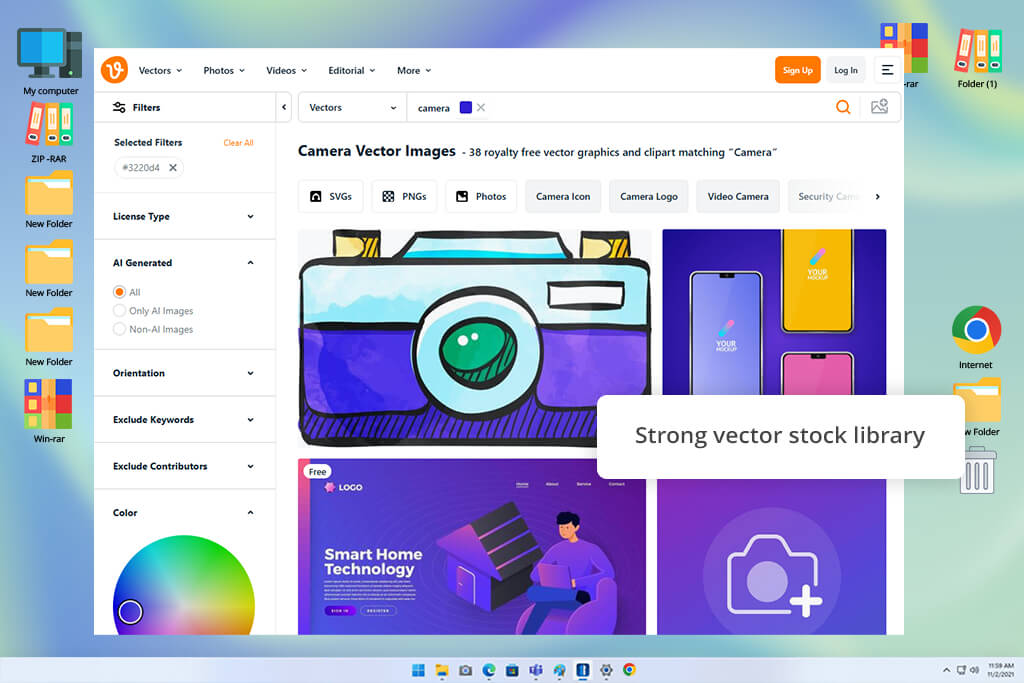
I included Vecteezy because I wanted to compare a platform with a wider range of visual resources. I ran searches around business, property, technology, and lifestyle topics, then also checked icons, backdrops, vector files, and short clips. I compared the results with Shutterstock and other Vecteezy alternatives, to see where each service worked best.
Testing Vecteezy changed my view of it. Shutterstock still feels stronger for general stock content, but Vecteezy makes more sense for designers and editorial teams that need both photos and design resources. The free plan offers up to 10 downloads a day, though free files usually need attribution. Pro removes that requirement, adds unlimited downloads, and gives access to the complete collection.
“Vecteezy impressed me most when I needed graphics for an article. Its vectors made it easy to find useful options for infographics, icons, and other visual elements without relying on photos.”

I also looked at Vecteezy as a place to sell my own work. It accepts photos, vectors, and videos, and it also allows AI-generated images if they meet its quality and submission rules. For the AI stock collection I’m building, that makes Vecteezy much more useful to me than Shutterstock.
The payment is less impressive. Free contributors earn $5 per 1,000 photo or vector downloads and $10 per 1,000 video downloads. Pro content uses a share of subscription revenue.
I still use Vecteezy mainly for vectors and graphics rather than photos. At $108 per year, Pro is worth it for designers who download every week, while people who use it less often can get plenty from the free collection.
Pricing: Free: Up to 10 downloads/day; attribution; From $14/mo; From $108/year
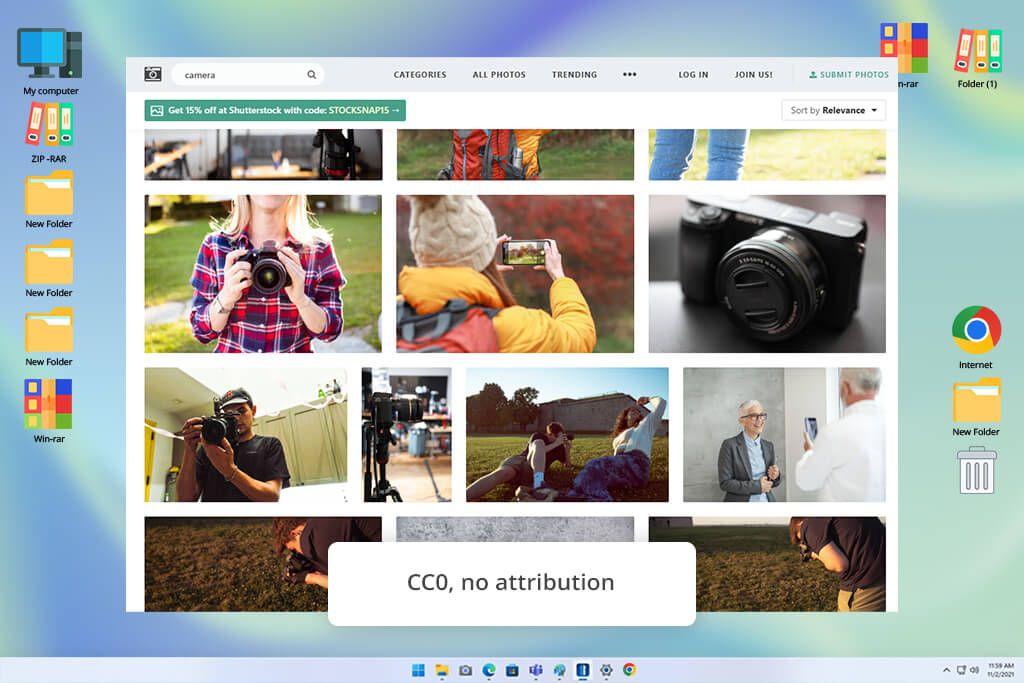
I tested StockSnap as the simple, no-fuss choice on our list. Rather than comparing it with Shutterstock’s huge stock photography site, I focused on everyday searches such as laptops, offices, food, nature, travel, backgrounds, textures, and general business scenes.
The main benefit of this website like Shutterstock was clear right away. StockSnap’s photos are available under CC0, so I can download, edit, and use them commercially without giving credit. There are no download limits or subscription costs to worry about, which makes it handy when I just need a supporting image for an article.
The main limitation is the narrower range of search results. For specific property scenes or detailed interactions between people, Shutterstock offered many more choices. I now check StockSnap first for simple backgrounds, lifestyle images, nature, and general article visuals, but I rarely rely on it for a key image in a more demanding commercial project.
For contributors, StockSnap is less useful. Photographers can submit images, but there is no regular payment for downloads. New contributors can initially send up to five images for review.
I also wouldn’t pick it for my new AI-selling project. I found AI-generated images in the search results, but there doesn’t seem to be a clear public rule for contributors submitting them. Until that changes, I’d treat StockSnap mainly as a free source for finding images, not as a serious place to sell them.
Pricing: Free: Full CC0 photo library
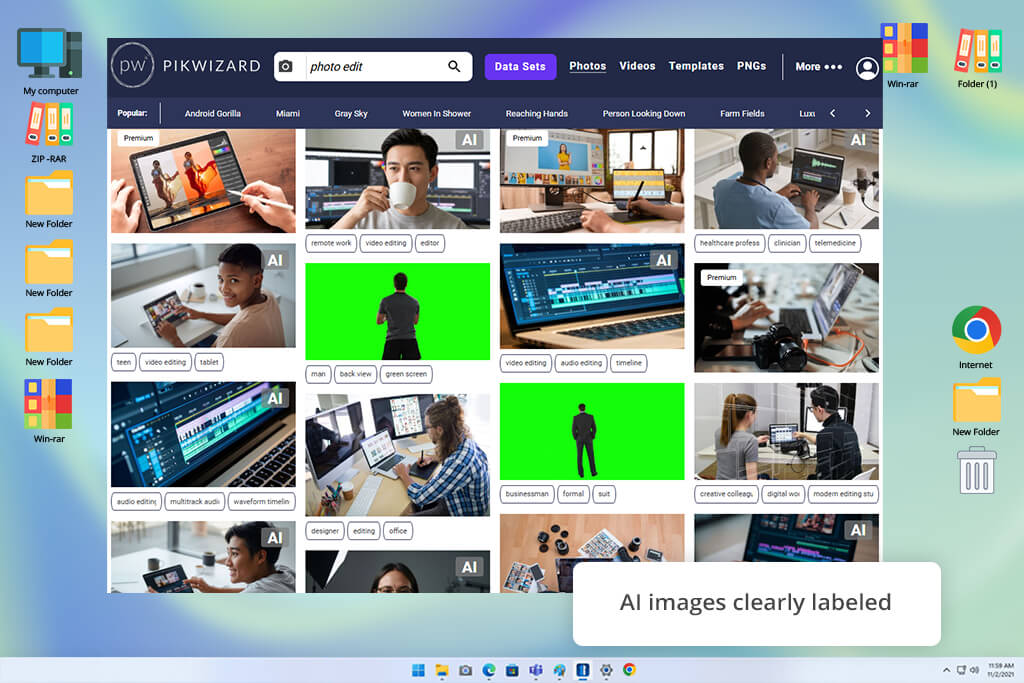
I tested Pikwizard to see whether it could cover simple visual needs without paying for a stock file. I searched for workplace scenes, homes, family moments, travel, food, social content, backgrounds, and video clips to see how useful the collection would be for everyday projects.
I found Pikwizard especially useful for simple blog and social media projects, where I wanted a suitable visual without paying for another stock image. Its collection includes over one million photos and videos, and its own content can be used commercially without attribution. Overall, this site like Shutterstock worked well for basic everyday needs.
“Pikwizard works well for quick searches, especially when I need photos of people or short video clips. I just check the format and usage terms before using anything.”

I always check the file before downloading. Pikwizard can show both free and Premium results, so I check the label and license first.
Pikwizard also has a clear focus on AI content. I found dedicated collections of AI-generated images, and these files are clearly marked. As a buyer, I find that useful because I can quickly see whether an image was created with AI.
For earning money, I’d still put Adobe Stock and Vecteezy ahead of Pikwizard. I couldn’t find a similar public system that would make it a strong choice for growing a paid portfolio. I see it more as a handy no-cost option for articles and small projects than a place to earn much from my photos or AI work.
Pricing: Free: Pikwizard-owned assets
Testing stock photo sites like Shutterstock was a little different for me because I considered both sides. I regularly source visuals for FixThePhoto articles, sometimes offer my own photographs for sale, and have recently started exploring AI-created stock material. I wanted to find services that worked well for both buyers and contributors.
My FixThePhoto team and I began with more than 50 platforms. I made the first list from services we already knew, then added ones that appeared often in Reddit threads, YouTube videos, photography forums, design groups, and contributor discussions. We also used our standard testing approach rather than judging each service by the size of its collection alone.
“Unsplash is still my first choice for natural-looking lifestyle photos. The only drawback is that I often come across the same popular shots on different websites.”

For each service, I used several searches that reflect my regular work: realistic property scenes, natural office settings, people using technology, social media visuals, backgrounds, and less common interactions between people. I tracked how fast I could find an image ready to publish, how often similar results appeared, what filtering tools were available, and how easy it was to understand the commercial-use terms.
I also looked beyond photos when a platform offered vectors, 4K video, audio, or templates. That made services like Envato Elements and Vecteezy more useful than I first expected.
“I use Pixabay when I need different types of content in one place. Being able to find a photo, vector, and sound effect without switching between several sites is really convenient.”

I then looked at each Shutterstock alternative from the contributor side. I checked how submissions worked, how creators could earn, whether exclusivity applied, how reviews were handled, and especially how each site treated AI content. When possible, I tested uploads with regular photos and AI-generated files. My team also helped verify the licensing terms because a small restriction can be more important than a good-looking website.
Not every well-known platform made the final list:
“I keep StockSnap bookmarked for quick article images. The collection is smaller, but I can grab what I need without worrying about attribution.”

Finally, I compared the prices with my real workload. I focused on services I could see myself returning to, rather than those with the most impressive figures. In the end, my team and I narrowed the list down to nine platforms we would actually use again.






















