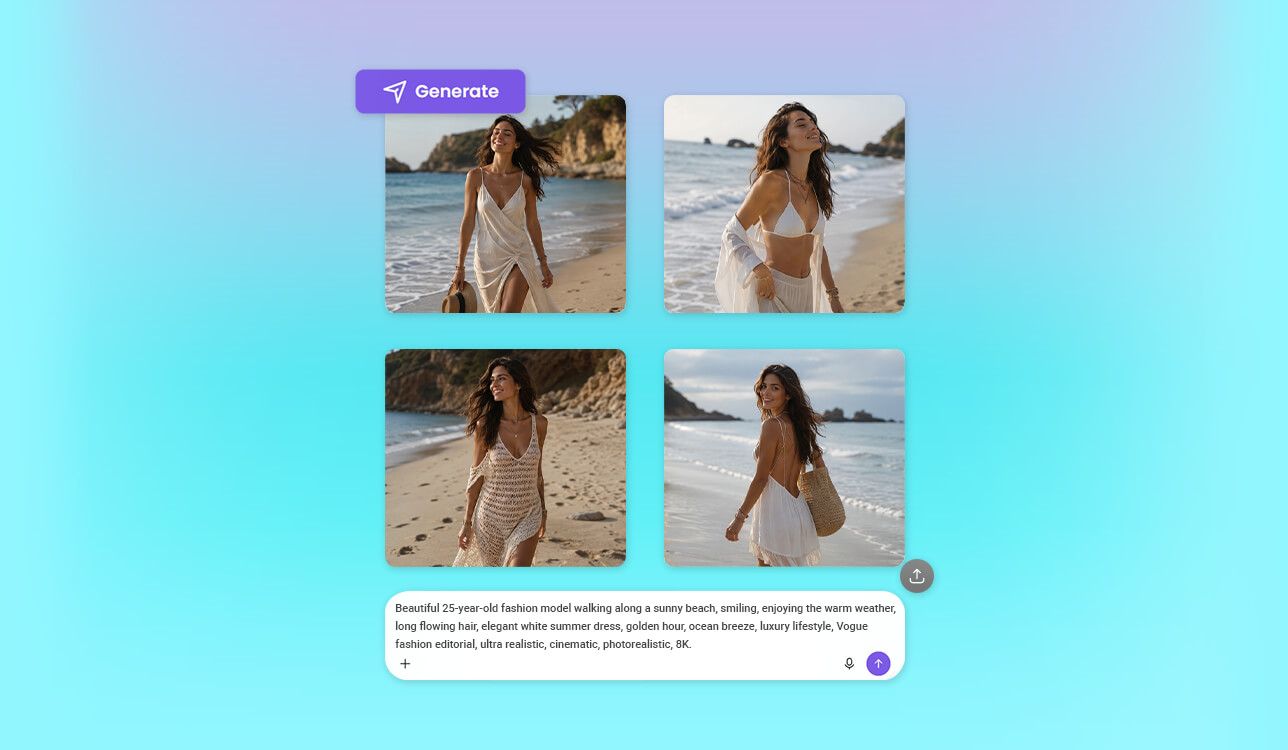
Our team is currently building an automated content engine that handles tailored blogs, newsletters, landing pages, and everything in between. Because every piece of content demands a fresh, standout visual, it was important to find a reliable random image generator.
It didn't take long to see that these tools vary wildly in their creativity, output quality, and flexibility. So, rather than buying into flashy sales pitches, I sat down and mapped out the precise technical standards our platform required.
On the technical side, we needed a fast, robust API that delivers crisp, diverse visuals without constantly repeating itself. We also required granular control over prompt behavior, artistic styles, aspect ratios, and seed parameters so we could easily recreate a specific image when necessary.
Beyond the core tech, I factored in critical business requirements like fair pricing, scalability, commercial rights, high rate limits, and solid documentation. When you’re automating everything, total system stability is non-negotiable.
To ensure we made an unbiased decision and hit our tight project deadlines, I looped in our design experts from the FixThePhoto team. Together, we rounded up the top-recommended options pulling from user forums, Google results, and ChatGPT suggestions. After mapping them against our checklist, we jumped straight into stress-testing them.

There are times when a basic random picture generator is the smarter choice over a heavy-duty editor or AI engine, especially when your priorities are raw speed, simplicity, and zero overthinking.
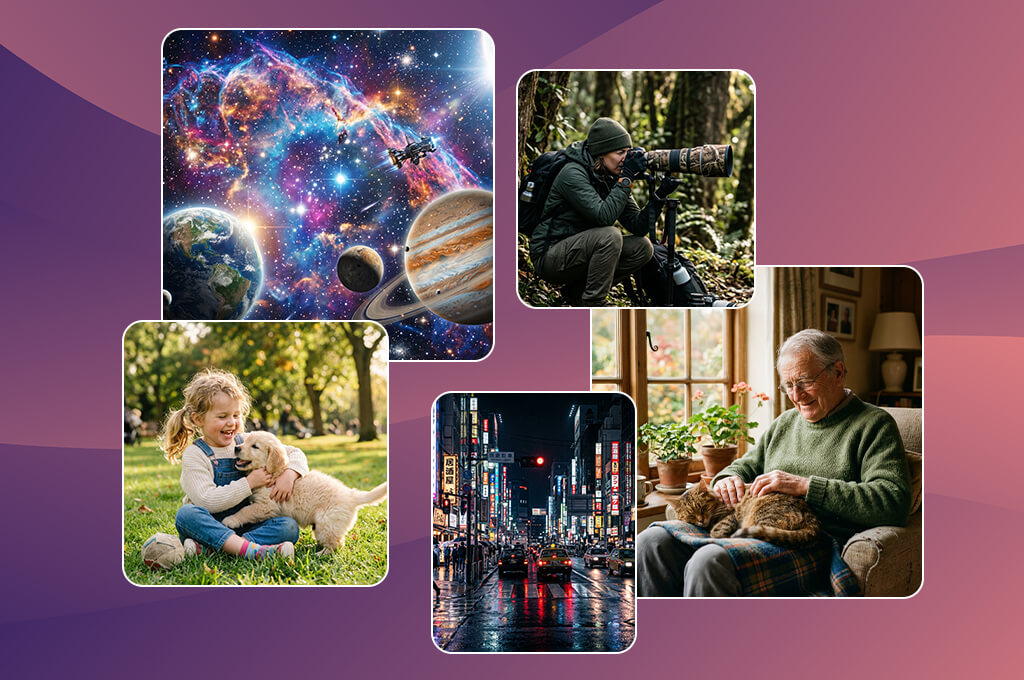
When I first integrated Adobe Firefly into our automated system, I wanted to stress-test its features to the fullest. I hit it with a variety of prompt styles, ranging from straightforward business tech concepts to highly imaginative, complex dreamscapes.
I even fed it intentionally vague phrases like “mesmerizing ancient village” or “convenient working environment with a homey vibe” just to see if it would stall out. I was impressed by how practical the results turned out to be, even when my instructions gave it very little direction to go on.
This random image generator online impressed me by how well it combined spontaneity with precision. It let me fine-tune the lighting, aesthetics, and overall vibe while still delivering the unexpected variety necessary for an automated content stream. For example, when creating a batch of startup landing page visuals, every single file looked distinct, yet they all shared a cohesive design language. That reliability is crucial when you're deploying a tool into real production.
“Easy to use, clean, and highly professional. However, the AI feels a bit too 'safe' and lacks a creative edge. So, if you want something offbeat, this tool may limit you.”

From a performance standpoint, I paid close attention to how it handled heavy workloads. I ran high-volume batch requests for abstract textures and UI backdrops rather than single images, and the system didn't flinch or drop in quality. Plus, because it’s baked directly into Adobe's broader suite, jumping in to make quick manual tweaks later was an easy part of the process.
Ultimately, Firefly proved to be the most dependable all-rounder in our toolkit. It eliminates the chaotic guessing of AI generation while keeping the visual outputs diverse and engaging. I believe it is the best random picture generator for scaling content.
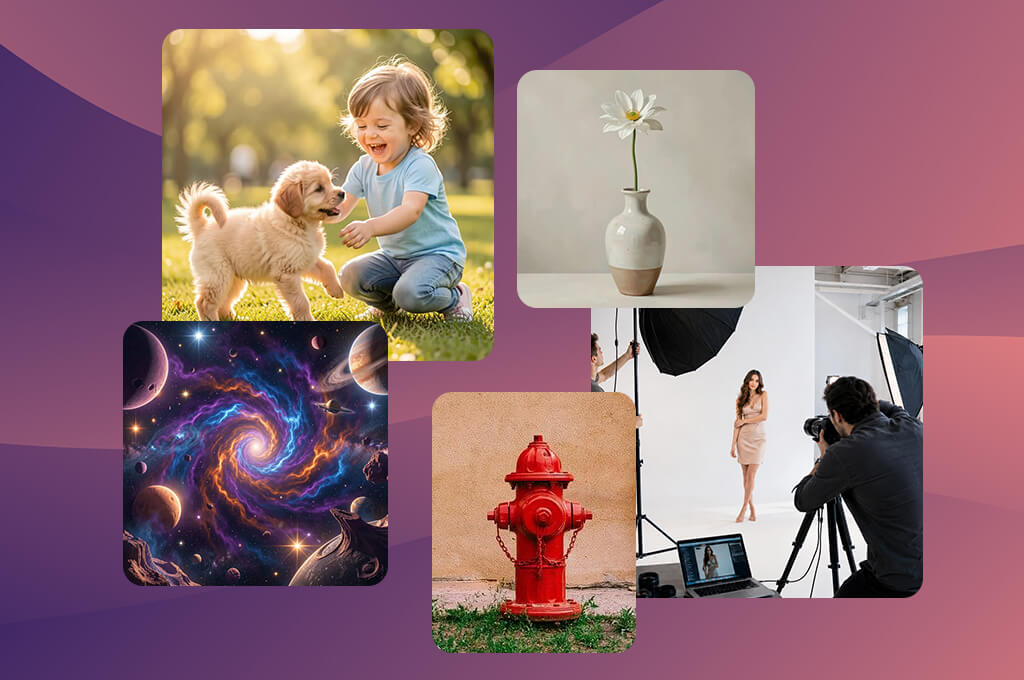
NightCafe was my go-to AI tool for content creation whenever I wanted to get a bit experimental. I tested its boundaries with highly imaginative concepts, like sunken neon churches, emotional robots, and cities trapped inside clockwork mechanisms. The platform consistently delivered artistic results that appeared more unique than standard, overly polished corporate imagery.
The biggest highlight for me was the ability to jump between different AI models in a single workspace. I could take a single concept, like an astronaut in a vintage diner, and run it through several engines at once. One would generate a gritty cinematic shot, another a chaotic watercolor, and a third a retro sci-fi drawing. It turned the generation process into a fascinating series of mini-experiments.
I also didn't expect to care much about the social feed, but I found myself browsing it constantly. Stumbling across other creators' complex fantasy and cyberpunk prompts completely changed how I framed my own instructions. I ended up pulling inspiration directly from the community to upgrade our automated testing workflow.
Ultimately, NightCafe earned its spot as the ultimate creative random AI image generator. While it isn't built for rigid predictability, which is precisely its strength, it’s the perfect tool for when your content needs a dose of the unexpected.
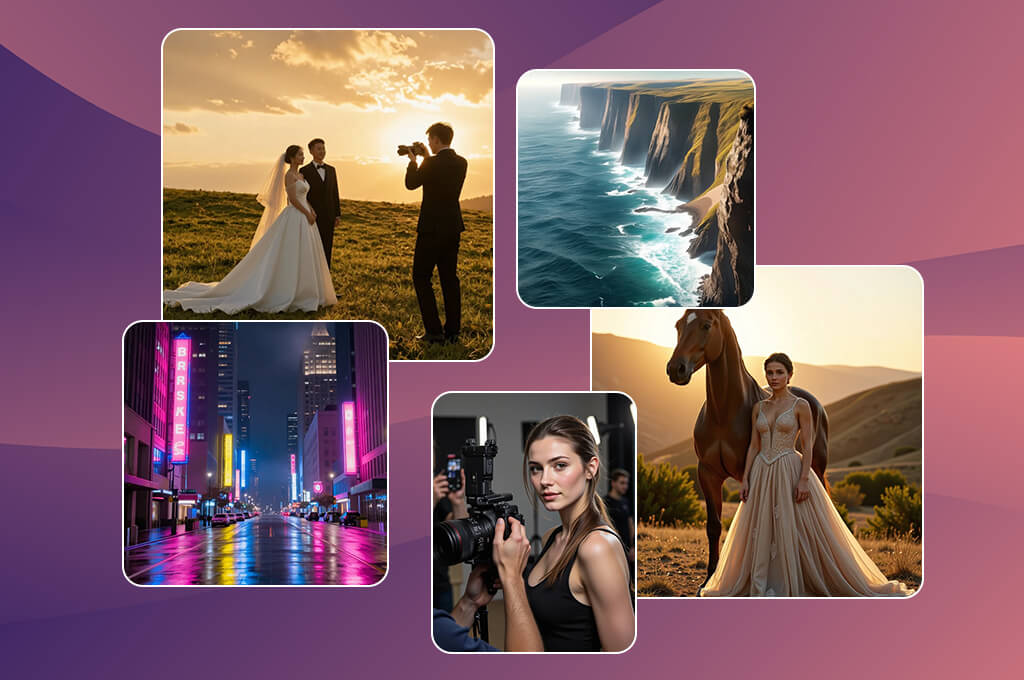
SeaArt is a powerful system where your settings dictate everything. I tested this AI random picture generator with an eclectic mix of prompts, ranging from clean, high-end product setups to stylized cyberpunk portraits and sweeping landscapes. It became clear very quickly that your final image depends entirely on the specific model you pick.
I moved past the default settings pretty fast and started fiddling with guidance parameters and generation steps. It was fascinating to see how even minor adjustments shifted the artwork. A muddy, basic sketch could transform into a crisp, high-definition illustration with just a few clicks. It gives the whole creative process a highly technical, rewarding feel.
“I like how much freedom it gives for adjusting different settings and details. The community features are helpful when you're looking for inspiration, but they can be a bit much for new users. The final images can vary quite a bit depending on the prompt.”

The biggest advantage of this AI generative fill tool is a huge set of user-created models. Rather than being locked into one signature look, you get access to thousands of specialized engines fine-tuned for everything from gritty character design to commercial product backdrops. Running the exact same phrase through different models gave me wildly different artistic directions every single time.
While SeaArt definitely requires some mastering, the payoff is impressive once you get the hang of it. It’s the ultimate choice when you want unpredictable variety backed by precise, granular control.
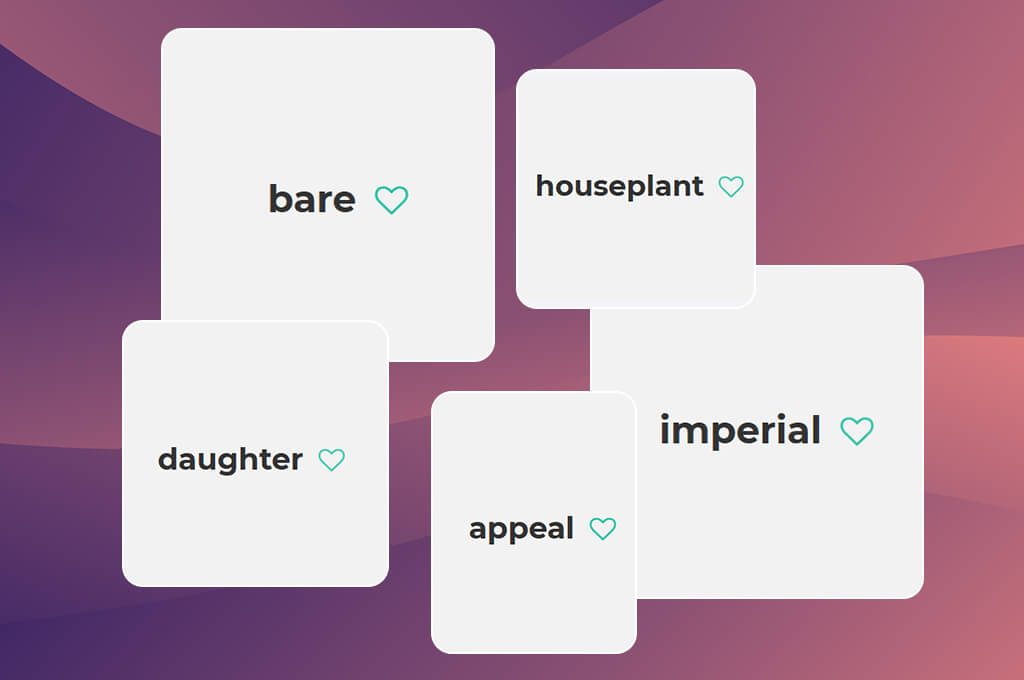
While this isn't a purpose-made AI art generator, it unexpectedly became a cornerstone of my entire testing workflow. I used it as a pattern-interrupter to break out of my own creative comfort zones and stop writing the same types of prompts. Instead of brainstorming ideas myself, I would hit the randomizer, grab weird word pairings like "metallic / ocean / quiet" or "shattered / neon / forest," and use those to build out my visuals.
On paper, some of the combinations sounded completely ridiculous, like, "plastic thunder library" or "dormant fire engine", but those exact phrases triggered the most fascinating, avant-garde outputs when plugged into an AI. For instance, "dormant fire engine" yielded these stunning, surreal industrial landscapes I never would have dreamed up on my own. It felt like this artificial randomness was forcing the AI models into completely uncharted territory.
The interface is as basic as it gets, which is precisely why it’s so effective. There are no menus or distracting settings – just instant text outputs. I repeatedly clicked refresh until a specific phrase sparked a visual concept in my mind, turning it into a brilliant catalyst for inspiration.
All in all, incorporating this tool was a good idea, because our testing became more objective without my personal prompt-writing biases in the equation. Every AI random image generator we tested had to tackle completely unpredictable inputs, which gave us a more honest look at how they perform in the wild.
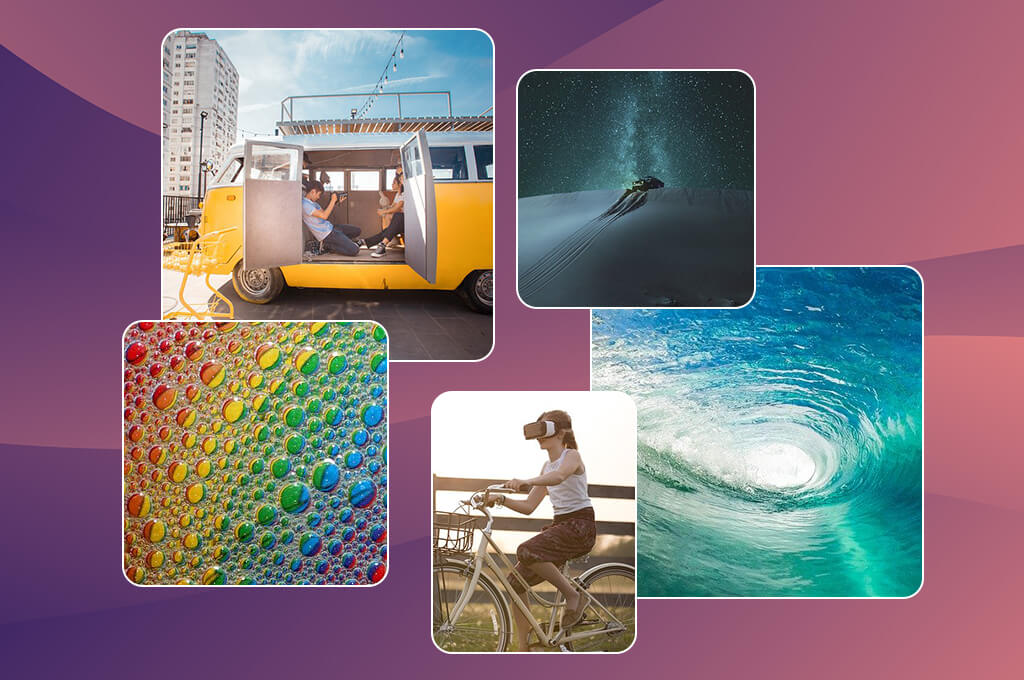
This tool sits on the complete opposite end of the spectrum from AI image generators. It doesn't interpret prompts but delivers images instantly. I relied on it heavily during the frontend building phase of my content platform whenever I needed quick filler images without worrying about context or narrative.
I plugged it straight into our UI mockups, namely, blog feed cards, gallery layouts, and hero banners, just to see how the design responded. For instance, I populated a fake travel feed with random shots of landscapes and cities purely to test the grid spacing, padding, and image cropping. The main idea was to check the structural integrity and responsiveness of the code.
“It’s as simple as it gets. You get random images almost instantly with no setup. It’s not designed for detailed or personalized results, but it’s fun for quick inspiration or casual browsing.”

The biggest win while using it was its speed and reliability. You don't have to worry about writing prompts, dealing with generation lag, or getting weird rendering artifacts. It just delivers a file on the spot. Such speed is invaluable when you're running rapid design experiments and want to stay in the zone without technical interruptions.
Still, you can't really compare this to AI asset tools or AI product photo generators because it's built for a completely different job. It isn't meant for creative exploration or storytelling. It's a utility that works best for instant visual mockups during development and prototyping.
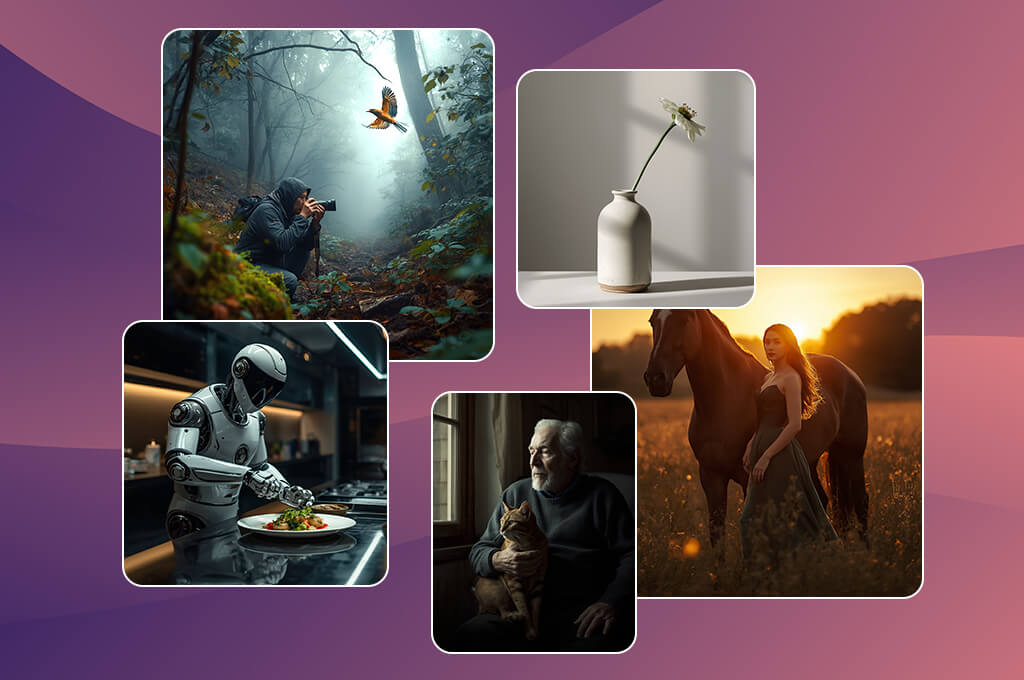
While I was already familiar with Canva as a design environment, I wanted to see how its built-in AI image generator holds up under the demands of a real content production pipeline. To test it fairly, I mirrored my actual day-to-day workflow, spinning up blog feature headers, social media banners, and promotional thumbnails where the AI image is just one piece of a bigger puzzle.
The real selling point of this random picture generator online is how smoothly everything connects. I could type in a prompt for a clean corporate graphic with soft branding colors, instantly render it, and snap it directly into a pre-made layout. From there, I could overlay a header text, align the elements, and export the finished graphic without ever closing the tab. Skipping the constant back-and-forth between separate apps saved a lot of time.
If you are looking for groundbreaking, highly complex artistic depth, this AI engine won't blow you away, but it is incredibly practical. For instance, when I asked for a simple graphic representing a modern workspace, I wasn't just left with an isolated image. I could immediately pair it with charts, native icons, and custom brand assets. It functions more like an efficient digital design assistant than an experimental art tool.
To my mind, Canva is a perfect tool when asset generation is treated as a single cog in a larger design engine. It is explicitly built for rapid execution rather than conceptual art exploration, and it plays that specific role perfectly.
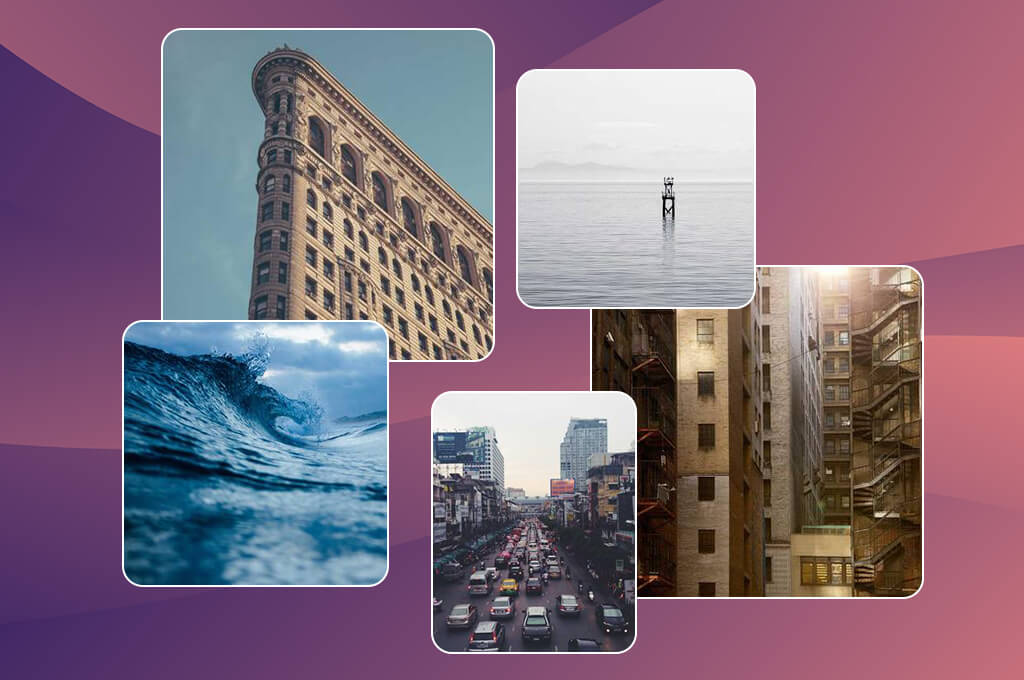
Lorem Picsum quickly became my go-to random art generator whenever I needed basic filler images for front-end coding tasks. I used it a lot while shaping our platform's layout structure, mostly because it lets you pull clean, realistic photos instantly using basic URL strings without filling out forms or writing complex AI prompts.
I hooked the tool straight into such interface elements as article preview cards, portfolio grids, and header banners to replicate a live user experience. Thus, I could quickly check how our coding handled diverse aspect ratios, framing choices, and responsive scaling. For instance, swapping a widescreen header asset for a tight square thumbnail took nothing more than changing a couple of numbers in a web link.
“Perfect when you need clean, basic visuals for a project or wireframe. It doesn’t offer much flexibility, but the speed and simplicity make it useful for quick design work.”

The absolute best part about this option is its speed and dependability. It doesn’t waste time on prompt interpretation or image rendering and focuses entirely on serving up steady files on the spot. Such unshakeable predictability is exactly what you look for when you are auditing system stability rather than hunting for artistic flair.
Generally, you shouldn't compare this to advanced AI tools for designers. It fills a completely different niche by silently managing the structural, functional, and technical testing layers of your design pipeline.
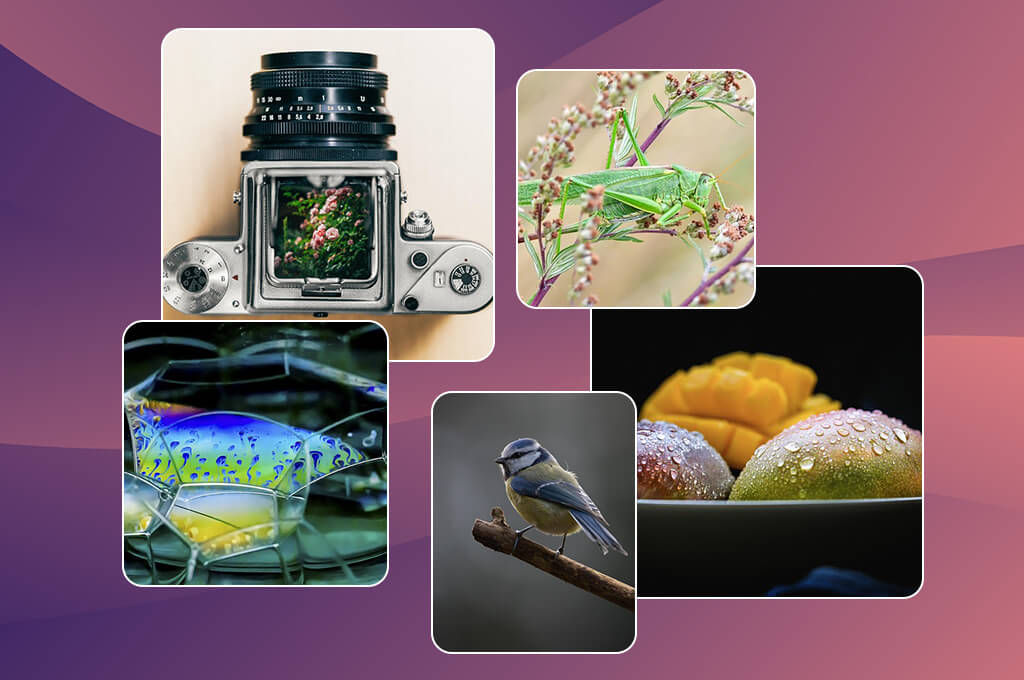
This platform ended up serving as the central engine for our entire experiment with randomness. Rather than limiting itself to just visuals, it spits out random vocabulary, concepts, and mashups like "historic / neon / tempest." I continuously harvested these raw text combinations to feed into my AI image prompts.
The most fascinating part of the process was watching how different image generators handled these phrases. For example, I grabbed the phrase "shattered mirror metropolis" and plugged it into NightCafe, which yielded incredibly surreal, fractured cityscapes that never would have crossed my mind. In another test, running "golden chaos woodland" through Firefly produced remarkably striking, cinematic compositions.
The beauty of this random image generator from text is the absolute minimalism. It strips away all the complex settings, giving you instant data that you can immediately put to work. It became my default destination whenever my own prompt-writing was stale or repetitive.
For our workflow, it functioned like a creative reset button. Whenever I fell into a comfortable rut, this tool pushed me onto an unexpected path, so our testing workflow was delightfully uncontrolled.
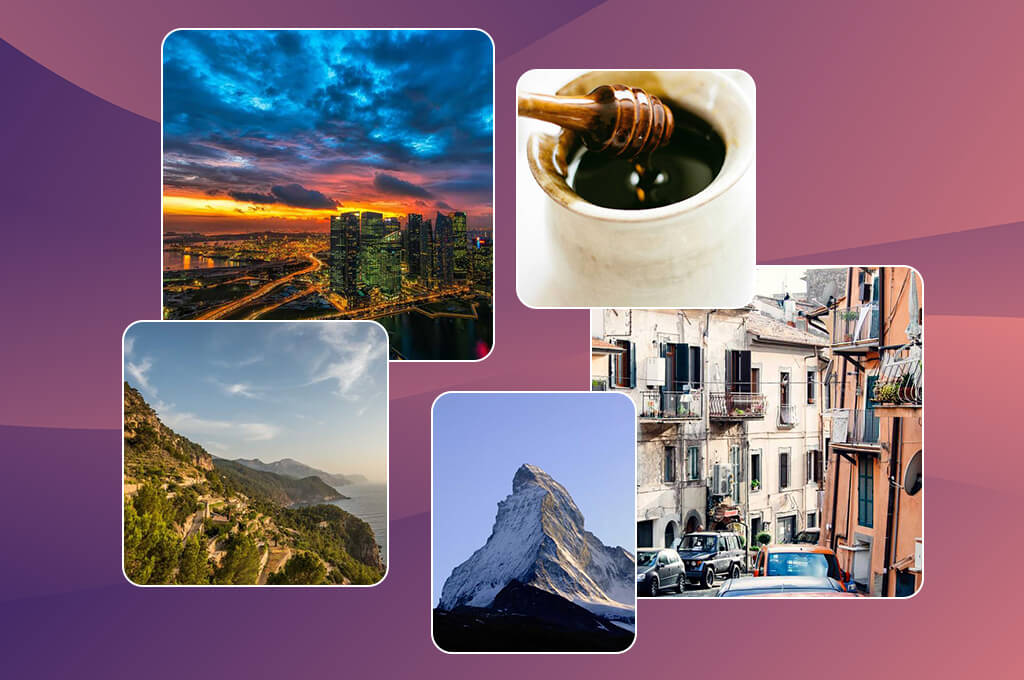
EltBuzz is a lightweight spark-generator, so don’t expect to see extensive functionality of a heavy-duty production platform. I relied on it primarily at the very beginning of my creative sessions whenever I needed quick ideas like "contemporary workplace," "abstract tech flow," or "clean landscape".
This random picture generator is user-friendly and fast. I frequently treated its basic outputs as a creative launchpad, immediately spinning those concepts through advanced engines like Firefly or SeaArt to compare how different platforms visualized the exact same idea.
“It comes with a wide range of generators and creative tools, but the quality isn’t always consistent. Some are genuinely useful, while others feel more like extras. It’s still fun for trying out new ideas.”

You won't find any advanced customization features here, but that is entirely by design. The platform prioritizes velocity and initial brainstorming over precision or microscopic control. It acts as an initial trigger rather than a tool for a finished product. All in all, EltBuzz is best used as a gateway to the creative workflow, when you want to get moving without overthinking every step.
To keep our review completely fair and objective, my colleagues – Nataly Omelchenko, Tata Rossi, Ann Young and I decided to divide and evaluate random image generators based on our individual areas of expertise. We built a structured testing matrix from scratch. I made a standardized checklist of test prompts, ranging from clean office mockups to mystical fantasy forests, ensuring every single tool cleared the exact same creative hurdles.
From there, Nataly analyzed visual quality and realism, Tata evaluated user interface intuitiveness and workflow speed, and Ann monitored how consistently the engines reproduced quality across multiple runs. This balanced setup kept our personal biases in check and gave us incredibly clean, actionable data.
During testing, we jumped between highly controlled phrases and randomized word mashups to see how platforms handled strict creative briefs and pure spontaneity. Adobe Firefly emerged as the best random picture generator for clean, commercial-ready graphics. However, when we pushed into abstract concepts or avant-garde art styles, NightCafe and SeaArt came out on top.
We also looked at generation speeds, stability, and workflow integration. Canva was a favorite for all-in-one content creation because it lets you generate an image and instantly manipulate it inside a template without switching tabs. Meanwhile, Lorem Picsum turned out helpful for front-end development where instant loading mattered most.
Summing up, our testing proved that these AI apps simply solve entirely different problems, leading us to adopt a clever, multi-tool hybrid workflow for future projects.



![11 Best AI Virtual Assistants in {{%year}} [Reviewed & Ranked]](http://fixthephoto.com/blog/images/gallery/news_main__preview_29081.jpg)

![7 Best HEIC to JPG Converters [{{%year}} FixThePhoto Choice]](http://fixthephoto.com/blog/images/gallery/news_main__preview_29011.jpg)

![9 Best AI Car Video Generators [{{%year}} FixThePhoto Choice]](http://fixthephoto.com/blog/images/gallery/news_main__preview_29281.jpg)
![9 Best AI Virtual Try On Outfits Tools in {{%year}} [100% FREE]](http://fixthephoto.com/blog/images/gallery/news_main__preview_29082.jpg)


















