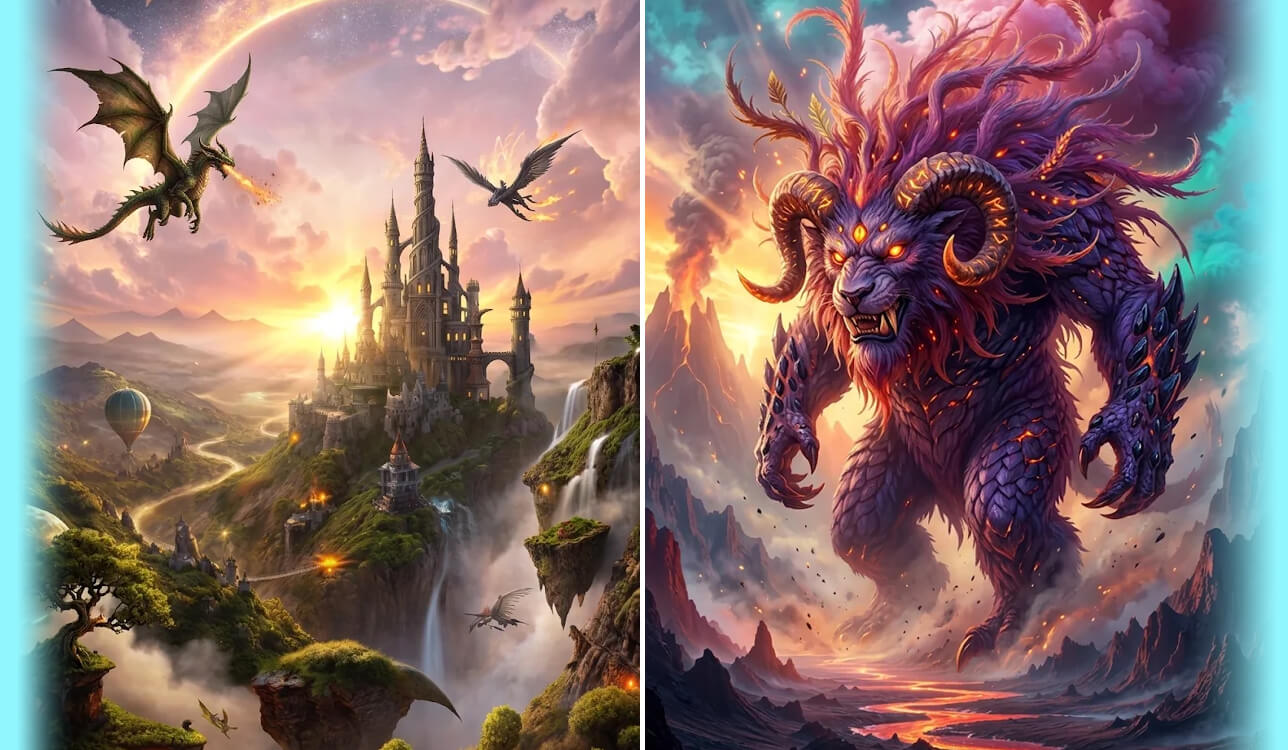
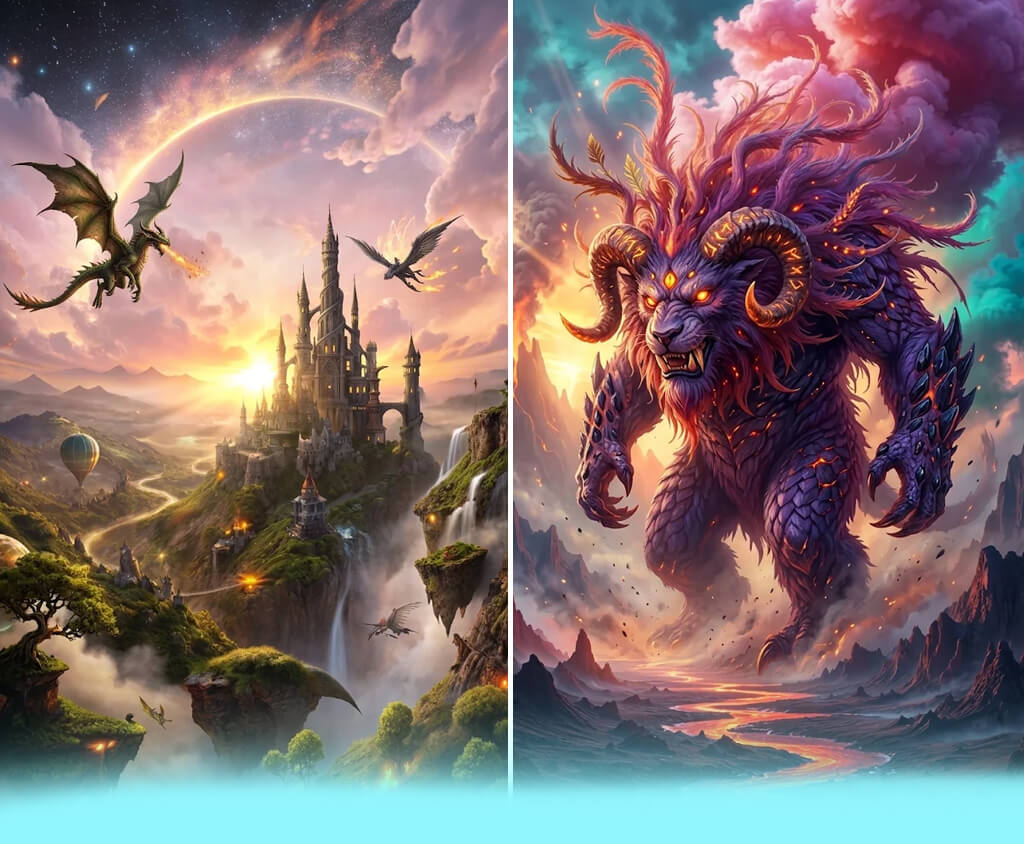
I started a new fantasy magazine project and needed original art. The site itself is small in scope but focused on fantasy worlds, legendary creatures, magical settings, and ideas for storytellers to draw on. Generic visuals did not fit. I wanted readers to feel like they’d stepped into each scene, surrounded by overgrown forests, crumbling fortresses, shadowy figures, and landscapes thick with mood.
Hiring an illustrator for every single piece was impractical at the volume this required. So, I decided to look for the best free fantasy art generators, hoping to put image creation directly in my own hands.
At first, I wanted to get a “pretty picture” result, but quite quickly I figured out it was not the most important thing. The tool I needed had to read nuanced, layered prompts and turn them into fantasy scenes with real internal consistency. I wanted more than striking visuals, namely, ones that matched the specific idea I had in mind.
I paid attention to prompt accuracy, artistic variety, and image quality. I needed a tool that could capture the architecture of a forgotten kingdom, a mythical creature’s features, or the lighting conditions of an enchanted forest without drifting far from the original vision.
Budget was a real factor. Free functionality mattered because I needed enough room to experiment with different visual concepts, compare styles, and refine my prompts without constantly bumping into generation limits.
I also paid attention to what each free AI fantasy art generator had to offer beyond basic generation, like alternative artistic models, image editors, reference-image support, and smooth downloads. An intuitive interface was just as important. I had no interest in spending more time on tutorials than on actual creative work.
Each generator’s ability to handle the full range of fantasy aesthetics was another key factor. This project demanded more than the usual dragons-and-castles output. I needed everything from detailed digital paintings and cinematic fantasy scenes to softer, storybook-style illustrations.
The images also had to perform across multiple formats, including article headers, character profiles, and social media visuals. Visual consistency was non-negotiable, since all the artwork had to read as part of a single cohesive publication. To speed up the evaluation process, I brought in colleagues from my FixThePhoto team.
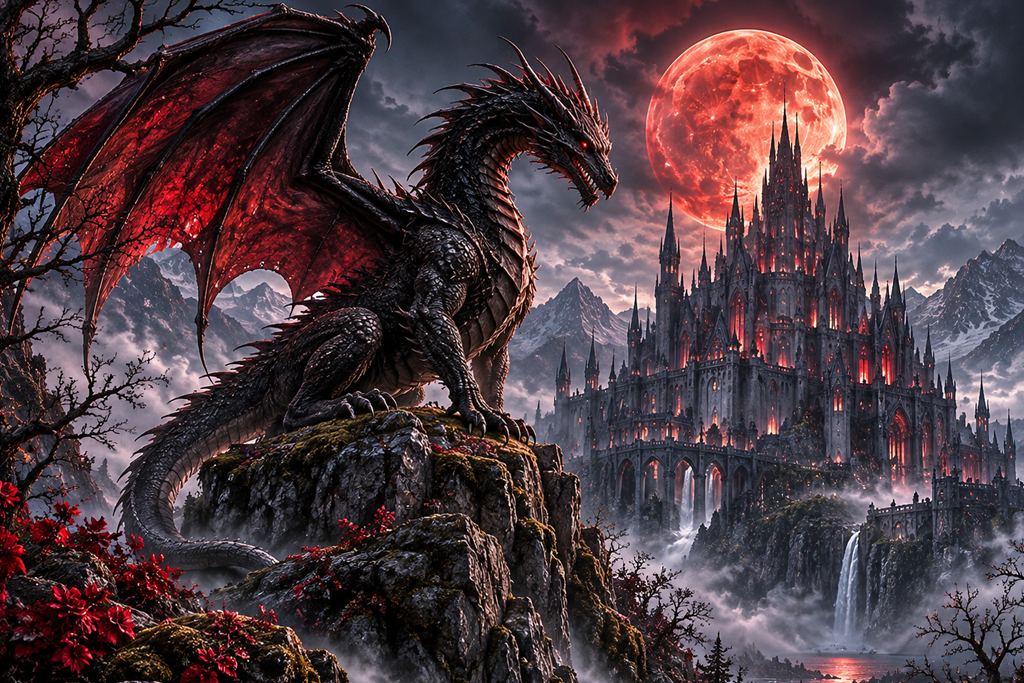
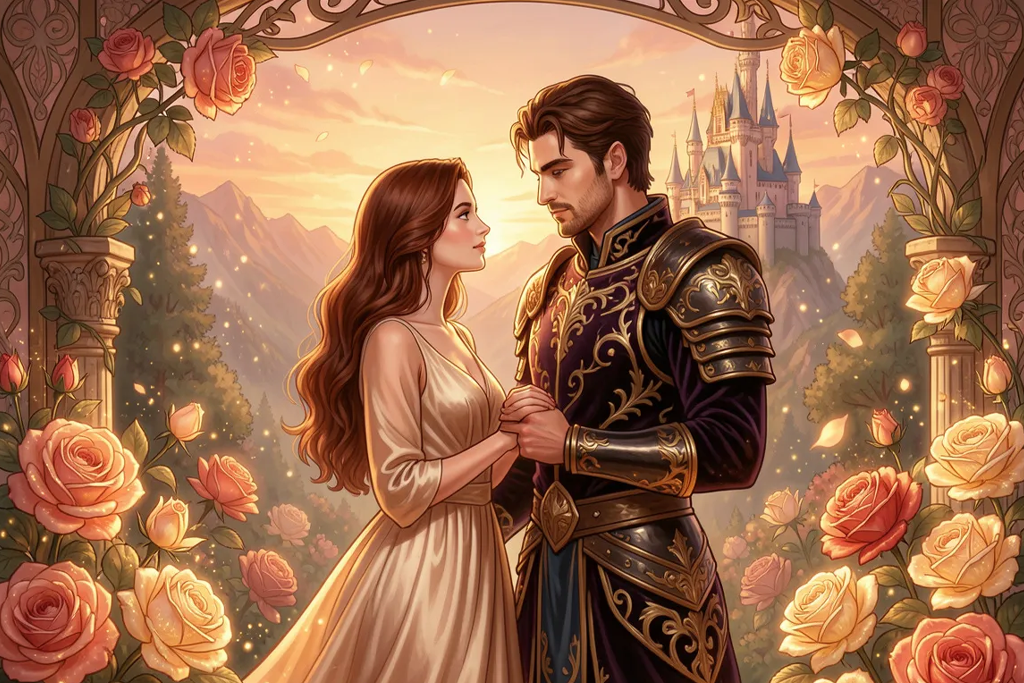
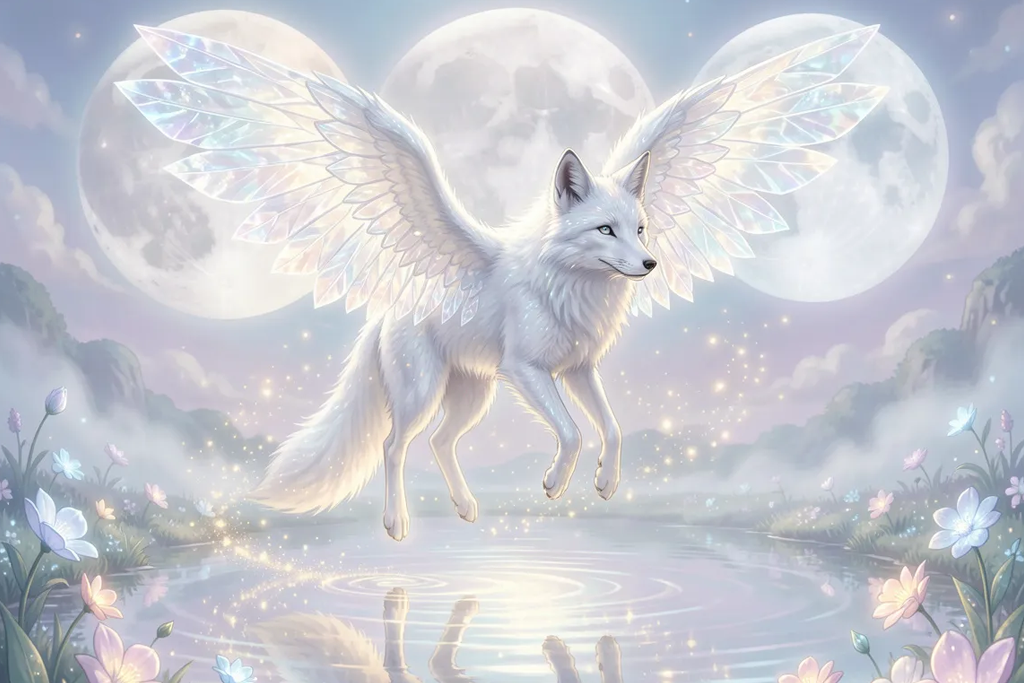
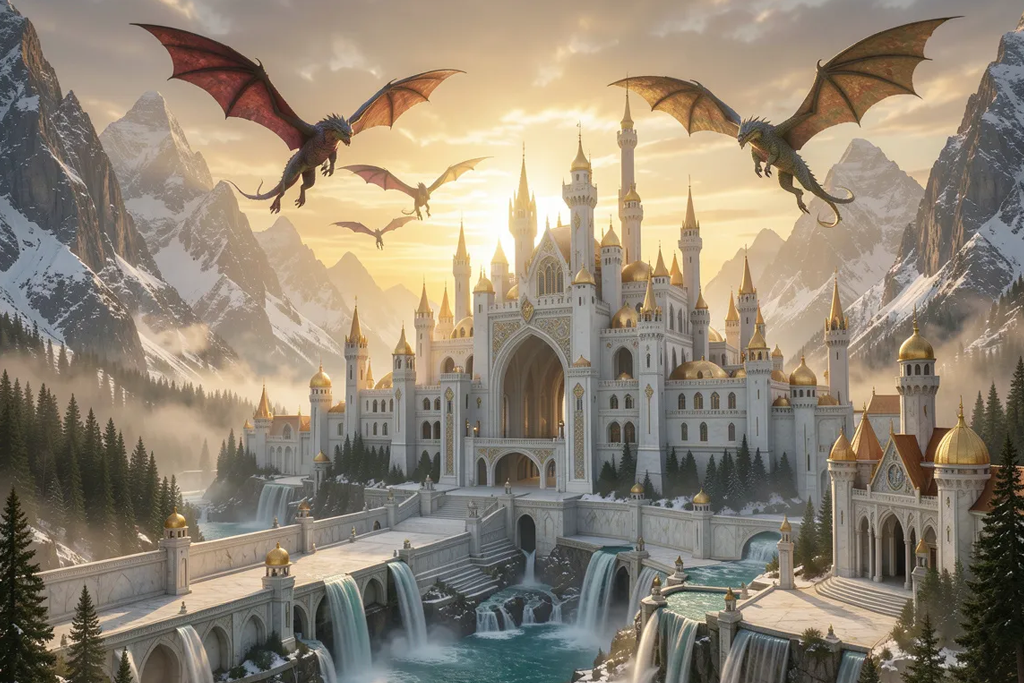
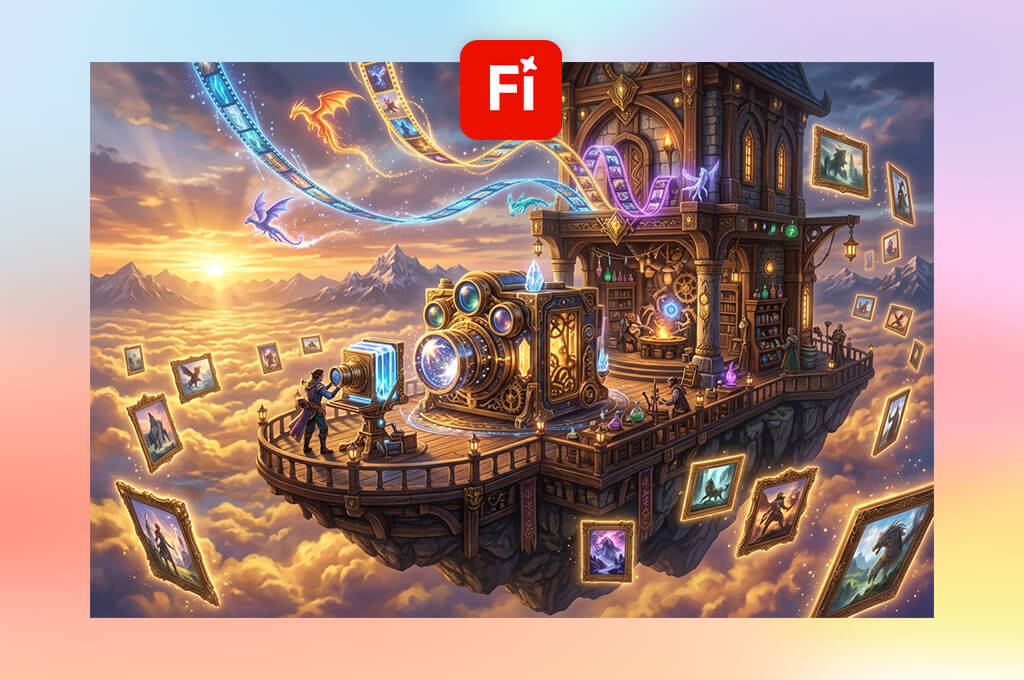
Adobe Firefly became part of my regular toolkit after I started producing fantasy visuals for my digital magazine. To understand its capabilities, I submitted prompts for an ancient elven city with cascading waterfalls, a dragon stationed at a crumbled fortress, and a sorceress lit by the glow of a full moon.
Text-to-image works from written descriptions, and the available style and composition settings open multiple visual paths from a single idea. The tool felt most at home with fantasy landscapes with heavy atmosphere and illustrations with fine detail.
The more specific your prompt, the better the output quality is. A request for pale stone towers, candlelit windows, and valley mist produced something more interesting than a plain ask for a fantasy castle. After I elaborated the details about architecture, light sources, weather conditions, and color palette, the outputs became more intentional.
“The results were better than I expected, especially for detailed fantasy landscapes. I liked how easily I could try new colors and styles. However, getting the exact result sometimes took a couple of prompt changes.”
Additional sliders for visual intensity, color and tone, lighting, and composition let me push the mood in a chosen direction. Working through those options helped me arrive at a visual language that stayed consistent from one magazine spread to the next.
The editing capabilities of this free Adobe software were equally worth attention. Generative Fill handles the addition or replacement of elements within an existing image, while Generative Expand stretches the canvas past its original frame.
For editorial work, that second feature solves a common problem – a character portrait cropped too tight for the layout suddenly has room to breathe. Keeping generation and editing inside the same environment is also very convenient, as you do not have to jump between tools.
Free accounts receive a daily allowance of generative AI uses distributed across eligible Adobe applications. Adobe does not advertise a fixed number, and both the available credits and accessible models can shift over time.
The cap makes this free AI fantasy art generator a better fit for focused concept exploration than for high-output production, but it offers enough access to understand how the core workflow functions before any financial commitment. For fantasy projects that reward careful prompting, hands-on visual control, and integrated editing, Firefly stands as one of my firmest recommendations.
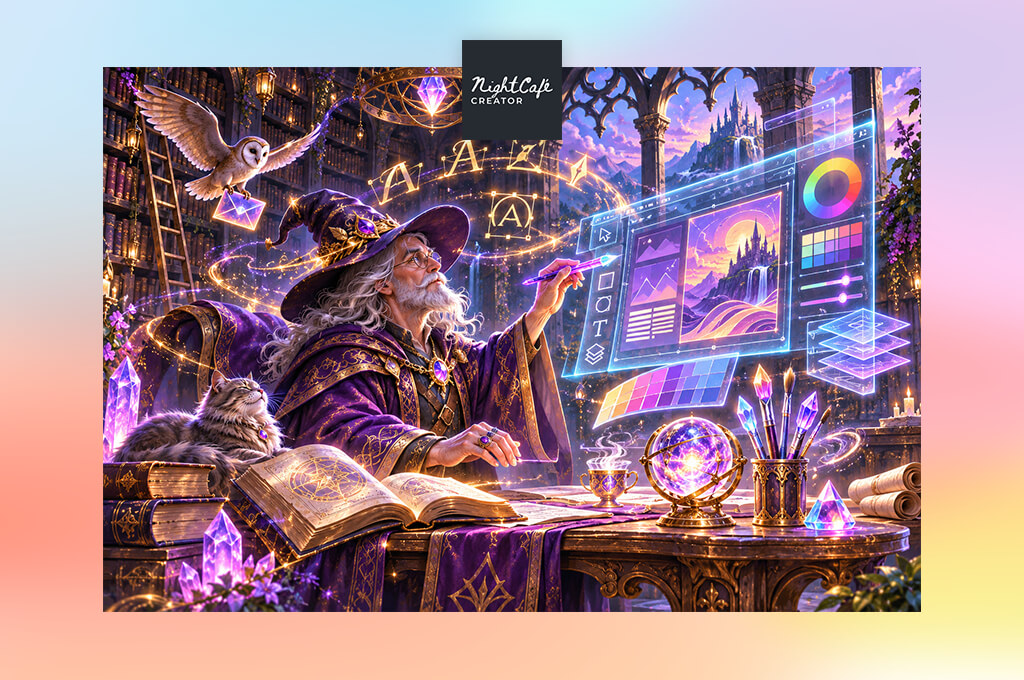
NightCafe works like an open creative studio, perfect for moments when a fantasy concept is still taking shape in my mind. I ran the same idea, namely, a mysterious forest with a glowing temple at its center, across multiple artistic styles, then shifted to a dragon portrait and a floating castle to see how those translated.
Each attempt surfaced a different visual direction, from soft, dreamlike illustrations to bold, high-contrast digital artwork. The experience was worthwhile because of the ability to compare those interpretations side by side, rather than trusting a single model to define the final look.
Model selection stands out as the strongest feature of this AI art generator. NightCafe houses several AI models under one roof, with DreamShaper being a standout for stylized and imaginative output. The same text prompt can produce a gentle storybook aesthetic in one model and a rich, elaborate fantasy scene in another. For a magazine that spans character portraits, magical landscapes, and creature designs, such creative range is truly useful.
The community side of the platform also deserves attention. Daily art challenges, public galleries, comment sections, and community reward systems serve as a constant source of fresh inspiration. When I needed new angles for an article on mythical creatures or enchanted settings, the challenge feed gave me exactly that. Other creators’ work also nudged me toward details I might have overlooked. Things like dramatic lighting choices, unexpected color combinations, and bolder compositional decisions.
On the free tier, NightCafe adds 5 credits to each account every 24 hours, available through the notification inbox. Community participation can unlock additional credits, though the exact amount each task requires varies by model and output settings.
That daily renewal keeps the platform accessible for regular use without any long delays between sessions. For anyone who wants to move between fantasy styles and AI models without commitment to just one, NightCafe remains one of the most flexible AI fantasy art generators.
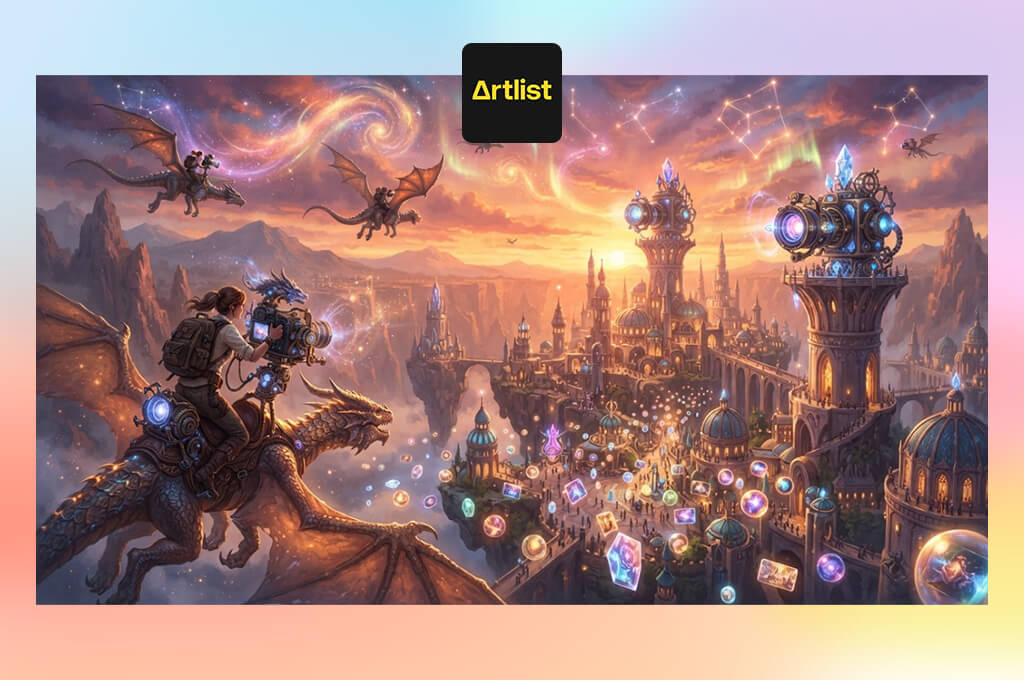
Artlist drew me in with a premise that was different from most tools I had tested. Rather than treating each image as a one-off output, it positions creation as a step inside a wider workflow. I brought a fantasy kingdom concept to the platform, used a reference image to anchor the visual direction, and then shaped the result through a series of follow-up instructions.
The AI Agent feature is the heart of this dark fantasy AI art generator. Most tools reset with every new prompt. This one holds the thread of a creative conversation, so I can nudge details forward without losing the context I already established. That proves most useful when the mood or atmosphere of a scene is already fixed in my mind, but several elements still need tweaking.
The reference-image tool and the output controls also gave me room to experiment. I could feed in a visual reference to guide a new concept, then use aspect-ratio and resolution options to tailor the result for a specific layout. A fantasy landscape destined for an article header needs much more horizontal space than a character portrait cropped for a social feed. Having both controls in one place simplified that process considerably. Rewriting a full prompt for each small adjustment can become tedious quickly, and the conversational method sidesteps that issue.
“I liked the quality of the fantasy scenes I created. It was simple to try different prompts and styles, but I quickly noticed that the free plan had quite a few restrictions.”
I did not expect the connection between still images and video. Artlist lets a generated image serve as the foundation for an animated visual, refined through continued instructions. For a fantasy-focused magazine, that opens up an appealing route from a single landscape or creature illustration to a short piece of promotional video content. The platform resembles a studio with several tools working in coordination.
The free version is narrow by design. Artlist currently allows 2 trial AI image generations through Nano Banana 2 Lite. The platform states clearly in its documentation that these outputs cannot be saved or published. That is a serious limit because it places the free option firmly in the category of a test drive rather than a usable creative resource. For anyone serious about building a library of finished magazine visuals, a paid plan would be the actual starting point.
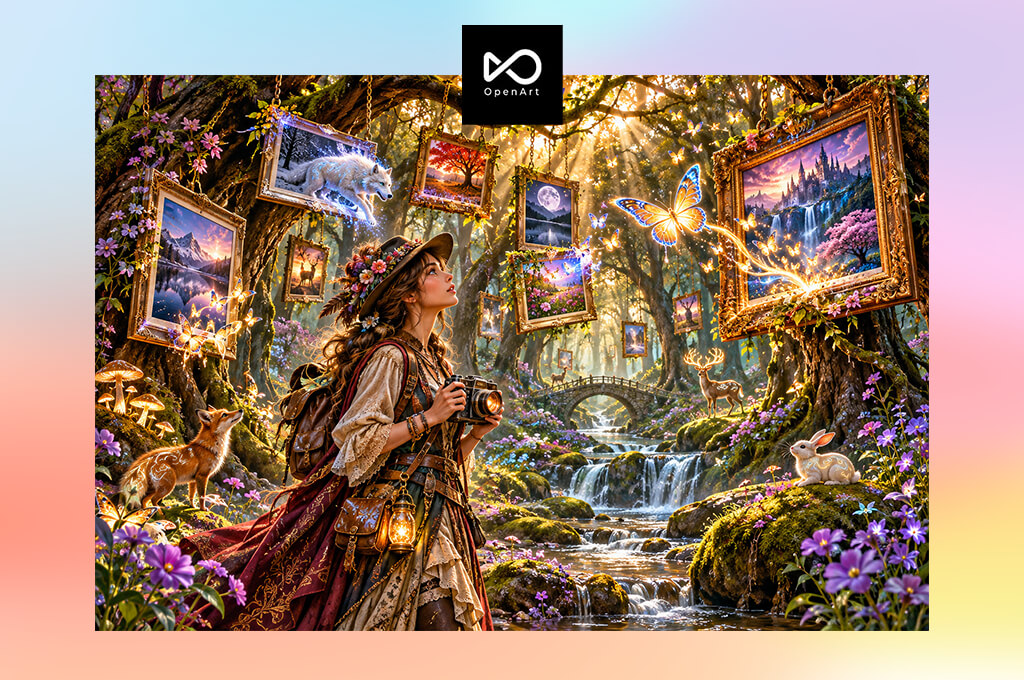
Among the tools I reviewed for my fantasy magazine, OpenArt offered one of the broadest sets of creative options. To evaluate its capabilities, I generated images of a forest witch, a mythical wolf, and a city that had grown up around a huge ancient tree.
Multi-illustration projects also got my attention during testing. This AI image generator supports both text-to-image and image-to-image workflows, which means I can feed it a written concept or an existing picture and get useful results either way.
AI Character Generator was the feature that moved it to the top of my list almost immediately. Recurring characters are central to any fantasy publication, and readers need to recognize the same face from one scene to the next. That is exactly what this tool addresses. It keeps a character’s core appearance intact while allowing the pose, wardrobe, backdrop, or visual style to shift around it. For a serialized story with a fixed cast, this control is more valuable than simply producing large numbers of images.
The post-generation side also held up well. You get access to background replacement, targeted object edits, and resolution boosts, so it is possible to polish a result without rebuilding it from scratch.
A minor tweak to a setting or prop can change the feel of an image considerably, and having that option saves real time. The built-in prompt guide and learning materials are also valuable, especially if you need to describe an intricate environment or a character with very specific visual traits.
First-time users start with 40 credits, valid for 7 days, and can test advanced models and premium features. That window gave me a fair look at what the platform can do at full capacity, though the credits do not carry over or replenish once the trial closes.
Treat the free tier as a structured evaluation period rather than a long-term resource. For fantasy projects that depend on visual continuity across a cast of characters, OpenArt is worth a serious look before moving on to other free AI fantasy art generators.
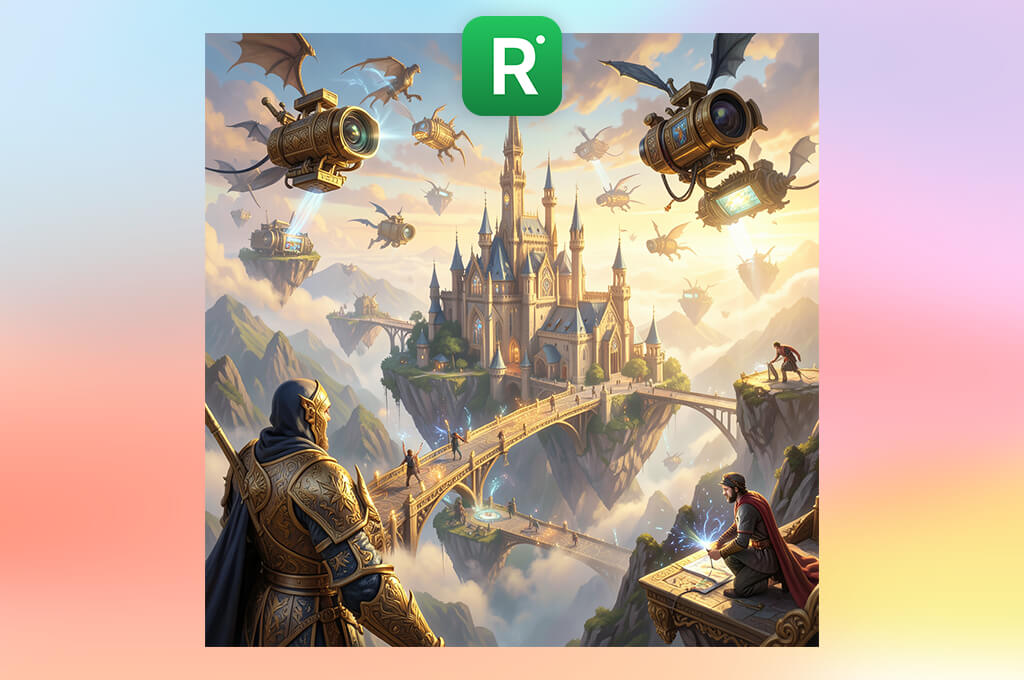
If you want to test fantasy art ideas fast, Rewind is one of the best free AI fantasy art generators. You get daily free access, no forced sign-up, and multiple image engines. Even better, the platform allows you to use your final art for both personal and business work.
I noticed how clear the free tier is right away. I get 2,500 daily tokens as a guest, and a free account bumps that limit to 5,000 tokens. My balance resets every 24 hours. A single task takes roughly 100 to 5,000 tokens based on the chosen engine and job.
Rewind stood out because I jumped straight in without a complex setup. To test the waters, I typed in 3 distinct scenes. I asked for a moonlit cliffside castle, a forest guardian amid bright plants, and a misty fantasy vista.
The fantasy portrait generator takes a written prompt and gives you handy sliders to shape the art. It helped me brainstorm fast when I mapped out the look for my magazine. I used the art-style and color-mood options to shift between a dark cinema vibe and a bright storybook style. I also changed the aspect ratio to preview layouts for article headers and social media posts.
“I created a few fantasy illustrations from basic text prompts, and the process was easy to follow. I liked the free daily tokens, but they didn't last very long.”
To keep the quality high, I relied on the negative prompt box. It lets me block out flaws like blurry backgrounds, weird anatomy, or random letters.
I also tried the reference-file upload to test a new concept. This helps a lot when I already have a picture that resonates with part of the mood I want. The site runs on open-source engines like FLUX and SDXL, and it supports crisp HD downloads. I really enjoy this direct workflow whenever I need a quick draft instead of a long edit session.
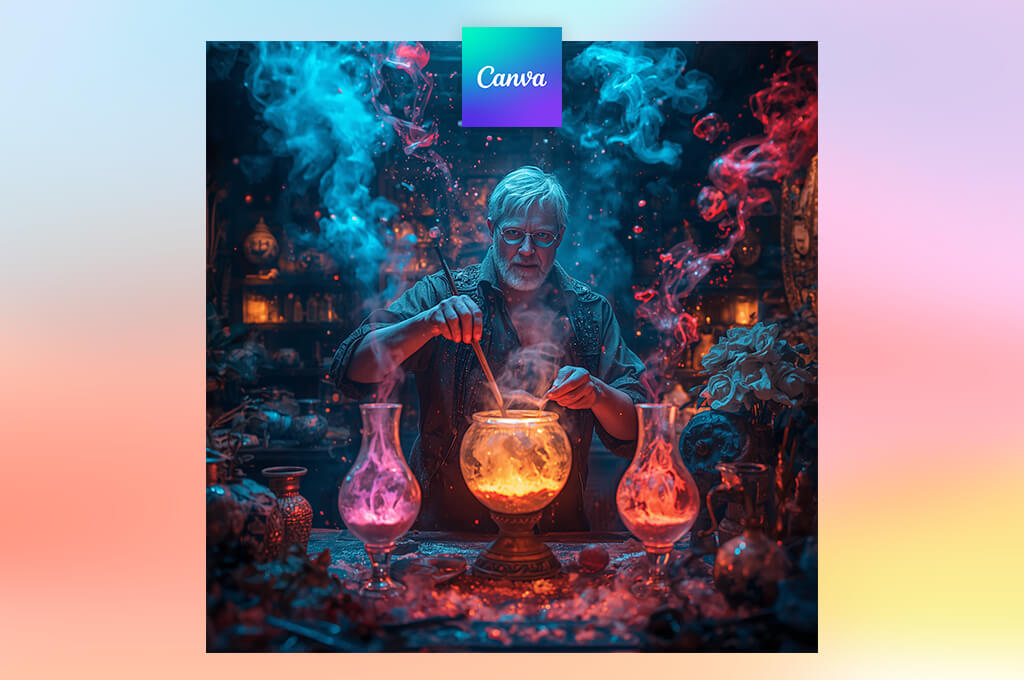
Since I already work in Canva as my main design environment, I wanted to see how its AI image tools would work for a fantasy magazine project. I tested Magic Media with 3 prompts: an enchanted library, a dragon over a mountain kingdom, and a character portrait in a magical forest.
The process is simple. I describe the image I want, pick a visual style, and choose a format. I like that I could stay in the same editor I already use for article headers and social media graphics. No tab-switching is needed.
The style options in this fantasy art generator online free gave me room to explore. I tried digital art, fine art, and photography for the same fantasy subject, then layered in details about lighting, mood, and the character’s environment. Each direction gave a noticeably different result.
Canva also lets me upload a reference image to set a visual tone before I start. I found that the more specific my prompt, the better the output, especially when I wanted a particular mix of setting, atmosphere, and character look.
The real payoff came after the image was generated. I could drop the artwork straight into a Canva design, add a headline, adjust the crop, and resize it for different platforms, all in one place. A fantasy castle that worked as a wide article header could become a vertical post with just a few adjustments. That workflow made it easy to take a raw AI image and turn it into something ready to publish.
On the free plan, Canva gives up to 20 uses of Standard or Premium AI tools per month. That allowance is shared across all eligible AI features, so it does not mean 20 image generations on their own. Ultra AI tools are not part of the free plan, and actual usage depends on which feature I choose. For a focused fantasy project where each image gets finished inside the same editor, that limit was workable.
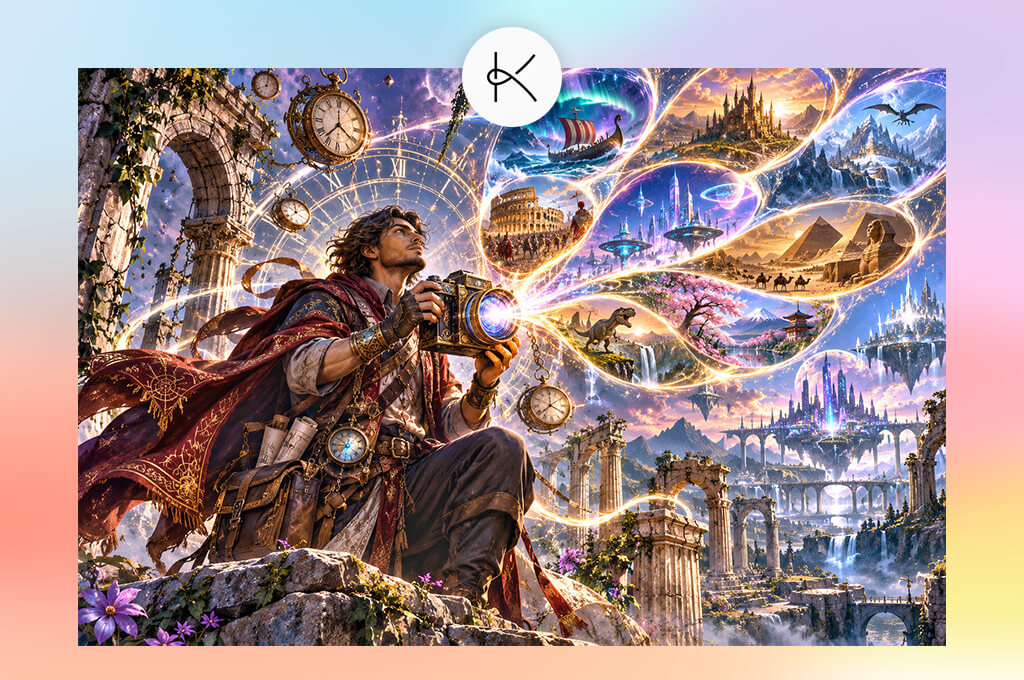
Kaze caught my attention for a specific reason. It does not stop at image creation. I used it for a series of fantasy character concepts and cinematic environments, focusing on what the platform offers once the first image is ready.
The toolkit includes image enhancement, upscaling, background removal, and image restoration. For magazine work, that combination matters. A generated image is a starting point, not a deliverable. These tools let me keep refining a visual until it fits the layout I have in mind.
Each editing feature earns its spot. Upscaling gives me more resolution when a detail needs to read clearly at a larger size. Background removal lets me lift a subject out of its original context and rebuild the composition around it. Image restoration comes in handy when I work with existing visuals that have lost some quality over time. What I appreciate is that these options live in one place. Fantasy artwork rarely goes straight from generation to publication without several rounds of work in between.
“It looked like a fun option for fantasy-style images. I’m curious to test it further, especially with more complex characters, unusual outfits, and enchanted landscapes.”
AI video tools surprised me. Kaze supports AI video creation with camera controls that include pan, tilt, zoom, and orbit. That is a bigger deal than it first sounds. A static image of a glowing forest or a ruined castle can become the foundation for a short motion piece rather than a finished still. For promotional content especially, that shift from image to video inside the same platform removes a step I would otherwise handle elsewhere.
Free access is worth a closer look before anyone commits to a workflow. This AI fantasy art generator has gone through changes, and different Kaze services come with different terms. The current Kaze.ai page shows Free HD Images at $0 with HD downloads available, but a clear free generation limit is not stated outright.
I treat that honestly. The free download and editing access is confirmed. But the number of free image generations for consistent production use is not clear. Kaze is still worth exploring, but go in with that open question in mind.
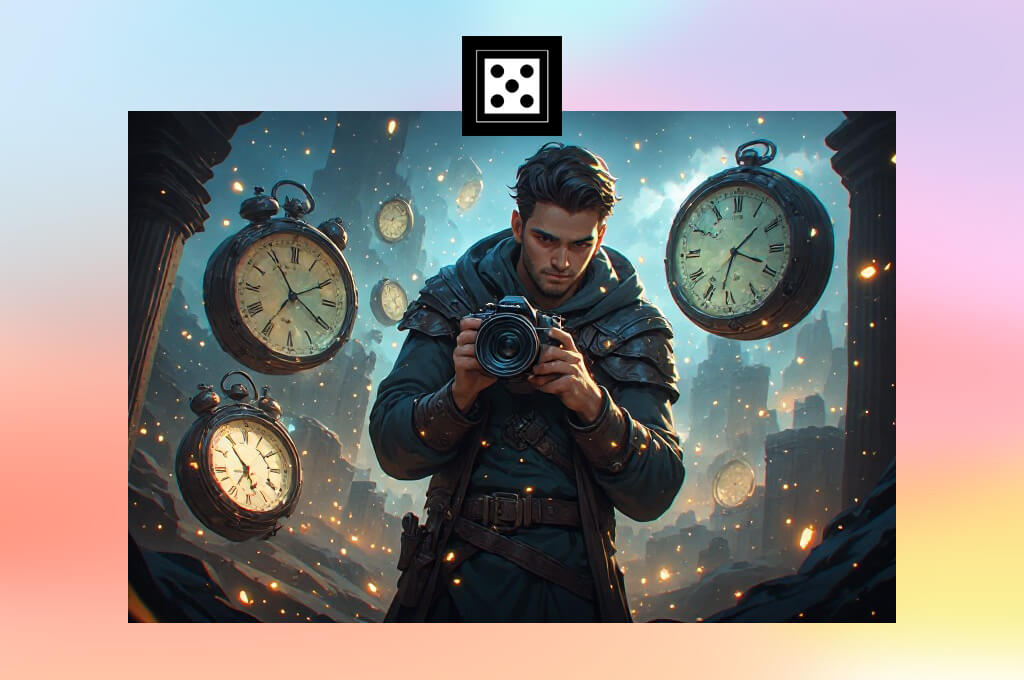
If you want to get straight into fantasy brainstorming, Perchance is one of the simplest free fantasy art generators to try. I experimented with ideas like a massive dragon watching over a crumbling castle, a secret settlement hidden deep within a spellbound woodland, and a portrait of a magical hero.
Since I did not need to register, I opened this AI generative fill tool right away and started testing concepts. This worked well for my early planning phase when I weighed multiple visual styles for a new story.
The huge variety of creative options sets Perchance apart from similar sites. The website offers thousands of different tools ranging from image generation to character conversations and text roleplay.
Connecting personality creation with visual prompts was especially satisfying because building a backstory helped me write better image details. Here, you can also make custom tools from a brief text prompt, which is rarely possible with standard single-purpose generators.
Free access remains a major benefit. The site provides all features without requiring signups, credit cards, trial periods, or strict usage limits. Heavy traffic may slow things down for a brief moment, but the system lacks any annoying daily credit caps.
This setup was ideal for testing dozens of variations while I figured out how a specific character or setting should look. Rather than a formal art studio, I view Perchance as a creative environment for playing around with different ideas. It helps me brainstorm fantasy concepts and unusual visual directions quickly and without any complicated setup.
Output quality varies depending on the specific generator chosen, so I always pay attention to the tool selected instead of expecting identical results everywhere. Anyone seeking a free and accessible creative space without subscription fees will find great value here.
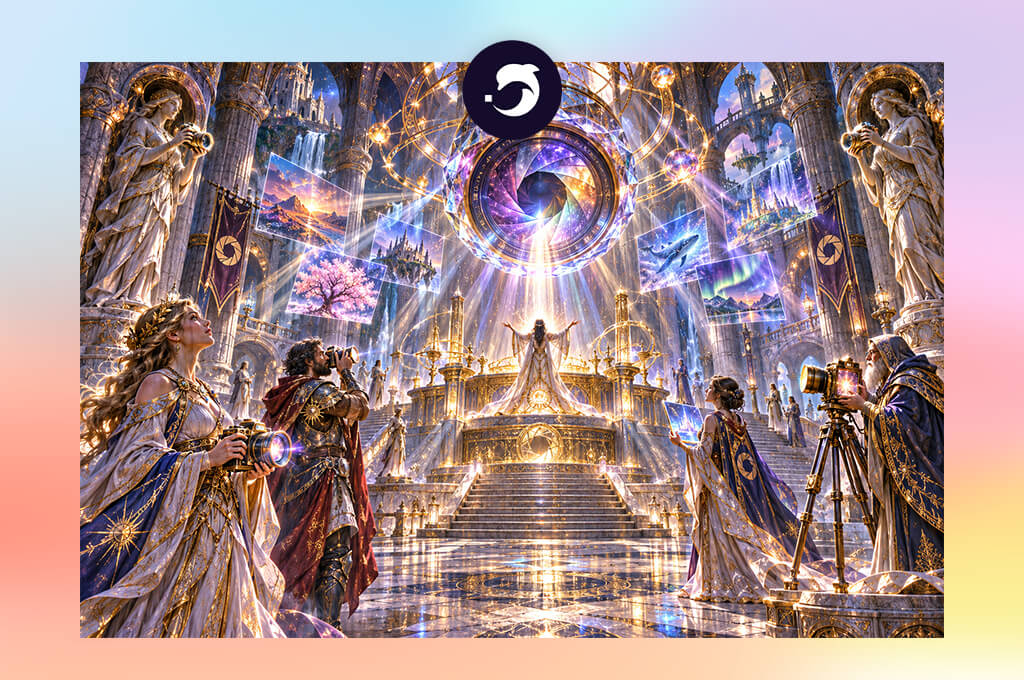
I came across DeepAI early in my search for a fast, free fantasy art generator. To test it, I tried prompts like a mythical creature standing in a snowy forest, an ancient wizard’s personal library, and a city floating high above the clouds. The Text to Image tool handled each one with a simple input-to-output process that required no technical knowledge. I also gave the prompt-enhancement feature a go, and it did a good job turning a loose idea into a fuller description.
One feature I paid close attention to was the style selector. This AI tool for content creation lists over 100 artistic directions, and it is useful to flip between them. Seeing the same scene rendered in a painterly illustrated style and then in a photorealistic one helped me decide which visual version suited a concept best. Combined with the image size controls, visual exploration was quick and low-effort.
“It was easy to create fantasy scenes and character art, even on my first try. I liked the overall results, although some images had odd details that needed a bit more tweaking.”
DeepAI goes beyond basic generation with a few additional tools worth noting. There is an AI Image Editor, a background remover, and an enhancement option for adding detail to an existing result. For me, those tools shifted how I worked. Instead of discarding an image that was almost right, I could make targeted adjustments and move forward.
On the free plan, access includes limited HD output along with some editing features. The official page does not publish a set number of free generations, and certain tools remain behind a paid tier. I factor that in when I think about what the free version realistically offers.
Overall, DeepAI will satisfy users seeking quick concept tests and simple fantasy scenes. The interface is intuitive, and getting started costs nothing.
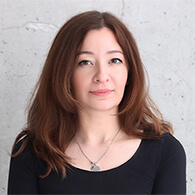
Can a free AI tool produce magazine-ready fantasy art? To find out, Tetiana Kostylieva, Julia Newman, and Kate Debela conducted an in-depth test. We looked at how well AI tools for designers turn original graphics into a fantasy digital publication and whether the features were truly free.
We began with a set of detailed text prompts and ran them through every fantasy art generator from text. We monitored how AI handled mythical beasts, magical worlds, hero portraits, and tiny background elements. One prompt featured a silver dragon with see-through wings on a ruined castle tower under dark storm clouds.
Another asked for an ancient elven city inside giant trees with bright bridges and waterfalls. For character design, we asked for a young sorceress with braided silver hair, emerald robes, a bright staff, and a tiny magic fox beside her.
We packed extra visual clues into every prompt on purpose. This showed us if the software followed our full instructions or only focused on the main hero. We checked the images for missing objects, strange body shapes, messy backgrounds, and color mistakes.
Next, we adjusted our words to test how each platform handled updates. On the dragon image, we asked for a closer view, blue flames, and a moody, moonlit look. For the elven city, we shifted the time from bright morning to misty twilight. We wanted to see if the AI could make smart changes while keeping the main subject recognizable. We also ran the same ideas through styles like digital paint, watercolor, dark fantasy, and realistic cinema to judge style range and consistency.
“OpenArt gave me more control over the final result than a basic text prompt alone. I could upload my sorceress portrait and use it as a reference for a new enchanted forest scene. Her appearance stayed closer to the original, which was important for this project. I also used the tool to adapt a fantasy landscape into a wide magazine header.”

We did not stop at the first draft, but tested extra tools wherever the free version offered them. We tried image-to-image tools, reference photo uploads, background swaps, and other tweaks. We also checked aspect ratios and file sizes, including square portraits, wide web banners, and tall social posts. We tracked which apps offered these size choices for free and which locked them behind a paywall.
Finally, we dug into the fine print of each free tier. We counted daily generation credits, checked if sign-up was mandatory, and confirmed if you could save files without a subscription. We also looked out for watermarks, low-resolution limits, trial caps, and license rules. A tool that lets you preview art for free but blocks downloads is far less useful for magazine work than one that lets you save finished files at zero cost. In the end, we scored every platform on prompt accuracy, image quality, style variety, edit options, ease of use, and true free access.