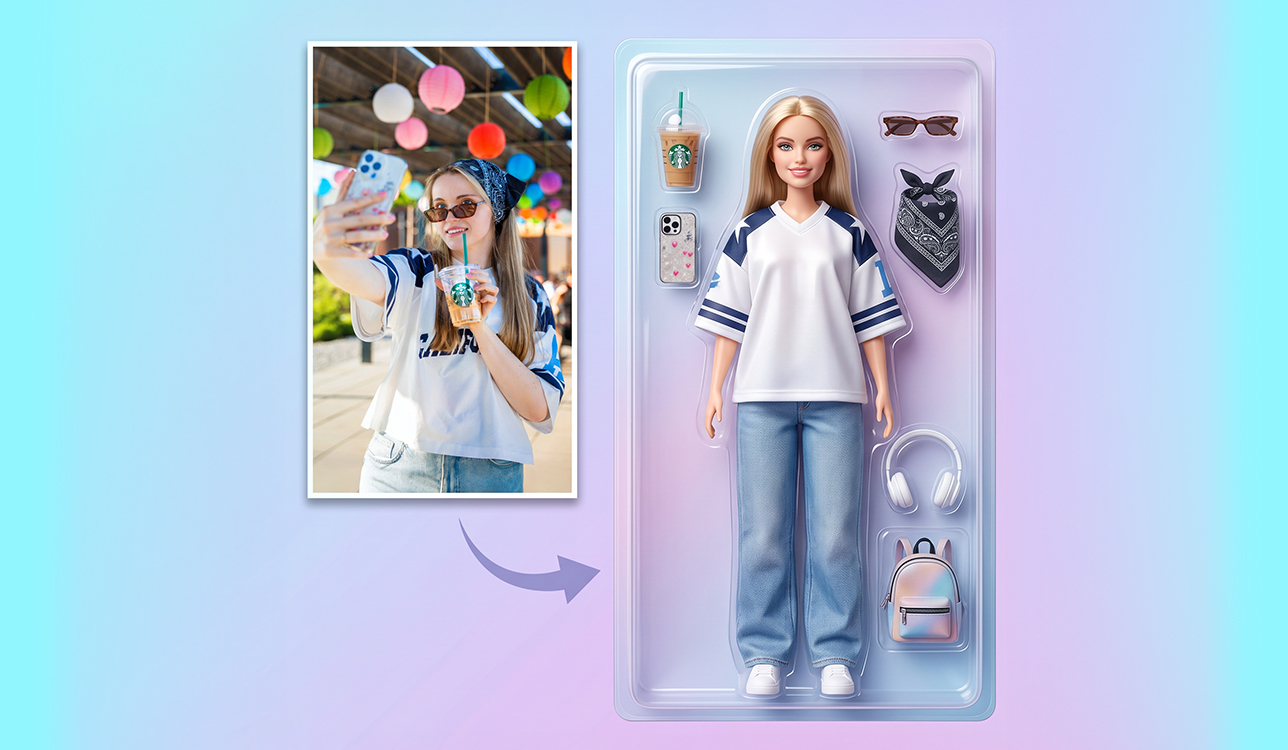
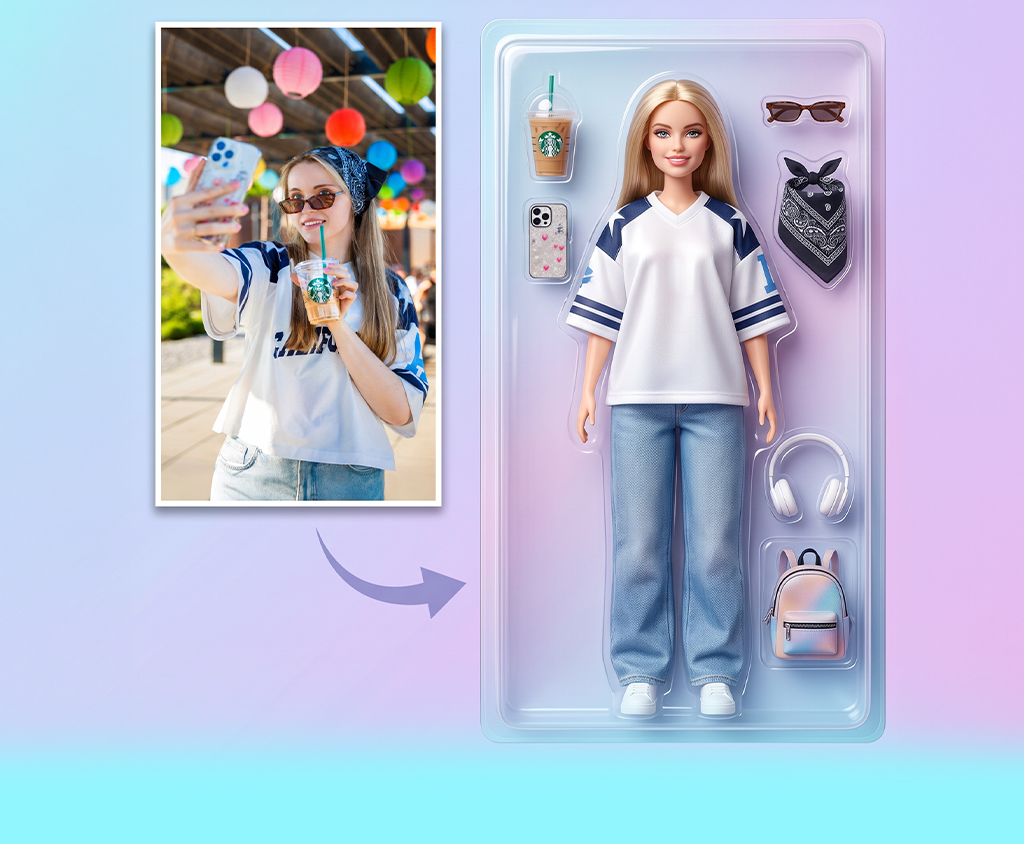
I needed some entertainment for a FixThePhoto team event, so I began experimenting with AI image tools. Working in HR, I had access to plenty of staff shots from previous activities. After getting everyone’s permission, I thought it would be fun to give a few of those pictures a completely absurd twist. At first, I was only going to make five or six for a presentation.
Things got bigger than I planned. I tried Adobe Firefly, ChatGPT, Gemini, Midjourney, Leonardo AI, Canva, Ideogram, and more. They all made some fun images, but Firefly was the easiest to use. I wasn’t trying to make complex AI art. I just wanted quick results, easy control, and faces that still looked like the people in my photos.
I first tried these ideas with my coworkers, but I made sure they weren’t just about the workplace. You can use most of them with photos of yourself, your partner, friends, family members, from trips, or even your pets.
Before trying these funny AI picture ideas, I found that one simple thing mattered more than any clever prompt: start with the right photo:
For many AI photo prompts, I added a simple note to keep the person looking like themselves: Use the uploaded photo as a reference. Keep the person's face, hairstyle, skin tone, age, and natural proportions. Make sure the person still looks recognizable and don't replace them with a generic model.
Once Firefly produced a face I liked, I left it as it was. I focused on changing the outfit, setting, objects, or what was happening around the person. I got more consistent results this way than by repeatedly asking the AI to fix the face.
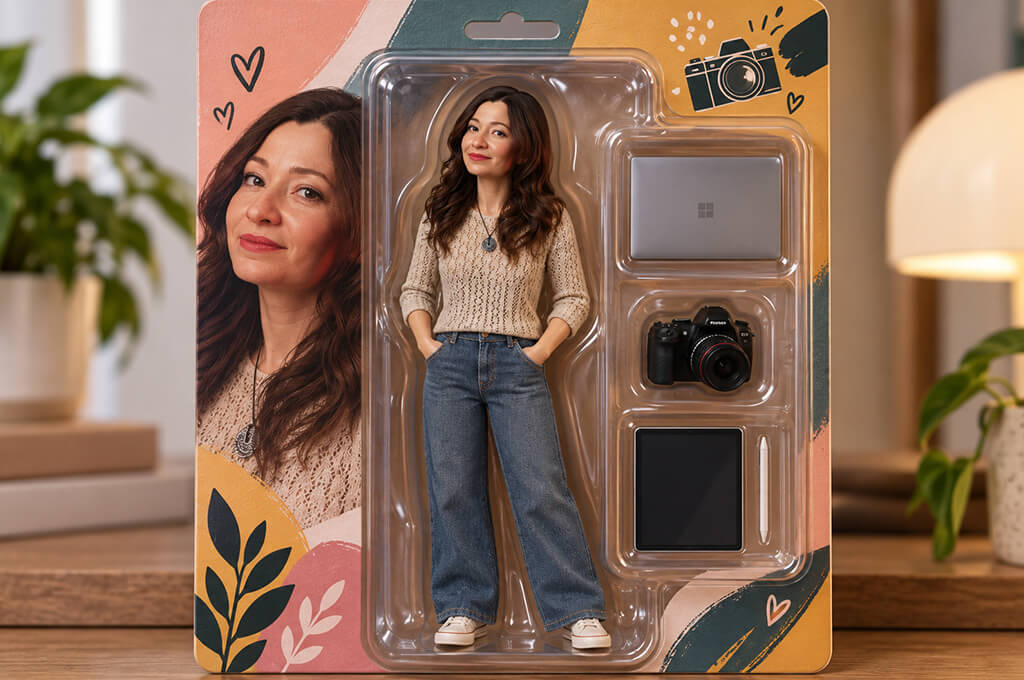
This was one of the first photo manipulation ideas I played with because toy figures are just fun to look at. I made each package match the person inside rather than giving everyone the same set of items.
For example, a traveler might have a passport holder, headphones, and a small suitcase. A photographer could come with a camera, while someone who loves the gym could have sneakers and a shaker.
A full-body photo gave me much better results than a close-up selfie.
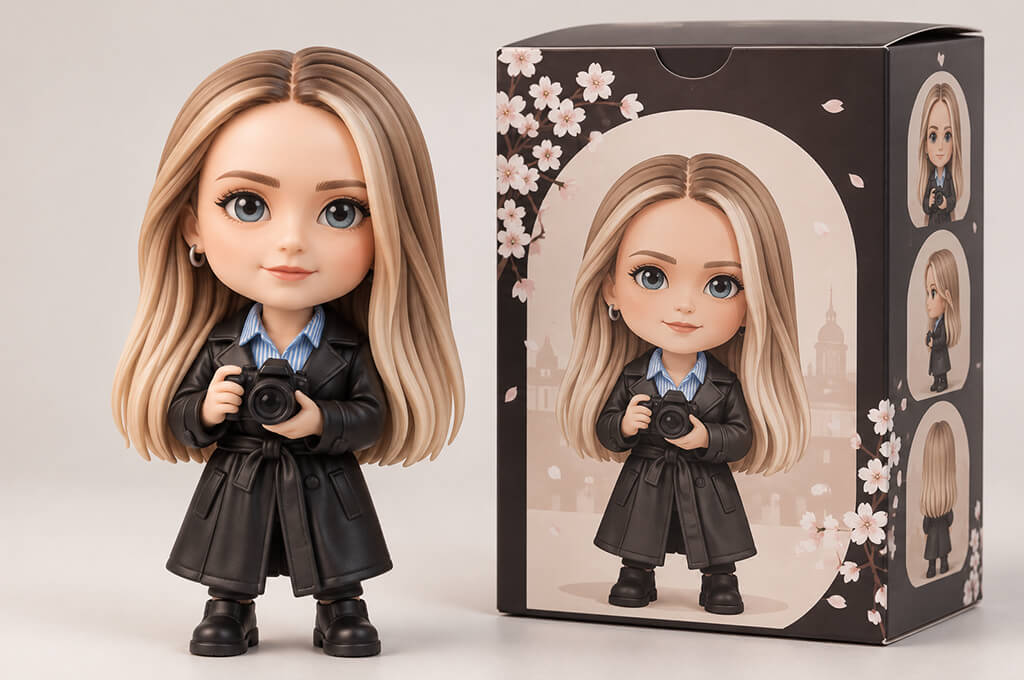
The blind-box style looks cuter and less realistic than the previous one. I tried it with people wearing glasses, having curly hair or beards, and those details still helped keep them recognizable even with the tiny body.
If you want a simple funny AI image idea to try first, this is a good one to start with.
“I expected a cute little character that just looked like me because of the hairstyle, but it was surprisingly easy to recognize. The tiny accessories made the result even more fun because everyone immediately understood why I had those particular items.”

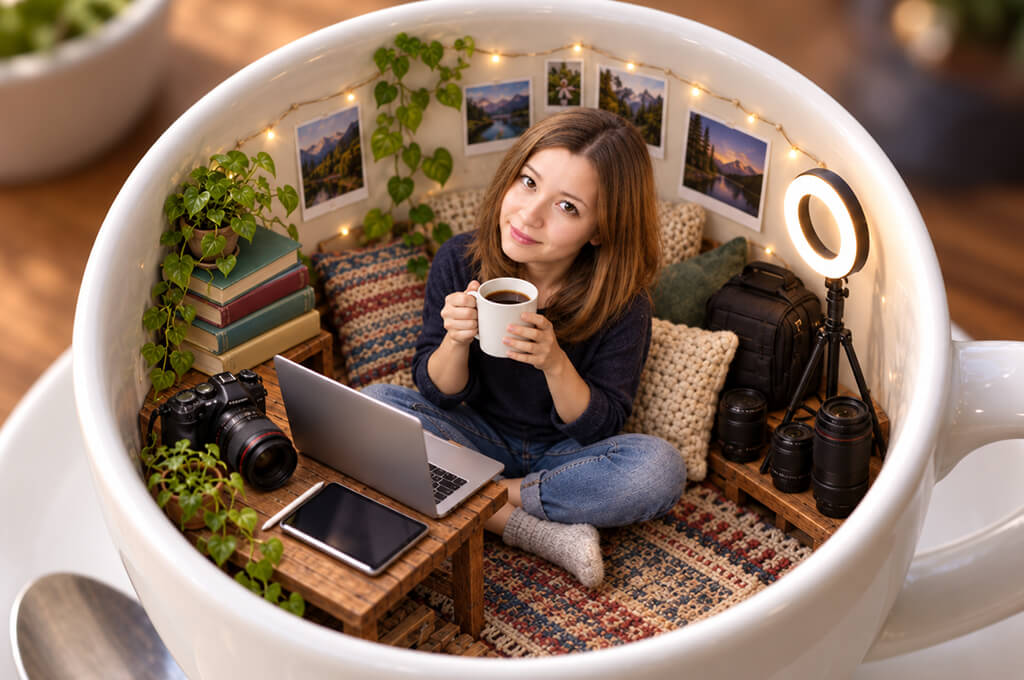
Miniature scenes were one of my favorite AI photo ideas to try with AI and photography. I liked seeing how an ordinary object could become a tiny world. A coffee cup, cereal bowl, suitcase, sneaker, camera lens, flowerpot, or even a takeaway box can work.
I liked this idea more when I kept the scene simple. A tiny room worked better for me than trying to fit an entire miniature city into the picture.
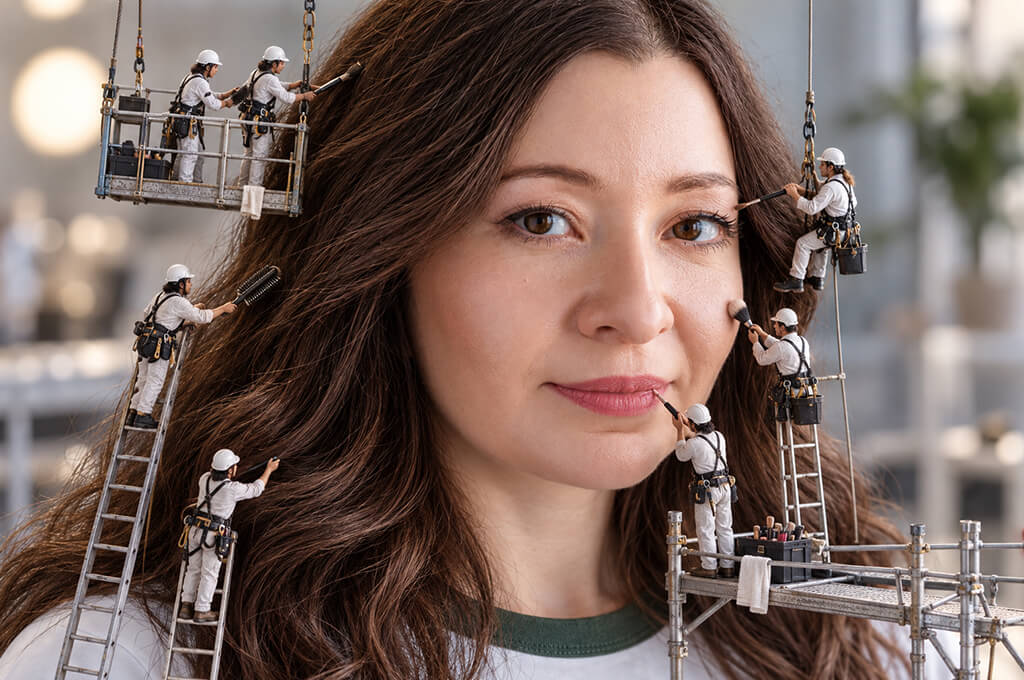
This funny AI photo prompt quickly led to some pretty silly variations. Tiny workers can fix someone’s messy hair, wipe their glasses, paint their nails, shine their shoes, fix a broken zipper, or even try to tidy up a beard.
The key is to give the little workers just one job.
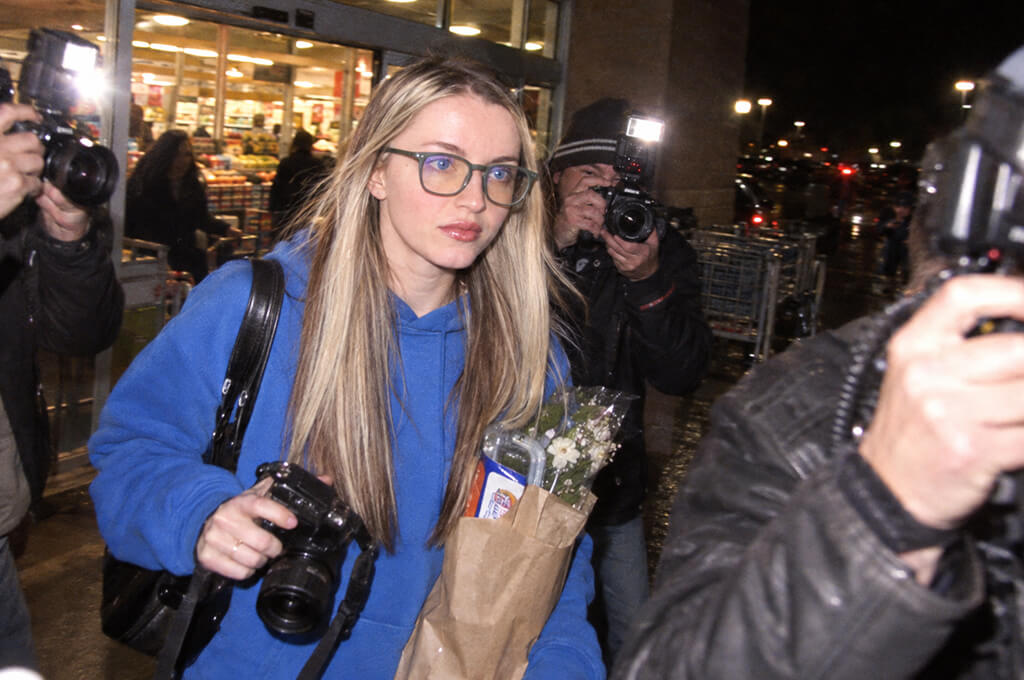
I like the celebrity-style setup because the situation itself can be completely normal. The funny part is making a simple moment look like a huge scandal. Getting milk, taking the trash out, coming back from the gym, or leaving a bakery with six croissants can all work.
A serious selfie photo makes the whole idea even funnier.
“This one cracked me up immediately. I had a totally straight face while photographers supposedly followed me outside a regular shop. I sent it to my friends straight away, before they could even ask what was going on.”
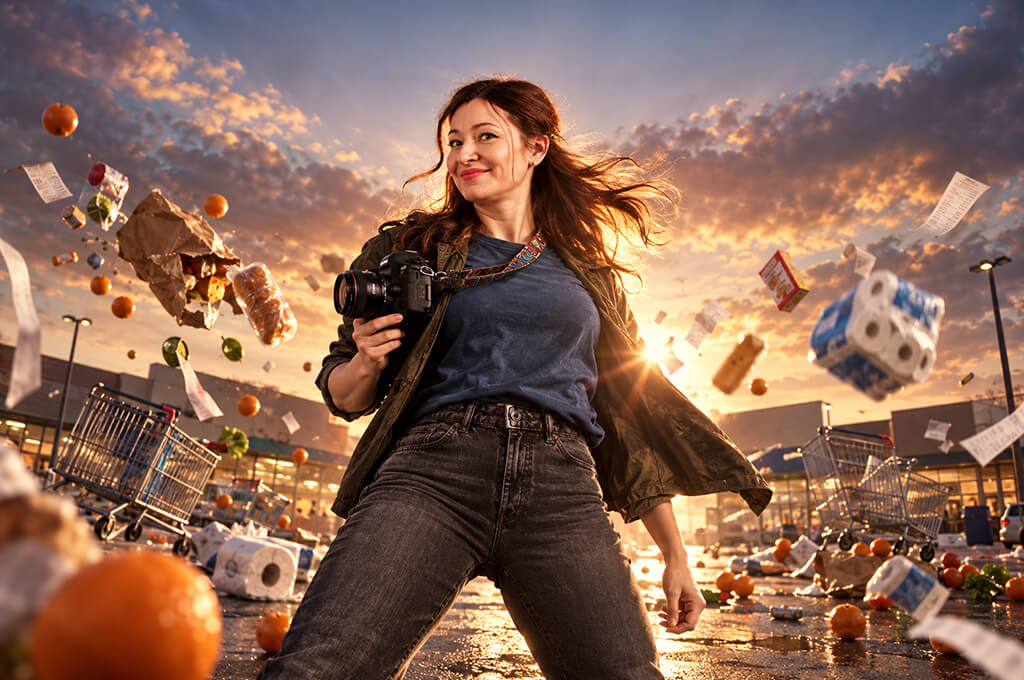
Fake movie posters can turn small everyday problems into huge Hollywood-style stories. I made posters about losing a phone charger, ending up with one sock, struggling with flat-pack furniture, and making it through a family vacation.
I add the real movie title myself later instead of asking the AI to create one.
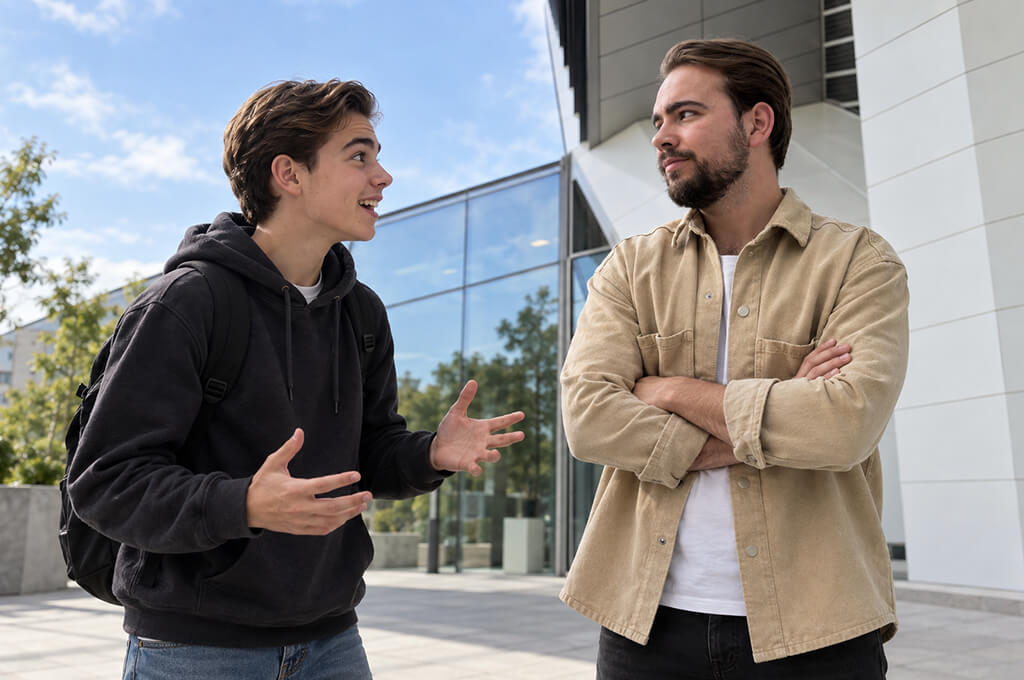
You can base the changes on fashion, hobbies, parenting, travel, or anything else that’s different now, and turn the result into a fun birthday photo idea.
“I thought this would turn out sweet and sentimental, but ours was much funnier. The younger version looked so hopeful next to me now that the whole team started joking about everything that must have happened along the way.”

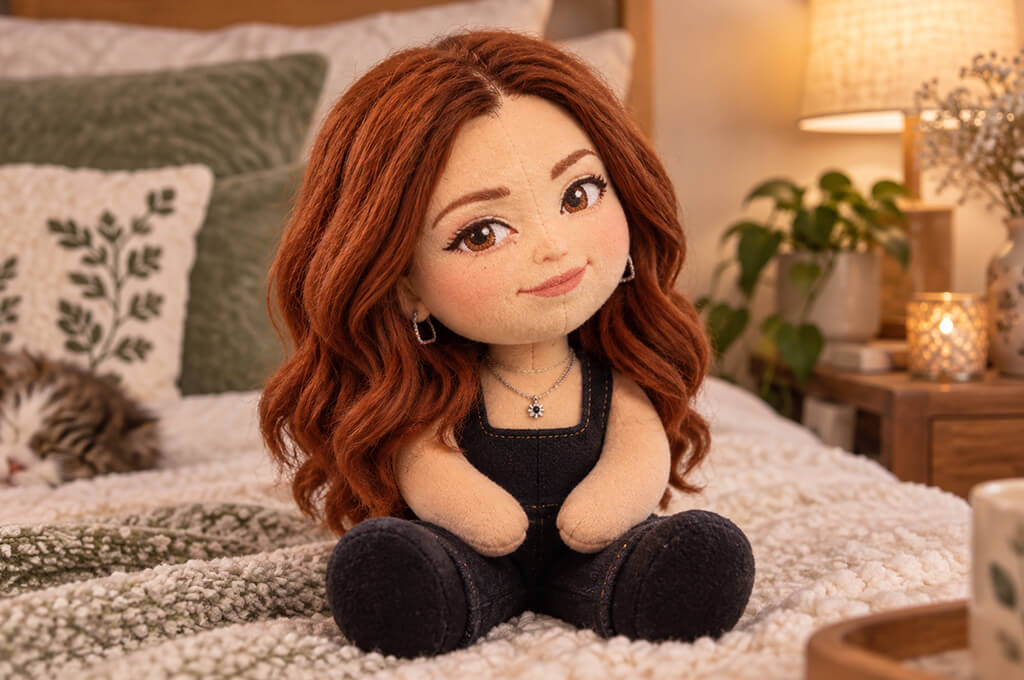
Plush versions work best when a person has a few easy-to-spot features. Glasses, a certain haircut, a mustache, a bright sweater, or a standout jacket can make the result look like them.
One coworker even asked to have hers printed, so I took that as a good sign.
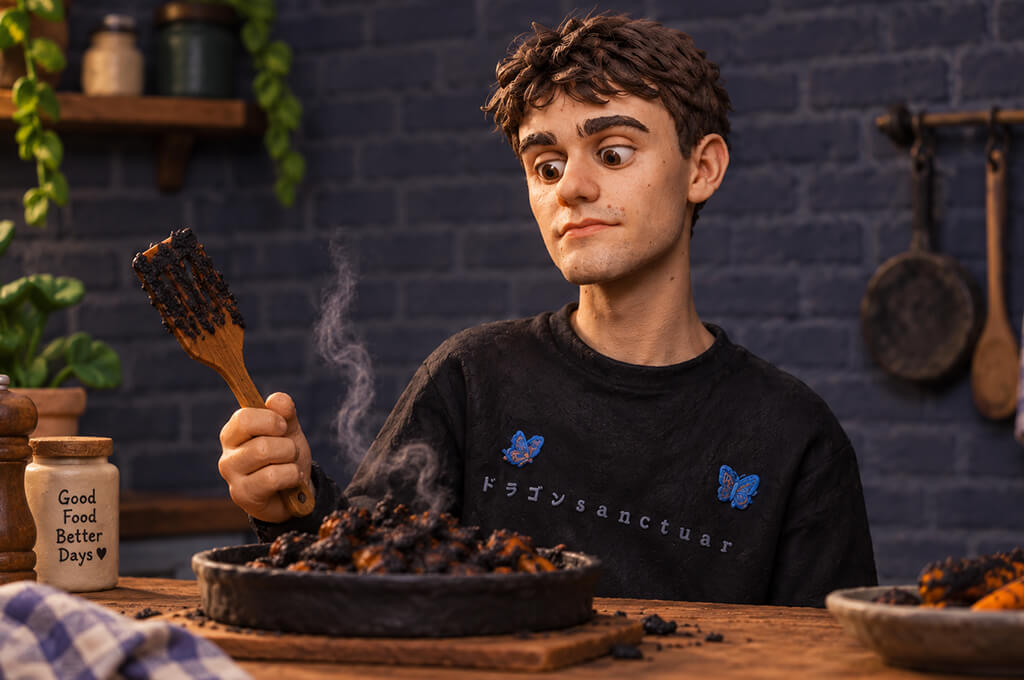
Clay versions have a charming, slightly messy look, which makes them funny. I especially liked using them for everyday scenes where something had gone a little wrong.
Firefly handled the look better when I added details like fingerprints and handmade clay.
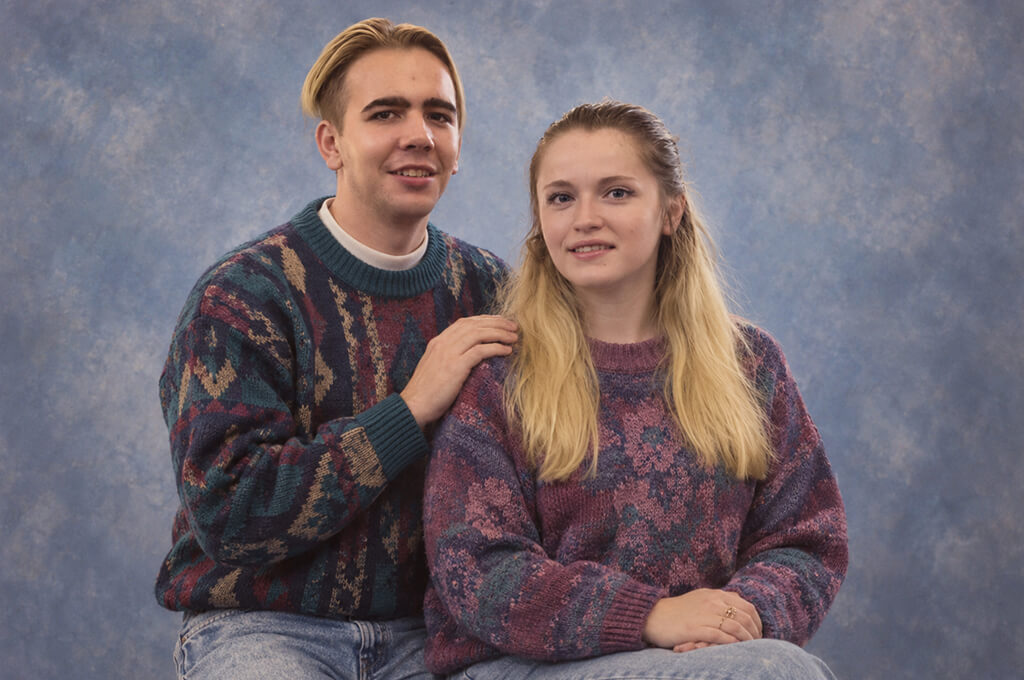
This idea works best with two or more people. Try it with your partner, friends, siblings, parents, or even your entire family. You can also use family photos and give them an old-fashioned look without any modern photo effects.
For couples, matching turtlenecks make the joke even better.
“I couldn’t believe how convincing this turned out. The outfits, setting, pose, and awkward smile made my friend wonder if we had an actual picture from years ago.”
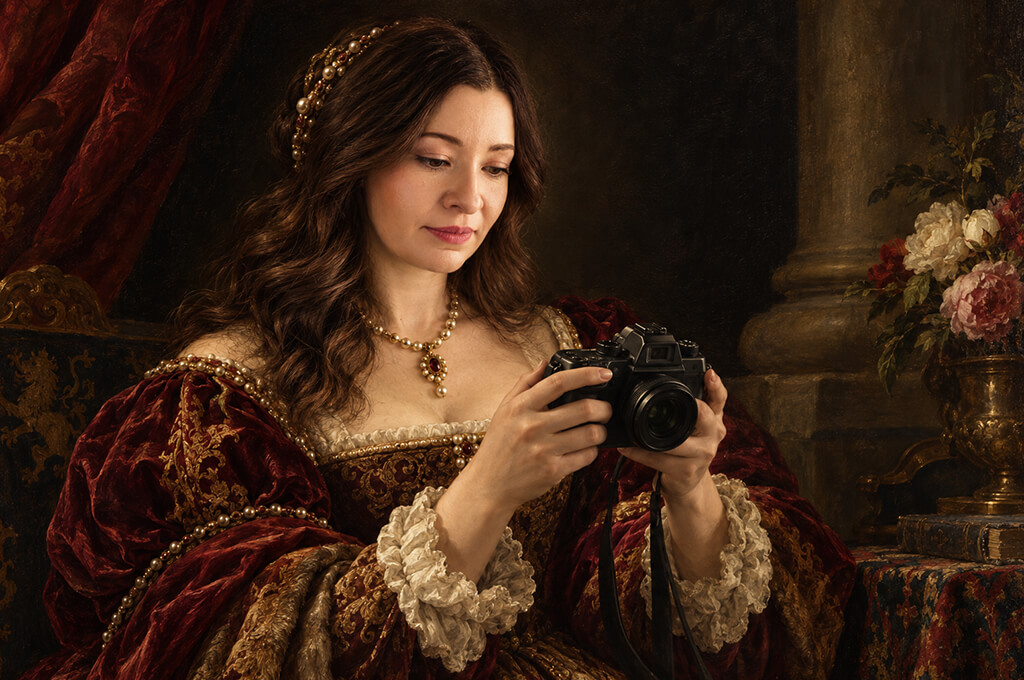
The more boring the activity, the funnier it looks.
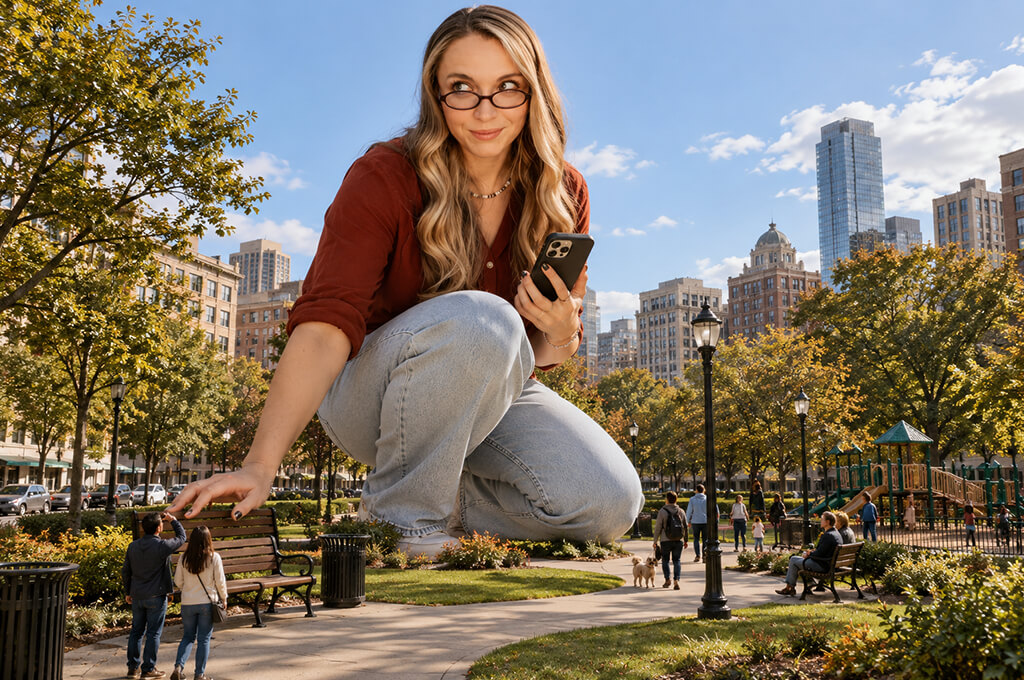
Scale jokes are one of the easiest funny AI photo ideas to try because you don’t need a complicated prompt. Take a familiar place and make yourself ridiculously huge. It works especially well as a funny photography meme.
Firefly worked better when I added familiar objects that made the size difference clear.
“I liked that my face barely needed any changes. The AI just made me huge while keeping the rest of the scene looking real. For a moment, the picture almost looked believable.”
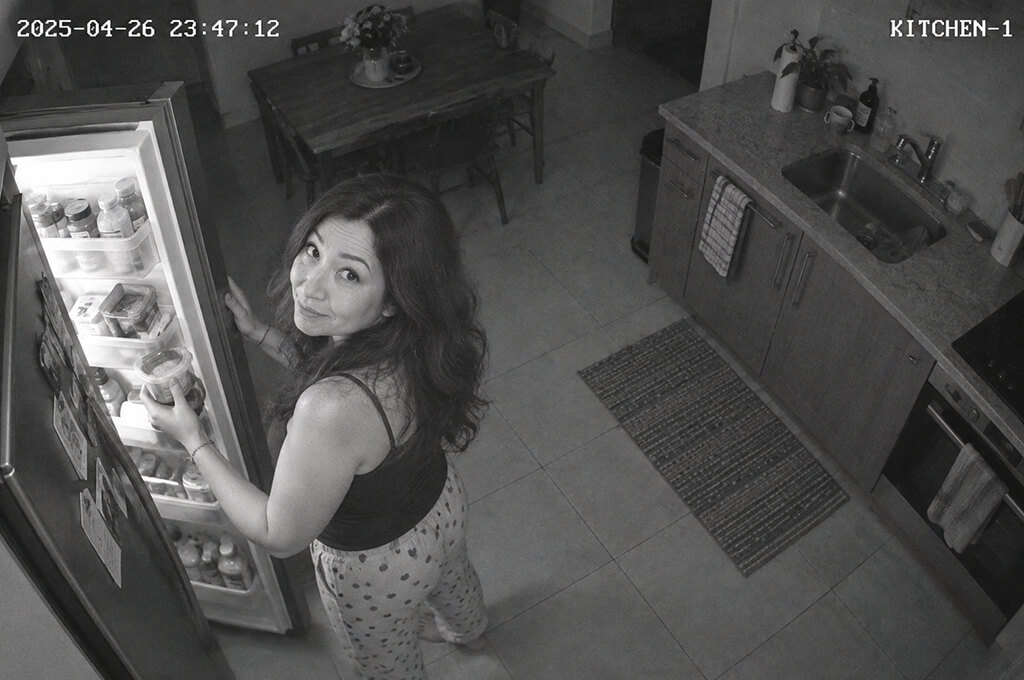
Poor image quality actually makes this idea funnier. You can make it look like you were caught stealing snacks, dancing alone, talking to your pet, raiding the fridge, or sneaking home with yet another online shopping package.
You don’t need to ask for a clear timestamp.
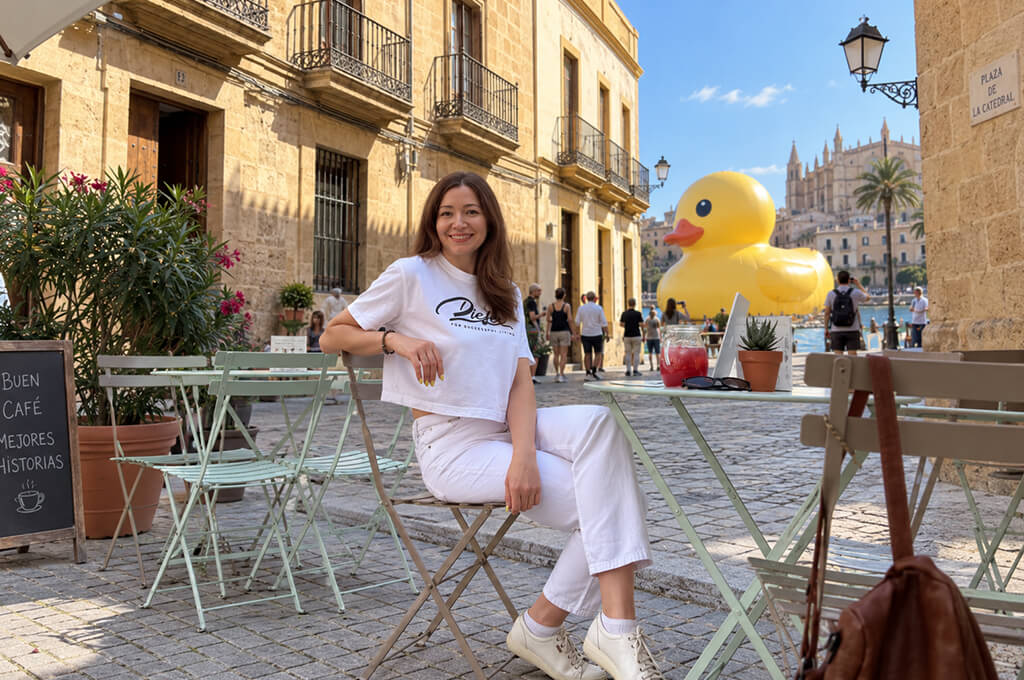
This AI prompt for photos is perfect for travelers. Take a normal beach or sightseeing shot and add one silly but harmless problem with an AI image generator.
I found it works better to add just one strange detail instead of turning the whole place into a fantasy scene.
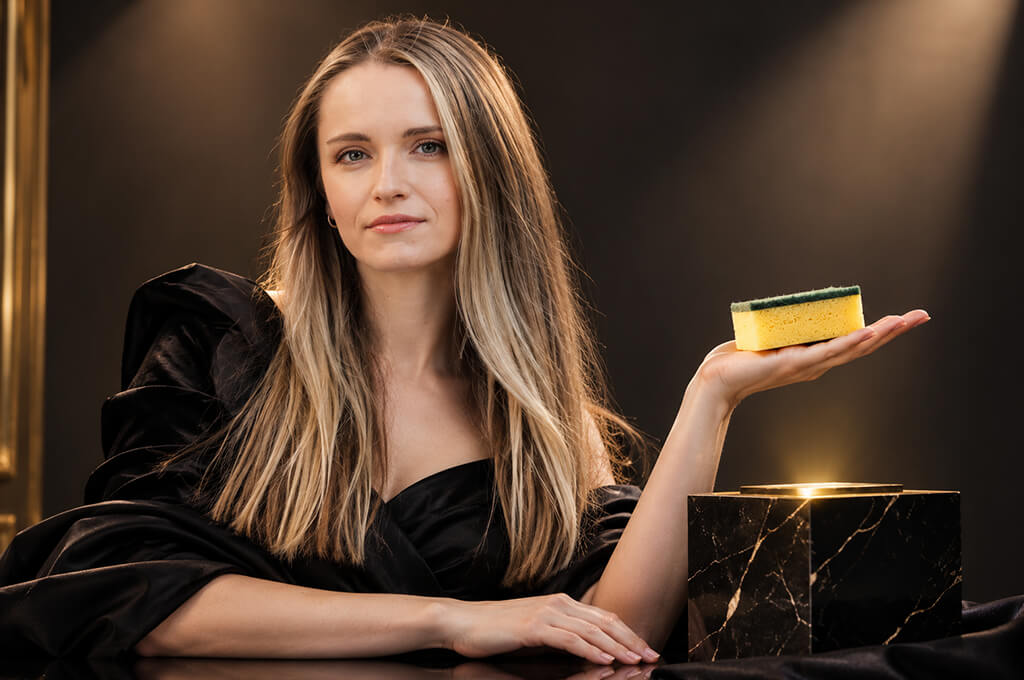
The sillier and more useless the item is, the funnier the result tends to be.
“This was probably my favorite. Seeing myself pose like a luxury ambassador while holding something completely ordinary was ridiculous. The super-serious expression made the whole thing ten times funnier.”
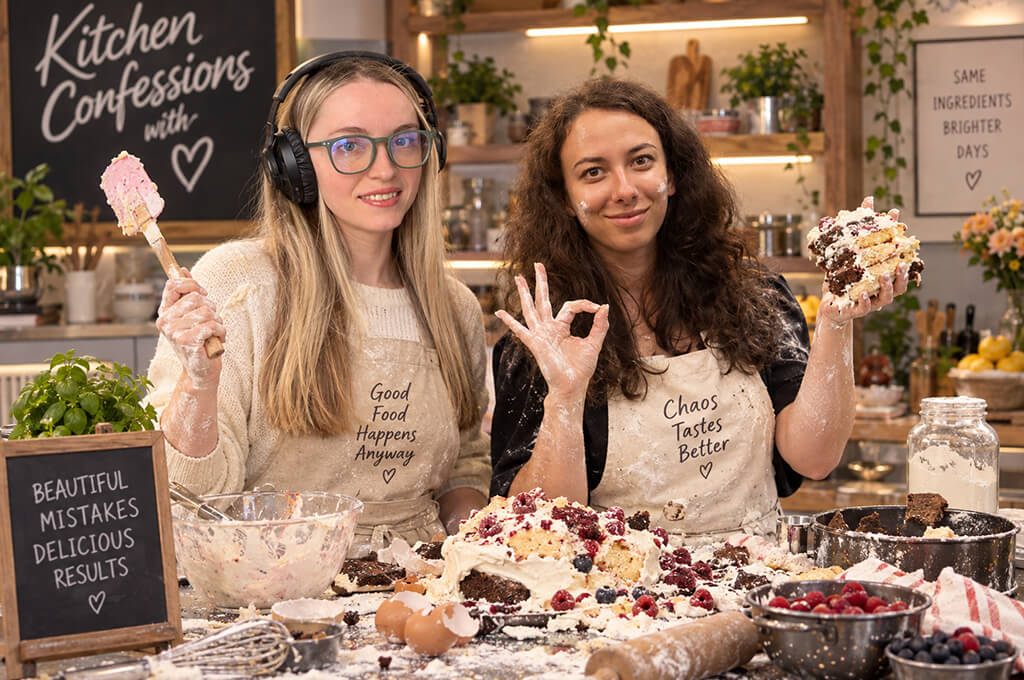
Food photos gave me many simple and funny AI picture ideas. You don’t even have to prepare anything. The picture can show you standing in a kitchen where everything has clearly gone wrong.
If the photo already shows you looking amused or confused, I’d keep that expression.
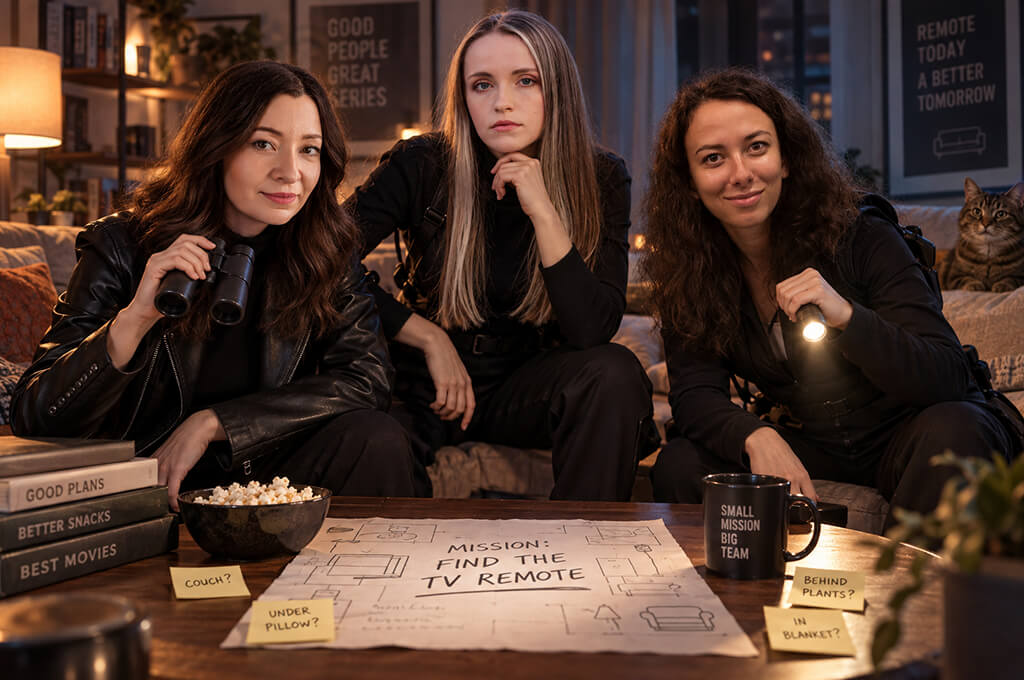
Family group photo ideas can be a little tricky for AI when several people are in the same shot, but they can still be fun. I found it worked better when I gave each person a different job instead of making everyone look like the same kind of action hero.
Two to four people gave me better results than a large group.
“It looked like a scene from a real movie, but the ridiculous ‘mission’ made the serious style even funnier.”

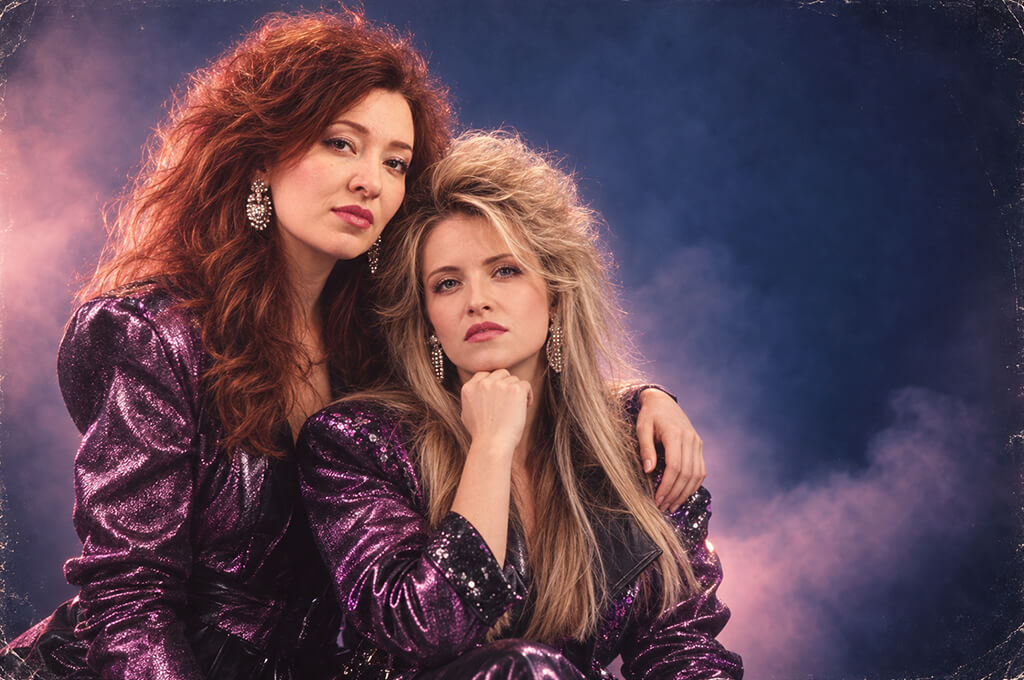
If you want funny AI generated images with your partner or need best friend photo ideas, forget the perfect romantic setups for a change. Turn the two of you into a music duo that had one flop album back in 1987.
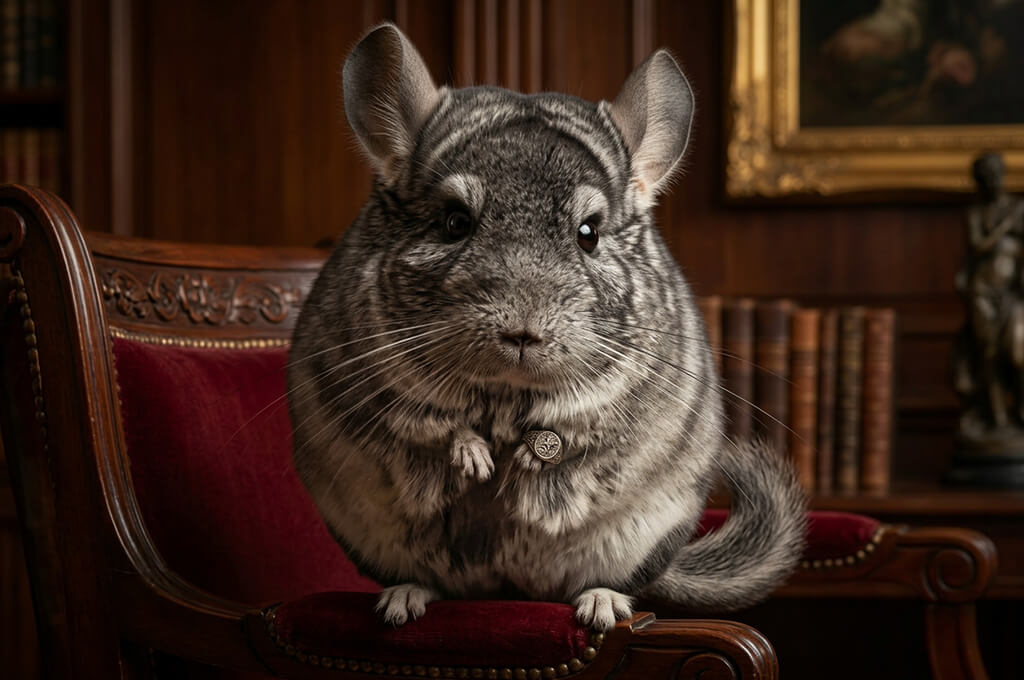
I know this AI photo idea is a little different since it’s not about changing a person’s face, but I couldn’t leave pets out. The funniest results came when the animal still looked completely normal but was placed in a very serious setting.
Cats already look like they own the place, so you barely need to change anything.
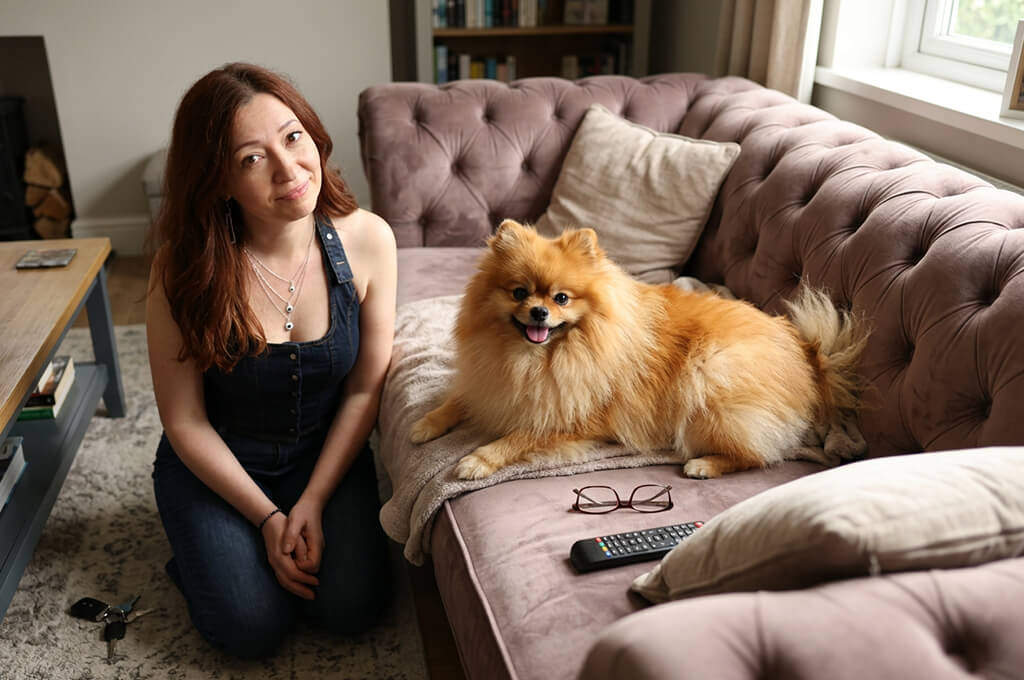
This idea combines the person with dog photography or another pet. It worked best when I let the animal act naturally instead of making it move or behave like a cartoon character.
Pet owners will get this one right away.
“This one felt a little too real. The AI left my pet looking completely normal and just made it clear who was actually running the house. That was much funnier than turning it into some cartoon character.”

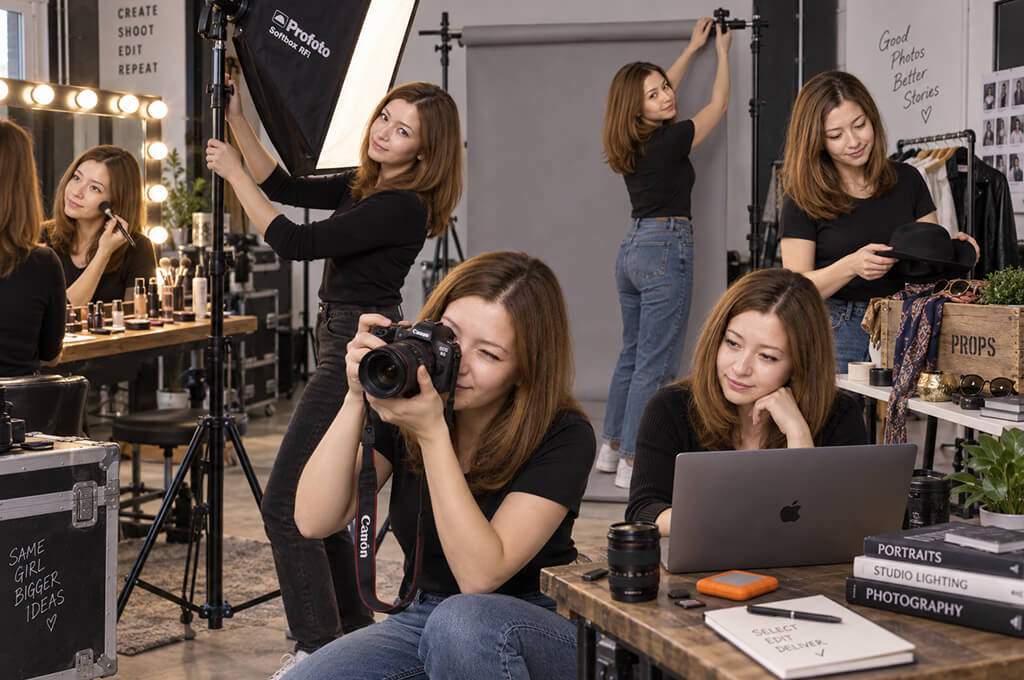
This AI photo generator idea can work for almost any part of life, whether it’s home, parenting, studying, work, or travel. The funny part is seeing several versions of yourself trying to do everything at once.
This usually took a few more tries than a photo with one person because keeping the face looking the same was harder.
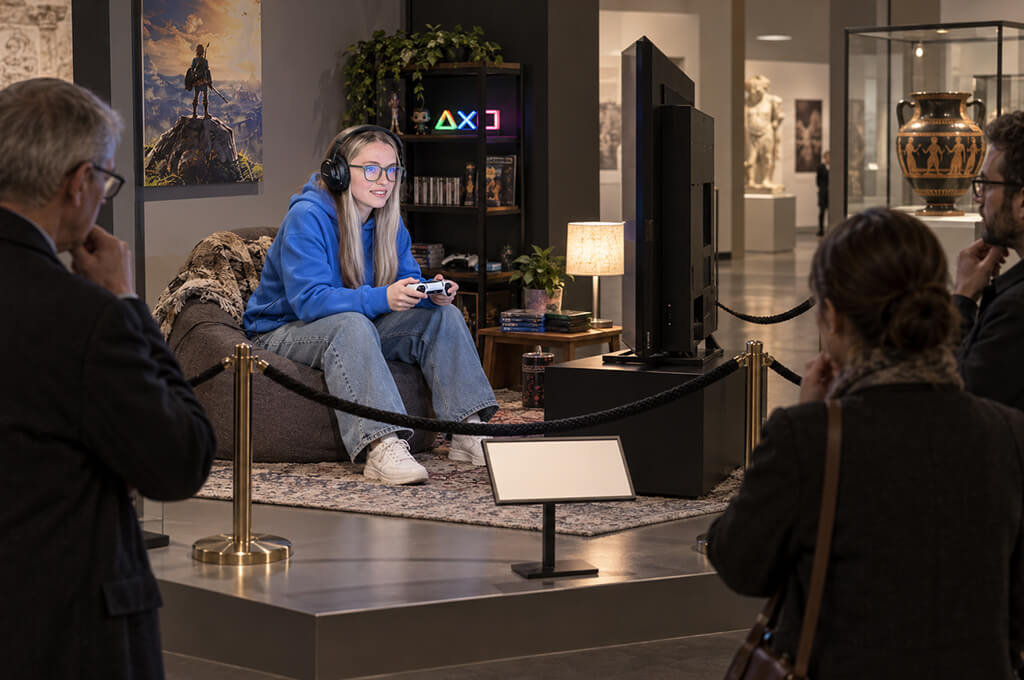
I first tried this with a coworker sitting at a computer, but it was much funnier when I built it around a personal habit. Sleeping until noon, online shopping, gaming, taking selfies, or making coffee can all turn into a funny little study of human behavior.
One of my favorite prompts for AI photo editors, because you can understand the joke right away.
“I loved how dry the joke looked. There was nothing obviously crazy in the image, but seeing an everyday habit presented like an important museum exhibit was exactly my kind of humor.”
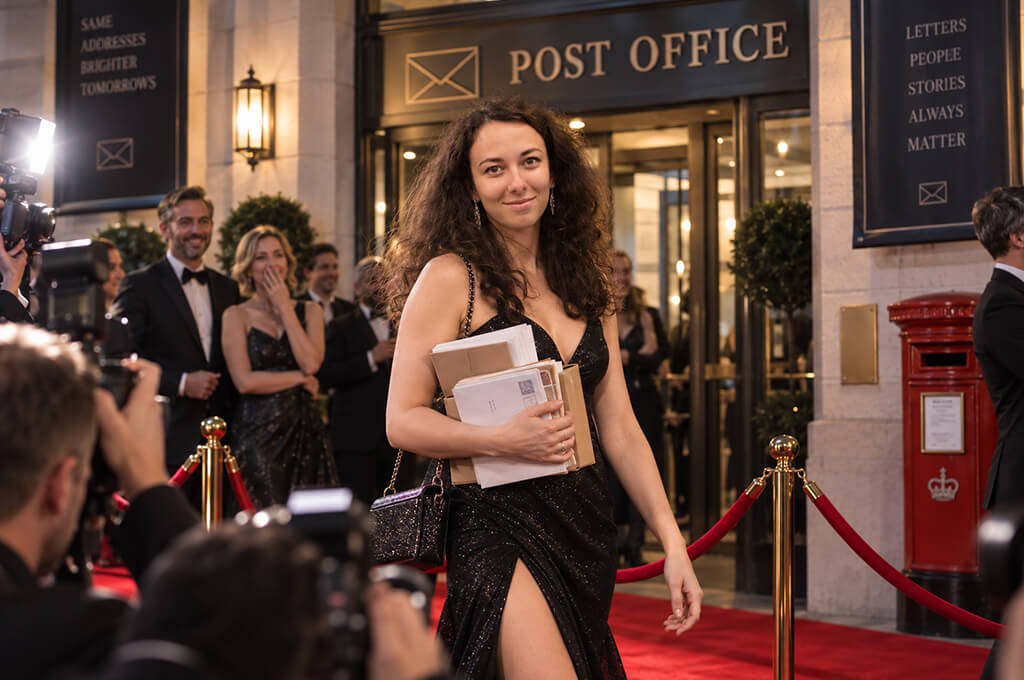
Imagine stepping out of a taxi at the dentist and finding a red carpet waiting for you like you’re a movie star. Or walking into a supermarket to find photographers and velvet ropes outside.
It has the same funny idea as the paparazzi setup, but the final image looks cleaner and more polished.
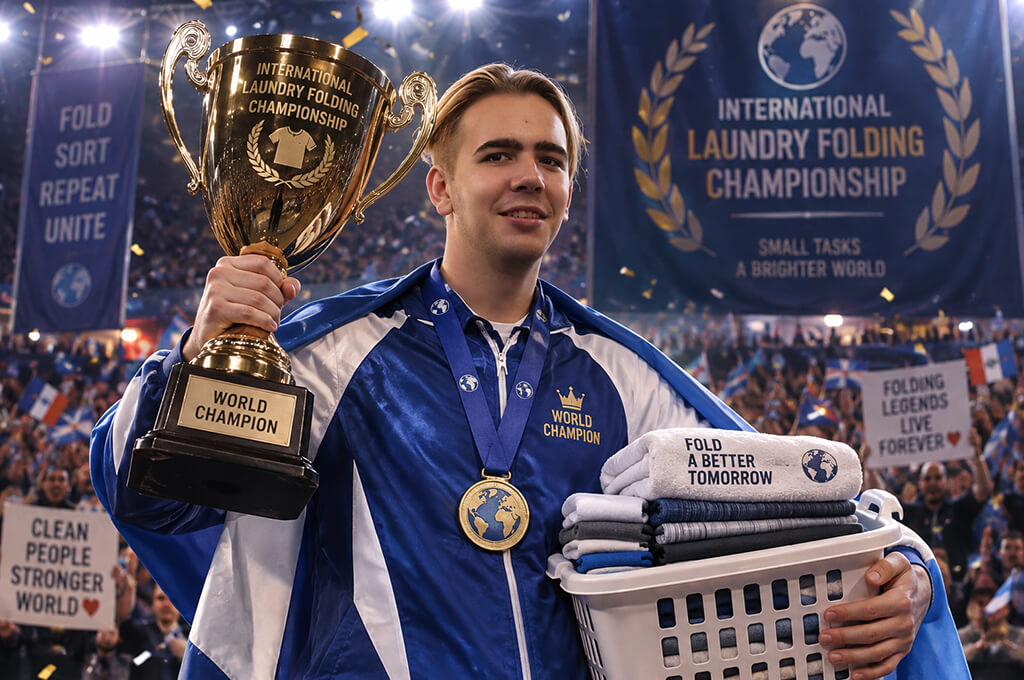
I first tried this funny AI picture idea for work, but it can be just as funny in everyday life. You can turn napping, packing a suitcase, parallel parking, ordering pizza, keeping a houseplant alive, or binge-watching into a ridiculous competition.
For our team, competing over spreadsheets was an obvious choice. Personally, I’d probably go with a contest to see who can open the most browser tabs.
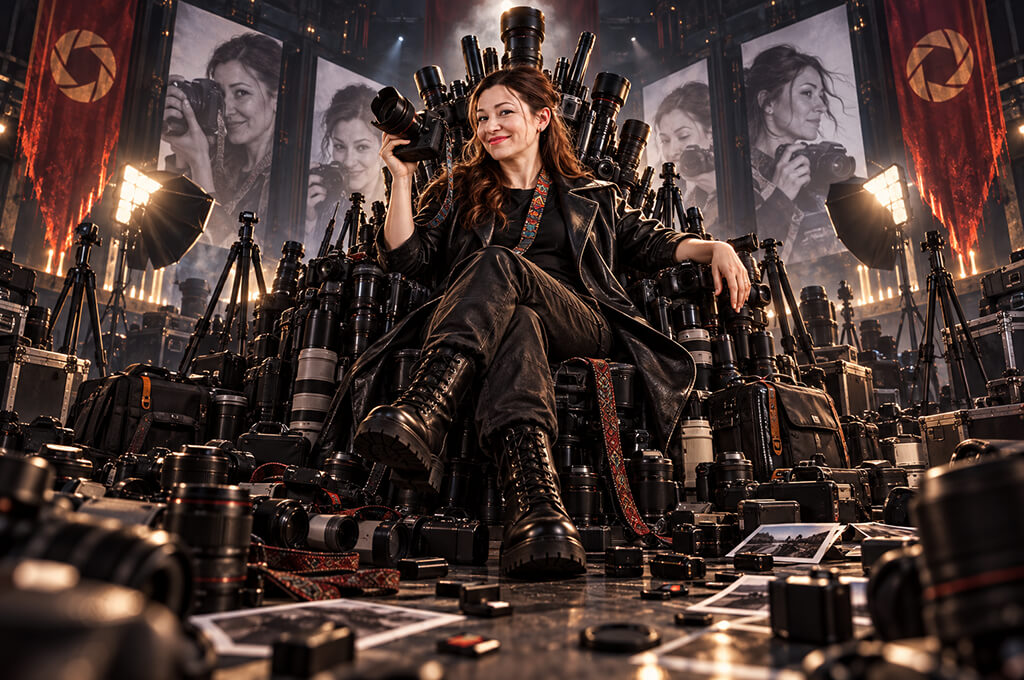
I kept one idea that can still work for the office, but you can use it for almost anything. The “final boss” could control coffee, books, skincare, plants, shopping packages, gym gear, cameras, baking supplies, or even office approvals.
This was even funnier when it was something their friends already knew they were obsessed with and loved to tease them about.
“The ridiculous amount of that thing made the whole image so much more dramatic than it needed to be. The best part was that I still looked like myself, just surrounded by the one thing my friends never stop teasing me about.”
After trying so many versions, I found that the funniest AI images didn’t need long or complicated prompts. Usually, one clear and silly idea was enough.
A regular employee treated like a movie star. A simple cup of coffee made to look like an expensive perfume ad. A printer problem turned into a full-blown national crisis.
When I put three jokes into one picture, Firefly often gave them all the same attention, and the result ended up looking cluttered.
My best funny AI photo prompts usually had four simple parts: real person + absurd role + familiar situation + specific photo style.
For instance: coworker + sports champion + spreadsheets + arena photography. That’s all you need.
One thing that made a big difference for me was describing the photo itself. Words like “amazing,” “epic,” “viral,” and “masterpiece” didn’t help much. “Harsh direct flash, grainy 2000s digital photo” gave me a predictable result, while “Super funny viral photo” did not.
I didn’t just make a few random portraits and pick the nicest-looking one. For the test, I put eight popular AI image platforms through the same process: Adobe Firefly, ChatGPT Images, Gemini, Midjourney, Leonardo AI, Canva, Ideogram, and Freepik AI. What mattered to me here was quite different from what I usually look for in an AI art tool.
I focused on five things: how much the result looked like the real person, how well the AI followed my instructions, how fast it worked, how easy it was to fix problems, and whether the final picture was actually funny instead of just strange.
A mix of clear portraits, casual phone shots, full-body pictures, and group photos helped show which tools could keep someone looking like themselves and which ones simply created a good-looking person with a loose resemblance.
I also tested some harder requests. I asked each tool to keep one person’s face while changing their clothes and surroundings. I placed several versions of the same coworker in one scene and tried tiny figures, miniature scenes, fake security-camera shots, retro flash photos, product-style setups, and group pictures.
Adobe Firefly became my go-to tool pretty quickly. The first result wasn’t always perfect, but fixing things was easy. I could upload a photo and tell Firefly what to change in plain language. Tools like Markup and Generative Fill also let me work on specific parts of the image instead of changing everything.

So, if I was happy with the face but didn't like the background, I could change just the background instead of creating the entire portrait again.
With most straightforward ideas, it took me one to three tries to get a result good enough to present at our event. Scenes with just one person were much easier, especially ideas like a paparazzi-style shot, a high-end coffee commercial, a plush toy, or a sports star.
Images with several people or copies of the same person took more tries. The “one person runs the entire company” image was a good example: it often gave me five faces that looked right and one strange face that nobody knew.
I also found that the photo I started with mattered a lot. For a figurine, I used a clear photo showing the whole person. For paparazzi-style shots, a face photo worked better. If I wanted a funny facial expression, I picked a photo with a similar look instead of asking AI to change the eyes and mouth too much.
This small change made the results look much more like the real people. I also tried some popular ideas I found online. AI figurines, made-up movie scenes, chibi pictures, Y2K-style photos, tiny worlds, and images of people as their younger selves are all popular on social media this year.
But the images that got the biggest reactions from the FixThePhoto team weren’t always the ones trending online. People liked the ones that felt personal. A regular action figure is fun, but one made to look like your coworker, complete with their usual headphones, coffee mug, notebook, and that charger they can never find, is much more fun.
That’s the approach I’d take with any funny AI photo idea: use the same concept, but make it your own.
Start with an idea that features just one person, like a paparazzi photo, action figure, plush toy, luxury ad, CCTV shot, or sports photo. These are easier than group scenes because AI only needs to keep track of one face, and a clear reference photo is usually enough.
Choose a clear, well-lit photo and tell the AI to keep the same face, hair, age, and overall appearance. If the face looks good, leave it alone when changing the background or adding small details.
Usually, no. The prompts that worked best for me clearly explained who was in the image, what was funny about it, where it was happening, and how it should look. Adding lots of extra style words usually didn’t make the result better.
Use details that match the person’s job or everyday habits. Give a photographer a camera, an editor a screen full of tabs, the coworker who always has coffee a giant mug, or turn the person who checks everyone’s work into a “final boss.” The more people recognize themselves in the image, the funnier it becomes.




![7 Best Fantasy Portrait Generators [Free & Cheap]](http://fixthephoto.com/blog/images/gallery/news_main__preview_29406.jpg)



















