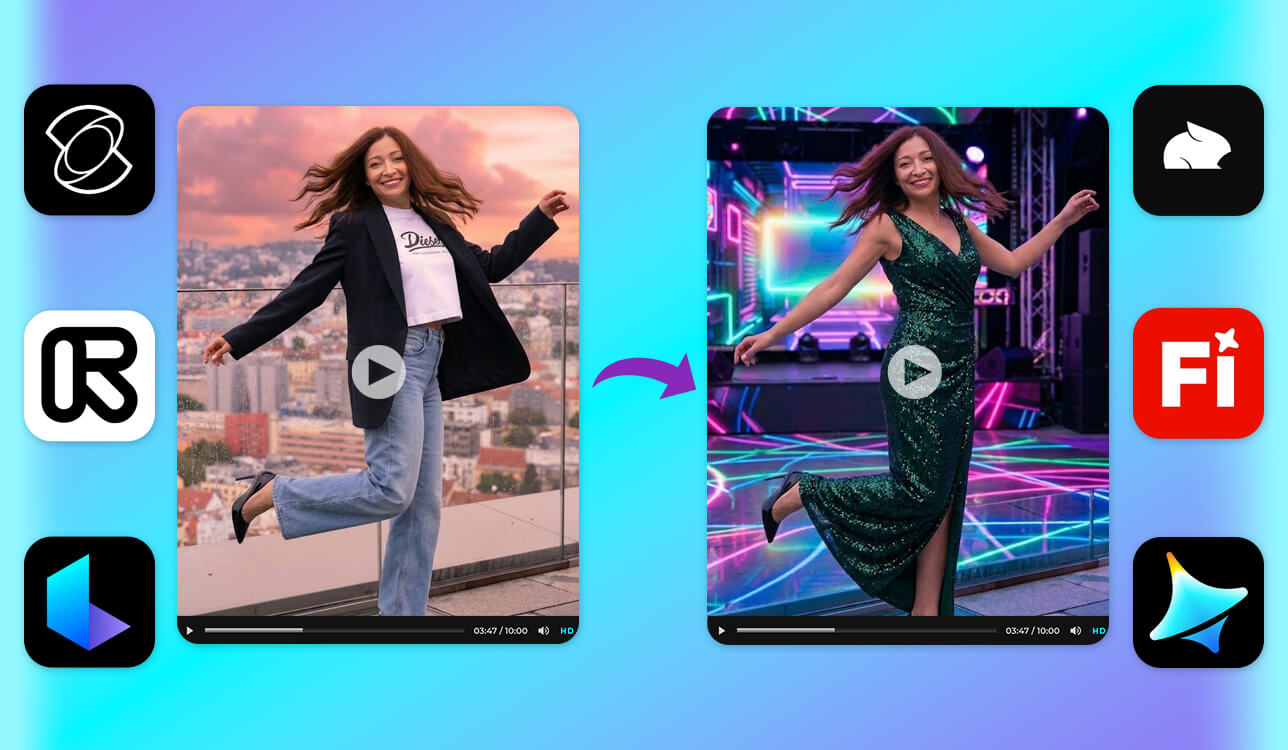
The idea to look for the best AI motion control video generators came into my head when I had to make a promo video for a dance instructor. The idea itself was rather simple and I needed to shoot an 8-count routine in three different environments without renting three places for shooting and doing everything once again.
It was rather easy for me to imagine the sequence of actions: opening shot in a nice studio, animated segment and the final shot with a gradual camera panning. And I was especially interested in the possibility of changing the timing. AI dancer looks gorgeous, but it will not help if the hands move on a wrong beat or the feet glide.
That experience has totally changed my views on video generators. While before I was wondering which solution would generate the most gorgeous motion, now I became interested in which aspects of the movement can be controlled. When I was working on the dancing promo, I would use the following reference pack for every possible workflow:
The aim of the test of 30+ AI motion control video generators was to see which movement looked realistic and which could not be transferred precisely. The video can look rather realistic without being faithful to the original choreography, facial expressions and camera motion.
Before picking the appropriate AI motion control video generator, I would suggest defining first which aspects should remain the same in the final result: the camera motion, the performer's actions, the facial expressions, or the timing.
An AI video generator can deliver quite realistic motions without giving you the possibility to control these details precisely. These are two different tasks and just because a particular platform is better in handling one does not mean it is equally good in handling the other one.
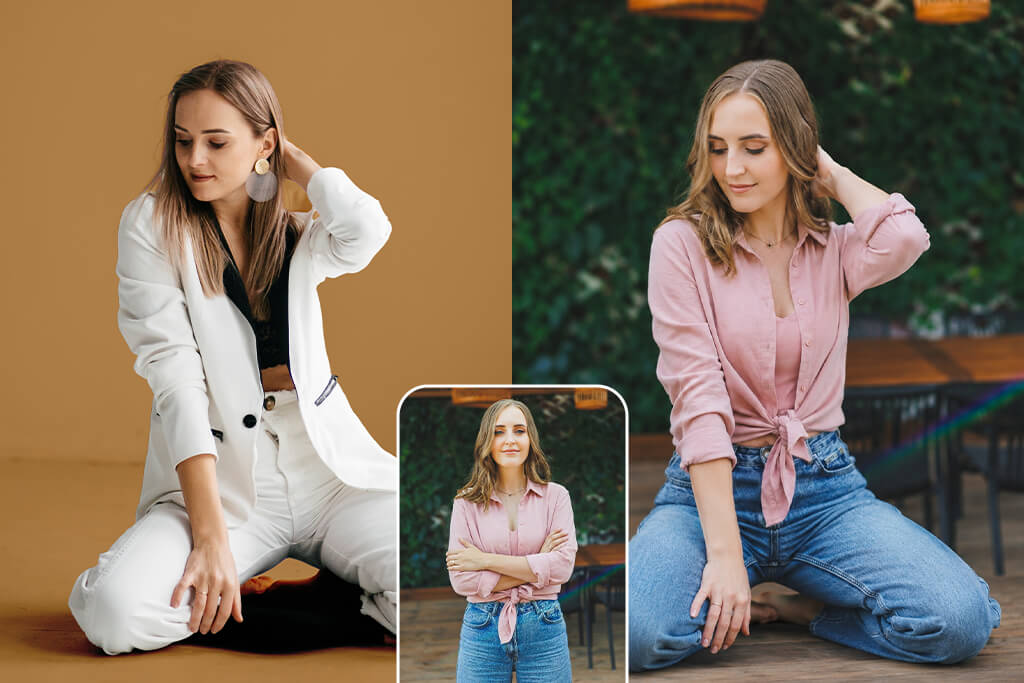
Camera motion reference tools. These tools use a source video to guide the motion of the camera in the generated video. They allow creating a desired shot, visual transition or a scene where the camera's movement is responsible for capturing the viewer's attention.
Character motion transfer tools. These tools use a driving video and a character reference in order to determine the body motion and, depending on the specific features, the facial expressions.
Multimodal reference generators. These tools merge multiple inputs in order to determine how a video should look, sound and move. The specifics of the inputs depend on the model and interface.
Video-to-video transformation tools. These tools use the recorded action as a reference in order to transform the look of the video while keeping its motion.
Pose-guided workflows. These tools use structural guidance, including poses, inside the custom generation pipeline.
Platform compatibility: browser
Pricing: Adobe provides free access with usage limitations and premium Firefly subscriptions. Verify the current plan and the number of model credits before generation.
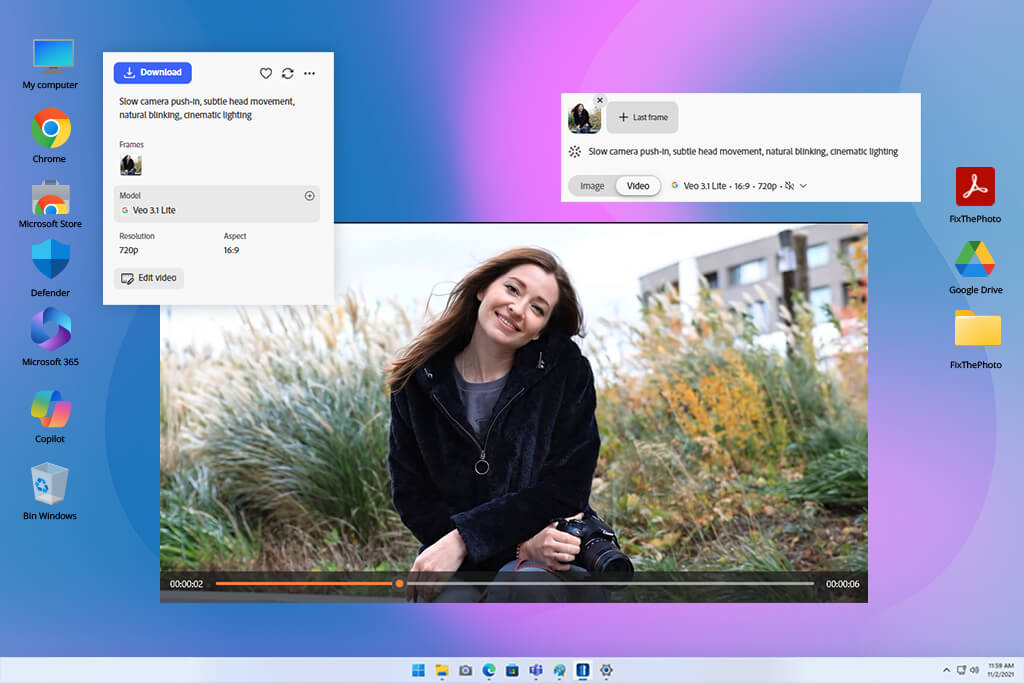
In order to create the first sequence for the dance-school project, I would use Firefly to guide the camera and not transfer the choreography of another video. A slow sideways movement across the studio will prepare the viewer for the action.
This AI motion control video generator also has a reference feature that copies the camera movement from the imported video. Firefly extracts the pans, zooms, tilts and movement paths. Thus, it can be regarded as a solution for controlling motion, even though the camera matching and the character performance transfer are two different skills.
My reference would be a phone video with the desired camera movement. I would concentrate the creative prompt on the new scene, and then ensure the generated video contains the intended motion. This functionality is provided by the Firefly Video model, but it does not mean it is present in all partner models.
The main reason for Firefly to be the winner of my test is the editing workflow provided by Adobe. I adjust the generated footage in Premiere and After Effects, changing the timing, the typography, the compositing and the colors. Before choosing a subscription plan, it would be reasonable to check whether there are any current Adobe Firefly deals.
"Import a reference video to determine the camera movement, then write a prompt explaining the scene."
Firefly is my go-to solution for intuitive camera reference generation. In case the project requires a character to repeat a certain dance, I would use a specialized performance transfer solution.
Platform compatibility: web and mobile app.
Pricing: credit-based access; depends on the model, mode, duration and subscription. Check the relevant cost for the chosen Motion Control workflow.
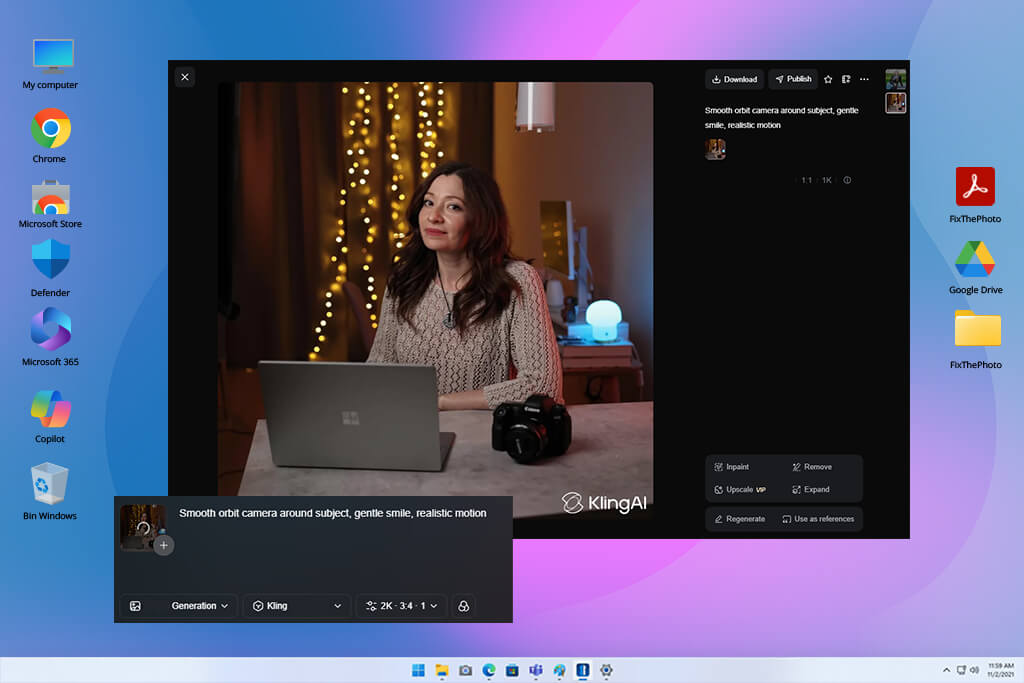

Kling AI is the tool I would pick for the main dance scene. Being an AI reference to video generator, it offers a dedicated Motion Control workflow which processes the character image and the reference action video, making the featured motion guide the generated character.
The official guide describes the VIDEO 3.0 and VIDEO 2.6 Motion Control. It gives some recommendations on how to deal with the facial elements and the necessary framing between the character and the action references. It is especially important in this case as the realistic motion alone is not enough.
I would start with a short and normal-paced sequence: moving sideways, lifting one arm, pausing and returning. It gives me a trackable series of checkpoints without complicating things too much during the first attempt. After creating the basic action, I can use the video-to-video motion transfer tool to create a more complicated sequence.
According to the Kling's guide, the facial elements give facial reference data and not the attire or props of the character. Thus, the continuity should be checked separately from the face. Just because the generated video has a correct face, it does not necessarily mean that the rest of the scene is accurate.
"Match the character framing to the performance reference before you spend the credits on a longer routine."
While editing the video, I would choose a traditional timeline of video editing software for Mac to adjust the lead-in and match the performance to the music.
Platform compatibility: browser; model availability varies by account and region.
Pricing: free entry access and paid credit subscriptions. Verify local prices and the chosen model’s generation cost.
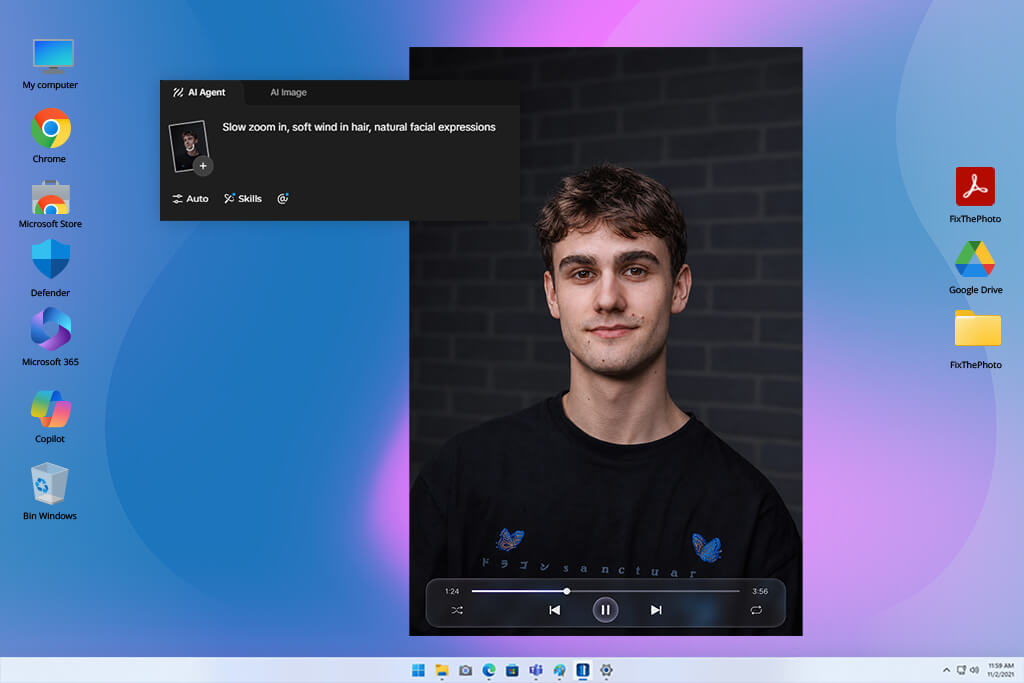
Dreamina is an excellent platform for the stylized AI character animation from videos, and I would use it to create a scene where the dance was placed in a new environment with a unique visual identity. Instead of using only the motion video as a reference, I paired it with a character and a brief shot description.
Dreamina's motion control page offers Seedance-based reference-to-video generation, multimodal inputs and the scene customization. It allows me to leverage Seedance 2.5 features, meaning that Seedance 2.0 restrictions should not be applied to all workflows.
I would group the inputs by their purpose: one asset for appearance, another one for motion and a brief for the video. Importing additional files is helpful only if they can help to clarify the desired output. Contradicting character designs or inconsistent camera instructions will make the prompt harder to understand.
For my goal, I would keep the initial stylized clip and check it before continuing the video generation. A repeatable hand gesture is a more suitable checkpoint than a vague prompt "energetic dance".
"Assign all references a single task so the motion, character and environment don't contradict each other."
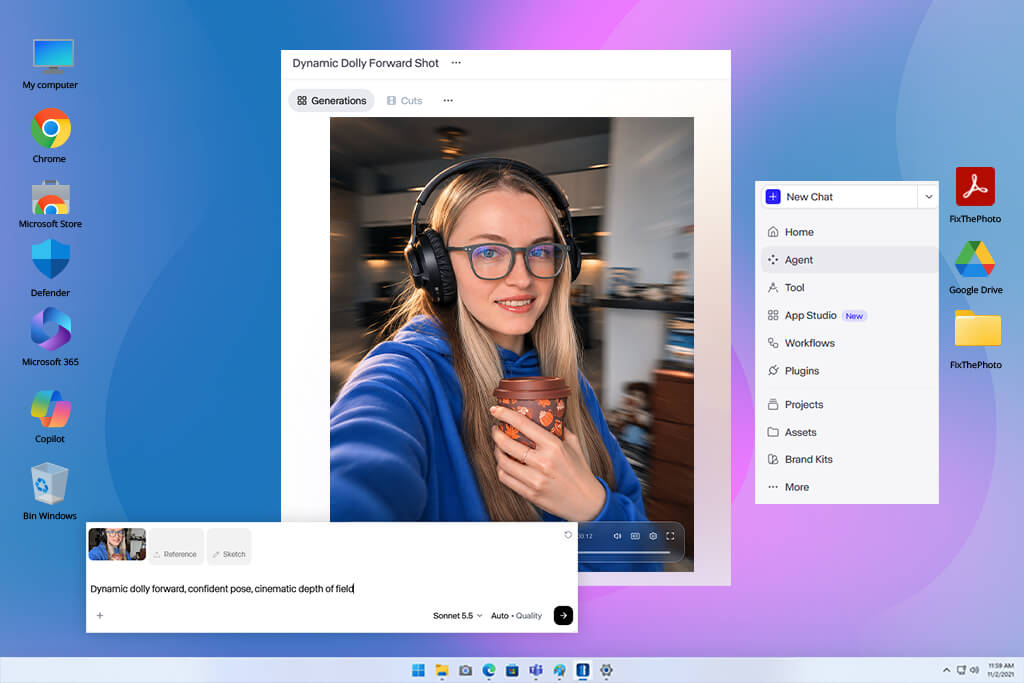
Dreamina is a great choice in case the movement reference is a part of a bigger scene-building workflow. I would check which specific model and controls are provided in the selected plan before thinking about the advertised reference or duration limits.

Platform compatibility: browser.
Pricing: Runway lists Standard from $12 per user per month with yearly billing. Act-Two requires Standard or higher and uses 5 credits per second, with a three-second minimum.
For the last sequence with the instructor's smile and speaking to the viewer, I would use Runway's full-body motion transfer tool. You can get a lot of mileage out of its performance capture capabilities, instead of assuming that a generic Runway video model or Runway alternatives will be able to provide the same controls.
Act-Two allows the body motion transfer of a character based on the performance video and the character image or video. Runway's official website states that expressions, speech and motion are transferred. Gestures control is provided for character image inputs, while the video references preserve the body and camera motion from the original video, leaving the facial performance to Act-Two.
When working on the animated spokesperson with a new gestures, I would use a photo as a reference. For the sequence with the previously approved body motion, I would choose a video-reference approach and check the facial performance separately.
"Choose the input type depending on which movement you want to control, and not just which reference you already have."

I would advise filming a restrained performance before capturing an expressive one. While evaluating the result, pay attention to the expression's consistency and the head turn coherence.
Platform compatibility: web and iOS.
Pricing: Modify Video is promoted as a premium Dream Machine feature. Model access, credits, and commercial usage conditions are determined by the current plan.
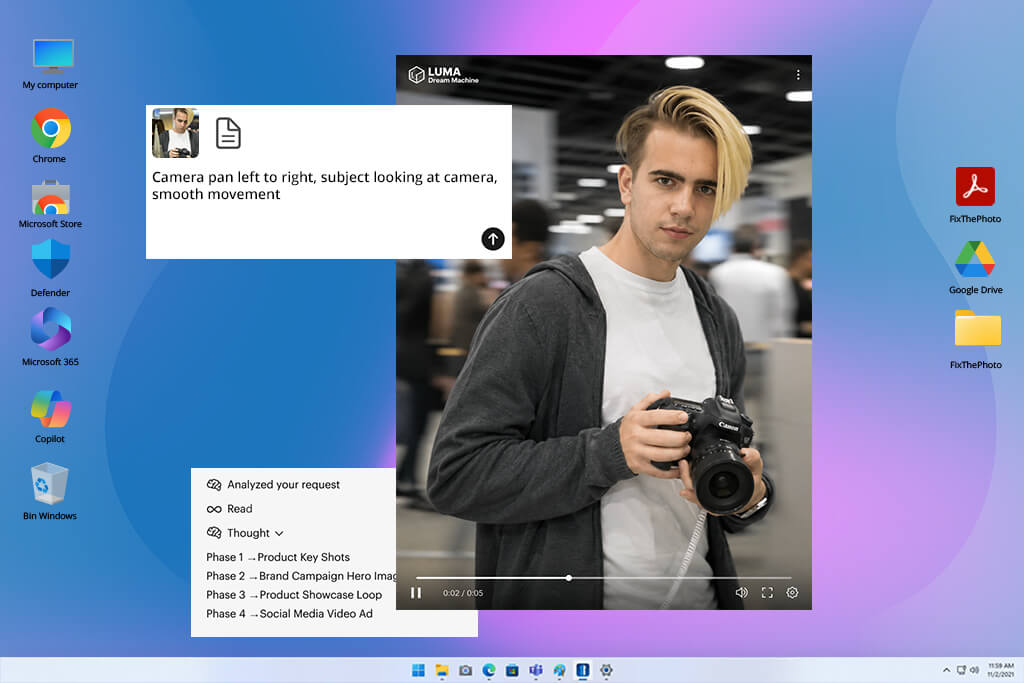
Luma Dream Machine is an attractive solution in case you already filmed the performance and don't need to change the timing. It allows me to use the original video as a basis before trying different visual approaches.
Modify Video was created to help people to change the look of their footage while preserving the editing and the camera behavior. Luma allows me to restyle a scene, change the environment and adjust clothing. Its adherence controls allow me to specify how close the transformation should be to the original.
For those looking for an AI real estate video generator, this solution allows them to visualize the ideas of renovation of a house, provided that the edited footage is labeled correctly.
For the dance project, I would start with a small change, such as adding a new environment, before trying the drastic character redesigns. Such an approach simplifies the comparison of the source video to the altered one.
"Don't delete the source video to make sure all transformations will have the same reference."
When reviewing the results that the AI motion control video generator gives, pay attention to the parts where limbs intersect. You may also want to compare the silhouette of the character at beats.
You can distinguish the difference between camera motion control and AI dance motion transfer by learning the affected areas – camera, character, or both. This is necessary to know which platform you need, so you won't buy a subscription to something that won't serve your purpose.
For my dance school project, I would prepare individual sequences of videos for each stage. I would use a camera-reference workflow for the beginning of the video, body-transfer tool for the middle part of it and a performance transformation feature for the end of the video. Combination of those sequences is much easier than making a whole video in a single generation.
Firstly, I have created a list of paid and free AI motion control video generators based on the official software documentation, creator forums and video production reviews. Together with the FixThePhoto team I have divided the practical testing into four categories:
All appropriate workflows are tested using the consistent checklist:
Motion accuracy. Compare the referenced or recorded action with the output at important checkpoints. Keep in mind the missed gestures, changed timing, and invented motion.
Identity and appearance. Pay attention to the face, attire, hair, and body proportion during the clip. Check the face similarity and costume accuracy separately.
Temporal stability. Watch out for flickering, wandering arms and legs, changing background and object continuity both at the regular speed and frame by frame.
Foot contact and occlusion. Pay attention to the planted feet, turns, crossing limbs, and hands that pass in front of the face. Note the continuity issues that appear.
Control and repeatability. Log the model version, reference files, settings, seed where applicable and all attempts. Repeat the same brief to test how the platform works with variations rather than evaluating it based on a single result.
User-friendliness. Track the time spent on preparation, uploading, setup, generation, and exporting separately. Pay attention to the pose pre-processing and installation where applicable.
Value for money. Spend up to three attempts for each compatible task. Calculate how many credits were needed and how many clips were generated. Assess the value for money not based only on price per generation.
Export and editing. Note the available resolution, aspect ratio, frame rate, watermark, audio behavior, and plan options. Import the selected videos into the editor and make sure that they can be seamlessly combined.
The order of the software mentioned above mostly shows their place in my workflow. Firefly is perfect for intuitive camera-reference work, Kling for body motion transfer, Dreamina for multimodal references, Runway for performance capture, Luma for processing of the existing footage and ComfyUI for customization of guidance pipeline.
I wouldn't use a somewhat realistic result provided by a text-to-video platform as a reference video for AI animations. Sora platform is great for video generation in general, but it lacks a dedicated feature for my brief.
Adobe Firefly is my choice for camera movement. Kling AI is good at body motion transfer and Runway is ideal for expressive performances.
Adobe Firefly can copy the camera movement, but not the dance choreography.
Kling AI and Runway Act-Two allow using character references together with driving videos.
Yes, some platforms allow that. But if it is possible to set those individually, it depends on the model and workflow.
There may be free credits offered, but advanced tools usually require payment. For example, Runway demands Standard or higher access.
Not necessarily. Fast actions, hand gestures, and turns may cause errors.
Learn the current terms of the chosen generator, model, plan, and reference material. Obtain permission for the performer's recording and likeness. Also, make sure that the music and other assets can be used for a commercial project.