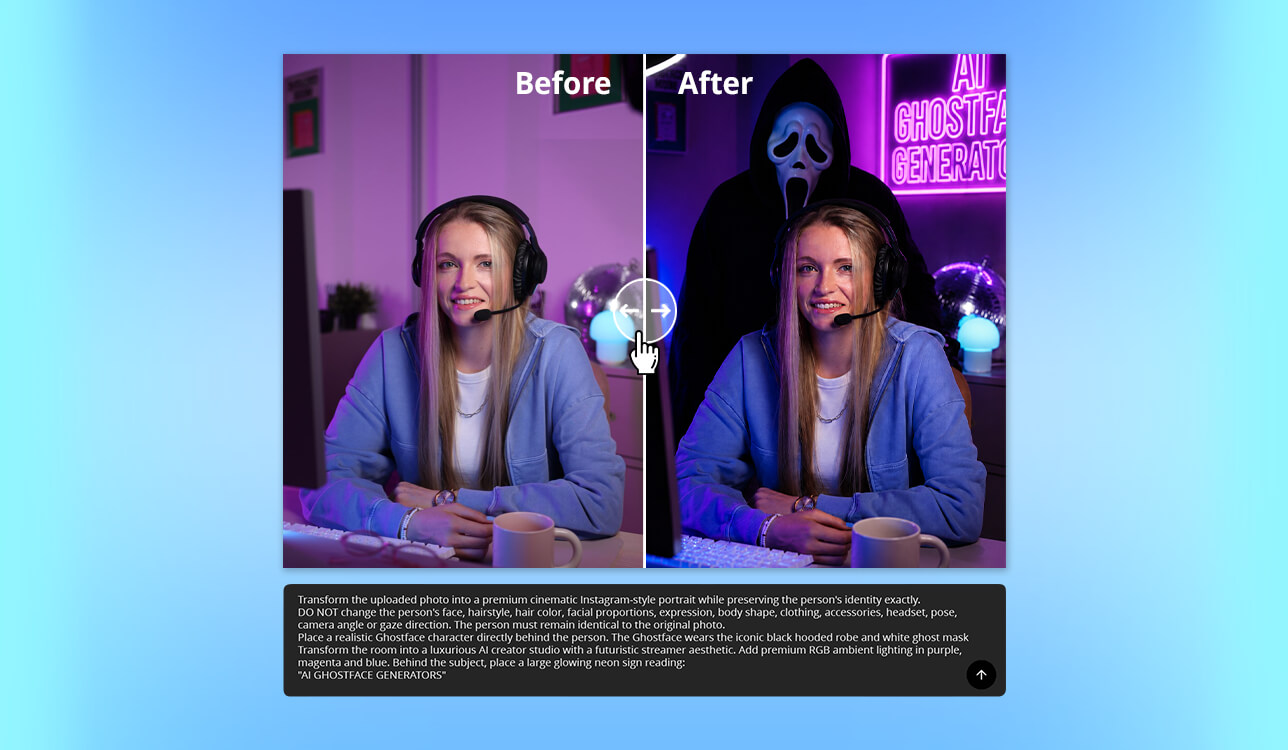
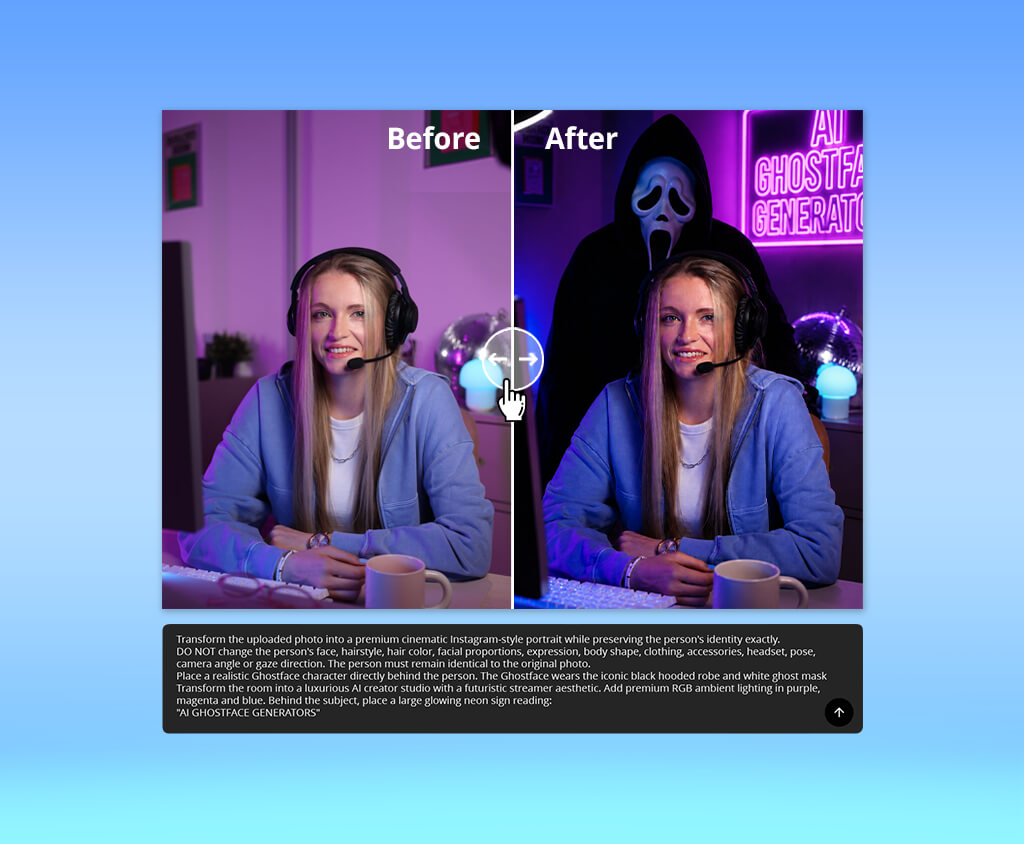
I wanted to find the best AI Ghostface generators after my colleagues began coming up with concepts for a Halloween-themed social media campaign. Our goal was to create eerie, cinematic visuals without dedicating days' worth of time to getting costumes, shooting, and image editing.
That said, a lot of AI platforms can only generate bland horror characters, unrealistic faces, or simply refuse to deliver the result I needed due to copyright issues. I wanted to determine which solutions could generate the desired Ghostface images while offering a high level of creative freedom.
To achieve my goal, I tested over 15 tools, evaluating their picture quality, prompt accuracy, customization options, generation speed, and user-friendliness. Additionally, I studied the reviews on Reddit, Product Hunt, and G2 to check how these generators act in real-world scenarios, while discussing my findings with multiple FixThePhoto coworkers who frequently include AI in their creative workflows.
When comparing different Ghostface AI generators online, I didn't just look at the picture quality. I also examined how well all platforms adhered to prompts, maintained facial features, generated realistic masks, handled lighting, and applied horror effects. Other important factors included editing tools, customization freedom, generation speed, user-friendliness, free version restrictions, output quality, and general suitability for producing Halloween-themed visuals.
Having tried out a variety of both paid and free AI Ghostface generators, I learned that the final quality is determined by the prompt you use as much as it is by the AI software you use. These suggestions will help you get high-quality results with more consistency:
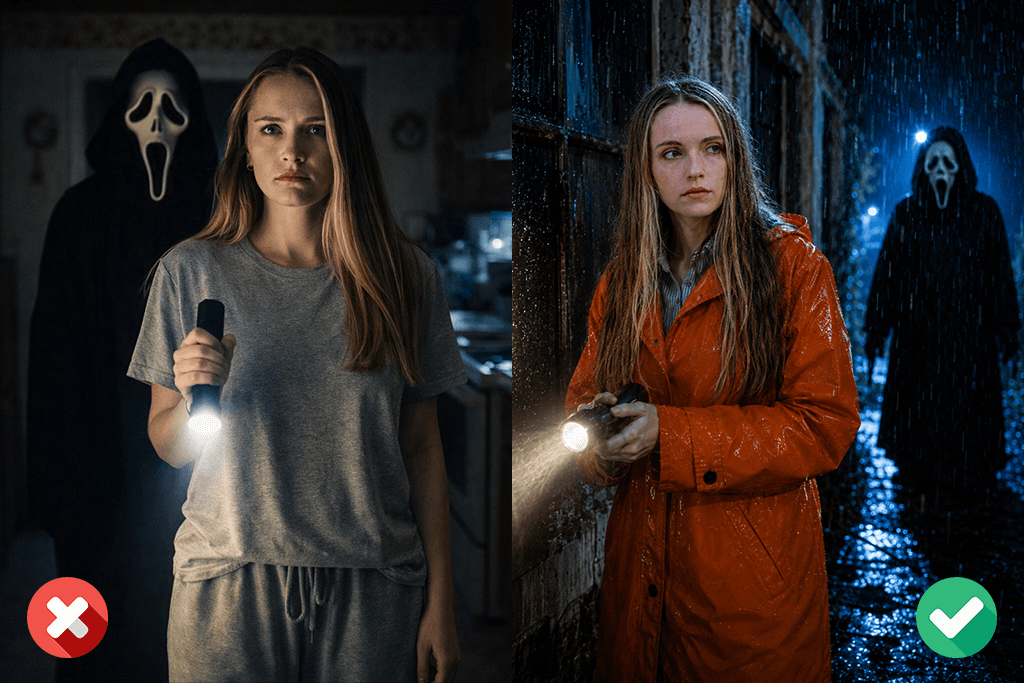
I believe the best AI Ghostface images are a result of using both a high-quality source photo and a well-written prompt. Dedicating some time to improving the details mentioned in the prompt will help you receive a realistic, cinematic result.
Price: Free or from $9.99/month
Adobe Firefly is an AI image generator that delivers both realistic and heavily stylized prompt-based visuals. It has proven to be the best AI Ghostface generator when it comes to making portraits, poster-style images, and social media posts for Halloween. It has a minimalistic UI that includes prompt recommendations, aspect ratio options, different content types, and convenient style controls.
Firefly managed to generate natural-looking robes, cinematic lighting, fog, abandoned buildings, and intricate horror-inspired masks while adhering to my prompts. Since Adobe can’t create copyrighted characters, it won’t make an identical copy of Ghostface from Scream, but it did a great job generating unique slasher-inspired characters with a very similar mood. Additionally, I employed Generative Fill to swap out masks, add scratches, blood effects, or knives, and Generative Expand to extend backdrops for banners and posters without sacrificing image quality.
The free plan provides monthly credits that allow you to experiment with various ideas before getting the paid version. In addition to producing images from scratch, Firefly can be used to get rid of unwanted elements, replace backgrounds, and edit user-selected areas without affecting the rest of the photo. The biggest drawback is the limited number of free credits since generating a suitable Ghostface-inspired result will likely take multiple attempts.
“Adobe Firefly did a great job implementing my prompts. I ran out of free credits quickly, but I was still happy with the result I got.”

Price: Free (with watermark) or from $9.99/month
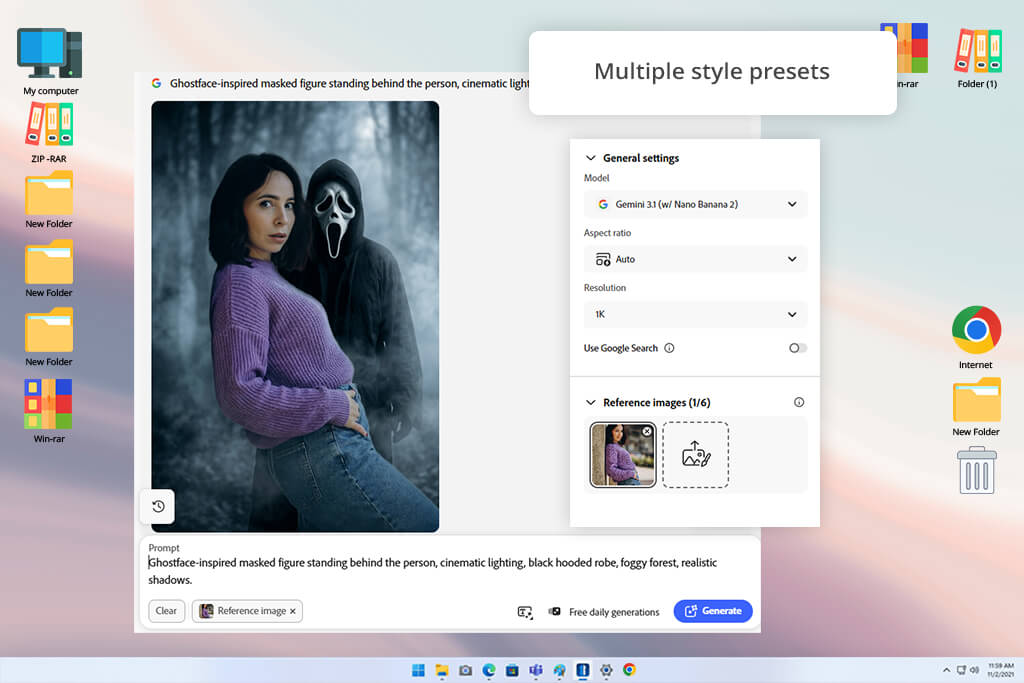
YouCam Online Editor provides generative AI functionality as well as editing features right in the comfort of your browser. I used it as a free online AI Ghostface generator and was impressed with its straightforward UI, which included Text-to-Image, AI Replace, AI Enhance, Background Remover, and Object Removal features all in a single workspace. I primarily employed the Nano Banana model, which YouCam suggests as the optimal choice for more realistic Ghostface-like results.
During the test, I imported multiple images and wrote prompts like "Ghostface-inspired masked figure standing behind the person, cinematic lighting, black hooded robe, foggy forest, realistic shadows." I tried using various locations, including abandoned houses, dark streets, and forests, while tweaking prompts to set the character's placement, pose, lighting, and distance from the camera. The AI did a great job blending the character into the environment.
I received the most realistic results when using evenly lit, front-facing portraits, and I could conveniently replace the backdrop or fine-tune the horror atmosphere by adjusting prompts without having to use any other photo editing software. The main downside of this platform is that it can occasionally generate cartoonish-looking masks, and it has trouble dealing with side profiles. The free plan imposes credit limitations, and HD downloads are only available to paid users.
Price: Free (starter credits) or from $19.99/month
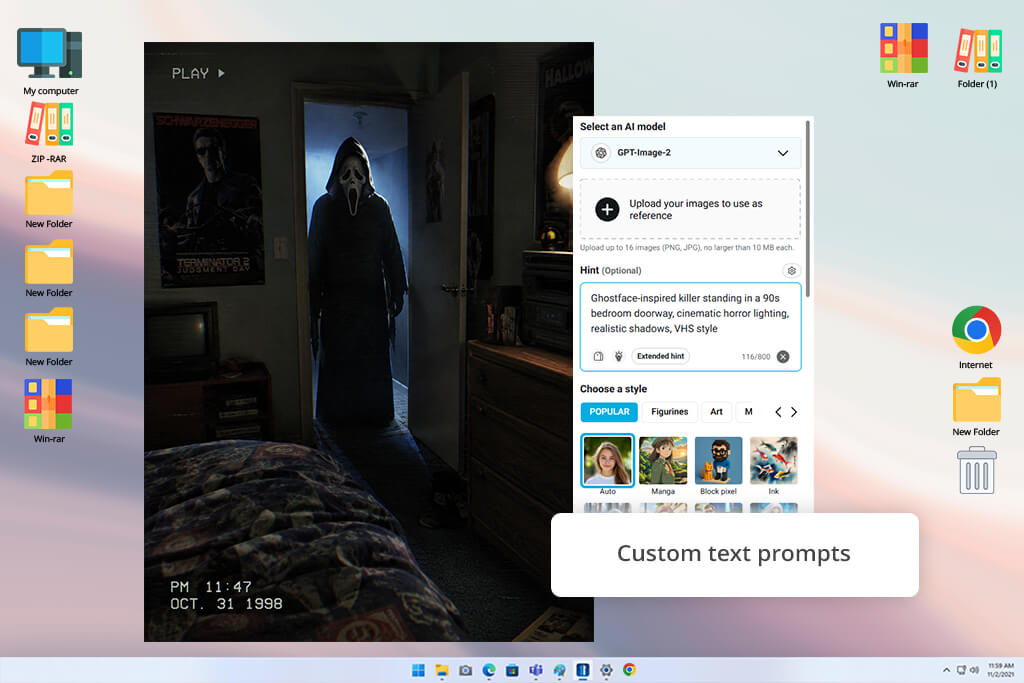
PhotoGPT is a great AI Ghostface photo generator for turning selfies into realistic images while applying themed transformations. I used it with multiple portraits and enjoyed the streamlined controls. I imported a selfie, typed in a prompt like "Ghostface-inspired killer standing in a 90s bedroom doorway, cinematic horror lighting, realistic shadows, VHS style", and the AI produced the edit within seconds. The UI is pleasantly minimalistic, and I could either write a unique prompt or pick from premade Ghostface presets.
The output was impressively realistic. Rather than adding a generic mask to my face, PhotoGPT blended the horror elements naturally into the environment, generating photos that looked like movie stills. Additionally, I used the customizable AI headshot model, which examines the facial features and delivers results that are more consistent across repeated generations.
In addition to Ghostface edits, I could leverage the integrated AI photo editor to swap out backgrounds, attire, and styles for other types of projects. The main drawback is that the results don’t always look realistic. The facial features can sometimes blend with the mask in a weird way, especially if you use complex prompts. The free plan also imposes credit limits.
Price: Free (sign-up bonus credits) or from $27.99/month
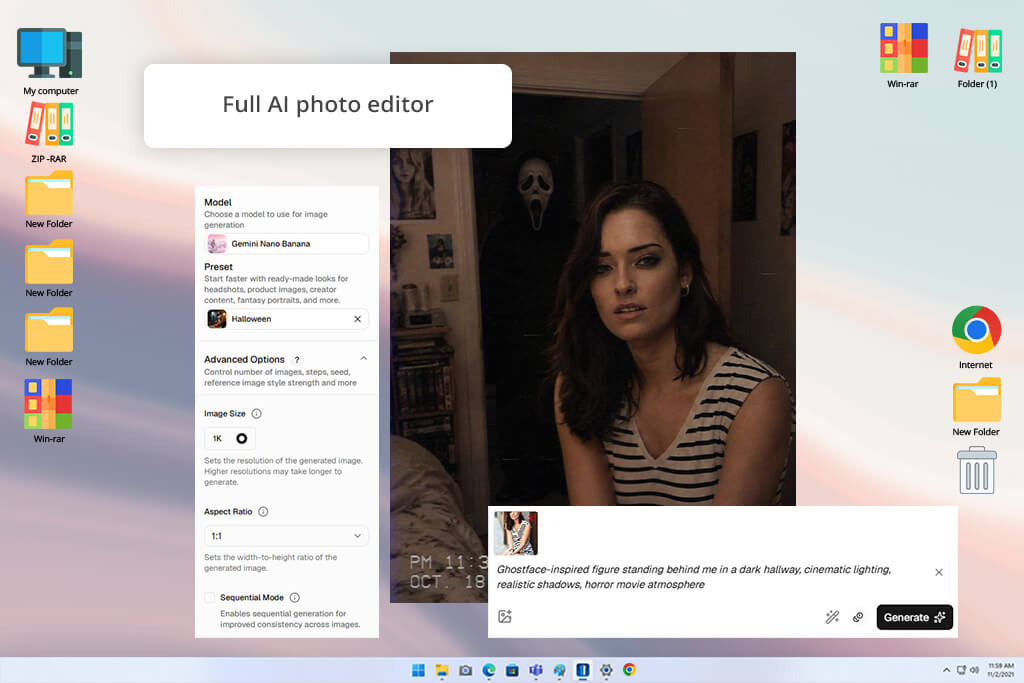
Media.io comes with a specialized tool for transforming selfies into Halloween-themed photos. You can use this Ghostface AI generator for free by typing in suitable prompts like "Ghostface-inspired figure standing behind me in a dark hallway, cinematic lighting, realistic shadows, horror movie atmosphere" or "Polaroid-style Ghostface selfie, vintage horror look." The UI is easy to navigate. Once I imported a portrait, I just wrote the prompt, generated the photo, and saved the result.
Additionally, I appreciated the inclusion of premade prompt ideas, which streamlined the task of generating various Halloween scenes without having to waste time worrying about intricate descriptions. The AI did a great job adhering to my prompts, generating spooky backgrounds, realistic lighting, and believable horror effects that were a great fit for social media content and Halloween invitations.
The main downside of this option is the lack of consistency. While it’s a good option for clear photos, I had issues with distorted masks and faces when writing more complex prompts or importing photos taken at unconventional angles. I also recommend avoiding vague prompts to prevent the appearance of glitchy backgrounds.
“It generates spooky Ghostface-stylized photos in seconds. If only it provided more image editing features.”

Price: Free trial (watermark) or from $20/month
VEED can be used as both a Ghostface AI image generator and a comprehensive online editor, allowing you to produce images and short horror clips without turning to other platforms. For my test, I made one photo by importing an image and another by writing a prompt. Next, I picked an AI model and received the result within seconds.
I recommend writing prompts like "Ghostface-inspired masked figure, abandoned house, cinematic horror lighting, VHS effect, grainy texture, eerie shadows, movie poster style." The AI is great at generating horror color grading, glitch effects, and dark backdrops, and it allowed me to enhance low-quality images before generating a new photo.
After generating the picture, I continued working on it without switching to a different platform. VEED let me add text overlays, transitions, audio effects, and background music to transform still Ghostface photos into TikTok videos and Instagram Reels. Moreover, this option is great at creating an analog horror, VHS, and movie-poster style atmosphere as long as you use appropriate prompts. The biggest downsides are how prompt-reliant the output quality is, and the restrictions tied to the free plan.
Price: Free or from $10.99/mo.
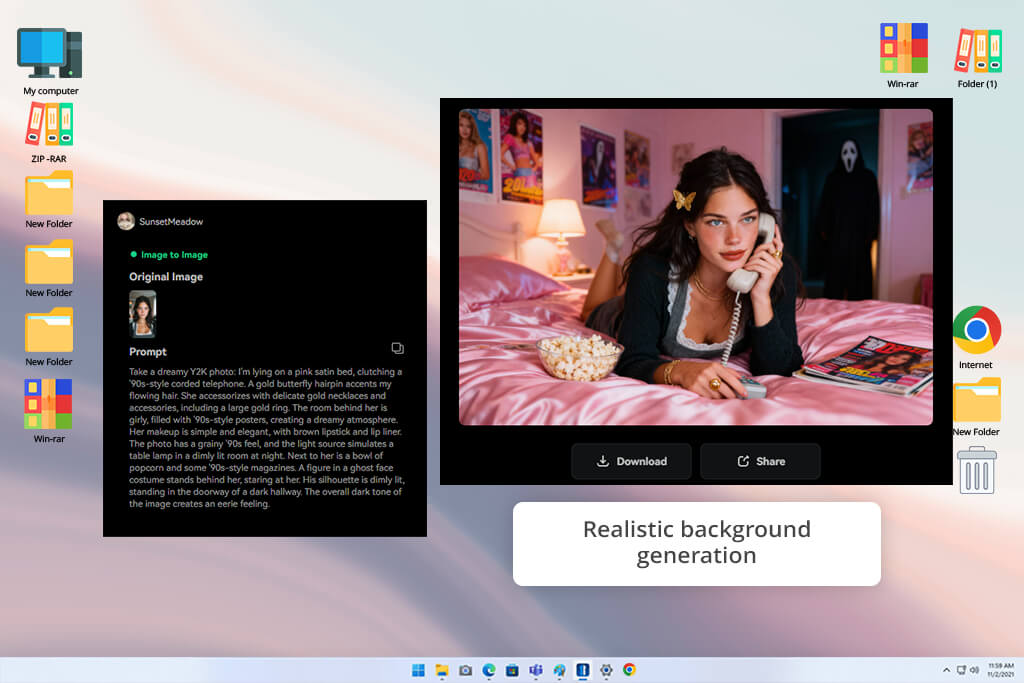
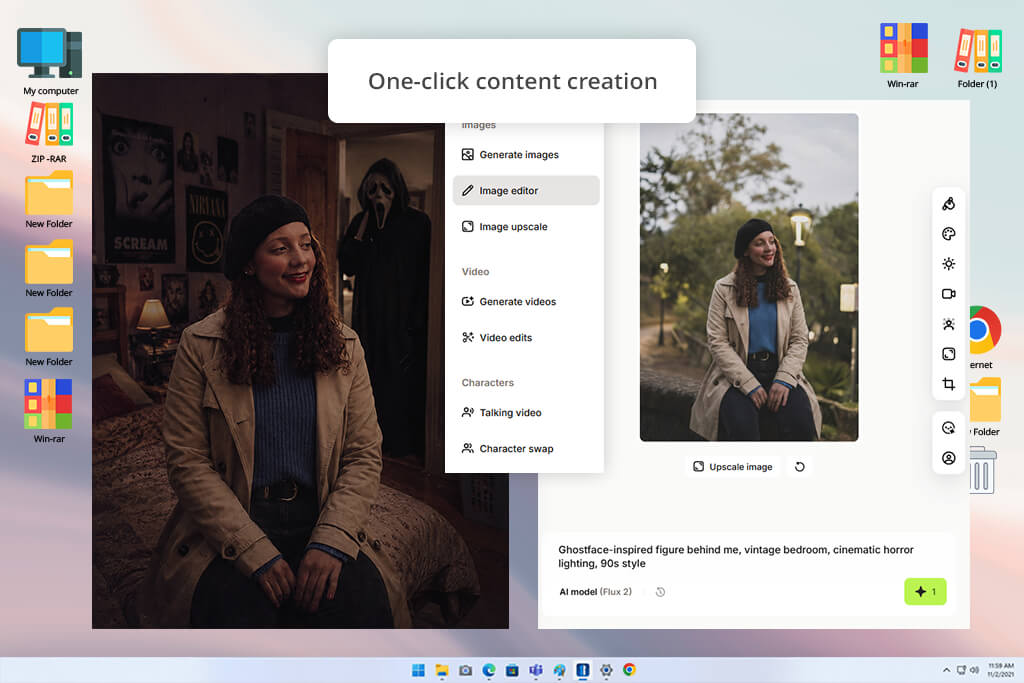
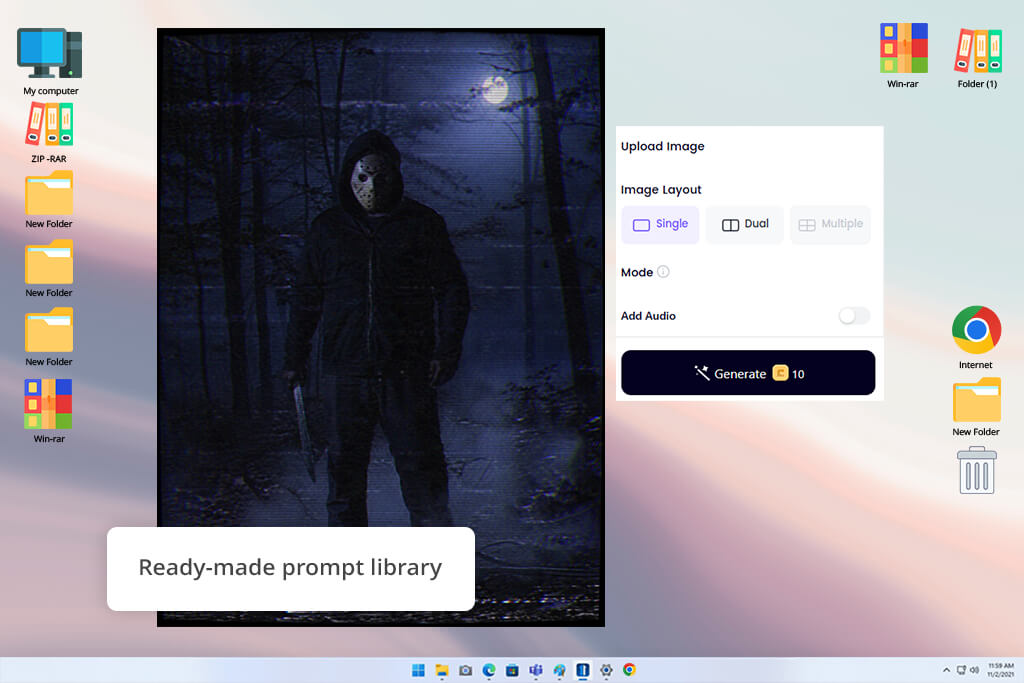
Clipfly relies on the Gemini AI model to generate horror-style images based on photos and text prompts. I used it as an online Ghostface AI generator by writing prompts such as "Ghostface-inspired figure behind me, vintage bedroom, cinematic horror lighting, 90s style" and "masked slasher in a foggy forest with VHS effects." The UI is intuitive, and the platform even offers premade prompt examples while allowing you to personalize the environment, backdrop, and overall visual style.
This generative AI tool produces realistic horror scenes with even lighting and cinematic backgrounds, and I could save the photos without dealing with watermarks. Moreover, I generated images that featured abandoned houses and grimy streets. The most noteworthy downside is the inconsistent facial detail preservation, and adjusting the Ghostface figure requires generating a completely new photo.
Price: Free (100 credits) or from $8.99/month
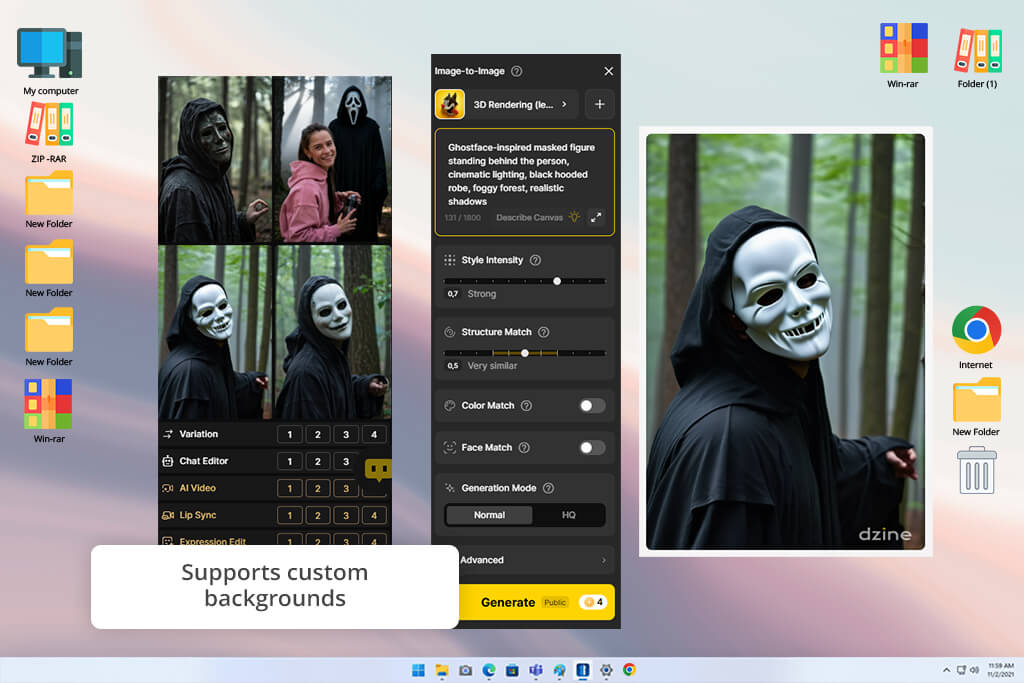
Dzine is a versatile AI tool for content creation that offers image generation as well as advanced editing features, which is why it’s possibly the best Ghostface AI generator for unique horror artwork. The UI is minimalistic and convenient to navigate, and I could easily regenerate photos, tweak prompts, and try out different horror styles without starting from scratch.
The AI generated cinematic lighting, natural-looking textures, and authentic Ghostface-inspired scenes that were a fantastic fit for Halloween posters and social media. While its free functionality is impressive, you ran out of credits very quickly before you had to get a paid plan. In addition to making Ghostface images, Dzine lets you generate wallpapers, horror portraits, stylized profile pictures, and other types of artwork.
If your goal is to get the best visuals possible, Adobe Firefly is my go-to recommendation since it delivers realistic lighting, textures, and cinematic horror environments. If you'd like to make a quick selfie edit, platforms like PhotoGPT, YouCam Online Editor, and Clipfly are fantastic alternatives.
Ghostface is a copyrighted character from the Scream IP. A lot of AI solutions adhere to copyright policies, so they produce distinct horror-inspired masked figures instead of an identical copy. By writing descriptive prompts, you can achieve the closest results.
I received the most satisfying results by using prompts like: "Ghostface-inspired masked slasher, black hooded robe, cinematic horror lighting, realistic fog, abandoned house, ultra-detailed, movie poster style." Mentioning details about lighting, location, camera angle, and atmosphere can significantly enhance the final output.
For viral TikTok and Instagram posts, I suggest Adobe Firefly, PhotoGPT, and VEED, since they excel at generating trend-style content, and VEED allows you to transform images into animated clips.
Yes. Most platforms allow you to describe the desired image using text prompts. They can generate abandoned buildings, misty forests, vintage bedrooms, VHS effects, moody lighting, blood splatter, or cinematic movie-poster styles.
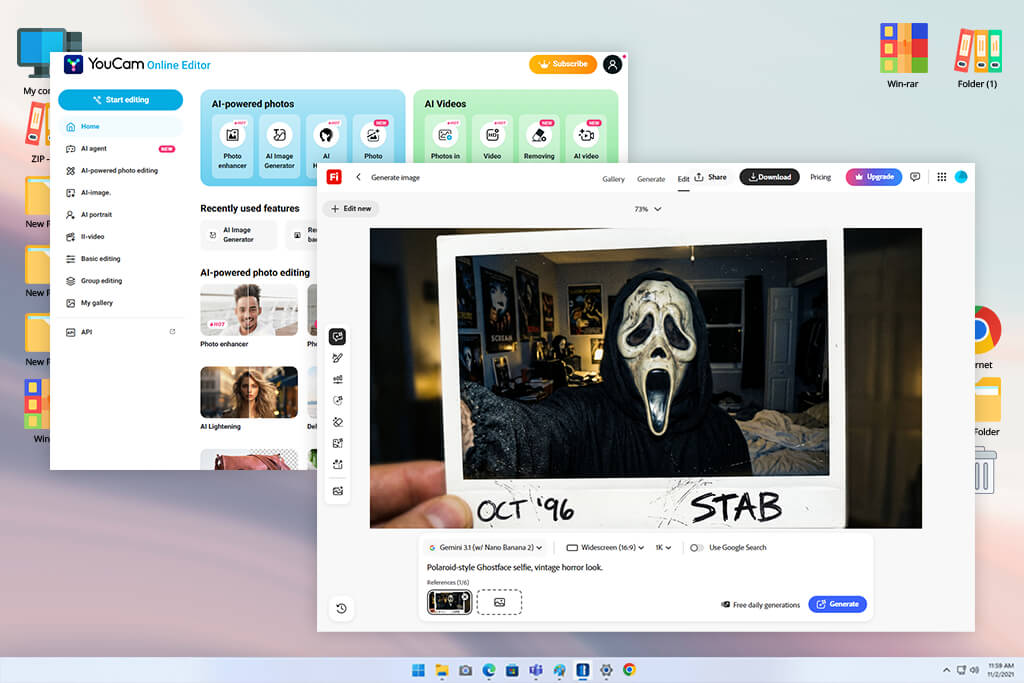
To determine which platform is the best AI Ghostface generator, I evaluated a wide range of solutions and tested their performance for real-life projects. Multiple colleagues from FixThePhoto also reviewed the results independently, allowing me to analyze the provided picture quality, user-friendliness, and result consistency. I’ve also tested various other tools, including HitPaw FotorPea, GenImg, Pixlr, Bylo, Kapwing, MyAIArt, and PixPretty, but they failed to make my list by either lacking realism, not having any editing tools, or failing to follow my prompts.
“I enjoyed how quickly PhotoGPT produced cinematic horror portraits. The only drawback was the subtle facial inconsistencies.”

During testing, I rated each solution based on:
“Clipfly delivered impressively realistic vintage horror environments when employing the Gemini AI model. My only regret is that I can’t manually choose the object placement.”

After looking at all the results, I chose the options that consistently generated realistic, high-quality Ghostface-styled photos while remaining user-friendly. The platforms featured on this list offer a balance between picture quality, customization options, speed, editing tools, and value for both inexperienced and professional creators.



![9 Best ImagineArt Alternatives [Better AI Art Apps]](http://fixthephoto.com/blog/images/gallery/news_main__preview_29310.jpg)


![7 Best AI Age Progression Tools in {{%year}} [Tested & Reviewed]](http://fixthephoto.com/blog/images/gallery/news_main__preview_29353.jpg)

















