I decided to find the best AI story generator after choosing to make a personal narrative project for my kid. I wanted to create a living bedtime story about her mom and the creative world she lives in each day.
It was supposed to be more complex than a regular fairytale, as I wanted to make an ongoing narrative that features her mom as a crucial member of FixThePhoto’s creative team, where she works alongside designers, retouchers, and artists to help people turn their pictures into meaningful mementos. I wanted the story to be cohesive, evocative, and immersive across all of its chapters, rather than writing a short fairytale that is forgotten after a single reading.
I started by experimenting with a variety of popular AI story writers to create this narrative, but the majority of them failed to deliver the expected continuity. Some tools forgot important details about the characters, like the mother’s role in the team or how the FixThePhoto colleagues interact, while others delivered bland, repetitive story beats that lacked emotional impact or interesting events.
That’s when I understood that my main goal wasn’t to generate text, but to establish a living, interconnected world that my daughter could follow for weeks and months to come.
I prepared a breakdown of the specific parameters I was looking for: dependable memory of characters and their relationships, capability to preserve an emotional tone fit for a kid, consistent depiction of the workflow inside FixThePhoto, and the ability to expand the story with new chapters as time goes on.
The ideal solution should also be highly adaptable to allow me to adjust details according to the events my wife goes through at her job and transform them into engaging, storytelling moments for my daughter.
The majority of disappointing stories are a result of vague prompts, confusing context, or having the AI write a story without any constraints.
Begin by providing the AI with a proper story foundation rather than an abstract idea. Let it know who the protagonist is, what their goal is, what the stakes are, and the desired emotional tone. For instance, rather than “write a sci-fi story,” describe the character’s mission, their fear, and the issue they’re dealing with in that exact moment. The more details you provide, the more grounded and satisfying the result.
You also need to remember about continuity control. Fake-sounding stories are usually a result of details changing midway, including personality shifts and inconsistent world-building rules. To prevent such a mistake, prepare and update a basic “story sheet” you can reuse: character personalities, important relationships, lore, and current plot points. Provide this information to the AI when making new scenes to preserve consistency.
It’s also a good idea to avoid generating large parts of the story in one go. Lengthy, fully generated narratives usually become generic since the platform attempts to cover too much at once. I recommend generating the story scene by scene: one interaction, one moment, one choice before refining the result or moving on to the next plot point based on what just happened.
Lastly, impressive stories are a result of editing, not only generation. AI drafts usually fall flat since they lack natural pacing. After getting the result, rewrite smaller parts while focusing on dialogue and the emotional moments to add hesitation, subtext, or imperfect human expression. This step helps get rid of the unappealing “AI feel.”
The final workflow is pleasantly straightforward: structured input, controlled continuity, sequential scene generation, and tasteful human editing. Put all of these elements together, and the result stops feeling artificial and starts reading like a real story.
Yes, many AI story makers allow such usage, but you need to account for three aspects: the platform’s regulations, your local legislation, and how you generated the content.
Solutions that support commercial use of generated text let you feature your creations in games, books, scripts, blogs, or marketing content. That said, there are possible exceptions, as some tools prohibit commercial use on free plans or demand a premium subscription for full rights. That’s why you should start by reading the licensing or terms of use of your chosen platform.
From a legal point of view, many countries don’t protect AI-generated text by copyright laws the way they do with human-authored creations. The U.S. Copyright Office openly states that copyright protection is only relevant for human authorship, meaning AI-generated content doesn’t qualify for complete copyright protection without meaningful human creative input.
There are also other risks involved. If the story features recognizable elements from copyrighted works (even unintentionally), or if it’s very similar to existing stories, you can have legal issues unrelated to the AI platform, which is why originality and editing are so important.
In real-world scenarios, people often monetize AI-generated scripts by adding them to indie games, web novels, or blog content, but they treat them as a foundation. They polish, rewrite, and enhance the output to ensure it’s original, consistent, and legally safe.
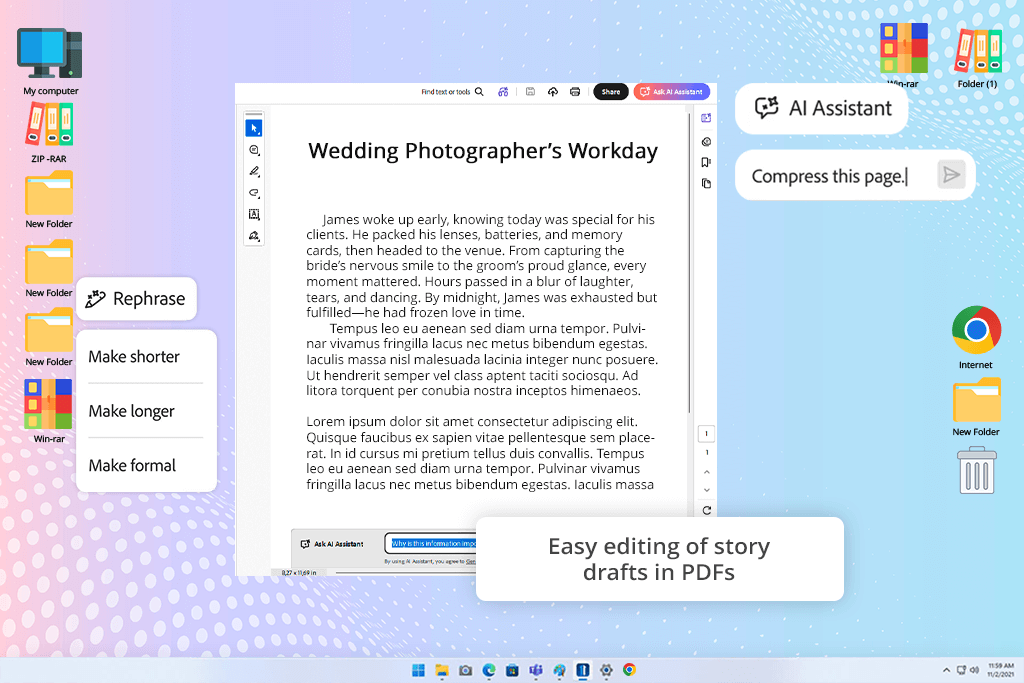
I initially used Acrobat AI Assistant to sort out all my lore documents, dialogue drafts, and story notes spread across dozens of PDFs. It did a fantastic job processing story context when summarizing a large amount of data. Rather than generating disconnected summaries, it preserved the emotional tone and thematic direction of the entire project.
Throughout my test, I imported several character biographies, mission descriptions, and timeline documents to check whether this solution could preserve continuity across different files. The most impressive part of Acrobat AI Assistant is its capability to instantly retrieve key story parts from huge documents without missing essential details.
It helped me restructure side stories and locate plot holes in character arcs a lot faster than if I were editing the text manually. For large-scale narrative projects, such functionality is invaluable.
“It allows fixing and summarizing text, but isn’t optimal for writing stories. It resembles a document processing tool more than a creative writing solution. Useful, but relatively boring for fiction.”

This is also arguably the best AI story writing tool if you need help rewriting a lot of text to meet a tight deadline. It acts like a responsible editorial partner, improving the pacing, polishing the dialogue, or streamlining exposition while preserving the original tone. The offered combination of organization and creative support sets it a level above the competition.
Overall, it’s important to understand that this free Adobe app can’t replace storytelling creativity. It’s designed to help you manage complex narratives that encompass ever-expanding universes. If you’re dealing with a lot of lore, scripts, and interconnected story systems, Adobe Acrobat AI Assistant is a great tool to have at your disposal.
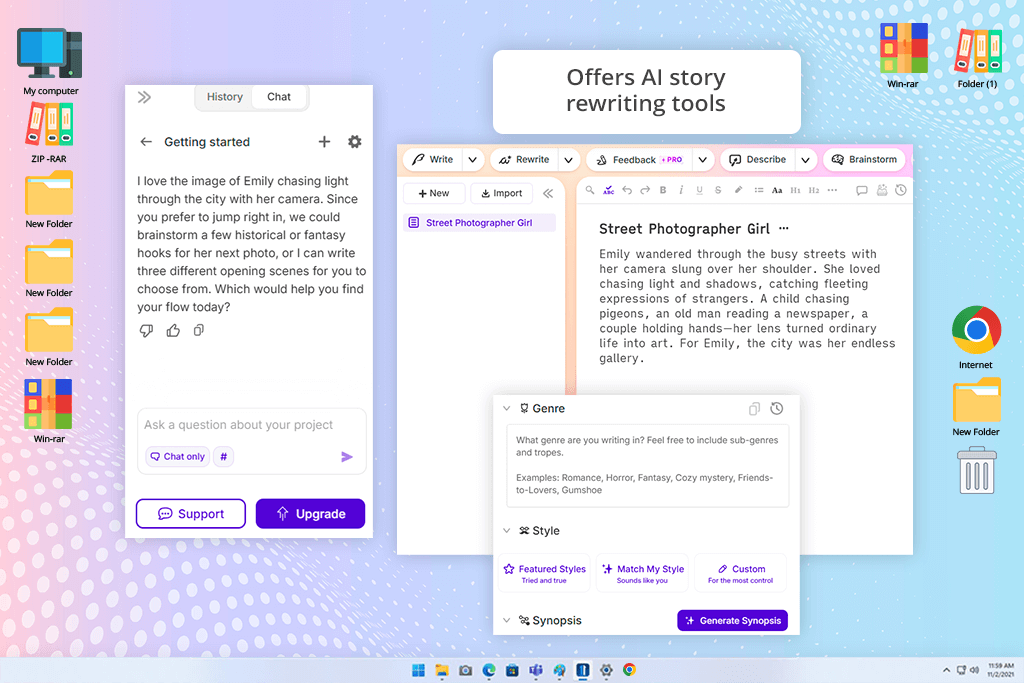
Sudowrite is an AI story writing tool that feels like it was made for fiction writers rather than marketing experts or social media influencers. It helped me write engaging dialogue scenes between two important characters in my story, and the platform did a great job establishing a cohesive atmosphere compared to most alternatives. The “Describe” tool was particularly helpful since it provides sensory detail that enriches the scenes instead of simply bloating them, making the narrative feel more cinematic.
I dedicated multiple sessions to stress-testing memory consistency by providing this AI writer with recurring character traits and relationship dynamics. Even though it would sometimes go off-topic during lengthy scenes, it was vastly superior at preserving emotional continuity compared to most other tools.
The offered brainstorming support helped me streamline my workflow. Whenever I felt stuck, I employed Sudowrite to generate alternate plot turns, secret motivations, or scene transitions. Rather than replacing my creativity, it played the role of an improvisation partner, constantly suggesting possibilities to me. Such an approach ensured the writing sessions didn’t feel exhausting even during late hours.
Overall, I greatly appreciate Sudowrite’s focus on creative expansion rather than automation. It promotes experimentation instead of boxing you into strict templates. It’s not a great choice for project management, but if your goal is emotional storytelling and idea iteration, then Sudowrite should be near the top of your list.
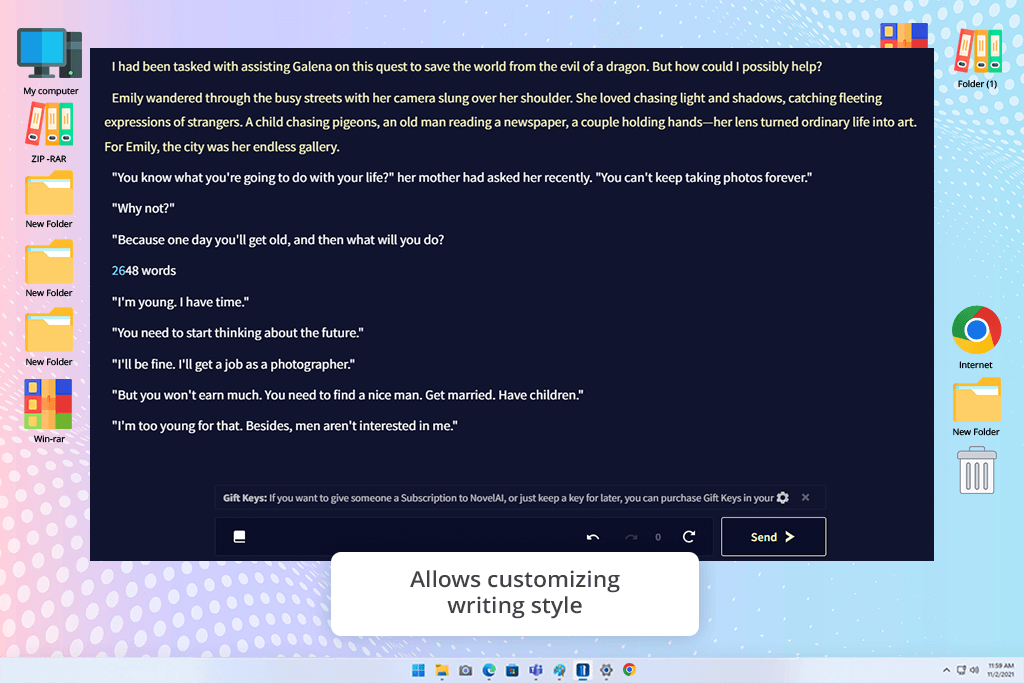
Novel stands out from other solutions when it comes to immersive storytelling. Rather than generating random fairytales, this AI story creator allowed me to transform regular everyday stories about editing images at night, brainstorming creative ideas with coworkers, and helping customers recover family memories into engaging cinematic adventures that feel warm and personal. I was particularly impressed by how natural the dialogue felt without losing its playful, child-friendly vibes.
During my test, I evaluated the offered long-form consistency since my project encompassed interconnected timelines and recurring factions. This book writing app did a great job preserving a consistent atmosphere, even though it sometimes included details that went against established lore.
That said, I liked the diverse range of customization settings that let me adjust the creativity, randomness, and narrative direction with more precision compared to most alternatives.
“Great for longer fantasy or dark stories. It preserves a consistent tone and delivers immersive writing. However, it takes some time to receive a high-quality output.”

I was particularly impressed by Novel’s ability to preserve a “living world” across several story sessions. It allowed me to store details about the mom’s personality, the different members of the FixThePhoto team, favorite spaces in the office, running jokes, and even the types of creative tasks they collaborated on. As such, the AI did a great job keeping track of relationships and references from previous chapters rather than acting like each story is a completely separate entity.
After using this platform for multiple weeks, I concluded that this platform is best suited for creators who value storytelling freedom over rigid structuring. Novel excels at uncovering expansive universes, experimental stories, and delivering atmospheric writing. For projects that demand creativity, this is among the best options you can try.
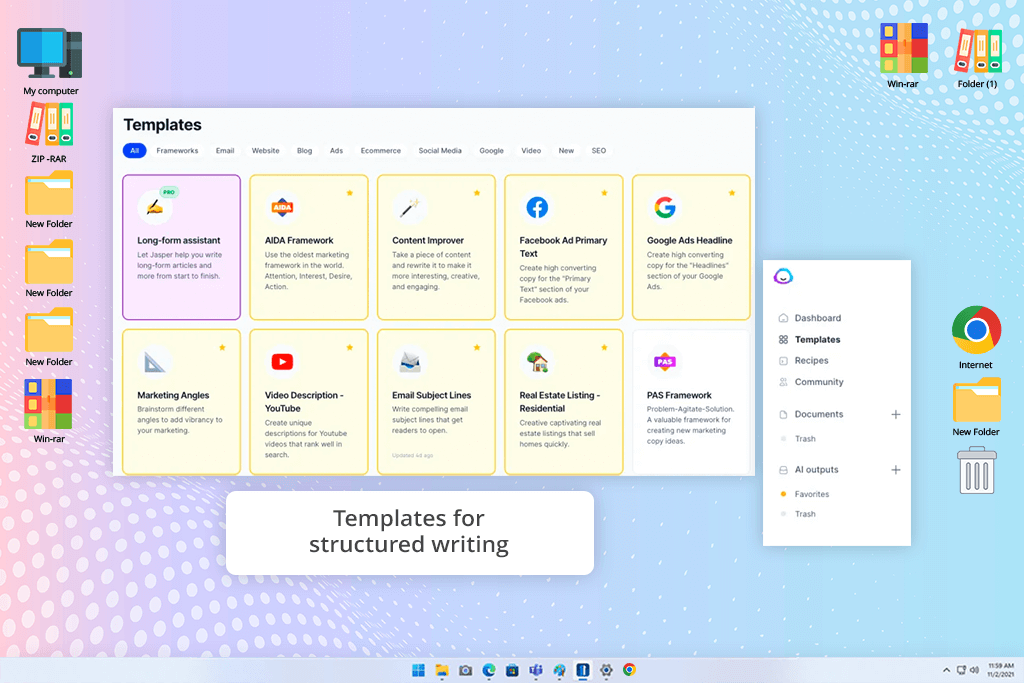
I was skeptical about Jasper at first, since it’s usually used for marketing content rather than fiction. I tested it by generating everyday stories related to recovering old family pictures, allowing clients to restore damaged memories, working on challenging editing projects late into the night, or transforming intense retouching tasks into playful missions the characters worked on together. This AI writing assistant for stories did a significantly better job handling this type of narrative than I expected.
For my test, I focused on the offered workflow and narrative stability rather than pure creativity. Jasper was very useful when it came to providing clean story outlines, short scene setups, or connecting dialogue between the recurring characters related to FixThePhoto. For instance, when I needed to write a short bedtime story about the team recovering vintage wedding pictures for a family, the AI delivered an entire sequence of scenes that felt logically connected and were easy to follow.
This platform also lets me fine-tune the narrative tone to match the scene. Some stories benefited from a soft and playful approach, while others described emotional moments between the mom and her daughter. By adjusting the prompts a bit, I could easily go from calm to emotional storytelling, while also sprinkling in light humor and more cinematic narrative pacing as I saw fit.
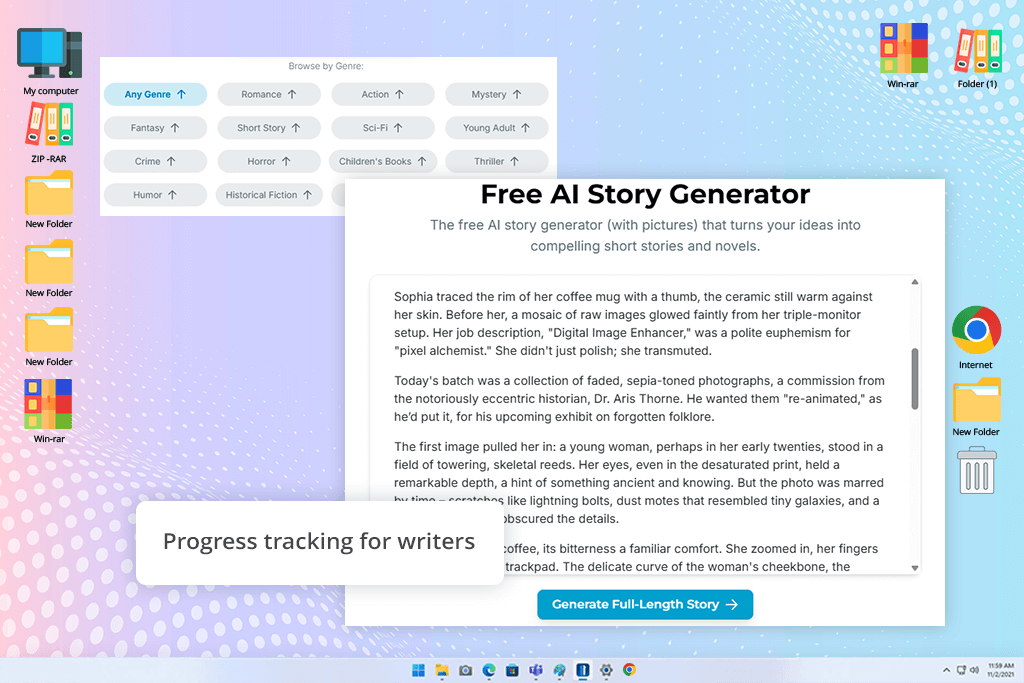
I used Squibler when organizing the chapter structure for my narrative since my workflow started feeling chaotic after creating a large number of branching storylines. It resembled a project manager more than an AI story writer. It helped me separate chapters, character arcs, and lore snippets and prepare organized folders without having to use any extra software. Such functionality helped me stay in control over the ever-expanding narrative.
For further testing, I imported unfinished dialogue trees and fragmented side quests into separate writing sections. This writing app for Android and other platforms is great at expanding existing scenes and suggesting continuation ideas whenever I hit a block. Additionally, it allowed me to conveniently go from outlining to drafting without losing momentum. The UI is perfectly suited for long writing sessions rather than quick prompt experiments.
“I enjoyed how organized it is for creating books. It’s great at handling chapters and planning, but the AI writing on its own is subpar. Recommended for structure but not creativity.”

The most distinct feature included in Squibler is the visual project structure. In contrast to options that only provide text output, this solution allowed me to act as a narrative designer in charge of the bigger FixThePhoto universe. It ensures you can keep track of the pacing and progression between scenes. This helped me minimize the amount of rewriting I had to do afterward.
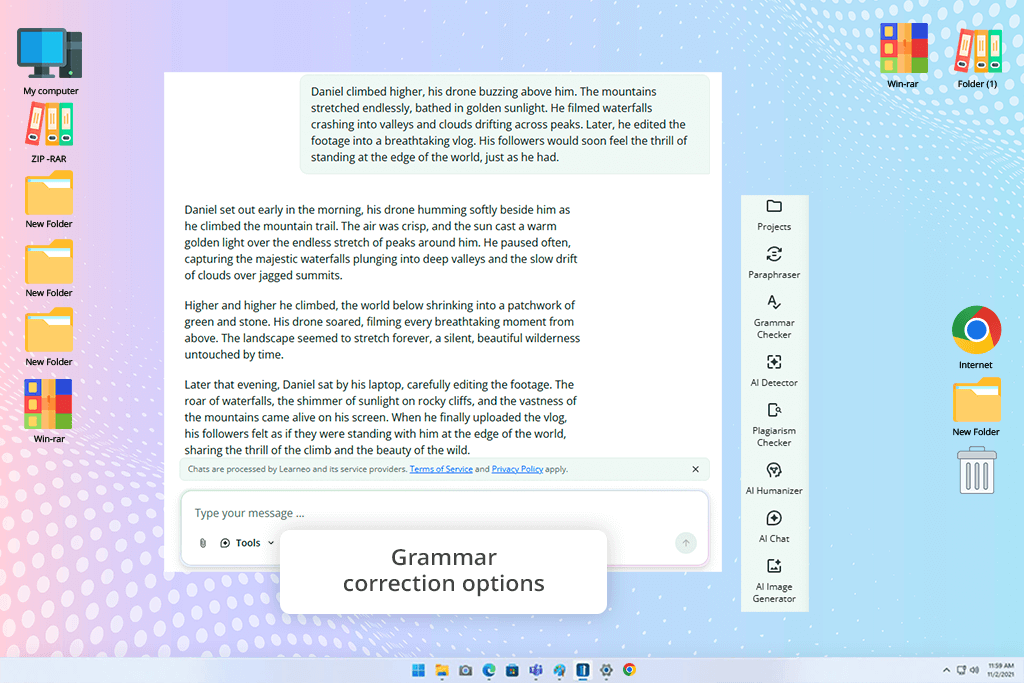
I initially used QuillBot as a paraphrasing software instead of a specialized AI story generator, but it ended up being very handy for making dialogue revisions. Some of the bedtime stories I made for my child felt overly formal and repetitive. The emotional moments lacked impact, and many of the conversations didn’t sound natural for a heartwarming kids' story.
I tested QuillBot by feeding it regular stories without heavy emotional weight – office conversations, late-night editing workshops, and other work-related scenes. The paraphrasing modes produced different tones and rewrote dialogue to make it more natural and energetic. Even though this solution struggles with creating stories from scratch, it’s great at enhancing and refining existing chapters.
I also liked how easily I could streamline longer story explanations for bedtime reading. Some AI platforms overcomplicate emotional moments with unnecessary details, while QuillBot prioritizes clarity and readability. Such functionality is great when transforming actual daily situations from FixThePhoto's office life into brief, easy-to-follow adventures for my daughter to listen to.
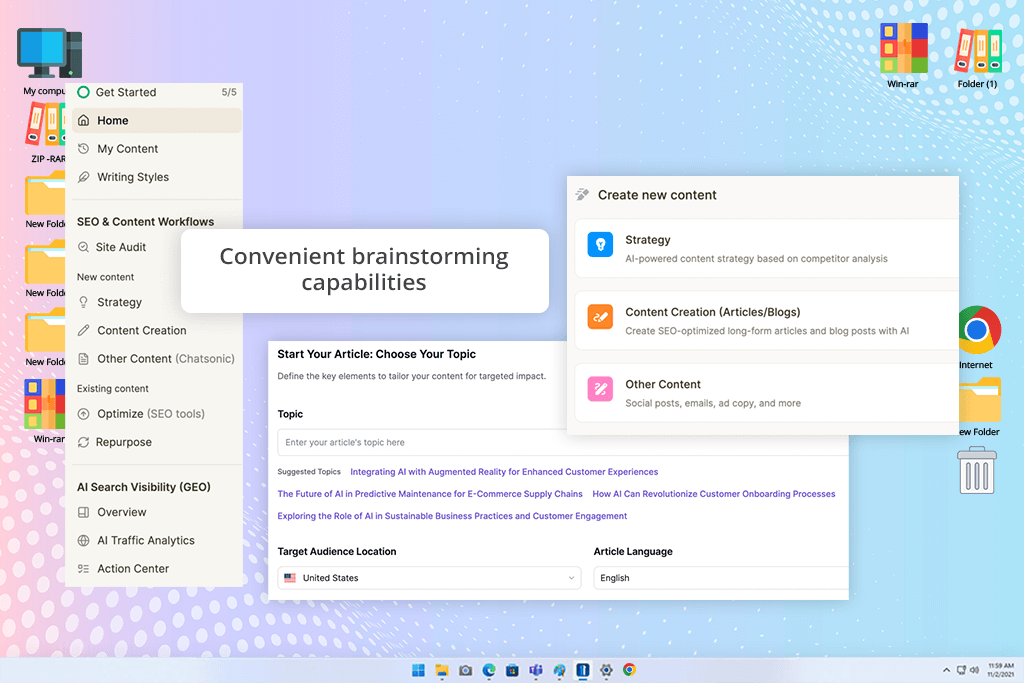
Writesonic isn’t as sophisticated as some of the best AI story generators out there, but it helped me prepare some "secondary" quests and background lore. I tested if it could deliver suitable narrative material following strict deadlines without demanding constant prompt iterations. This tool offers incredibly high speed, which is perfect for brainstorming sessions. It helped me generate several variations of each episode within minutes.
I used it to produce side character interactions and environmental storytelling prompts. The outputs largely felt energetic and readable, but sometimes read as too generic for emotionally heavy scenes. Despite that drawback, the speed it offers is perfect for creating filler content that supports the bigger narrative universe. Rather than being stuck at a blank page, I always had a starting point to enhance.
“Fast and efficient, but the results tend to feel generic. Suitable solution for first drafts or ideas, as long as you’re willing to put in the editing work later.”
I also greatly appreciated how flexible the content templates are. I could easily go from cinematic dialogue to world-building summaries without having to rewrite prompts from scratch. That versatility streamlined my workflow and helped establish an efficient production cycle. Writesonic was particularly useful for generating brief descriptions and introductory scene drafts.
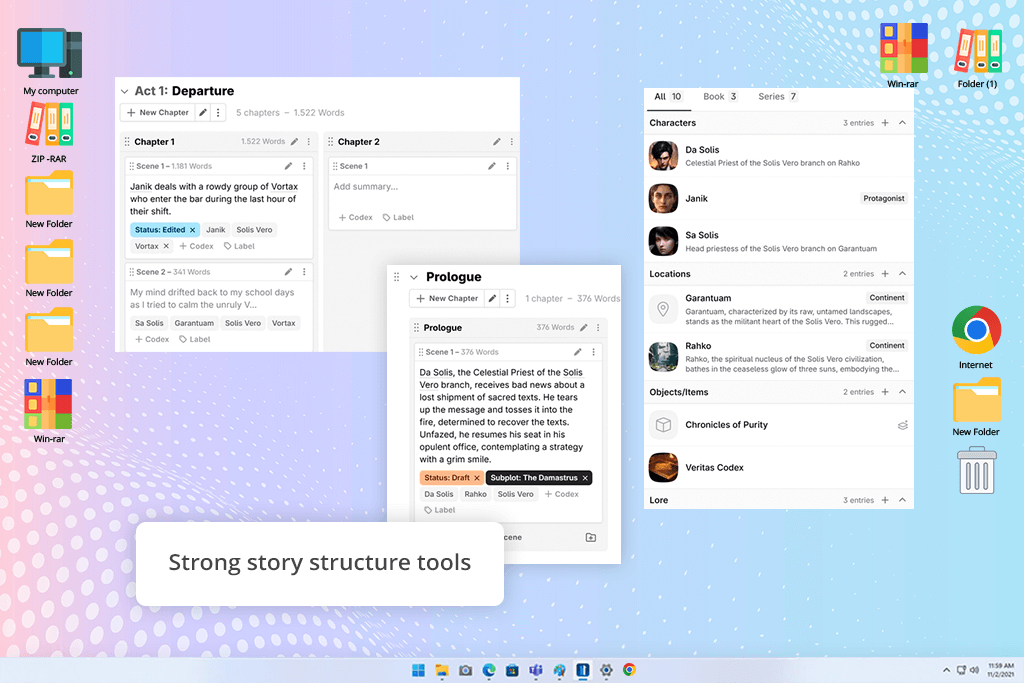
Novel Crafter is an impressive AI story generator when it comes to working on long-form projects. It helped me reconstruct the main plot of my work, which encompassed dozens of interconnected narrative paths. This solution is perfect for planning your story out, while organizing scenes and monitoring character progression.
This free screenwriting software is great at remembering recurring details once you set clear references for the AI. It helped preserve consistent lore, character goals, and timelines without having to do a lot of manual editing. Such reliability is invaluable when tackling long writing sessions.
I greatly benefited from Novel Crafter's memory and reference system when creating bedtime stories for my daughter. I used it to store recurring details about the workplace, the personalities of my wife’s coworkers, favorite places, ongoing creative projects, and even running jokes that were mentioned across multiple chapters.
Rather than having to reiterate the same explanations in each prompt, I could create a persistent story world that would be continuously referenced during future generations.
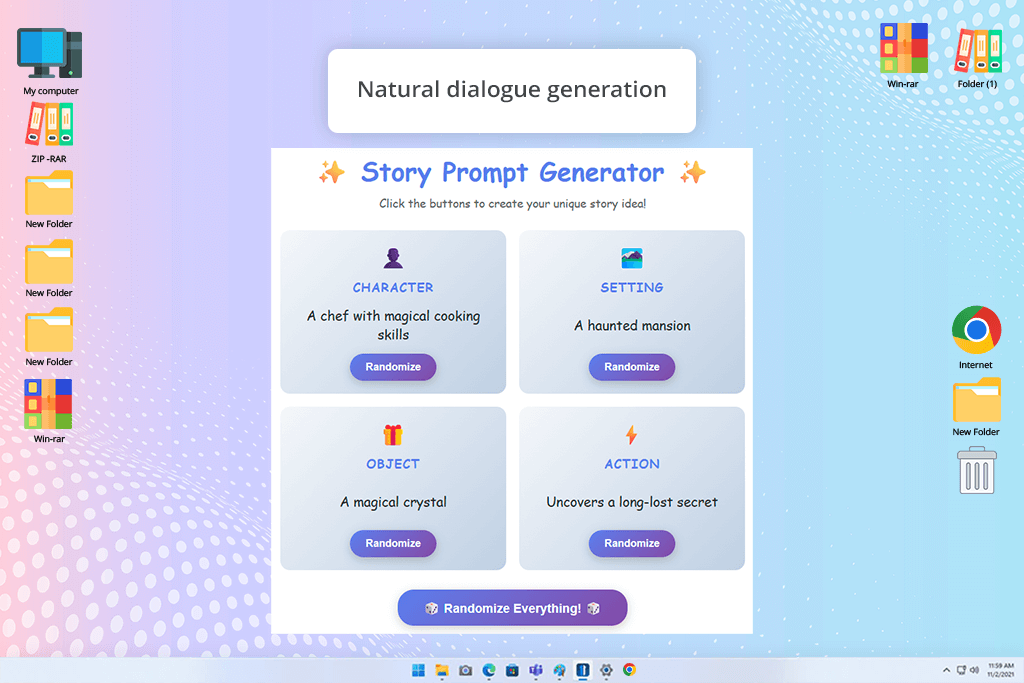
Once you stop dealing with individual chapters and try to maintain a continuous story that spans across dozens of episodes and features a lot of characters, it becomes essential to account for a large amount of context without forgetting about the established relationships, key past events, and current plot threads.
This is exactly what Claude excels at, acting like a helpful storytelling assistant that is capable of comprehending the entire emotional composition of the narrative.
“This option does a great job of writing natural stories that have logical continuity. It lacks some of the unpredictability and creativity of other solutions, but it's more reliable.”

To make an accurate evaluation, I imported entire narrative arcs about the FixThePhoto employees, covering moments like late-night retouching sessions, recovering irreplaeable family pictures for clients, and fun creative projects that I transformed into bedtime adventures. Claude is great at upkeeping long-form continuity, particularly if you want to preserve the same emotional tone across a multitude of episodes.
Together with my colleagues Tata Rossi, Kate Debela, and Vadym Antypenko, I approached the review process with the mindset of establishing a proper content pipeline instead of simply performing surface-level tests.
We prepared a shared narrative project as the test subject: a continuous narrative world that contained recurring characters, emotional plot points, and an episodic structure inspired by real events inside FixThePhoto. Each solution and AI short story generator went through identical inputs, which included character backgrounds, scene summaries, and multi-step story prompts to check whether they managed to maintain continuity and tackle evolving plotlines.
One of my coworkers prioritized examining the emotional tone and readability, another the structural consistency across chapters, while the third evaluated each tool tackled long-form context without forgetting earlier details.
During testing, we wanted to determine what each tool can do beyond story generation. We produced branching stories, revisited previous chapters, and requested the AI to include references to past events while adding new plot points. Some solutions were great in short bursts but easily lost narrative coherence, while others couldn’t preserve the emotional tone when telling longer stories. Additionally, we examined how naturally the generated dialogue felt when included in ever-evolving storylines, particularly during emotionally-charged moments.
We learned that it’s impossible to determine the single best AI story generator that can handle everything. Some are great idea engines, while others serve as storytelling assistants that help preserve structure over time. Our tests proved that the value of such tools doesn't inherently lie in producing isolated stories, but rather in supporting an ever-expanding creative structure that includes characters, themes, and emotional logic, and helping it preserve its integrity across numerous iterations.
Write a cinematic, emotionally grounded tale about a young hero living in a near-future town where memories are treated as currency. Focus on internal conflict, realistic dialogue, and subtle emotional shifts. Establish a stylish, minimalistic, movie-like tone while avoiding exaggerated or cliché sci-fi descriptions.

Write a dark academia-themed narrative set in an elite university where students strive to earn the right to unlock a sacred text hidden inside the library. Prioritize a tense atmosphere, intellectual turmoil, and psychological depth. The writing needs to feel literary, immersive, and mysterious, with natural dialogue and slow-building suspense.

Create an action-packed modern thriller about a popular social media post that blows open a hidden truth about a group of friends. Imitate realistic online behavior, fragmented communication style (messages, posts, comments), and grounded dialogue. Stick to a sharp, contemporary, and psychologically intense tone.
Write a wholesome, symbolism-filled romance story between two strangers who keep encountering each other at the same train station at different times of day. Emphasize the silence, subtle gestures, and emotional subtext rather than direct declarations of love. The tone needs to be refined, poetic, and modern.
Generate a trendy cyberpunk story about a street-level courier going through neon-lit districts and avoiding corporate surveillance. Don’t include any overused cyberpunk clichés and prioritize daily survival, personality, and gritty realism. The storytelling needs to feel sleek, grounded, and striking.

Write a psychological story about a protagonist who gradually realizes their memories are rewritten every time they fall asleep. The plot needs to deal with the confusion, self-doubt, and eventual comprehension of everything that is happening. Establish a restrained, grounded, and immersive tone without diving into over-the-top horror tropes.

Create a contemporary slice-of-life tale about a bunch of friends navigating work, loneliness, and the digital age in a modern metropolis. The tone needs to feel aesthetic, realistic, and emotionally candid, with natural dialogue and subtle storytelling rather than intense and dramatic plot points.





![7 Best Free Pokémon AI Generators [{{%year}} FixThePhoto Choice]](http://fixthephoto.com/blog/images/gallery/news_main__preview_29022.jpg)
![7 Best AI SoundCloud Banner Makers [{{%year}} FixThePhoto Choice]](http://fixthephoto.com/blog/images/gallery/news_main__preview_28977.jpg)


![Photoshop App on Android [NEW Release] {{%year}} Update](http://fixthephoto.com/blog/images/gallery/news_main__preview_29048.jpg)



















