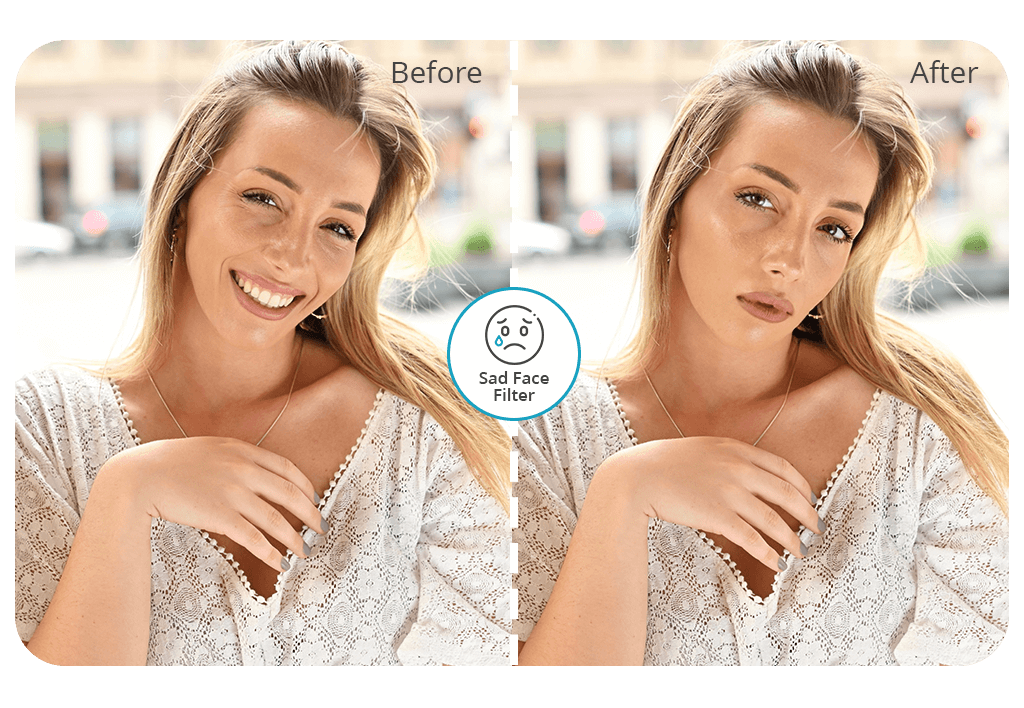


Using the “Sad Face Filter”, you can quickly transform facial expressions in your photos and achieve a realistic effect. This solution is also suitable for those who want to give a dramatic or fun feel to their selfie photos, profile pics, or visuals used for creative projects. After applying a sad face filter online free of charge, you can adjust the intensity of the effect to achieve the desired result.
Get the first edited image for free. What makes this sad face filter different from the rest is that it relies on AI to automatically change facial expressions and allows users to access manual retouching options to achieve high-quality results. Professional editors will enhance your photo manually to ensure that the sad expression looks natural, adjust the lighting, and improve the overall style of your picture.
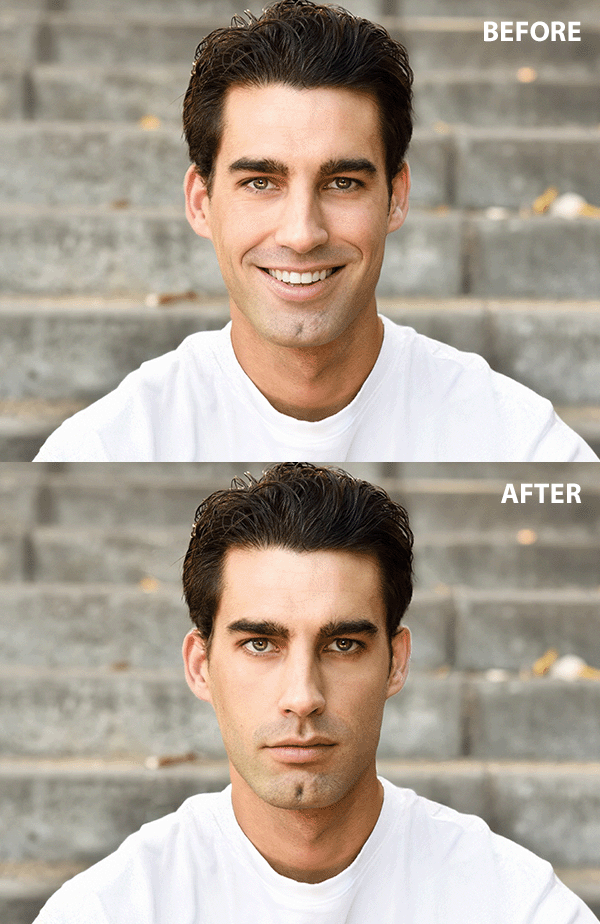


You can use a dedicated app to achieve the desired effect more quickly. If you want to see a sad face filter on a photo, use mobile applications like FaceApp or popular AI-powered apps. They were built to transform facial expressions while maintaining a high degree of realism.
Upload your picture and choose a “Sad” or “Crying” expression.
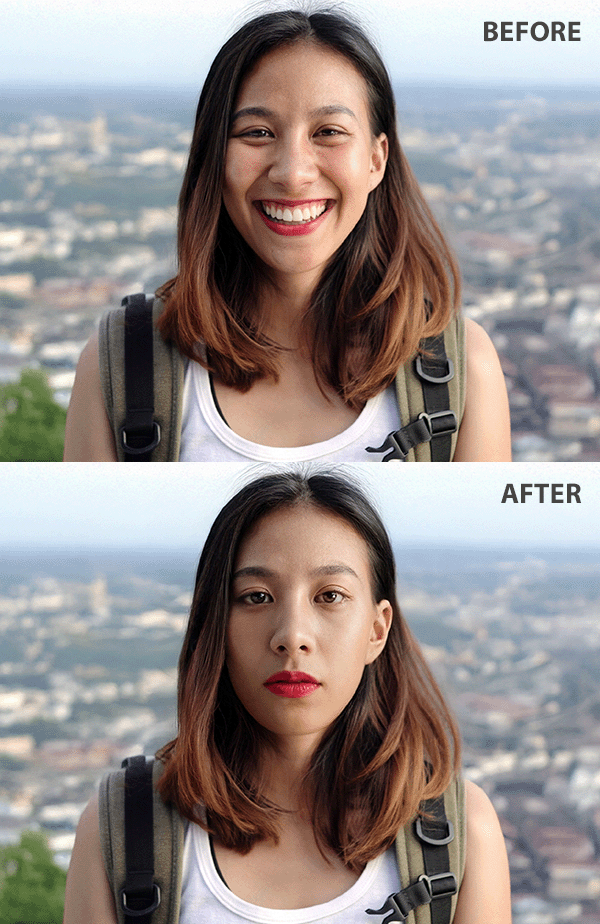
It will help you give your face a sorrowful look. The application uses AI to transform the mouth, eyes, and eyebrows in a realistic way. As a result, the face will look sad, while the facial features will remain natural.
Enhancing photos in Photoshop to achieve a subtle, professional effect. If you want to achieve a more professional effect, you can use Photoshop to edit your facial expression manually. With the help of the Liquify tool, you can transform facial features. For instance, I prefer to lower the corners of the mouth, raise the inner eyebrows, and give the eyes a softer look. It allows me to achieve a subtle and dramatic effect.
This approach is suitable for those who want to control how realistic their facial expressions will be. It’s perfect for professional photography, creative tasks, and artistic projects.
Using social media filters for fun effects. If you want to achieve a playful effect or publish trendy content, use Instagram, Snapchat, and TikTok filters that offer instant sad face effects.
These filters will allow you to exaggerate your facial expression by making the eyes look full of tears, adding trembling lips, and frowns. They are suitable for those who want to create memes, stories, or viral videos.
You can apply these filters with ease, as they do not require any editing skills. They are built to create entertaining content, so it’s better not to use them if you want to keep your photos and videos realistic.
Instagram. If you want to make your Instagram feed more engaging, you can apply a sad face filter to evoke specific emotions. It will be suitable for melancholic, humorous, or ironic posts and stories.
You can also use this effect to create a meme, share a dramatic story, or make your content more relatable and reach out to your audience. This filter will help you add a deeper meaning to your pictures and stories. Many people use it when creating reaction content or shooting videos on trendy topics.
Snapchat. Snapchat was one of the first apps that made sad face filters viral. After applying a free Snapchat sad face filter to your pic, you can send it to your friends, create stories, or take part in all sorts of challenges. By changing your facial expression, you can turn a regular snap into something viral.
TikTok. If you wonder how to do sad face filter on TikTok, you just need to explore the available collection of effects and choose the one you need. Users often apply the sad face filter when they create short, fun, or narrative-based videos. It’s best suited for creating reaction videos or adding some drama to lip-sync videos. The filter allows content creators to convey an emotional message and make their videos easier to relate to.
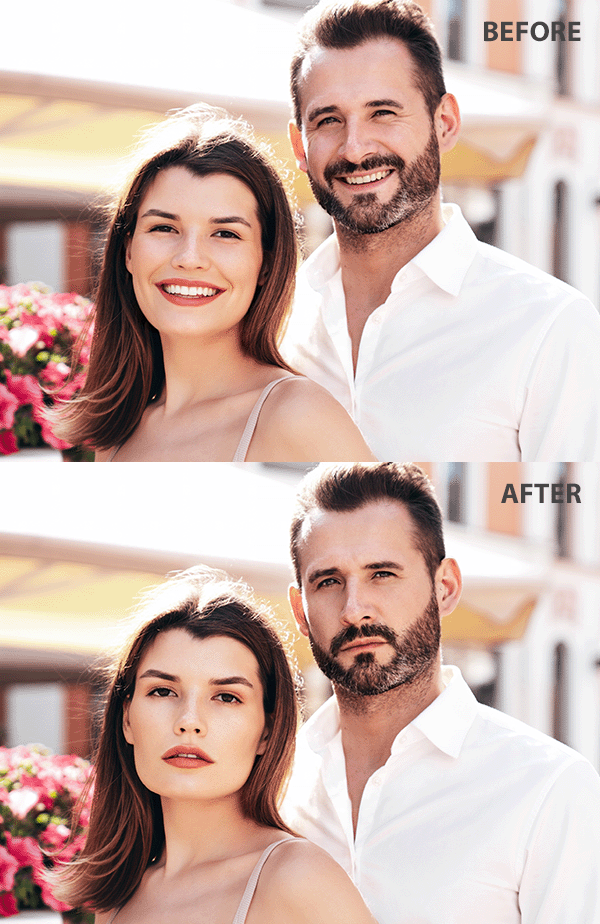
Videos (YouTube, Reels, Shorts). Many creators use the sad face filter to enhance longer videos for YouTube or shorter clips for Reels and Shorts. It will come in handy for those who create comedic content, reaction clips, or vlogs. This filter allows people to exaggerate their facial expressions, highlight the important moments of a story, and emphasize the punchline.
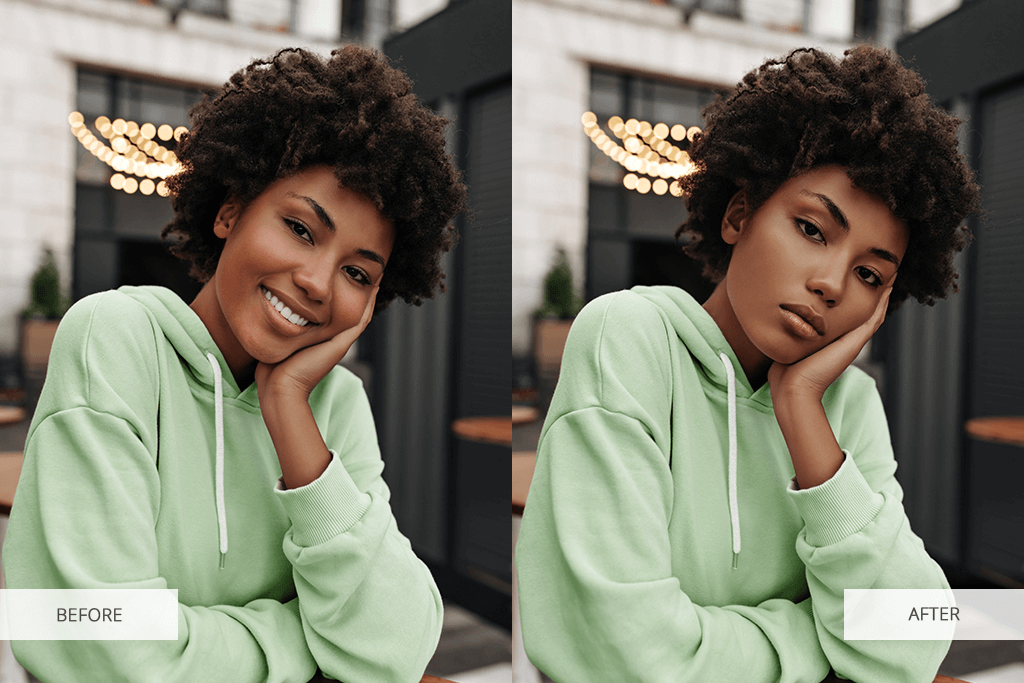
The main reasons to use the sad face filter:
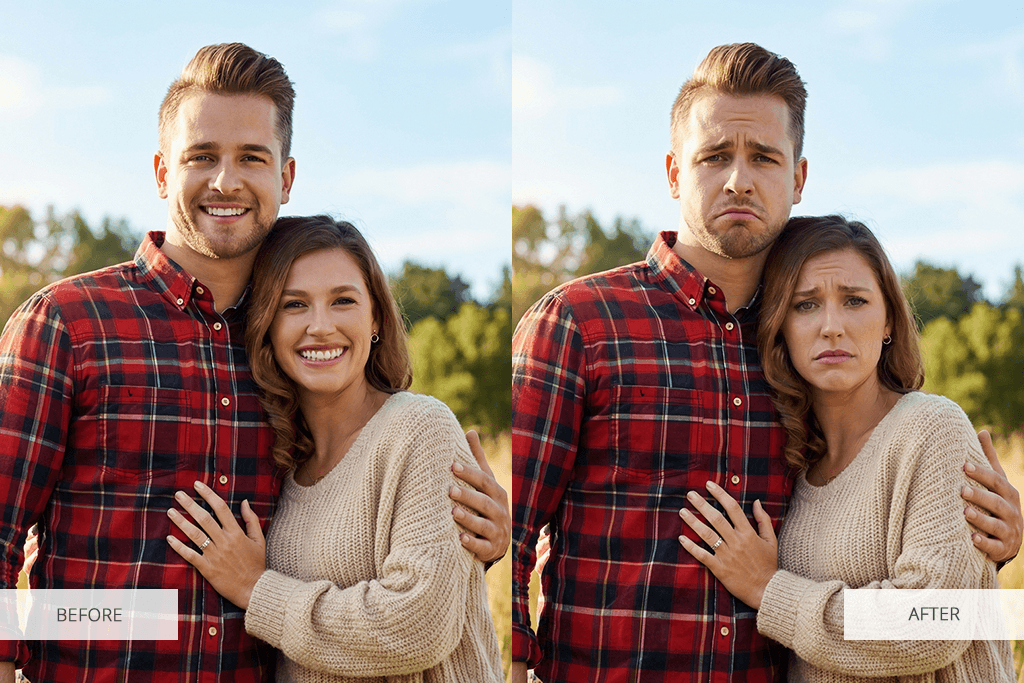
Using this sad face filter, you can fully transform your pics and ensure that they evoke specific emotions. You just need to upload a photo from your smartphone or a laptop and wait until the team sends you a professionally edited photo. This option is suitable for enhancing all kinds of photos, including social media content. You can use it to enhance your pics and give them the desired feel.
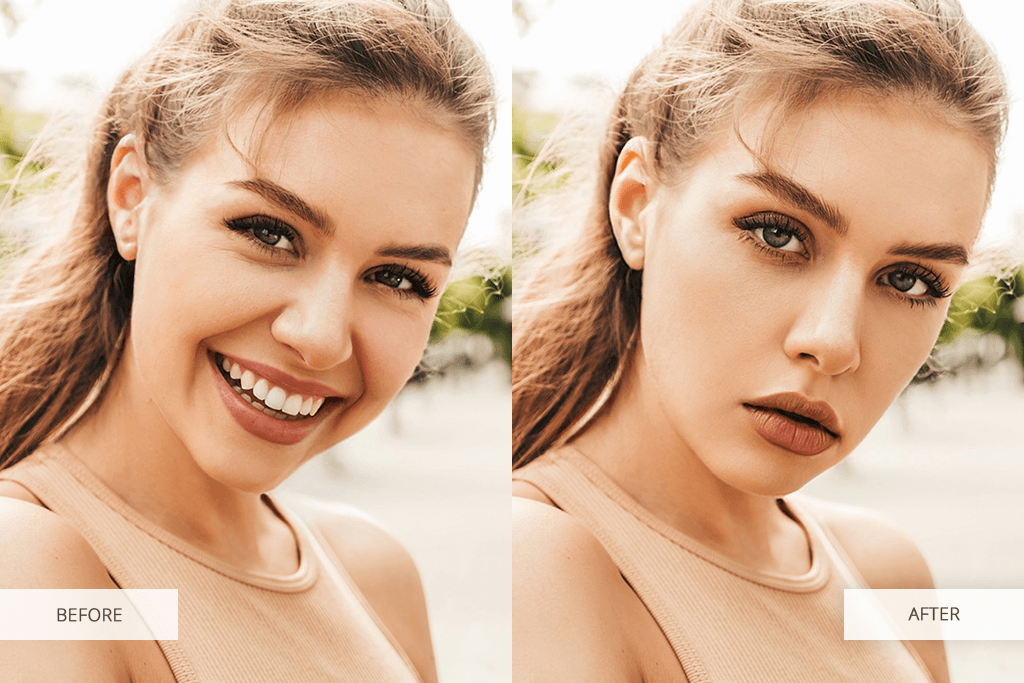
This sad face filter app also allows users to order other corrections. For instance, you can ask the editors to fix the face asymmetry, smooth the skin, or make eyes bigger if you want to add tears.
If you want to add a sad expression to your face in a picture, follow these simple steps:
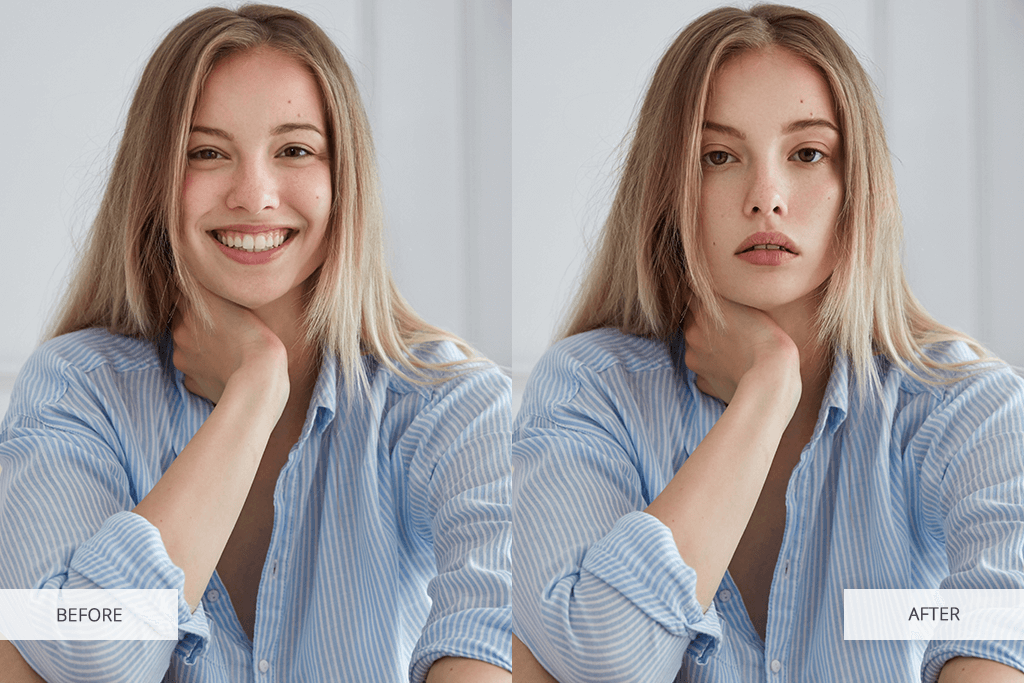
What makes it different from regular applications that fully rely on AI is that this app allows users to access algorithm-based tools and order manual retouching to achieve natural results. After you download sad face filter and place your order, the editors will ensure that facial expressions look realistic and adjust lighting, poses, and other aspects of a photo to achieve the desired result.
The app allows users to access a variety of tools and add detailed instructions when placing an order. It ensures that you will get the result you are aiming for. You can also request other edits that will make your sad pictures even more attention-grabbing.
For instance, adding angel wings to a photo will make it quite eye-catching. Besides, you can ask the editors to turn you into a Disney princess or use the Bridgerton portrait generator to enhance your pics.