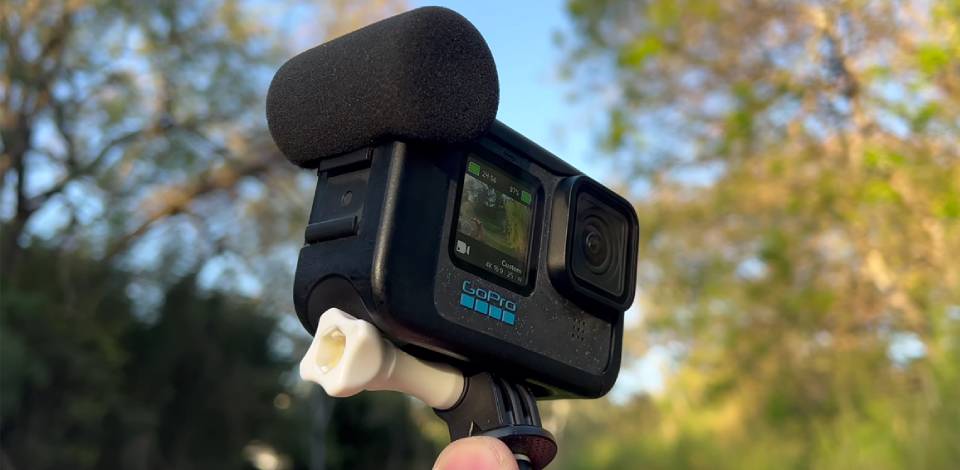
For anyone wondering, "Do GoPros record audio?" – the answer is "Yes!" All models are supplied with integrated mics that capture sound along with the visuals! GoPros come with built-in microphones that capture audio along with your footage. Another question we often receive from our audience is, "Does a GoPro record sound without background noise or massive distortions?”
In my experience, the built-in microphone is more than good enough for casual vlogs and basic action clips. However, the audio quality drops noticeably in strong wind or when used in a waterproof case. The range of compatible external microphones is also disappointingly small for some GoPros.
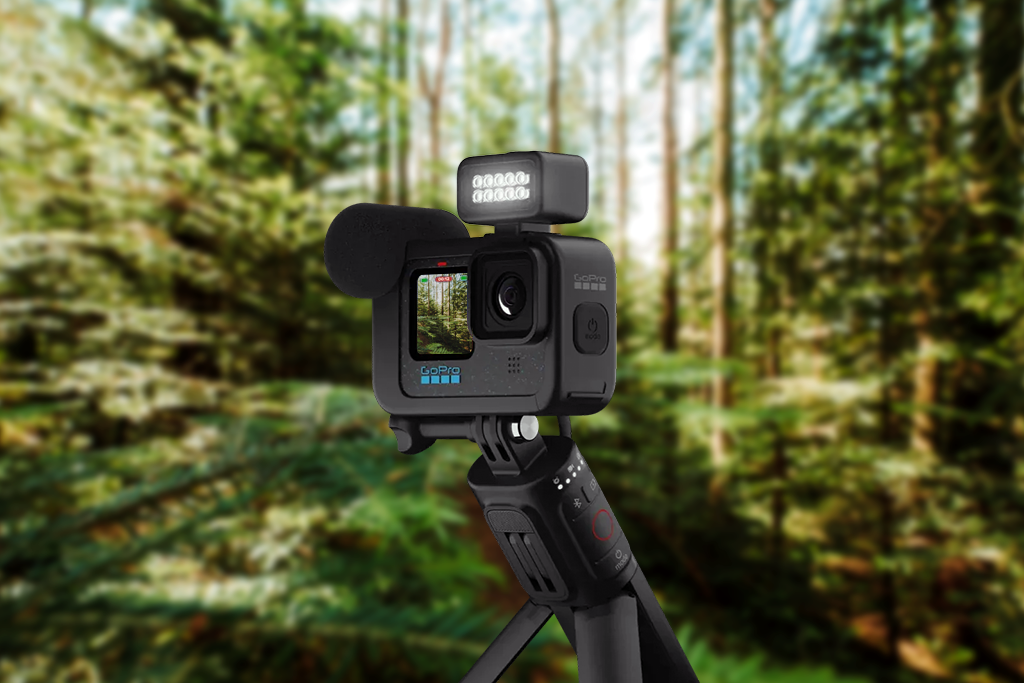
Even though a GoPro is perfect for recording action, the sound quality can be pretty spotty, particularly when filming in the busy outdoors. Moreover, the actual quality of the audio is heavily determined by which GoPro model you're using.
To enhance the GoPro audio quality, you can attach external microphones, windshields, or employ post-processing techniques with the help of GoPro video editing software.
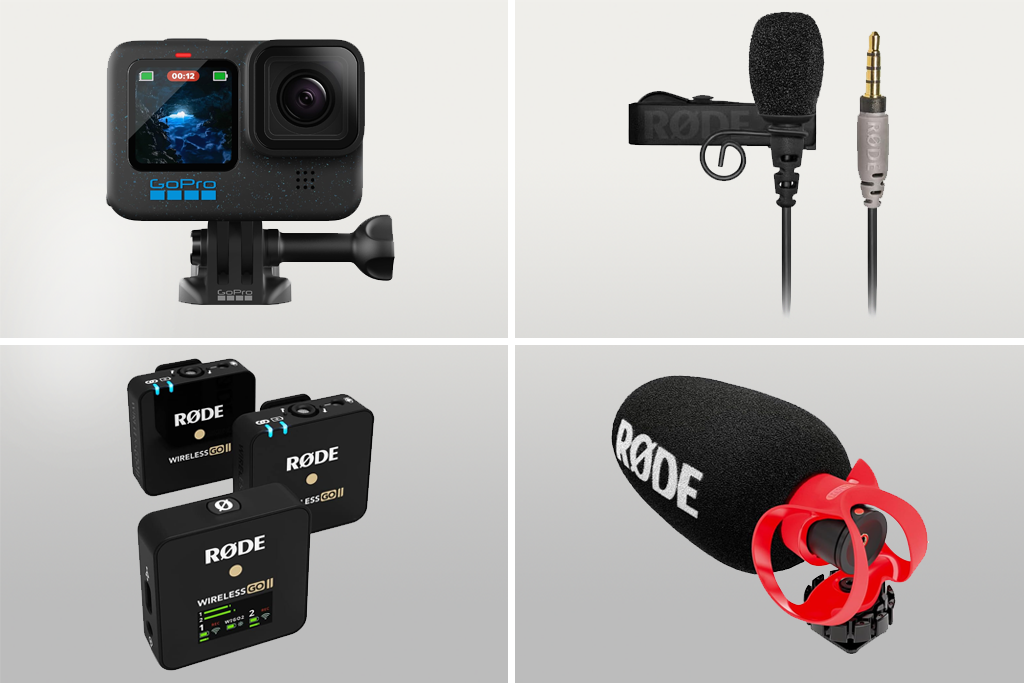
If your goal is to get the best GoPro sound quality possible, getting an external mic is the way to go. While the integrated microphone is very handy, the amount of wind noise it picks up can completely butcher your video.
The majority of recently released GoPro cameras (like Hero 8, 9, 10, etc.) are compatible with external microphones as long as you get the right adapter, typically the official GoPro Media Mod. The Media Mod is an accessory that comes with a 3.5mm microphone input, enabling you to pair your GoPro with external mics for improved sound capture, particularly for vlogging or scenarios that have a lot of wind. Alternatively, you can buy a third-party USB-C audio adapter. Such a device would let you connect mics like:
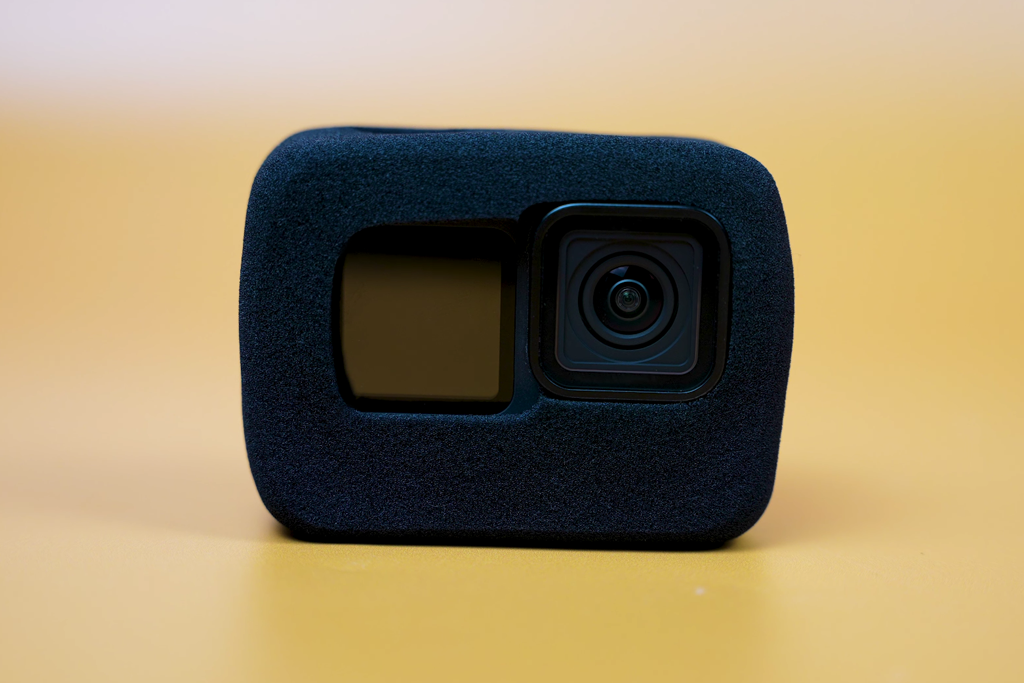
If you're wondering, "What is the raw audio quality on a GoPro and why so many people dislike it?" The answer is that the built-in mics are very sensitive and tend to catch even the smallest gust of wind. When recording outdoors, even a subtle breeze can transform the sound into a muffled mess. That's where GoPro accessories like a windscreen, also referred to as a wind muff, foam cover, or “deadcat” come in handy. It’s a compact accessory that does wonders for enhancing audio clarity. Without it, your video will suffer from aggressive rumbling, particularly if recorded at higher speeds or in open areas.
“Make sure the windscreen size offers a comfortable fit for your microphone since loose covers can produce a rattling sound.”

The most popular windscreen models include:
Please Note! Swap out windscreens once they lose their initial properties or get dirty since damaged materials aren’t effective at filtering out the wind noise.
Having messed around with GoPro audio settings in all kinds of environments, I’ve concluded that your camera setup has a huge effect on the quality of the recorded sound. If you want to ensure you’re getting everything right, you have to focus on the action camera body mount, settings, and accessories.
My personal recommendations include:
If you take the time to set up your gear correctly, GoPro audio can be pleasantly clean and rich. Small adjustments before you press the Record button can reduce the amount of time you spend in post-production by hours.
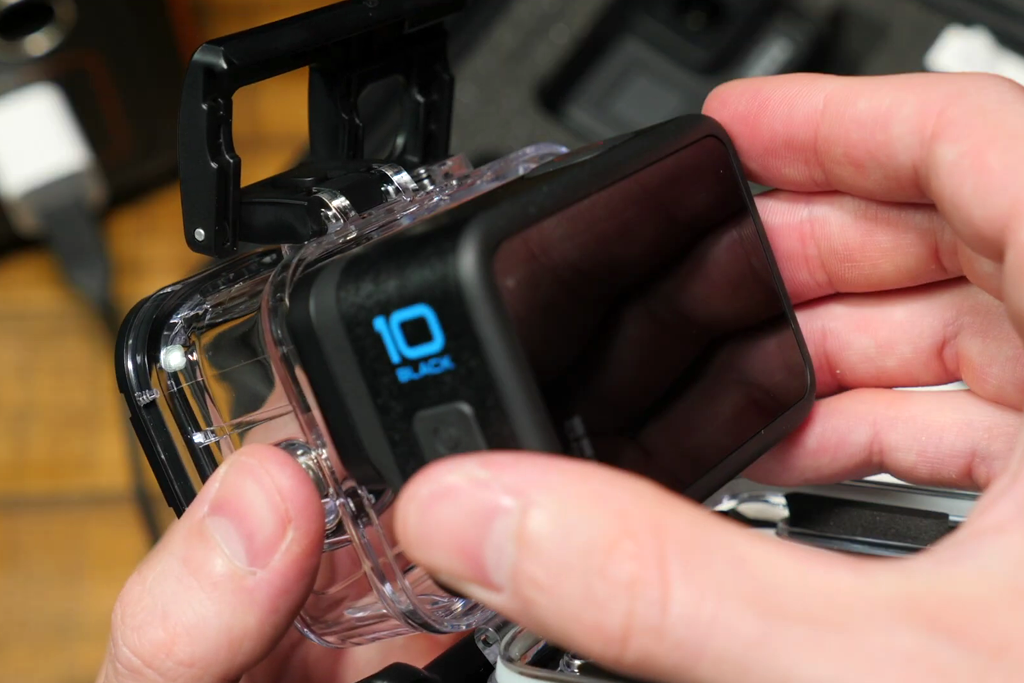
Something I noticed quite quickly is that while waterproof housing does wonders for protecting your camera, it’s one of your biggest enemies when capturing audio. Once placed in a waterproof case, your GoPro’s mic is blocked off. Even though the answer to “Do GoPros have sound?" is still "Yes," the quality is so low that it might as well be nonexistent.
Unless I’m recording underwater or amidst a hail, I avoid using housing and stick to an open frame setup instead. This ensures the microphone isn’t obstructed, allowing me to capture the surrounding sounds with as much detail as possible. Moreover, if you plan to pair a shotgun or lapel microphone with your GoPro, waterproof casing isn’t even an option since you won’t be able to attach it in the first place.
“Only use the waterproof housing when you absolutely need it, but when it comes to recording vlogs or interviews – learn to live without it.”

While GoPros do record sound, there are many scenarios when you need a quality level that is only achievable with a dedicated microphone. Such models as the Zoom H1n, Tascam DR-05X, or even a compact wireless microphone kit with integrated recording functionality, provide cleaner and crispier audio with less background noise than the GoPro's native mic.
If I’m recording an interview or video tutorial, I make sure to place a dedicated recorder near the subject. Afterward, I synchronize the audio with my GoPro clip during post production. The increase in audio quality is more than worth the extra work.
Even though a GoPro does have audio, I rarely leave it unedited since a bit of post-processing can elevate “acceptable” to “pro-grade.” At FixThePhoto, we tested a wide range of software for tidying up and improving GoPro audio, and Adobe Premiere Pro left the best impression. It provides advanced effects, precise controls, and integrates well with both video and audio workflows.

How I improve GoPro RAW audio in Premiere Pro:
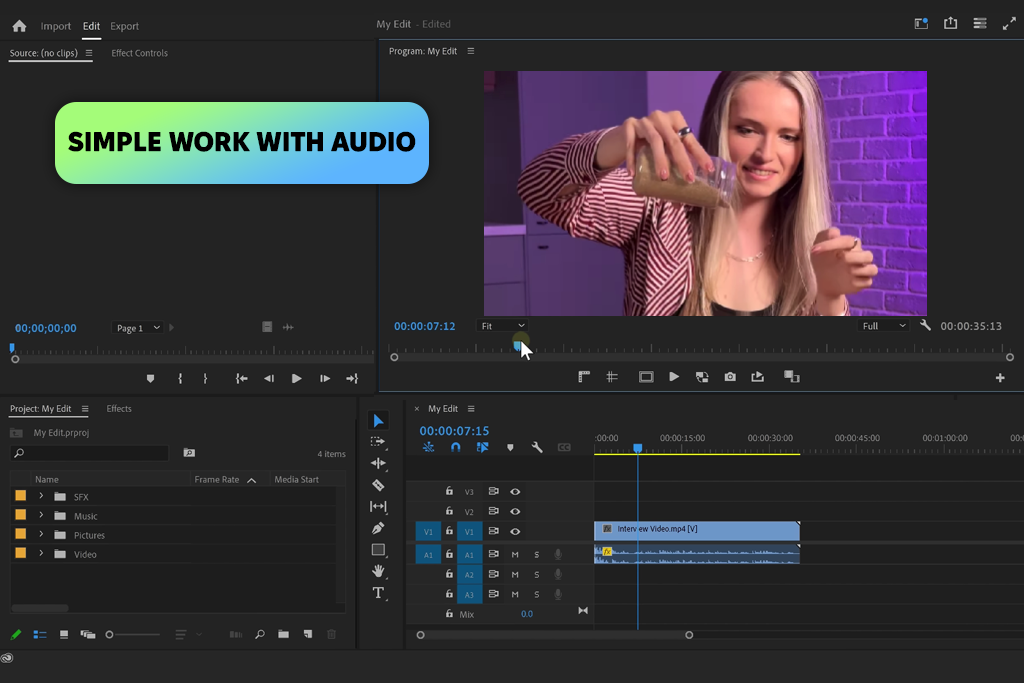
“When recording with several GoPros or external audio recorders, synchronizing the sound from the GoPro's built-in microphones with a separate audio track can help you streamline the post-production process.”

Yes, all GoPros come with integrated mics for audio capture. They’re of good enough quality for casual projects, vlogs, and action shots, but suffer in windy conditions and environments with a lot of background noise.
The microphone is typically placed near the front or top of the action camera like Patona, based on the model. On some GoPros, extra microphones are added to the sides or back to allow recording stereo or 360° audio.
If your GoPro isn’t capturing sound, examine the mic to see if it’s blocked (by a case, housing, or dirt), if sound is muted in parameters, or if you’re employing an external microphone that wasn’t connected properly.
The majority of GoPro cameras capture audio by default, but you can go to Preferences → Audio Input or Audio Settings. Check if Wind Noise Reduction is turned on for outdoor filming.
GoPro mics can record loud sounds like concerts, but the sound can suffer from distortion or lack of clarity. In such scenarios, it’s a much better idea to get an external mic and capture the sound separately.
Raw audio is the unedited sound recorded by the GoPro mic. It isn’t compressed, filtered, or altered, providing you with unlimited editing flexibility. It’s recommended to use raw audio if you plan to enhance it with noise reduction, equalization, or other effects when working on the footage in post.
The FixThePhoto team prepared GoPro LUTs that allow you to instantly improve the quality of your videos with pro-grade color. Whether you’re using Premiere Pro CC, DaVinci Resolve, or After Effects, these LUTs can be added to the software seamlessly. This collection comes with 120 creative filters in .CUBE and .LOOK formats, ideal for hobbyists and sports videographers alike, ensuring your GoPro content looks cinematic in only a couple of clicks.





![Photography Licensing Agreement [+FREE TEMPLATES]](http://fixthephoto.com/blog/images/gallery/news_main__preview_27938.jpg)



















