Working with visual content means I often rely on tools that fit into our production workflow. While preparing a recent project, I had to create voiceovers in several English accents. Recording every variation manually wasn't practical within the available timeframe, so I turned to an AI accent generator to find out if it could deliver the results without compromising voice quality.
I didn't want to rely on just any tool for work, so I asked the FixThePhoto team to help me evaluate different AI accent generators. We compared them using several criteria: how well they handled different scripts and accents, whether the voices sounded lifelike, how clear and consistent the pronunciation was, and how much control each platform offered over the final recording.
Another factor that mattered to me was the overall production workflow. The final result is important, but if creating and refining it takes too much time and effort, that becomes a significant drawback.
The AI accent generators on my shortlist earned their place because they consistently produced clear, natural-sounding speech while supporting a variety of regional English accents suitable for real projects. I also appreciated the wide selection of voices, the ability to adjust delivery, generate speech from text, and experiment with different accents without recording every version separately.
Consistent output and an intuitive workflow made these tools practical choices for both beginners and experienced users.
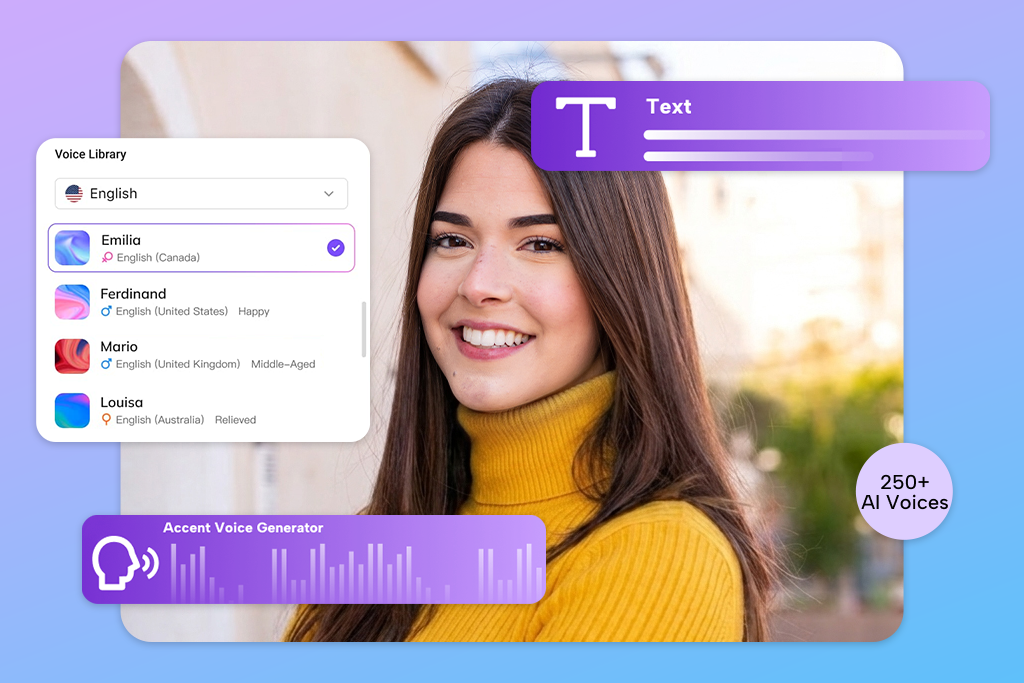
Testing several online AI accent generators made it clear that the final result isn't determined by the software alone. Choosing the right script, voice, and settings, along with making small adjustments, has a significant impact on how authentic the generated accent sounds.
Even if the AI accent generator processes the text correctly and produces decent output, I still spend time reviewing and refining it. I put on my headphones to check pronunciation, pauses, volume changes, accent consistency, and intonation. Even small issues can make a voiceover sound artificial, so I fix them before considering the recording ready to use.
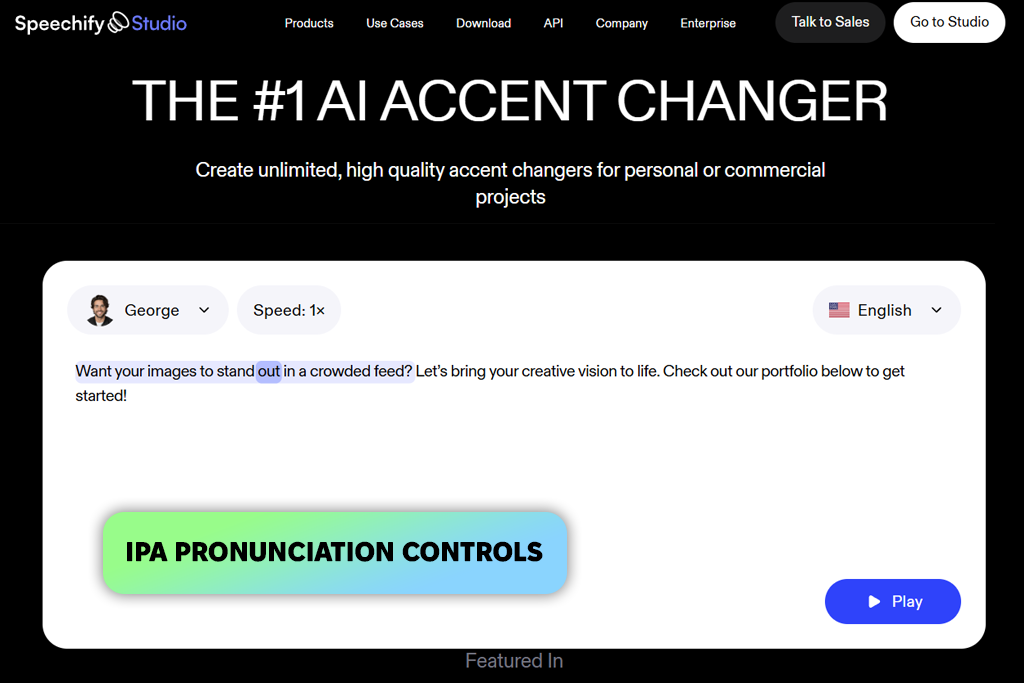
Speechify impressed almost everyone on our team, making it one of our well-liked AI accent voice generators. My workflow started by uploading a script into Speechify Studio, followed by testing different speakers and English accents from the built-in voice library.
I liked that it offered far more than the usual American and British voice options, giving me the freedom to compare regional pronunciations in greater detail. The only downside was that the selection was so extensive that choosing a final voice took longer than expected because I kept finding new options worth trying.
“I tested the same paragraph with several British and American voices, and the differences were more noticeable than I expected. I adjusted the pauses in two places because the default pacing felt too fast, and the pronunciation controls helped me fine-tune a few words.”

What gave it an advantage over other Speechify alternatives was the level of control available after selecting a voice. I adjusted pacing and pauses directly on the timeline, experimented with emotional markers, and used IPA phonetic spelling to fix the pronunciation of names and uncommon words instead of rewriting sentences. Although IPA adjustments occasionally took a couple of extra attempts, they gave me much more precise control over the final voiceover.
I also tested the voice cloning and voice changing features, which let me upload or record audio clips up to five minutes long while preserving the original speaking style and expression. Although I didn't need those tools for a simple accent test, they make the platform suitable for podcasts, ads, online courses, YouTube videos, audiobooks, and similar projects. I especially liked being able to edit the script, fine-tune the voice, and export the final audio without switching between different apps.
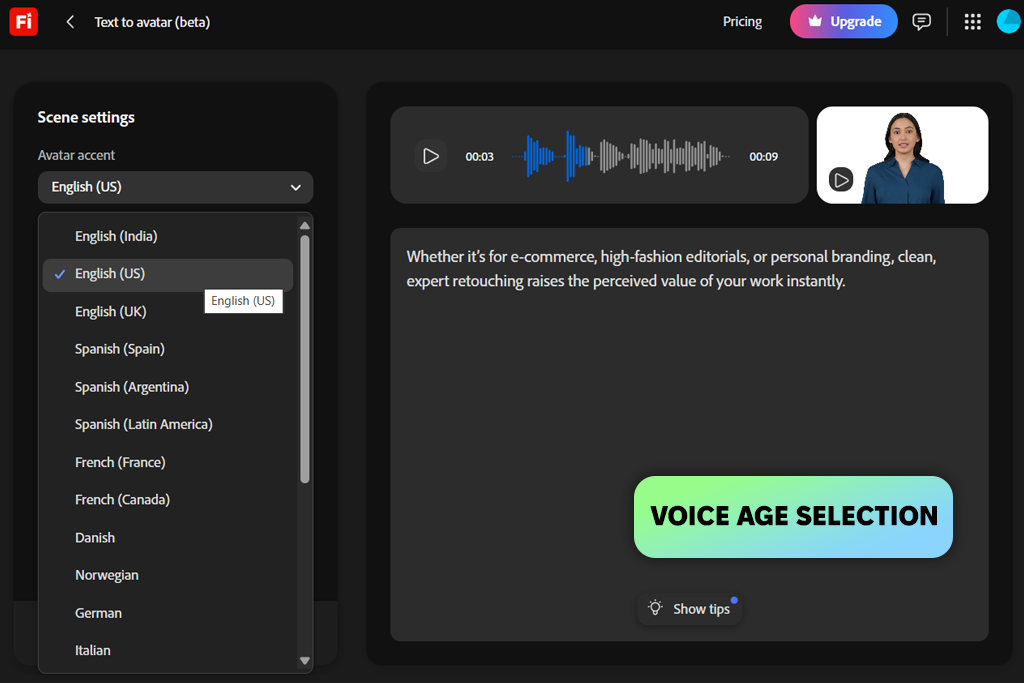
Adobe Firefly was my favorite AI accent generator in this comparison, largely because I'm already familiar with the Adobe ecosystem and regularly use Firefly in Photoshop. After signing in with my Adobe account, I opened the Audio workspace, selected Generate Speech, and uploaded one of our test scripts.
The setup was straightforward, letting me quickly choose the language, voice, and regional accent without learning a new interface. I also compared male and female voices across several age groups, which made it easier to find a voice that suited the content instead of selecting one based only on the accent.
“I pasted in a short script and compared different voices, age groups, and speaking styles to find the best match. Working in a familiar interface made the process easy, although I still listened to several versions before choosing one.”

I spent most of my time testing different tones and speaking styles because they changed the feel of the same script more than I expected. Firefly made it easy to switch between neutral and more expressive delivery, and I could also try partner models for additional voices and accents. The extra variety was useful, although comparing different models took a little longer before I found a consistent result.
Another reason I felt comfortable using Firefly for our voiceover tests was Adobe's clear commercial-use policy. Voiceovers created with the Firefly Speech Model are approved for commercial use, which gives me more confidence when working on real projects rather than simple tests. Once I was happy with the accent and delivery, I refined the recording and exported the final audio without leaving my usual Adobe workflow.
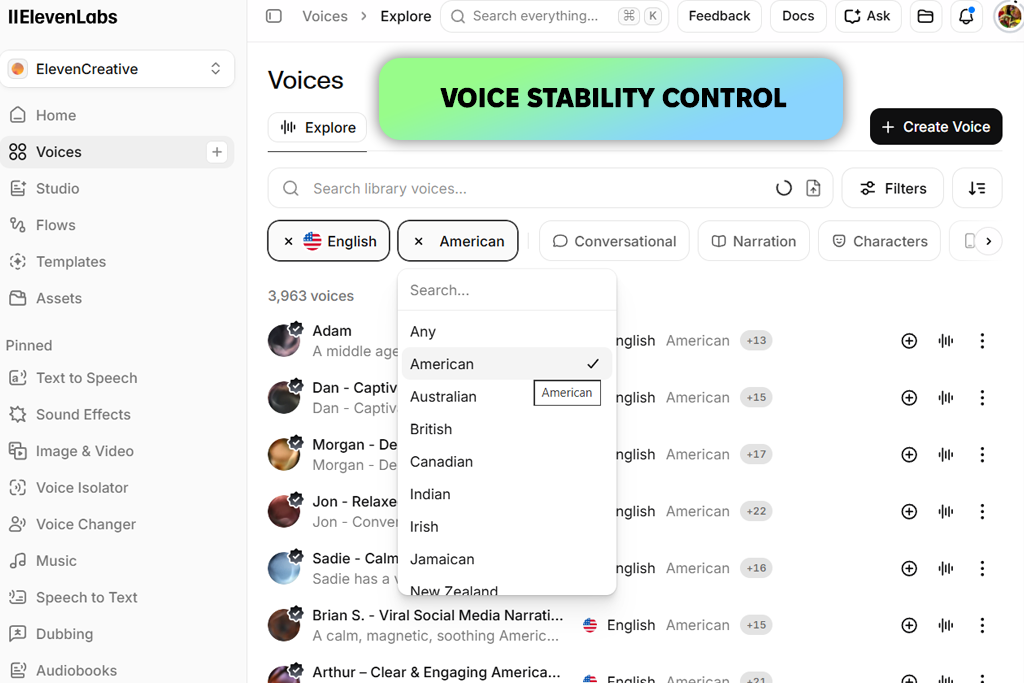
I had seen ElevenLabs recommended several times while researching AI English accent generators, so I decided it deserved a proper evaluation. Rather than sticking with a familiar American voice, I generated the same short script using several voices and regional accents to compare the results.
Listening to identical text made differences in pronunciation, rhythm, and expression much easier to notice. Whether I chose a polished British narrator or a more energetic American English voice, the script sounded natural without requiring any changes.
“I began with a straightforward voiceover before testing different pacing and emotional styles. In the end, modest refinements gave me a more believable result than heavily expressive delivery.”

For one of the longer scripts, I focused on adjusting the pitch, pacing, and emotional tone instead of constantly rewriting the text. A slightly slower pace worked better for informational sections, while changing the delivery made conversations sound more natural. I liked being able to refine a voice that was already close to what I wanted, although the number of available settings sometimes tempted me to keep tweaking a perfectly good result.
I also tested ElevenLabs with several types of content instead of relying on a short demo. I generated a presentation script, an e-learning passage, and a few conversational lines to see how consistently the accents performed.
Mixing different accents, voice styles, and inflections made it easy to adapt the delivery for each script without turning to ElevenLabs alternatives. Even so, I found that some voices matched certain types of content much better than others, so I always compare a few using the actual script before making a final choice.
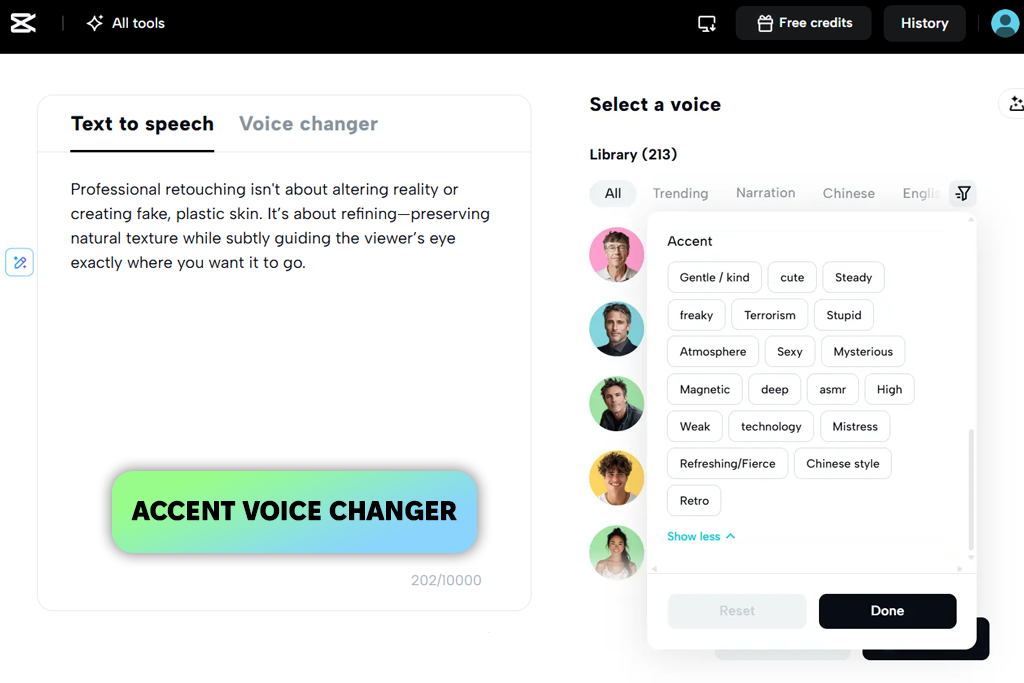
I knew CapCut primarily as a video editing app, which made me curious to see how well its accent generation worked. Since I already had a project open on the timeline, I created the voiceover directly inside the editor instead of using a separate audio tool. I compared American and British voices before exploring a few regional accents, including Southern English.
Hearing each version alongside the video made the evaluation much easier because I could judge how the accent and pacing matched the visuals instead of listening to the voiceover on its own.
I then adjusted the speed, pitch, and tone while checking how the voice fit the video. I found this especially useful for Shorts and other social content, where matching the narration to the visuals is just as important as clear pronunciation. CapCut also includes AI audio features for changing the emotional style, although stronger settings sometimes made the voice sound a little artificial compared to dedicated voice platforms.
The biggest advantage of this text to speech accent generator for me was having voice generation, syncing, and audio editing in one workspace. I could regenerate a line, reposition it on the timeline, and continue editing without moving files between different programs.
The free features covered everything I needed for draft versions, although some of the more realistic voices and advanced effects require CapCut Pro. I also preferred working with shorter voiceover sections because it made matching each part to the right scene much easier.
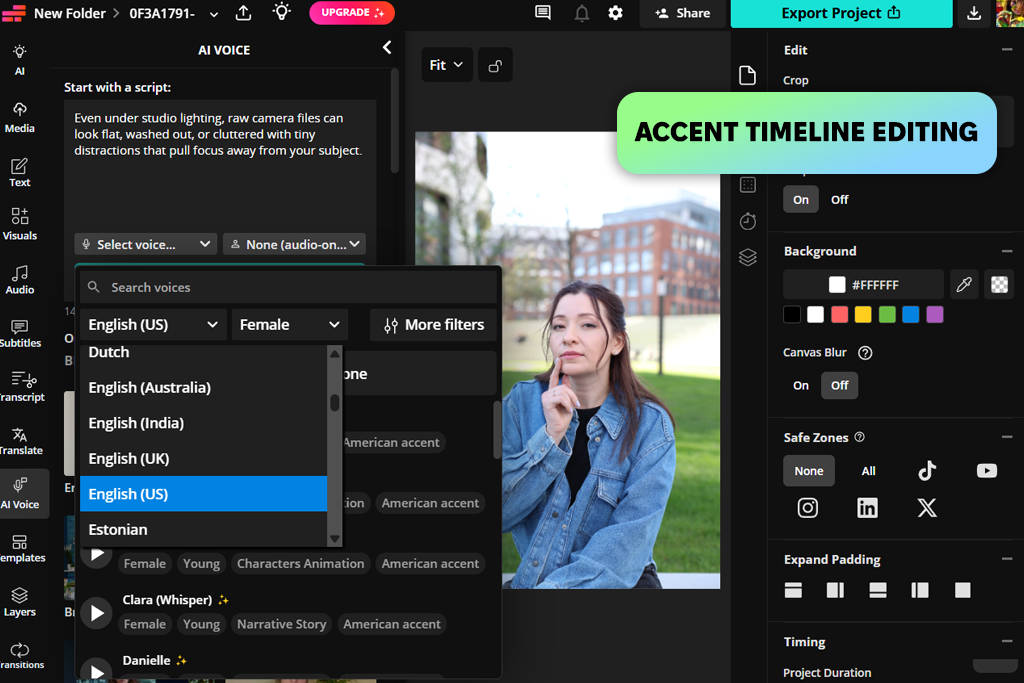
Kapwing was recommended by my colleague Kate, who uses it regularly, so I decided to include it in my testing. I opened it in the browser and loaded one of our shorter scripts to see how quickly I could create a usable voiceover without spending time on a new interface. To compare the results fairly, I generated the same text with several of its regional accents, including British, Australian, Scottish, Irish, and Indian voices.
“I created the voiceover, generated subtitles, and fine-tuned the timing directly on the timeline. That workflow worked well for quick videos, although I'd pick a different tool for projects that require more expressive performances.”
Instead of testing only the voiceover, I created a short video with it, similar to how I test Kapwing alternatives. I added stock footage, generated subtitles, and adjusted the timing directly on the timeline.
When a line sounded too fast, I simply slowed it down without leaving the editor. The pronunciation tools also helped fix a few tricky words. This workflow worked especially well for short explainer videos, although emotional lines still sounded a bit flat.
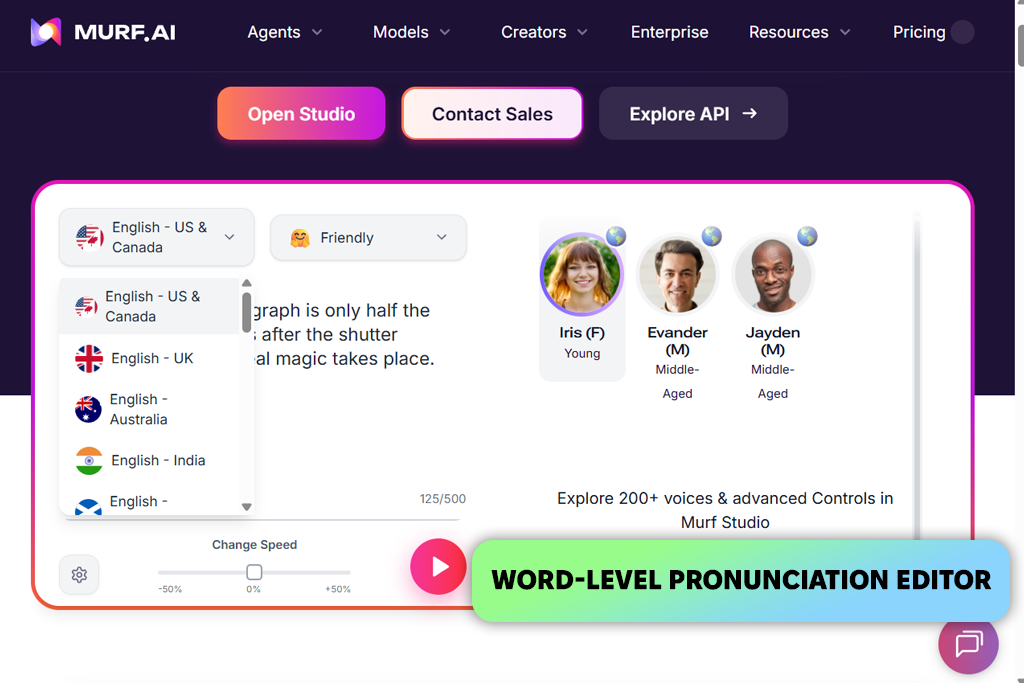
I began my Murf test with a longer script, breaking it into smaller sections before selecting a voice. To compare the results, I tried British, Australian, and Indian English voices from its library of more than 200 voices covering 30+ languages, then continued with the British option.
Editing each line separately gave me much more control, letting me adjust the pace, slightly increase the pitch, or insert extra pauses wherever the narration felt rushed without affecting the rest of the recording.
“I divided the script into individual lines and fine-tuned the pacing and pauses only in the sections that sounded off. It was a much easier approach than applying the same settings to the whole narration. ”
I purposely left several awkward words in the script to find out whether Murf could handle them without forcing me to rewrite the text. The pronunciation features and line-by-line controls for speed, pitch, and pauses made it easy to fix small problems while leaving the rest of the recording unchanged. I was happiest with the English voices, which sounded clean and professional, whereas a few non-English options weren't quite as consistent.
After the narration was ready, I added visuals to Murf's timeline and matched each voiceover section to the right scene. It felt more like editing a complete project than simply creating audio. I also tried the Canva integration, which lets you add voiceovers directly to designs, while paid plans include licensed background music.
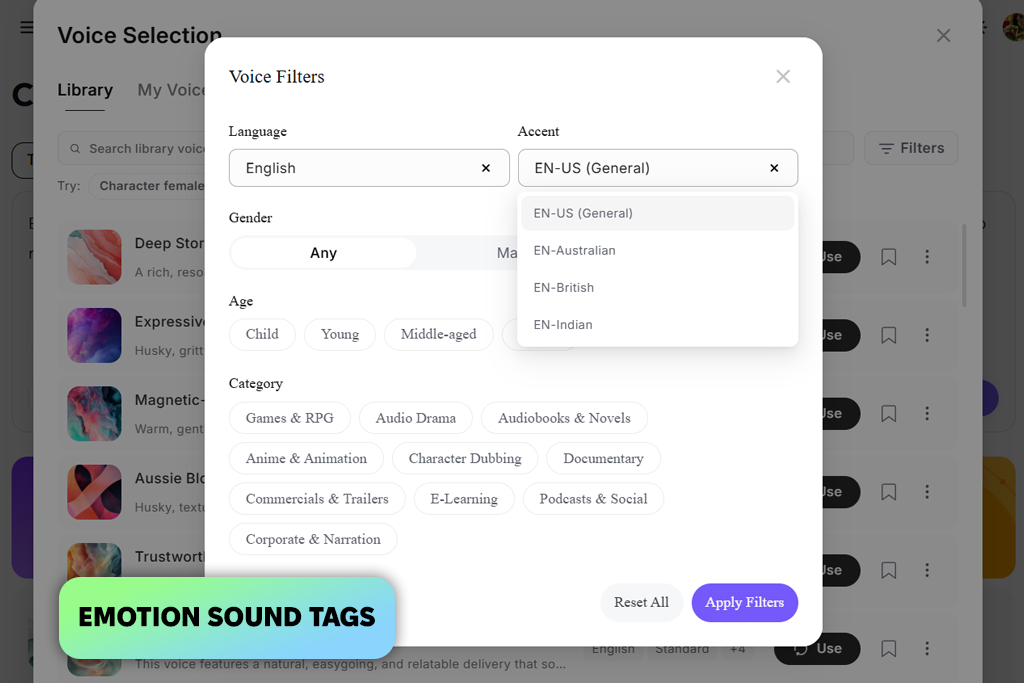
I first came across MiniMax in a Reddit discussion about AI voice tools, so I decided to try it myself. I used the same English text with American, British, Australian, and Indian accents to compare the results. I paid special attention to words that sound different in each accent to see how naturally MiniMax handled them.
My next test focused on how much control this English accent generator gave me over the voice delivery. I adjusted the speaking speed, added pauses, and used prompts to change the tone and emotion of different lines. This was useful when a sentence needed different emphasis, since I could guide the delivery instead of changing the voice. It took a little experimentation, but the extra controls helped produce better results.
I also tested the voice cloning feature using a short audio sample to see how quickly I could create a custom voice. It worked well when the built-in voices weren't the right fit, and the platform supports many languages in addition to English.
For my testing, I mainly switched between the cloned voice and the built-in English voices while adjusting pauses and emotion to see how well the original voice style was preserved.
For our testing, we prepared our own English scripts instead of using the short demo phrases provided by each platform. The scripts included conversations, narration, long sentences, names, numbers, abbreviations, and words pronounced differently across English accents. We generated the same text with American, British, Australian, Indian, and other available voices to see whether the differences were more than just a change in voice.
Accent accuracy was only part of our testing. I also listened to pronunciation, speaking speed, stress, pauses, and whether the voice stayed natural from start to finish. I paid close attention to words that sound different in different English accents and checked how well each voice handled longer recordings. Some voices sounded good in short clips but became less natural over longer passages.
“I found that some voices sounded natural with short sentences but became less convincing in longer recordings because of awkward pauses or changes in intonation. Using the same scripts for every test also made it much easier to compare the different accents.”
Tetiana also tested how much control each AI accent generator offered when the first result wasn't quite right. She adjusted speed, pitch, pauses, pronunciation, emphasis, and emotion, then regenerated the same lines to see how much the output improved. She also tried voice cloning and custom voice features when available, but treated them as useful extras rather than essential features.
Workflow was just as important because Kate focused on how practical each tool was for real projects. She tested how quickly she could turn a script into finished audio, fix individual lines without starting over, and sync the voiceover with video, subtitles, images, or music when those features were available. She also looked at whether the interface made editing simple or added unnecessary steps.
Finally, I listened to the exported audio instead of relying only on the browser preview. I tested it on both headphones and speakers, checking for natural pronunciation, smooth transitions, consistent volume, and any awkward pauses or changes in tone. This final step showed which voices were polished enough for real videos and other finished projects.





![7 Best AI Video Highlight Generators [100% FREE]](http://fixthephoto.com/blog/images/gallery/news_main__preview_29348.jpg)



















