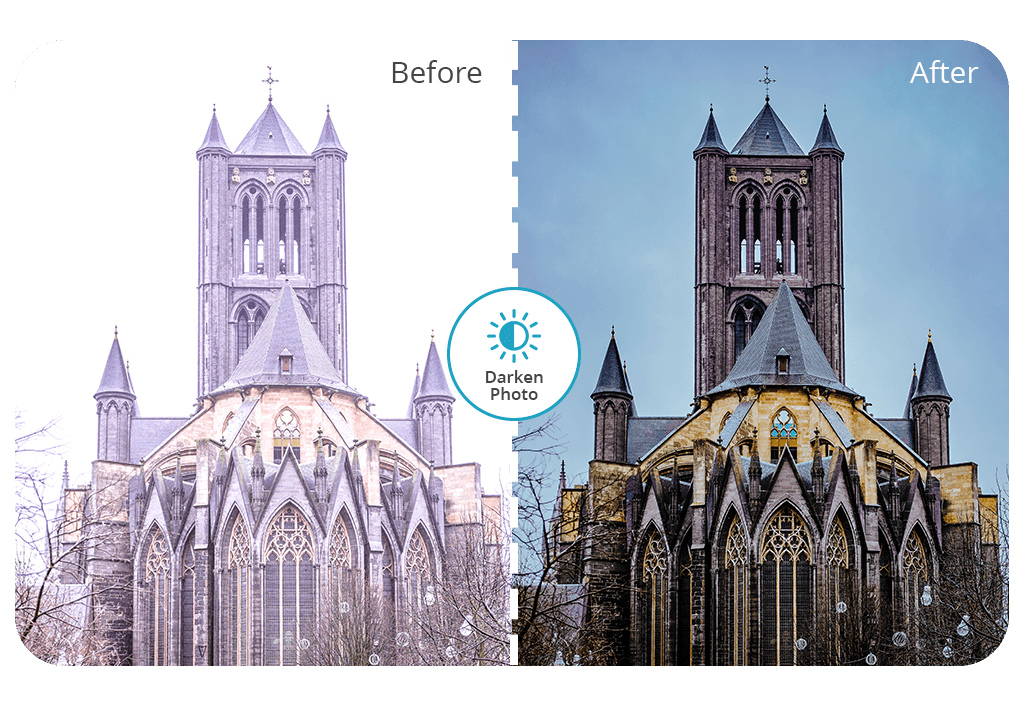


When a photographer fails to set the right exposure levels, they can use the image darkener service available in the FixThePhoto Body Editor & Tune app. This application allows users to quickly fix overexposed parts of their photos and adjust brightness to give an image a realistic feel.
The darken pic app allows users to enhance every part of a photo and focus on improving overexposed areas. The key advantage of this service is that it lets users improve their first photo for free. Due to the assistance of our retouchers, you will quickly get an output photo back.
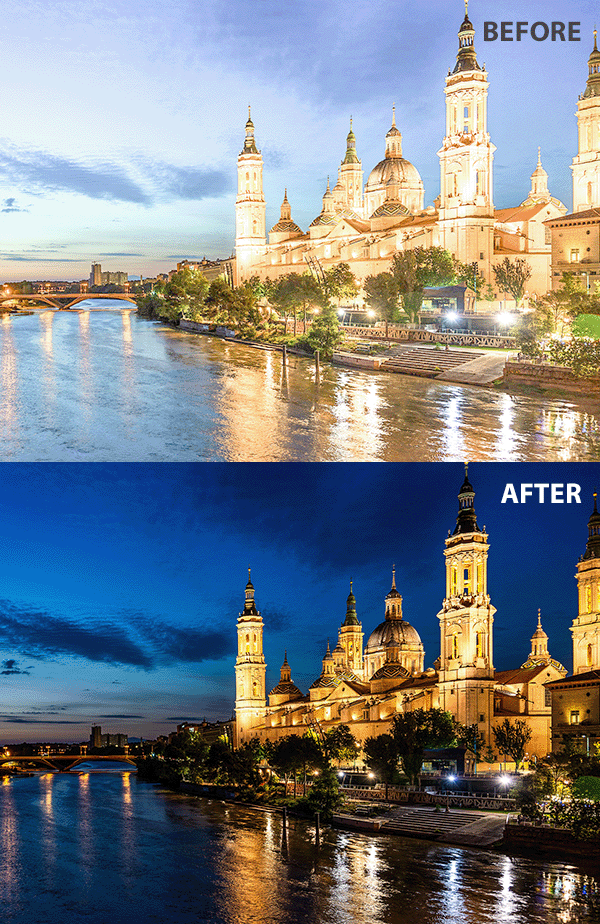


If you use the darken picture service and get a result you are not fully satisfied with, you can request additional edits. Our retouchers will revise the order for free in a few minutes.
One of the key advantages of this app is that your photo won’t be edited with the help of automated tools. To ensure high realism, our specialists will apply the dark image effect manually. They edit every photo using manual tools and make precise adjustments to achieve better results.
Our experts prefer to use a custom approach to every order. They choose the most suitable darken filter depending on the lighting conditions and the mood of the picture.
If you are a photographer who wants to enhance multiple photos taken during a single photoshoot, our app is the best answer to your needs. We focus on enhancing every detail in photos and edit images while keeping their style consistent. Our professionals guarantee that every photo will look perfect. They apply the darken photo effect with a high degree of professionalism.
Experienced retouchers know how to make a picture darker without giving it an artificial feel. They know when to use such filters to achieve the best result. This effect is hardly suitable for enhancing photos with groups of people. Besides, it’s rarely used for portraits. However, it’s perfect for nature and architectural pics.
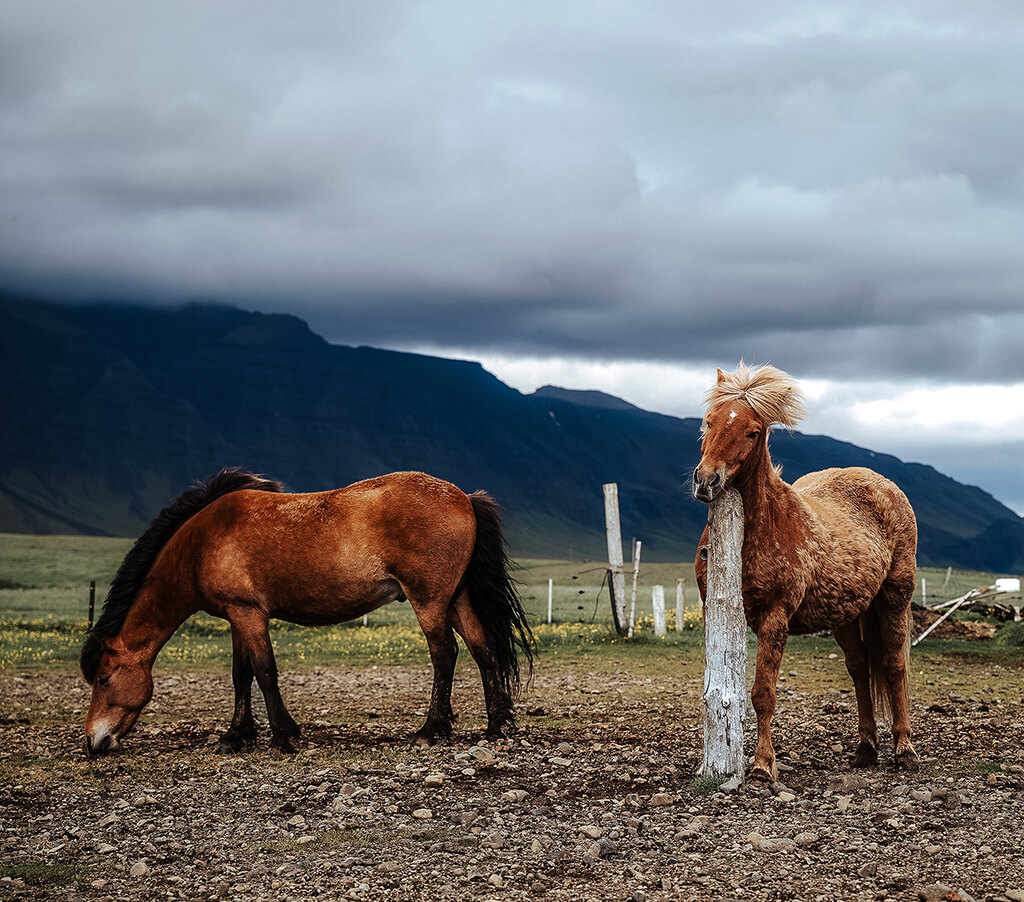
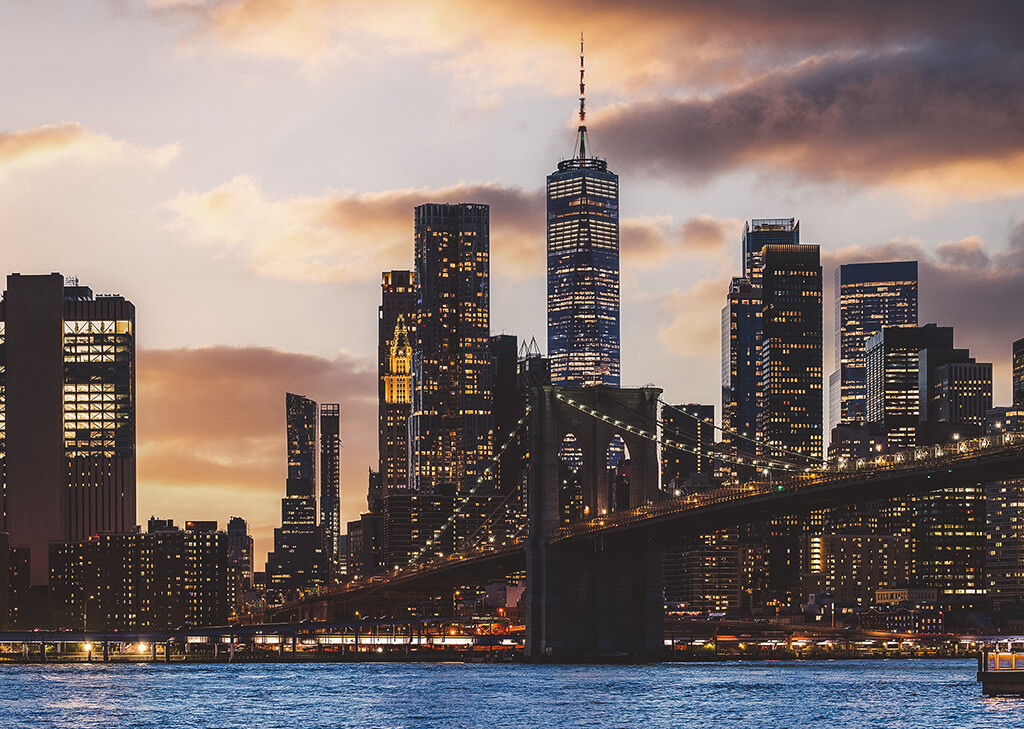
Editing sunset or twilight shots: Adding the darken picture effect to a picture taken during sunset or at twilight allows photographers to make the sky color richer and change the atmosphere.
Highlighting shadows in architecture pics: After taking photos of buildings in bright sunlight, many photographers wonder how to make an image darker. Using dedicated tools, they can emphasize shadows and small details to showcase the structure of a building.
Product photography: If you want to capture darker photos but fail to adjust the lighting, you can fix this issue when editing your pics. By applying a special filter, you can give an exquisite feel to your photos and emphasize textures and details without distracting a viewer from the main subject.
Nature in overcast weather: When there are too many clouds in the sky and the natural light does not allow you to show your subject in all its beauty, you can use darken pic services to showcase the unique textures and make trees, mountains, and other details of the landscape stand out.
Abstract photography: Professionals who specialize in abstract or conceptual photography, use the dark effect to focus the viewer's attention on specific details and add a sense of mystery to a photo.
Black and white: When taking pictures capturing the city’s life, a photographer may decide to darken images to emphasize the juxtaposition of light and shadow. This approach facilitates achieving the right balance and adding a dramatic feel to photos.
Astrophotography: Every person can darken an image online using a dedicated app to emphasize stars, highlight planets, or make the Milky Way even more beautiful. Such filters allow photographers to create breathtaking images of the night sky.
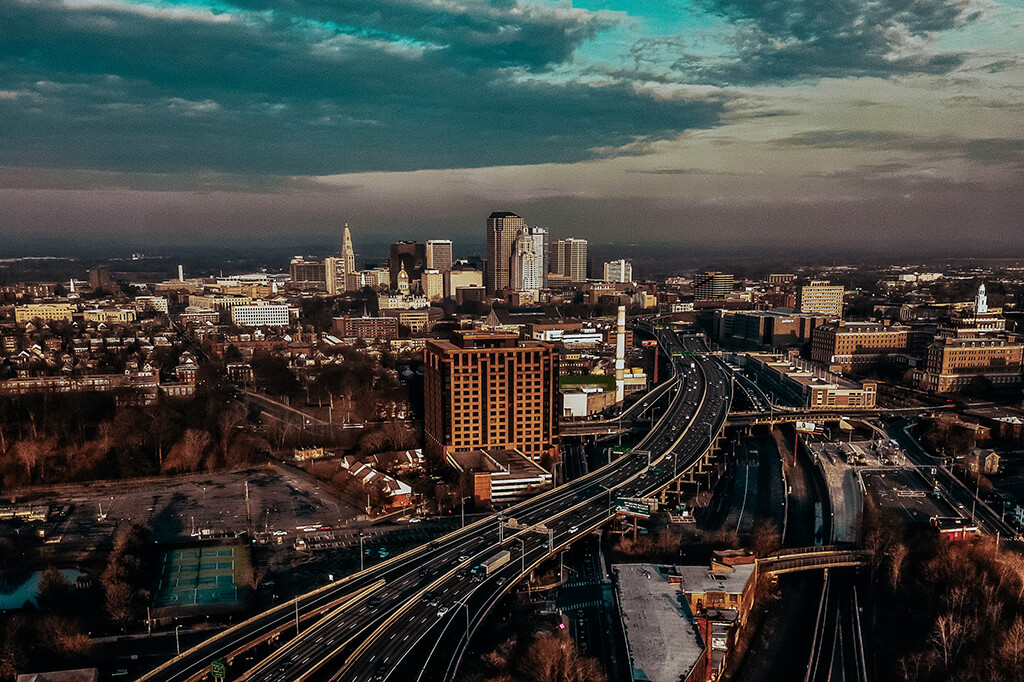
Photographers who want to improve the quality of their photos by using a picture darkener often want to give them a dramatic feel. Such tools are best suited for adjusting exposure, adding some depth, or changing the atmosphere in photos.
Many people want to make an image dark to enhance photos in a specific style and achieve a cinematic effect with an artistic touch. Regardless of your level of experience, you can improve the quality of your photos using reliable darkroom apps. By applying special effects and filters, you can highlight details, adjust contrast, and make your photos attention-grabbing.
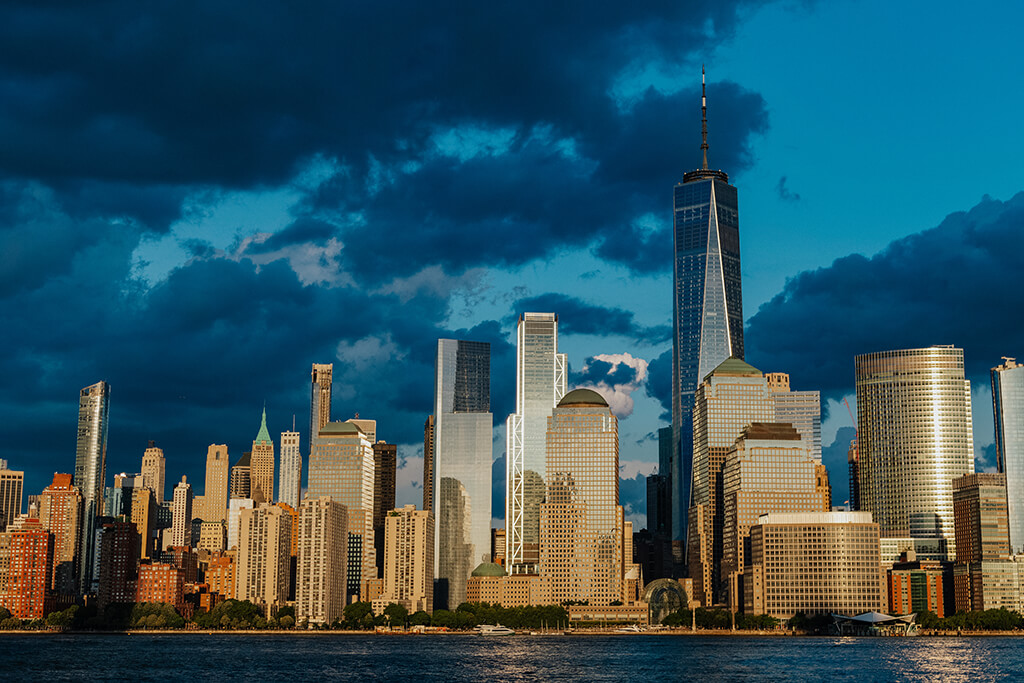
You can easily darken a photo online using the services available in the FixThePhoto app. Using your smartphone, you can make an image dark without using advanced photo editing software.
While there are plenty of apps that support automated editing, they fail to deliver realistic results. In contrast, our application allows you to darken a photo while preserving the original textures and details. Follow the steps described below to use it.
The darken pic effect is widely used by people who enjoy posting engaging content on Instagram and TikTok. It allows them to change the mood of their photos and videos and edit them in a consistent style. By making an image darker, you can achieve a moody feel and add some drama to your pic. This way, it will stand out on social media.
Influencers enjoy enhancing their photos, as it allows them to make it look as if they were taken with professional equipment. They darken photos to make them similar to the scenes of old movies or achieve a better contrast. The edited photos enable them to generate interest and keep their followers engaged.
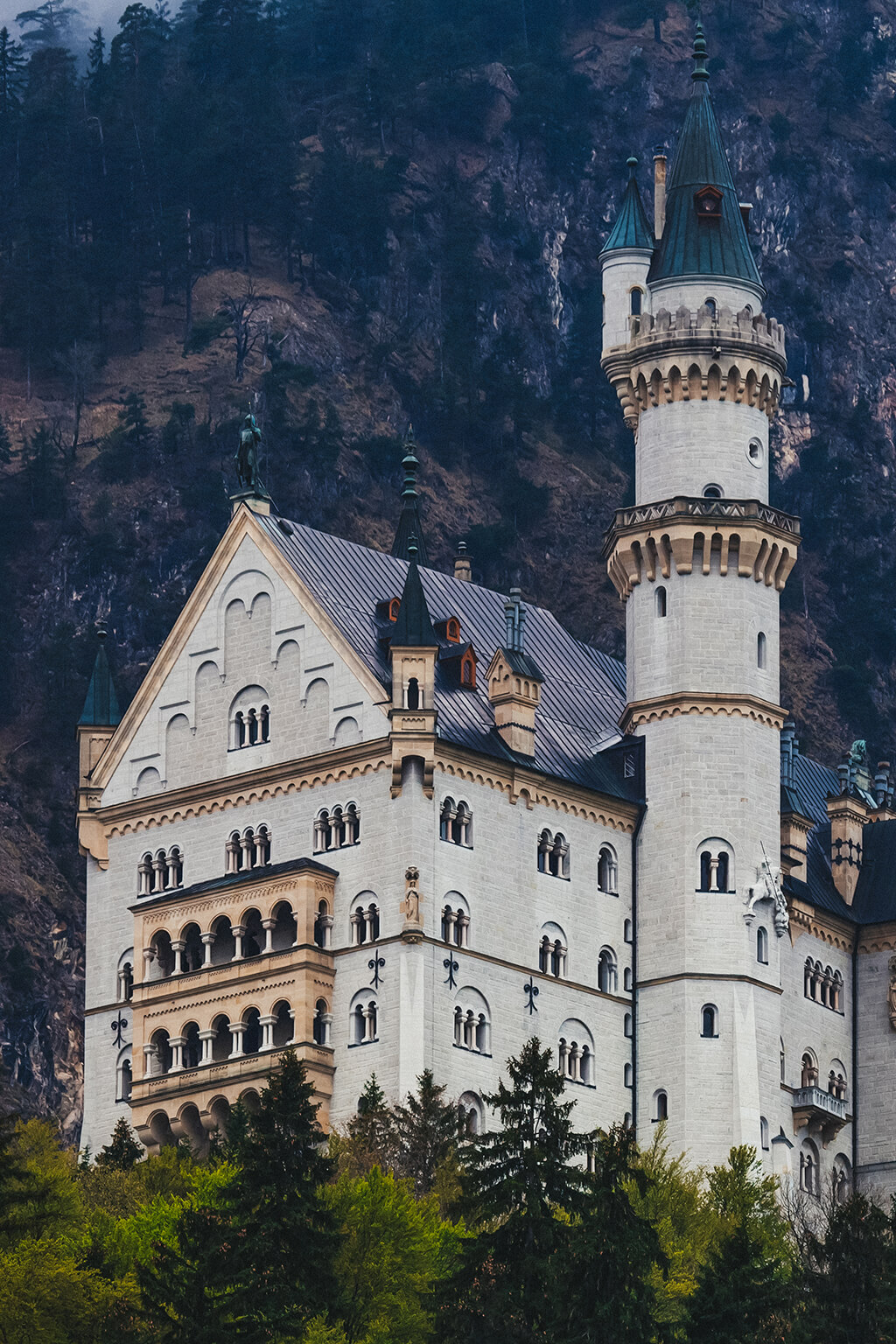
Our retouchers have discovered that content creators often want to know how to make an image darker. Photographers, influencers, and famous people want to post pro-level content that will make their posts memorable.
You can order color correction services or test out other tools available in the app. Our professional retouchers will help you make stomach flat or perform other tasks. Our app doubles as a smile editor, as it allows users to further enhance their appearance. Whether you want to reshape your body or make your smile brighter, our experts will enhance your pictures in accordance with your requirements and send flawless photos back to you.
FixThePhoto Body Editor&Tune app is an excellent solution for those who want to entrust seasoned professionals with enhancing their photos. They will edit your pics in a realistic way without making them look unnatural.
Besides the tools that allow users to darken photos, the app comes with other enhancement options. Using them, you can get top-level results at a budget price. Due to the short turnaround time, you don’t need to wait for hours, as we will send you the output photos within a few minutes.
The FixThePhoto app has versions for iOS and Android, which ensures its cross-platform compatibility. It has intuitive functionality, making it an excellent choice for those who don’t have any experience in editing.