When preparing for the launch of our YouTube channel for FixThePhoto, we didn’t even think about looking for a YouTube banner maker. We initially focused on simply recording videos, making thumbnails, and ensuring we had a predictable upload schedule.
However, as the channel started getting more subscribers, we saw that having a high-quality professional banner is actually very important since it affects the first impression that a viewer has about your channel.
To ensure we’ll be using a dependable tool, I tested 15+ YouTube banner generators, while prioritizing safe layout zones, text readability across different devices, image quality, and whether everything still looked appealing and clear after YouTube applied its compression.
It quickly became evident that the best YouTube banner generator doesn’t necessarily have to offer a huge array of complex tools. Proper spacing, readable fonts, and dependable exporting are a lot more important.
The solutions below allowed us to design clean, polished banners for the FixThePhoto YouTube channel while sliding perfectly into our workflow and ensuring we didn’t have to mess around with dozens of confusing features.
| Tool | Best for | Free plan | Best for | YouTube-ready |
|---|---|---|---|---|

|
Clean branded banners
|
Limited
|
Brand-focused creators
|
✔️
|

|
Quick text-focused headers
|
Limited
|
Text-focused channels
|
✔️
|

|
Manual layout control
|
Limited
|
Image-based creators
|
✔️
|

|
Template-focused designs
|
Limited
|
Beginner YouTubers
|
✔️
|

|
YouTube-optimized layouts
|
Limited
|
Content-focused channels
|
✔️
|

|
Quick graphic banners
|
Limited
|
Casual creators
|
❌
|

|
Structured visual layouts
|
Limited
|
Business & educational channels
|
❌
|
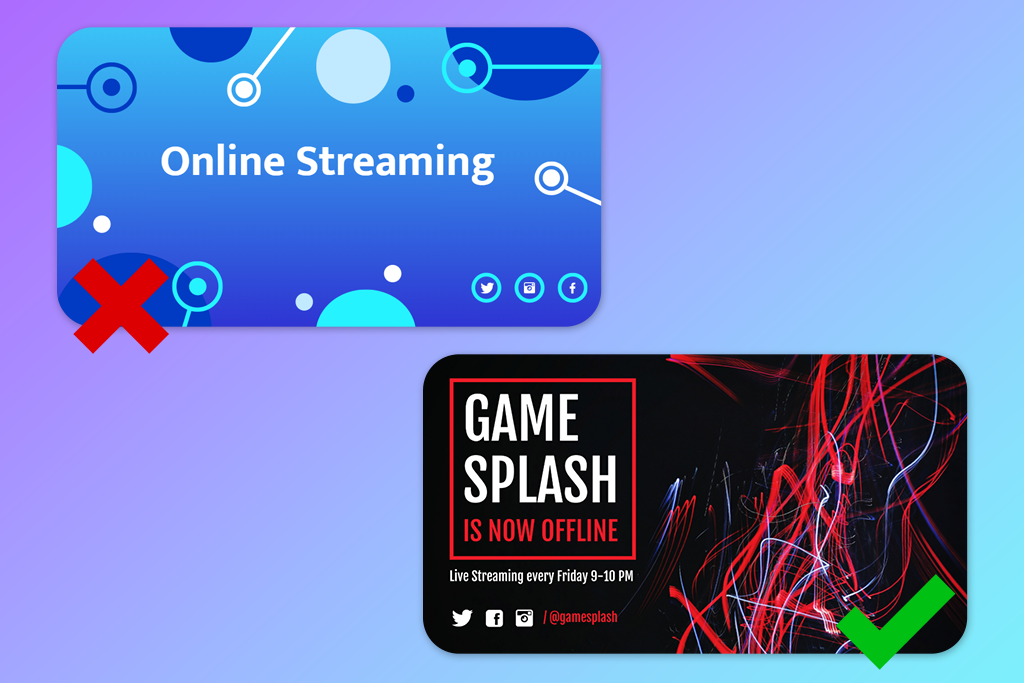
When choosing a free YouTube banner generator, you need to remember that banners nowadays rely less on fancy decoration and more on vibes and clarity. Good banners don’t overwhelm you visually and don’t bombard you with information. Instead, they subtly convey what the channel is about and what kind of atmosphere you can expect.
A tidy structure, eye-pleasing visuals, and readable text you make in free video editors for YouTube are now more important than creative overload, particularly for channels dedicated to software and tutorials, where clarity builds trust.
Establish a visual hierarchy. Well-designed banners guide the viewer’s attention naturally. The channel name or key message is easy to see, while other elements are more subtle and auxiliary rather than fighting for domination.
Typography-based layouts. Rather than being over-dependent on images or effects, many YouTubers create banners around impactful typeface choices. A single font, mindful spacing, and balanced weight ensure your banner comes across as confident and professional.
Muted colors and soft depth. Vibrant, aggressive tones are forgotten in favor of softer hues, subtle gradients, and light textures. This helps add depth without distracting the viewer and guarantees the banner is better optimized for compression and different screen sizes.
Designing for real viewing conditions. You need to preview your banner on desktop, mobile, and TV layouts. Text needs to remain within the safe zones, and important elements shouldn’t be placed too close to the edges to avoid being cropped.
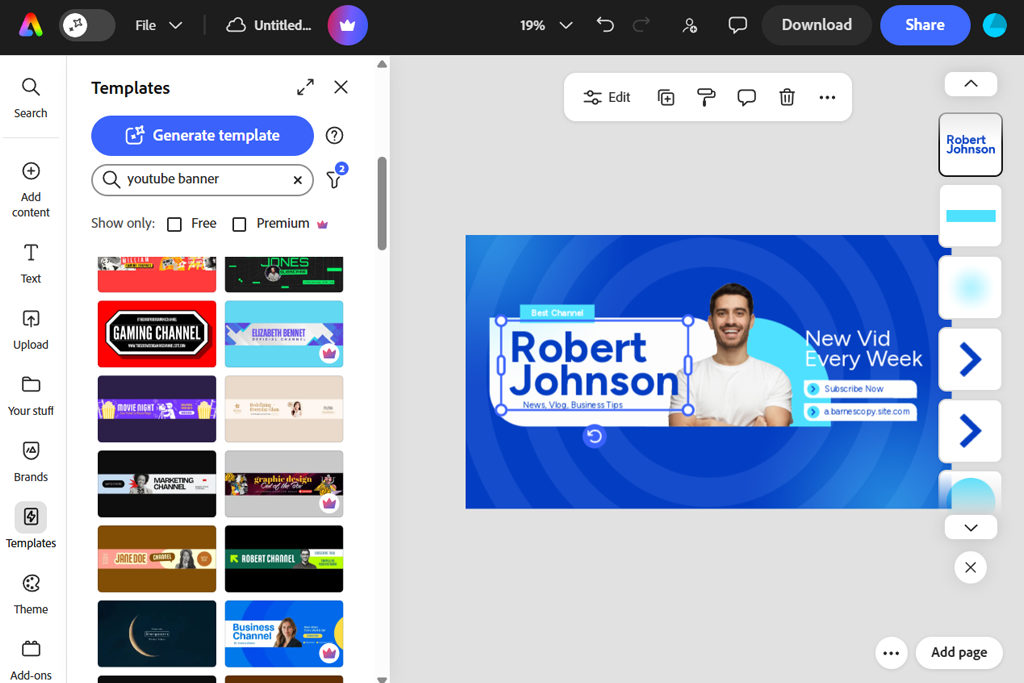
Adobe Express free plan became our go-to online YouTube banner maker once we began working on our YouTube channel more actively. Rather than creating a new banner every time, we employed custom canvas resizing to meet the required file dimensions and ensure all elements were placed within the safe zones.
The workflow is centered on drag-and-drop controls, which make it very easy to add and align text and images. We set our brand fonts and color scheme to ensure the banner matched the rest of our content.
Adobe Express is the optimal choice if you simply want to create a polished YouTube banner that looks visually pleasing and professional. It provides a high-quality export option, ensuring the design remains sharp even after being compressed by YouTube, regardless of whether you view it on desktop, mobile, or TV screens.
Price: Free plan; paid from $9.99/mo
“Preserving an identical layout and only changing the content ensured our channel felt more structured without forcing us to put in extra design work.”

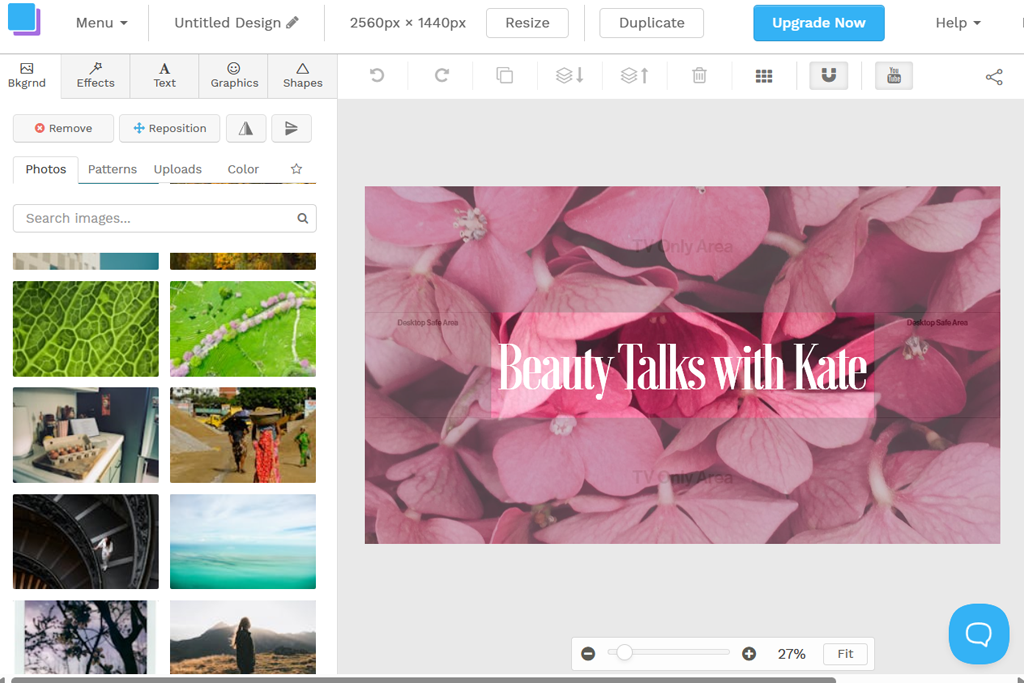
Snappa is arguably the best free YouTube banner maker if you prioritize text clarity over eye-catching visuals. It’s a great choice if you make educational content, announcements, and other types of videos that value substance more than style.
You can start using Snappa by picking a premade YouTube canvas and one of the available typography-first layouts, meaning you don’t have to manually set the spacing or safe zones. By employing fast alignment, you can conveniently center headlines and ensure the margins are consistent across all the banner versions.
I recommend Snappa to channels that need a banner that conveys their message clearly at a glance. All exports are in high quality, making sure the text is still sharp even if you open YouTube on a large screen.
Price: Free plan; paid from $10/mo
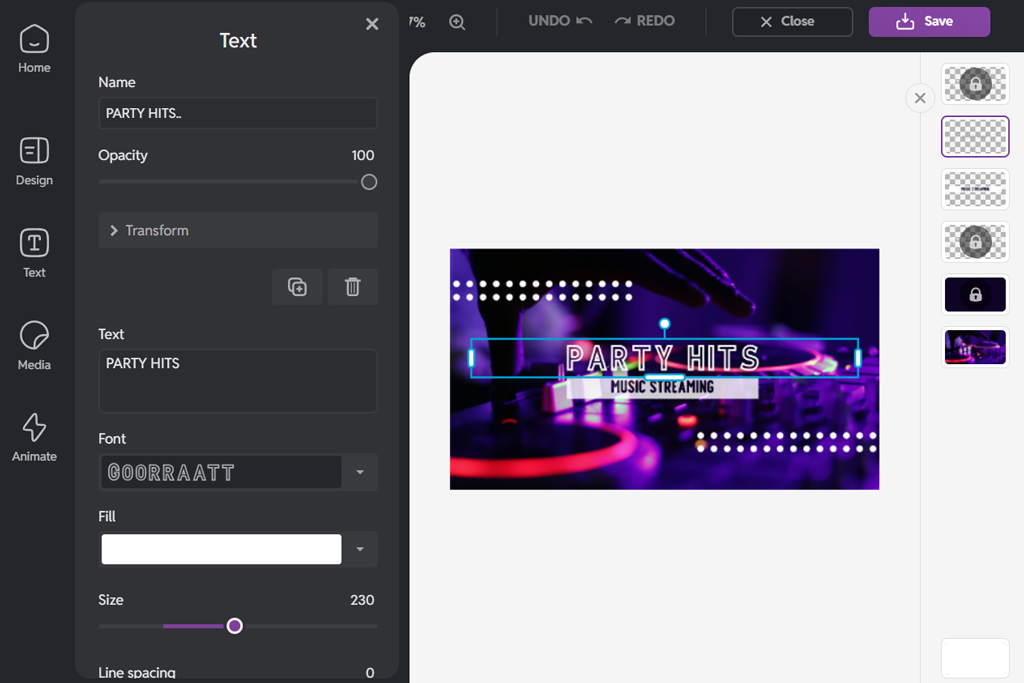
We started using Pixlr after looking for an online YouTube banner creator that would provide us with in-depth control over our designs without forcing us to download premium desktop software. It resembles a traditional image editor, allowing you to create layouts manually instead of being solely dependent on templates, which is common for most free photo editing apps.
We leveraged the provided layer-based editing and freeform text positioning to arrange the headlines, logos, and visuals within YouTube’s safe zones. By setting custom canvas dimensions, we could conveniently match standard banner sizes and avoid resizing problems upon export.
Pixlr is a great choice for photo-oriented or design-driven channels that value precision over speed and automation. Thanks to its non-destructive workflow, you can experiment with different colors and contrast settings without ruining the original layout.
Price: Free plan; paid from $7.99/mo
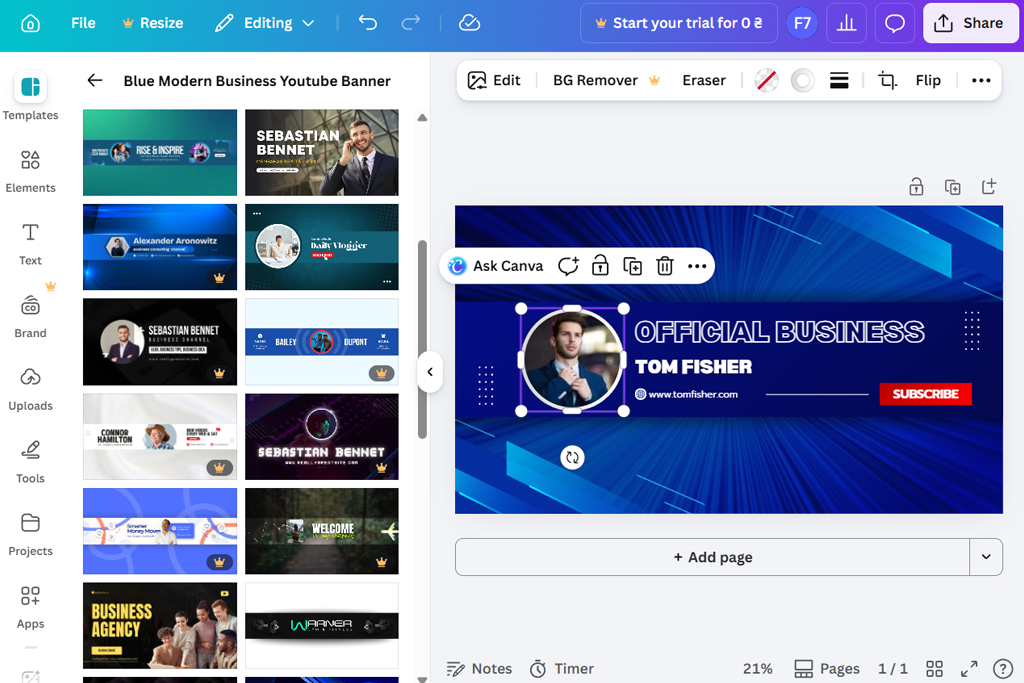
Canva is a great YouTube banner template generator that allows receiving professional designs without having to create the layout manually. It’s a good fit for lifestyle, creative, and mixed-content channels that value vibes and visuals as much as readability.
We utilized the provided YouTube banner templates and the grid-based layout system to ensure everything was properly aligned and arranged. The font pairing feature allowed us to avoid typography issues, while the quick visual adjustments simplified the task of trying out various color combinations without having to recreate the banner from scratch.
Canva is a great choice if you value speed and visual harmony over precision. After making a couple of changes to the chosen template, your banners will look personalized while also matching your channel’s visual style.
Price: Free plan; paid from $15/mo
“Templates are great at saving time, but it’s important to adjust the fonts and spacing to ensure the banner looks personalized.”

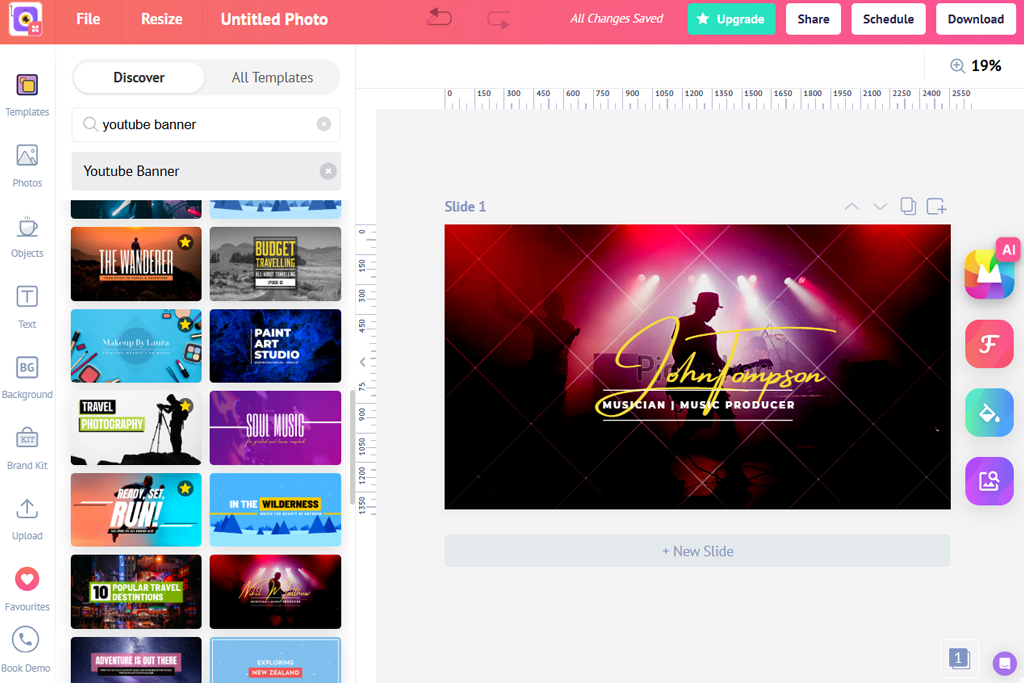
Picmaker has proven to be a reliable choice when it comes to making banners specifically for YouTube, in contrast to picking a generic template and then optimizing it to meet the platform’s requirements. This YouTube header image generator allows you to get the result you need without having to worry about cropped text or misaligned visuals.
Upon opening Picmaker, you can pick one of the YouTube-optimized presets and safe zone-aware layouts. When dealing with such templates, it’s a lot more convenient to arrange the title, tagline, or an upload schedule without having to double-check if the visuals will look good across different devices.
Additionally, we leveraged the text hierarchy tools to ensure the headlines are easy to read and instantly catch the viewer’s attentionExporting the banner is quick and easy since you don’t need to resize it or make any extra edits, which sets this option apart in the Picmaker vs Canva comparison.
Price: Free plan; paid plans available

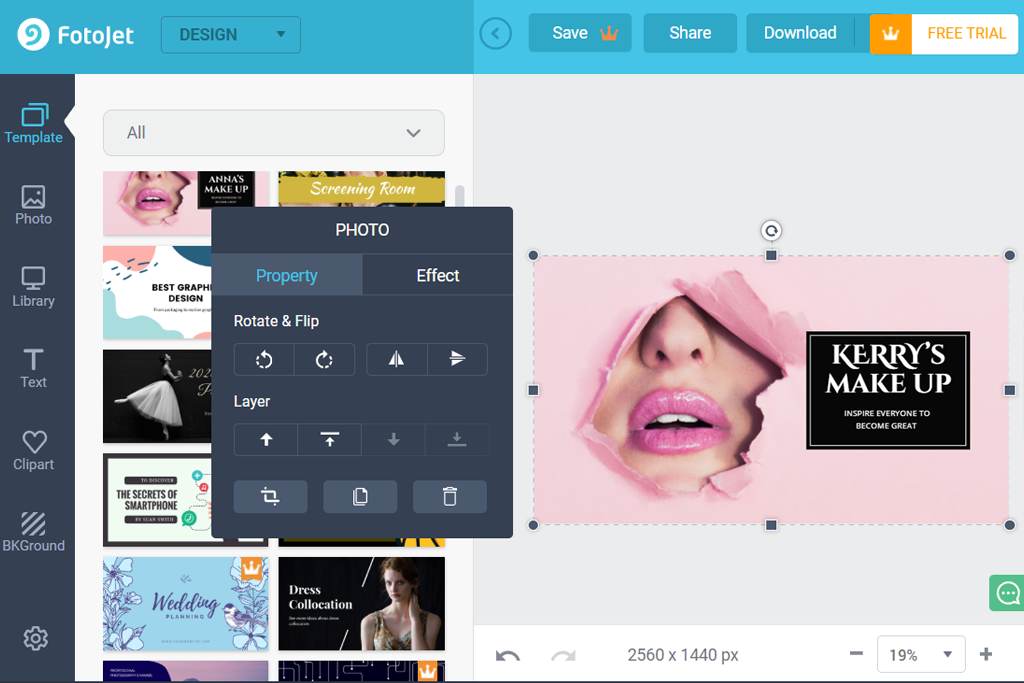
FotoJet is a great pick if you want an easy YouTube banner design tool that prioritizes speed over customization. It helped us experiment with various temporary headers that benefited from a basic layout.
It allows you to choose from a variety of single-click banner templates while leveraging fast image and text placement to get the final result within minutes. That said, the absence of clear safe zone guidance means you have to be careful to ensure text isn’t cropped when you upload the banner to YouTube.
FotoJet is a good fit for casual creators or short-term channel updates. Thanks to its straightforward export options, banners are simple to make, but you need to preview them on your device first before uploading them to the public.
Price: Free plan; paid plans available
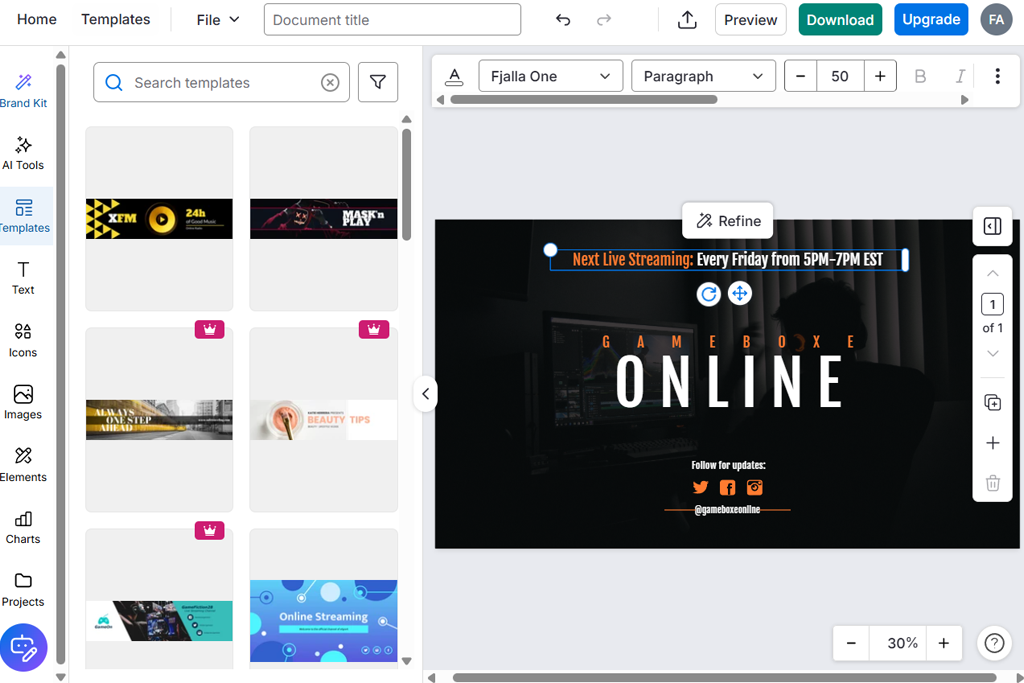
Venngage is closer to a structured design platform than a professional YouTube banner generator. It helped us prepare a variety of designs for business and educational channels that valued clarity and clean layouts over creative experimentation.
The best parts of Venngage are the structured layout templates and visual hierarchy tools. They ensure all elements are neatly organized. Sadly, the platform wasn’t created with YouTube’s wider header format in mind, hence why arranging all the visuals can feel somewhat restrictive, which is especially apparent if you compare Adobe Express vs Venngage.
Venngage is a great pick if you’re using your banner as an informational header instead of an artistic statement. Even though the available branding controls allow preserving consistency, you typically need to make some edits to ensure the banners are a natural fit for YouTube.
Price: Free plan; paid versions from $10/mo
“I primarily employed it to design text-heavy banners, but needed to adjust the spacing and proportions to ensure the banner felt right for YouTube.”

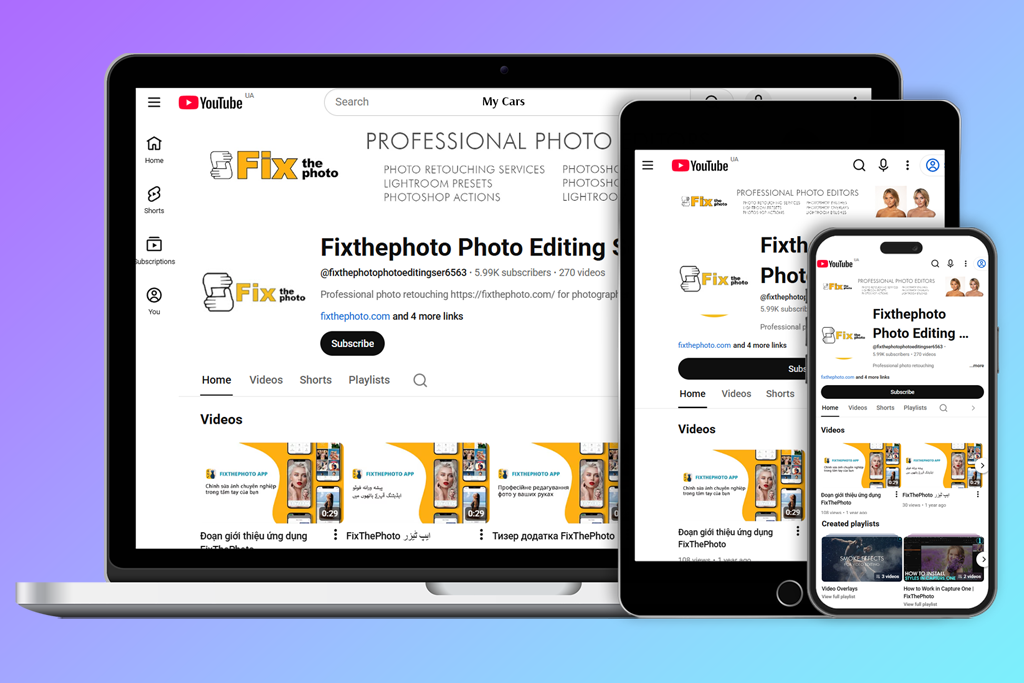
As we were testing different custom YouTube banner generators, it became evident how important headers are for leaving a positive impression before a viewer even clicks on any of our videos. A professional banner and a masterfully retouched photo help build trust and encourage the user to give your channel a shot.
When editing our banner, I regularly referred to YouTube’s official banner tips to figure out how dimensions, safe zones, and image quality impact the final look on different screens. Examining real examples of cropping and scaling allowed me to understand why headers can look different after being uploaded to the platform.
In practice, the most important lessons we took are:
We believe that the most effective banners aren’t the most visually complex ones, but rather designs that remain readable, balanced, and recognizable on all popular device types, including mobile, PC, and TV.
When trying out different YouTube channel banner creators, we didn’t want to simply make one perfect design. Our goal was to check how every platform acts in real-world scenarios, when banners have to be updated, revised, or adjusted while preserving the channel’s visual identity.
We applied an identical test setup for each solution: a single channel concept, comparable text length, and the same visual references. Each design was made from the ground up, exported, and then imported to YouTube to see how it looks on different screen sizes.
During testing, we prioritized several practical aspects:
Our FixThePhoto team has also evaluated how intuitive the workflow felt. Solutions that demanded constant resizing, guesswork, and re-exporting lacked convenience and didn’t score as highly on our ranking. Meanwhile, generators that got the YouTube banner size right automatically were looked upon more favorably.
Each solution was used multiple times, not only for making a banner, but also for introducing small variations like text changes, color adjustments, and layout restructuring. This allowed us to figure out which options are suitable for ongoing channel management.
This overview only includes platforms that felt practical and dependable, allowing you to consistently achieve clean, professional results for a variety of YouTube channel types.
The optimal size is 2560 × 1440 px. Crucial text and logos need to be placed inside the safe area so they are clearly visible on smartphones, desktops, and TV screens.
YouTube applied different cropping based on the device. If text or important elements are located too close to the edges, they can disappear on mobile or TV layouts.
Yes, free plans of most solutions are sufficient for most banners. The most important part is exporting at the recommended size and not applying complex effects that break upon compression.
Templates are useful for getting the spacing and proportions right, particularly if you’re a beginner. However, it’s recommended to adjust the fonts, colors, or layout details to ensure your YouTube banner looks more unique.
AI solutions can streamline the background and layout generation process, but text placement and final edits still demand manual oversight.
Blurry banners are usually a result of low-resolution exports or resizing within YouTube. Remember to export your banner in the recommended resolution to avoid additional scaling after uploading it to YouTube.
Many channels make new banners every couple of months or when they change their content direction. This is particularly applicable to tech channels that review gear like the best Mac for video editing, where visuals have to stay relevant and match the current content style.






















