When you test AI image generators for product photography, campaign visuals, and ad concepts, it becomes clear that raw output quality is not the deciding factor. It is more important how well a tool fits into a creative workflow.
Adobe Firefly vs DALL·E 3 is one of the most revealing comparisons in this space, because both tools deliver impressive results, yet they are built around entirely different ideas of what creators need.
Firefly is a complete creative environment. The work begins with generation, and you can also perform background replacement, object removal, canvas extension, and style refinement. All operations happen inside the same workspace, connected directly to Adobe’s broader suite.
DALL·E 3 is built on a completely different premise. You describe what you want, get an image back, and refine it through conversation. The process requires no design background, and you receive the results fast, so it is a strong fit for early-stage ideation, but a less reliable choice when the final output must meet professional production standards.
During my testing of Adobe Firefly vs DALL·E 3, I singled out criteria that matter most in professional content work, namely how accurately each tool interprets a prompt, how usable the output is, how much editing flexibility is available after generation, what each plan costs, and how naturally each tool fits into a real creative process.
Final Verdict: After trying both programs, I’d say Adobe Firefly wins for most creative and pro projects. DALL·E 3 is amazing for quick brainstorming and wild prompts, but Firefly gives you so much more control over edits, styles, layouts, branding, and your Adobe workflow.
|
Feature
|

Adobe Firefly
|

DALL·E 3
|
|
Key features
|
AI image generation, Generative Fill, text effects, style controls, background editing, video/audio tools, Adobe integration
|
Text-to-image generation, prompt rewriting through ChatGPT, conversational edits, creative image concepts
|
|
Main workflow
|
Creative design workflow with editing and customization
|
Chat-based image generation workflow
|
|
Free plan
|
✔️
|
✔️ / limited image generation in ChatGPT
|
|
Pricing
|
From $9.99/mo
|
Depends on ChatGPT plan or API access
|
|
Primary use
|
Design, marketing visuals, product graphics, social media, branding
|
Fast image ideas, illustrations, concept art, creative prompts
|
|
Ease of use
|
5/5
|
5/5
|
|
Platforms
|
Web, Adobe apps, Windows, macOS, iOS, Android
|
Web, iOS, Android, macOS through ChatGPT
|
|
AI editing
|
✔️
|
✔️, through ChatGPT image editor
|
|
Creative control
|
5/5
|
4/5
|
|
Best for
|
Professional visual workflows
|
Fast creative image generation
|
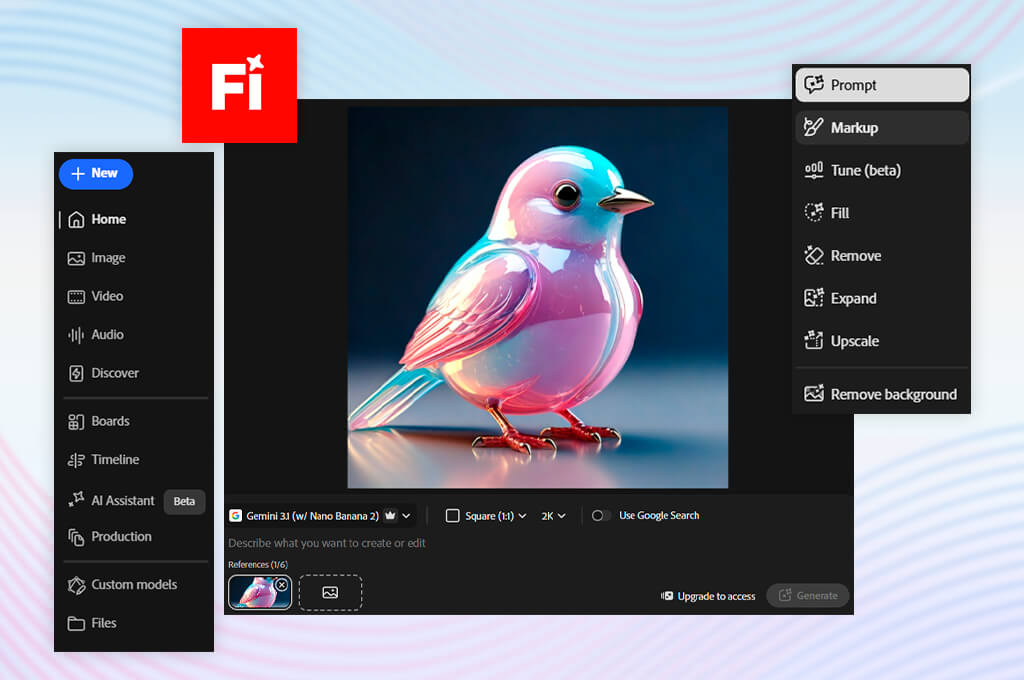
Firefly outperforms most AI image tools with what you can do after the first image appears. That initial output is the beginning of the process. Style adjustments, background swaps, object removal, and canvas extension are available in the same interface, with the option to hand off directly to Photoshop at any point. No manual export is required.
I use Adobe Firefly in Photoshop to edit images further with Generative Fill and Generative Expand, without ever leaving the Adobe ecosystem.
The most tangible advantage I noticed comparing Firefly vs DALL·E 3 is that the former offers continuity. You can perform generation, refinement, editing, composition adjustments, and integration within one environment. Anyone already working inside Creative Cloud will appreciate such a possibility, because moving assets between different apps is time-consuming.
Whenever an image needs to fulfil a specific commercial purpose, Firefly is the more reliable tool. Marketing visuals, product graphics, editorial headers, and branded social content benefit from the precision it offers. DALL·E 3 can produce visually striking output, but it does not give you the control over the final result.
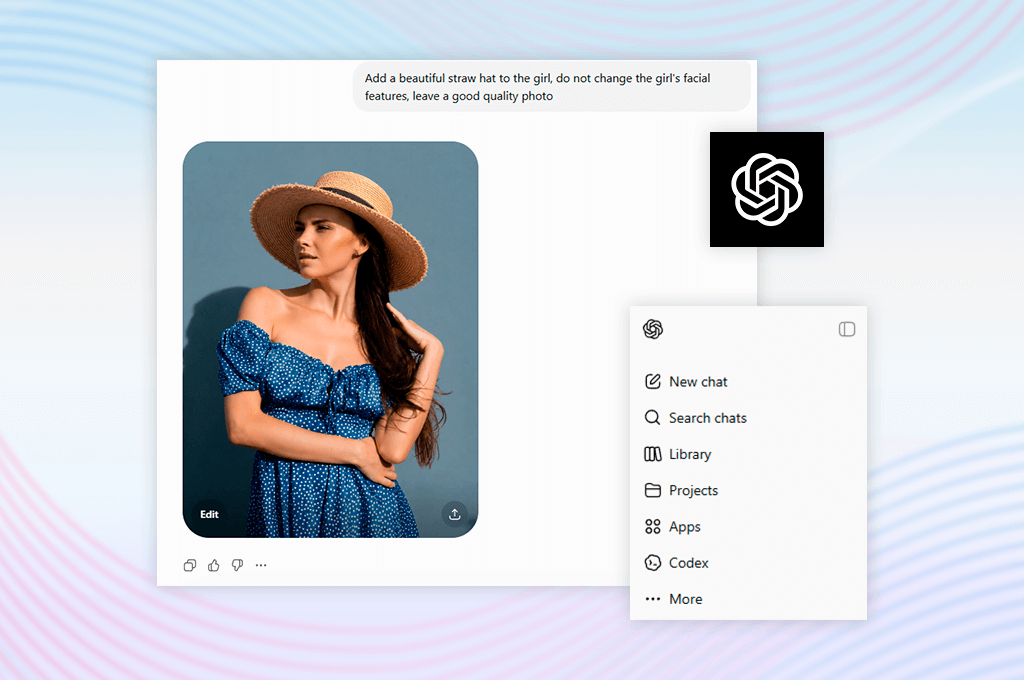
DALL·E 3 is a modern tool that runs natively inside ChatGPT. Its real strength is not the image quality on its own. It is the conversational workflow built around it. You can describe an idea in plain language, get a visual result, and then refine through further conversation without touching the prompt manually.
ChatGPT handles the translation from intent to instruction, which makes the tool a more appealing option in the DALL·E 3 vs Adobe Firefly comparison to anyone without a formal design background.
DALL·E 3 is at its strongest during the exploratory phase. The conversational model is particularly efficient for moodboarding, testing visual directions, generating character concepts, and drafting quick illustrations. There is no need to understand prompt structure, aspect ratios, or style parameters to get something useful back.
The limitations surface as soon as the work shifts from exploration to execution. DALL·E 3 leaves much to be desired in terms of brand consistency, precise compositional control, and detailed post-generation editing. It works well as an ideation tool, but it does not offer the editorial control needed to bring an image to a production-ready state. For that stage of the process, Firefly is the stronger option.
DALL·E 3 and Adobe Firefly sit in the same category, but they address different stages of the creative process. The right question is not which one produces more impressive images in isolation, but which one supports the work you are trying to do.
Firefly is built for images that need to function within a professional deliverable. DALL·E 3 is built for the ideation phase that comes before it. DALL·E 3 is the more efficient starting point when the brief is still open and the priority is rapid visual exploration, especially for teams already operating within the ChatGPT environment.

Adobe Firefly is great for:
Firefly comes out on top in the DALL·E 3 and Adobe Firefly battle when the output needs to meet production standards, not just serve as a visual reference. Generation and refinement happen in the same place. You adjust the composition, replace the background, sharpen the detail, or send it straight to Photoshop or Adobe Express.
That end-to-end workflow proves that Firefly is the more practical choice for product campaigns, editorial content, branded social media, and any project where visual consistency and professional finish are non-negotiable.

DALL·E 3 is great for:
DALL·E 3 is unmatched for exploratory work. A rough concept can be described, rendered, and redirected through conversation in a matter of minutes, which speeds up the entire workflow. It handles open-ended briefs well, but as requirements move from exploration toward execution, the limited editing capability becomes a real constraint.
Comparing OpenAI DALL·E 3 vs Adobe Firefly, I can say that they are both easy to start using and require no technical setup. But accessibility plays a secondary role. It is more important what each interface encourages you to do once you are inside.
Firefly is structured like a professional design workspace. You immediately get access to style controls, aspect ratio settings, reference image inputs, and object editing tools. They are organized to support considered creative decisions. The interface is approachable enough for less experienced users, while still offering the depth that professionals expect.
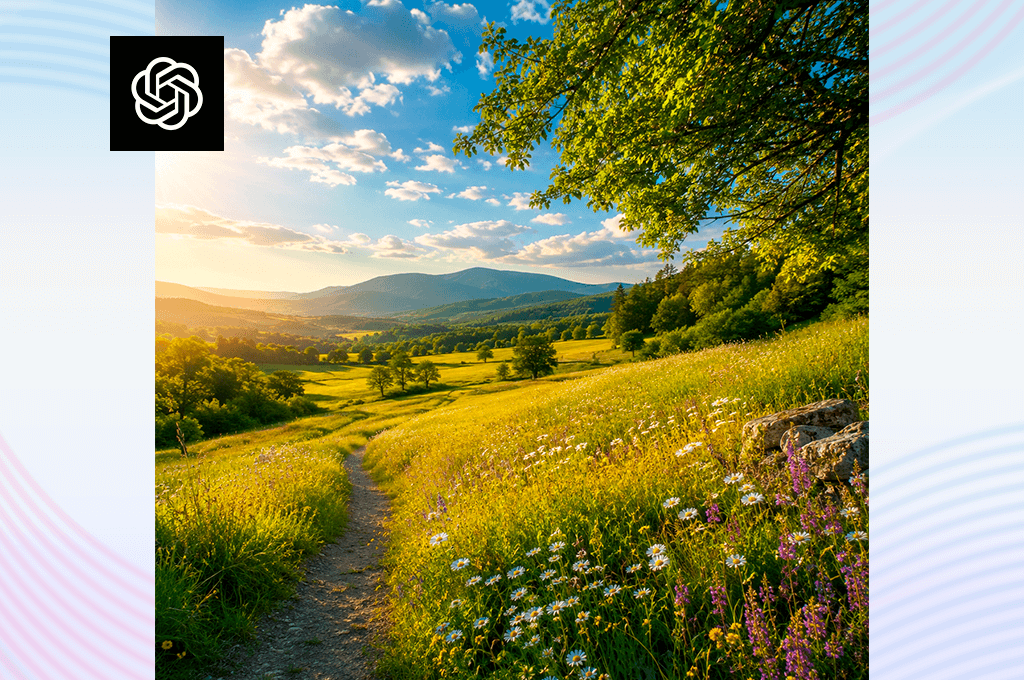
DALL·E 3 operates more like a conversational assistant than a design tool. You describe what you want, receive an image, and ask for adjustments in everyday language. There is almost no interface to navigate, which makes the experience fast and intuitive. But it also means that precise visual control is simply not available.
First-time users will likely feel more comfortable in DALL·E 3 straight away, given how little prior knowledge the interface requires. For creators evaluating DALL-E alternatives with professional output in mind, Firefly is the more capable platform over time. The editing depth and Adobe ecosystem integration it provides are not replicated in DALL·E 3.
Firefly’s capabilities go well beyond generating images from text. The platform includes Generative Fill, text effect creation, video generation tools, and a range of style models. Adobe describes Firefly as a platform for generating and editing images, video, audio, and design assets. This scope becomes apparent the moment you move beyond basic image generation.
DALL·E 3 is deliberately narrow in focus. Its core function is converting natural language into images inside ChatGPT. That focus is also one of its genuine strengths. When you are not sure how to describe what you want visually, ChatGPT’s language capabilities help you move from a rough idea to a concrete output.
If you are interested in Adobe Firefly and DALL·E 3 comparison for professional production, Firefly is the deeper and more capable investment. DALL·E 3 is the better option when speed is the priority, and the process of exploring ideas is as valuable as the image you end up with.
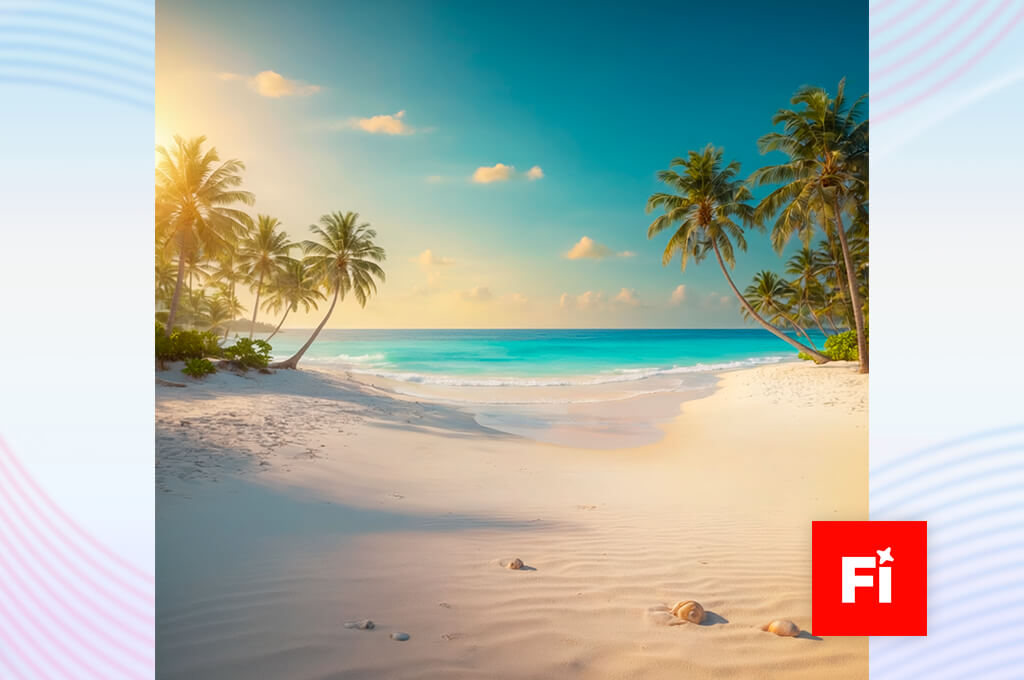
To assess image generation quality, I used the same prompts for both tools. There were product photography scenarios, lifestyle advertising briefs, editorial illustration requirements, interface mockups, and blog header concepts.
Firefly produced more production-ready results across the board. Lighting was intentional, color balance was consistent, and compositions translated naturally into commercial applications. When generating multiple assets for the same campaign or content series, Firefly maintained visual coherence much better.
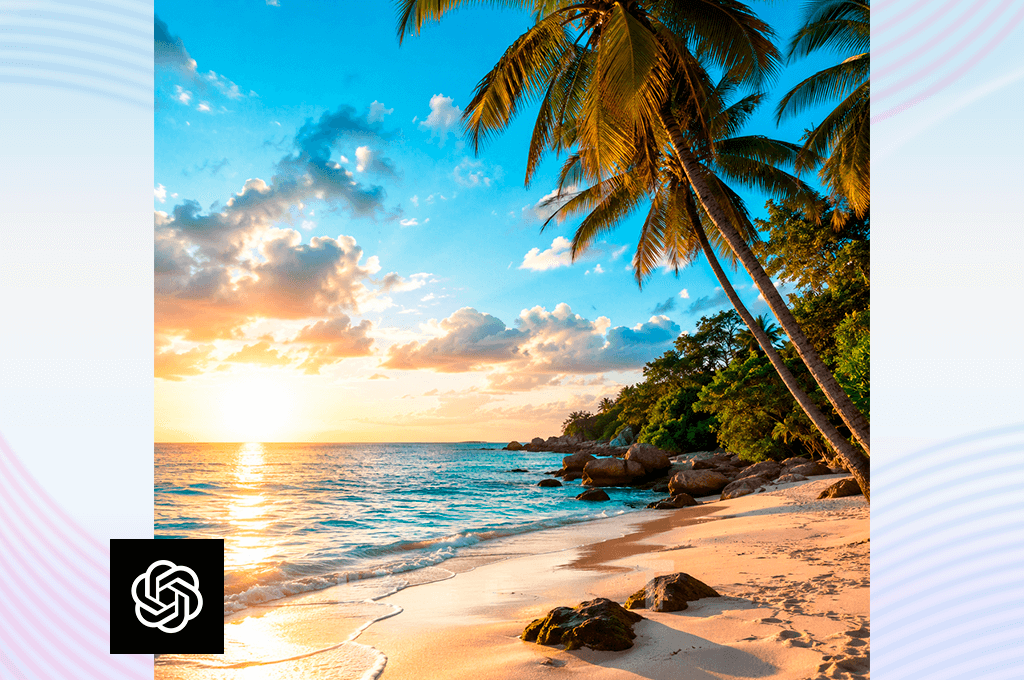
DALL·E 3 performed strongly on imaginative and narrative prompts, returning vivid scenes and original compositions quickly. Reliability dropped when prompts required product-like realism or precise control over specific compositional and design elements.
As a visual ideation tool, DALL·E 3 surpasses its rival in the Adobe Firefly vs OpenAI DALL·E 3 stand-off, particularly when briefs are open-ended and iteration speed outweighs finish quality. For those looking for an AI image generator for campaign-ready output, product imagery, or deadline-driven design work, Firefly is the stronger and more dependable choice.
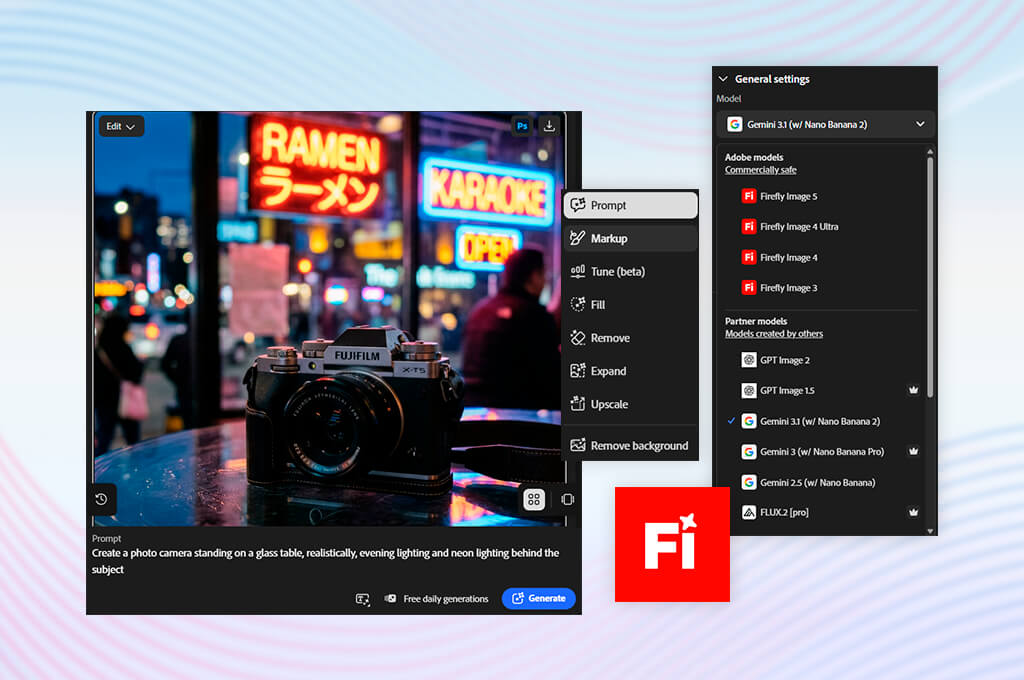
If the two tools are closest at the generation stage, editing shows their most vivid differences. Firefly’s Generative Fill allows you to add elements, remove unwanted content, expand the canvas, replace backgrounds, and restructure a composition without going back to the generation stage. This is great for anyone producing assets for editorial, advertising, or social media.
DALL·E 3 does offer editing through the ChatGPT Images interface. You can select areas, describe changes conversationally, and receive updated results within the same session. For simple modifications, the experience works reasonably well.
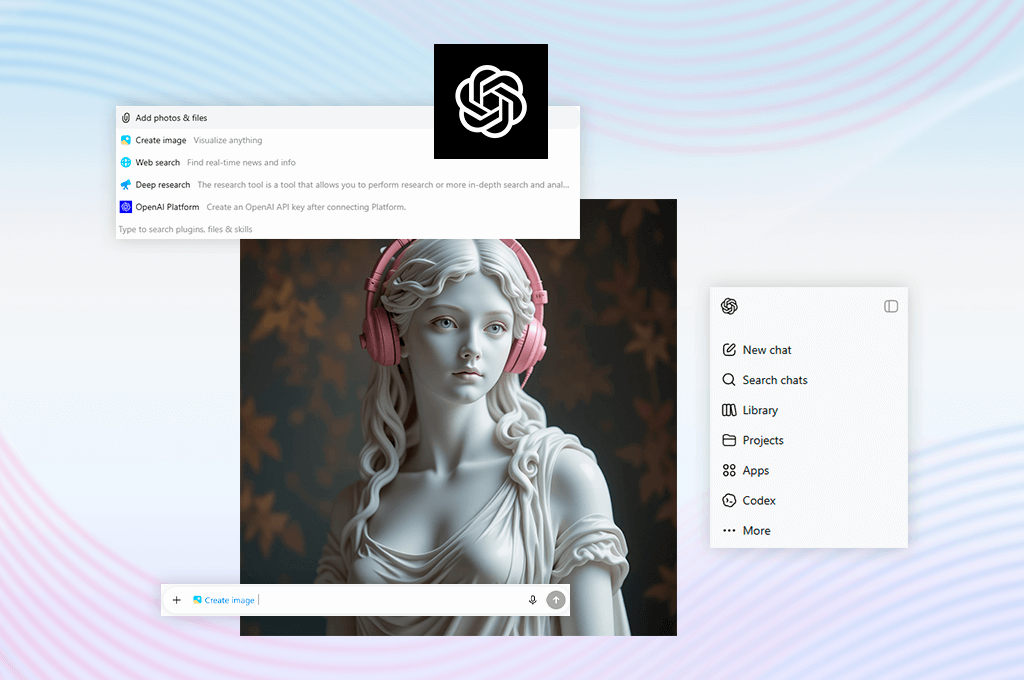
Firefly gives you direct visual control through selection, masking, and precise adjustment. DALL·E 3’s editing is conversational by design. It is well suited to minor changes, but a genuine limitation when more precise work is required. For anything beyond simple corrections, Firefly is the considerably stronger option in the DALL·E 3 vs Firefly comparison.

Prompt interpretation is one of DALL·E 3’s standout strengths. Vague or underdeveloped input does not lead to poor output, because ChatGPT interprets, contextualizes, and refines the prompt before the image is generated. So, no wonder many users call it the best image to prompt generator, which turns a rough description into a structured visual prompt without any manual rewriting on the user’s part.
Firefly responds well to prompts, but delivers its best results when they are paired with style presets, reference images, and manual adjustments. The process demands more deliberate input than DALL·E 3, but the creative control available in return is significantly greater.
Adobe Firefly vs DALL·E 3 comparison confirmed a clear and consistent pattern. DALL·E 3 excelled with open-ended, narrative-driven prompts, while Firefly performed more reliably when prompts had a defined commercial purpose and if you need professional-quality results
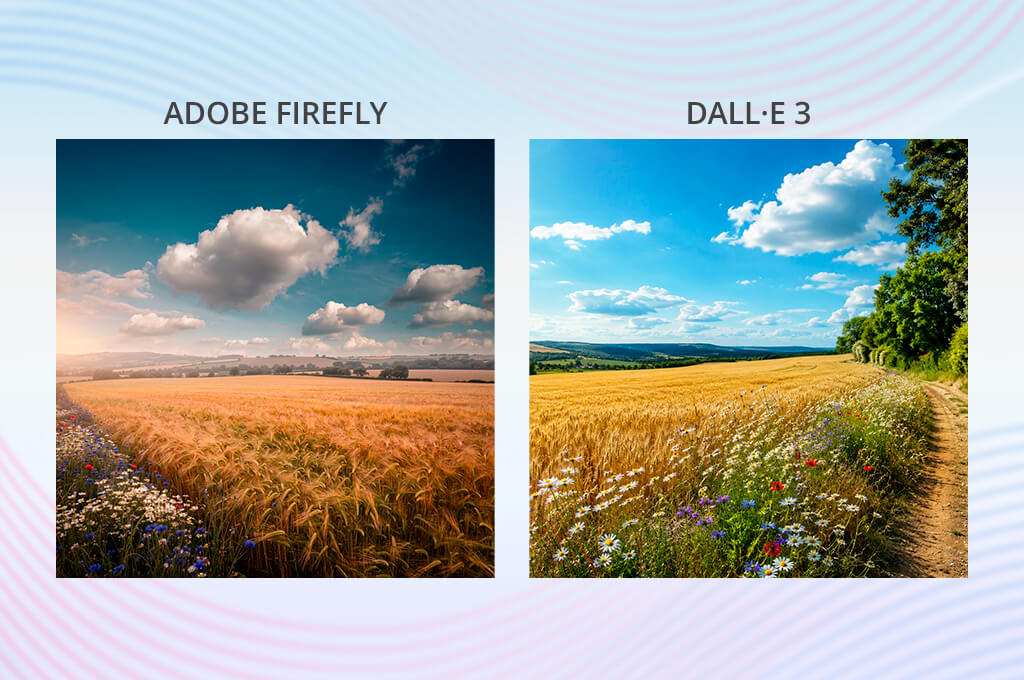
Both tools produce high-quality pictures, but they are optimized for different definitions of what quality means.
DALL·E 3 leans toward detailed, characterful, and often genuinely surprising results. It excels at illustrations, stylized portraits, conceptual environments, and any context where creative impact is more important than commercial applicability.
Firefly’s output is built around a different set of priorities. Images are consistently more purposeful and better suited for design and marketing. They require minimal post-processing, integrate naturally into existing layouts, and behave predictably across commercial contexts. That reliability is the deciding factor when an image is headed for a website, a product listing, or an ad placement.
To put it plainly, DALL·E 3 produces images that make an impression. Firefly produces images that should comply with professional goals.
For professionals working inside Adobe Creative Cloud, Firefly’s ecosystem integration is a genuine operational advantage. Assets move between Firefly, Photoshop, Illustrator, Lightroom, and Express without issues, which matters most when building a campaign that requires visual consistency across multiple outputs.
That advantage becomes even more significant in an Adobe Firefly vs Canva comparison, where you need to manage different stages of a creative process.
DALL·E 3 offers no equivalent infrastructure for asset management. It brags about the speed of individual generation, not about coordinating a visual campaign. Producing one strong image quickly is straightforward. Producing twenty images that share a coherent visual identity is a different challenge entirely.
Firefly is the right choice in the DALL·E 3 vs Firefly comparison when output needs to be organized, visually consistent, and reusable across multiple formats. DALL·E 3 is the more efficient option when you need a single strong image, produced quickly.
Adobe Firefly offers a free tier to get you started, but you can upgrade to a paid plan for extra perks. The Standard plan costs $9.99 a month and gives you 2,000 monthly generative credits. You can use these credits for core features like Generative Fill, as well as premium tools that draw from that same monthly balance.
Adobe Firefly:
DALL·E 3 is mainly accessed through ChatGPT or OpenAI tools. ChatGPT has a free plan with limited/slower image generation, Plus with more complex and accurate image creation, and Pro with unlimited and faster image creation subject to usage limits and guardrails.
DALL·E 3 / ChatGPT image generation:
Firefly is a more deliberate investment for creators who want a dedicated AI design platform. DALL·E 3’s image generation comes bundled with ChatGPT subscriptions, so anyone already paying for ChatGPT gains access at no extra cost.
Being tucked neatly inside the Adobe family, Firefly has a serious edge when it comes to mastering the tool. Instead of figuring it out alone, you can use multiple tutorials, step-by-step guides, and real-world examples. Plus, it connects with the exact workflows you already use in Photoshop, Express, and other Adobe software.
DALL·E 3 is easy to learn because it works right inside ChatGPT. You can just chat with it as you typically do, make a few changes, or try a different style. You don’t need any design experience at all to get great results.
Adobe Firefly or DALL·E 3? Basically, if you want quick, simple prompting where you just type what you want, DALL·E 3 is the easiest choice. But if you are looking for professional design workflows and deep learning tools, Firefly is better.
From a professional standpoint, Adobe Firefly is the superior choice for production-heavy creative projects. It delivers precise controls, editing features, and direct software integration required to build marketing visuals, product assets, and social media campaigns.
That is not to discount DALL·E 3, which remains an impressive AI generator. Its speed, ease of use, and ability to interpret simple text make it a terrific choice for the initial stages of design, namely brainstorming, conceptualizing, and building mood boards.
However, when a project moves from the ideation phase to actual content creation, Adobe Firefly takes the lead in the Adobe Firefly vs DALL·E 3 battle. It lets you quickly move from raw AI generation to professional design workflows, serving as the more complete tool for modern creators.



![7 Best HEIC to JPG Converters [{{%year}} FixThePhoto Choice]](http://fixthephoto.com/blog/images/gallery/news_main__preview_29011.jpg)

![9 Best Lumen5 Alternatives [{{%year}} FixThePhoto Choice]](http://fixthephoto.com/blog/images/gallery/news_main__preview_28975.jpg)

![9 Best AI Label Generators [{{%year}} FixThePhoto Choice]](http://fixthephoto.com/blog/images/gallery/news_main__preview_28972.jpg)



















