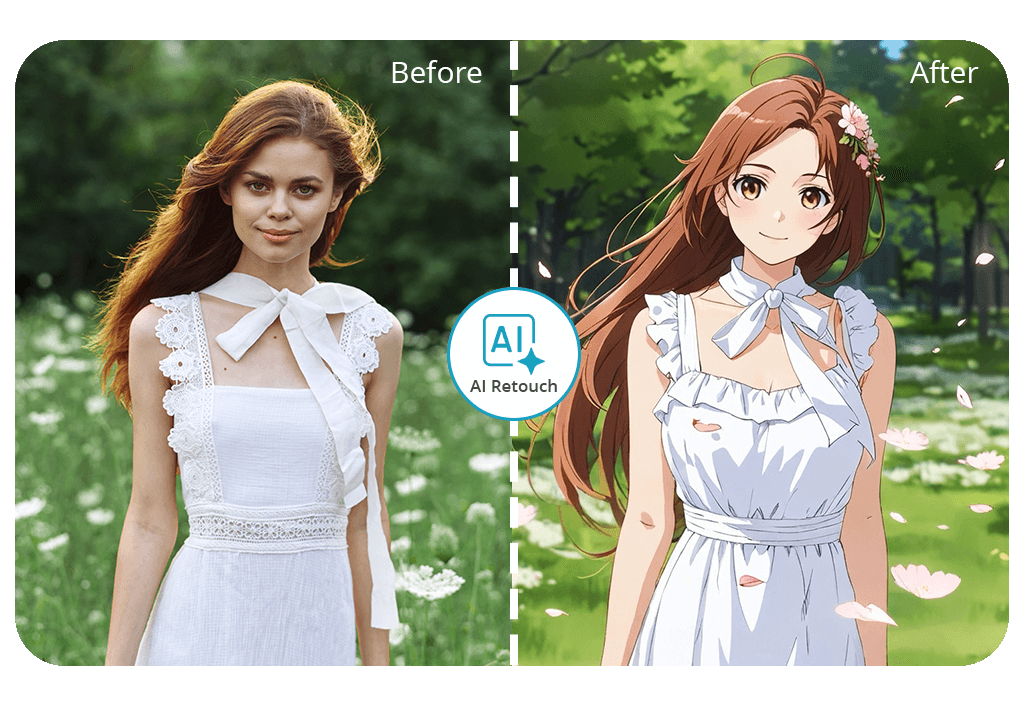


If you’re interested in learning how to make Ghibli art for free, just download our app to convert your image into Ghibli style, reminiscent of the studio’s movies. You get the first photo for free, and all results are diligently retouched by professional editors – no watermarks or unnatural filters.
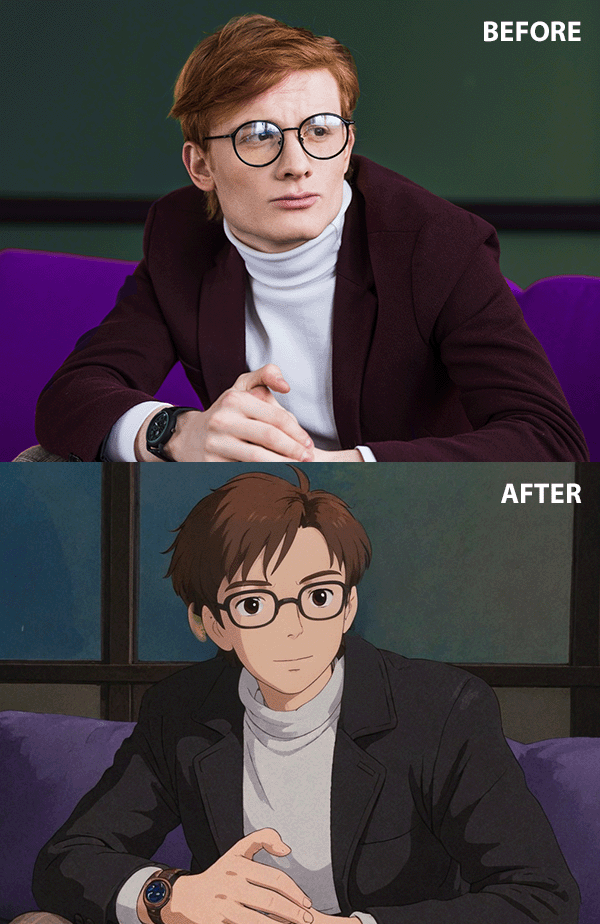


If your goal is to create an image with a fairytale-like nostalgic mood, be it a serene forest scene or the tranquil countryside, the Studio Ghibli style is perfect for infusing your photo with painterly skies, soft hues, and warm lighting.
You can use our free Ghibli image generator online to convert both smartphone selfies and professional photos. Moreover, you can request the add smile to photo service to subtly adjust your facial expression and ensure it matches the soft, cozy feel of Studio Ghibli’s art style.
If you’d like to make your portrait truly special, a Studio Ghibli filter can help you create the ideal image for profile pictures, personalized gifts, or anime-style prints.
The soft lines, pastel hues, and whimsical backdrops look cozy and artistic, while instantly catching everyone’s eye.
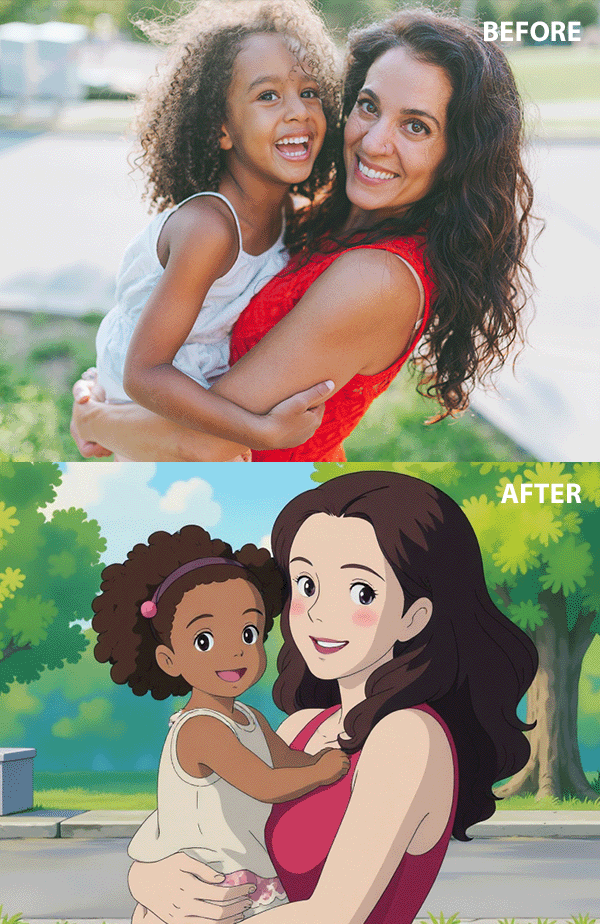
Import a picture with soft lighting and a relaxed pose – this will allow our retouchers to make the necessary changes while blending you into a hand-painted environment. Certain users want to recreate The Secret World of Arrietty aesthetic with airy petals and natural textures.
Additionally, you can request the inclusion of new elements like forest creatures, paper umbrellas, or vintage lanterns. The Studio Ghibli Style is perfect for preparing birthday gifts, posters, or simply entertaining yourself with a serene, animated version of your selfie.
If you’re interested in customizing the image even further, pick the add accessories to photos service in the app. It lets you ask for new items like hats, earrings, or fantasy props that will be a perfect fit for the Ghibli Studio aesthetic, similar to satchels, sparkles, or soot sprites that you can see in Spirited Away.
The online Ghibli art converter included in the FixThePhoto app can be downloaded from either the App Store or Google Play. Our application lets you provide a detailed description of the scene and atmosphere you’re going for, and our editors will make the necessary adjustments to fulfill all your requirements.
By using our Ghibli-style image generator online for free, you can mix the appeal of hand-drawn animation with professional retouching. In contrast to the average AI-based platform that often neglects or ruins vital details, our approach provides a balanced and creative result.
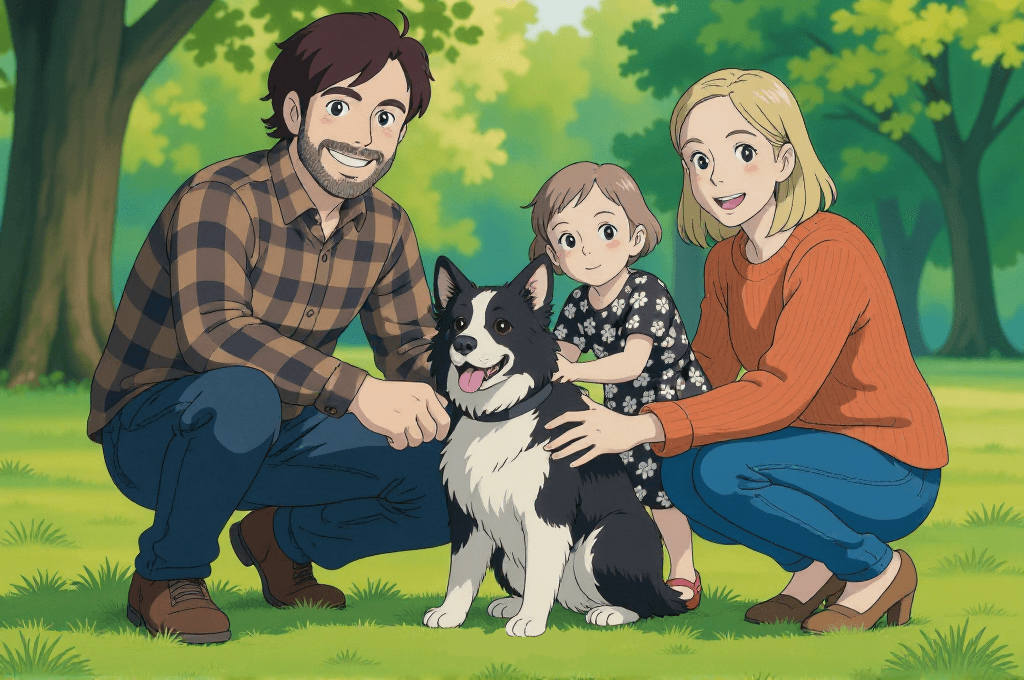
By combining AI and actual human retouching, you’ll receive soft hues, natural lighting, and customized visuals that imitate the serene, dreamlike mood of Studio Ghibli movies. Additionally, we can fix facial asymmetry on photos to ensure you look your best in the final image.
The Fix The Photo Body Editor & Tune app allows you to specify how exactly you’d like your Ghibli image to look, be it with added floating petals or a calming forest background. Some people like to request an environment like Ponyo – gentle waves, seaside skies, or whimsical bubbles.
Our editors breathe life into every small detail, ensuring you resemble a character from a beloved animated movie.
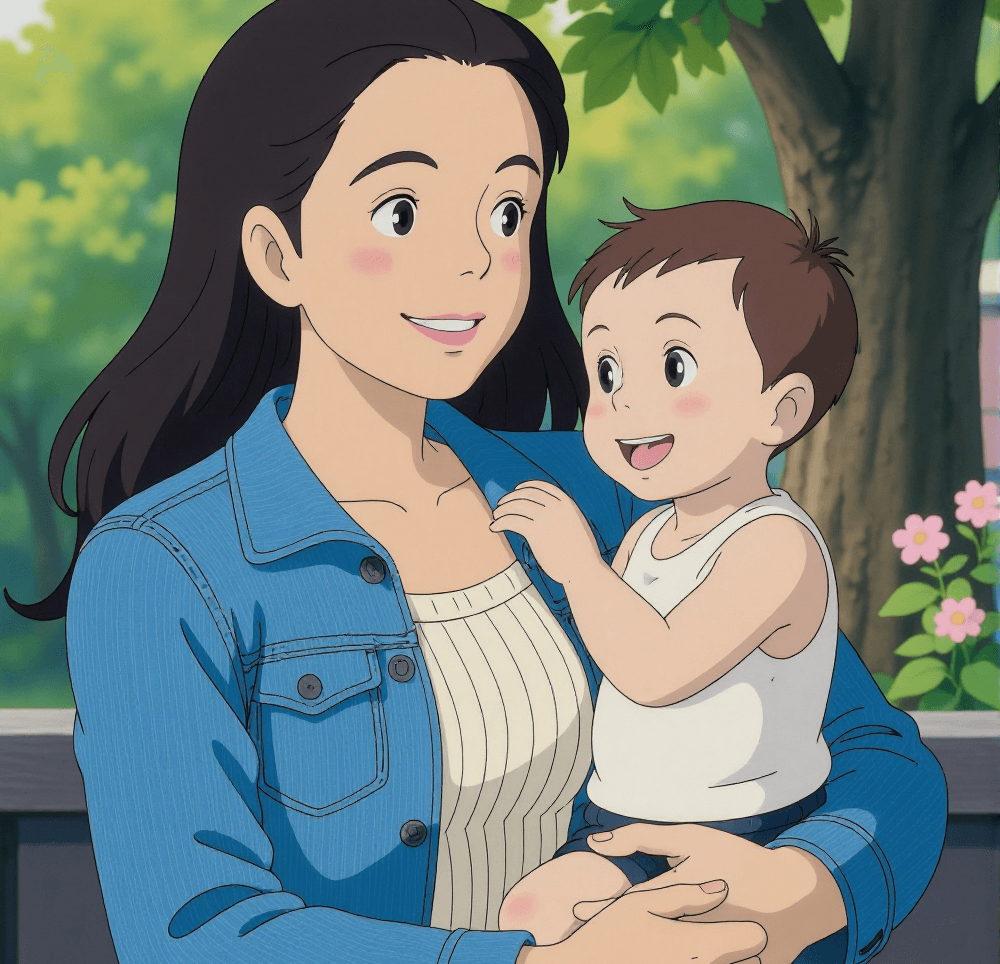
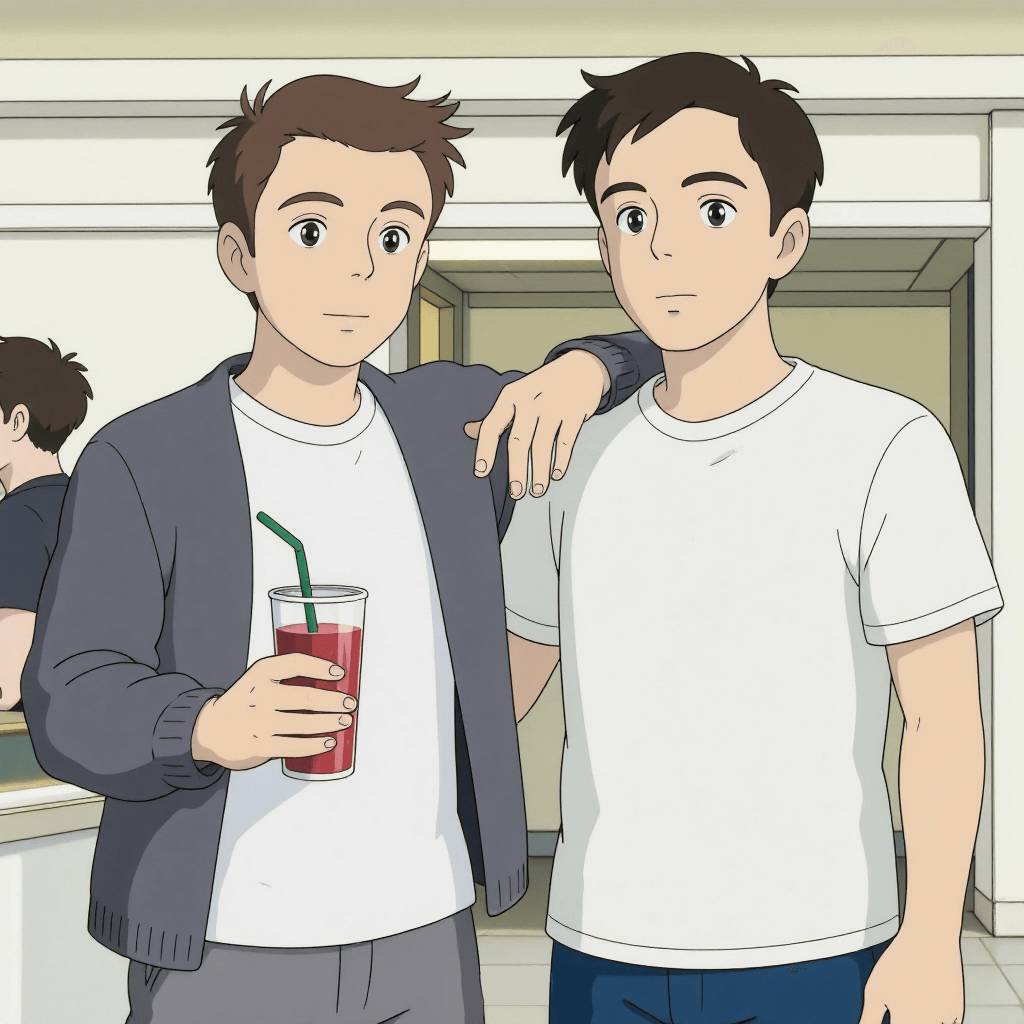
Probably the best reason to want to learn how to convert an image to Ghibli style is to create a special photo of you and someone special to you. It can be your friend, sibling, or partner – the magical atmosphere and soft hues of Studio Ghibli’s signature aesthetic will ensure that any photo you convert looks like a screenshot from an anime.
If the picture features two faces, our retouchers will ensure your connection is maintained, fitting expressions, gesturing, or eye contact if needed – all to tell the story you want. Removing shadows from the photo allows you to achieve cleaner visuals, enabling the soft hues and dreamlike vibe to breathe. The final image resembles a calm scene from a Ghibli animation, filled with serenity and warmth.
The FixThePhoto app team developed an intuitive app that lets you make a Ghibli style image with soft colors and a hand-drawn animation aesthetic that resembles classic films. Rather than swapping out your image for an AI-generated one, it transforms the existing picture, introducing painterly skies, pastel hues, and a dreamy vibe.
We utilize both AI and manual retouching: once you import your photo, our retouchers start working on the backdrop, tweak the lighting, and introduce tasteful hand-drawn effects that create a whimsical, storybook mood. Smaller fixes like removing eye bags from the photo or getting rid of a double chin ensure the final image looks professional without losing its natural appeal.
You can also ask for small additions like vintage lanterns, flying leaves, or a subtle mist to fully realize your vision. It’s a great method to convert a photo to a Studio Ghibli-style image.
Additionally, you can further enhance your image in the app until you’re completely satisfied with the delivered result!