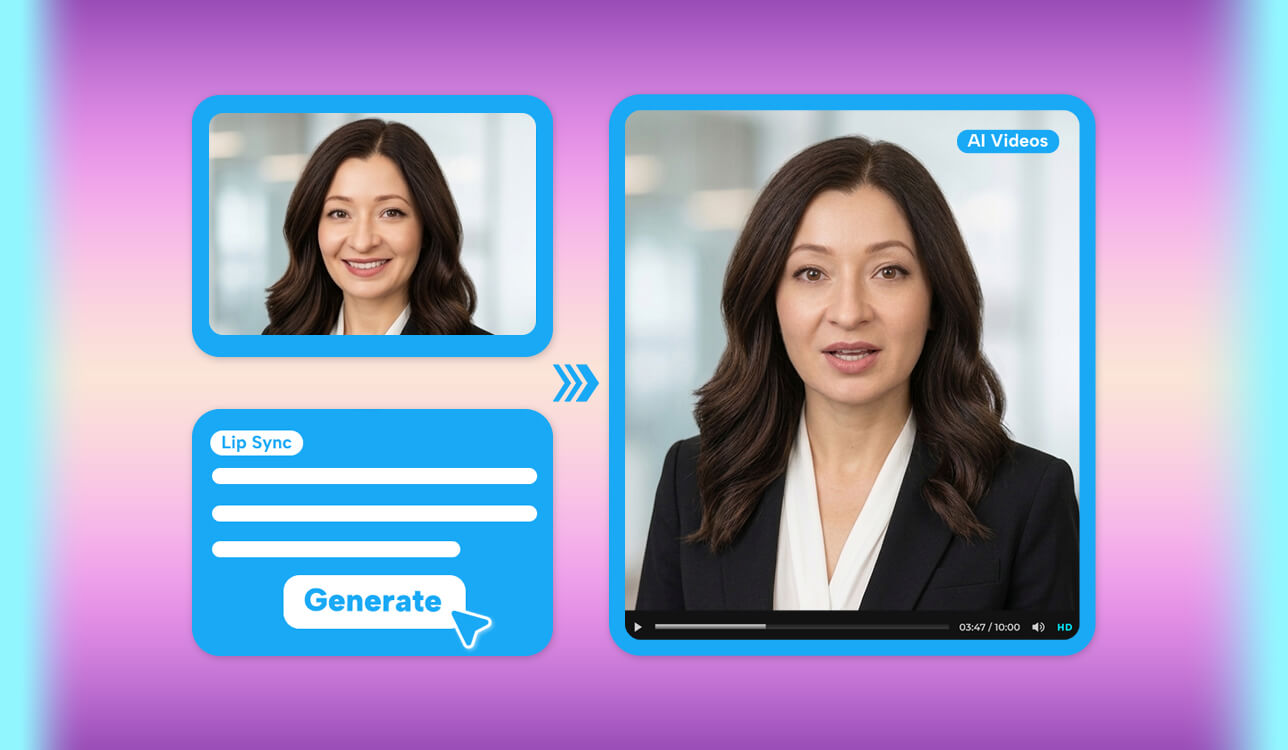
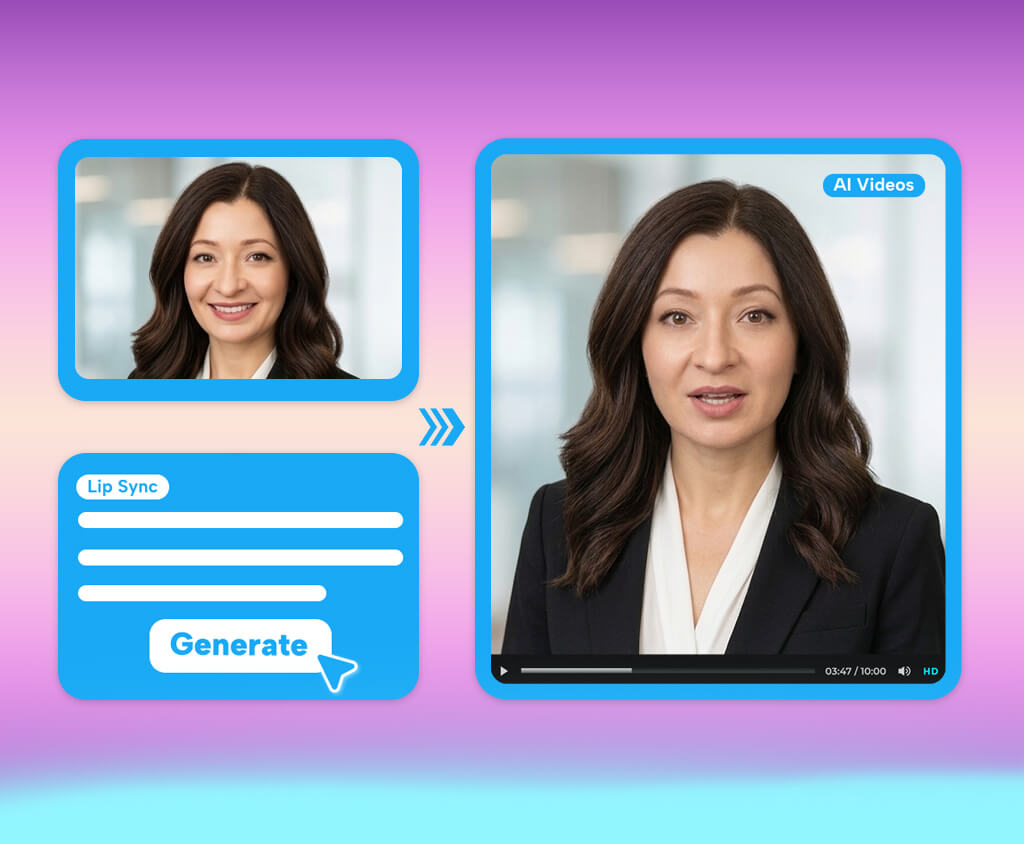
I began my search for the best AI lip sync generators online when my job required me to prepare videos with new voiceovers without reshooting the footage. At work, I frequently handle videos that have to be translated, updated, or repurposed, but if I just swap out the sound, the lip motion will look weird and out-of-sync. AI lip syncing platforms help deal with that issue by fine-tuning the mouth movements to match the new audio, which can save a ton of time on manual editing and simplify the task of creating dubbed content.
To determine which options could consistently provide high-quality results, I tested over 25 tools and evaluated their synchronization precision, facial motion, user-friendliness, generation speed, and offered features. Additionally, I studied user feedback on Reddit, G2, Product Hunt, and other creator communities and talked to my coworkers who are used to dealing with videos and AI tools. Based on my tests and received feedback, I chose the options that did the best job helping me produce natural-sounding and well-synchronized videos.
| Tool | Accuracy | Multilingual Support | Processing Speed | Free Plan/Trial |
|---|---|---|---|---|

|
Very High
|
40+ languages
|
Fast
|
✔️
|

|
Very High
|
175+ languages
|
Fast
|
✔️
|

|
High
|
80+ languages
|
Fast
|
✔️
|

|
High
|
100+ languages
|
Moderate
|
✔️
|

|
High
|
80+ languages
|
Moderate
|
✔️
|

|
High
|
95+ languages
|
Fast
|
❌
|

|
High
|
100+ languages
|
Moderate
|
✔️
|
When picking the best AI lip sync generator, I prioritized examining how precisely and naturally each platform matched mouth movements to the audio, while evaluating the visual quality, facial expressions, and overall performance. I also accounted for language support, compatibility with existing footage, images, avatars, and AI-generated clips, while also checking for extra features like text-to-speech and voice cloning.
Other important considerations included editing controls, multi-speaker support, processing speed, and user-friendliness. Lastly, I examined how each platform handled free credits, watermarks, video restrictions, and extra tools such as AI dubbing, translation, subtitles, and avatar creation to check if they could be applied to a practical overall workflow.
Even the most impressive free AI lip sync generator can deliver weird results if the source file poses processing challenges. I suggest adhering to these recommendations to ensure you get more natural synchronization:
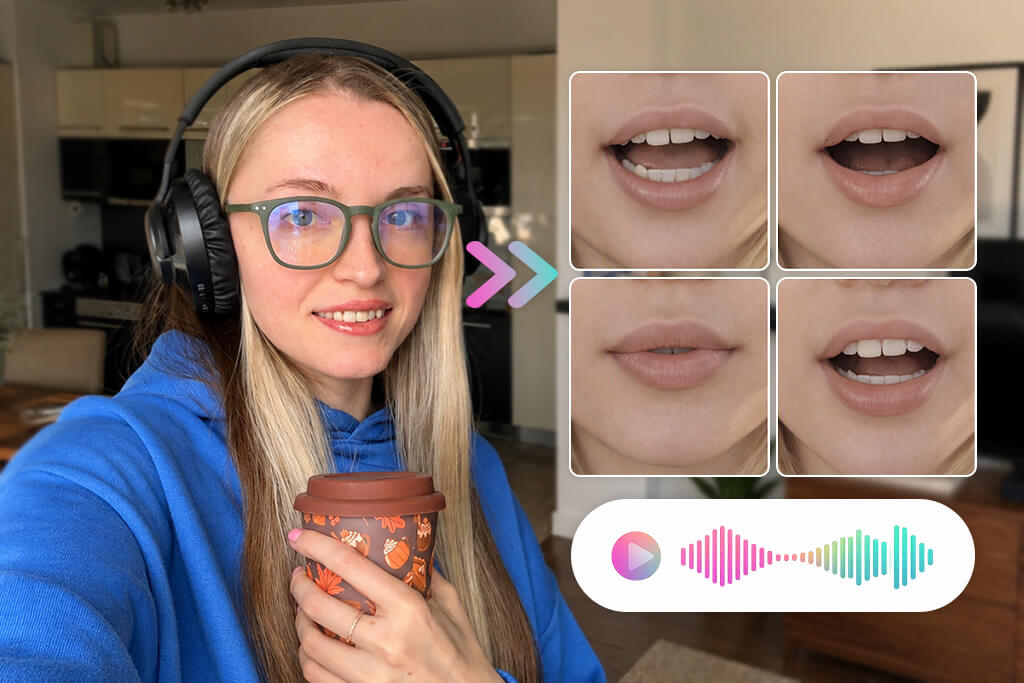
In general, your best bet is to use higher-quality source footage with clean audio. Additionally, I suggest previewing the output and making appropriate timing adjustments before downloading the final video.
Price: Free (limited daily generations) or from $9.99/month
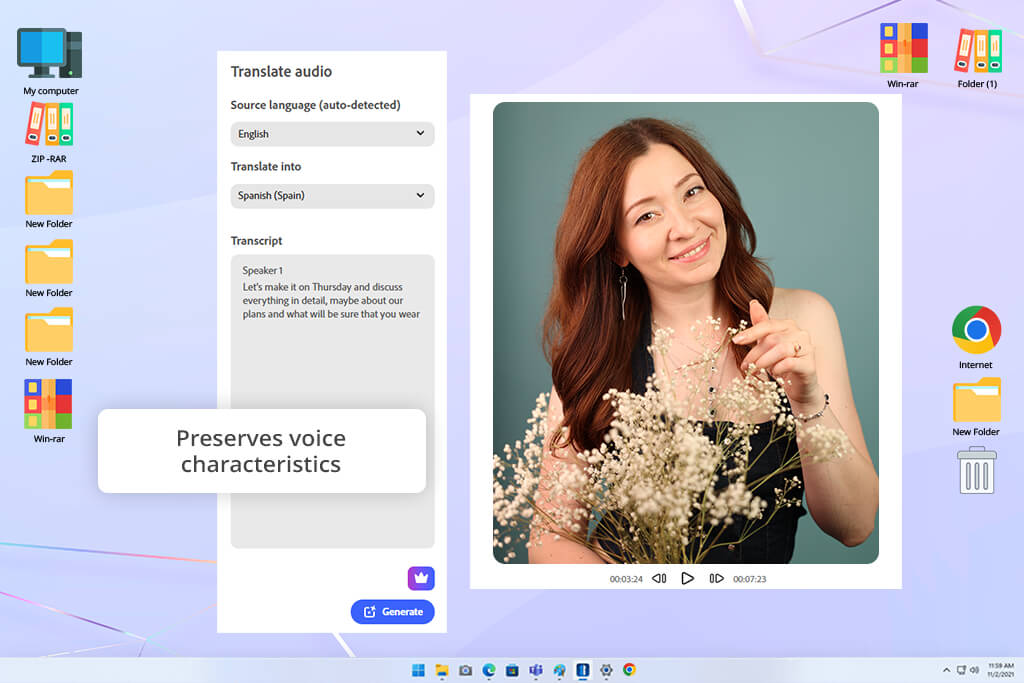
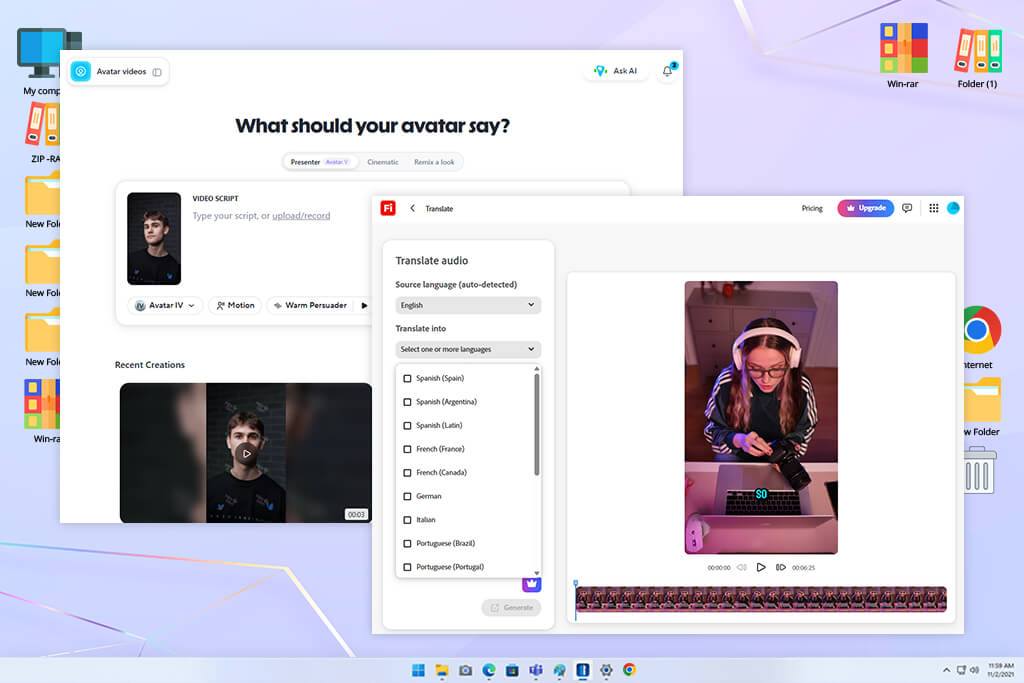
Adobe Firefly video is a versatile AI solution that offers a Translate Video feature with Lip Sync support. I used it with my talking-head videos to check how it would sync translated speech with the model’s lip movements. Firefly automatically transcribed and translated all spoken lines before producing new audio.
Next, I could enable lip syncing to ensure the speaker’s lip motion matched the added voiceover. Alternatively, I could keep the lip syncing disabled to ensure the original video footage is untouched.
I think Firefly is the best AI lip sync generator when it comes to preparing multilingual promotional, educational, and tutorial content without rerecording everything from scratch or having to tweak the lip movements manually. Firefly lets you pick from over 40 languages while preserving the defining features of the speaker’s voice, including their tone and pitch. Additionally, you can leverage text-to-speech, an AI video generator, and sound tools.
The most noticeable downside is accessibility: the advanced video translation and lip sync tools are only included in the Adobe Creative Cloud Enterprise plans. Moreover, the final lip-sync quality is often determined by the source video, meaning clear audio, visible faces, and a natural delivery tone and pace are very important if you want to receive a convincing output.
“I enjoy Firefly’s combination of lip syncing, dubbing, and translation all in a single solution. It’s particularly efficient at generating footage for different language audiences.”

Price: Free (3 videos/month) or from $29/month
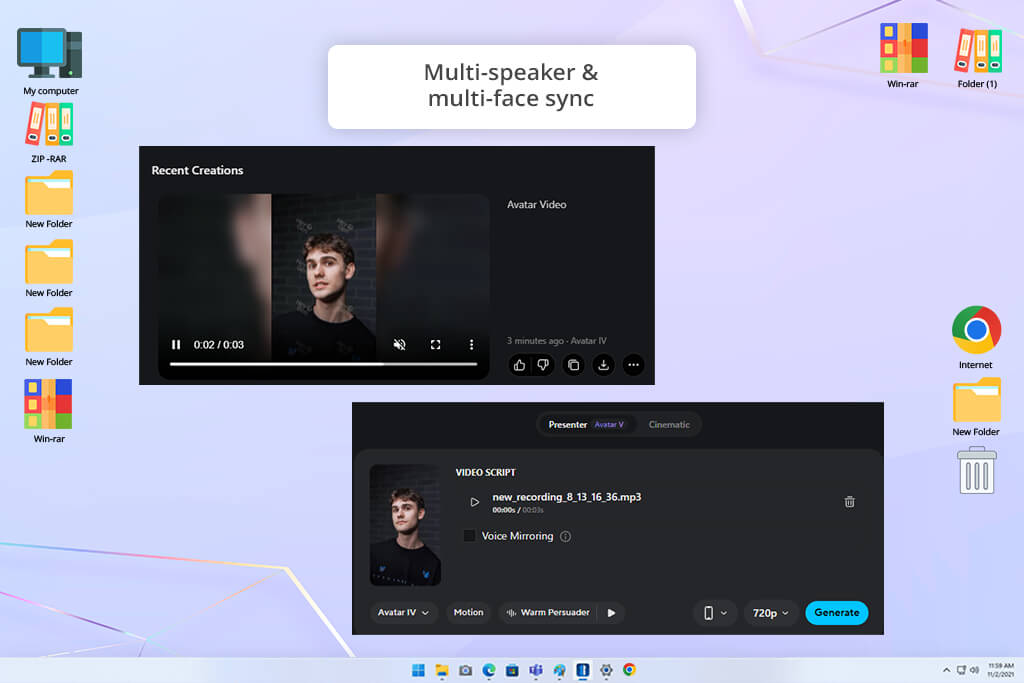
HeyGen is a versatile platform with a handy lip syncing feature that matches audio to natural mouth movements. I used this free AI lip sync generator online with both prerecorded footage and still images, while importing audio clips and using the AI to generate new dialogue to examine the synchronization accuracy. HeyGen let me import videos, images, or avatars, and add audio tracks or scripts, while the platform handled the lip-to-speech matching. The generated lip motion was usually smooth and accurate, particularly if the source video featured clear, front-facing faces.
It helped me transform a still photo into a talking clip, pick an AI avatar, and preview the output before downloading it. This solution is compatible with over 175 languages and dialects and can export files in 16:9, 9:16, and 1:1 aspect ratios, which is why it’s a great choice for YouTube, TikTok, and Reels. Additionally, I tried using the Custom Motion tool, which allows you to generate gestures, posture, and facial expressions.
HeyGen also deserves praise for its AI video translation, subtitles, text-to-speech, AI virtual actor generator, background customization, and templates for social media. The biggest drawback is that many advanced tools and high-resolution exports are only available in the premium version, so it’s not an entirely free lip sync video generator.
Price: Free (3 projects, watermark) or from $29/month
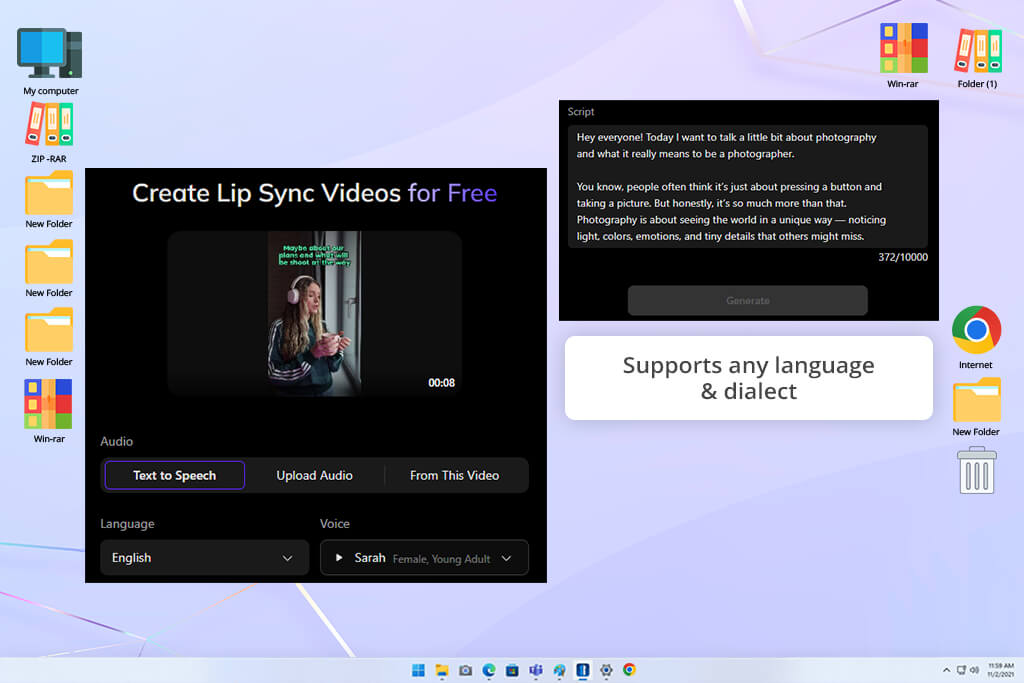
Vozo AI is arguably the best AI lip sync generator when it comes to handling videos that don’t offer the perfect front-facing angle. I used it with a variety of videos and audio tracks, switching between Standard Mode for quicker results and Precision Mode for more accurate synchronization. Additionally, I could choose specific faces in a clip, which was great if the footage had several people. The results were particularly realistic in Precision Mode when faces were shown from the side or partially obscured by beards, piercings, or other elements.
Vozo is also a great fit for multi-speaker scenes. It did a great job pairing voices to specific faces instead of synchronizing the entire video in one go, which is great for interviews, panel discussions, and dialogue scenes. As an AI video translator, Vozo is useful for localizing content by translating and dubbing speech while ensuring the lip motions remain synchronized.
You can upload audio in any language and dialect you need, while the generated speech feature lets you pick from nearly 80 languages. The primary downsides are the longer rendering times for challenging footage, restrictive customization, and the watermark added to free downloads.
Price: 3 free lip syncs per day or from $19/month
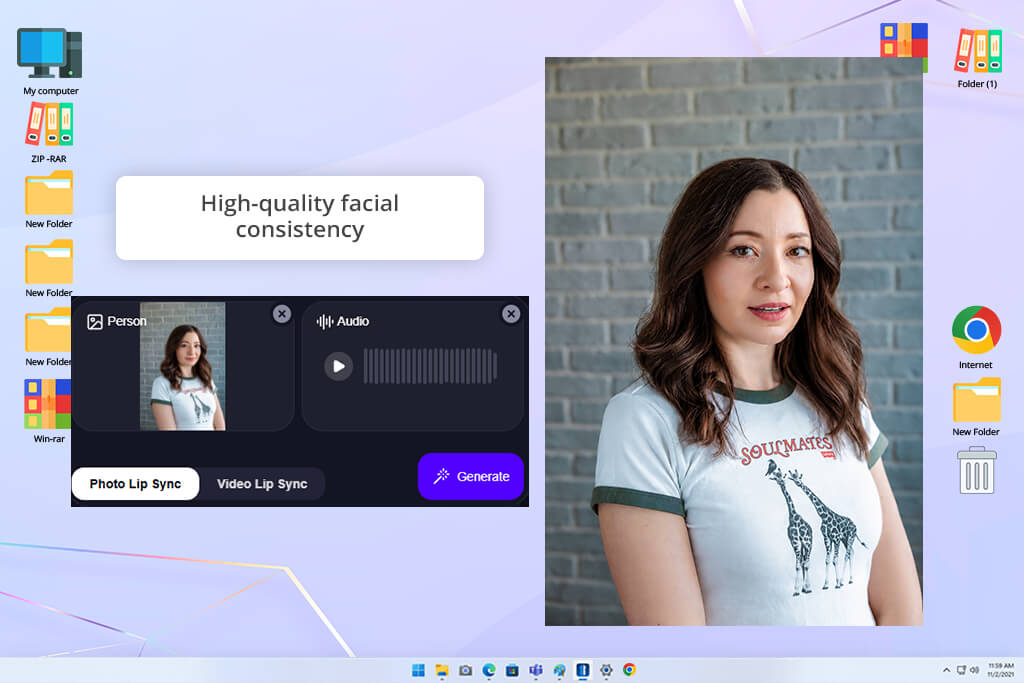
Magic Hour is a pleasantly straightforward AI lip sync generator to use. I imported footage with a visible face, added the audio I wanted the subject to say, and pressed “Sync Lips.” The platform delivered the result in just a couple of minutes, and I could conveniently experiment with multiple audio tracks without having to make any manual edits. The results based on clear footage looked natural, while more complex videos demanded multiple regenerations.
Additionally, I utilized Magic Hour as AI dubbing software and a localization tool, replacing the original dialogue while ensuring the speaker’s lip motions remained synced. This solution can generate voiceovers with its AI voice generator, animate still images, and even generate a talking avatar.
Magic Hour is a great option for UGC advertisements, client testimonials, training footage, and music lip-sync edits. You can use this platform for free without creating an account. However, the free plan is limited.
Price: Free (watermark) or from $29/month
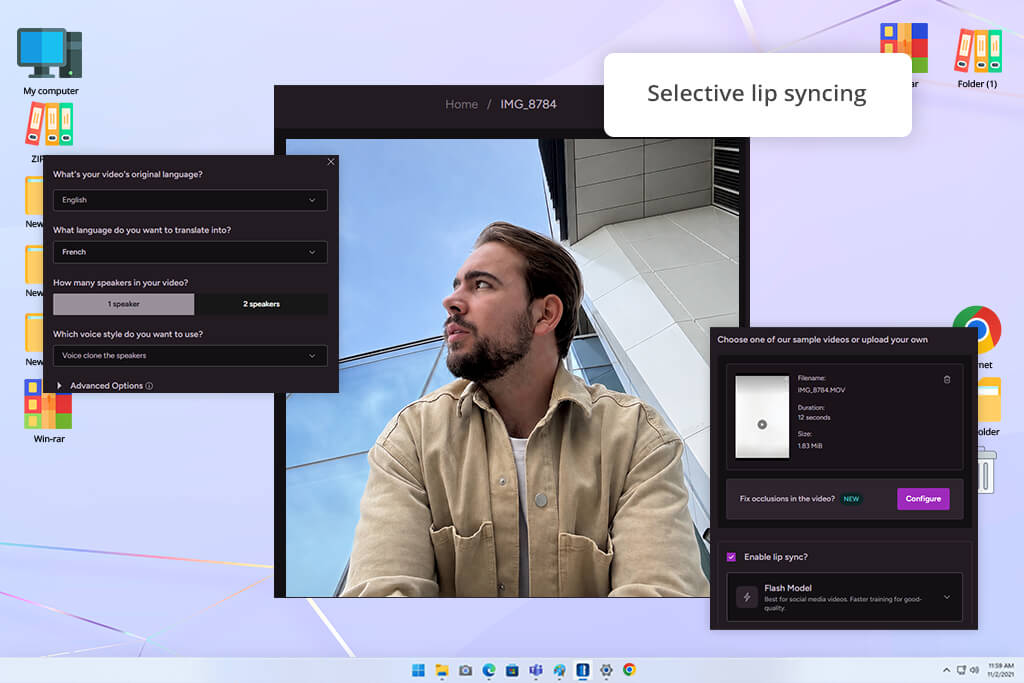
I used LipDub as an online AI lip sync generator for free to localize multiple existing videos. I imported my footage, swapped out the original audio with new dialogue, and evaluated the precision of the generated lip movements. Its first-party lip synchronization algorithm processes the footage frame by frame while maintaining the original facial expressions, emotion, and tone. It’s compatible with more than 80 languages and can be used for live-action, animated, and AI-generated videos.
Additionally, I tried out the provided editing features, adjusting the expressiveness of the mouth, choosing individual sections for lip syncing, and rearranging clips to fix timing. LipDub provides both quicker and higher-fidelity models, so you can tweak the processing speed based on the project. Moreover, I could import existing audio to swap out a separate line or the entire script without rerecording my footage. LipDub is compatible with videos that are up to 180 minutes long, which makes it a good option for all types of content, ranging from brief ads to long-form videos. The most noteworthy drawbacks are the lengthier processing times for larger projects and a bigger emphasis on localization rather than dedicated lip syncing.
“I liked the ability to deal with minor lip-syncing issues. However, it took me a while to master the offered advanced features.”

Price: Free, $5/month (with watermark), or from $19/month
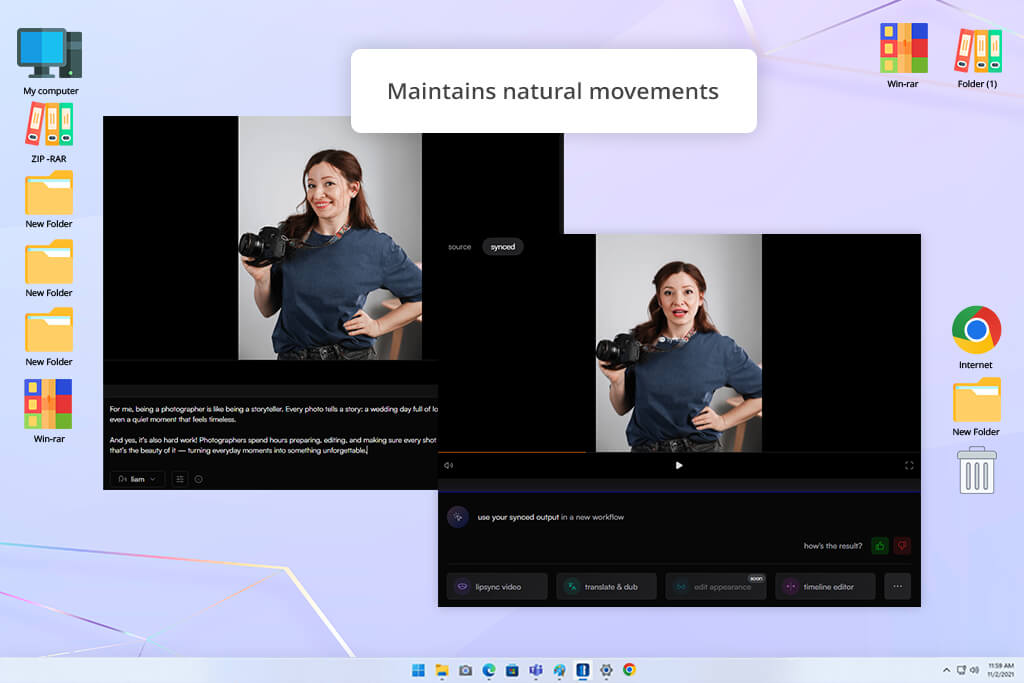
The most noteworthy feature of this AI tool for content creation is how reliable it is at maintaining the speaker’s original performance. I used its AI video lip sync generator with a clip of a highly emotive person, and the output managed to copy their facial expressions and gestures perfectly while still adapting the mouth movements to the new script. This ensured the dubbed result resembled the original instead of looking like a basic AI-made animation.
Sync Labs can also be used for multilingual footage, as I received impressive results when dubbing and localizing videos. The output looked particularly natural when the source file featured clear facial expressions and even lighting. That said, this platform works better when the subject moves around and speaks a lot, which is why it's not recommended for still frames. Additionally, it can struggle with side-profile clips and insufficient lighting, leading to uncanny-looking faces.
Price: Free trial (limited free credits) or from $9.99/month
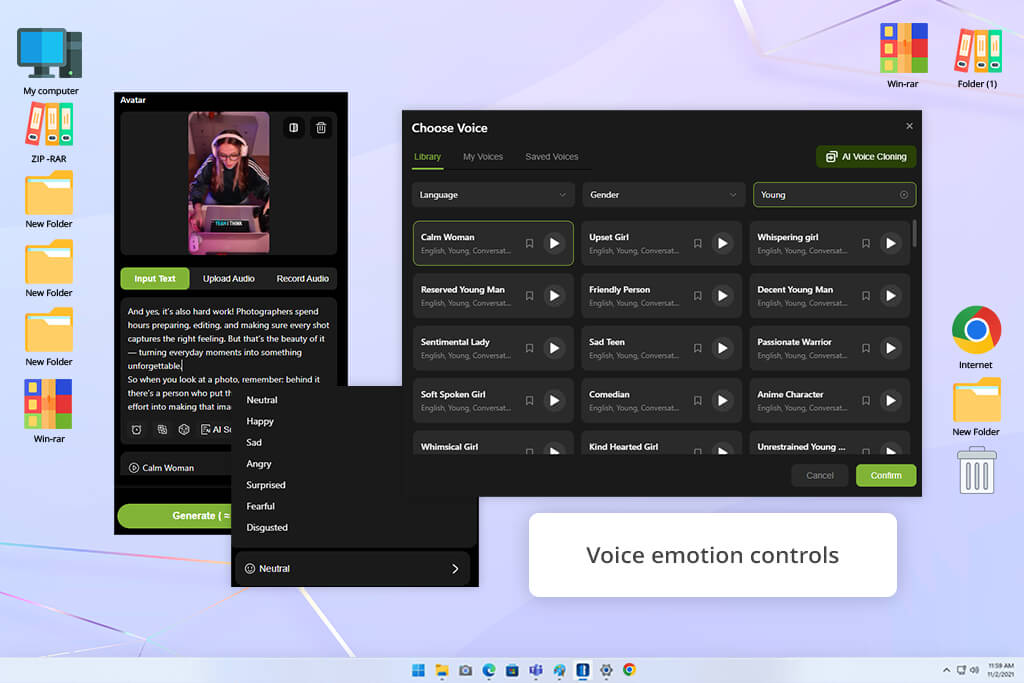
LipSync Video offers a wider take compared to most AI lip sync generators, as it offers lip animation for regular speech, singing, and dialogue. I started by importing a video and generating new audio for it. Moreover, I tested the script feature to generate speech automatically.
The lip motions did a great job matching the audio while preserving the original gestures and facial expressions. Additionally, I could pick from more than 300 avatars, which is a great option if you don’t have any original footage to work with.
I appreciated the diverse audio options offered by this platform. I could import or record sound, write a script, pick from over 200 AI voices, and tweak the talking speed and facial expressions. The tool also acts as AI voice cloning software, supporting a wide range of languages, while allowing you to produce videos with humans, animals, and cartoon characters, including singing and dialogue sections.
Additionally, LipSync Video comes with photo and video generation functionality as well as handy editing features. That said, its free version has a very limited number of credits, and elaborate scenes require multiple tries before you receive the desired result.
Talking-head footage with a clearly visible face, stable camera, even lighting, and clean speech tends to deliver the most authentic results. Front-facing videos are usually easier to process than side profiles.
Yes. Sync Labs, Vozo, LipDub excel at handling existing videos, letting you swap out the original speech and synchronize the actor’s lips with new audio without having to rerecord anything.
Yes. Some solutions enable you to import your own recording, pick an existing file’s audio, or clone a voice. HeyGen, Vozo, and LipDub offer voice-heavy workflows that preserve the same speaker across multiple lip-synced versions.
Yes. Adobe Firefly, HeyGen, and LipDub offer both lip syncing and translation or dubbing. For instance, you can generate a localized version of an English video while preserving the original actor and matching their lip motion to the translated audio.
Yes, but not all options support this feature. HeyGen and Vozo can handle multi-speaker scenarios and sync different faces with relevant dialogue segments.
Yes. LipDub and LipSync Video offer AI-generated characters and avatars, while HeyGen is known for its AI avatars and talking presenters.
Yes. Higher-quality videos usually contain more facial detail for the AI to process. Low-resolution, dramatically compressed, or blurry footage can make it harder to provide precise lip tracking.
To determine the best online AI lip sync generators, I tried out a long list of platforms while putting them through similar tests. My colleagues from FixThePhoto assisted me in evaluating many of the options, including platforms that failed to be included in the final list like Dreamina, Synthesia, Runway, Higgsfield, Fiverr, Artlist, Pixbim, LipDub, FreeLipSync, Kling, ElevenLabs, Jogg AI, DeeVid AI, and Pollo AI, since they either lacked dedicated lip syncing tools, customization options, or the output quality failed to meet my expectations.
“HeyGen delivers realistic lip sync and can be used for videos, avatars, and images. However, the free version feels a tad too restrictive.”

Here are the aspects we prioritized when testing all the different options:
“The lip sync delivered by Sync Labs looks realistic when the source file was a video. Unfortunately, it struggled handling static images.”
After comparing the results and talking about our findings with each other, my coworkers and I prepared the final list of the best AI lip sync generators that delivered the optimal mix of lip-sync precision, realistic mouth movements, useful tools, user-friendliness, and overall value.


![11 LumaFusion Alternatives [Cross-Platform & Free]](http://fixthephoto.com/blog/images/gallery/news_main__preview_27819.jpg)
![New Auto Object Masking in Adobe Premiere Pro [Step-By-Step]](http://fixthephoto.com/blog/images/gallery/news_main__preview_28483.jpg)

![7 Best AI Dubbing Software in {{%year}} [100% FREE]](http://fixthephoto.com/blog/images/gallery/news_main__preview_27946.jpg)



















