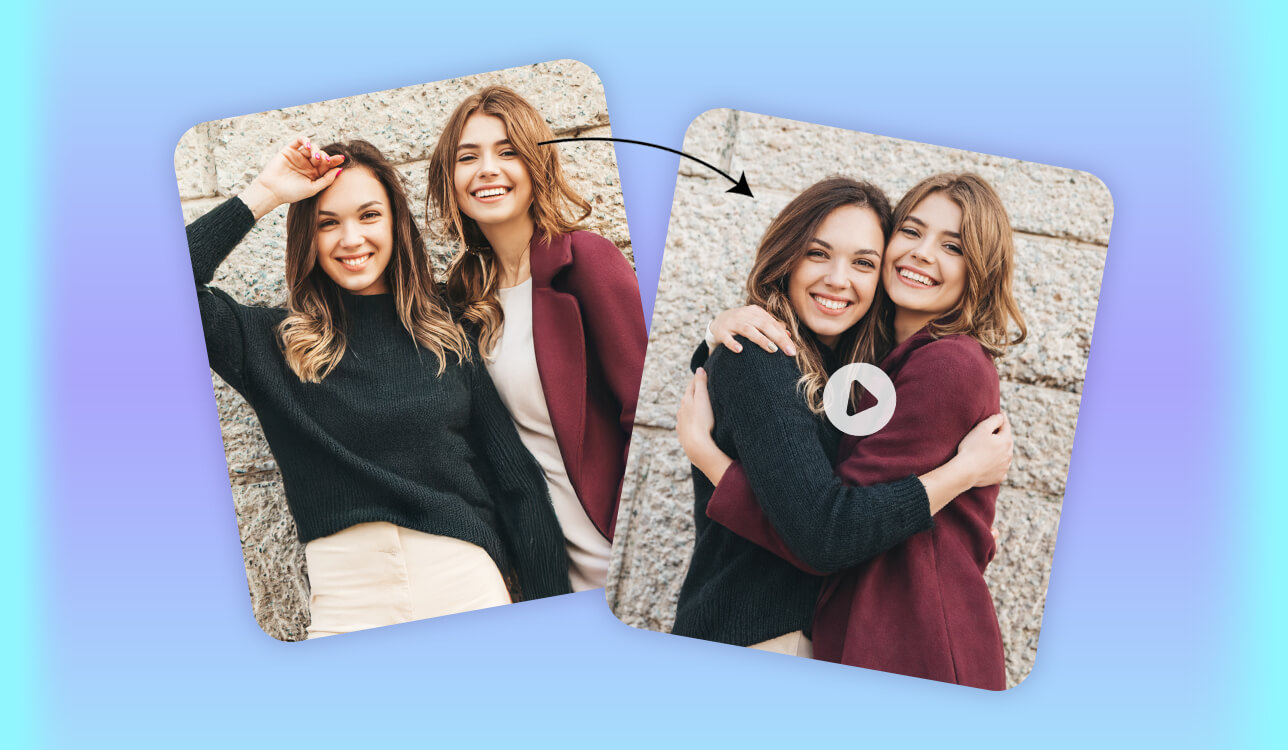
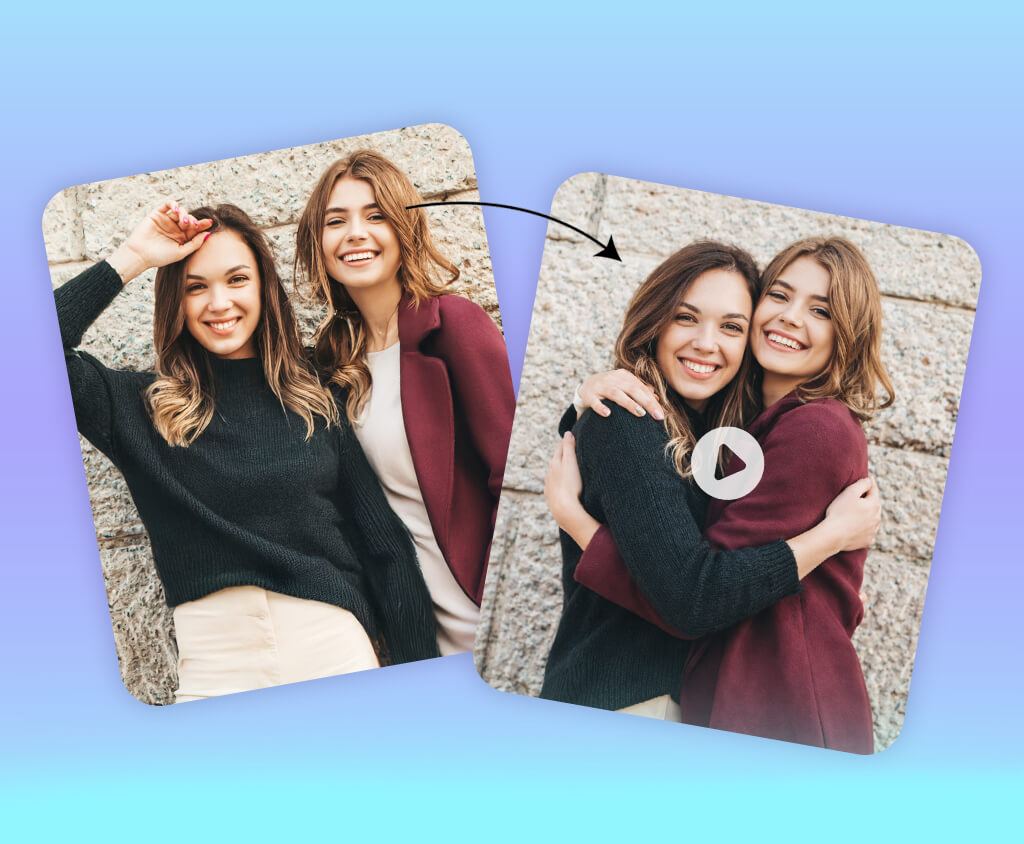
At first, AI hugs felt like a fun idea for social media posts. But that changed when I wanted to make a personal gift: a short video where someone important to me and I are hugging, even though we were far away and only had some photos together.
That experience made me notice how popular AI hug generators have become. Over the past year, many people started using them for expressive tasks like long-distance relationships, memory videos, surprise presents, or simple stories meant to make someone feel closer. People are no longer interested in over-the-top animations. They want hugs that look calm, natural, and human.
Because of this, we decided to test different AI hug generators. The goal was not just to make an image or animation, but to create a hug that feels natural, with good body language, gentle movement, and emotional connection, without looking stiff or strange.
Some tools are made only for still images of hugs. Others focus on animated hugs, and a few can turn photos into full hug videos. Below, I ranked the top 7 AI hug-generating tools based on how real they look, how emotional they feel, how much control they offer, and their overall quality.
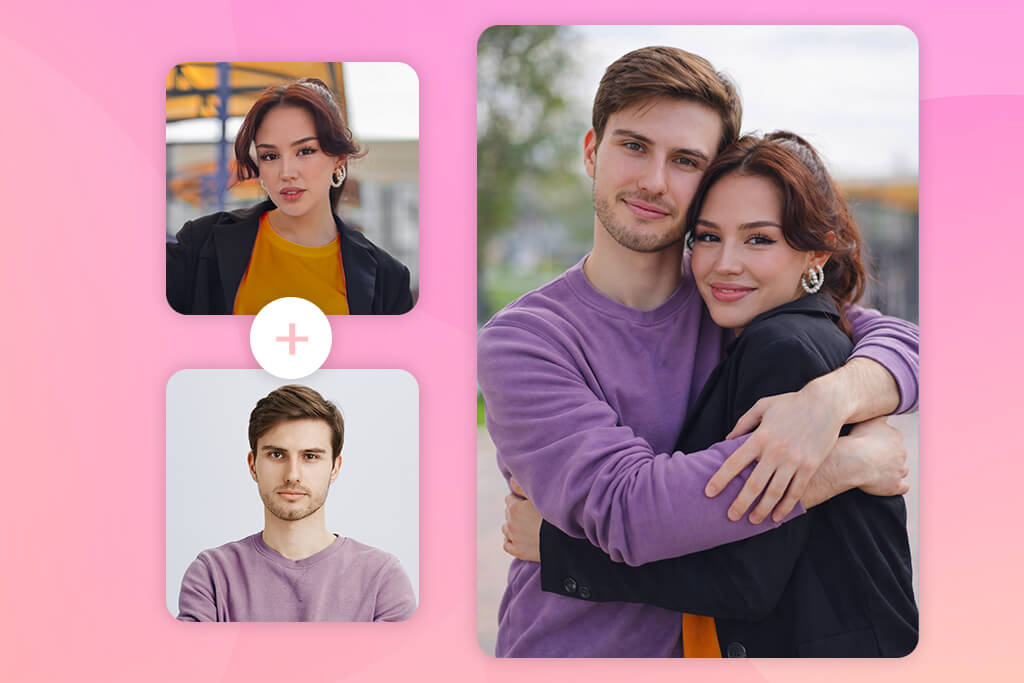
Most AI hug generators are used for simple creative tasks where speed and ease matter more than professional quality. People often don’t need a perfect hug. In many cases, they just want a warm moment that works well in a photo or short clip, similar to what users expect from a good AI image generator.
These tools are especially popular on social media, where emotional visuals help posts feel more personal and engaging. A short AI-made hug can make a story, reel, or post feel more alive, even if it was created quickly.
AI hug generators are also commonly used for casual messages and fun edits. Turning a photo into a short hugging animation is often easier than filming a video, especially when people are far apart or only have old photos.
Common ways people use AI hug video generators include:
So, since for everyday uses simple controls and fast results matter more than advanced settings, AI hug tools focus on ready-made effects instead of detailed editing options.
I tried Adobe Firefly to create AI hugs because I wanted an image that looks clean and believable, without strange body structures. Even though Firefly is not advertised as an “AI hug generator,” Adobe Firefly AI art generator in Photoshop worked better than many tools that focus only on visual effects: the bodies looked correct, arms were placed properly, and the distance between people felt natural.
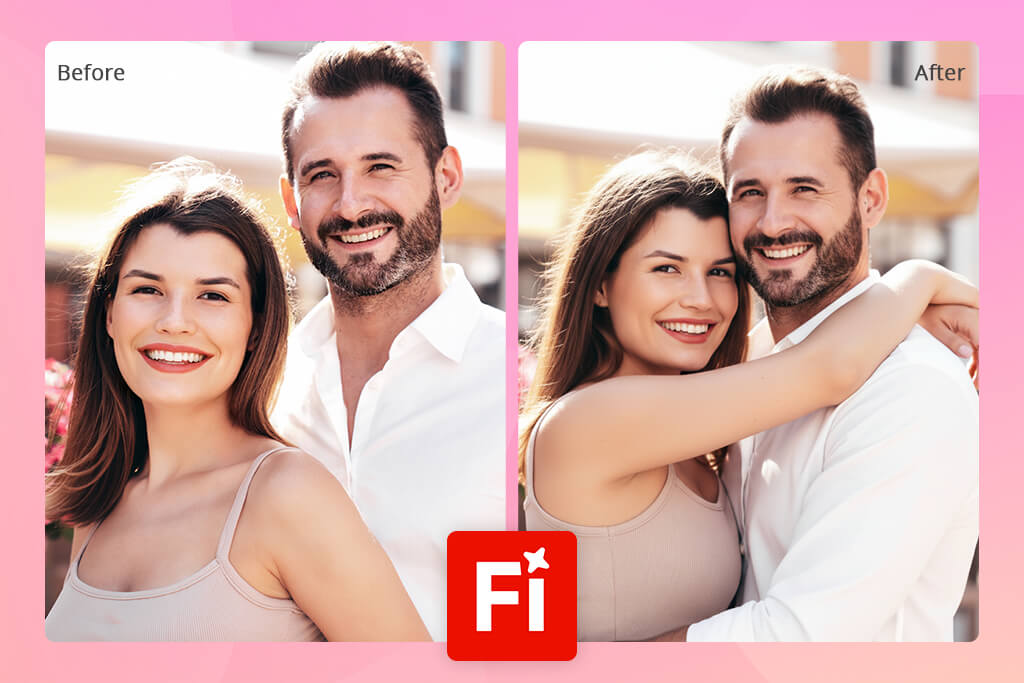
The result I got in Adobe Firefly
The biggest advantage of Adobe Firefly is control. I didn’t have to recreate the entire image every time. Instead, I could edit just one part, fix uncomfortable details, adjust the light, or change the feeling of the scene. This made it easier to turn a basic AI hug into something that looks planned and completed.
Another strong point is security for real use. The images can be used for commercial projects, and because Firefly is integrated within Photoshop, it’s easy to edit the hug scene further or expand it into a bigger image or even a video idea.
Main Adobe Firefly features:
Pricing options:
“When generating AI hugs in Adobe Firefly, focus on arm position and how close the bodies are first. Once those parts look natural, it’s easier to improve lighting and style later.”

When I tested Vidu AI, it was clear that this tool focuses on motion: the hug feels like a short animated moment instead of a still picture that moves. The characters walk toward each other and interact, which makes the result more engaging than many static AI hug generators.
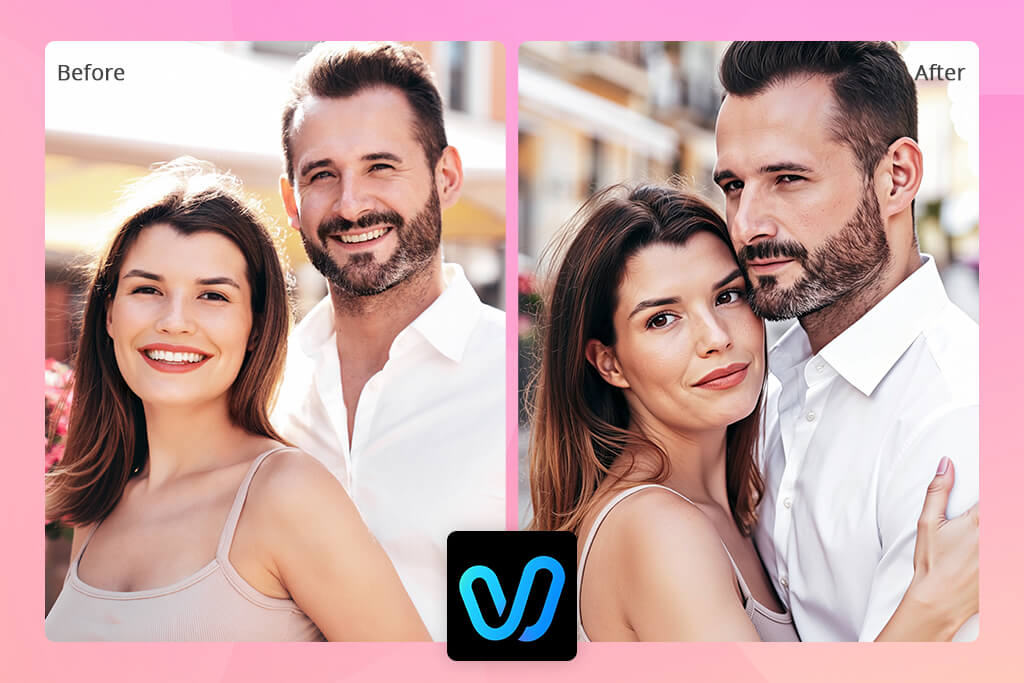
The result I got on the Vidu AI website
However, while Vidu AI is faster, it gives less control. You can’t adjust small things like arm angles, body spacing, or facial expressions, so if something looks off, the only option is to generate the video again and hope it turns out better.
Because of this, I think Vidu AI is best for quick emotional videos where smooth movement is more important than accuracy. It works well for short clips, social media posts, or surprise messages, but it’s not the best choice when you need full control over the action.
Main Vidu AI features:
Pricing options:
Media io felt like the easiest tool to use. It runs completely in the browser, so there’s no need to install anything or learn complex tools. It’s similar to simple AI background generators that focus on speed and ease.
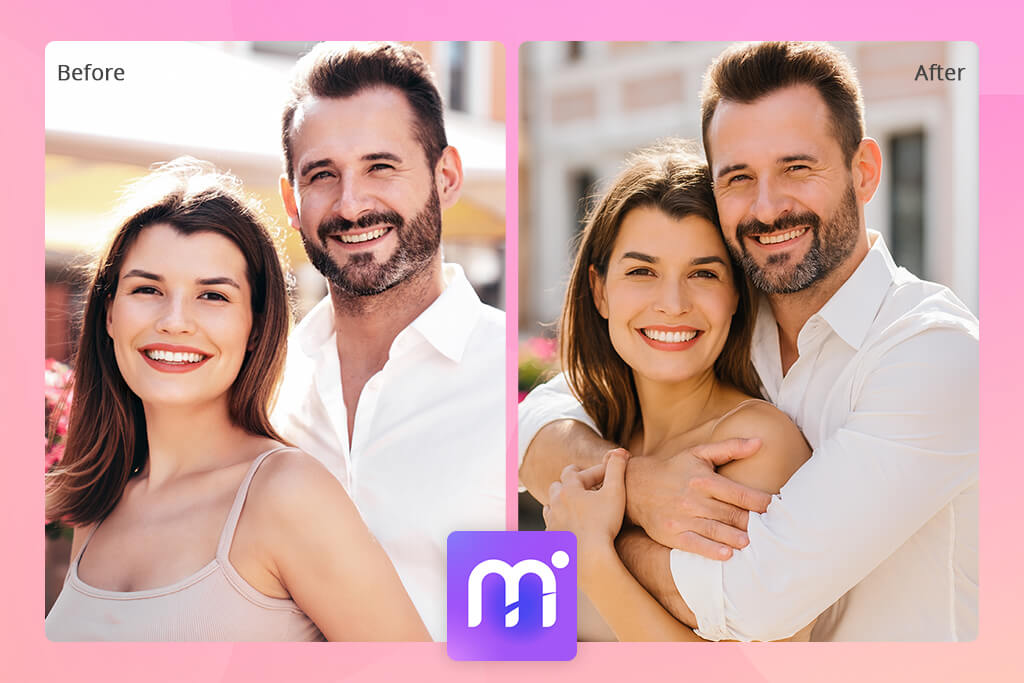
The result I got on the Media io website
The hugs created with Media io are basic: they don’t try to look realistic or deeply emotional, but they clearly show the idea of a hug. This makes this AI hug maker suitable for casual content where realism is not required.
Media io is a good option for fast social media edits, fun greetings, or trying out AI hug effects on different photos. It’s not made for serious storytelling, but it works quickly and without complications.
Main Media io features:
Pricing options:
Pollo AI takes a more technical approach to AI hugs. It focuses on correct structure instead of emotion. During testing, it handled body shapes and positions well: arms connect properly, bodies don’t overlap in strange ways, and the pose feels stable, which is something many AI hug generators struggle with.
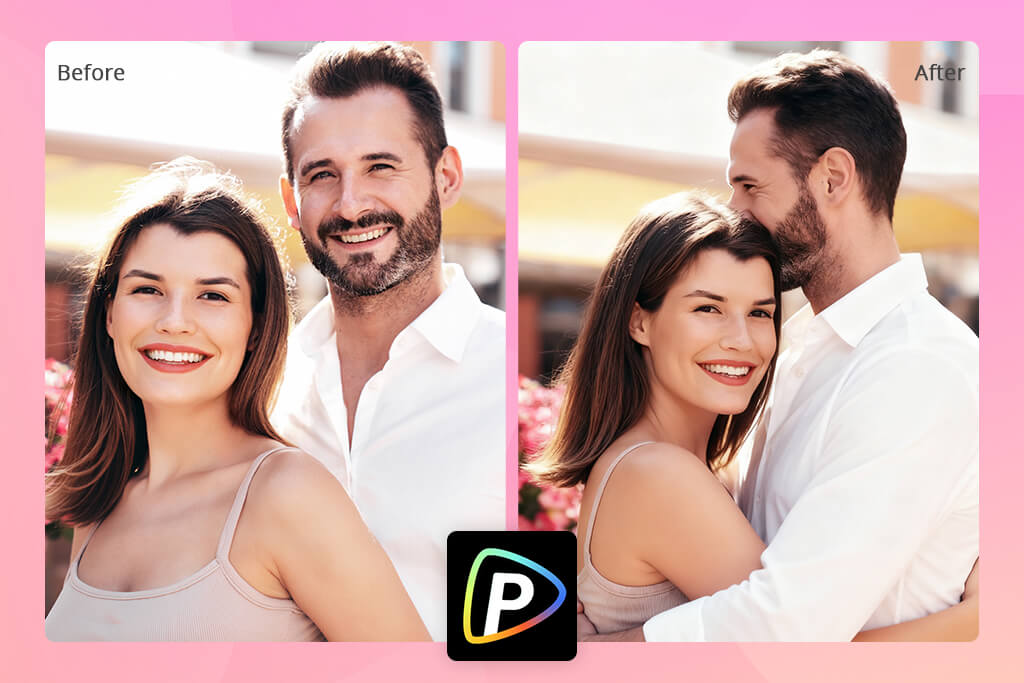
The result I got on the Pollo AI website
On the downside, as you might have guessed, the emotional side is weak. Faces and body language often look calm and neutral, so the hug feels more staged than natural. The scene looks neat and controlled, but not very expressive.
Pollo AI is best used as a starting point instead of a final result. If you plan to animate the image later, add emotions or some trendy styles, it can be a clean base with few body errors, making later edits much easier.
Main Pollo AI features:
Pricing options:
MimicPC AI seems designed mainly for digital characters. When I tested it with avatars, the hug animation looked smooth and well-timed, with both characters reacting to each other’s movement.
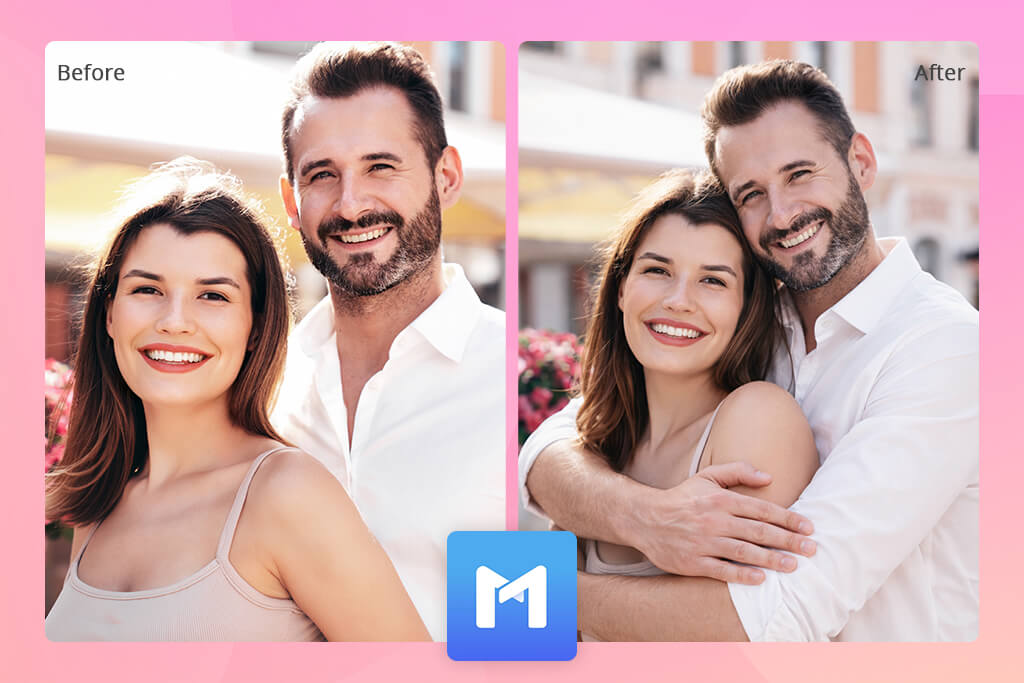
The result I got on the MimicPC AI website
The animation quality stays consistent, but if you decide to use real photos, it might not look as realistic as you'd expect: faces and textures can look artificial, even though the hugging motion stays smooth. This is a common problem in tools similar to AI headshot generators when they are used with real images.
MimicPC AI is a strong choice for virtual characters, digital creators, or metaverse-style projects, but it’s not the best option for realistic AI-generated hug videos made from real photos.
Main MimicPC AI features:
Pricing options:

I tried ToMoviee as a tool that turns still photos into short animated AI hug videos, and it performed well with simple emotional scenes. The movement looks smooth enough for short clips, which makes it suitable for light hug animations and friendly moments.
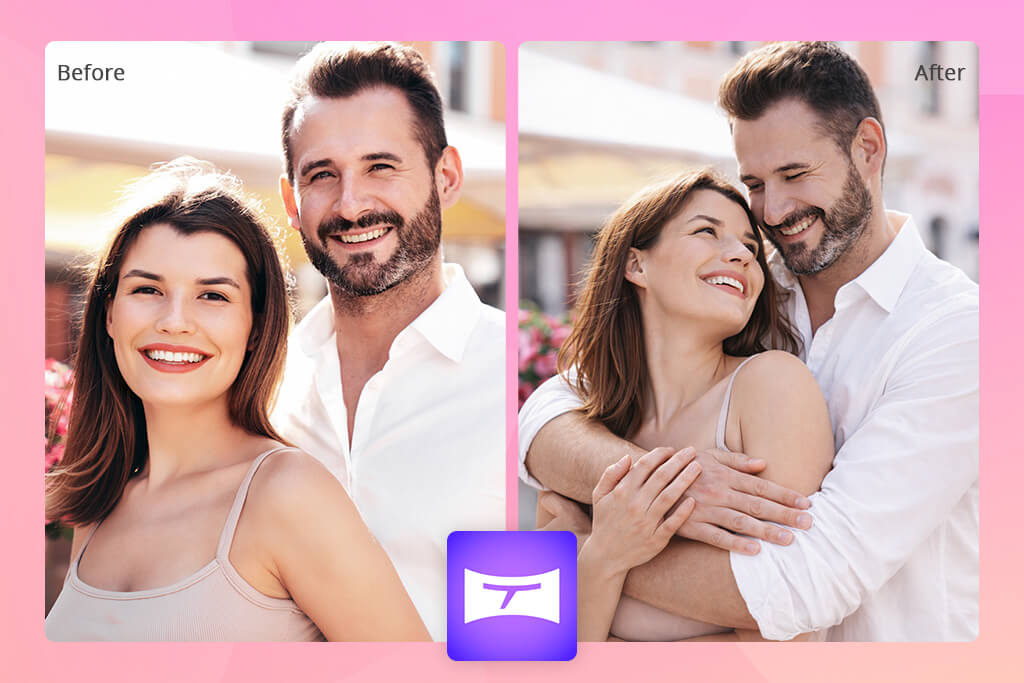
The result I got using ToMoviee
ToMoviee doesn’t focus on detailed customization, and that is part of what makes it useful. The steps are simple: upload a photo, apply an animation, and export a short video without dealing with complicated settings. This makes it easy to use even for people who have never edited videos before.
In general, ToMoviee is best for short animated moments instead of detailed stories. It works well for social media posts, casual greetings, or short emotional clips where speed and simplicity matter more than full control and setting customization.
Main ToMoviee features:
Pricing options:
Dream Generator AI is about visual style rather than technical accuracy. When I tested it with hug scenes, the results looked artistic and stylized rather than realistic. Because of this, the tool is better for creative visuals than for generating lifelike human interactions.
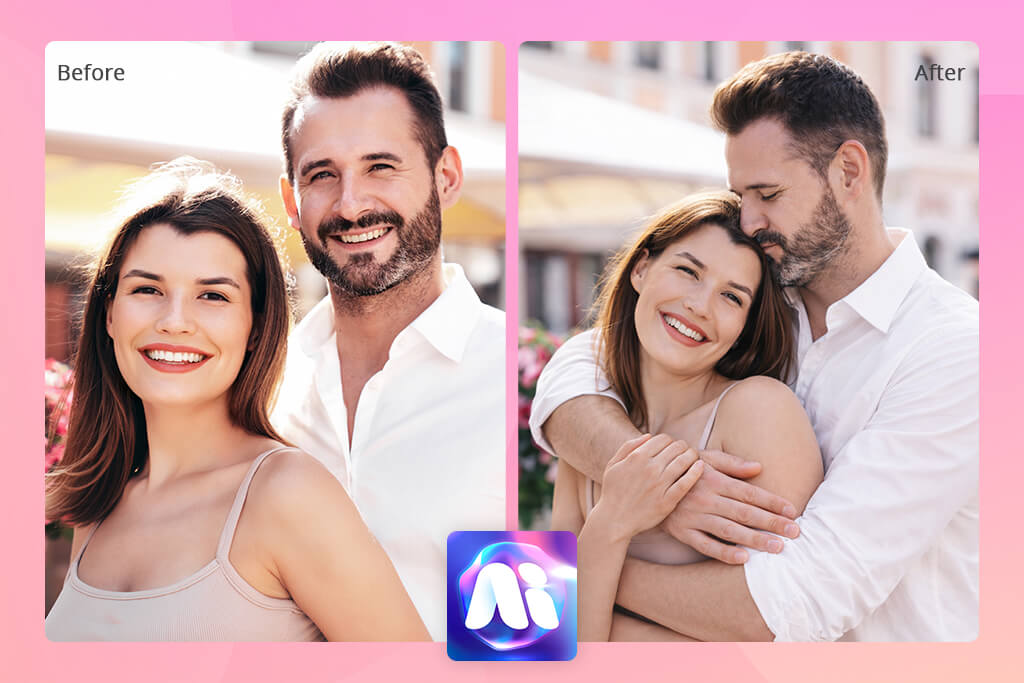
The result I got on the Dream Generator AI website
Lighting, color choices, and overall layout are more important here than perfect body structure. Even when some details are not accurate, the image still looks complete and visually pleasing. This is similar to the type of results you might expect from the best AI pixel generator.
Dream Generator AI is a solid AI hug photo generator for art projects, trying out creative ideas, or images where style is more important than realism or quality.
Main Dream Generator AI features:
Pricing options:
To make the comparison between AI hug generators fair, the FixThePhoto team tested every tool using the same photos and objectives. We focused on real situations where people use AI hugs, such as short videos, animated clips, and AI-generated images made from existing photos.
During testing, each AI hug generator was judged using the same standards:
We used the same images and similar scenarios for every tool to keep results consistent. Each generator was tested several times to account for differences in AI output.
This testing process helped us clearly see which tools are best for fast social media content, which are strong at animated hugs, and which are dependable enough for more serious projects.
An AI hug generator is a tool that uses AI to create pictures, animations, or videos of two people hugging. These tools are often part of larger AI tools for designers and can be used for social media posts, gifts, and creative visuals.
Yes, some AI hug photo generators can create believable hugs using your photos, but the quality depends on the platform. Tools that allow pose editing and adjustments usually create more natural results than fully automatic generators.
Many AI hug generators offer free versions or trials, but they often include limits like watermarks or lower image quality. To download full-quality files or use them for work, a paid plan may be needed.
Some platforms allow commercial use, while others restrict it or include hidden watermarks. Always check the usage rules before using AI content for marketing or professional work.
Tools that focus on animation and motion work best for AI video hugs. These platforms prioritize smooth movement over image detail.
Most AI hug tools work in web browsers and also have mobile apps with fewer options. However, advanced editing features are usually easier to use on a computer.
In most cases, yes, but it’s important to read the privacy policy. Some tools keep uploaded photos for training or internal use, so it’s best to choose platforms with clear privacy and data protection rules.



![7 Best AI Handshake Video Generators [2026 FixThePhoto Choice]](http://fixthephoto.com/blog/images/gallery/news_main__preview_28493.jpg)
![Best Adobe Firefly Alternatives [1 Prompt - 7 Results]](http://fixthephoto.com/blog/images/gallery/news_main__preview_28400.png)
![7 Best Mocha Pro Alternatives [{{%year}} FixThePhoto Choice]](http://fixthephoto.com/blog/images/gallery/news_main__preview_28055.jpg)
![13 Best AI Character Generators [Free & Easy-to-Use]](http://fixthephoto.com/blog/images/gallery/news_main__preview_28476.jpg)



















