I started exploring other options when a new FixThePhoto project required a large amount of vector content. Since I was preparing articles and guides, I needed icons, illustrations, patterns, backgrounds, and files I could edit to match our designs, not just attractive graphics.
Vecteezy had a good range of useful assets, but finding the exact file I needed could take too long. I wanted to find out whether another stock site could offer more choices while helping me find the right asset faster.
I focused on the main features I needed: a large selection of SVG, EPS, and AI vector files, strong search filters, a range of illustration styles, and assets that I could easily edit in tools such as Illustrator.
Licensing mattered because the visuals were intended for FixThePhoto content. I mainly looked for Vecteezy alternatives with plenty of free assets, while also considering paid libraries if they offered better quality or a more useful range.
With my FixThePhoto team, I tested several sites using searches we regularly need for our projects. We looked for social media icons, tech illustrations, abstract backgrounds, business graphics, and decorative elements for article designs.
I checked how quickly I could find the right vectors, whether they could be edited, and how many options I had for each topic. I also downloaded several files and opened them in my usual editing software to make sure they were easy to use.
After trying the different options, I found that the biggest library was not always the best choice. What mattered more was finding a site where I could quickly locate a suitable vector and adapt it to my needs. Some services stood out for professional artwork, while others offered more free content or fresher design styles.
For my FixThePhoto work, I looked for sites like Vecteezy with editable, high-quality files, straightforward licensing, and a broad selection, so I could avoid repeatedly using the same Vecteezy assets.
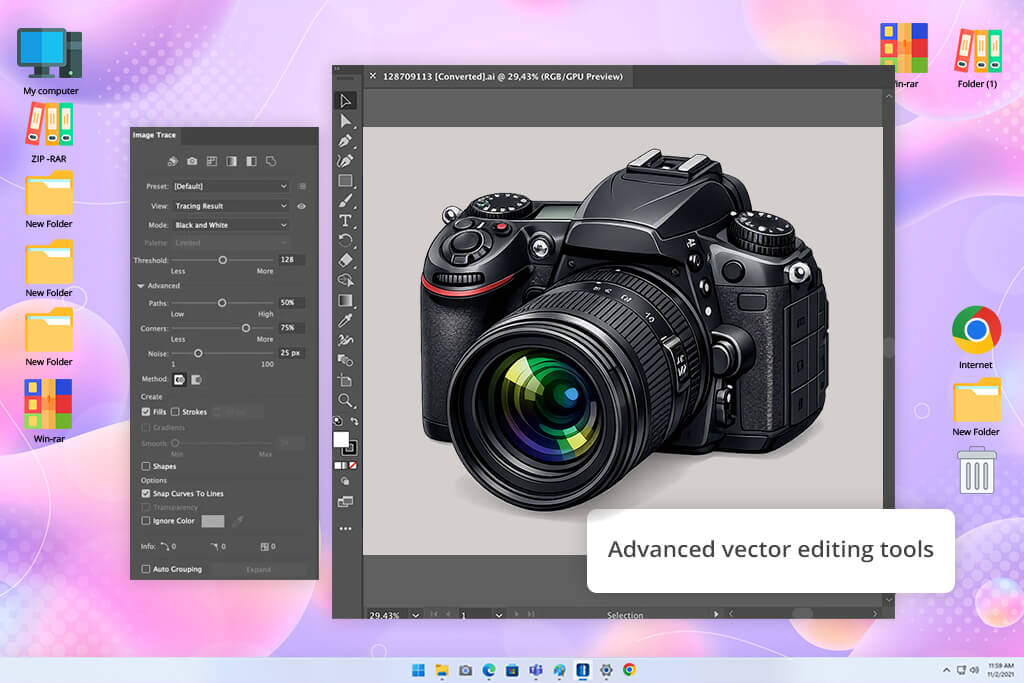
Yes, fully editable stock vectors are available, which is a key advantage over PNG or JPEG files.
For example, Adobe Stock provides vectors in AI, EPS, and SVG formats, with contributor guidelines that stress well-organized, editable layers and objects. Shutterstock also offers EPS files that can be edited extensively, including shapes, colors, and other elements.
However, being a vector does not always make a file easy to edit. Some may have complex groups, outlined text, expanded effects, or other elements that make changes more difficult. Shutterstock, for example, requires vector objects to be accessible and expanded, while Adobe recommends keeping layers and groups organized instead of flattening the design.
For a designer, I’d look for a stock vector that lets you:
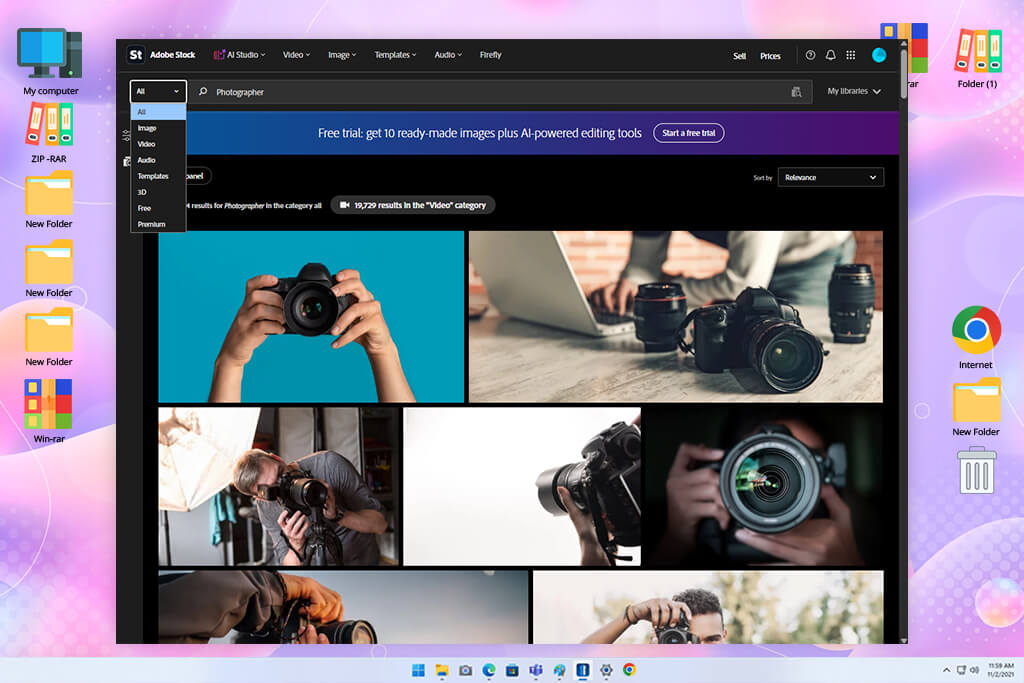
I started with Adobe Stock to see if its larger professional collection could make finding vectors easier than on Vecteezy. For the FixThePhoto project, I focused on tech icons, social media graphics, abstract backgrounds, business illustrations, and editable design assets.
I focused on how fast I could find something that suited the article design, rather than settling for a loosely related file. Adobe Stock stood out because it combines vectors, illustrations, templates, and other creative content, giving me more options than Vecteezy when a simple vector was not enough.
The test covered search filters, file formats, orientation, categories, and illustration styles. Several vector files went into Illustrator so I could check how easily I could change colors, move separate elements, and adapt the graphics to our designs.
The connection with other free Adobe tools was a major benefit. I could find a file and start working on it right away without disrupting my usual process. Vecteezy was easier for quick browsing, but Adobe Stock suited me better when I needed a precise asset and wanted to customize it immediately.
“I turn to this Vecteezy alternative when I need high-quality vector graphics for professional projects. Its search tools make specific files easy to find, but the subscription can be quite costly.”

What stood out most was the reliable quality of the content. A search for something like a technology illustration brought up plenty of polished options that were ready for professional articles or graphics. Having photos, videos, templates, and vectors together also meant I could stay in one place instead of starting over elsewhere. Compared with Vecteezy, this broader selection was especially useful when I had not yet decided which type of visual would suit the project.
After testing both, Adobe Stock became my first choice when I needed high-quality, flexible content rather than a free option. Vecteezy still offers plenty of files, but Adobe Stock worked better for projects requiring polished, editable graphics with a consistent professional feel. Its Creative Cloud integration also made it easier to keep using.
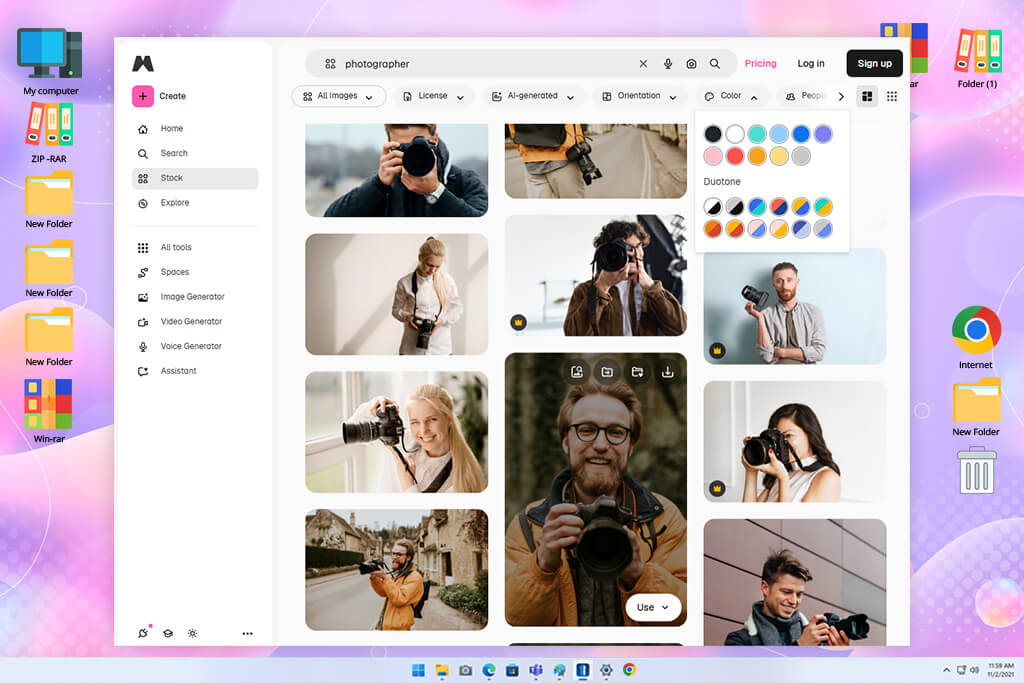
Magnific was a different kind of test because I already had some graphics and wanted to see if they could be improved. When an asset had too little resolution or lacked detail for a FixThePhoto layout, I tested whether AI enhancement could make it work instead of searching for a replacement.
I tried graphics at different sizes and checked how well they looked after being enlarged. This helped me see whether AI enhancement could improve an existing asset enough to use it, instead of searching Vecteezy for another one.
I tried Magnific’s tools for improving and enlarging graphics, focusing on fine features, outlines, surface detail, and text-like areas. My goal was to see whether a slightly blurry file could become suitable for use while still keeping its original appearance. The strongest results came from already decent source files. I also viewed the larger versions at several scales instead of relying only on the initial preview.
The main advantage of this stock photo finder was that I did not have to discard a good image simply because its resolution was too low. Instead, I could keep the asset I liked and see if improving it would make it suitable for the project.
Vecteezy is more useful for finding new vectors, while Magnific comes in handy when I already have a graphic worth keeping. For my FixThePhoto workflow, they cover different needs, and Magnific can save me from replacing an otherwise good asset.
Magnific is not something I would rely on as my primary source for vectors. Vecteezy is more suitable for finding ready-to-use designs, while Magnific helps when I already have a good file and want to make it sharper or more usable. If low resolution is the main problem, this can save a lot of time that would otherwise go into finding a replacement.
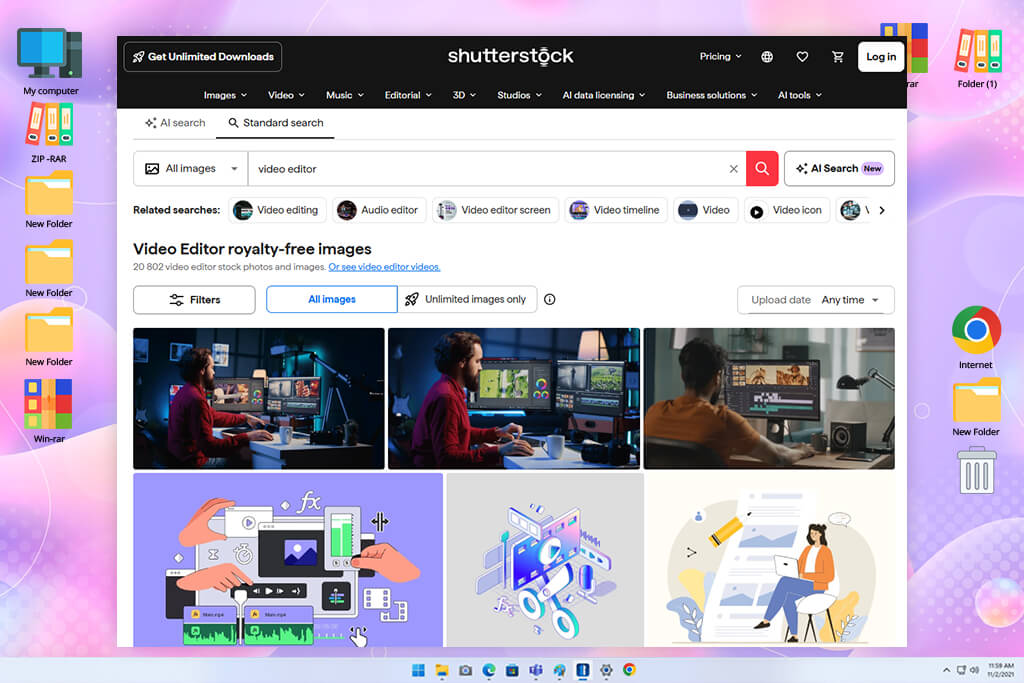
I put Shutterstock through a tougher trial to see whether its extensive library would be useful for projects with lots of vectors. I looked for icons, business artwork, tech-related graphics, patterns, and editorial designs for FixThePhoto articles.
I mainly wanted to know if it could give me more polished and specific choices than Vecteezy. In most searches, it did, especially when Vecteezy gave me too many similar-looking results.
I narrowed the results by asset type, layout, visual style, and other settings, then placed similar files side by side for comparison. Before saving anything, I reviewed the file details and usage terms. It was also useful to look beyond vectors, since I could switch to illustrations or photos when a vector did not suit the project.
Vecteezy worked well when I had already decided on a vector, while Shutterstock let me explore other visual options without having to begin the search from scratch.
“There’s a huge range of content, so I can usually find what I need quickly. The variety is a big plus, although I still need to watch my credit usage.”

What stood out most about this Vecteezy competitor was the range of polished commercial visuals. I found many graphics that were ready for professional marketing, editorial, and business projects without needing much cleanup or additional editing.
Vecteezy also has plenty to choose from, but Shutterstock worked better when I needed a very specific look or a more polished finish. Its wider mix of content was especially helpful for projects that combined different types of visuals.
After testing, Shutterstock felt like the better choice for larger professional projects where I needed plenty of options and consistent quality. Vecteezy was more convenient for quick vector searches, especially when looking for free files, but Shutterstock gave me more freedom when the final look mattered. For important FixThePhoto projects, I could usually find a polished result without giving up the style I wanted.
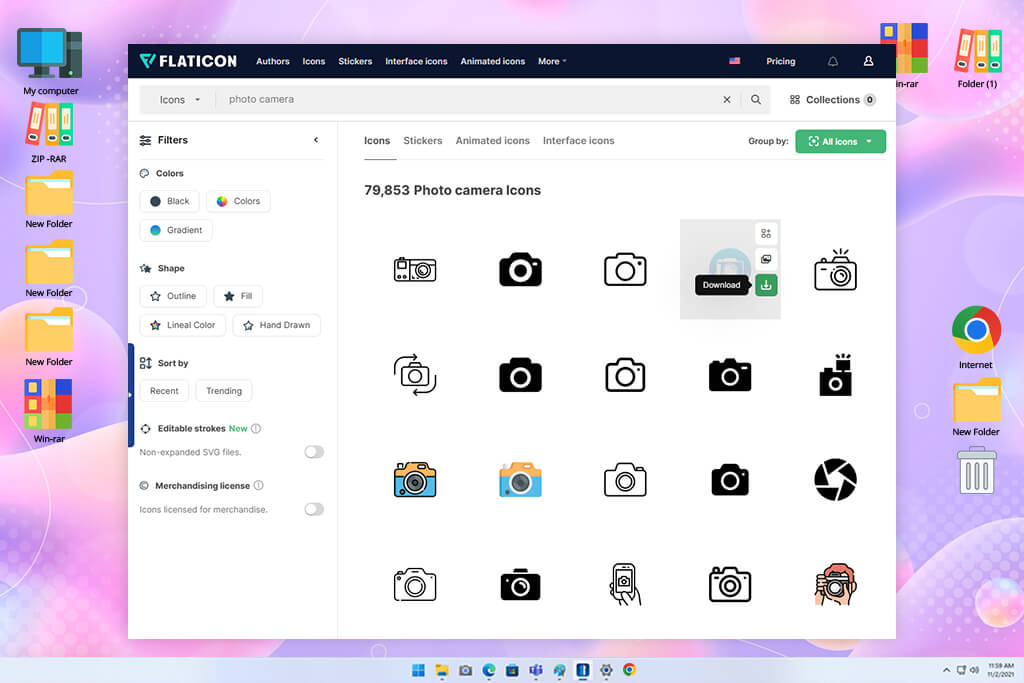
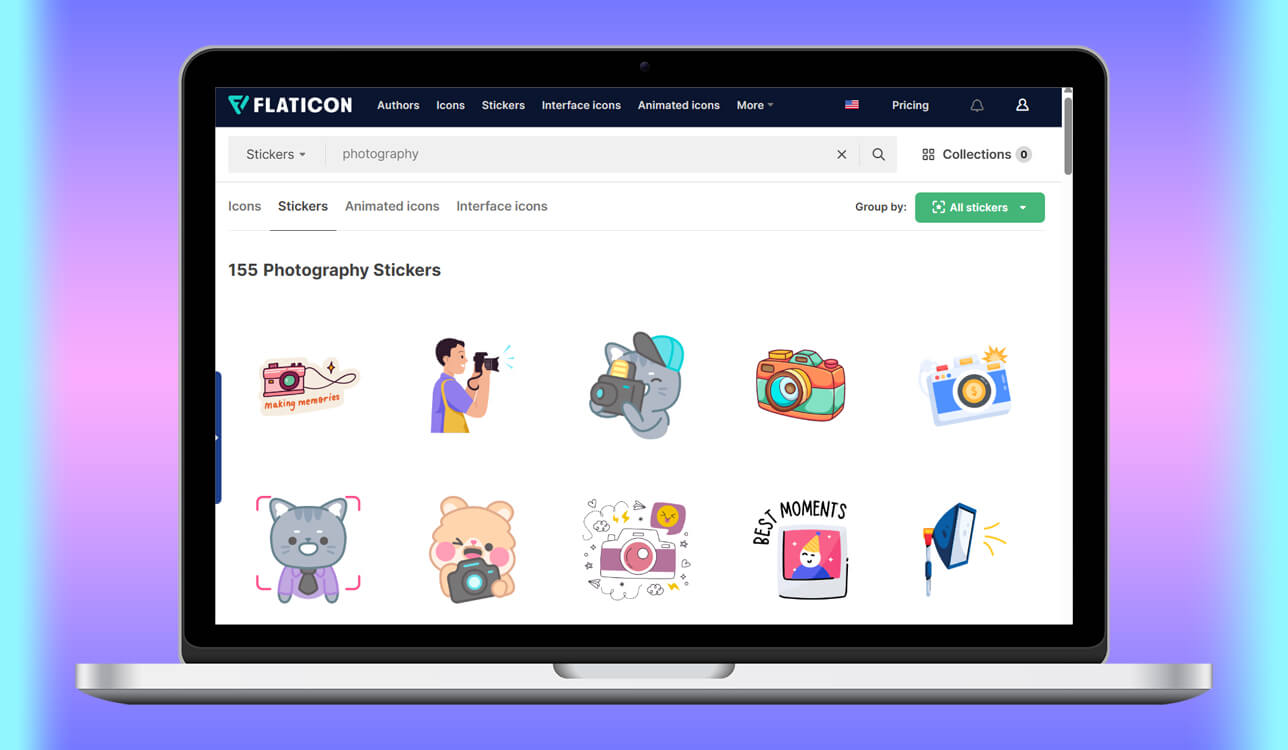
I chose Flaticon because I needed free stock icons for the project. I searched for social media symbols, arrows, interface elements, business icons, and tech-related visuals rather than larger artwork.
Vecteezy also has a good number of icons, but I wanted to compare it with a site built mainly around this type of graphic. From the first few searches, Flaticon felt more focused and made finding the right icons quicker.
I checked the icon search, collections, styles, colors, and download formats. I also downloaded several sets to see how easy they were to edit before using them in sample FixThePhoto layouts.
Finding icon sets that shared the same look was one of the most useful parts for me. I did not want an article filled with graphics that looked like they came from different sources. Compared with Vecteezy, Flaticon made it easier to find related sets, so I spent less time trying to make mismatched icons work together.
The main advantage of this Vecteezy alternative for me was visual consistency. If a guide needed ten icons, I could find them as part of one matching set instead of picking each symbol separately. This saved time compared with searching a general stock site for every element. Vecteezy offers more types of vector artwork, but Flaticon worked better when icons were a major part of the project.
I would not choose Flaticon for every kind of vector work, but it became my go-to when a project needed lots of icons. For FixThePhoto guides, interface designs, and explanatory visuals, having a site focused on icons saved me time. Between searching Vecteezy for each icon and getting a matching set from Flaticon, I would choose Flaticon.
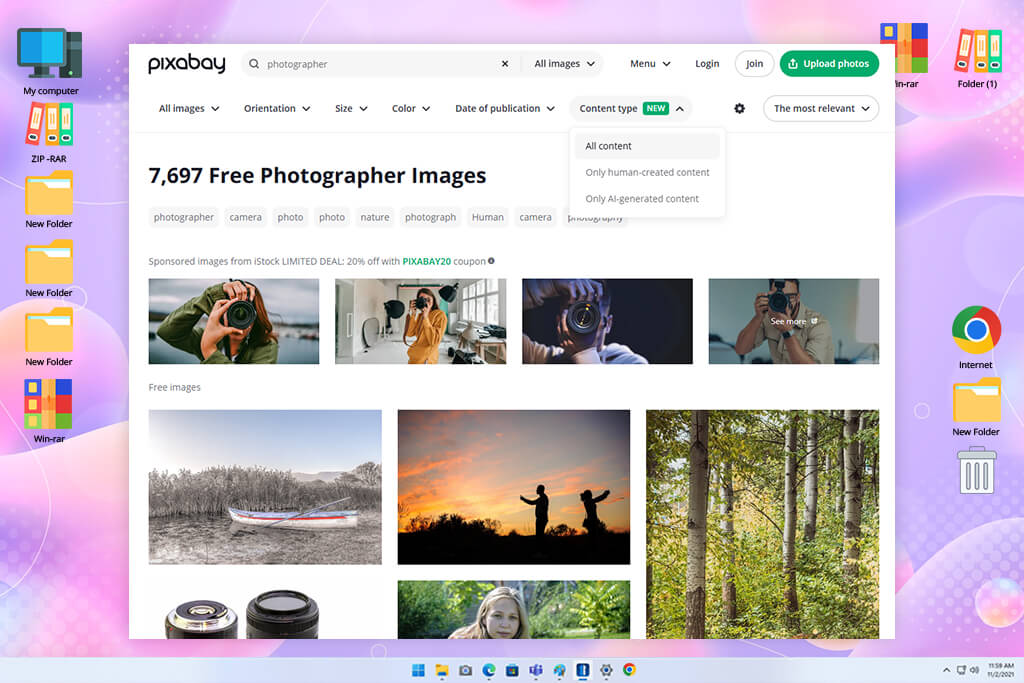
I tested Pixabay to see whether a stock image site could cover different visual needs in one place. Along with photos, I looked for illustrations, icons, backgrounds, patterns, and other graphic elements for my projects.
This came in handy when an article started with one type of asset in mind but a photo or illustration turned out to be a better fit. Pixabay made it easy to switch between free photos and graphics, while Vecteezy was more focused on vector-based content.
I explored different sections and filters and downloaded several files to see how well they worked in practice. I checked the resolution and whether each graphic could be adjusted to fit the required size and layout. Free access also let me try several options before choosing one, which was helpful when I did not want to pay for something just to see if it suited the project.
“It’s one of my first choices when I need a free asset without spending too much time looking. The selection is broad, but vector quality can vary quite a bit.”

The results varied in quality, so I needed a little more time to review each file. Still, Pixabay gave me access to a broader range of free content, including illustrations, vectors, photos, and videos, without having to move between different sites. That made it especially useful for FixThePhoto projects where I had not yet decided which type of visual would work best.
After testing, Pixabay stood out when keeping costs low and having plenty of options mattered most. Vecteezy was still better for focused vector searches, but Pixabay gave me more ways to find a suitable visual without paying for each file. For smaller articles, early concepts, and quick experiments, I found this free Vecteezy alternative more convenient.
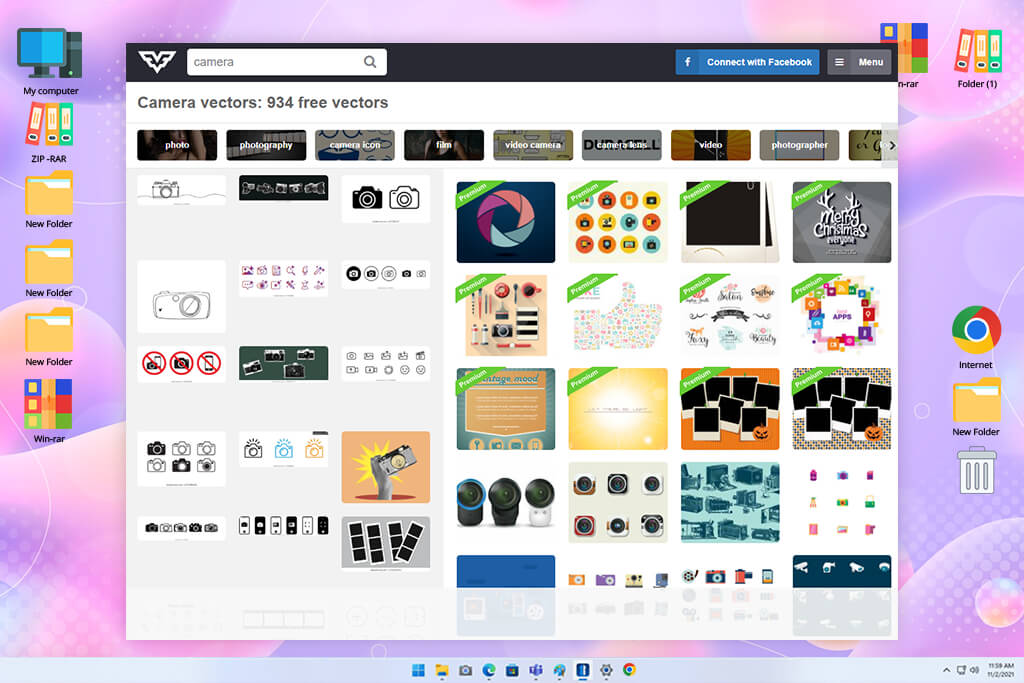
I chose FreeVector because I wanted editable vector graphics without sorting through lots of unrelated stock content. I searched for banners, patterns, business artwork, backgrounds, and decorative pieces that could work with FixThePhoto article layouts.
The site’s narrower focus made it worth testing as a specialized vector library against Vecteezy. My main goal was to get a suitable vector and then refine it with free vector graphics software to match the style I needed.
I went through the categories and downloaded vectors in several different styles. I opened them in my editing software to see if I could change individual shapes and parts without damaging the design. I also checked how many style options I could find for the same search. This helped me tell apart vectors that were actually useful from ones that only looked good in the preview.
What I liked most was how focused the experience felt. When I needed a vector, I did not have to sort through photos or videos first. The selection offered by this site like Vecteezy was not as polished as on some larger paid sites, but I still found useful options for backgrounds and supporting visuals.
Compared with Vecteezy, its straightforward focus on vectors was the biggest advantage, especially when I already knew the exact type of file I needed.
FreeVector ended up being more of a specialized resource than a full replacement for larger stock sites. It worked well for quick searches when I needed a simple editable graphic without sorting through lots of unrelated content. Vecteezy offers a bigger and broader selection, but FreeVector felt more convenient when I wanted a straightforward vector and did not need countless alternatives.
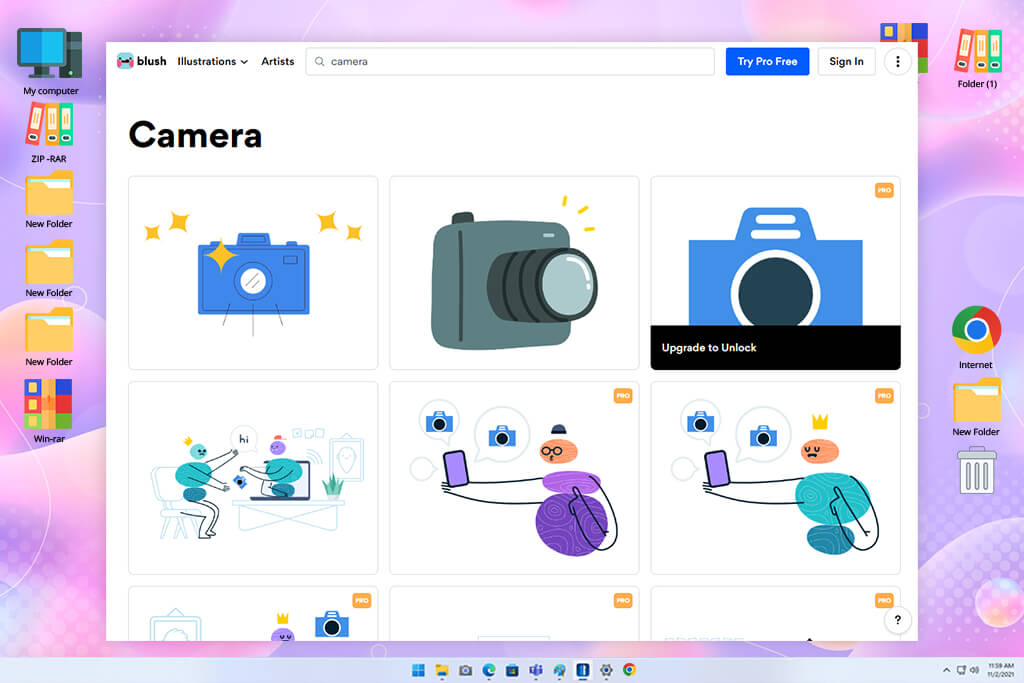
Blush stood out as one of the more creative options I tested because I wanted illustrations that felt less like typical stock artwork. For a FixThePhoto project, I needed character-based visuals that I could adjust for different parts of an article. Vecteezy offered many illustrations, but Blush appealed to me because I could customize the characters instead of using a finished design as-is.
I explored several illustration collections and tested how much I could change within each design. I adjusted characters, colors, poses, and other details, then created several variations of the same illustration in my free graphic design software and tried them in sample layouts. This let me reuse one design in different ways instead of searching for a new image each time, making the process more flexible than my usual Vecteezy workflow.
“The artwork feels more fresh and modern than typical stock illustrations. I also like being able to adjust the designs, which is especially useful for branding and web projects.”

The ability to customize the artwork was my favorite part when testing this Vecteezy alternative. I could make a small group of visuals that felt connected without having to rebuild each one in Illustrator. This worked especially well for articles that needed several illustrations with a shared look. Vecteezy was stronger for ready-to-download vectors, but Blush gave me more freedom to create a tailored visual quickly instead of using a ready-made design.
After testing, I would choose Blush when originality and a consistent look matter more than having a huge collection. Vecteezy gives me more options for standard vectors, while Blush gives me greater control over the final result. For FixThePhoto projects with a strong editorial or storytelling focus, that flexibility was more valuable than simply picking another ready-made vector.
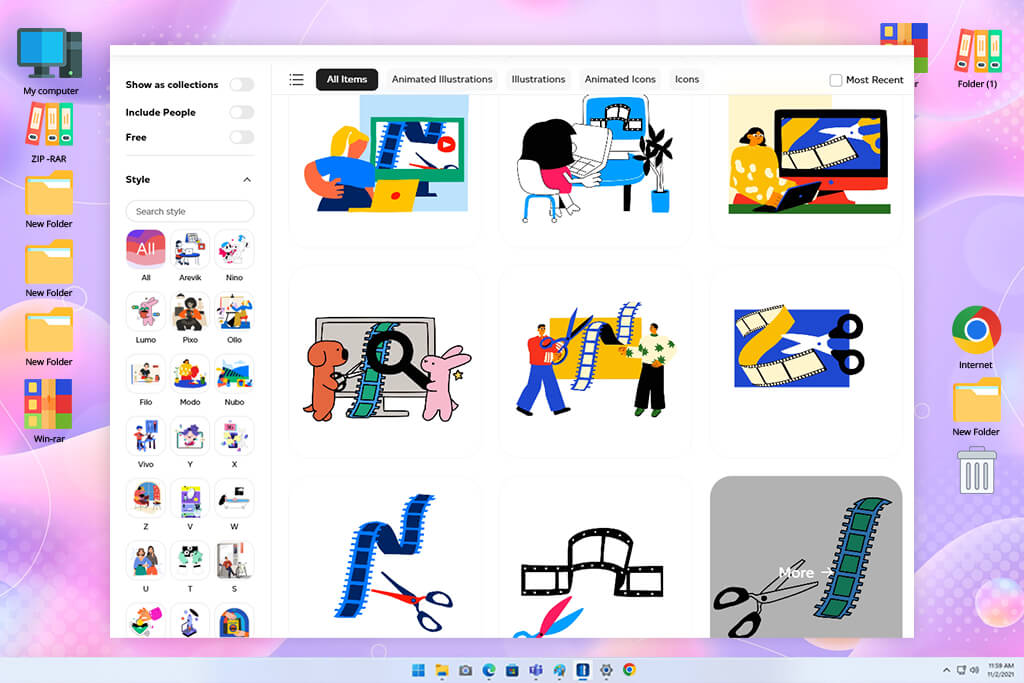
I tested Creattie because I wanted to bring motion into FixThePhoto projects, not just use static graphics. My usual Vecteezy searches were for regular vectors, but some projects needed animated icons and illustrations. I looked for UI elements, moving icons, illustrations, and other assets that could fit video or interactive content. This showed me the value of having a library built around motion.
I looked through the motion graphics and compared different visual styles before saving anything. I also checked how easily the files could be modified for our branding and used in video layouts.
Rather than building motion graphics from the ground up, I could start with an existing asset and adapt it. For small animation tasks, this was much quicker than taking a static Vecteezy vector and adding the movement myself.
The main benefit of this alternative to Vecteezy was the extra dimension of motion. Vecteezy worked well for static vectors, while Creattie was more useful when I needed graphics that could move. Its animated icons and illustrations suited video tutorials and interactive designs better, and in my FixThePhoto test, they saved me from creating simple animations myself.
Creattie became my go-to when a static vector could not do the job. Vecteezy offers more variety for general stock content, but it does not focus as much on ready-to-use motion graphics. For projects built around animation, Creattie was far more practical than taking a regular vector and building the movement myself.
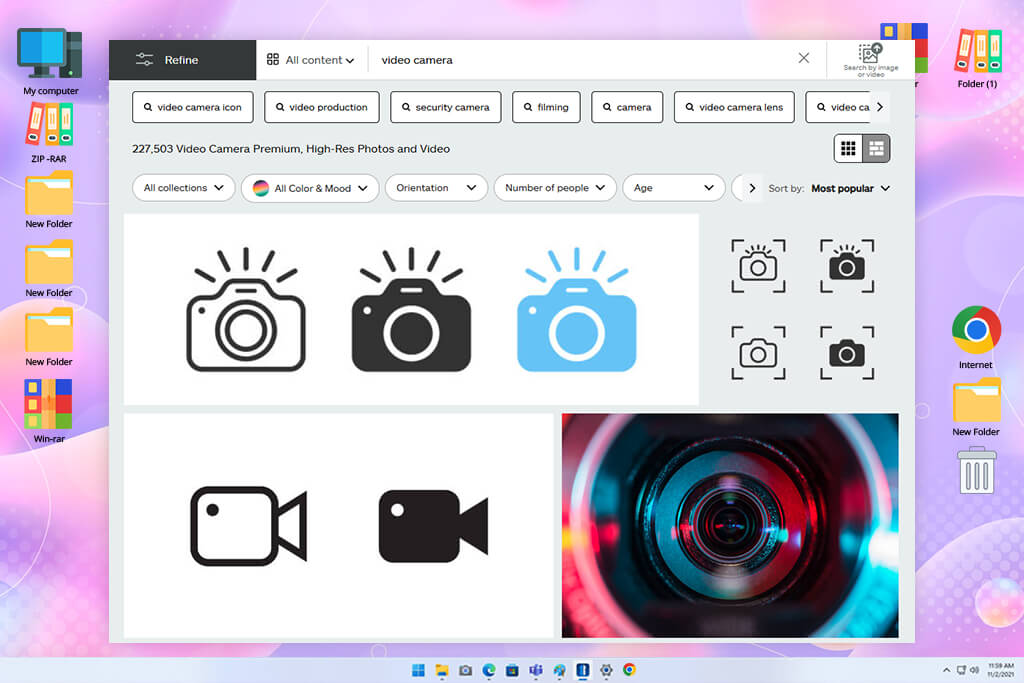
I included iStock to compare another paid library with Vecteezy for professional vector work. I searched for business graphics, tech illustrations, infographics, backgrounds, and design elements that would suit polished FixThePhoto articles. I wanted files that were ready to use with little extra editing, so this also helped me see whether premium content was worth the cost.
I narrowed the results using filters for style, orientation, content type, and other details. I compared similar graphics and downloaded several files to test them in Illustrator. The clean layout of the search results also made it easier to review several strong options at once. I checked the licensing terms too, since FixThePhoto content may appear in different commercial formats.
“The visuals are consistently polished, and I can usually find something suitable for professional client work. This Vecteezy competitor costs more than free sites, but the overall selection feels more dependable.”

What stood out was the polished look of the files. Many were ready for professional websites, presentations, or marketing materials with little editing. Vecteezy also has strong options, but iStock worked better when I needed a more specific commercial style or something less ordinary. The paid selection also helped when the usual Vecteezy results did not quite fit.
For my FixThePhoto work, iStock made the most sense when the quality was worth the extra cost. Vecteezy remained a good option for faster, lower-cost searches, but iStock gave me a stronger choice when I wanted a more refined result. For important designs where I did not want to settle, I would go with iStock.
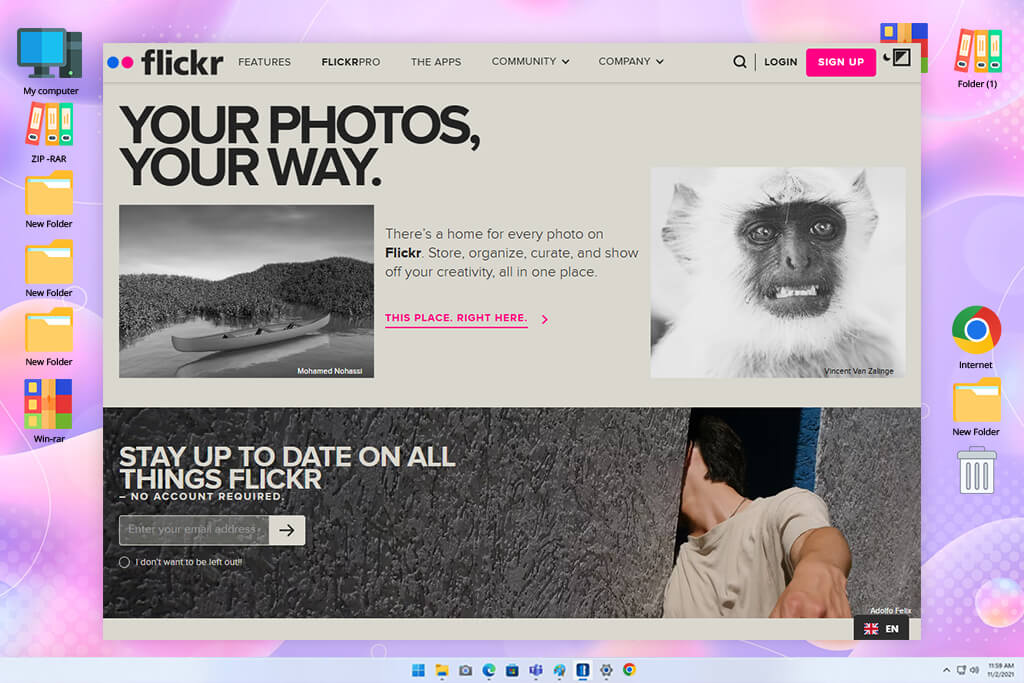
I included Flickr even though it is not built around vectors because sometimes I need a visual reference or something less typical than a standard stock file. I searched for niche topics, illustrations, design ideas, and unusual images that could give a FixThePhoto article a different direction.
Unlike Vecteezy, Flickr brings together work from a large community of photographers and creators. Because of that, I found a wider mix of personal, varied, and less predictable visuals.
I tested the search filters, tags, groups, and license details. Because some images may have restrictions on commercial use, I checked the terms before considering them for publication. I also explored photographer profiles and collections when I found a style that suited the project. It took more time than Vecteezy, but I found some very unusual material that was difficult to find on typical stock sites.
What I liked most about this website like Vecteezy was the authentic feel of the content. Vecteezy was more practical when I needed a polished stock vector, but Flickr gave me more unusual finds when I wanted a visual reference or inspiration for a custom design. I could explore work from individual creators instead of relying only on standard stock graphics. For creative research, that made Flickr more interesting, even though Vecteezy remained much better for finding editable vectors quickly.
I would not choose Flickr as my main place for editable vector files, since that is not what the platform is designed for. Still, I found it more useful than Vecteezy for inspiration and niche visual research when I wanted something outside the usual stock look. It became a good place to find fresh references instead of another ready-to-use vector.
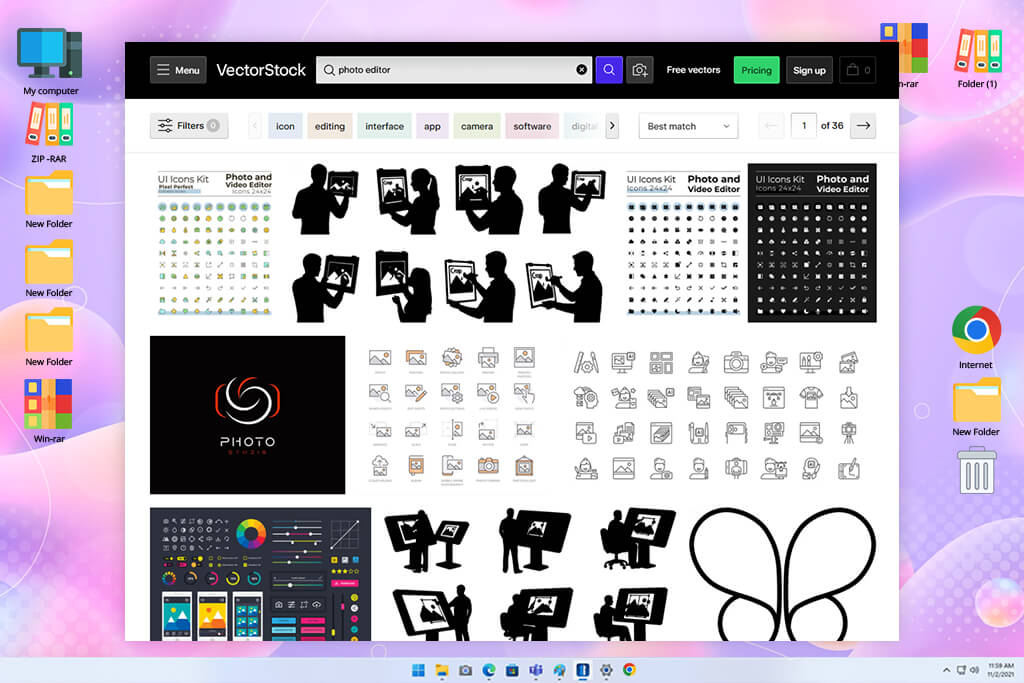
I saved VectorStock for last because it is built almost entirely around vector artwork. For the FixThePhoto project, I searched for logos, icons, patterns, backgrounds, business illustrations, and decorative elements. I wanted to see if a vector-focused platform could make my work faster than a broader site like Vecteezy. Its focused collection felt well suited to the kind of assets I needed.
I went through several sections and downloaded a few files to see which formats they came in and how well they worked during editing. VectorStock includes professional vector formats like AI, EPS, and PDF, so I could use the files directly in my regular design process. I also compared similar pieces to see how much choice I had. The collection worked especially well for print projects, websites, branding, and editorial designs.
“I like it when I need a particular vector fast because the site stays focused on graphic content. There are plenty of useful designs, although many of the better options require payment.”

This free logo maker stood out to me because of its focused search experience. When I needed a vector, I could look through graphic files without getting distracted by photos or videos. Compared with Vecteezy, this helped me find suitable options faster, especially when I already knew what I wanted. It also made files intended for editing easier to spot.
After testing VectorStock, I would choose it over Vecteezy when a project is mainly built around vector artwork. Vecteezy is more flexible because it also offers photos, videos, and other types of content, but VectorStock fits better when I want to stay focused on vectors. For FixThePhoto projects that rely on editable graphics, that narrower focus made the workflow easier.
Tetiana Kostylieva, Vadym Antypenko, and Ann Young searched for technology icons, social media graphics, business illustrations, abstract backgrounds, patterns, and other elements for article layouts. We focused not only on how much content each site offered, but also on how quickly we could find something suitable and how well it worked after downloading. This helped us identify which Vecteezy alternatives could actually make our everyday design work easier.
For each service, we ran similar searches and compared what came up. We checked filter options, categories, visual styles, file types, editability, image quality, and licensing terms to see how practical each platform would be for our workflow.
For example, during our testing, we looked for matching icon sets on Flaticon to see if an article could keep one consistent style. With Blush, we made different versions of the same illustration using its customization tools. We also opened downloaded vectors in our usual design software to see how easily we could change colors, move separate elements, and adjust the artwork for our layouts.
We also judged each platform based on what it does best instead of expecting every service to work like Vecteezy.
“I tested Adobe Stock and iStock when I wanted more polished vectors, while Pixabay worked well for free visual content beyond vectors. Creattie was useful for animated graphics, Magnific for improving visuals I already had, and VectorStock for finding editable vectors quickly. Compared with Vecteezy, each platform worked better for a particular type of task.”

After downloading the files, we placed them in sample FixThePhoto article layouts to see how well they fit. We checked whether each graphic worked with little editing or needed major adjustments, and how easily we could find several visuals that matched each other.
We found that each service had its own strong point: Flaticon worked best for icon sets, Blush gave us more room to customize, Adobe Stock had a stronger premium range, and Creattie was the better choice for animated content. This showed that the best Vecteezy alternative depends less on the size of its library and more on whether it suits the type of asset needed for the project.
Finally, Tetiana Kostylieva, Vadym Antypenko, and Ann Young reviewed the results together. We compared how quickly we could find suitable files, the quality and variety of the content, how easily we could edit it, the licensing terms, and how well each platform fit our usual design process.
Some services stood out for free content, while others made more sense when we needed higher-quality or more specialized assets. After comparing them, we could see which Vecteezy alternatives actually saved time and worked better for our FixThePhoto projects.






















