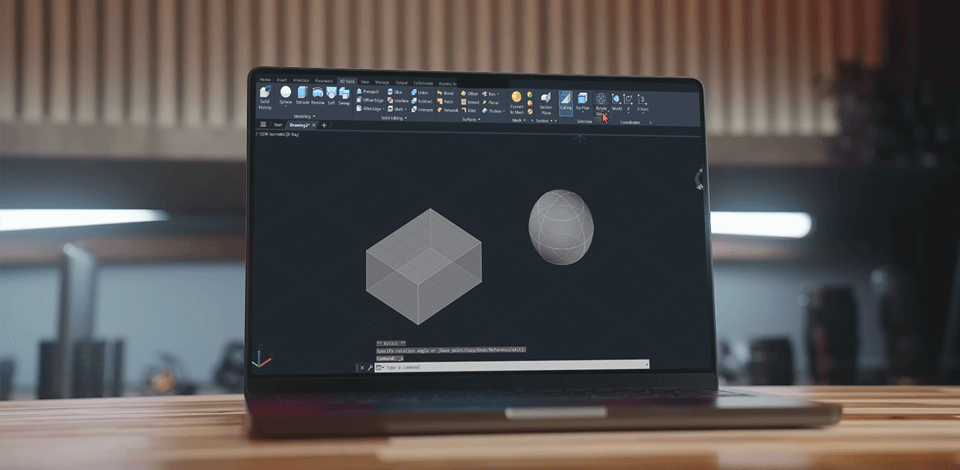
For many years, I worked as a photographer with the FixThePhoto team, but eventually, I realized I wanted to create, not just take pictures. So, I decided to explore architecture and signed up for courses where I needed to learn AutoCAD and I started to look for the best laptop for AutoCAD.
At first, I used my old budget laptop for photo editing. It worked fine before, but once I started doing more complex AutoCAD projects, everything slowed down. Rendering 3D models took forever, the software kept freezing, and it sometimes crashed when I added detailed textures or worked with big files. It was so frustrating, especially when I was running out of time.
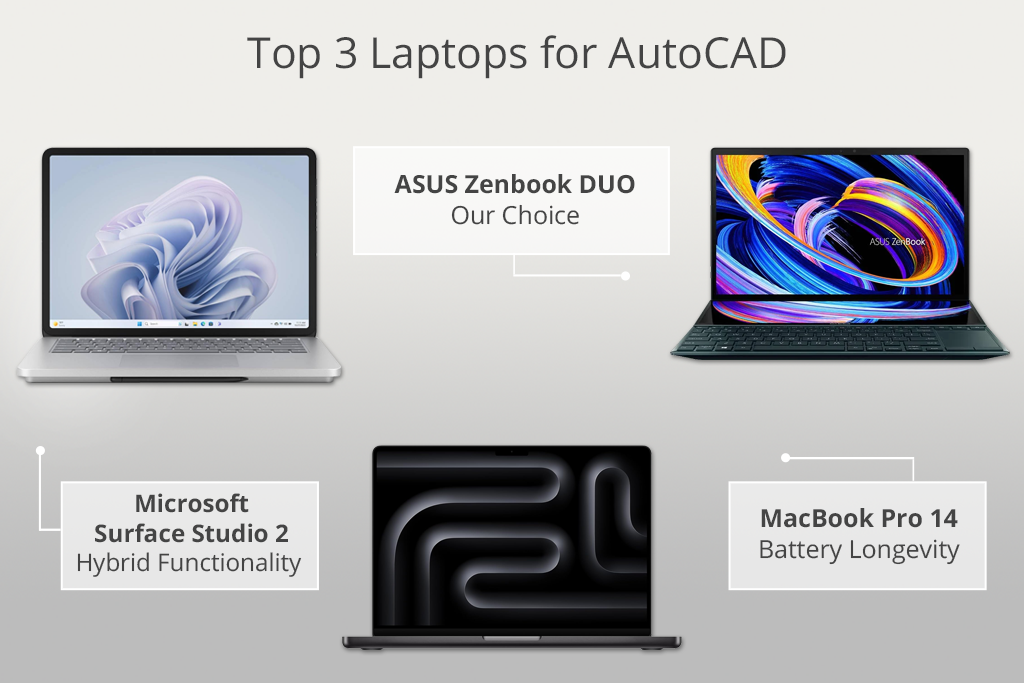
 ASUS ZenBook Duo ★★★★★ (5/5)
This is the best laptop for AutoCAD because of its smart dual-screen setup. You can see your design on one screen and tools on the other, making work much easier. It runs fast, so 2D and 3D projects go smoothly, and it’s light and compact - great for professionals who need to work anywhere.
That's when I realized my old laptop wasn't enough anymore. I needed something much better - a computer made for AutoCAD and design. So I started looking for options and writing down what was important:
| Feature | Requirement | Description |
|---|---|---|
|
Processor
|
Intel i5 or Ryzen 5
|
Great for basic AutoCAD tasks
|
|
Processor (Optimal)
|
Intel i7 or Ryzen 7
|
Perfect for 3D modeling and multitasking
|
|
Graphics Card
|
NVIDIA GTX 1650 or better
|
Handles rendering and 3D workflows
|
|
Graphics Card (Optimal)
|
NVIDIA RTX 3050 or higher
|
Designed for AI-powered rendering
|
|
RAM
|
16GB
|
Minimum for smooth operation
|
|
RAM (Optimal)
|
32GB
|
Greatest option for complex models and AI tools
|
|
Storage
|
512GB SSD
|
Quick load times and storage for files
|
|
Storage (Optimal)
|
1TB SSD
|
Extra space for bulky files and AI cache
|
|
Display
|
Full HD (1920x1080)
|
Enough for basic design work
|
|
Display (Optimal)
|
4K UHD with 100% sRGB/AdobeRGB
|
Extreme accuracy for rendering and presentations
|
|
AI Features
|
Compatible GPU & CPU
|
Handles AI-based design and rendering
|
|
Battery Life
|
6+ hours
|
Suitable for on-the-go work
|
|
Battery Life (Optimal)
|
10+ hours
|
Long battery life for all-day use
|
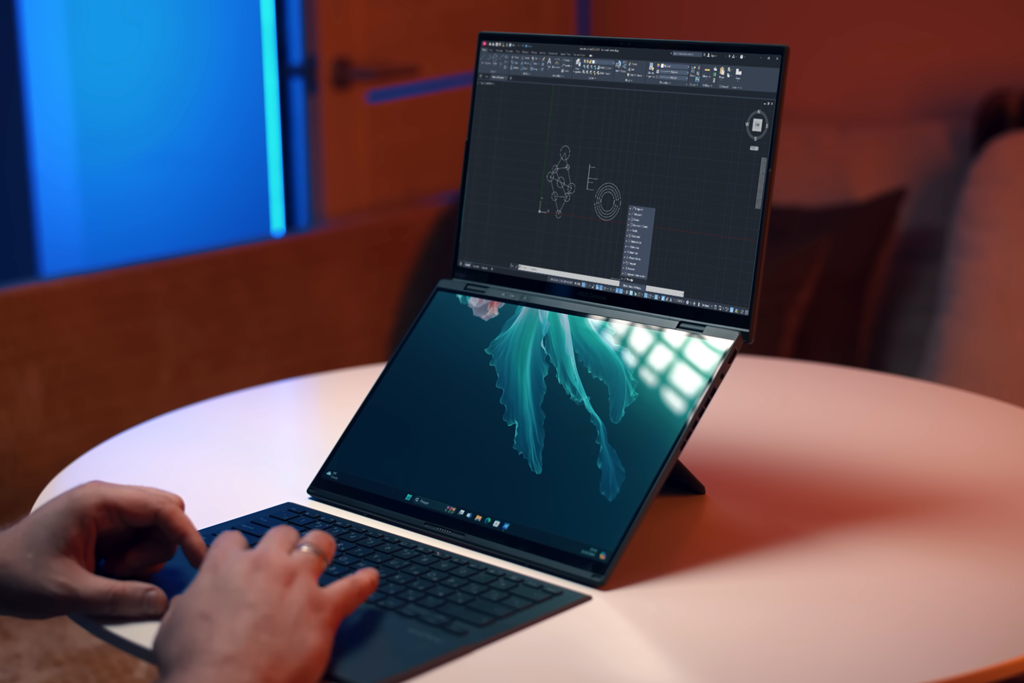
For my first project using the ZenBook Duo, I designed precise 2D floor plans for an apartment building while also working on client slides and trying out 3D designs. The two-screen system completely changed how I used AutoCAD - no more messy workspace!
I drew my plans on the main screen, while the lower ScreenPad held my toolbars, layer controls, and even tutorial videos. This meant I could stop wasting time jumping between windows like I did with my old single-screen laptop.
“Having two screens is perfect for multitasking! I keep my reference docs or toolbars open on the second display while focusing on AutoCAD work on the main screen - it’s so convenient.”

I put the laptop to the test during an intense 3D rendering project. The powerful Intel Core Ultra 9 chip and 32GB RAM kept things running smoothly, though I noticed some slowdowns with complex 3D models when using the built-in Intel Arc Graphics.
For regular 2D drafting and simpler renders, this workstation laptop performed flawlessly without breaking a sweat.
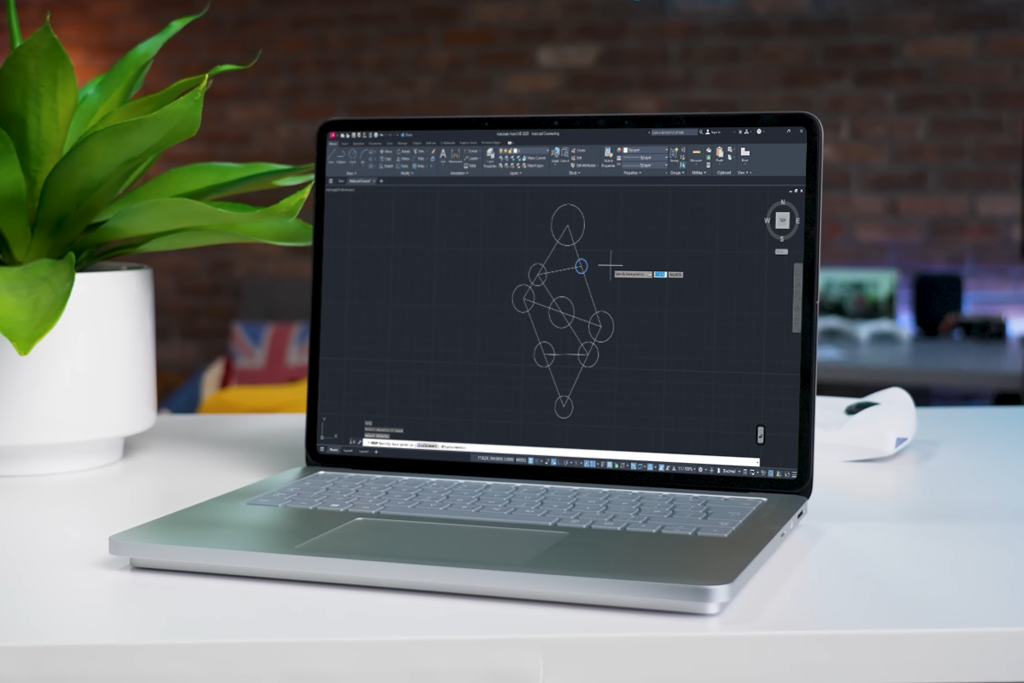
The 14.4-inch touchscreen of this laptop for Photoshop impressed me right away. The colors looked perfect, and everything appeared sharp, making even the smallest design details easy to see, making this model one of the best laptops for Autocad. With the optional Surface Pen, I could sketch blueprints right on the display with pin-point accuracy.
Being able to switch between laptop and tablet modes completely upgraded my workflow. When drafting, I used laptop mode for quick keyboard shortcuts - this meant I didn't need to carry a separate keyboard for 3D modeling. During client meetings, I'd tilt it into Studio mode to mark up plans and adjust details. Drawing right on the screen felt just like working at a traditional drafting table!
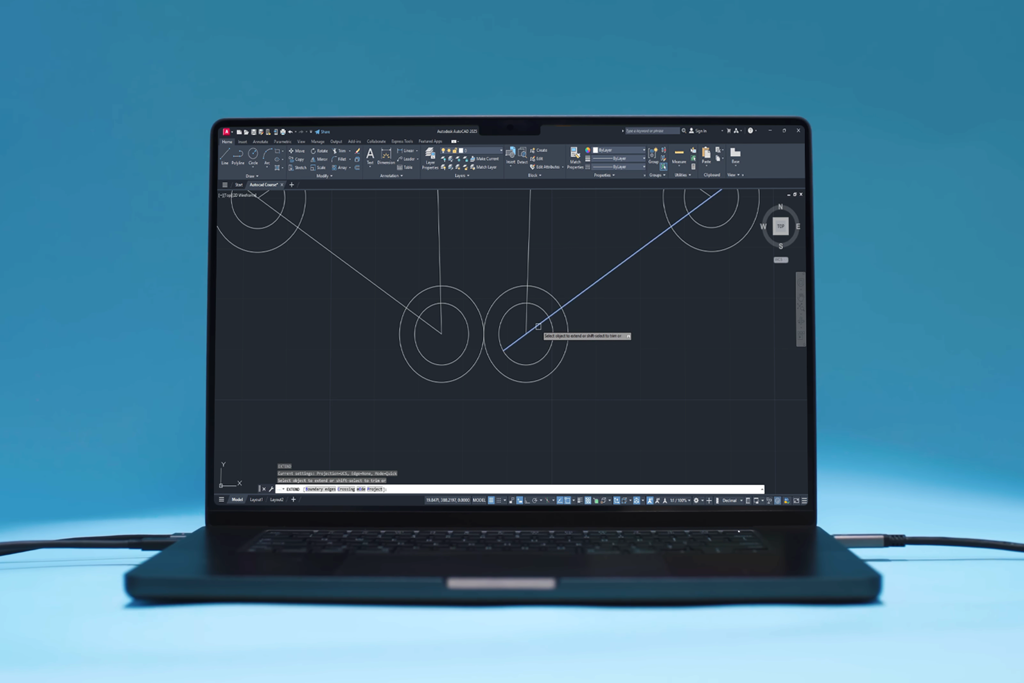
The screen on this Apple laptop is amazing - super sharp and shows colors perfectly. This made a huge difference when I worked on complex 3D designs and client presentations because every detail and color transition looked absolutely precise.
“This Apple laptop for AutoCAD performs exceptionally well, even with complex projects. The Retina XDR display provides outstanding clarity for reviewing detailed designs.”

The MacBook Pro 14 handled multiple demanding programs perfectly. I could use AutoCAD, SketchUp, and Photoshop together for presentations without any lag. What really stood out was the battery - it easily lasted a full workday of CAD work plus regular tasks like emails and web browsing.
As someone who designs for a living, I can confidently recommend it as a as a laptop with long battery life.
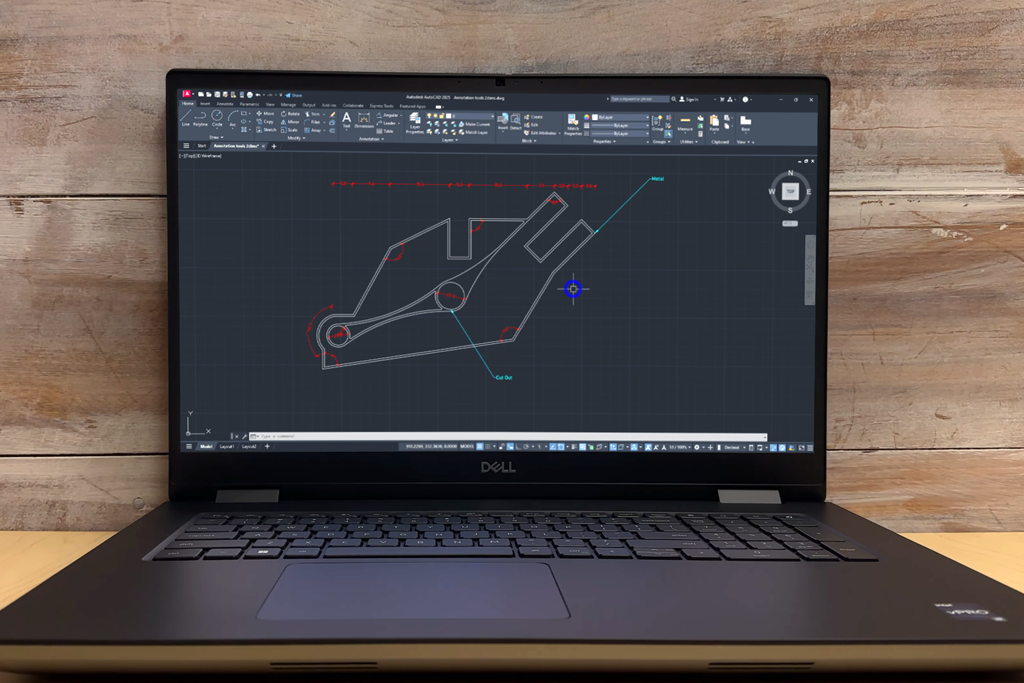
The first thing you'll notice about the Dell laptop for Autocad is how big and heavy it is - at over 3 kg (6.7 lbs), this isn't a laptop you'll want to carry around often. But the excellent build quality makes up for it, with a sturdy metal body and comfortable, high-quality interior that looks and feels professional.
This 17.3-inch large screen laptop gives you ample room for AutoCAD work with its Full HD (1920x1080) display. While the screen resolution is decent, I expected a 4K option at this price point. However, the color quality is outstanding - covering 99% of the DCI-P3 color range, which is crucial for precise 3D rendering and color-accurate design work.
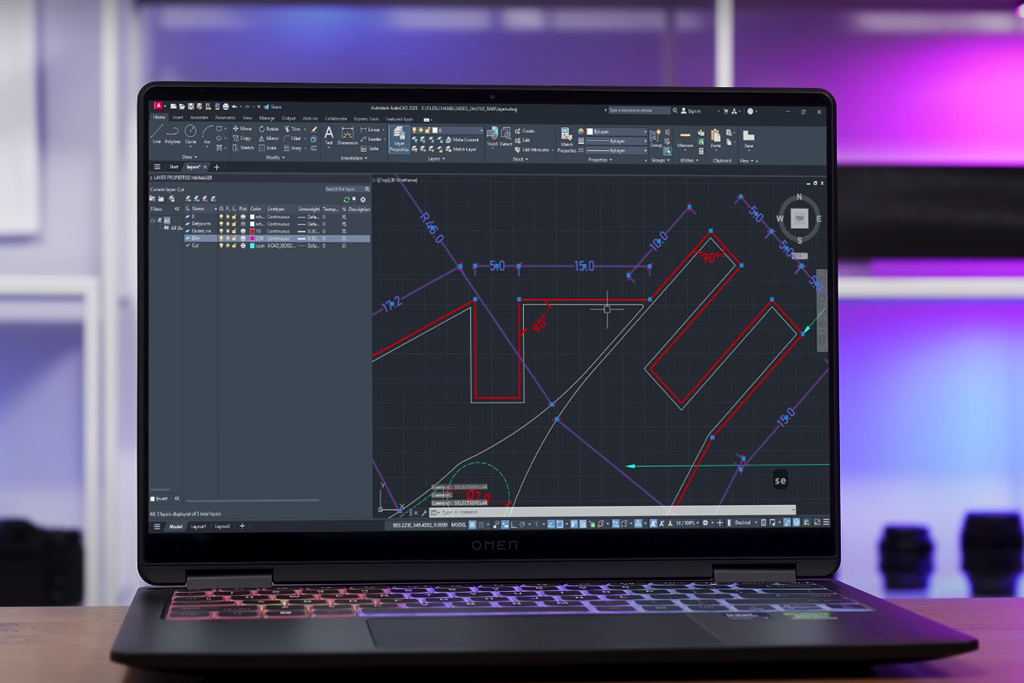
The HP Omen Transcend 14 features a 2.8K resolution (2880 x 1800) and a 16:10 aspect ratio, delivering crisp visuals and outstanding color precision - perfect for CAD designs and 3D modeling.
Its bright, high-contrast display enhances detail work in applications like AutoCAD, though the compact screen size might be restrictive for those used to larger displays. Still, it’s a great choice for remote work, which deserves to be named a good laptop for working from home.
“The HP Omen Transcend 14 is powerful yet portable. Its display is bright and colorful, and AutoCAD runs smoothly without lag. However, the 14-inch screen might feel a bit small for heavy CAD work.”
During my testing, I pushed the HP laptop for Autocad with demanding tasks like large AutoCAD files, 3D rendering in 3ds Max, and simulations in SolidWorks. It effortlessly managed intricate geometries and high-poly models without any slowdowns. Multitasking between AutoCAD, Photoshop, and multiple browser tabs with heavy workloads was smooth, thanks to the generous RAM and blazing-fast 1TB SSD.
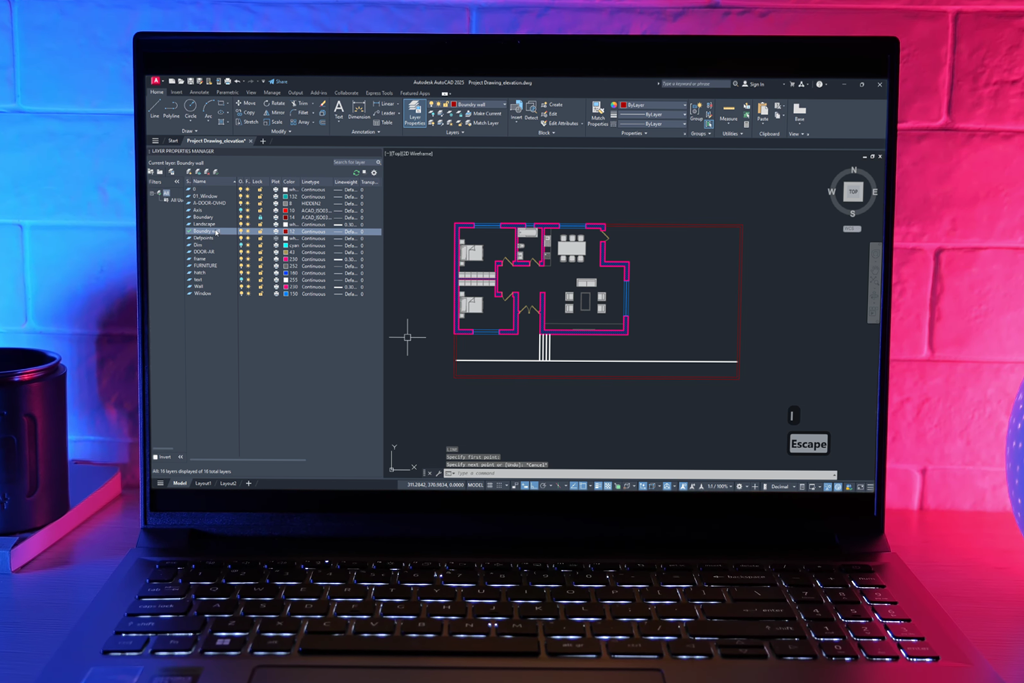
The Acer Swift X 16 focuses more on function than looks. Its aluminum body is tough but plain, with a simple, no-nonsense design. Though not flashy, it feels sturdy for daily use. At 1.9kg (4.19 lbs) and slim for a 16-inch laptop, it's easy to carry while still giving you a big screen.
The 16-inch WUXGA display (2560 x 1600) stands out as a highlight, close to close to Adobe RGB laptops. With its 16:10 aspect ratio, the taller screen provides extra vertical real estate, making it easier to view CAD drawings, manage toolbars, and multitask. The 340-nit brightness ensures visibility in various lighting conditions, while color accuracy and sharpness are suitable for CAD applications, though not as vibrant as an OLED display.
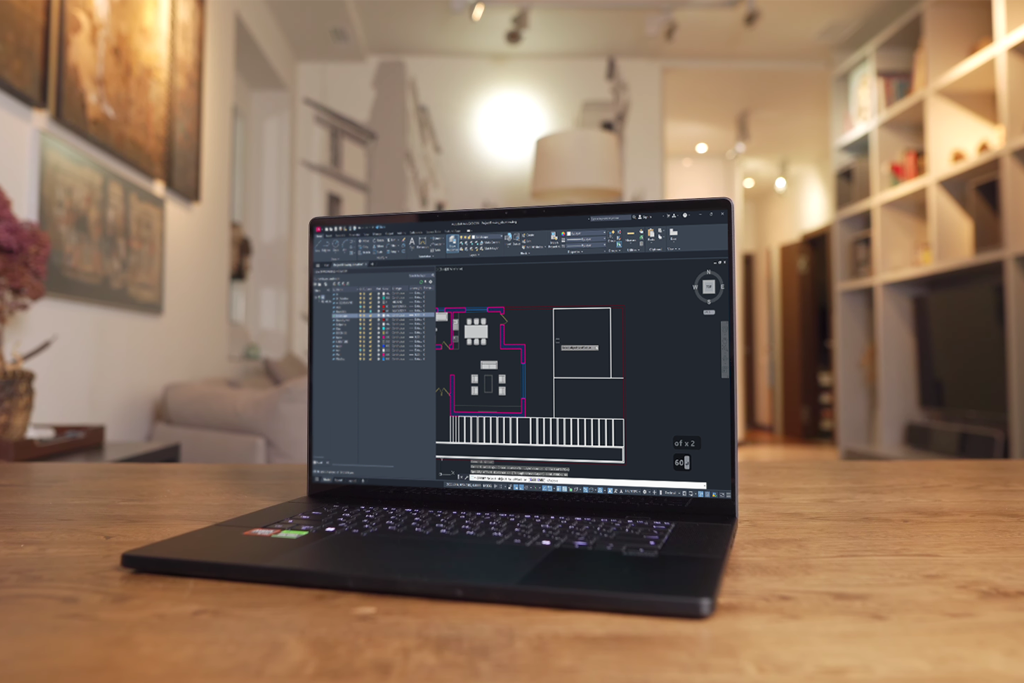
The ASUS ProArt P16 is a high-performance budget laptop for Autocad made specifically for designers and engineers. It's perfect for running AutoCAD and other demanding design software, delivering exceptional speed, extremely accurate colors on its beautiful display, and specialized features that make CAD work more efficient.
“AutoCAD professionals will love this powerhouse laptop. It combines jaw-dropping speed with a breathtaking 4K OLED screen that shows every detail of your designs perfectly.”

The ASUS Dial is one of the most impressive features, built right into the touchpad. It provides seamless control for AutoCAD tasks: zooming, rotating models, or modifying brush sizes in design software.
This compact yet highly functional tool dramatically improved my efficiency by minimizing reliance on keyboard shortcuts. Its versatility also makes this model a great laptop for Revit.
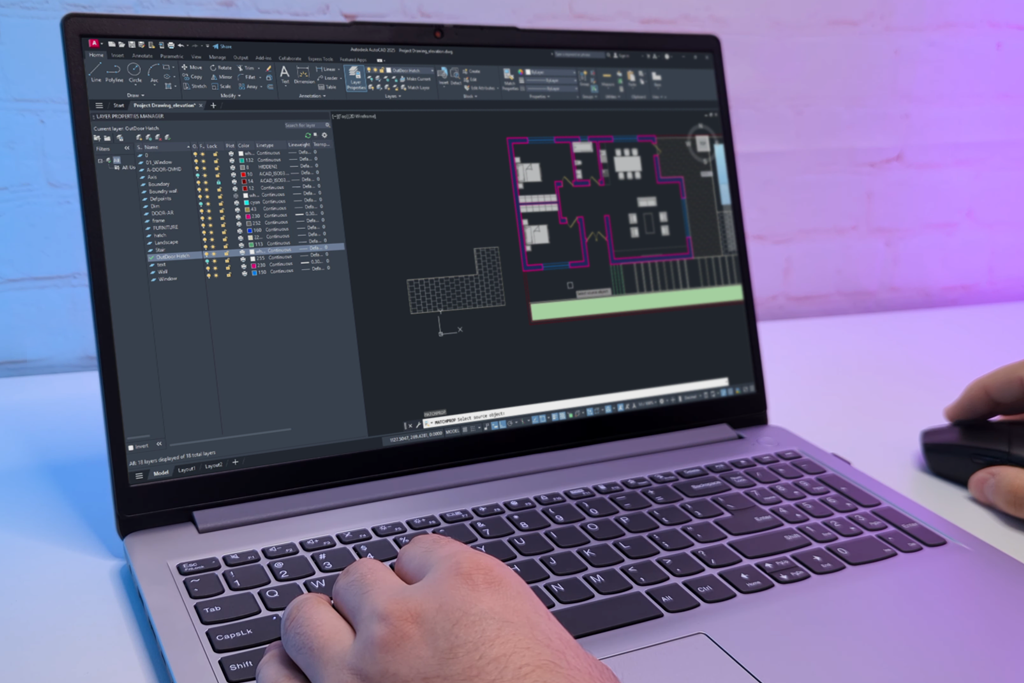
The 15.6-inch Full HD touchscreen is a great size for CAD work, giving you enough space for toolbars and open windows. The 1920x1080 resolution is sharp, but it doesn’t have the ultra-high detail or color accuracy needed for professional design work. Still, it works well for basic AutoCAD and as a laptop for architecture, while I’m still learning in my courses.
Setting up this budget laptop for Autocad was quick and easy, thanks to the pre-installed Windows 11 Pro with Copilot AI, which handled updates and setup smoothly. The Smart Noise Cancelling worked well during calls, keeping my voice clear even in loud places. The touchscreen on this quiet, fanless laptop is handy for zooming and moving around in AutoCAD. The only downside is that it picks up fingerprints easily, so I had to wipe it often.
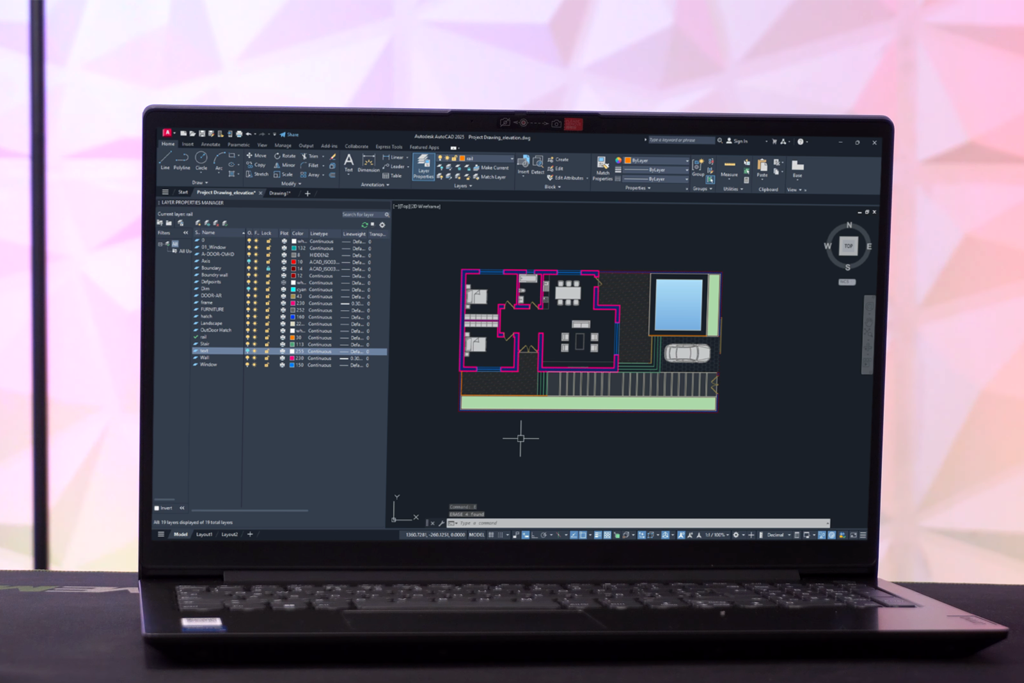
The Lenovo V15 is advertised as a cheap laptop for Autocad with vast functionality, so I wanted to test its performance with different CAD software. It handled 2D designs smoothly with its Intel UHD Graphics. For simple 3D modeling, it worked fine, though it struggled a bit with more complex renders or large files.
The 40GB RAM improved multitasking and minimized delays, but since the processor isn't built for heavy workloads, this laptop is best for beginner to mid-level CAD projects.
“Good budget laptop. Runs 2D AutoCAD and basic 3D work smoothly. The 15.6-inch screen is sharp but colors could be better.”

The 1TB PCIe SSD works great, loading the system fast and opening files quickly. With so much space, you can easily store large CAD projects and other programs. Even after saving multiple design files, videos, and documents, there was still plenty of room left, making it a good a laptop for realtors.
Working with the FixThePhoto team, we carefully tested laptops for AutoCAD to match real-world use. We installed AutoCAD free version on each device. To go further, we also added daily design software like Fusion 360, Revit, and Photoshop to check performance and multitasking.
Vadym Antypenko led the AutoCAD setup on each laptop, fine-tuning the software to get the best performance from the hardware. He tested different settings like turning on GPU acceleration and optimizing for high-res screens, especially on models like the ASUS ProArt P16 and MacBook Pro 14.
Kate Debela ran performance tests to see how smoothly each laptop handled AutoCAD tasks. She began with testing simple 2D designs, then moved to more demanding 3D models and renders. To really check their limits, she loaded complex files, packed with fine details, multiple layers, and high-quality textures, on powerful laptops like the HP Omen Transcend 14 and ASUS ZenBook Duo.
Robin Owens tested how user-friendly each laptop was for long CAD work sessions. She checked if keyboards stayed comfortable during hours of use, tested how precise touchpads and special controls (like the ASUS Dial) were, and monitored heat levels during heavy workloads to make sure performance didn't drop.
We tested real-world battery life by using the laptops for modeling while unplugged. Kate checked how long models like the Lenovo V15 lasted during typical design work. Robin evaluated their portability and performance in different workspaces.