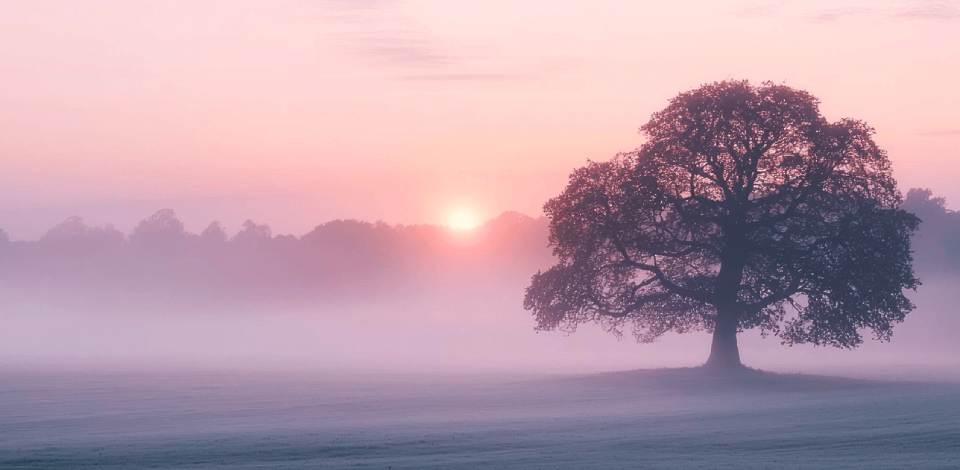
Working as a retoucher at FixThePhoto, I’ve edited countless photos where the effective use of positive space in photography has been a game-changer. I also frequently get questions from our audience about improving compositions, making subjects stand out, and achieving balance within the frame. Understanding positive space is crucial for tackling these common photography issues.
Positive space includes all the elements in a composition that capture attention, usually the main subject and additional details. When used smartly, positive space enhances photos, making them more vibrant and balanced, ensuring the subject is in focus without overwhelming the rest of the image.
Without a proper understanding of what positive space in photography is, photos can end up looking messy, confusing, or without a strong focal point.
Artists throughout history, from painters to sculptors, have taken advantage of positive space to add depth, balance, and focus to their work. Renaissance masters used it to create perspective and guide the viewer’s eye to the subject.
By the 20th century, photographers and designers benefited from these principles, using them in photography, graphic design, and film. In photo art, positive space is the part of the image that highlights the main subject or important details.
Positive space can feature people, objects, or any elements that make the composition more attractive. Photos with positive space are often lively and engaging, directing most of the attention to the subject.
I use it when I want to create an intimate, dynamic, or energetic feel in a shot. It’s particularly effective in commercial photography, fashion photography, and environmental portraits where the subject is at the center of attention.
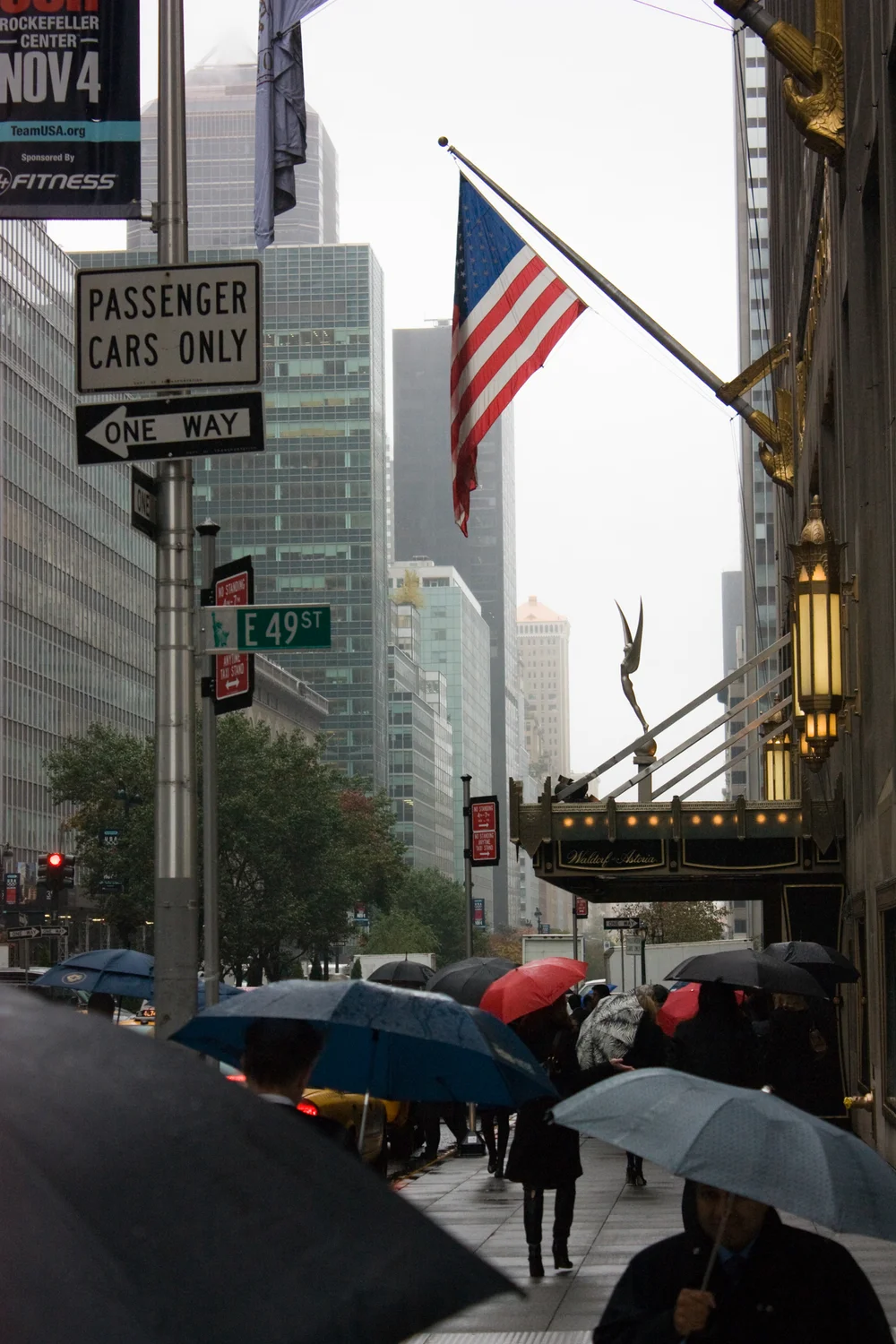
Before I take a photo, I always devote some time to identifying the most important parts of the scene - the areas I want to emphasize and make stand out. Whether it’s a person, an object, or a striking natural element, recognizing these focal points helps me decide how to frame the shot.
For instance, in a crowded street scene, I might focus on a single eye-catching subject, like someone in bold clothing, while allowing the rest of the scene to stay muted or blurred.
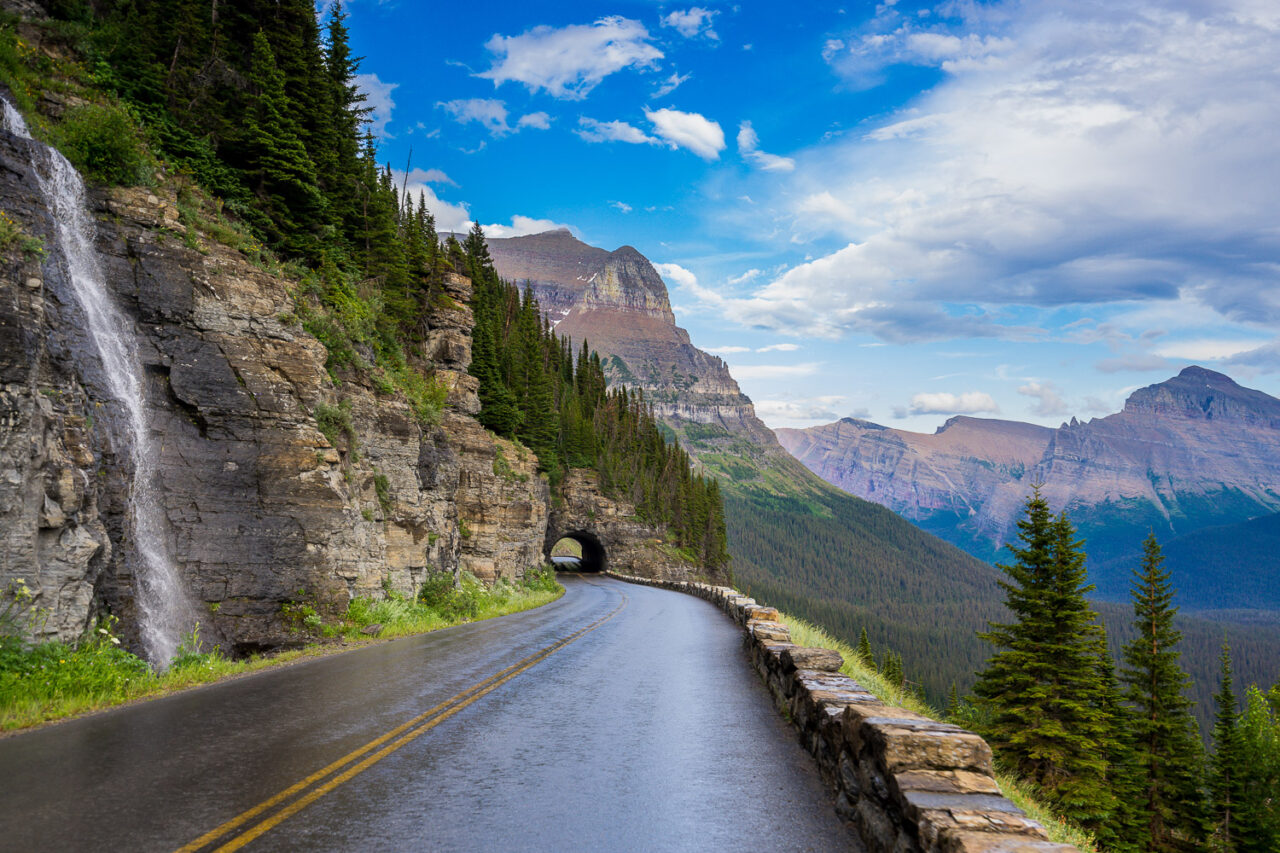
After choosing my subject, I use techniques like the rule of thirds in photography, leading lines, or framing to place the positive space well. These help guide the viewer’s eye to the subject and keep the photo balanced.
For example, in a landscape pic, I might use a winding road to lead the eye to a distant mountain, which is my positive space.
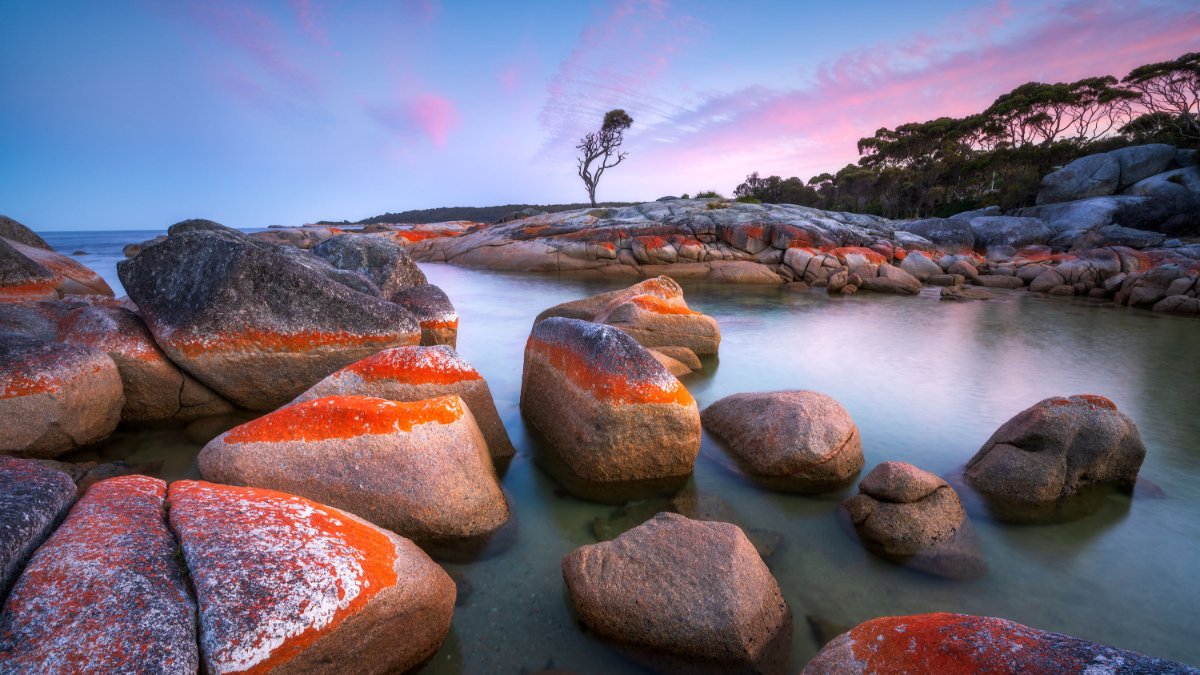
While positive space is the main focus, negative space still matters. Eva from FixThePhoto team always emphasizes that even busy images need some empty areas for a proper balance.
If a photo feels too cluttered, we might crop it, eliminate distracting elements, or soften the background. The goal is to keep the subject as the focal point without making the image feel overwhelming.

Your camera settings play a key role in emphasizing positive space. I often tweak the aperture and depth of field, using a wide aperture (low f-stop) to achieve a shallow depth of field. This isolates the subject from the background, making it the clear focal point.
It’s especially effective in portrait photography, where I want the subject to remain sharp while the background is gently blurred, further enhancing the positive space.

There is a story behind every photo, and knowing that story helps you use positive space better. I always think, “What do I want this photo to say?”
For example, when shooting a couple on their wedding day, I might use positive space to show their closeness. I’ll position the couple close together, their faces near, and leave enough negative space around them to draw attention to their emotions.

Color is a key tool for defining positive space. Vivid, eye-catching colors in the subject can help it stand out against a softer background. I like to explore contrasts (pairing colorful subjects with darker settings or the opposite) to achieve a bold and striking look.
For example, photographing someone in a bright red dress against a dark, moody background instantly draws attention to the subject and makes the positive space stand out. I recommend exploring complementary colors photography and learning about the color wheel to capture truly stunning images.
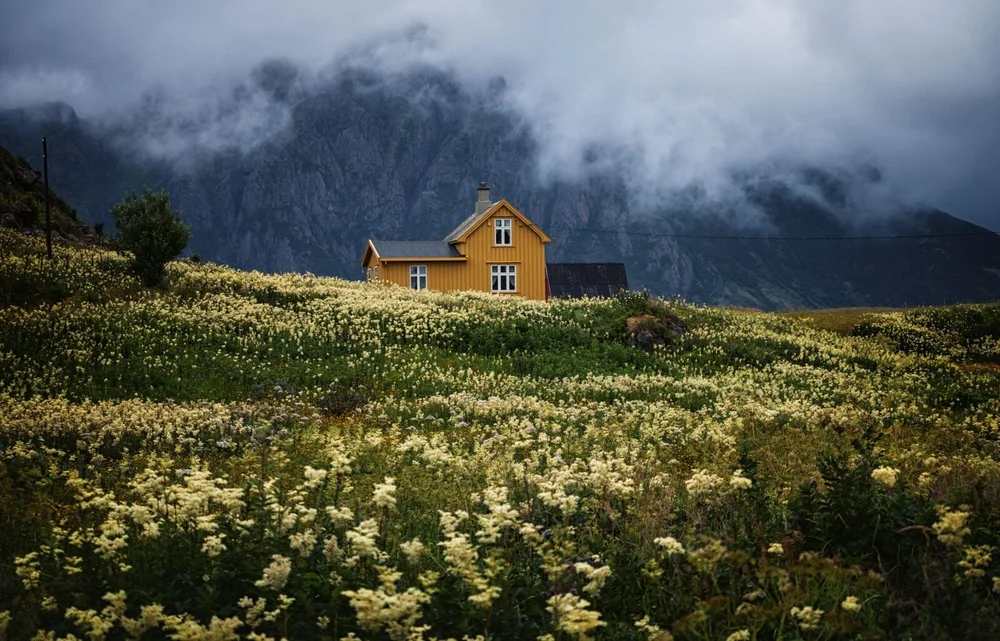
Although post-production is my favorite stage, I know that too much editing can ruin the shot. I prefer not to use heavy filters or artificial enhancements that may distract from the natural beauty of a photo.
However, a slight adjustment of exposure or contrast is just fine. We tested many editors and our recommendations are Adobe Lightroom, Photoshop, Canva, Pixlr.


To emphasize positive space, I often frame my subject using natural or man-made elements like doorways, tree branches, or building outlines. This technique not only draws attention to the subject but also adds depth to the image.
For example, when capturing someone in a doorway, I position them within the arch to make them the standout focal point in the photo.

Adjusting my perspective can significantly transform how positive and negative space is perceived. Shooting from above, below, or at unconventional angles can make a subject appear more dynamic and captivating.
For instance, when photographing a flower, capturing it from a low angle with the flower as the central focus adds a dramatic sense of height and makes the positive space stand out more.

The emotions of the subject can significantly impact the positive space in a photo. I’ve found that photographing candid moments creates a feeling of intimacy and connection.
Whether it’s a lively exchange between two individuals or a calm, reflective expression, I make sure the positive space around the subject aligns with the scene’s mood, drawing the viewer deeper into the narrative.

Lighting is an effective tool for setting the tone of a picture. Natural light is always my priority, as it creates a gentle, cozy atmosphere that feels inviting.
But when shooting under artificial lighting, I aim to use it in a way that doesn’t overwhelm the subject. Softboxes or flash diffusers can make a huge difference in creating a warm, welcoming atmosphere.
Next, I’ll share a few images with strong positive space and explain what makes them stand out.

A nighttime cityscape filled with flashy billboards, bright traffic lights, and majestic skyscrapers that reflect all this beauty is a great example of positive space in photography.
There’s no clear background, as everything in the photo catches your eye. Bright neon lights, fast cars, and tall buildings create a lively, chaotic feel where every part of the image matters.

This image is filled with leaves and tree trunks that all capture attention, leaving no clear “background.” The dark centers of the tree trunks have little detail, but the rest of the photo is bursting with texture and fine details. It’s a vibrant, crowded scene.

A lively street market full of people, stalls, and vibrant goods is a great example of positive space filling the frame. Every corner grabs your attention: vendors selling items, shoppers exploring, and colorful fabrics decorating the stalls.
While there is a background, it merges with the scene instead of fading away, creating a lively and engaging composition where every detail contributes to the story.

This photo is a perfect example of extreme positive space. Every part of the image is filled with detail, from top to bottom, with no clear background. It’s intentionally cluttered: every element grabs attention, but nothing dominates the scene. The entire composition is a positive space.
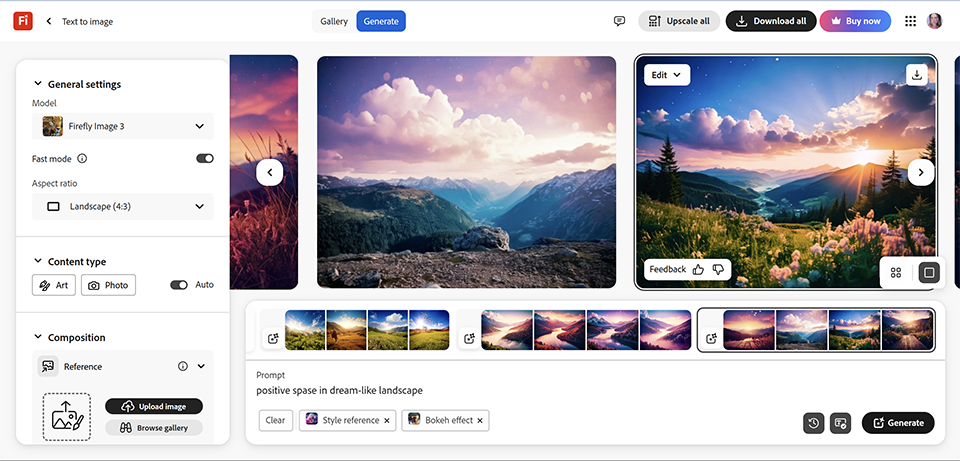
When I first experimented with AI in digital art photography, I found it fascinating how it could transform the concept of positive space. For example, in a recent project, I aimed to create a dream-like landscape. I provided specific keywords and descriptions, and the automated algorithms generated a breathtaking scene with just the right balance of positive space.
What I really like is the freedom to shape positive space in ways traditional photography can’t achieve. In digital art, I can place a character or object in a fully customized world, in which the positive space is as dynamic and intentional as the subject itself.
Sometimes, the AI tools even suggest tweaking the positive space around the subject to highlight certain emotions or moods, adding a creative touch.

For photographers looking to create breathtaking images, post-production is a very important stage. Tools like Adobe Lightroom and Photoshop are indispensable for color correction, balancing adjustments, and overall photo enhancement.
Lightroom presets provide a simple way to transform your landscape and nature shots with just a few clicks. With these free presets, you can refine your photos, unlocking their full potential and achieving polished, professional results without spending hours on edits.





![25 Country Photoshoot Ideas You’ll Love [Cozy, Cute & Trendy]](http://fixthephoto.com/blog/images/gallery/news_main__preview_28442.jpg)



















