Working as a wedding photographer, I often have to deal with file recovery emergencies. The most stressful situations are when memory cards crash mid-session. So, I was excited to try the free Stellar Photo Recovery version before its official release.
As part of the FixThePhoto team, I used the software on a corrupted SD card that held over 200 RAW files. It recovered more than 95% of them and the image quality remained high. This version proved to be one of the most dependable recovery tools I’ve used so far.
|
File name:
|
StellarPhotoRecovery.exe (stellarinfo.com)
|
|
File size:
|
45 MB
|
|
File name:
|
StellarPhotoRecovery.exe (stellarinfo.com)
|
|
File size:
|
46 MB
|
|
File name:
|
StellarPhotoRecovery.exe (stellarinfo.com)
|
|
File size:
|
47 MB
|
|
File name:
|
StellarPhotoRecovery.exe (stellarinfo.com)
|
|
File size:
|
45 MB
|
|
File name:
|
StellarPhotoRecovery.exe (stellarinfo.com)
|
|
File size:
|
52 MB
|
|
File name:
|
StellarPhotoRecovery.exe (stellarinfo.com)
|
|
File size:
|
50 MB
|
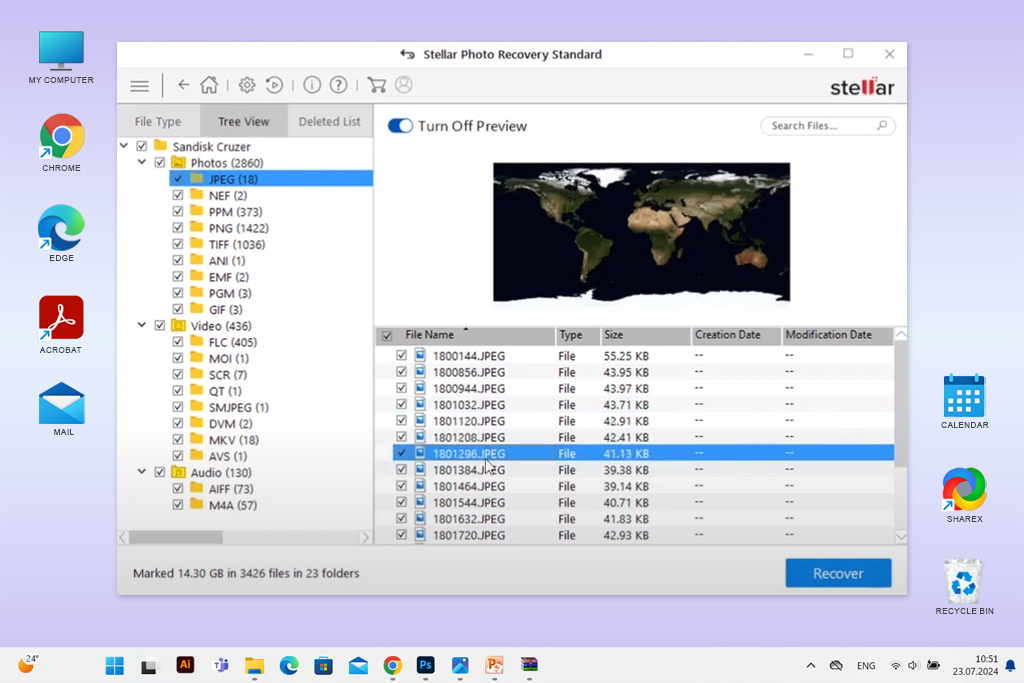
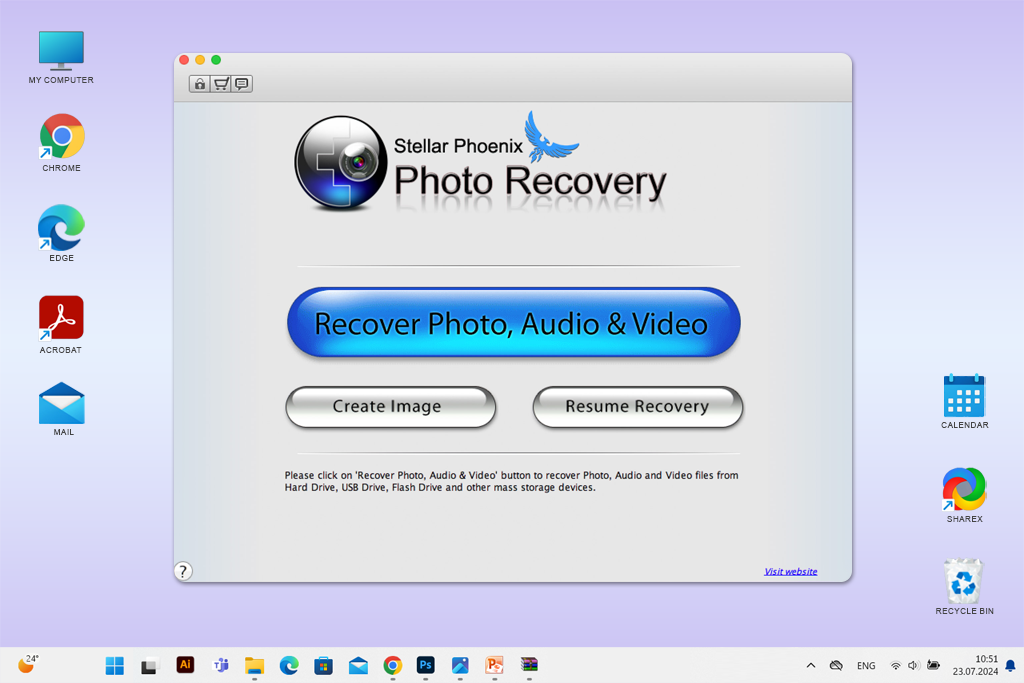
Using Stellar Phoenix Photo Recovery 7.0 was mostly a positive experience. Still, there are certain things that call for improvement. For example, the interface looks very outdated. Other recovery tools are better in this regard. Besides, the best free data recovery software run faster. This can be an important point to consider for many users looking for good file recovery software.
1. Scanning could be quicker. On large memory cards, scanning in Stellar takes a bit too long. In our tests at FixThePhoto, it was about 20% slower than a competing tool. This isn’t a deal-breaker, but worth noting.
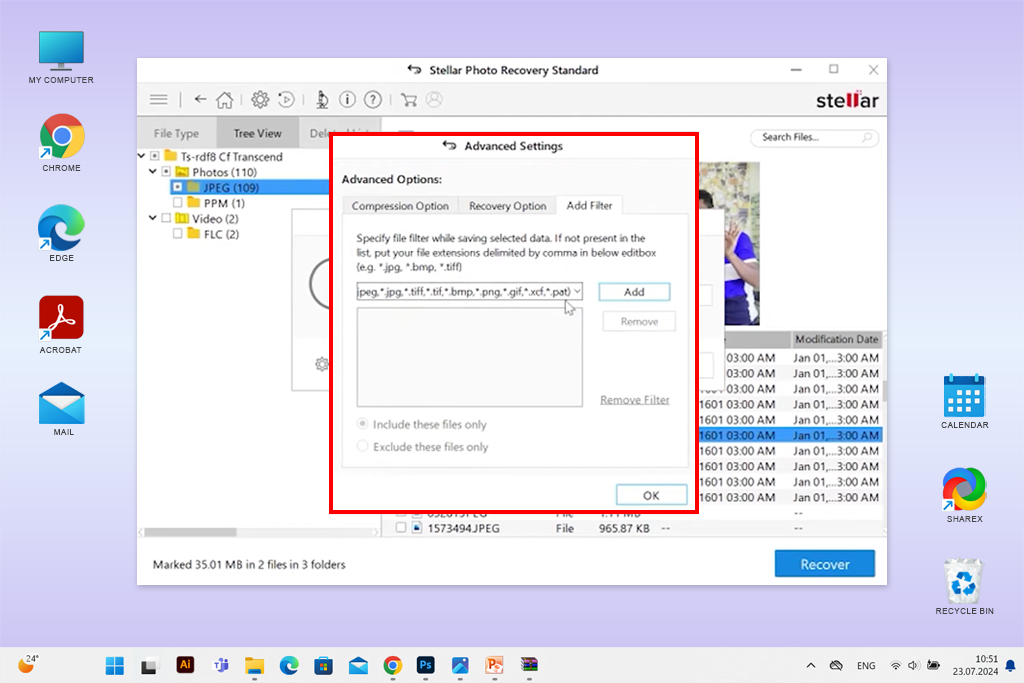
2. Filters need an upgrade. When you're recovering thousands of files, the process can be overwhelming. If they introduced more advanced filtering, e.g., by size, date, or even by camera model, it would be more convenient.
3. No cloud recovery: Most of us still work with physical storage, but clients are increasingly using cloud platforms like Google Drive and iCloud. It’d be smart for Stellar to offer built-in cloud recovery.
Looking for a no-cost option instead of Stellar Photo Recovery? Our FixThePhoto team has used and tested multiple recovery tools on actual client files. These are the ones we recommend trying:
MiniTool Power Data Recovery is a popular free program, mainly for Windows. It can restore lost files from formatted or broken partitions, as well as from CDs, DVDs, and SD cards. Scanning large drives is typically time-consuming. Still, the program has a simple interface and a strong deep scan option, so it is a very effective choice for recovering files accidentally deleted or lost due to system problems.
Recuva quickly recovers files that were deleted not long ago or lost because of broken hard drives and USB drives. It’s perfect for quick fixes and even has a secure delete option to erase files permanently. While it doesn’t have as many advanced features as paid software, it’s a reliable program that doesn’t occupy much computer space. So, if you need something for everyday recovery, take a closer look at this option.
PC Inspector File Recovery works with FAT and NTFS file systems. This program can recover files even if the boot sector or partition table is missing. You can also save recovered files directly to a network drive. Although its look feels a bit old-fashioned, it perfectly copes with the task and is especially useful for recovering files from older devices.
TestDisk & PhotoRec are powerful open-source programs made for users with some tech experience. TestDisk is aimed at recovering lost partitions, and PhotoRec is designed to bring back deleted files such as pictures and videos from memory cards, cameras, USB drives, and disk images. You can use these tools to recover data even after deep formatting, but you have to put up with their outdated UI.
UnDeleteMyFiles Pro isn’t the most advertised replacement for Stellar Photo Recovery, but it’s a helpful tool for restoring lost files from memory cards and hard drives. In addition to basic functionality, you can take advantage of filtering by file type, taking disk snapshots, and securely deleting files. With this tool, you don’t get file previews before recovery, but its all-in-one approach makes it a good free option for simple file fixes.






















