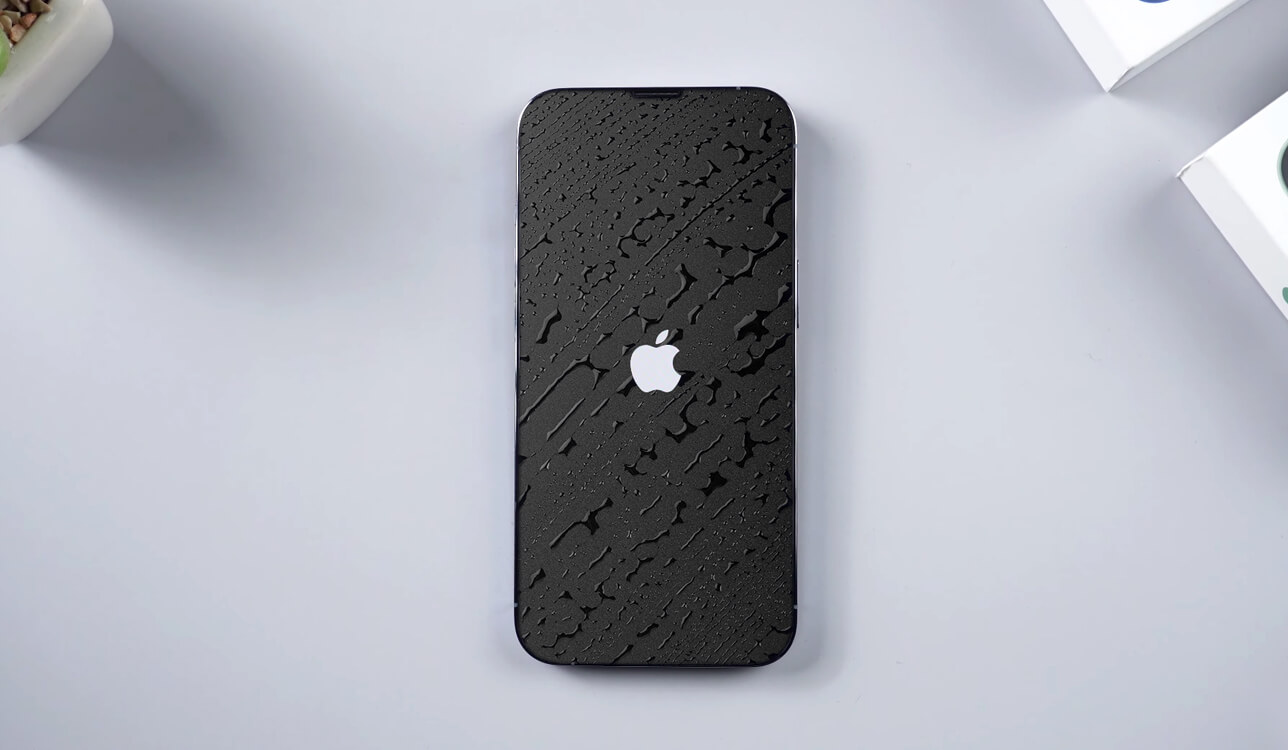
How to Get Water Out of Your Front Camera: Safe Methods

When you purchase through affiliate links on our site, we may earn a commission. Here’s how it works.
How to Get Water Out of Your Front Camera Prevention Tips

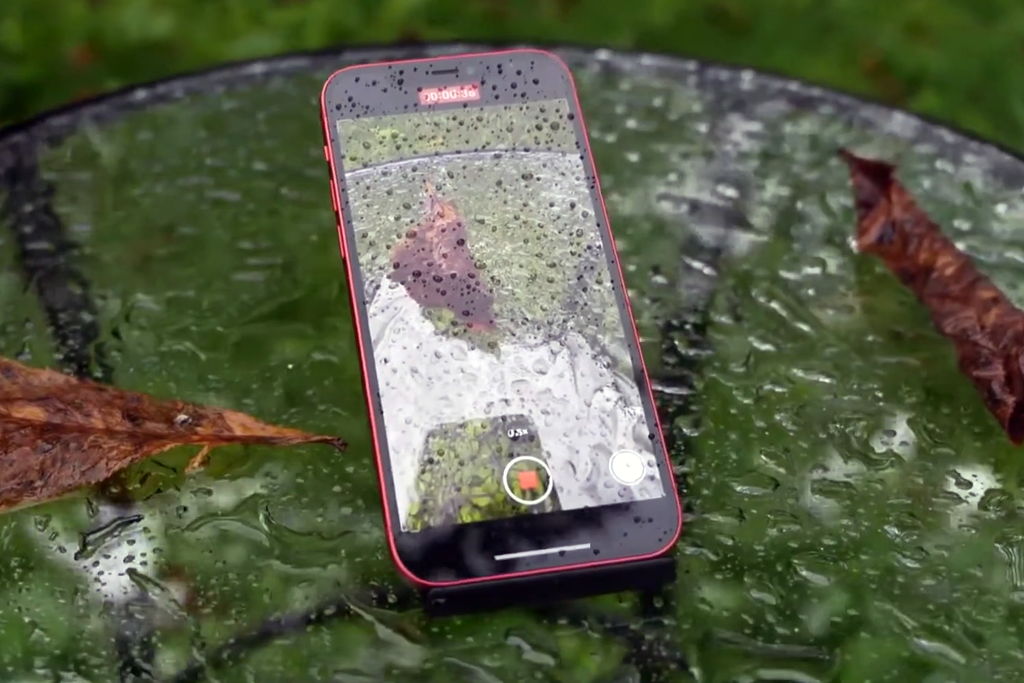
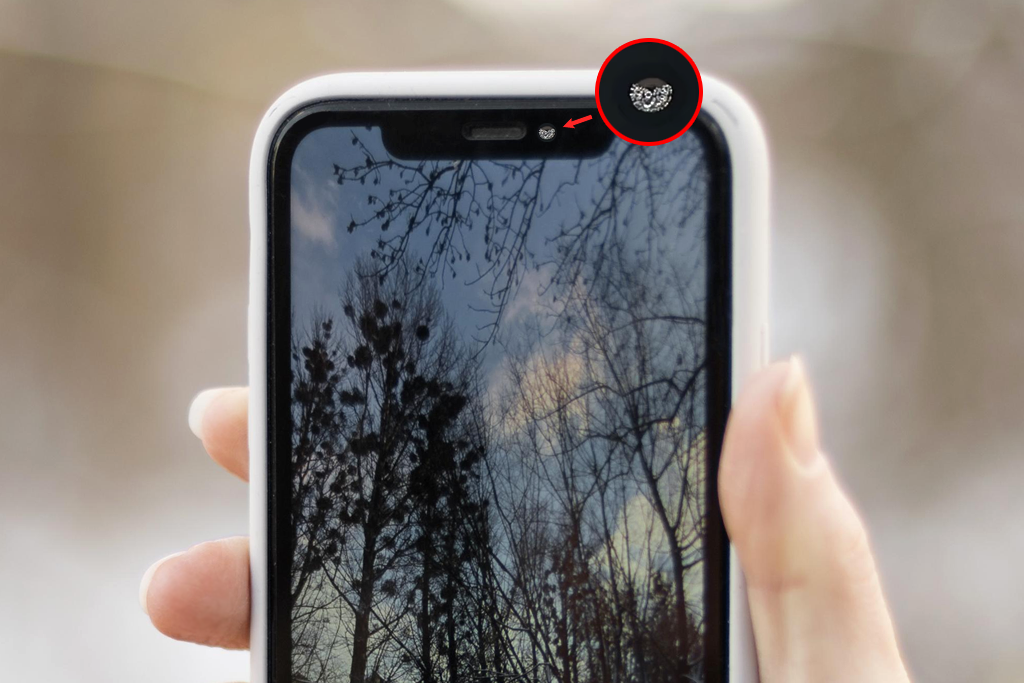
Recently, I was stuck outside in the rain. When I checked my phone afterward, I noticed the front camera had taken in some water. My pictures turned out cloudy and unclear. Besides, every shot had a misty layer covering. At that point, I understood that something so small could completely ruin my casual photos. At FixThePhoto, I typically work with pro gear. But at that moment, I was struggling with a damp smartphone and grasped that many people may occasionally face the same problem.
how to get water out of your front camera example

After testing a few methods, I coped with the problem without harming my phone. I thought it would be helpful to share my experience and write a detailed guide on how to get water out of iPhone camera. Such an issue is more common than you’d think. If ignored, it can cause serious damage. I’ll describe what actually helped me, plus the things you shouldn’t do, so you can save your phone’s camera before it’s too late.
How to Identify the Problem?

how to get water out of your front camera identifying

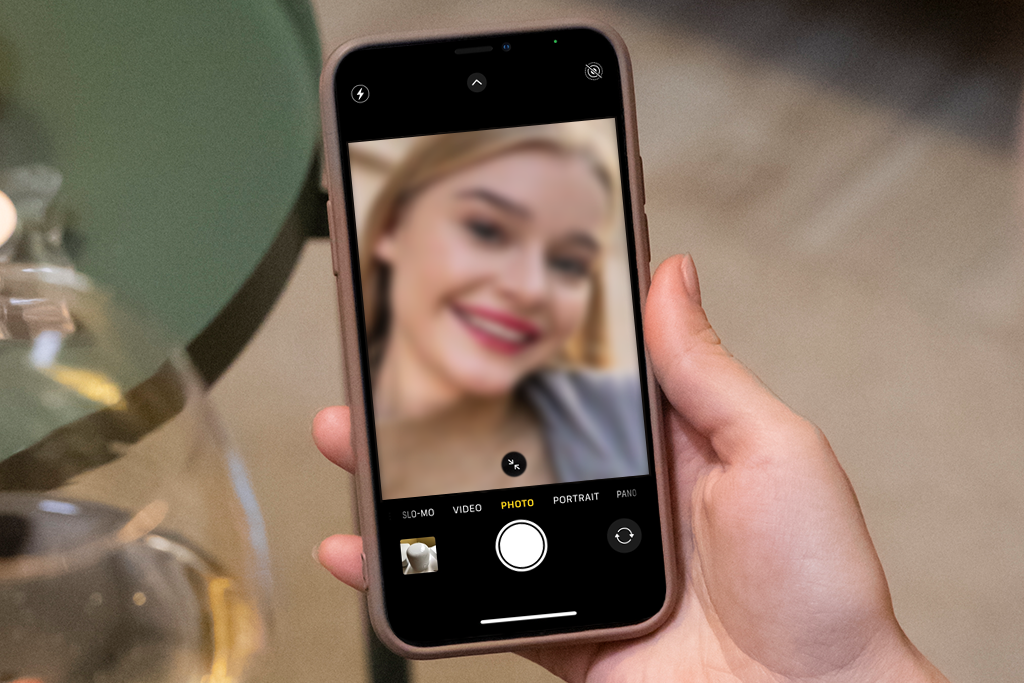
If water slips into your front camera, you’ll usually notice it. Though at first, it can be confusing. When it happened to me, I thought it was just a greasy fingerprint rather than iPhone camera water damage. But soon I saw the signs didn’t match normal dirt. It was clearly trapped moisture.

❗️ Blurry selfies – no matter how much you clean the lens, photos still look fuzzy.
❗️ Foggy lens – condensation inside that you can’t wipe away.
❗️ Spots or stains – the same marks keep showing up in every shot.
❗️ Dull colors – pictures look duller and not as vivid as they should.

Immediate Actions to Take

As soon as I noticed moisture in iPhone camera, I didn’t waste time, and I turned the phone off. This is a very crucial step. If water is inside and the phone stays on, it could cause a short circuit or fry the hardware. You can get along without your phone for some time if you want to protect your camera.

After switching my phone off, I took a soft microfiber cloth and gently dried the outside. The main goal is to remove the water sitting on the selfie camera, so that it won’t leak further in. At this point, your task isn’t to fix everything. You just need to keep the situation from getting worse until you can dry the phone properly.
Safe Drying Methods

how to get water out of your front camera methods

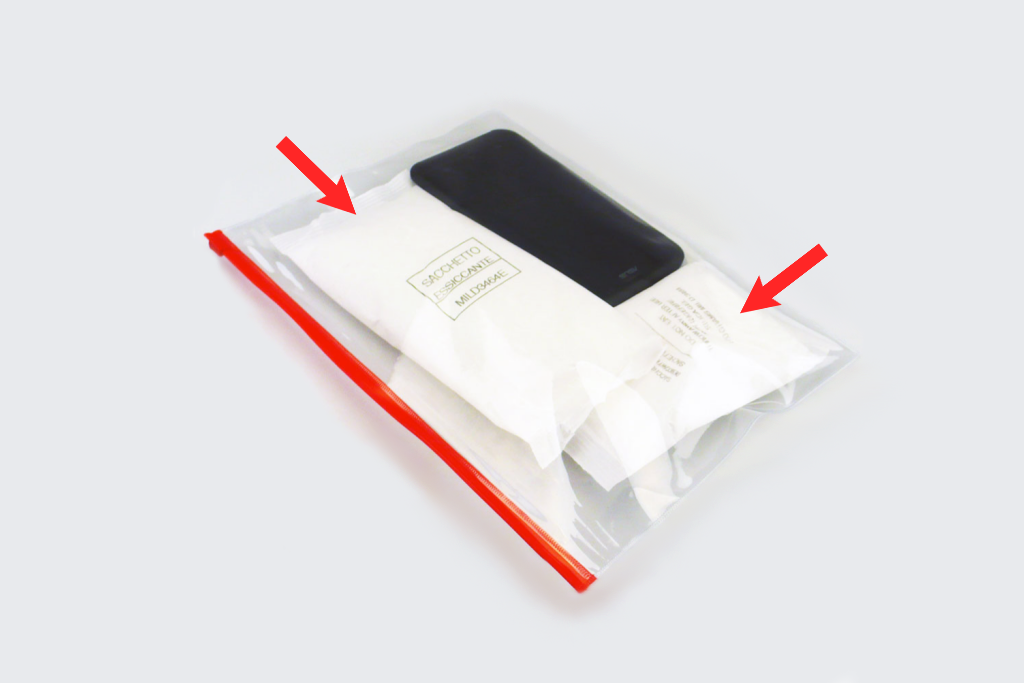
After turning the phone off and drying the outside, you need to get rid of the moisture trapped inside. I’ve tried several safe methods. They can be really helpful if you act quickly.

Try rice or silica gel. Put your phone into a container with raw rice or silica gel packs and seal it up. Wait for at least a day so the material has time to soak up the hidden moisture.

Leave it in a dry room. Don’t rush. Just let the phone sit in a warm, airy space. The natural airflow will help the condensation in iPhone camera fade without the risk of heat damage.

Blow cool air. Switch on a cold mode on your fan or a hair dryer. Just keep it at a safe distance and never use hot air, which could harm the phone.

What NOT to Do

When I was trying to get moisture out of iPhone camera, I stumbled across various tips online. Unfortunately, many of those tricks do more harm than good. What seems like an easy fix can permanently damage your camera or even a phone. Let’s go over the ones you should never try.

No ovens or microwaves. They’ll do more than dry. Extreme heat melts phone parts and destroys the screen.

Skip radiators and direct sun. Heat like this can crack the glass and overheat your battery.

Don’t press or shake the camera. By doing so, you will push the water further in and risk scratching the lens.

When to Seek Professional Help

If none of your attempts yielded the desired outcomes and there is still water inside your camera, don’t wait. Reach out to experts and get it repaired. Water can corrode parts and cause bigger, costlier problems.

It’s also smart to seek help if you noticed camera glitch or if face unlock or other camera features don’t work properly. Such features depend on very precise sensors, which can be damaged by water. A repair technician has the right tools to carefully clean and restore them.
Prevention Tips

how to get water out of your front camera tips

Though I learned how to get water out of camera, I figured out that protecting my device is much simpler than trying to repair it afterward. There are some basic daily habits you should stick to.


Invest in a water-resistant phone case. Such trusted brands as Hiearcool or Pelican create cases that wrap your phone in serious protection. If you spend time around pools, love beach days, or live somewhere rainy, this simple step can save your phone's life.

Make it a habit to use your phone away from water. This means no bathroom steam, no poolside photos, and no rain-soaked texting. Those little water droplets and steamy air can gradually sneak into your camera without you noticing.

Take a look at your phone's seals from time to time. Modern phones have helpful rubber guards, but they can get weakened over time. Make a simple visual check now and then to ensure your phone is still waterproof.

Tati Taylor

Reviews Writer

Tati Taylor is a photographer and pro tech expert of the FixThePhoto European team. After earning a degree in Visual Arts and Photography from the University of Texas, she specialized in digital manipulation when met the FixThePhoto service. She promotes only budget-friendly gear and always includes at least one item in every article that's affordable for any user.

Read Tati's full bio

Tetiana Kostylieva

Photo & Video Insights Blogger

Tetiana Kostylieva is the content creator, who takes photos and videos for almost all FixThePhoto blog articles. Her career started in 2013 as a caricature artist at events. Now, she leads our editorial team, testing new ideas and ensuring the content is helpful and engaging. She likes vintage cameras and, in all articles, she always compares them with modern ones showing that it isn’t obligatory to invest in brand-new equipment to produce amazing results.

Read Tetiana's full bio

adobe special offer adobe special offer