I recently needed to convert my PDF bank statement into a CSV file for easier data analysis. So, I started to look for a reliable PDF to CSV converter.
As many of you know, converting complex PDFs with intricate tables can be challenging, especially when dealing with large datasets or non-standard document structures.
CSV format is a simple yet effective way to organize data using commas. Therefore, CSV files are easy to extract and import into databases, export into spreadsheets, or transform for multiple use scenarios.
OS: Windows and Mac, Android and iOS, online
Pricing: Free for Adobe Creative Cloud subscribers, from $12.99/month
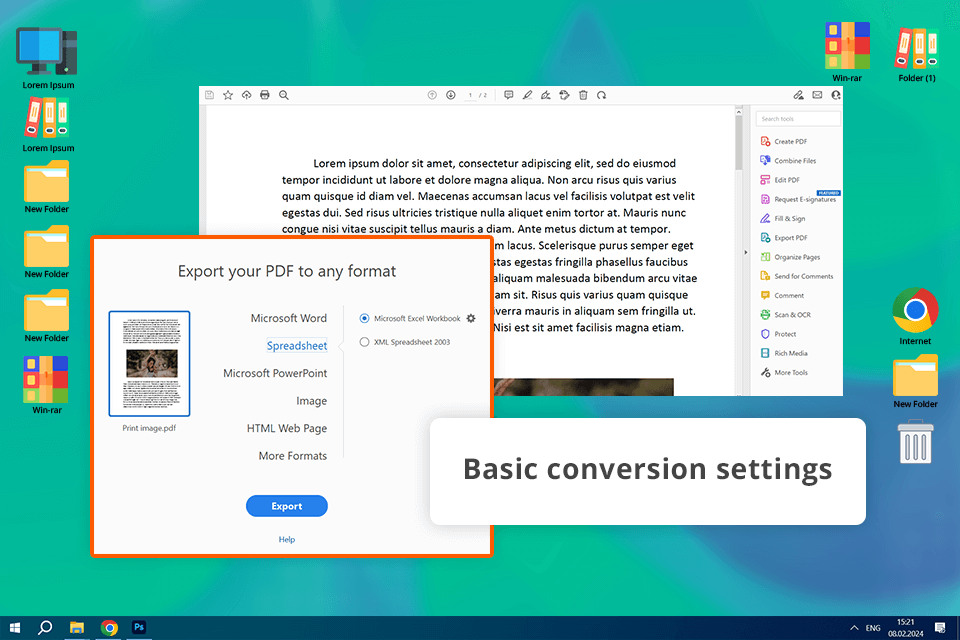
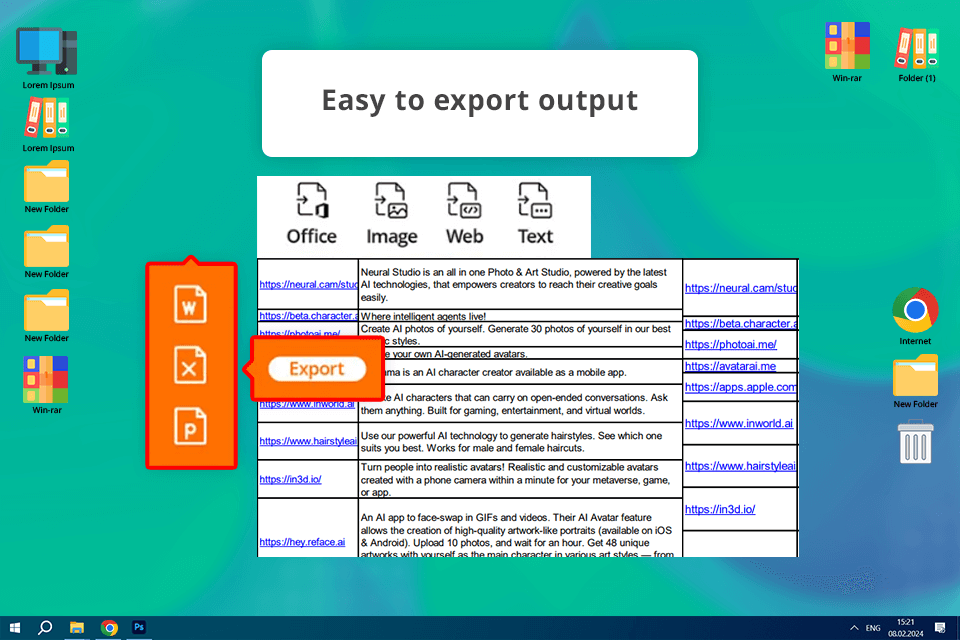
Adobe Acrobat is the industry standard for PDF management. Beyond its core PDF viewing and editing features, it offers a robust conversion toolkit.
The program allows you to export to a wide range of formats, including CSV. Thus, you can tailor your data for any purpose. Plus, before you convert, you can fine-tune your PDF by removing unnecessary content or restructuring it for further use.
I was amazed at how accurately the converter handled complex PDF structures, like intricate tables and hierarchical data. The resulting CSV files perfectly preserved the original layout, so no wonder many users name Adobe Acrobat the best PDF to CSV converter.
OS: Windows and Mac, Android and iOS, online
Pricing: Free trial, from $10.99/month
If you're looking for a reliable PDF to CSV converter, Foxit PDF Editor is an excellent choice. It's designed to preserve the original format of your data, ensuring accurate and efficient conversions. Plus, it has an intuitive interface, so users of all skill levels can quickly master it.
Foxit PDF Editor offers extensive customization options. I was able to select specific pages or regions of a PDF for conversion. Thanks to its robust security features, including password protection and encryption, you may not worry about the privacy of your sensitive data. With its accuracy, speed, and reliability, Foxit is one of the best file converter software that can be recommended for businesses handling large volumes of PDF data.
OS: Windows and Mac
Pricing: Free trial, from $19.99/month
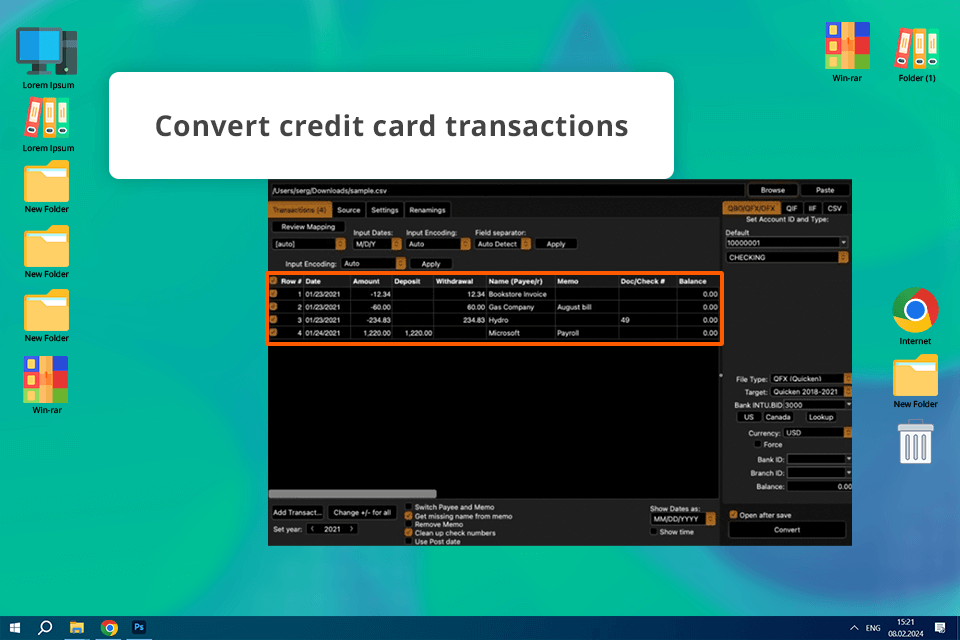
I highly recommend ProperConvert for converting PDF files, especially financial documents like bank statements. This software accurately identifies financial data within PDFs and effortlessly extracts transaction details. The resulting CSV files can be seamlessly integrated into spreadsheet and accounting software.
ProperConvert offers the best way to convert PDF to CSV with a high degree of customization. Users can tailor column structures, add transactions, and modify values before exporting. I like this flexibility because I can be sure my data is formatted exactly as I need it. In addition, it is possible to make post-conversion edits in the CSV file and start working with the data immediately.
OS: Windows and Mac
Pricing: Free limited version, from $29.95/month
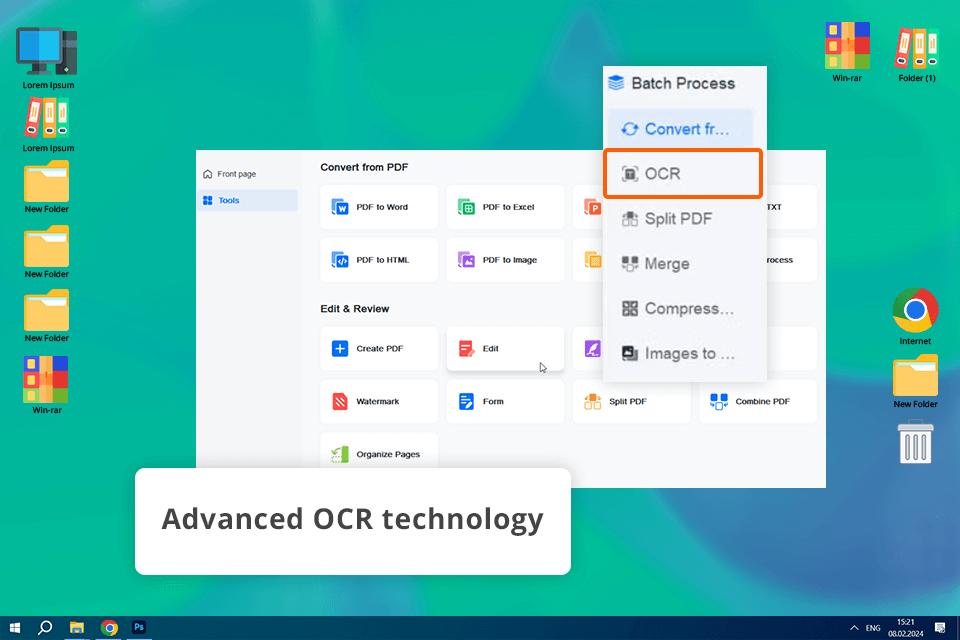
EaseUS Editor has much to offer when it comes to converting scanned documents into editable CSV files. Its built-in OCR technology accurately extracts data from even the most complex PDFs, making it easy to transform your static PDFs into dynamic, customizable spreadsheets. I appreciate that users can choose specific pages or sections for conversion. Besides, the program provides clear guidance throughout the process.
EaseUS offers a complete solution for editing and annotating PDFs. I was able to prepare my documents for conversion by editing, annotating, and highlighting key information. Moreover, users can take advantage of advanced OCR technology, a batch processing feature, and impeccable accuracy. That’s why, this is my top choice for converting PDFs to CSV format.
OS: Windows
Pricing: Free trial, from $25/month
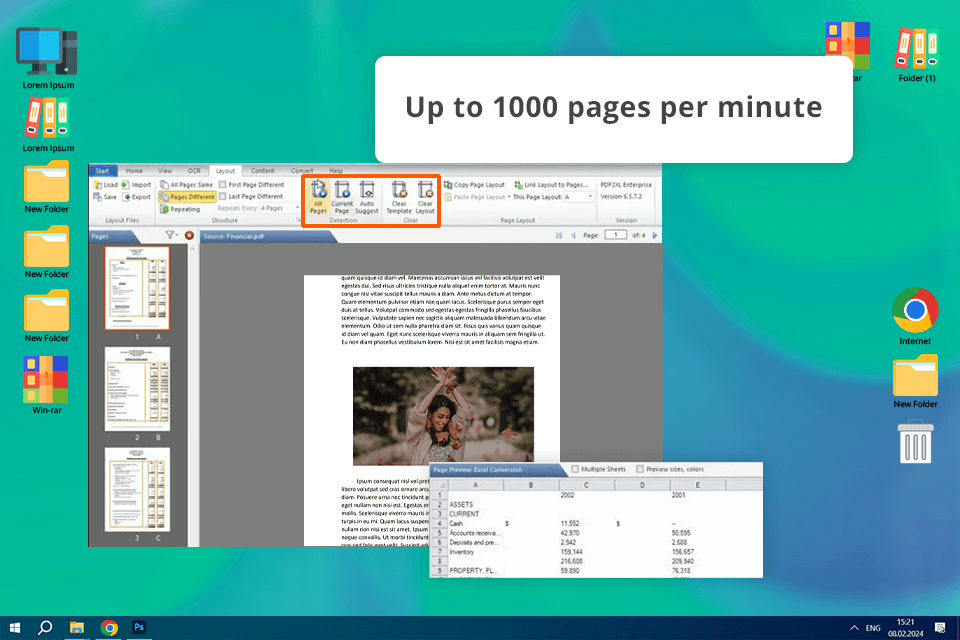
Using PDF2XL, it is very easy to customize the conversion process to my exact needs. I could select specific areas of the PDF to extract, adjust the layout, and choose the desired output format, including CSV. Even at the first launch, I quickly understood how to filter, sort, and organize the data during conversions. My final CSV file was clean and well-structured.
With built-in OCR, PDF2XL ensures that text from scanned PDFs can be accurately converted into editable CSV files. The real-time preview feature is a huge advantage. It gives you a clear visual representation of the conversion process, so you can see exactly how your data will be transformed.
OS: Online
Pricing: Free limited version, from $18/month
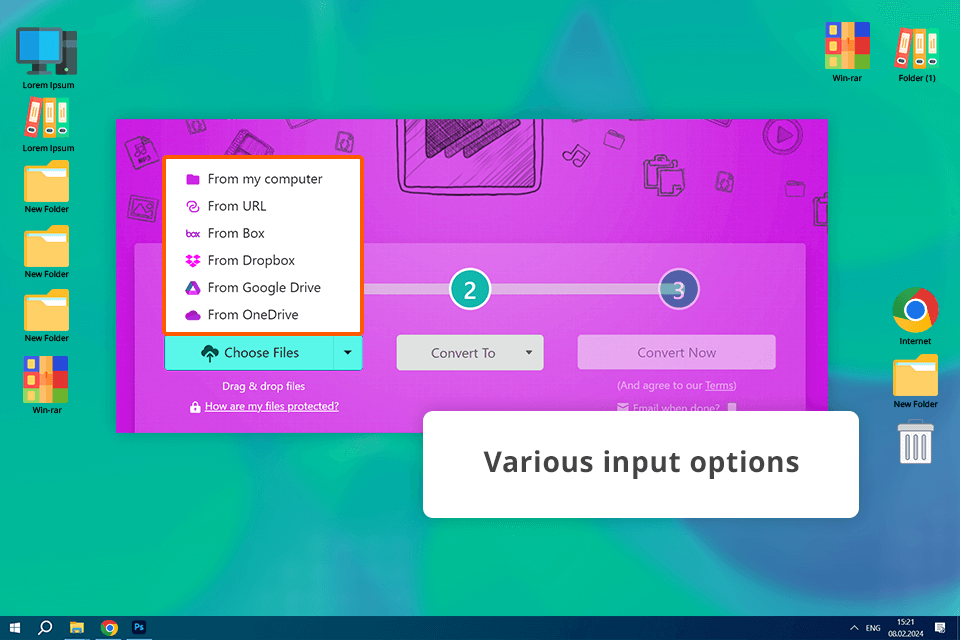
A simple interface and a wide range of supported formats make Zamzar a great choice for both individuals and businesses seeking quick and reliable conversions. Even for users with limited technical knowledge, this web platform is rather intuitive and easy to navigate.
I appreciate that Zamzar offers a 24-hour file deletion policy. Thanks to rich format support, intuitive UI, and fast conversion, this tool is suitable for various conversion tasks. However, it may not be the best PDF to CSV converter for those working with large files on a regular basis. To my mind, Zamzar is a great tool for beginners or those who need to convert documents from PDF to CSV occasionally.
OS: Online
Pricing: Free limited version, from $18/month
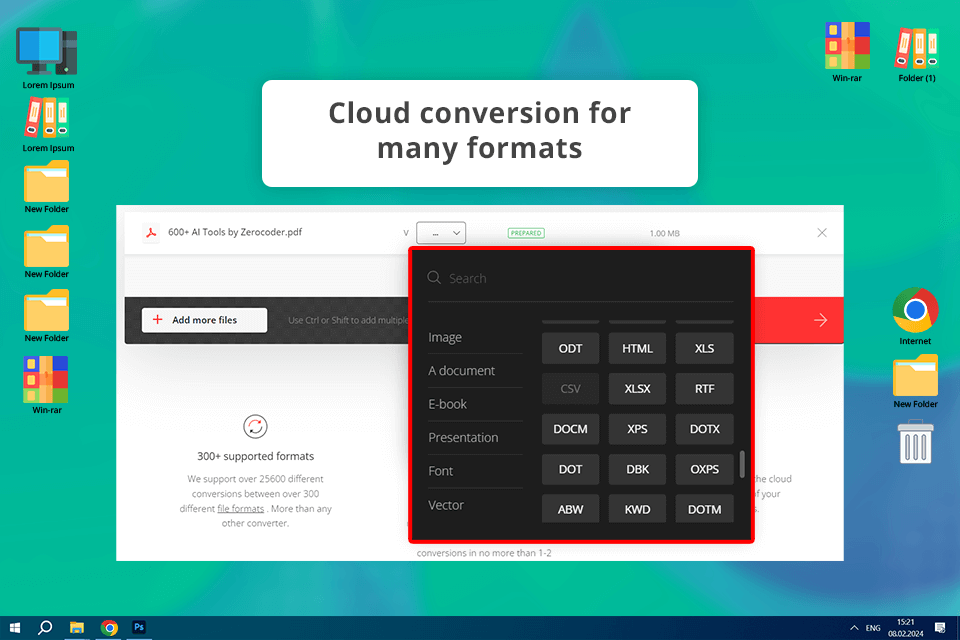
Convertio is simple and versatile. It has become a popular choice for online file conversion for many users. The minimalist drag-and-drop interface is incredibly intuitive. I instantly figured out how to convert my file. It is possible to upload files from local storage, various cloud services like Google Drive and Dropbox, or directly from a URL. This is very helpful. Even during peak usage times when I run several programs, my files were converted in just a few minutes.
If you're a casual user looking for a simple and effective tool for occasional file conversions, Convertio is a great option. However, if you need to convert files frequently or in large quantities, you may be disappointed with the restrictions of a free version.
OS: Online
Pricing: Free limited version, first 500 pages free, then $0.3/page
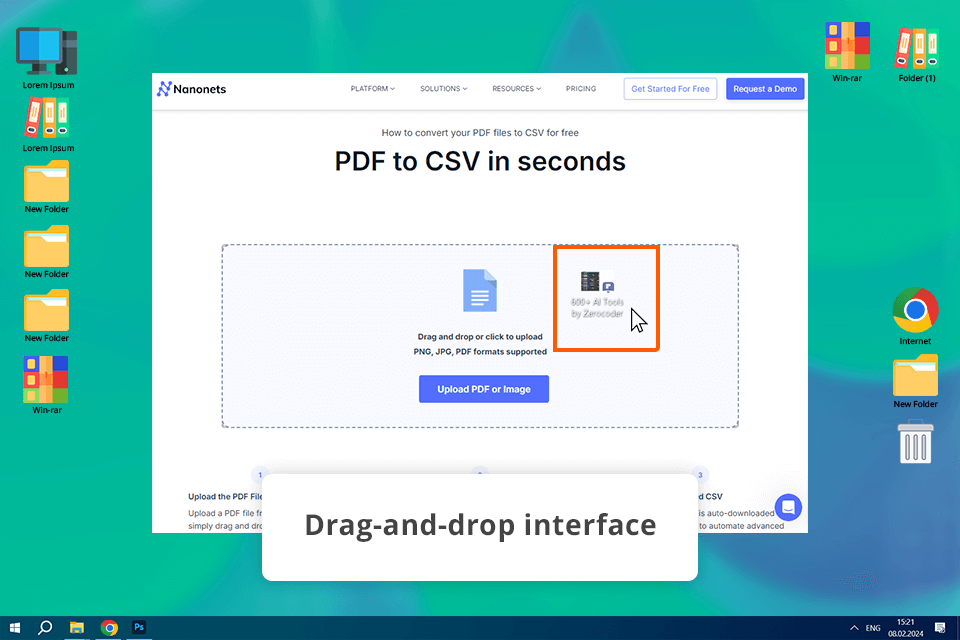
Nanonets is an AI-powered data extraction platform that excels at converting PDFs to CSV. It harnesses advanced machine learning algorithms and top-tier OCR software to accurately extract data from even the most complex or irregularly formatted documents. Thanks to its seamless integration options with different platforms and APIs, Nanonets can streamline your workflow and connect directly to your existing business tools or databases.
While the interface is user-friendly, I had to spend some time and effort to set up and train custom models. The AI approach is still good for handling complex documents and it improves over time. If you are interested in frequent conversions, you have to put up with the cost and learning of AI tools. Nevertheless, Nanonets is a high-level solution for those seeking a reliable, scalable, and customizable conversion tool.
OS: Online
Pricing: Free
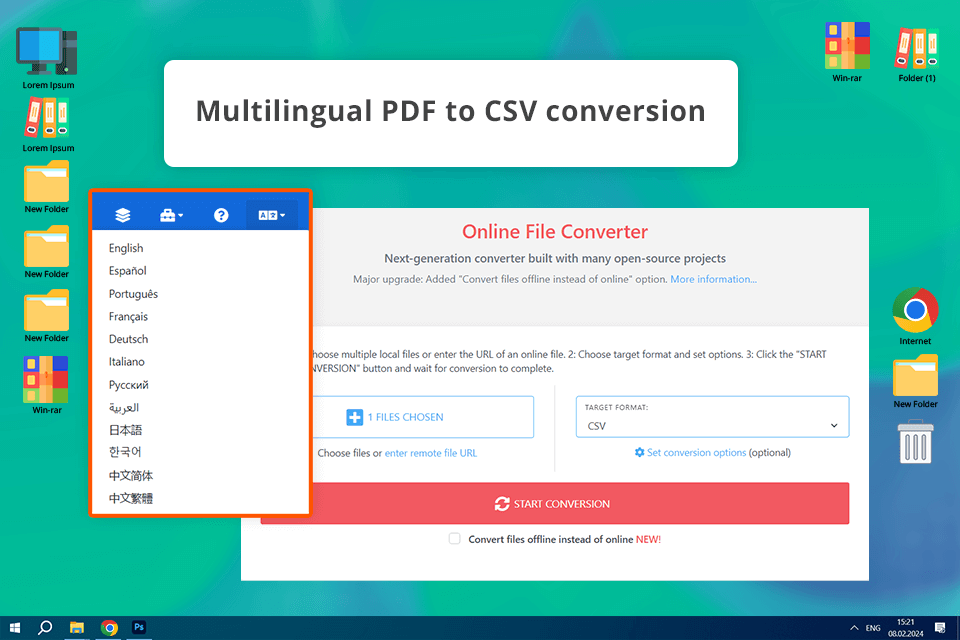
CDKM stands out as an online converter that utilizes several open-source projects to streamline data extraction and analysis from PDFs. Users can customize the output CSV, choosing from various delimiters and encoding options. I'm particularly impressed by how well it handles tabular data, ensuring accurate and consistent results. The best part is that an offline version is on the horizon.
I appreciated how easy it was to upload, convert, and download my files. All operations are performed on the same page. CDKM takes data security seriously, deleting files after conversion. The batch processing and customization features were a real plus, making CDKM the best PDF to CSV converter free. However, there are some limitations, especially when working with more complicated PDFs.
A CSV (Comma-Separated Values) file is a simple text format used to store data in a table-like structure. It's like a spreadsheet where each row is a line, and each column is separated by a comma. This makes it easy for computers to read and understand the data.
If your PDFs have a non-standard format, you can train a custom OCR model. Such platforms as Rossum and Veryfi offer pre-trained models for specific document types (like invoices or bank statements). For a more DIY approach, consider open-source tools like Tabula.
CSV files are a popular choice for exchanging data between software programs, such as importing data from a database into a spreadsheet or exporting data from one database to another. CSV files can also be used for data analysis due to their compatibility with Python and other programming languages. Besides, people frequently choose them for sharing structured data with others because they are supported by many programs.
Converting PDF files to CSV format is beneficial in several situations. CSV files are a widely used format that is easy to read, edit, and import into various applications. Thus, they are ideal for data analysis, data entry, and information sharing. Besides, by converting PDFs to CSV, you can unlock the data within them and make it more accessible.
Make such a conversion, when you need to transfer data between different systems, if fast loading and data processing speed are important, and when you need to integrate data into programs that work with text files (e.g., databases or web applications). If you're looking to create detailed charts or perform intricate calculations, Excel is your best bet. It has powerful features, which are perfect for data analysis and reporting. However, for basic data transfer and compatibility with a wide range of applications, CSV is the clear winner. CSV files are plain text, making them easy to read and share, while Excel files can be more complex and harder to work with in certain situations.




![How to Cancel Adobe Acrobat Subscription [With No Charges]](/blog/images/gallery/news_main__preview_25075.png)