When developing PowerDVD 17.5.0, Cyberlink made it its goal to elevate the home media playback experience to a new level. PowerDVD 17 managed to crack the door open for viewing Blu-rays and 360° VR videos, while also offering more robust smart device integration, catering to users who enjoy both digital and physical media.
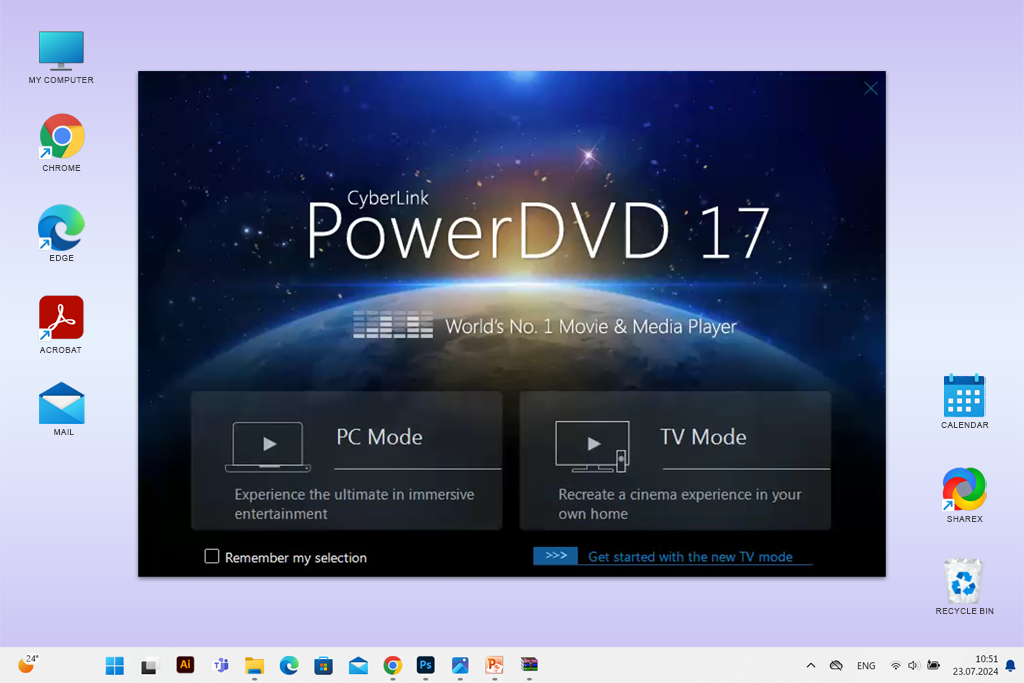
As a FixThePhoto employee who’s constantly trying out new software for photographers and moviemakers, I received access to PowerDVD 17 before the official release and tested it with several Ultra-HD monitors, VR headsets, and a wide range of files. I instantly noticed the enhanced playback performance, VR support, and motion improvements.
It isn't just a media player, but rather an entire digital movie hub. Its robust functionality ensures it's often listed among the best media players for Windows 10 available on the market.
|
File name:
|
powerdvd_17.exe (cyberlink.com)
|
|
File size:
|
25 MB
|
|
File name:
|
powerdvd_17.exe (cyberlink.com)
|
|
File size:
|
34 MB
|
|
File name:
|
powerdvd_17.exe (cyberlink.com)
|
|
File size:
|
12 MB
|
|
File name:
|
powerdvd_17.exe (cyberlink.com)
|
|
File size:
|
8 MB
|
|
File name:
|
powerdvd_17.exe (cyberlink.com)
|
|
File size:
|
27 MB
|
|
File name:
|
powerdvd_17.exe (cyberlink.com)
|
|
File size:
|
45 MB
|
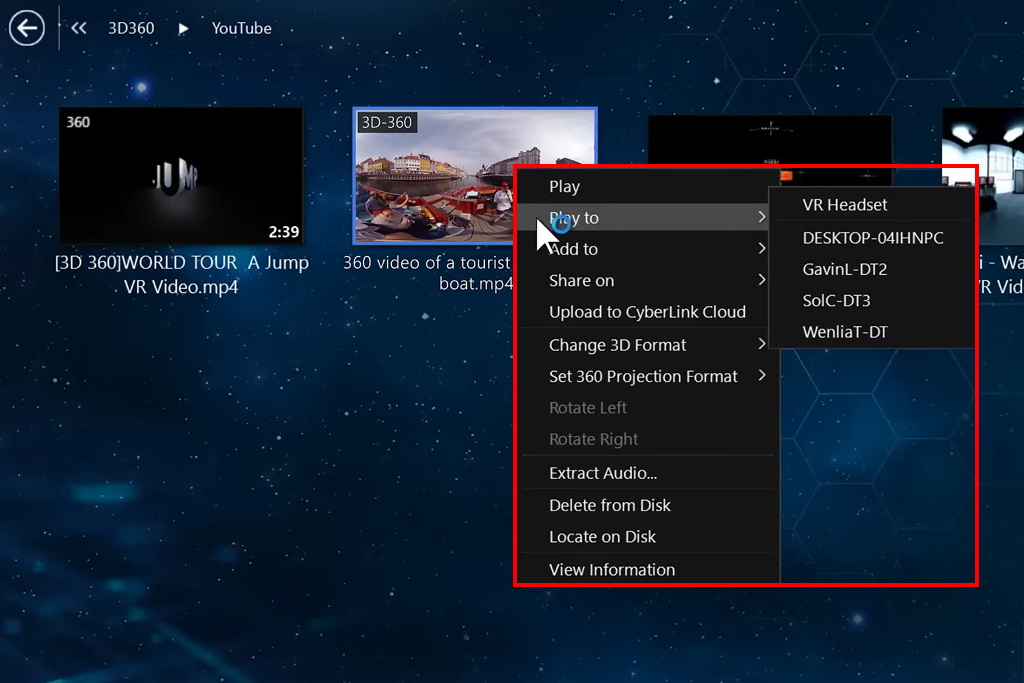
After testing PowerDVD 17 in a variety of settings, there are several areas where I’d like the developers to improve to accommodate both casual and professional users.
1. Improved launch times: PowerDVD 17 is slower to launch than most alternatives, particularly if you’re dealing with expansive file libraries or loading a 4K Blu-ray disc. Even though the playback process is generally fluid, the initial wait time can be annoying, especially if you’re opening the software several times each day, which is typical for moviemakers and editors.
2. More accurate subtitle syncing: Imported subtitle tracks can be improperly synchronized, particularly when it comes to older or foreign footage with variable framerates. Even though you can adjust this manually, it takes a lot of time and makes it difficult to view several videos in one go.
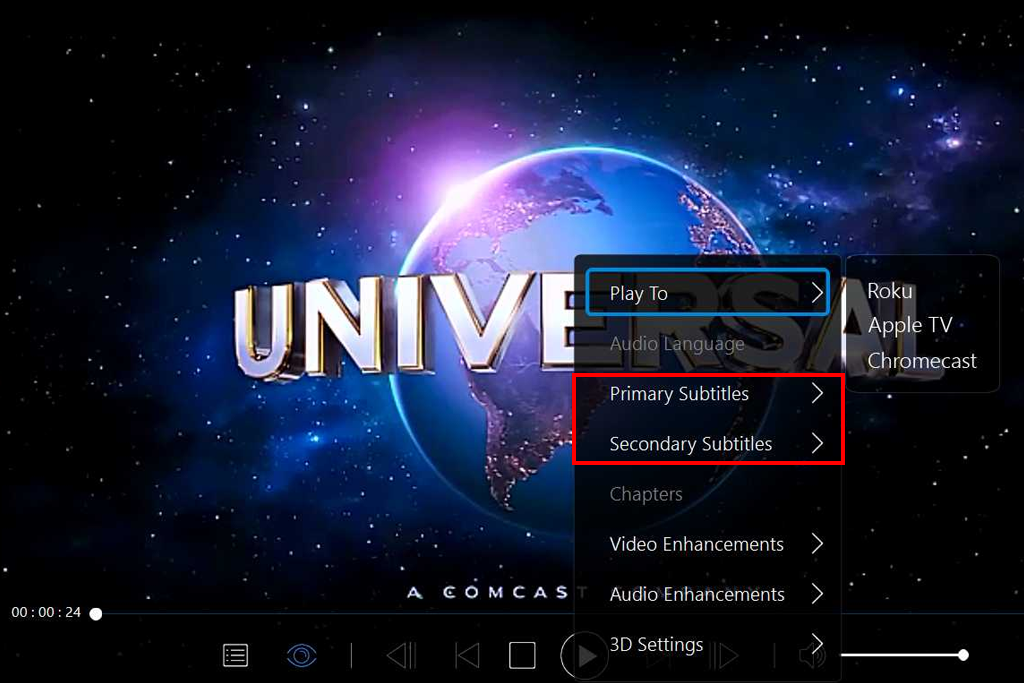
3. More flexible UI scaling: When used on my 4K screen, PowerDVD17 has compressed the UI icons too much, and the lack of an integrated interface scaling setting makes this software harder to use on high-resolution monitors.
If you’re interested in a free alternative to CyberLink PowerDVD 17, there are multiple suitable options that we’ve tested at FixThePhoto that provide great performance and smooth playback without costing you a single cent.
VLC Media Player is arguably the most widely used PowerDVD 17 alternative. It’s entirely free and is compatible with all media formats out there, from DVDs and Blu-ray (with a bit of tinkering) to MP4, AVI, and even damaged footage.
I frequently employ VLC for internal playback testing at FixThePhoto to preview raw videos, particularly because it’s great at processing subtitles and external audio tracks, outperforming most premium solutions. Even though it doesn’t have 360° or cloud functionality, VLC is still the best option for smooth, zero-hassle playback.
KMPlayer is a free media player that is compatible with 4K, 3D, and VR footage. Its UI is more contemporary compared to VLC’s, and comes with an expansive range of integrated codecs for improved playback speed. I used it on a midrange Windows laptop and have greatly benefited from the provided GPU acceleration. Its main drawbacks are ads during installation and somewhat clunky menus, but it’s still a great PowerDVD 17 substitute for casual use.
PotPlayer is frequently ignored, but it provides a fantastic playback experience due to its cutting-edge video rendering engine. It also has hardware acceleration and in-depth customization parameters for tweaking subtitles, filters, and pixel shaders.
It’s a Windows exclusive and can get a bit challenging to configure, but it more than makes up for it with its performance. I like to use it to show VR videos at events, and I have never had any complaints about the visual quality or playback smoothness.
Media Player Classic is a straightforward solution aimed at people who are interested in quick, convenient playback without any extra features. It’s popular among video editors who need to check the video output in different formats. MPC-HC is compatible with H.265, 10-bit, and high-resolution Blu-ray videos while delivering great performance. However, it doesn’t have the streaming and VR functionality available in PowerDVD 17.






















